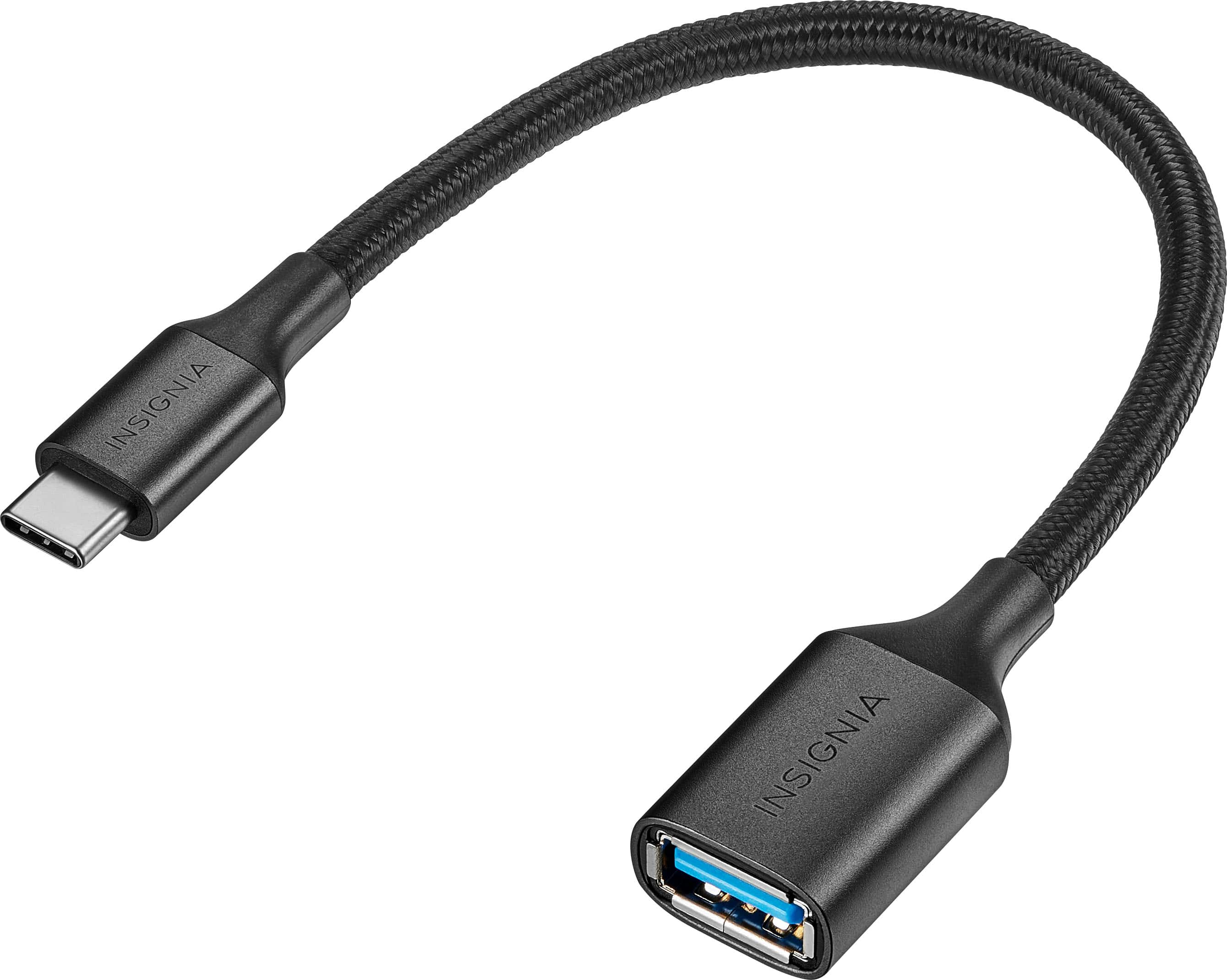
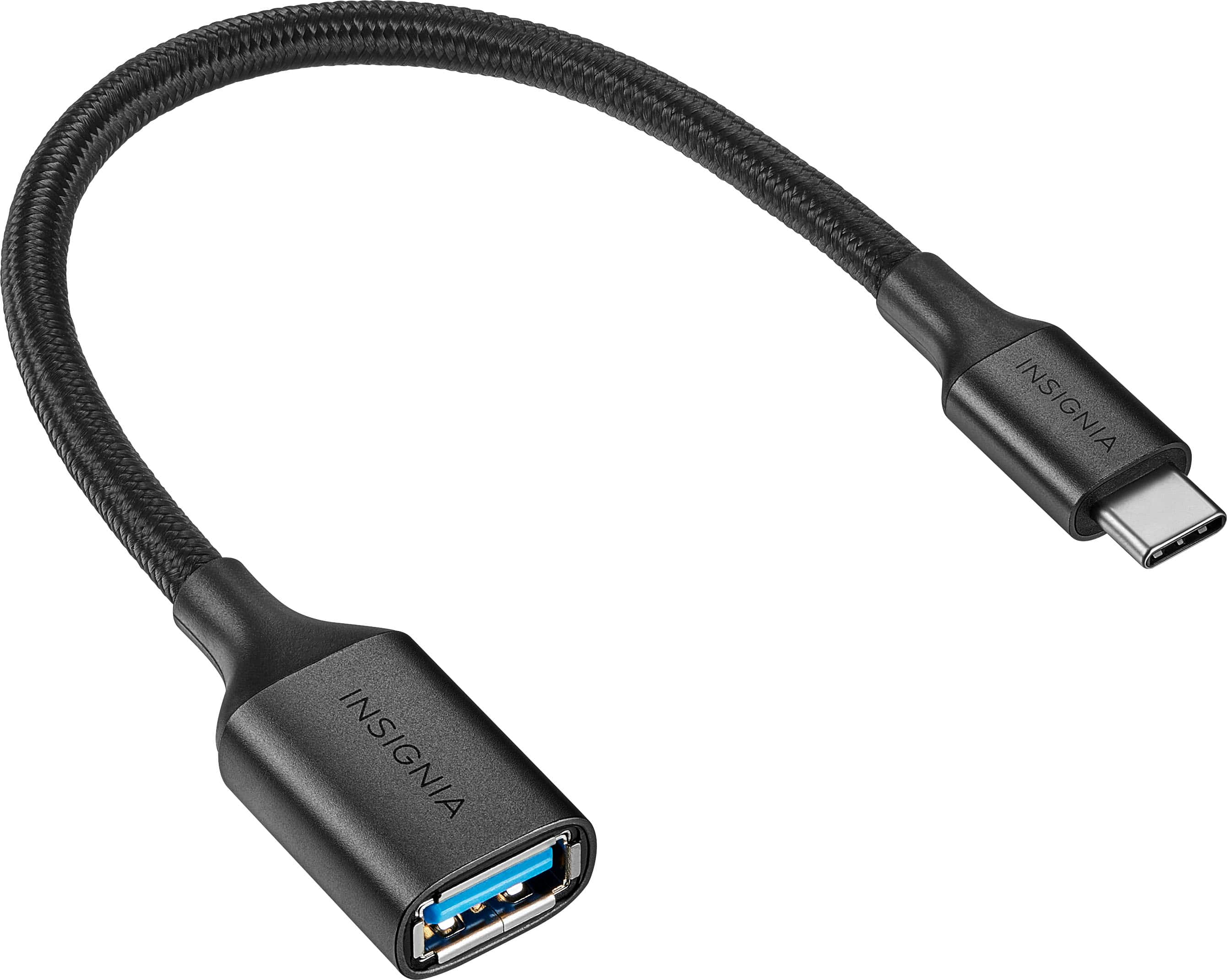
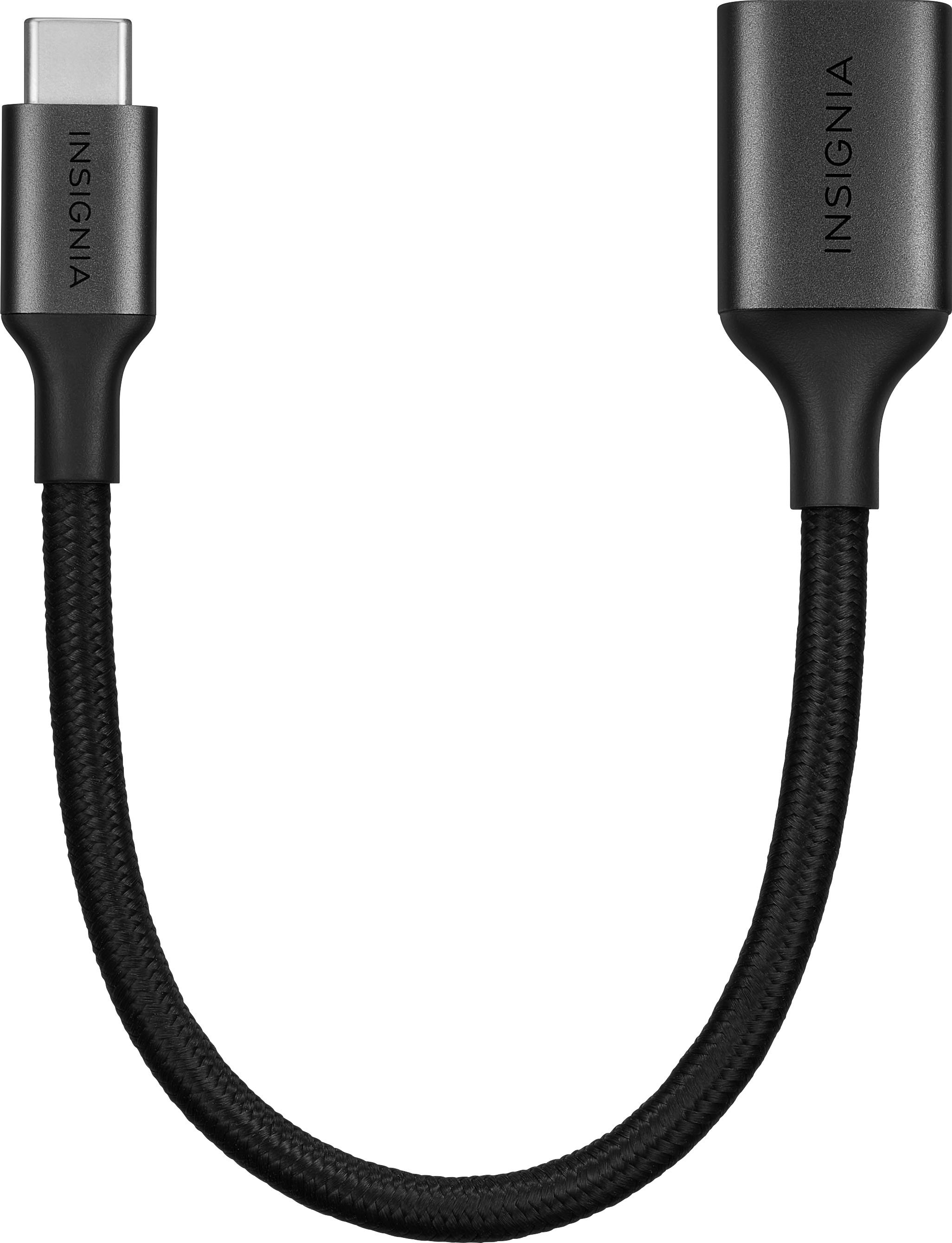
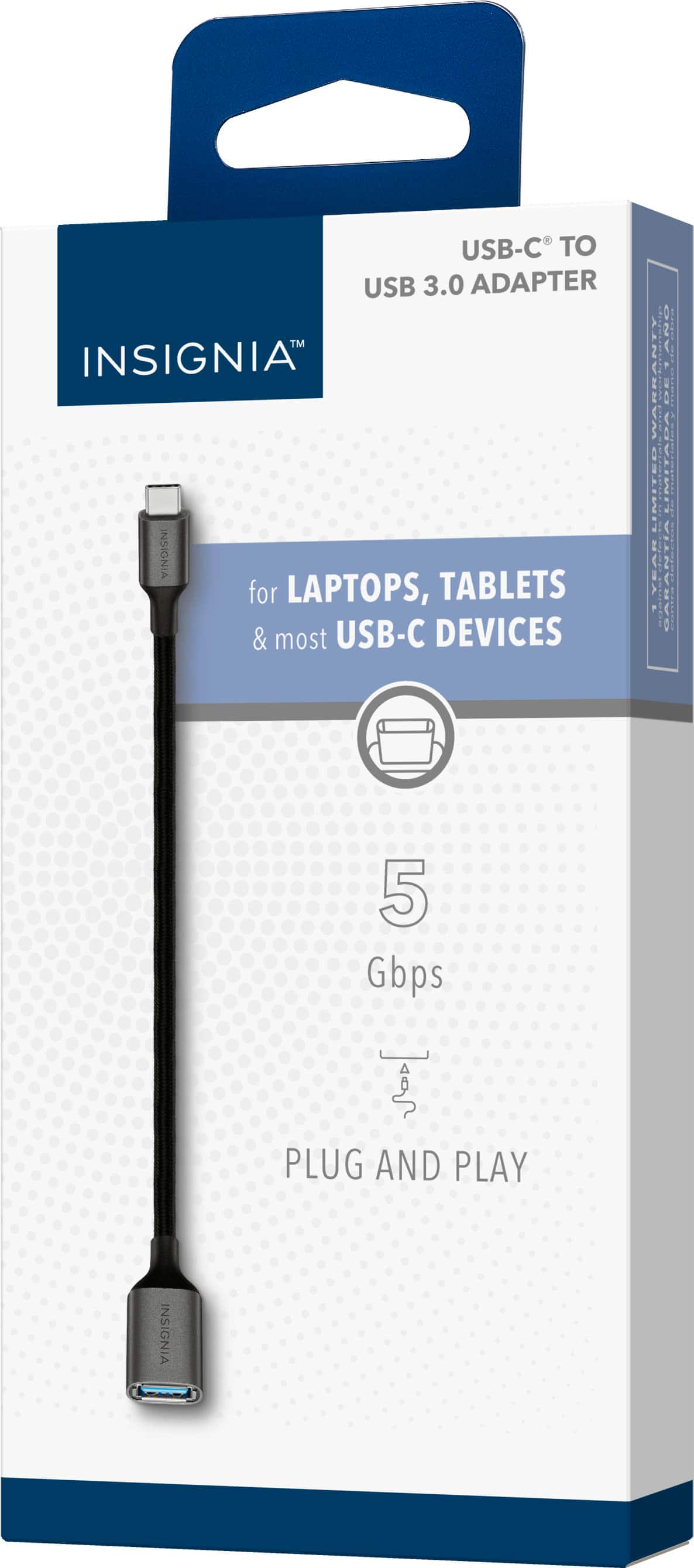
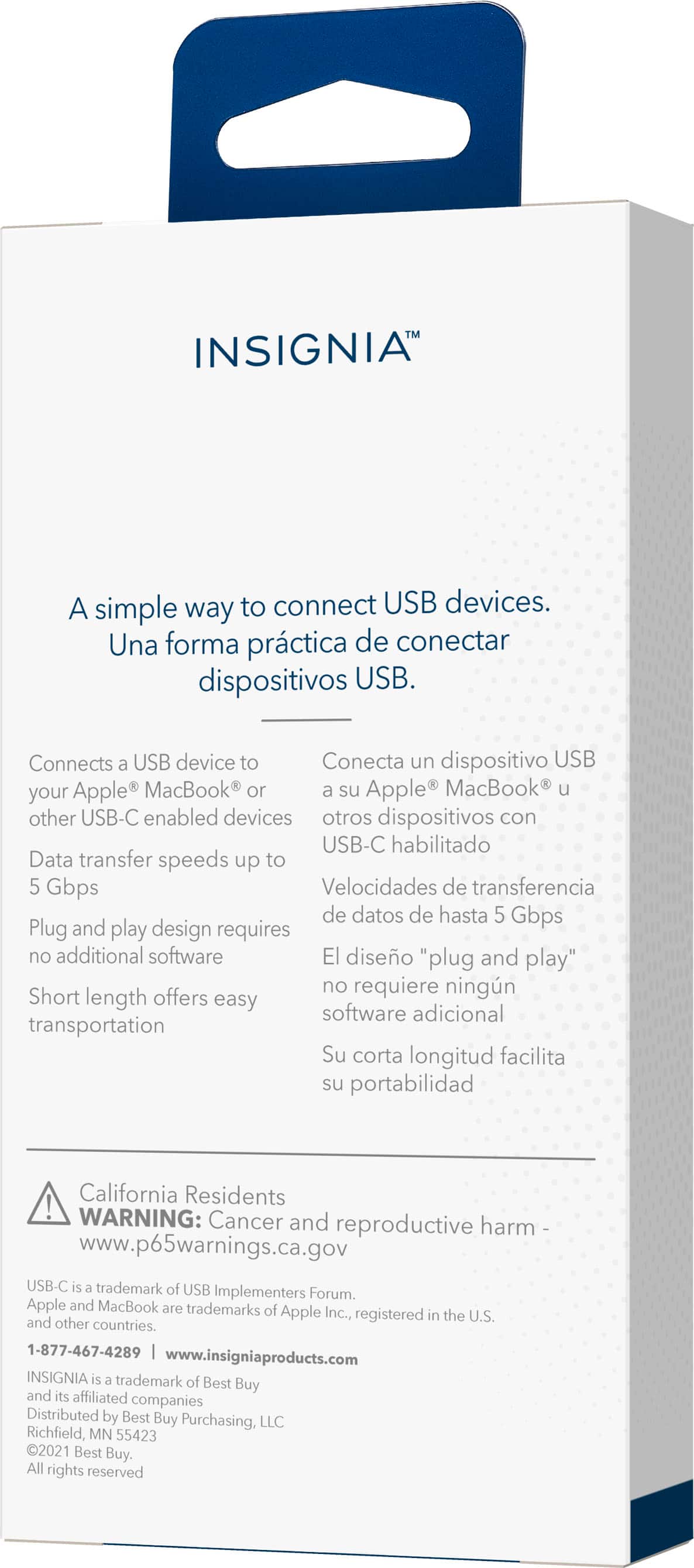
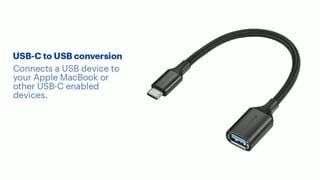
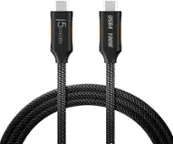
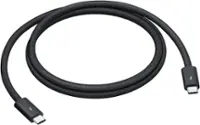
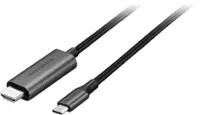
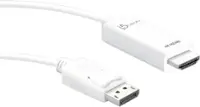
A:Answer Hello Galka, Thank you for your question. The Insignia USB‑C to USB Adapter is compatible with USB‑C devices such as Macs, iPads, and other USB‑C–enabled products. Since the iPhone 14 uses a Lightning port, this adapter cannot connect directly to it. To use USB accessories with an iPhone 14, an Apple Lightning‑to‑USB adapter would be required.
If you would like to view this USB‑C to USB adapter, please visit the Best Buy website or contact the customer support number listed there for further assistance 1-888-237-8289. Sabiha | Insignia product.