Questions & Answers
- Model:
- NS-CH1XGO8
- |
- SKU:
- 5933701
Highly rated by customers for: Ease of use, Installation, HomeKit Integration
Page Showing 81-85 of 85 questions
Q: QuestionMy unit keeps having the sensor battery die. Is this a common occurrence? I have had to the replace the battery about every month or two. How long should the sensor battery last?
Asked by MikeFerm.
- A:Answer You should probably check with the manufacturer on that one. My guess is that it is supposed to last a year. You might give them a call and ask if something is defective: Insignia Support team at: 877-467-4289
Answered by GuitarPlayerBP
Q: QuestionI’ve noticed that if I use the wall button to open or close the door, it messes with HomeKit and the device shows “no response” and I have to delete the accessory and repair it. However, if I ONLY use HomeKIt enabled devices, everything works fine.
Asked by PaidInFull2007.
- A:Answer Be sure your controller is running firmware version 2.63.51 or later. You can call Insignia support and request the update.
Answered by Insignia
Q: QuestionI can see the door status change on my phone when the door is manually opened or closed. The device even honks when I try to close the garage door using the HomeKit apple. But the door doesn’t move.
Asked by GWU.
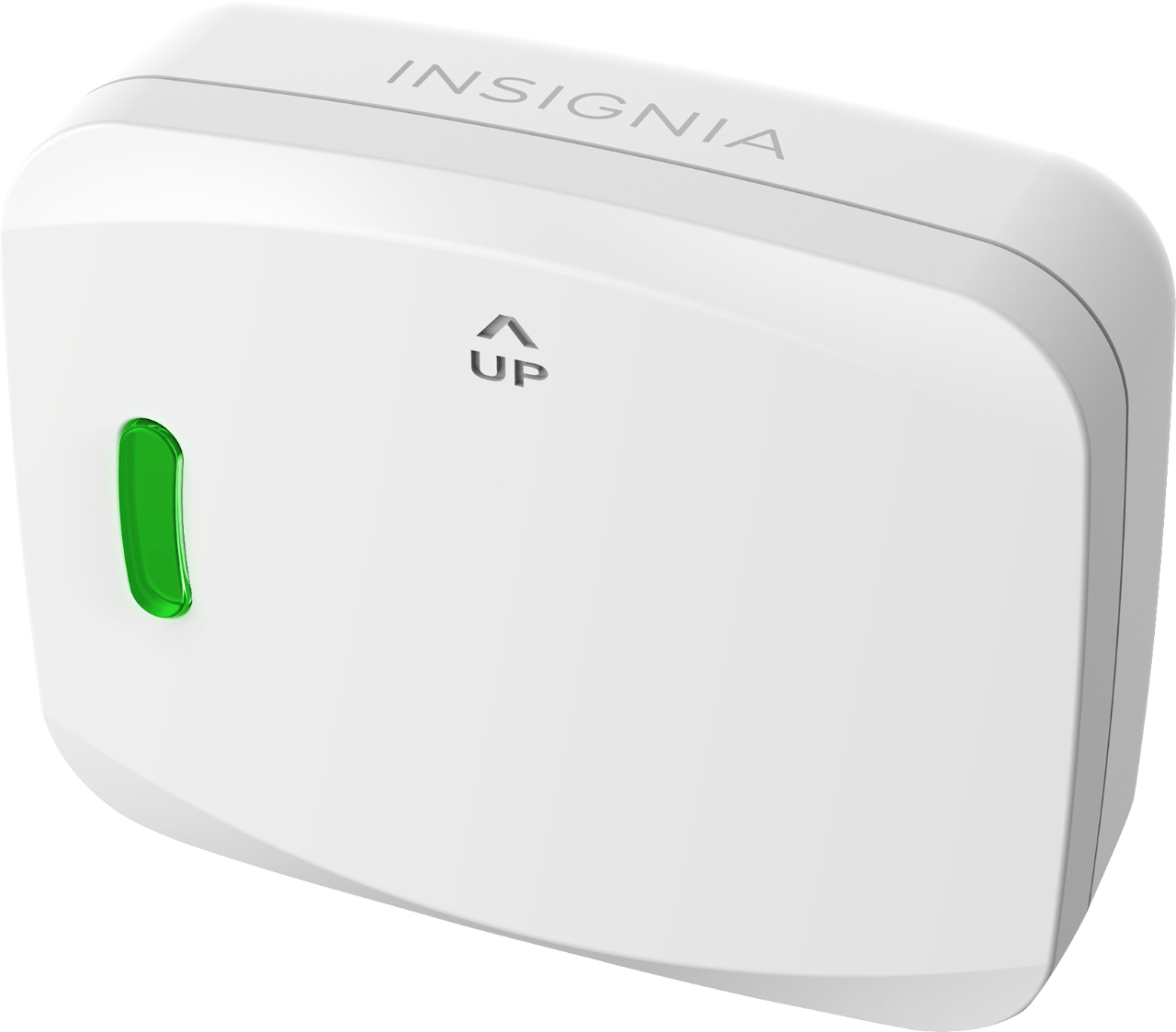
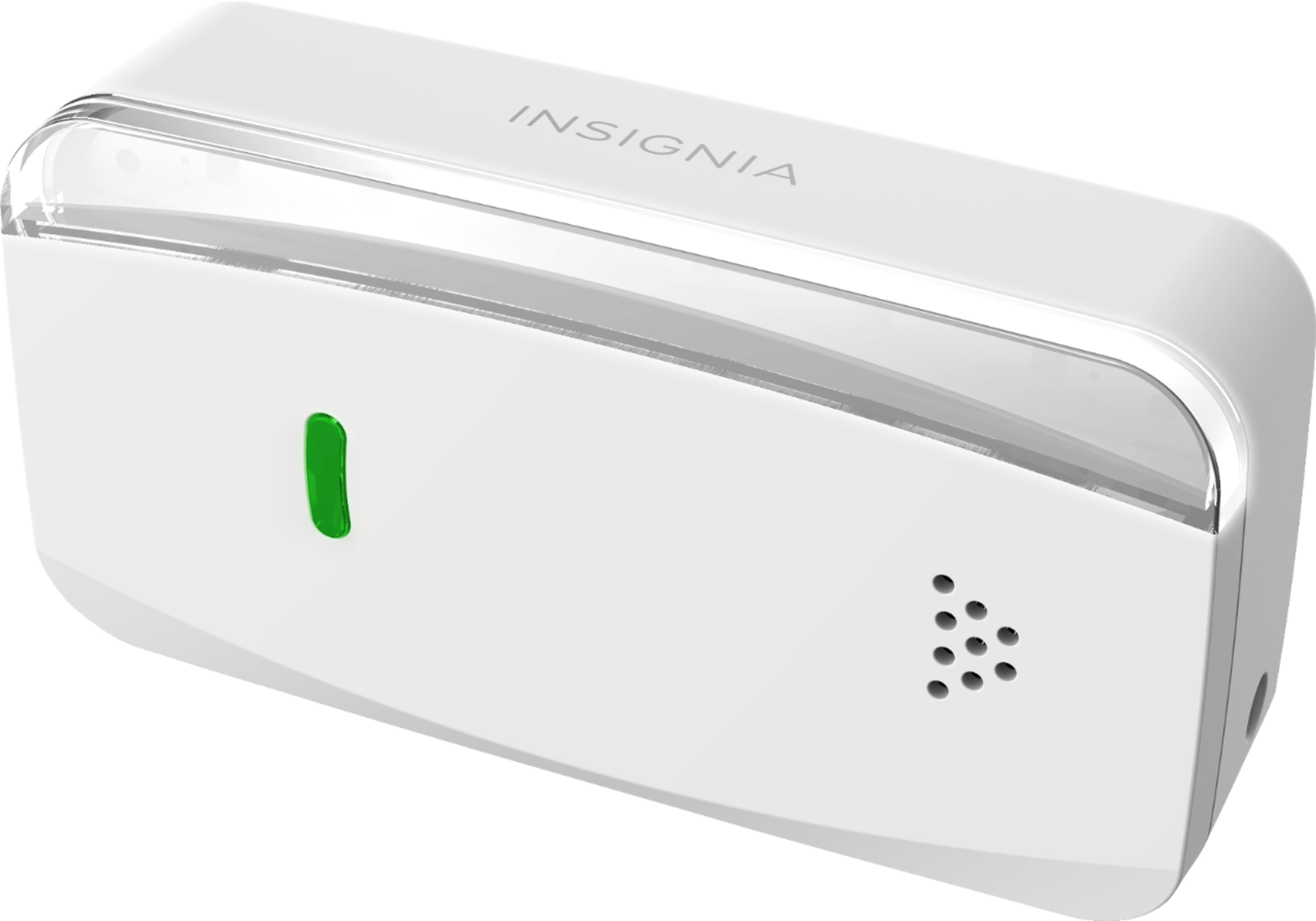
- A:Answer A simple way to confirm the wiring is okay is to push the green button on the Insignia Controller on the ceiling quickly once. If the door does not move, it means: 1- the cable is not plugged in all the way to the controller, or 2- the wires are not inserted in the terminals on the back of the motor unit all the way or 3- the wrong pair of terminals are used on the back of the motor unit or 4- you have an incompatible garage opener. Check your garage opener's wall mounted control button, if it has a "Learn" or "Program" button it is not compatible. Sometimes the learn button is hidden under a folding panel. You can see the verified compatible models here: https://connect.bestbuy.com/GDC
Answered by Insignia
Q: QuestionDoes the opener require a bridge? If so we have an Apple TV 3. Would that work? If no bridge is necessary, it sounds amazingly like a plug and play situation, short of connecting the interior wires.
Asked by Lulu2220.
- A:Answer A bridge is only required if you want to use it while you are not at home. If so you need a bridge. Apple TV 3 can be used as a bridge, although there are some limitations, namely with scenes and multiple users. More information can be found on the Apple Support page located at https://support.apple.com/en-us/HT207057
Answered by MikeInUtah
Q: QuestionDoes this work with Alexa through the Insignia app?
Asked by Thruhikerj.
- A:Answer Insignia Support, If it is not compatible with Alexa why does the manual show this paragraph: OTHER SMART HOME APPS You can also control your Smart Garage Door Controller with the Alexa, Google Home, or Apple Home app. Follow the instructions provided with these apps to connect.
Answered by Robsquatch
Most-viewed items
- Ultimate Deal$299.00$299.00
- $99.99$99.99The price was $209.99
- Ultimate Deal$159.99$159.99