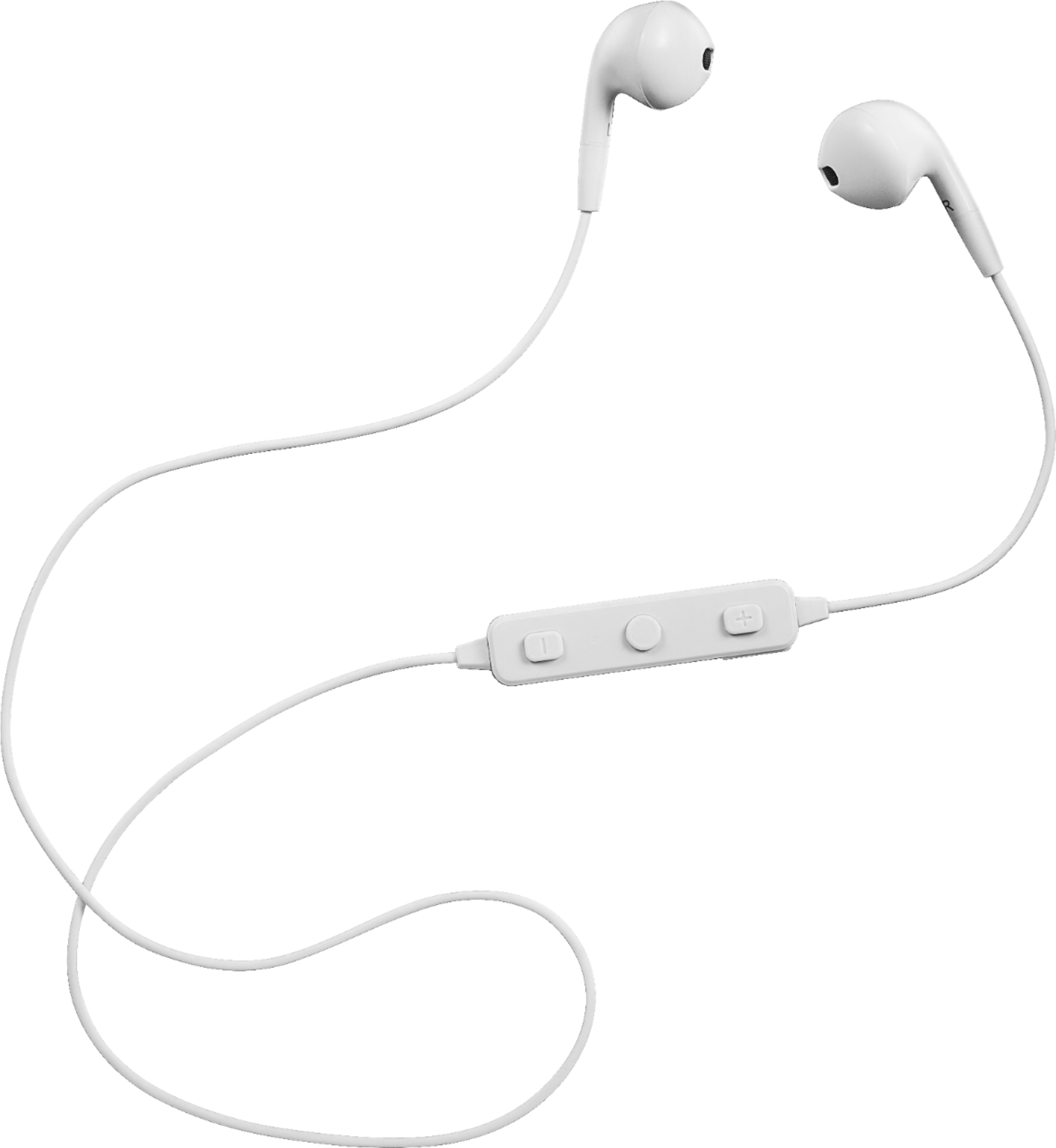
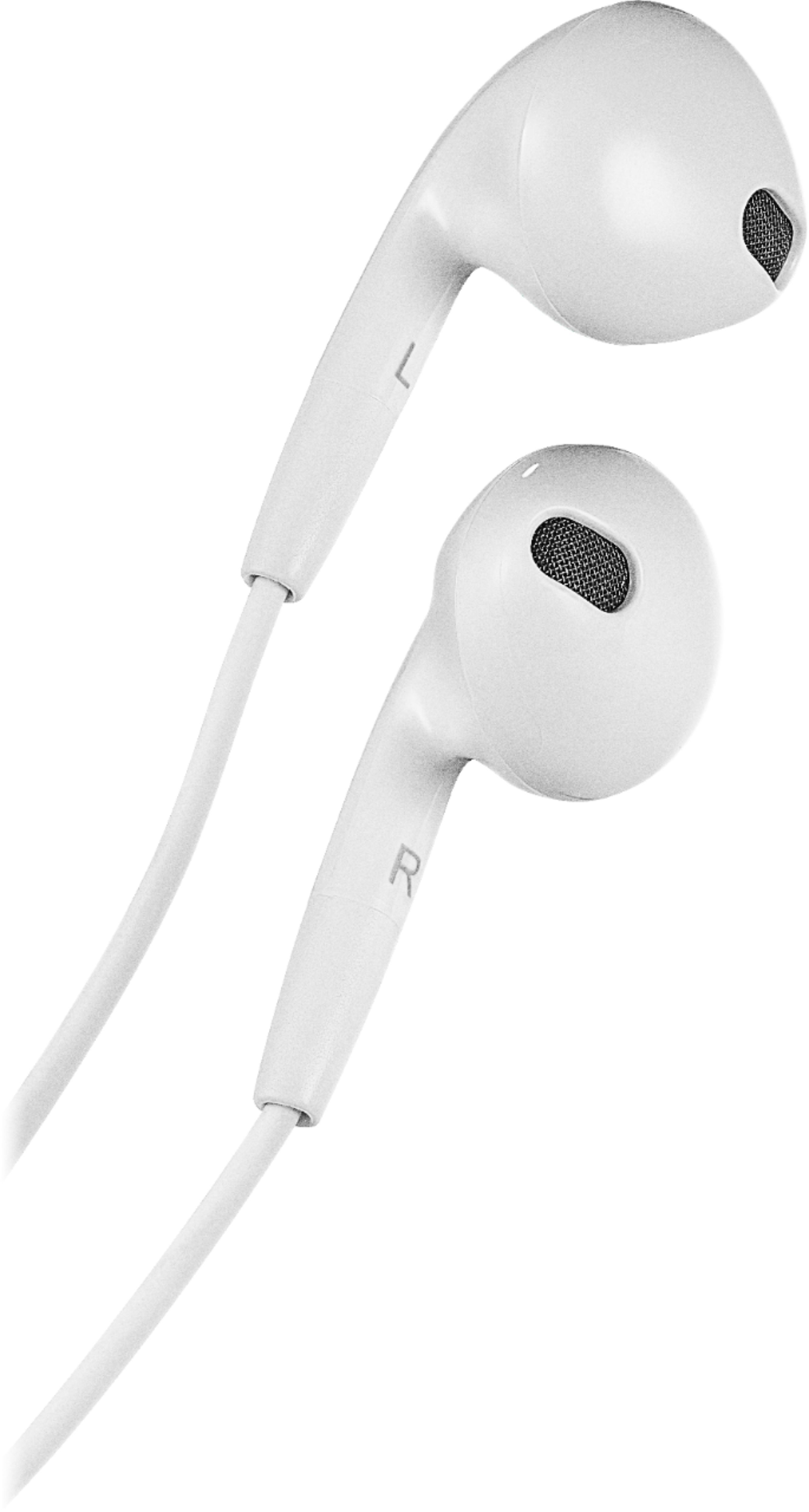
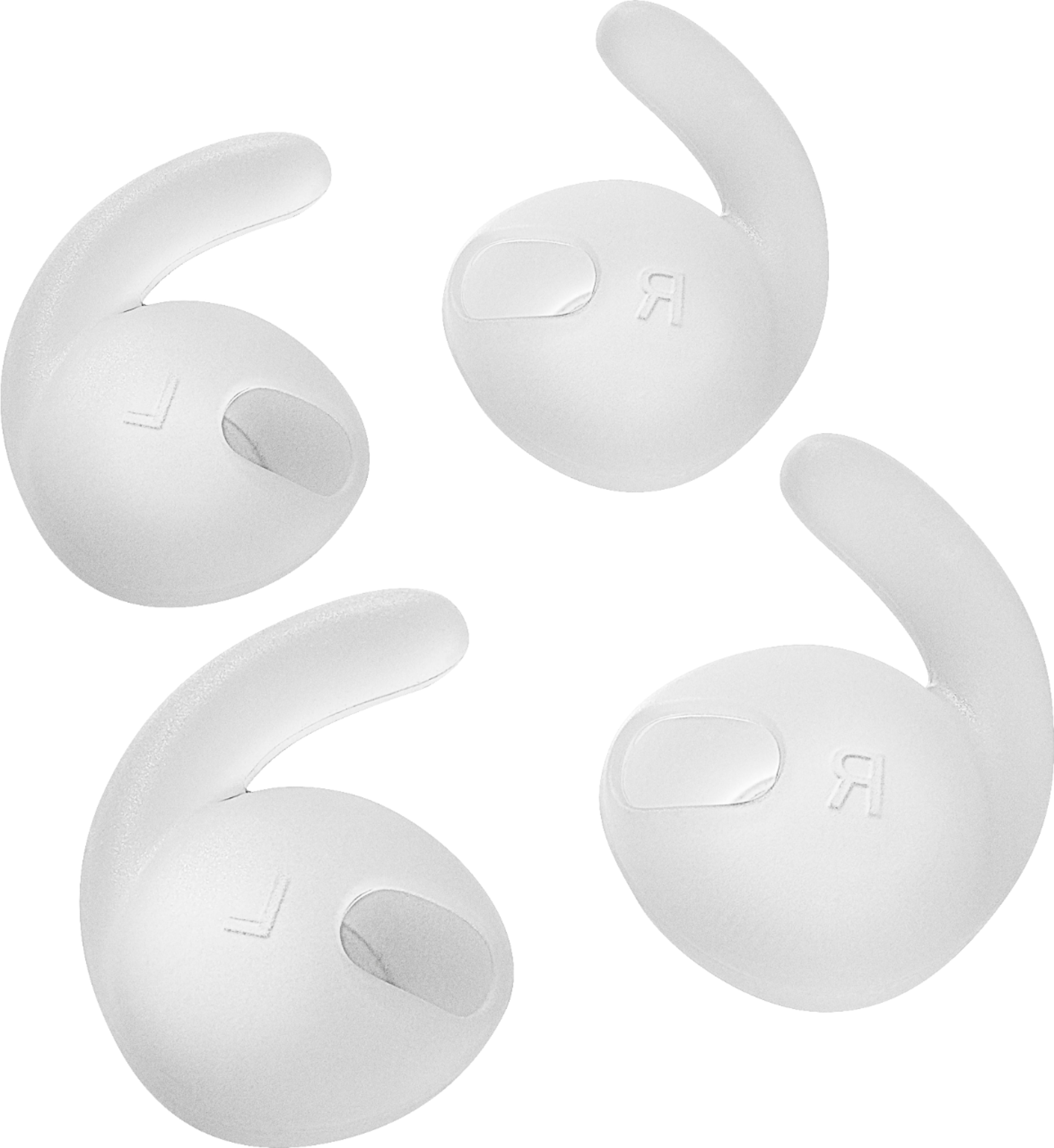
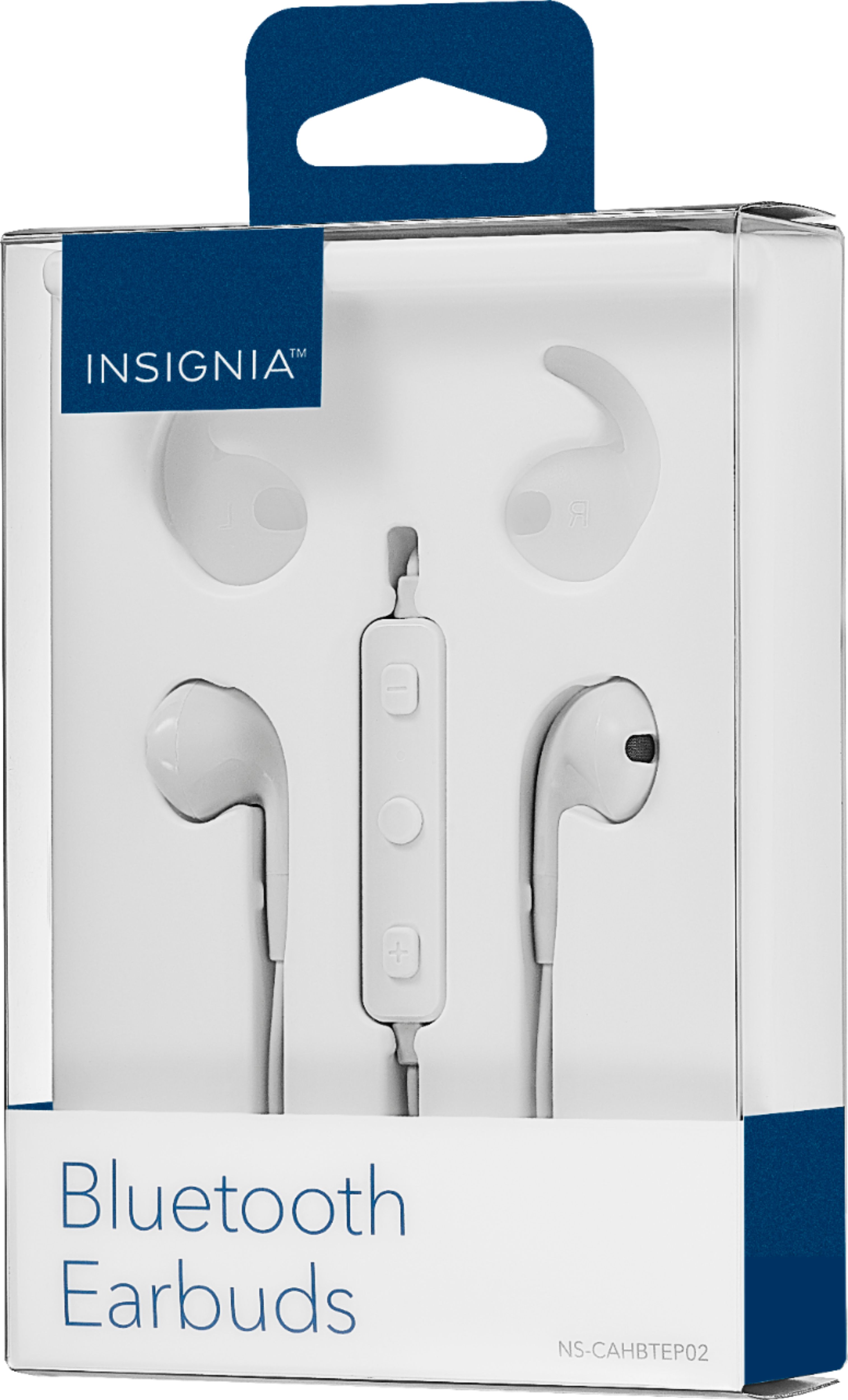
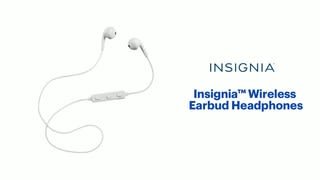
A:AnswerThere is a built in mike and once you press the button twice it should activate your mic which in turn can work with ur Siri or google assistant or whatever ur using
A:AnswerHi!
The battery has a duration of approximately 6 hours depending on the usage. The charge should take form one to two hours.
Alex - Insignia Support
A:AnswerYou may have held the button down too long when turning them on. I think this causes them to go into “pair mode”. Just turn them off and try turning them again. Let go of the button as soon as you see the blue light.
A:AnswerNo, regular Bluetooth headsets do not naturally work on PS4 - you need a specific one that explicitly works with PS4, or you need a special adapter to create a Bluetooth connection between PS4 and standard wireless headset (this does exist btw)
A:AnswerHi, Cessy.
Thank you for sharing your inquiry with us. This could be related to the power supply. I recommend to try a different outlet (not power strip/surge protector) or a different charging cord. If the situation persists, please do not hesitate in reaching us at https://www.insigniaproducts.com/contact-us where we will be happy to assist you.
Alexander G. - Insignia Support
A:AnswerTurn on the bluetooth feature on your iPhone, then hold the play/pause button on the earphones. Look for an INSIGNIA device on the list of available bluetooth devices on your iPhone and pair it. The earphones allow for multiple pairing of devices. I pair mine with my PC and Android device at the same time with no problems.
A:AnswerIf you bought the geek squad warranty and have a Best Buy account, they’ll have a record of any geek squad coverage you purchased on that account. Check with geek squad or look it up online.