A:AnswerEnsure you use the charging cable that came with the headphones. I've learned the hard way that different charging cables output different amperages, which means some won't charge the headphones or can overcharge them.
A:AnswerI have worn these for hours at a time and I love them. I have ran a few miles while wearing a pair of these and they are just awesome and they don't move around much.
A:AnswerOn your phone go to set up. Make sure your Bluetooth is on. Press the on button on the headphones. Hold it down until it starts blinking red and blue. On your phone, in Bluetooth setting you should see the insignia name appear. Tap it. It should say connected next to it. Also the blinking light on the headphones should turn blue. Or simply google directions for Insignia wireless on ear headphones and download directions.
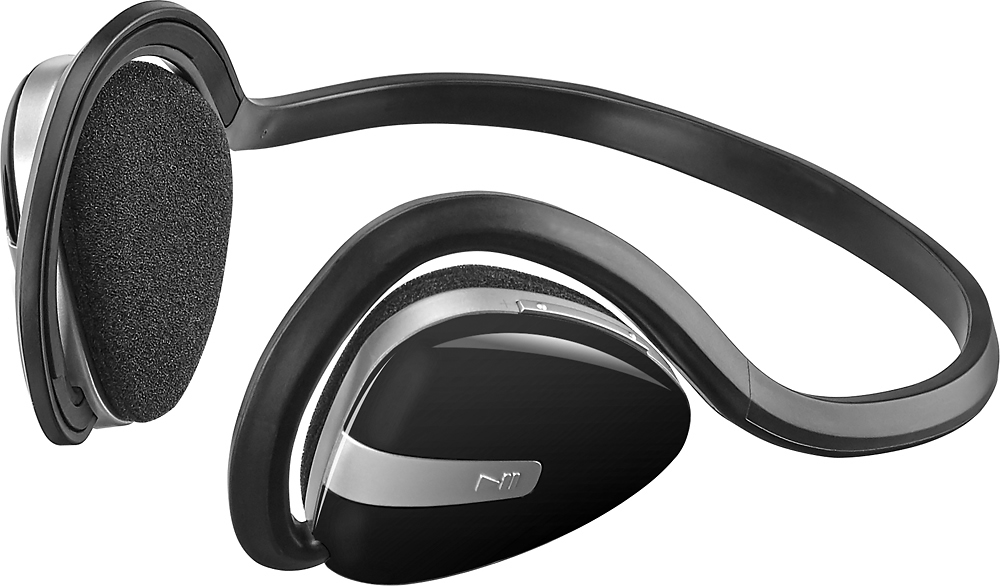
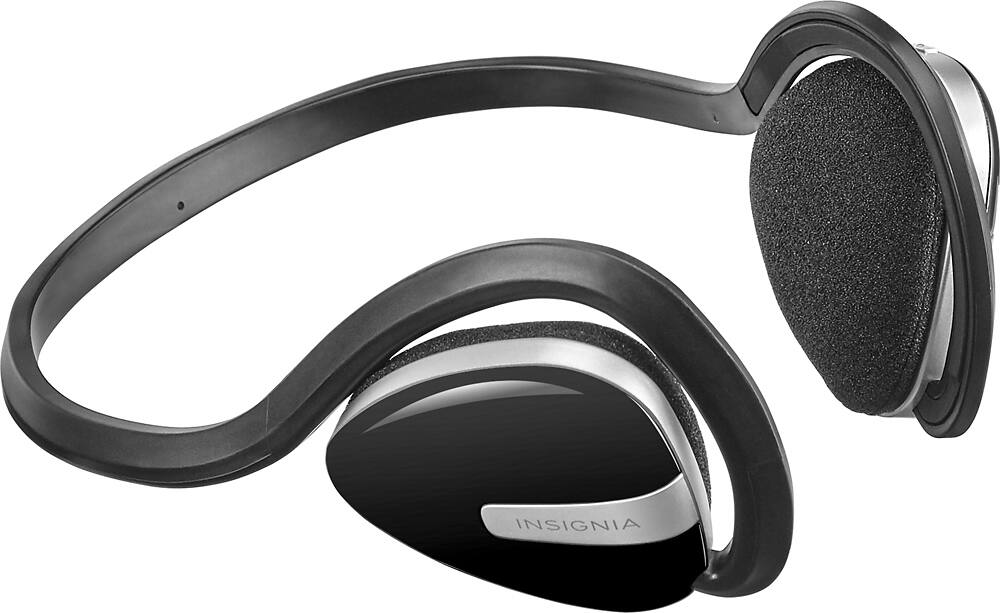
A:AnswerThe "headband" goes BEHIND your head. The part of the headband that goes around the earpieces gets tucked over your ears to hold it on your ears.
1. Hold the headband horizontally with the earpieces in front of you and the headband above the earpieces.
2. Continuing to hold the headphones in this same direction, bring the headphone over your head and behind your neck.
3. Bring the headphones forward to your ears and tuck the parts of the headband that's above each of the earpieces over each ear so that the earpieces are held snugly and comfortably against each ear.
4. Hold in the button on the middle outside of the left earpiece to turn it on.
5. Follow the instructions for bluetooth pairing with your bluetooth audio device.
6. Use the volume control and on the upper edge of the left earpiece to adjust the volume.
7. Use the track forward or back control on the lower edge of the left earpiece to skip or backtrack tracks.
8. Enjoy!
A:AnswerI thought the same thing at first. But after changing my grip and kind of forcing it, it suddenly turned and came off easily. Try it a few more times.
A:AnswerWhen you first plug in to charge a red light comes on for a couple seconds then shuts off. There is no light on while it's charging. Seems like there should be but there isn't. Let it charge for a few hours and if I'm not mistaken I think a solid blue light shows that it's fully charged (not sure about this cause I don't recall, have to take note of this next time I charge mine).