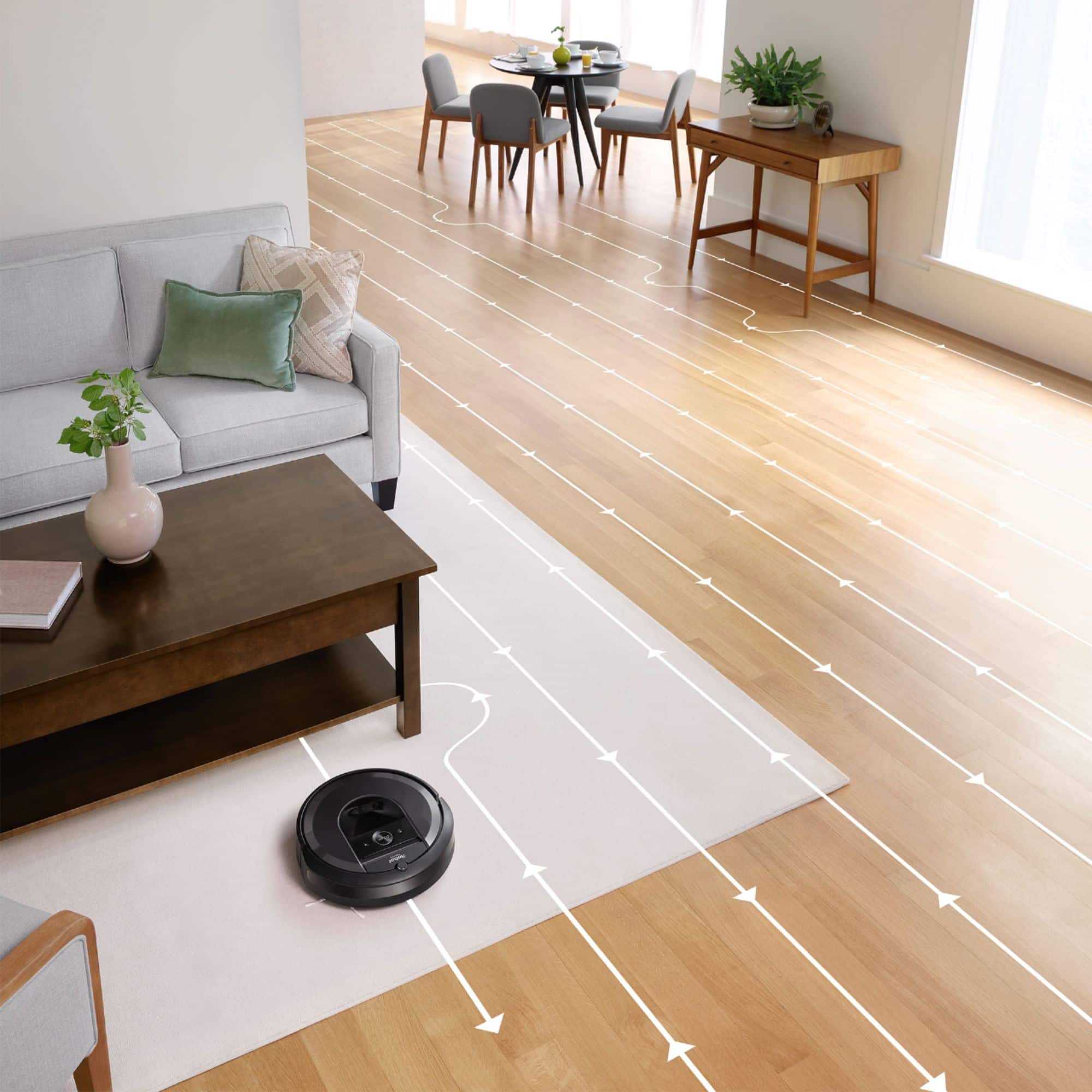
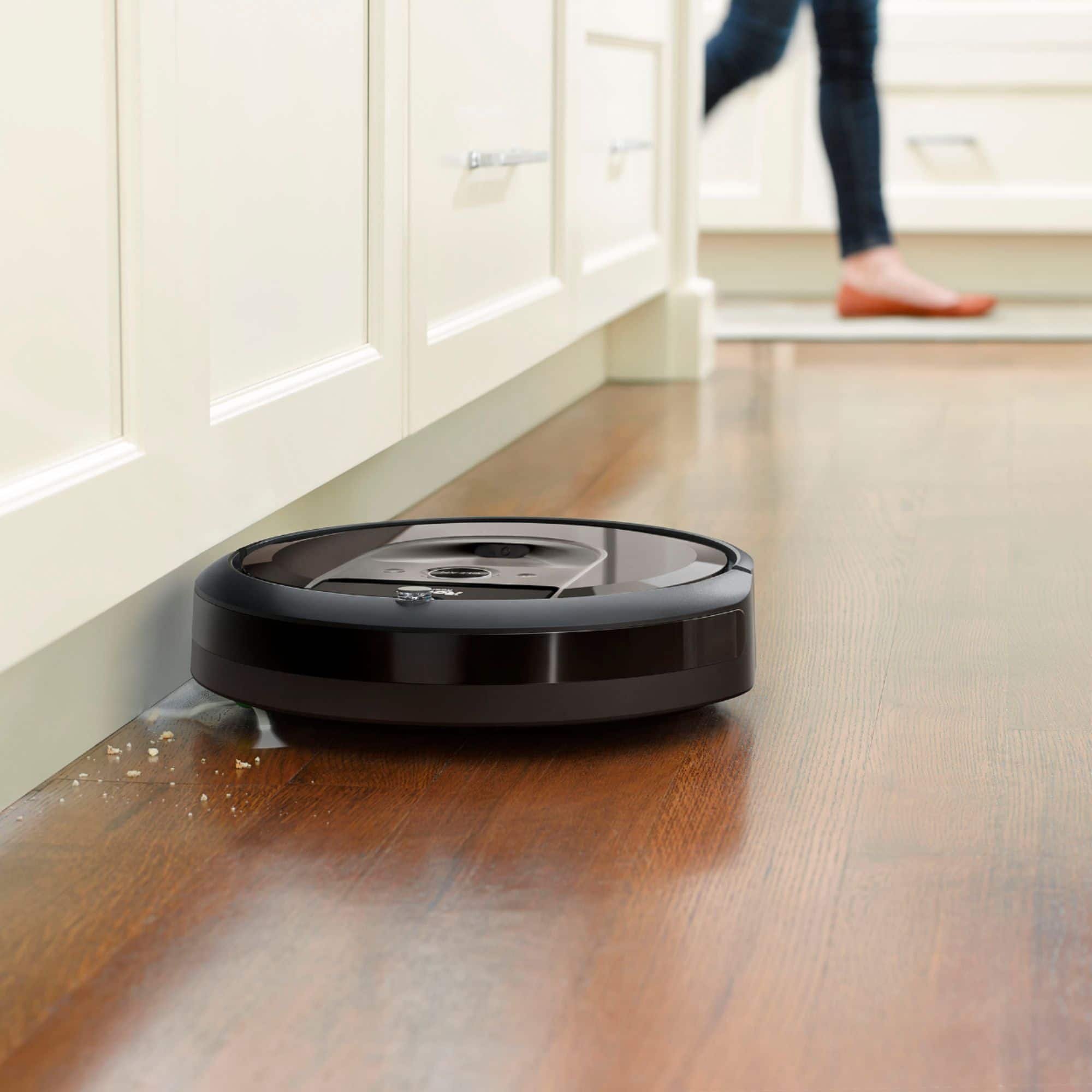
A:AnswerWe use our i7 on carpet (2nd story), hardwood floors with area rugs (1st story), and vinyl laminate plank (basement). It works great on all these surfaces and has not damaged any of them.
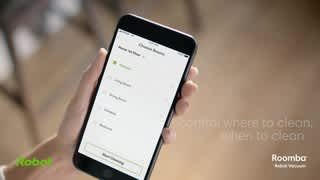
A:AnswerRoomba app only works on mobile operating systems, such as iPhone or Android. It can also be used on tablets, iPads, Amazon Alexa devices, Google Home devices and iPods that are Wi-Fi enabled. The app however, is not required to operate it it will run on its own whether you have the app or not. The app only enhances the features and gives you more control
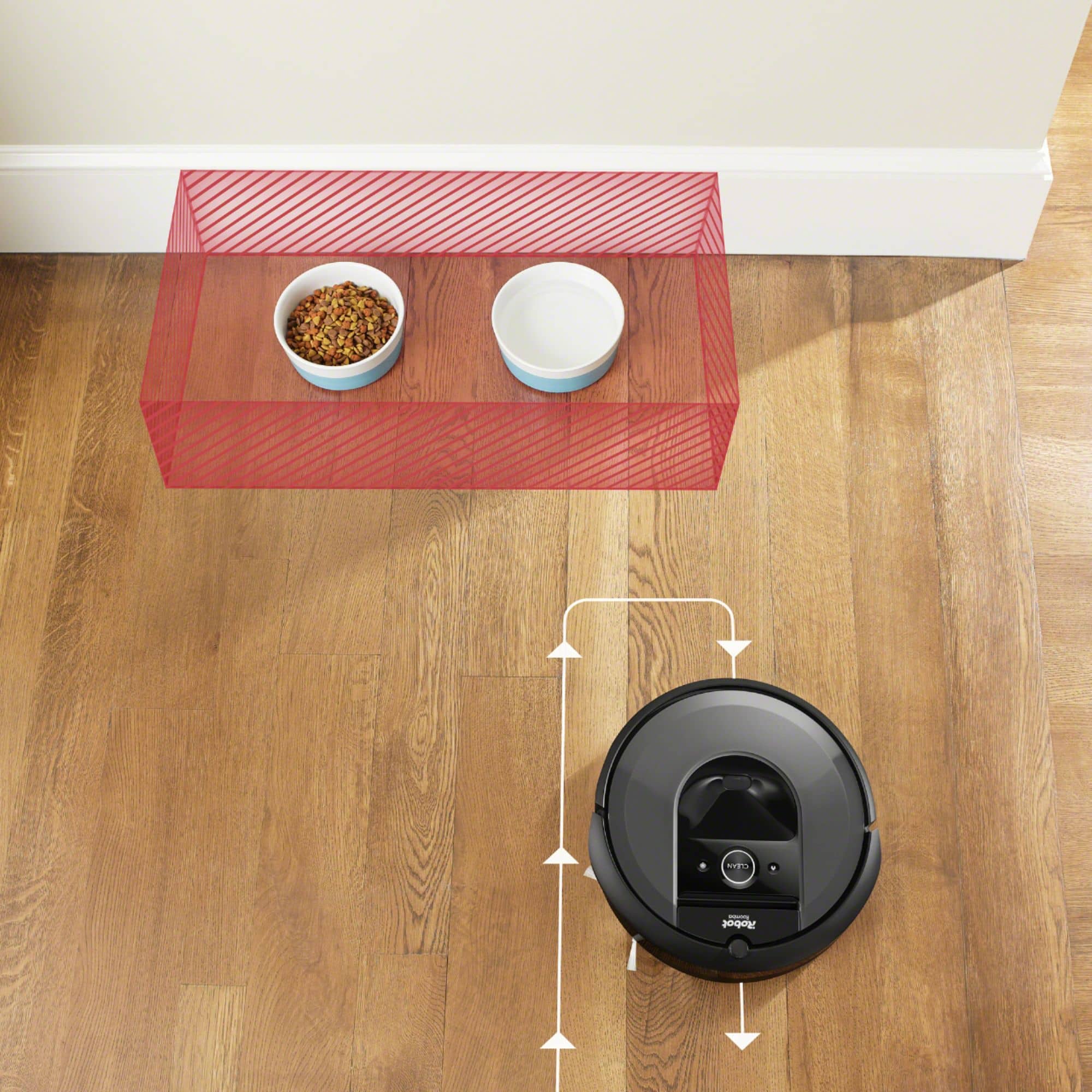
A:AnswerI only had one small 2'x3' rug with fringe. When my old Neato vacuum got tangled on it I trimmed the fringe to 1 inch and no more problems. That didn't work with this new Roomba so I took the rug outside-this was messy-and completely removed the fringe. The rug looks fine & you can't tell I did anything to it. If your rugs are expensive you probably won't want to do this. You can set zones that instruct the vacuum to ignore certain areas you specify. Sorry that's the only thing I can think of.
A:AnswerAll Roomba models are designed to transition seamlessly between different floor types and over raised thresholds with no assistance. The wheels adjust up and down automatically.
A:AnswerUpgrade to i7s or Reset your Roomba and map again. Do not interrupt vacuum, dock, vacuum cycle since it confuses the program.
You want noise and great vacuuming or silence and no vacuuming? There is a lot going on within that “Pancake”. Technology will surely improve.
A:AnswerI've had the older models, as well as this new model, and never really cleaned the sensors. (Haven't yet on the new one, after, maybe, 30 runs; and probably cleaned the sensors on the old ones once or twice a year.)
A:AnswerHello, Serkon - While the voltage may work, using a Roomba outside its country of purchase will void the warranty. Please purchase at one of our retailer options in that country. Thanks!
A:Answer• Hello Jmac, Your Roomba i7+ will prevent itself from falling down the stairs, but you will have to move the robot to the other level in your home. You will need to return your Roomba to the level with the base so it can recharge.
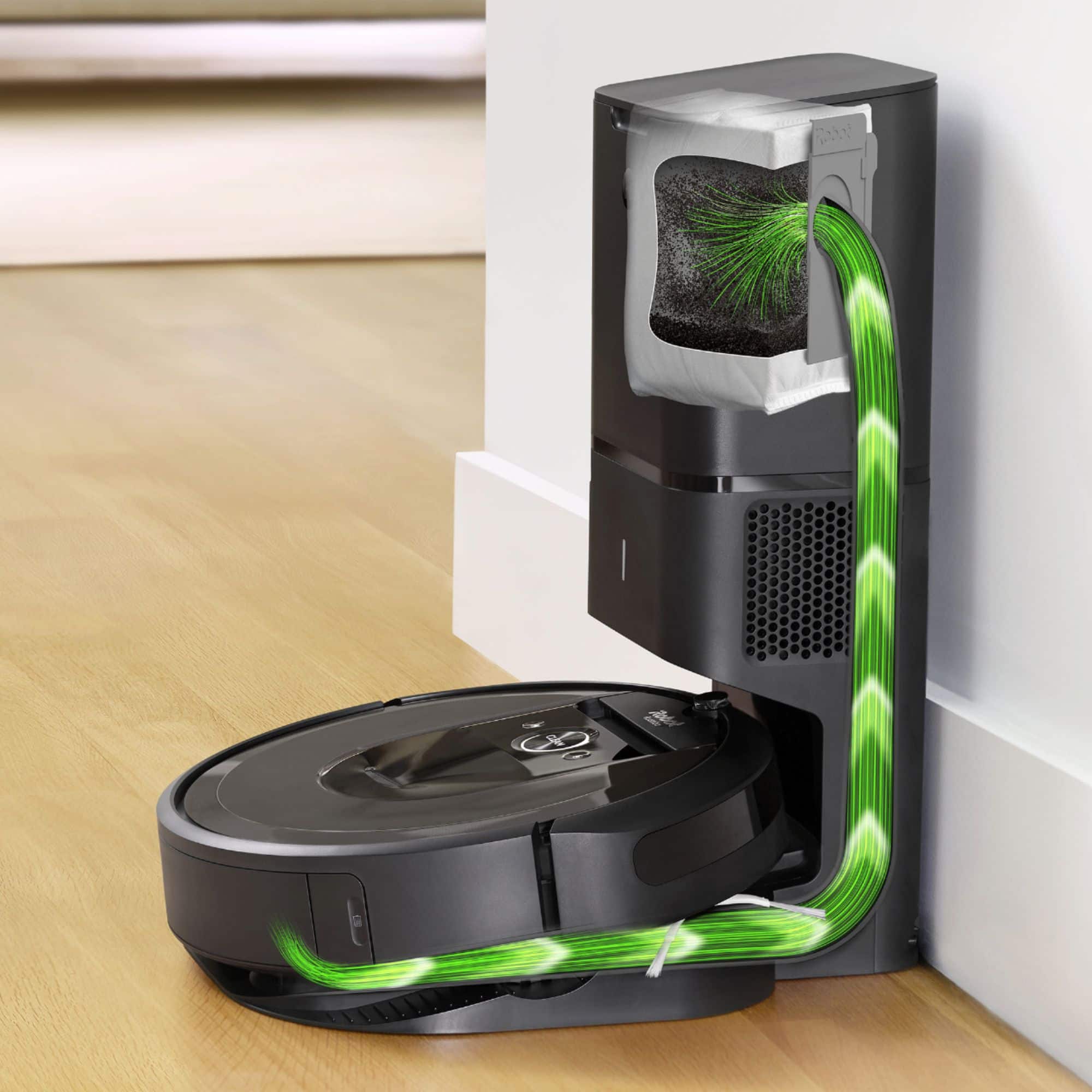
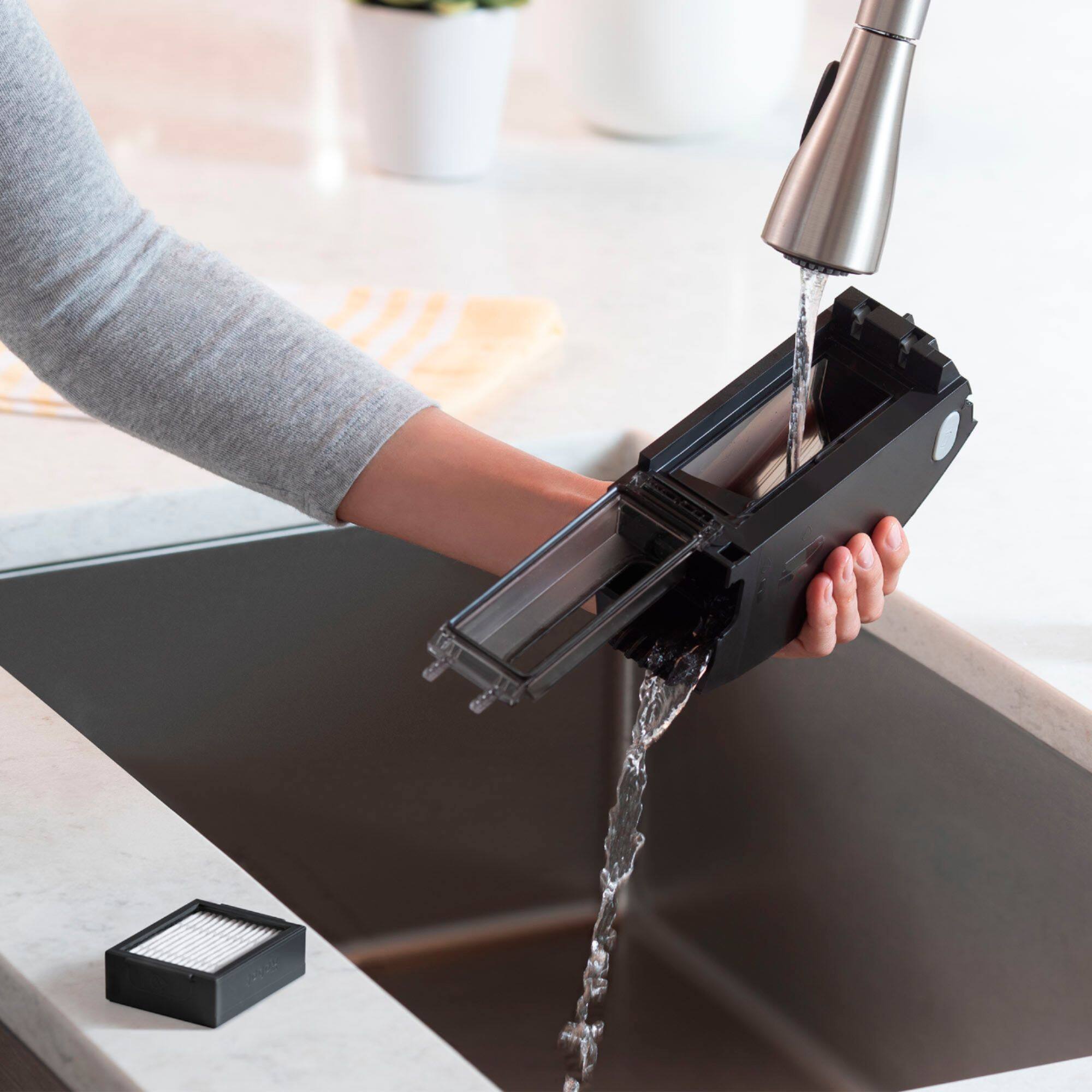
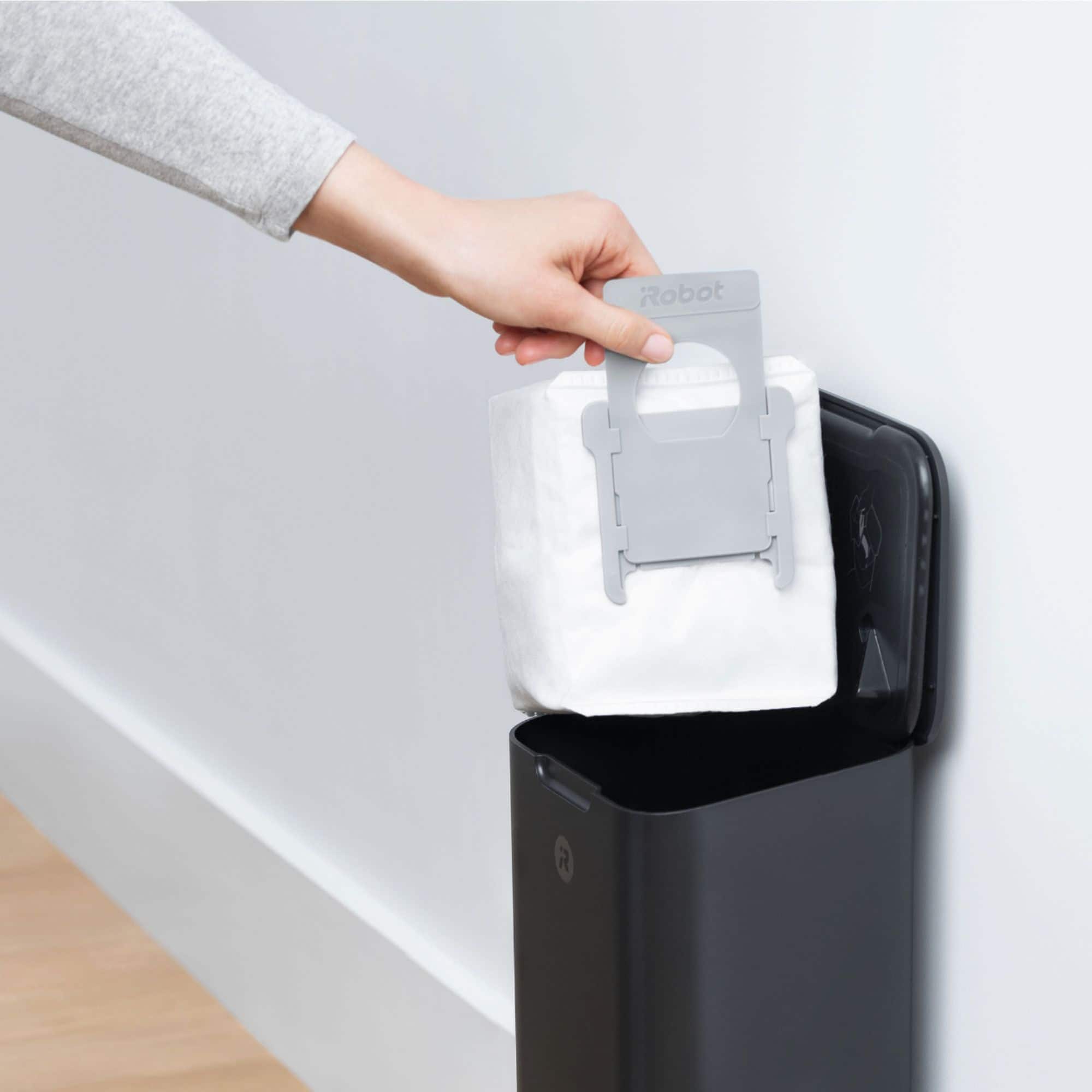
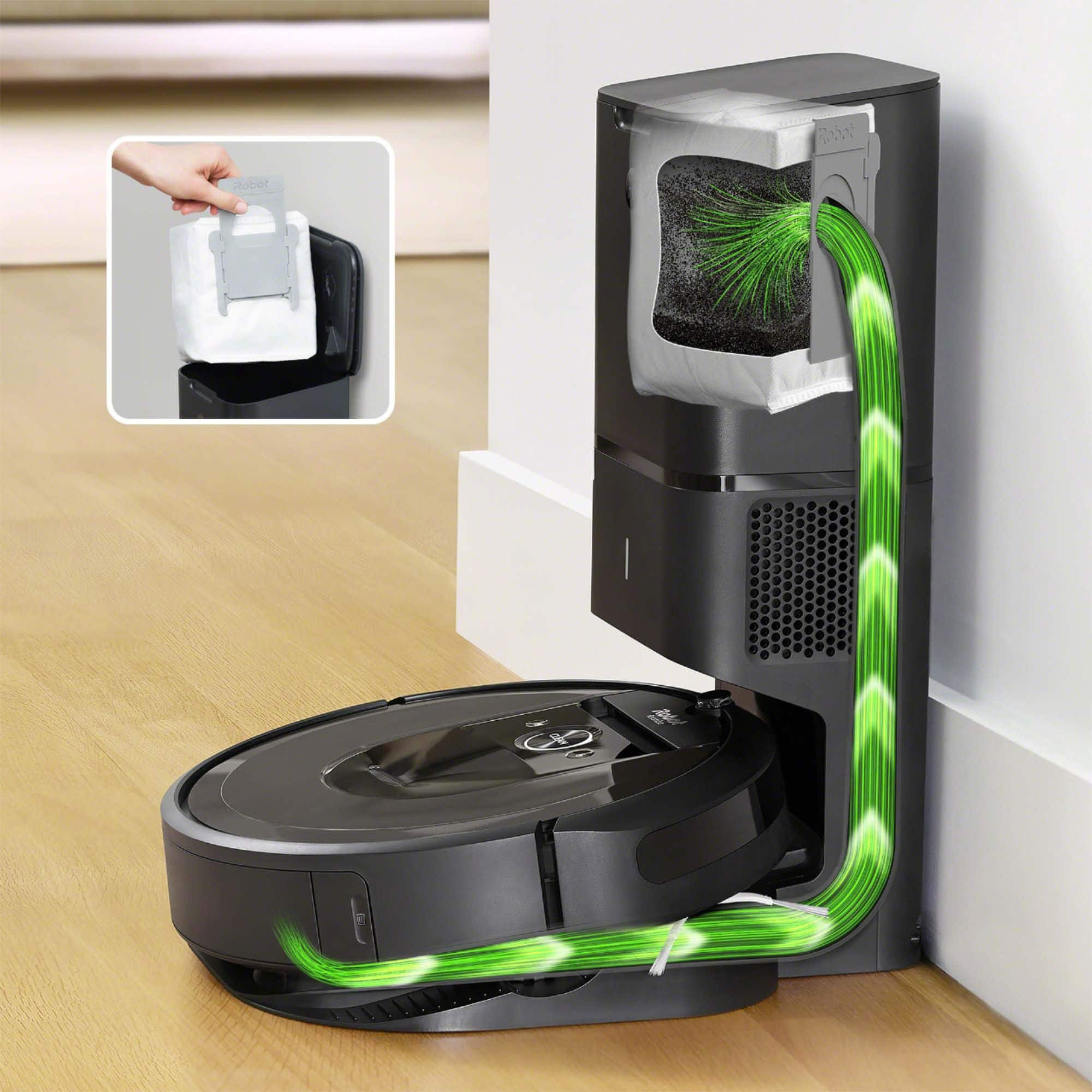
A:AnswerYou are supposed to replace it every time it fills up, just like a normal bagged vacuum. It's possible to empty it by pulling everything out of the little hole, but it is a little messy.