Questions & Answers
- Model:
- JCC157
- |
- SKU:
- 6507870
Highly rated by customers for: Overall Performance, Compatibility, HDMI
$49.99
Page Showing 21-25 of 25 questions
Q: QuestionWhat is allow me to run another monitor on my gaming pavilion desktop through the USB-C port?
Asked by Jayden.
- A:Answer depending on the graphics card. Check if the laptop supports video output through UBS-C and at what rate (Hz) and it should
Answered by Cicadas
Q: QuestionIs this cable HDMI License Authority certified and does it support HDMI Alt Mode over USB Type-C?
Asked by tech49.
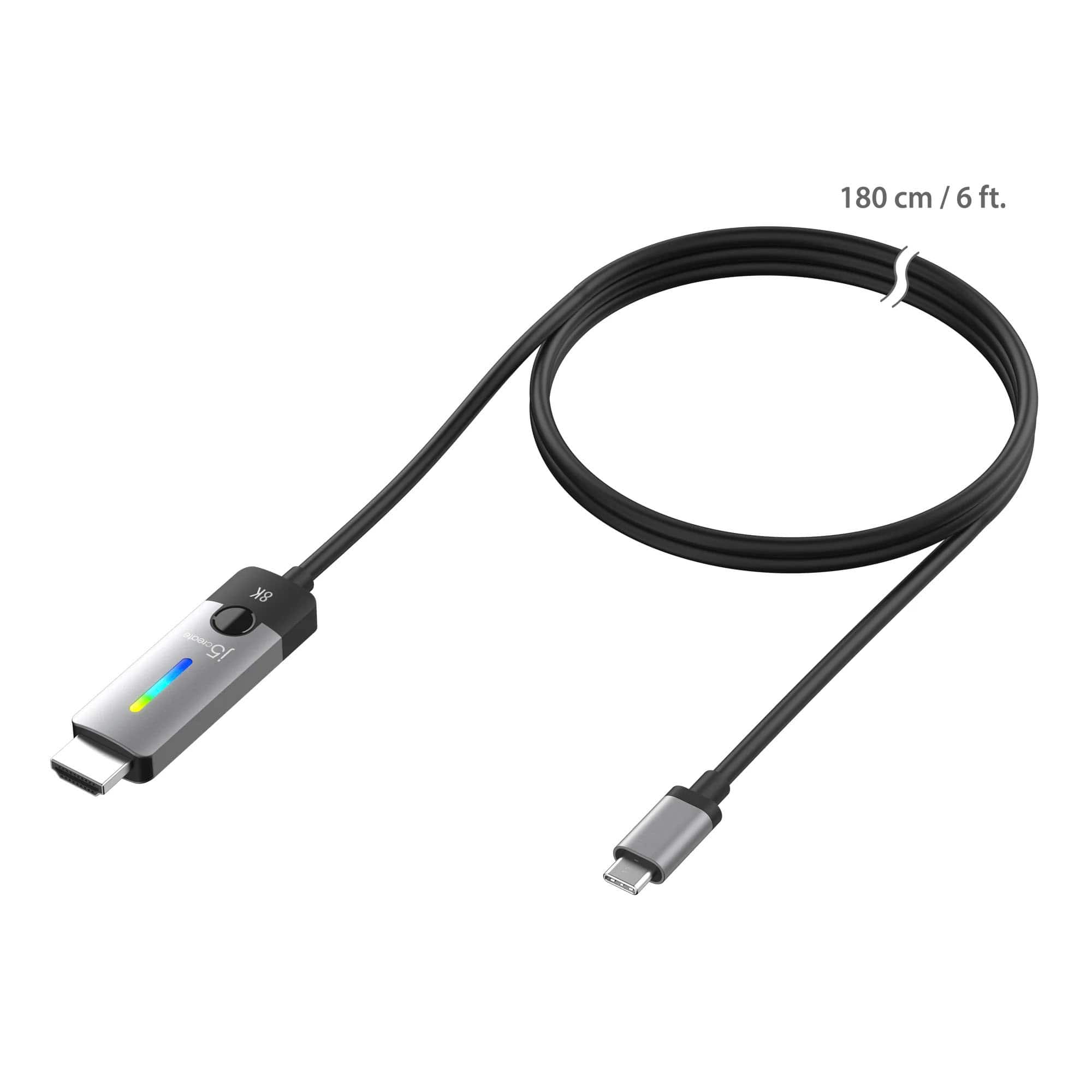
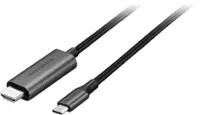
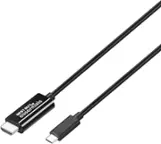
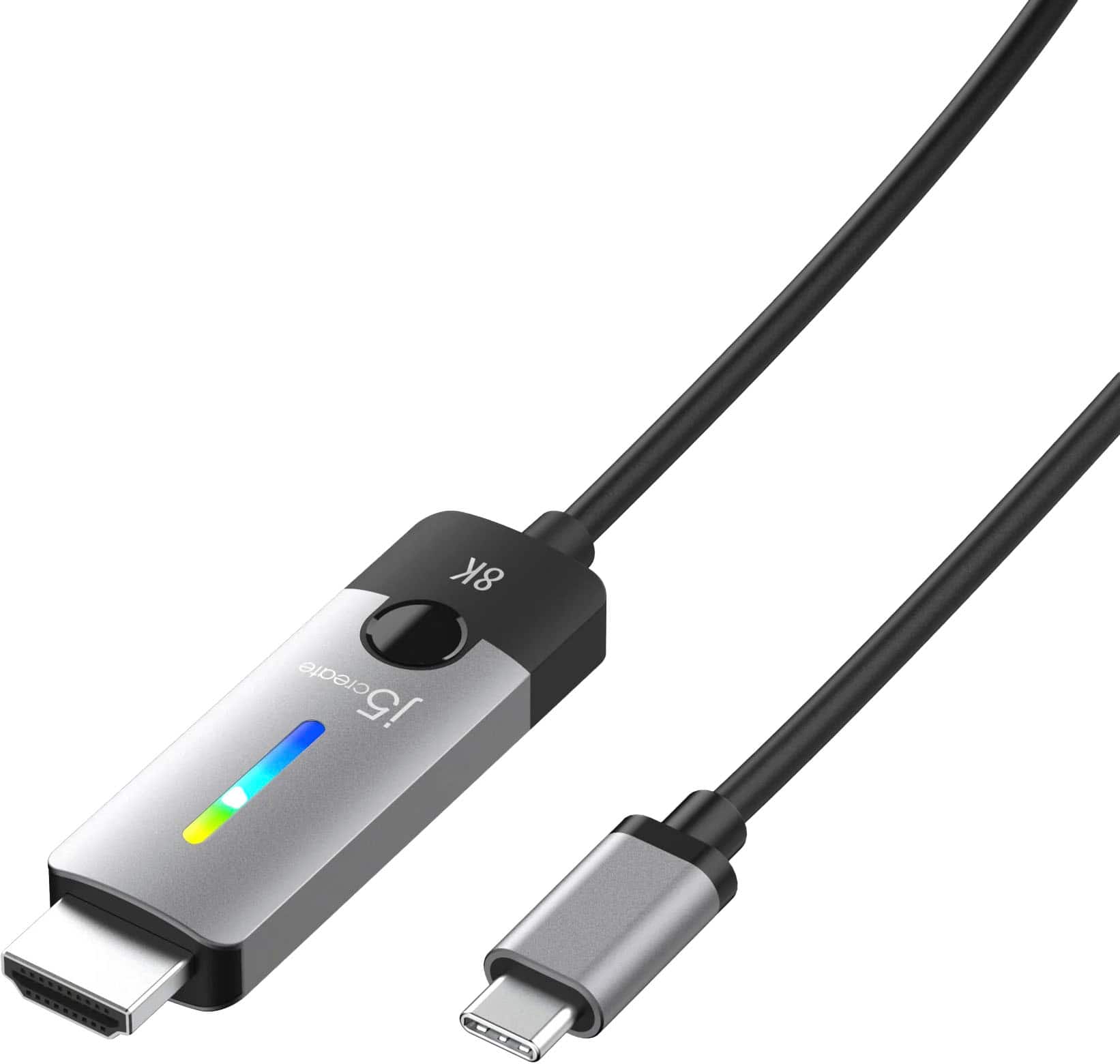
- A:Answer The USB-C to HDMI 2.1 8K Cable does require DisplayPort Alt Mode over USB-C. Please refer to the manufacturer of your hardware for more information on your device. Thank you.
Answered by J5create Team
Q: QuestionCan you power the device with this connection?
Asked by EZGamer.
- A:Answer Cannot power device with this cable
Answered by Tarus
Q: QuestionWould this connection work with a Samsung 8G OLED monitor? Like plugging in the USB-C piece to the monitor and then the HDMI to a console or does it only work one way?
Asked by Chris.
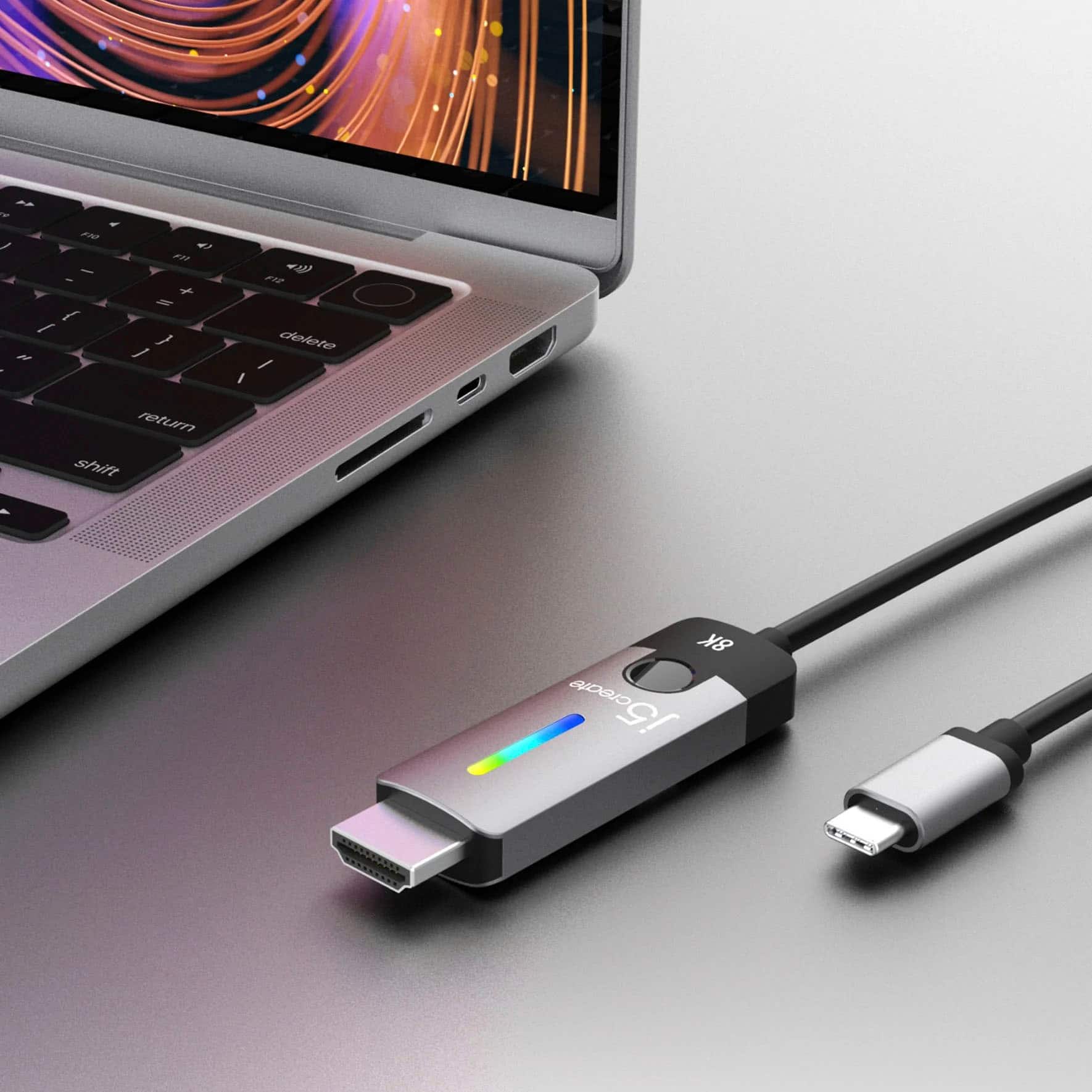
- A:Answer The USB-C to HDMI 2.1 8K Cable is intended to connect to an available computer with a USB-C port that supports DisplayPort Alt Mode to transmit audio and video signals and a display equipped with an HDMI connection.
Answered by J5create Team
Q: QuestionDoes this cable support VRR/Nvidia G Sync?
Asked by Omega2k1.
- A:Answer The USB-C to HDMI 2.1 8K Cable is intended to connect to a computer with an available USB-C that supports DisplayPort v1.4 Alt Mode with DSC to achieve 8K @ 60 Hz /4K @ 144 Hz resolution and a display with a HDMI input.
Answered by J5create Team
Page 2, Showing 21-25 of 25 questions