A:AnswerYes, but I had to contact support to find out how! You can connect two devices simultaneously. For example, mine are (now!) connected to my Android phone and my iPad so I can watch Netflix on the iPad, and answer a call if it comes through to my mobile. Here's how you get it to work:
-Turn off bluetooth on the already connected device
If the Elite Active 65t is on:
1. Press and hold the right earbud just until you see red
2. Press and hold the right earbud again just until you see blue
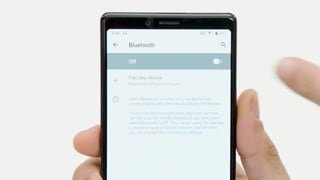
3. While the earbud is consistently flashing blue, go to the bluetooth menu on your new device and find the Elite Active 65t under other devices
4. Tap to pair
5. Turn bluetooth on the already connected device back on
If the device is off:
1. Press and hold the button just until you see blue
2. Find the Elite Active 65t under other devices
3. Tap to pair
4. Turn bluetooth back on on the original device
A:AnswerI really love these headphones. They are fantastic!! Comfortable, good battery life, features are good, connection is stable, secure fit.
BUT the reviews are lies. There is lag on IOS Iphone apps, such as youtube and instagram. Even with upgraded firmware. I've even tried replacing it with a new unit and the lag is still there. I've tried removing all the bluetooth devices and just adding this one, still there. I tried with restarting the phone and on another brand new iphone. Still the lag persists. This has to do something with the apps because some apps work flawless like plex, netflix, amazon video. Everything else is no good.
I really recommend this for no wires, great sound, great fit. But if you watch mostly youtube, you will be upset. There is video sound sync issues with some apps. It works fine in the browser, but in the app it doesn't work.
Otherwise, love these. I am keeping mine but thought I would answer for others wondering the same thing.
A:AnswerHi! Jeff’s answer from one year ago, I’m having the exact opposite experience, I’m having a lot of trouble with outdoor calls every single one of the people that I was talking to on the other end said that they weren’t able to hear me clearly because the background noises is very loud and very noisy. I’m actually very disappointed about this, because aside from listening to music I like to be able to have good quality phone calls indoors or outdoors. Jabras tech support told me if I wanted good quality calls I’d better get earphones with an arm
A:Answerthese are definitely able to be used for your workouts. I've played basketball with these and lifted weights. These have the best and most stable bluetooth connection i've come across. They DO NOT go in and out at all. I would definitely recommend these 1000%.
A:AnswerAccording to the FAQ on the Jabra website
"You can use the right earbud alone for mono playback or for calls. For volume and track controls, use your connected smartphone." The left earbud cannot be used solo.
A:AnswerWith my Windows 10 laptops these earbuds will connect to both my laptop and my Google Pixel phone, but only when you select the option for "Headset" in Windows. If you choose "Headphones" instead they will not automatically switch from Windows to Android back-and-forth. And the sound with the "Headset" Playback option chosen in Windows is awful unless you're just using them to speak through a softphone. If you want to hear good quality sound including bass you must choose Headphones. And then they stop working with your mobile phone for taking calls. Not a HUGE issue but avoidable with better programming.
A:AnswerI purchased Jabra elite 65t mostly for phone calls. I do a lot of driving so I only use one most of the time the right one only works alone left will not work by itself but on my phone calls wearing both I get stereo the sound is amazing I'm glad I purchased them
A:AnswerHello FR, Thank you for your question. The Jabra Elite 65t can be charged with a powered USB port on a computer, or a wall charger rated at 500mA up to 2A. We recommend not using an Apple branded charger. If you have any further questions, please feel free to contact our Product Support Team at 800 327 2230, option 1. We are available Monday-Friday 8:00am-6:00pm Eastern Time. Thank you.
A:AnswerYou will put the earphones into pairing mode (hold the multifunction button (right ear) until they switch off, then press it and hold it until it flashes blue) and then have the TV discover the earphones through the Bluetooth menu. Once it discovers them, select Pair.
A:AnswerWhen I powered them up and played a song at full volume through my S8 Samsung for the first time I was extremely disappointed at the volume level. Was nowhere near loud enough.
I was ready to accept that this was the limitation of bluetooth until I accidentally discovered the volume buttons on the left earbud. There are separate up and down buttons. Default must have been half way. Once I turned it up the volume level it is now way beyond my expectations and plenty loud enough with the option of being too loud if I want too.
Very impressed now!
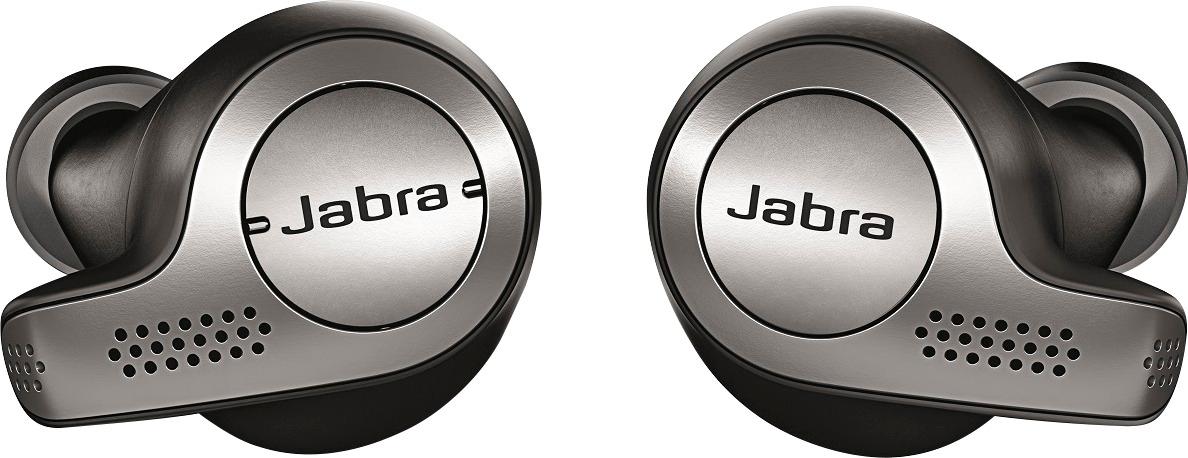
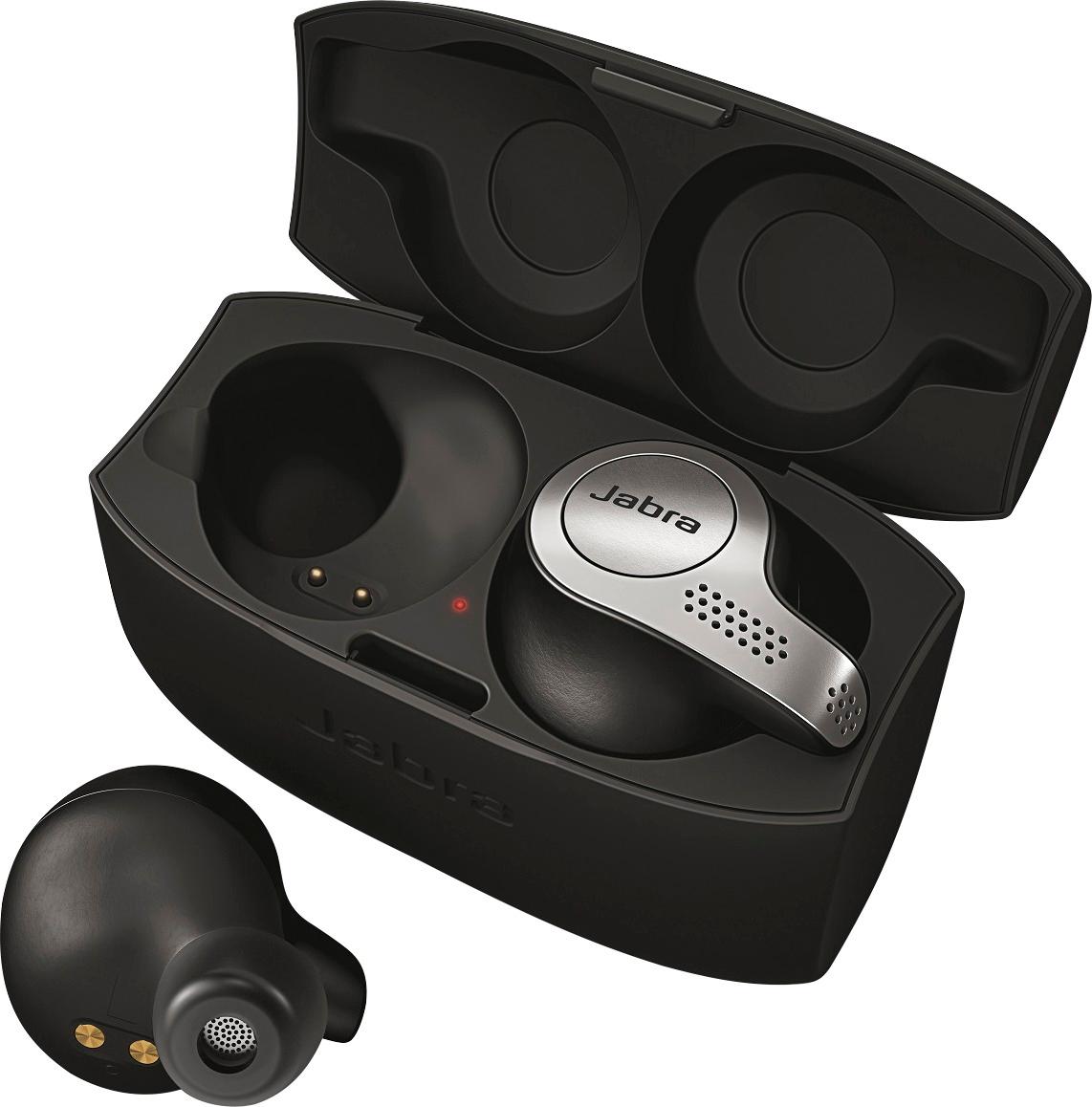
A:AnswerThe left earbud has buttons for volume and track control. The multifunction button is on the right earbud. Depending on when, and how long, you press the button, it can be used for powering on and off, putting the earbuds in pairing mode, play/pause, answer/end call, enable/disable "HearThrough", or triggering your configured voice assistant.
A:AnswerAlthough the documentation states 5 hours, I consistently got 6.5 to 7 hours at 50% volume with Elite 65t. The Active version gets 4.5 to 5 hours at same settings because it has a motion sensor. I have posted a full review comparing the 2 in the review section.
A:AnswerIt already released. Here is my comparison review of the two.
After using the Jabra Elite 65t and the Jabra Elite Active 65t, here are my comparison of the two. Hopefully this will help you decide between the two. The Active version adds a motion sensor to count steps, and a rubberized coating for the higher IP56 rating and slightly better grip in ear. Battery life and connection is slightly poorer than the non active ... read more below.
Protection against dust, water:
The Elite Active 65t is rated at IP56 vs IP55 for the non active. The first number is for solids protection, both have 5 for same dust protection. The second number is for liquids protection, Elite 65t has a 5 rating which means lower pressure water protection, water projected by a nozzle (6.3mm) against enclosure from any direction shall have no harmful effects, whereas the 6 for Active 65t means high pressure water with a nozzle of 12.5mm will have no harmful effects when sprayed against the enclosure. Basically what this means is, both versions can be used for sports, both versions should be able to withstand dust, water, and sweat with Active version being slightly higher rated for water at high pressures.
Fit:
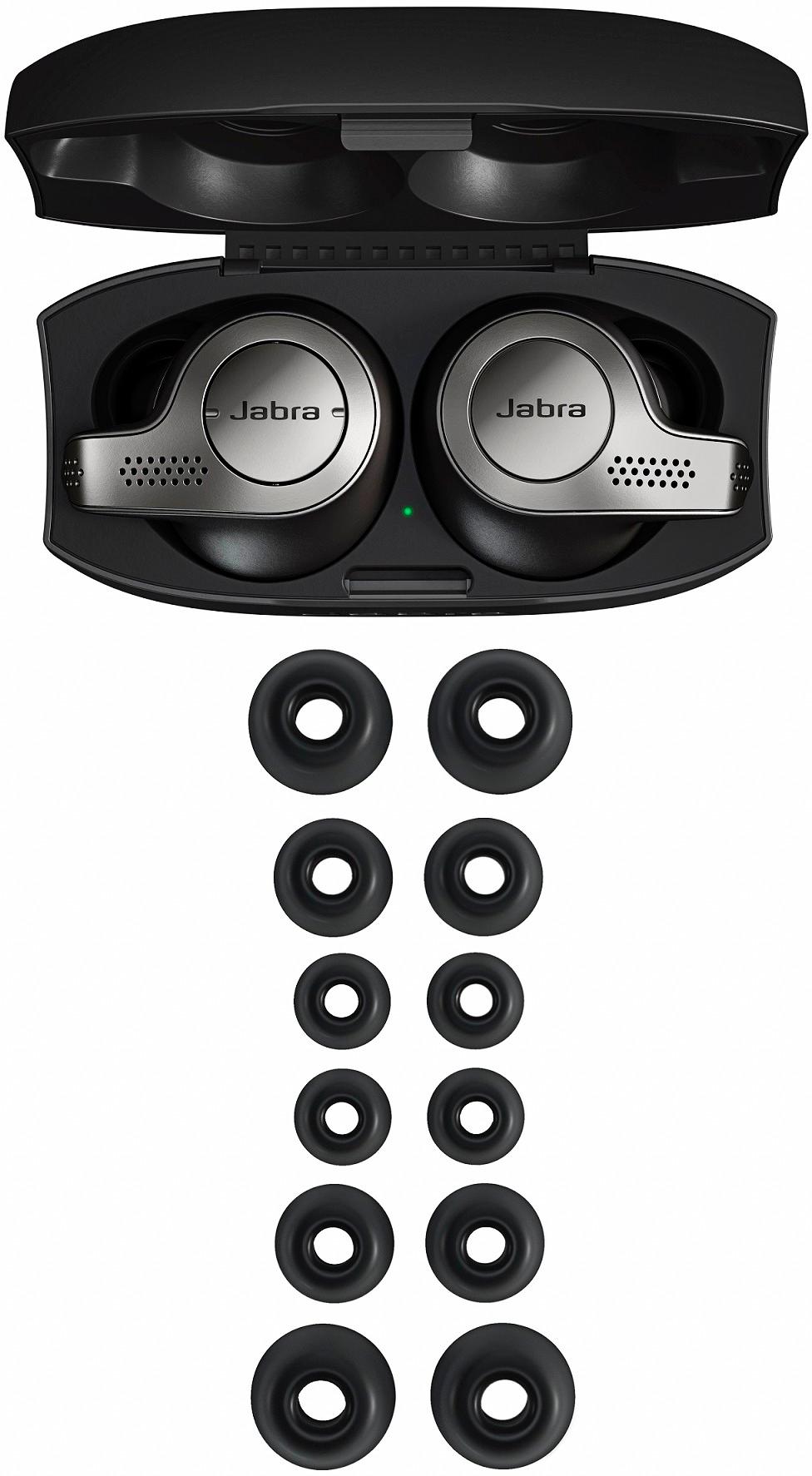
Both versions come with 3 interchangeable ear tips to give you a good fit in the ears, I had no issues with either during extensive workouts, neither fell out of my ear. Either version will work fine for sports usage, the Active version has a rubberized coating that gives it a slight edge at grip in your ears when they are sweating.
Connectivity:
Both come with Bluetooth 5, which gives strong connection and battery life. During workouts I did feel that the Elite 65t had better connection over the Active version, I didn’t experience any cutouts with the Elite 65t, the Active version, although has a good connection, every now and then, it will disconnect from the left ear bud for a sec and reconnect again. I contribute this problem to the rubberized coating on the Active version that may be interfering somewhat with the connection.
Battery life:
In documentation both are rated for 5 hours, but in my testing I found the Elite 65t to be superior in battery life, I consistently got 6.5 to 7 hours, whereas the Active version only got 4.5 to 5 hours. This is due to the fact that the Active version has a motion sensor that is always active and counting your steps even though you do not activate it in the app.
App for IOS and Android :
Both come with a nice Jabra Sound + app for IOS and Android devices, that can recognize upto 8 devices and can simultaneously connect to 2 Bluetooth devices at the same time. Version 2.2 of the Jabra Sound + app now comes with equalizer preset settings. Energizer preset is very good, gives you a nice boost in Bass.
There is a HearThrough feature which allows how much of ambient noice you want to let in, a Sidetone feature that allows you to hear your own voice in the headset if you choose. A pink noise feature, which drowns out any external sounds if you are trying to concentrate at work, plays ocean waves if you want to relax or sleep. The Active version adds one additional feature which the non active version does not have, ability to count your steps as it has a built in motion sensor. For me I didn’t care for this feature, as it gave poorer battery life and my Apple Watch already does this feature better, I preferred the longer battery of the Non active Elite 65t
Aesthetics:
This is personal taste, but I found the look of the non active Elite 65t that comes in platinum or copper to have a more appealing look than the Active 65t version. The Active version comes in matte black or blue, the black version is a Best Buy exclusive.
A:AnswerYou can use the Comply "Truely Wireless" ear tips (I have some available, they are very disappointing to me because I have very intricate ear canals), but you're better off using either the Medium or Large Foam Tips for the Jabra Elite Sport (I tried those on my Elite 65t, and THEY FIT) because these give you a better sound signature if you allow enough patience to "main" these cans. You need to use the eartips that are larger than what you are accustomed to for the best bass possible, though.
A:AnswerThey do NOT support AptX. They only support up to AAC. Confirmed using my Pixel 2, which supports AptX, AptX HD, LDAC...as well as SBC and AAC.
A:AnswerI leave mine in the case, use them for a couple hours a day, during the week & charge them on Sunday night. Never had so much as a low battery warning.
A:AnswerThe shape of the ear pieces actually create a lock when you put them in. You give them a small quarter twist when you put them in and most ambient noise is already drowned out. The fit is great and even if you try to shake them out they don’t move at all.