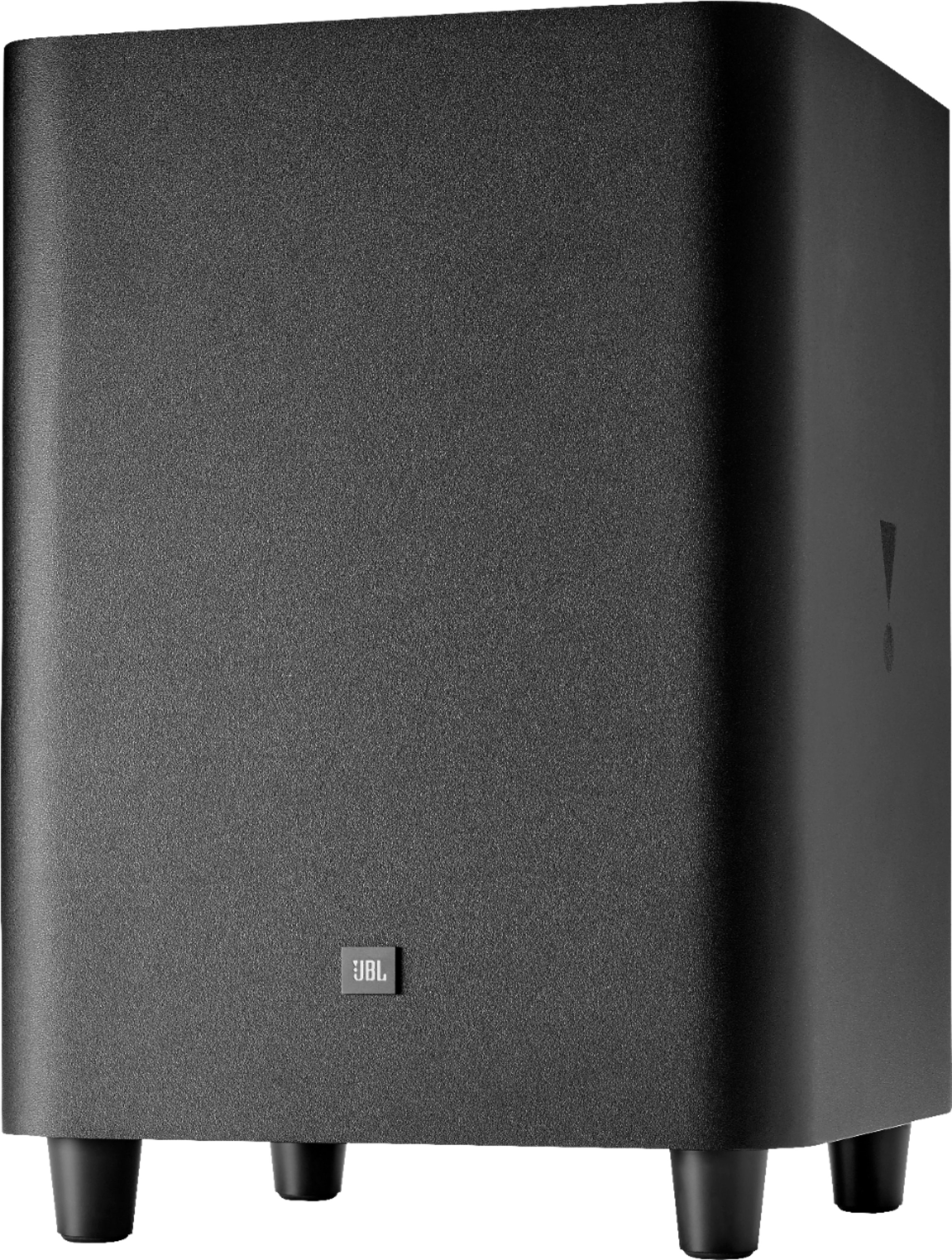
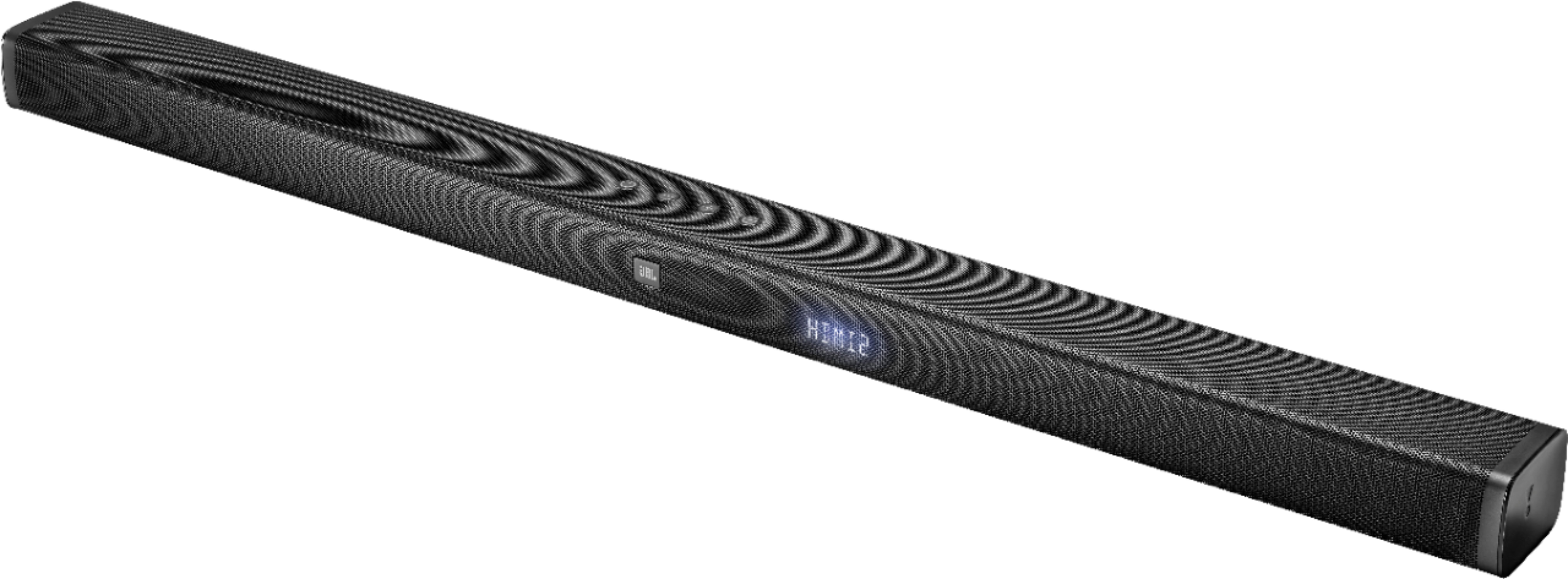
A:AnswerWe have our TV connected HDMI to the soundbar and control the volume exclusively with our JBL remote. I'm guessing you'd change the channel using your cable box or dish controller.
A:AnswerHDMI thru arc is always better. Plug your sources into bar and just one plug into arc of tv.,better sound, less likely to get voice sync issues and easier set up
A:AnswerTake it back and exchange it if it doesn’t resolve. Maybe it’s a bad connection? See if moving it closer to the soundbar doesn’t help since it’s connecting wirelessly.
A:AnswerThe soundbar detects the quality of the video and switches automatically. Please make sure you have not turned off the auto volume enhance option on your tv
A:Answeryes all you have to do is connect an Optical cable between the TV and the soundbar. Anything that goes through the TV will play on your soundbar
A:AnswerThese are often referred to as class D amplifiers. It is a modern transistor design used in almost all modern products because they are light weight and very efficient.
A:AnswerJBL Bar 3.1 is designed to be used for listening to music both from the TV and your connected device. If you're connected via Bluetooth or have a USB plugged in, the music will be in mono. The 3.1 output will only be available when you're watching movies or shows with that format.
A:AnswerWe'd like to work with you directly about our JBL Bar 3.1. Please reach out to our Customer Support. We're here to help. https://www.jbl.com/support-contact.html
A:AnswerJBL Bar 3.1 supports Dolby Digital. Please reach out to us so we could help you out with some settings and provide you some recommendations on how you're planning your setup. Please visit our Support page here: https://www.jbl.com/support-contact.html