Questions & Answers
- Model:
- 1101-02
- |
- SKU:
- 6418696
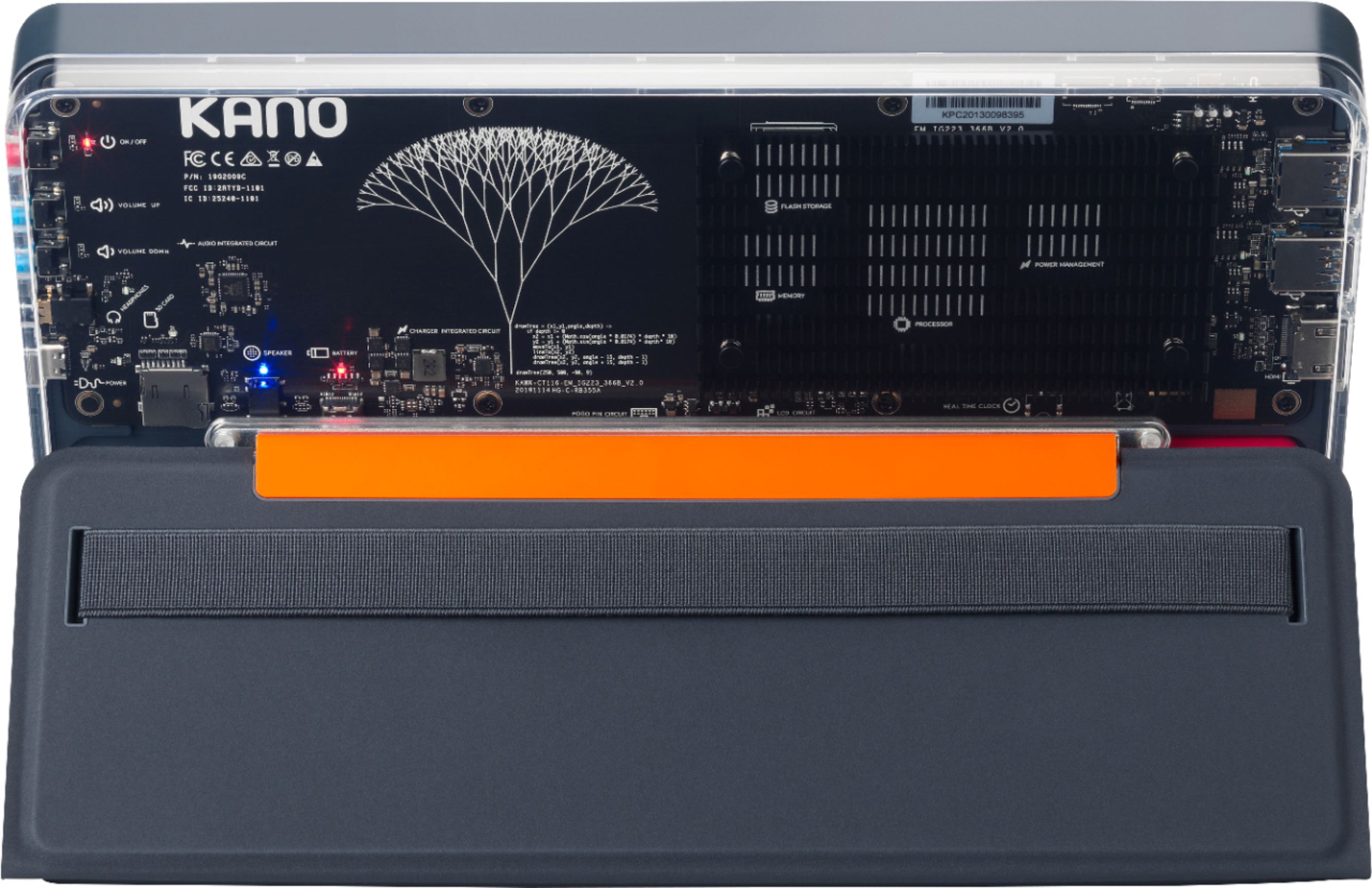
Q: QuestionSo if it doesn't have a microphone, it can't be used for video conferencing, such as Zoom, etc., for remote learning, correct?
Asked by JJ.
- A:Answer The Kano PC does have a great microphone!
Answered by Team Kano
Q: Questiondoes it have a camara
Asked by Roni66888.
- A:Answer To make it totally safe, the Kano PC does not have a camera on board, but it works with any USB camera!
Answered by Team Kano
Q: QuestionCan i upgrade the memory to 32 or 64 gigabytes?
Asked by E3N3.
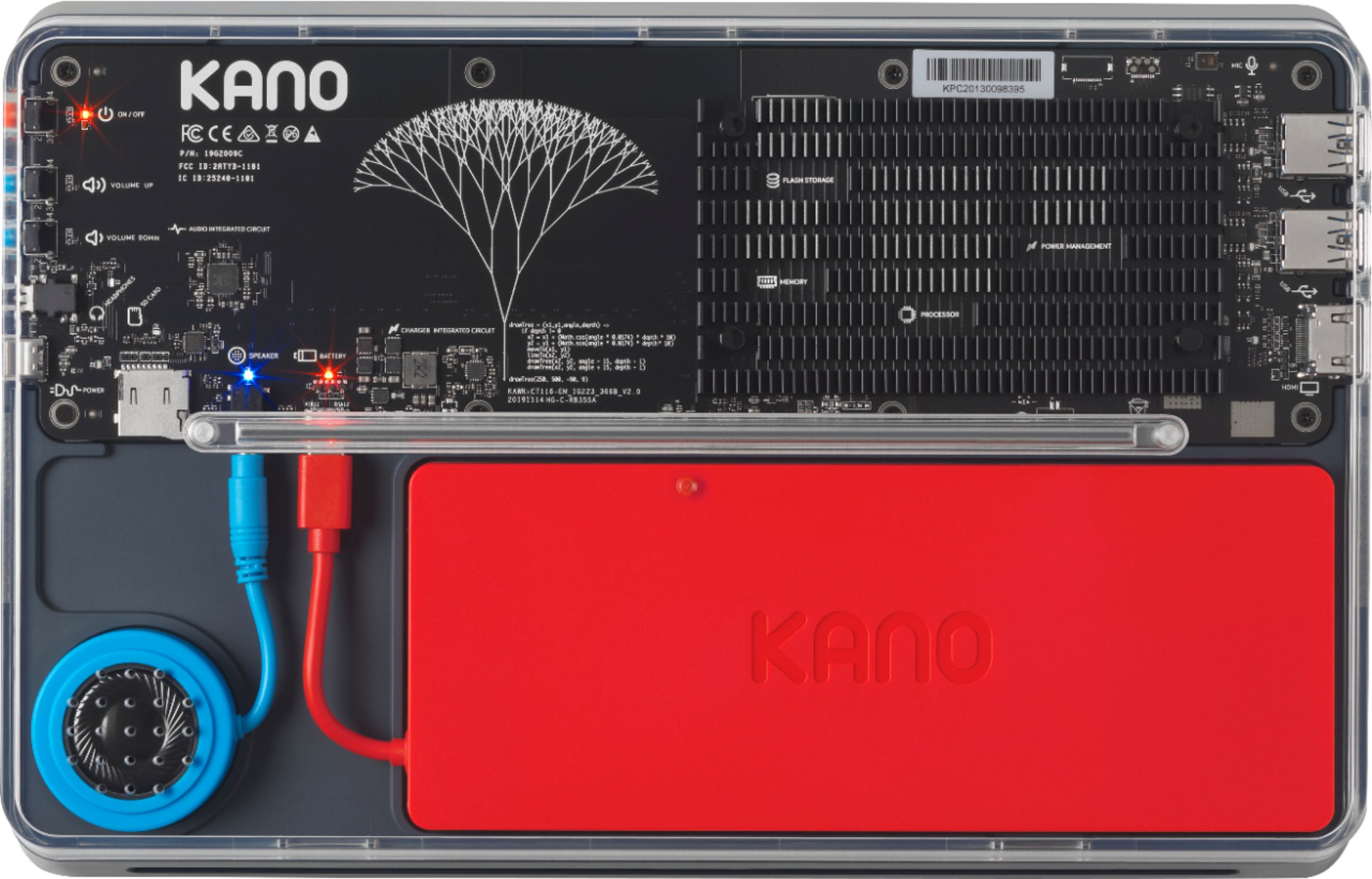
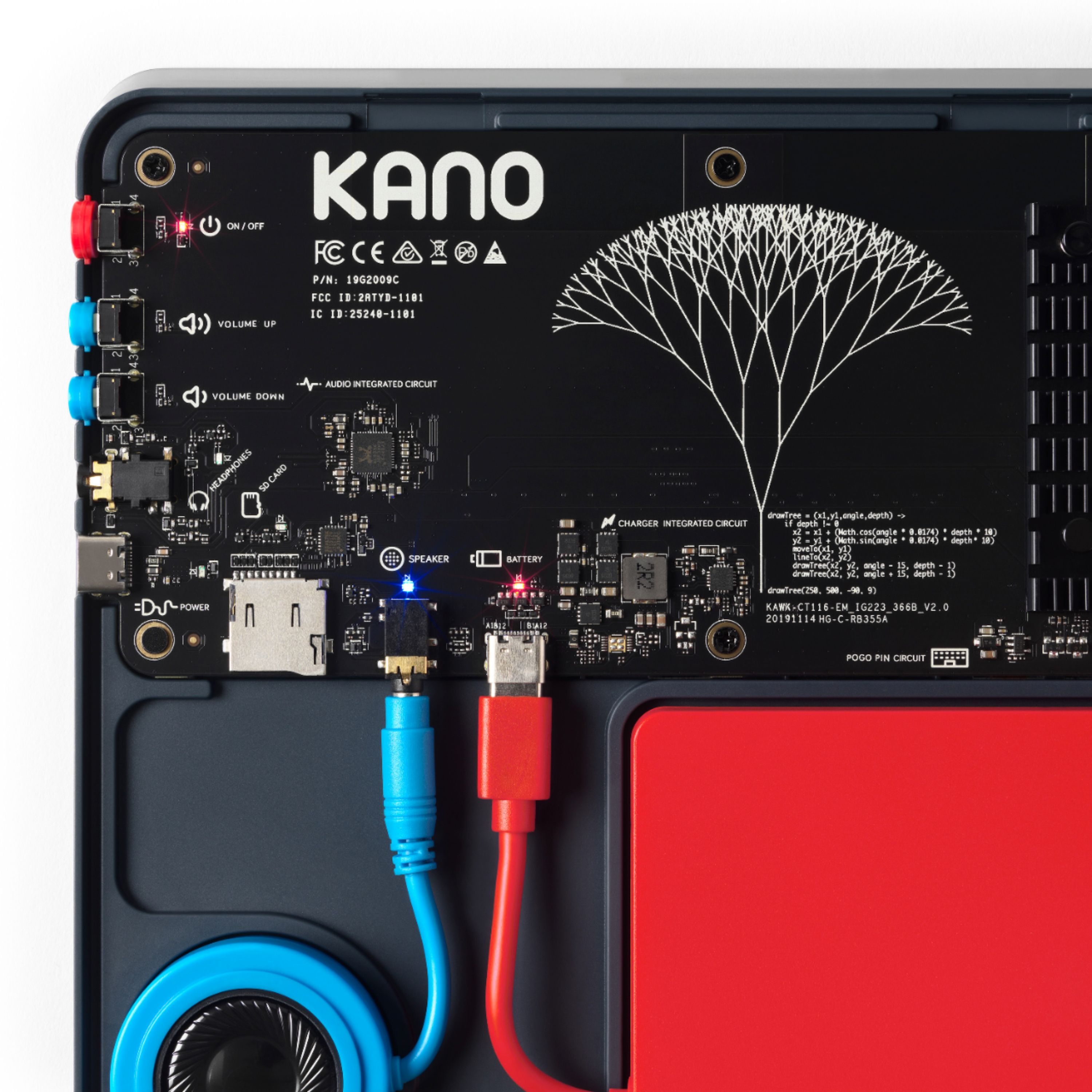
- A:Answer The memory (RAM) of the Kano PC cannot be upgraded, but the storage can be expanded using a microSD card.
Answered by Team Kano
Q: QuestionWhat is its operating system?
Asked by Nothing.
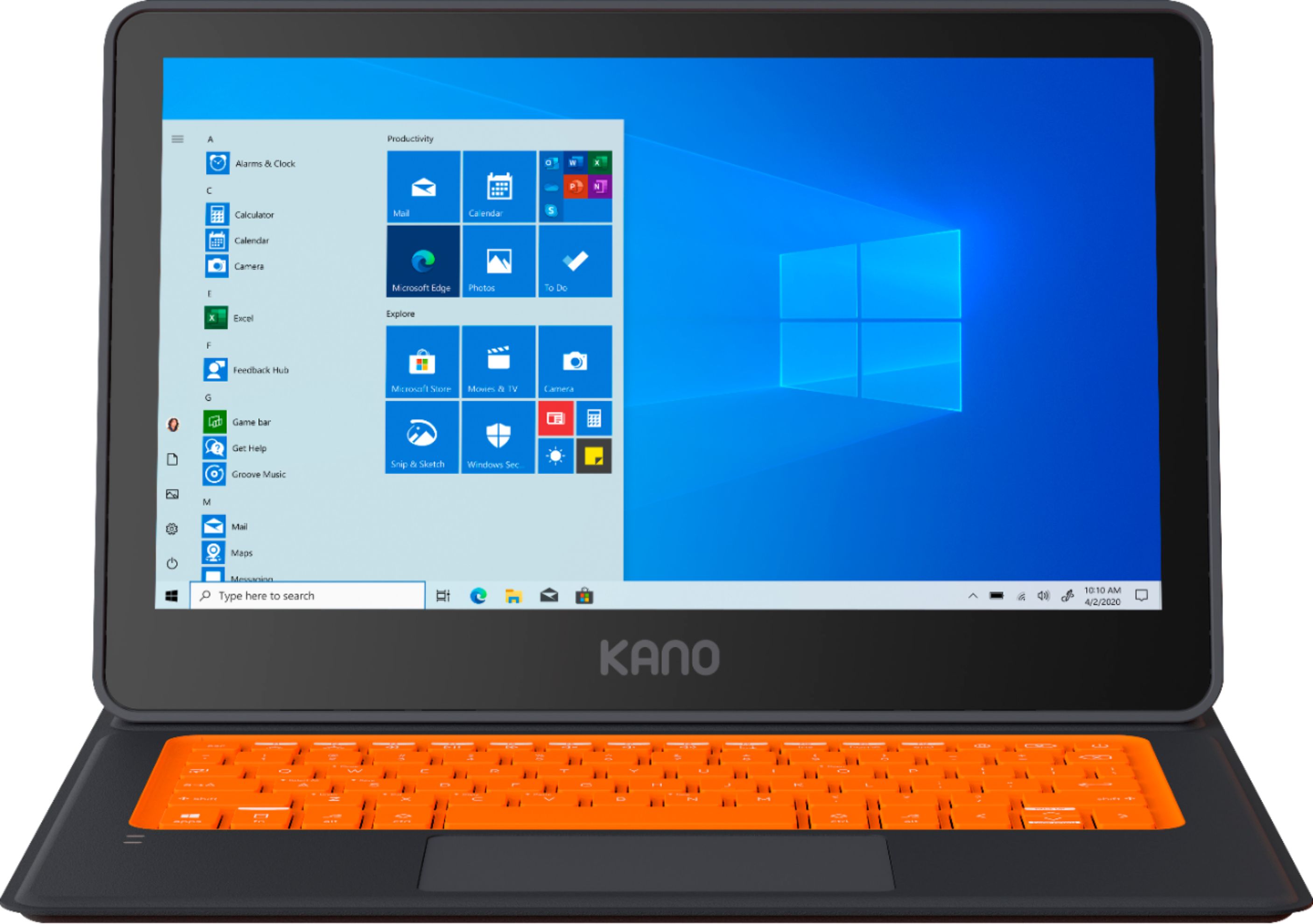
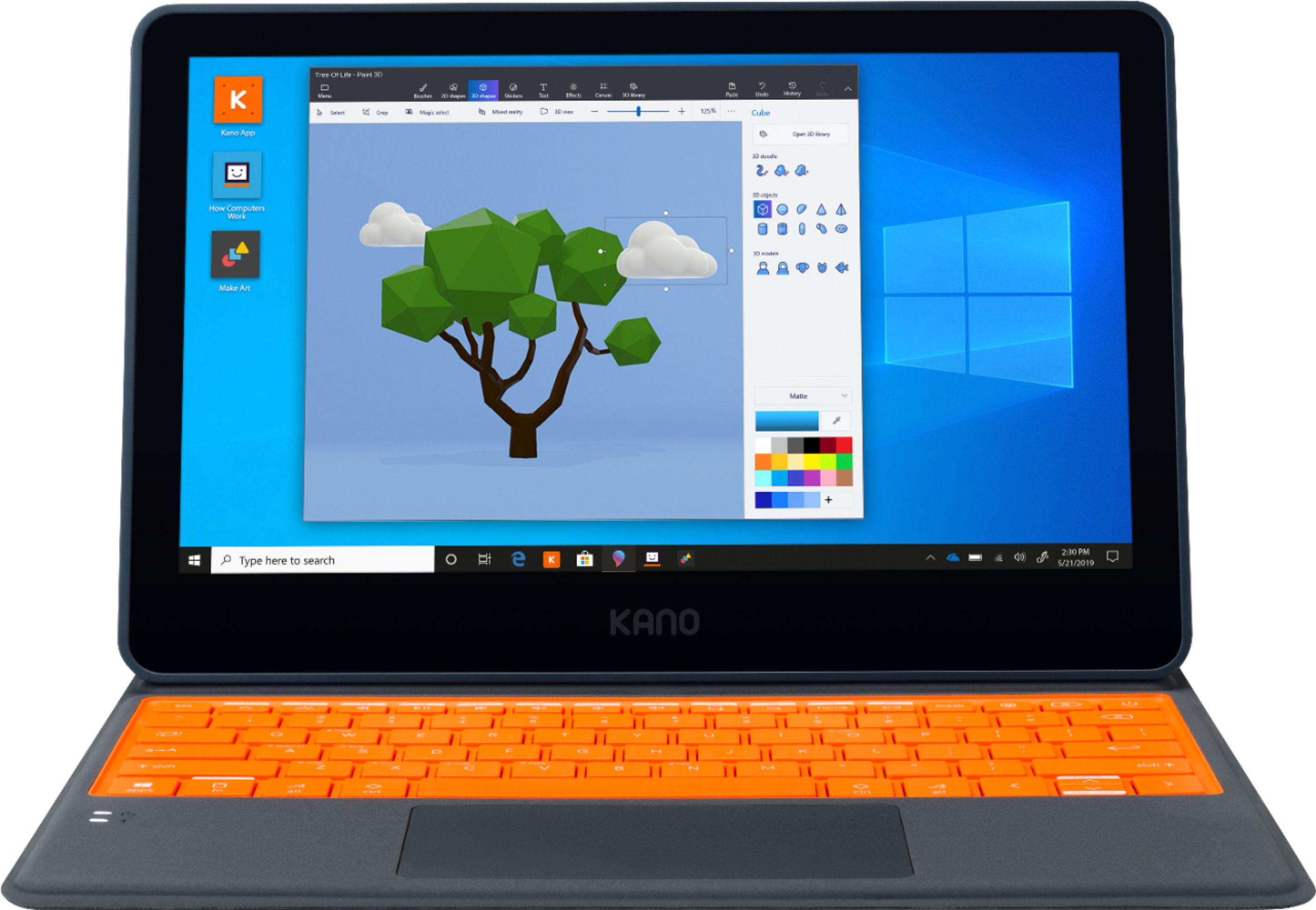
- A:Answer Great question! The Kano PC's operating system is Windows 10 Home.
Answered by Team Kano
Q: QuestionWhat is the Kano PC’s CPU and GPU and is the Kano PC compatible with a stylus
Asked by BestBuycorei9Cat.
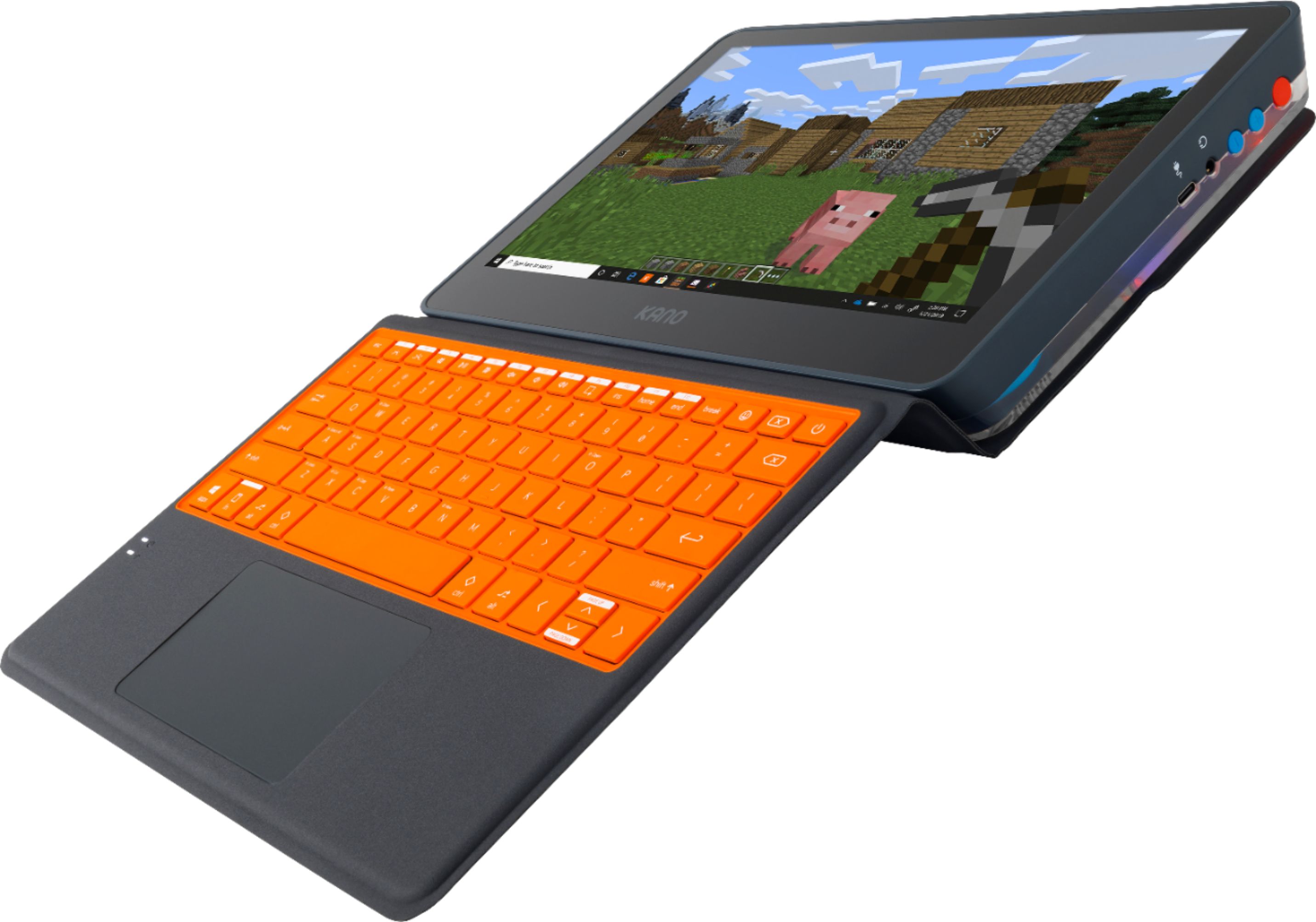
- A:Answer The Intel UHD 600 graphics which is embedded in the N4000 is a very basic graphics processor. So, laptops with the Celeron N4000 / UHD 600 can run only the most basic PC games. One of the screenshots above shows Minecraft running on this laptop so that's a plus.
Answered by Ricko
Q: QuestionCan it run Minecraft Java edition or only Microsoft store versions?
Asked by McCodingGeeks.
- A:Answer The Kano PC can run both Minecraft Java edition and the Microsoft Store Minecraft Windows 10 version.
Answered by Team Kano
Q: QuestionCan you game on it at all?
Asked by Jake.
- A:Answer You sure can! But be sure to first check that the Kano PC meets the minimum required specs for the games you want to play.
Answered by Team Kano
Q: Questionhow much does it weigh?
Asked by kitty.
- A:Answer The tablet/laptop itself is a little less than 3 pounds and the keyboard/cover adds about 1 pound so the total is about 4 pounds.
Answered by CheckM8
Q: QuestionWill this run plugged into AC? If the battery gets low can it be plugged into a wall outlet with an adapter?
Asked by 1775.
- A:Answer The Kano PC comes with a wall adapter and charging cable and it can run while plugged in to charge.
Answered by Team Kano
Q: QuestionThe specs say it has 64GB embedded storage, then says 0. How much available storage does it come with, and what is the largest microSD card you can add.
Asked by DaveNLR.
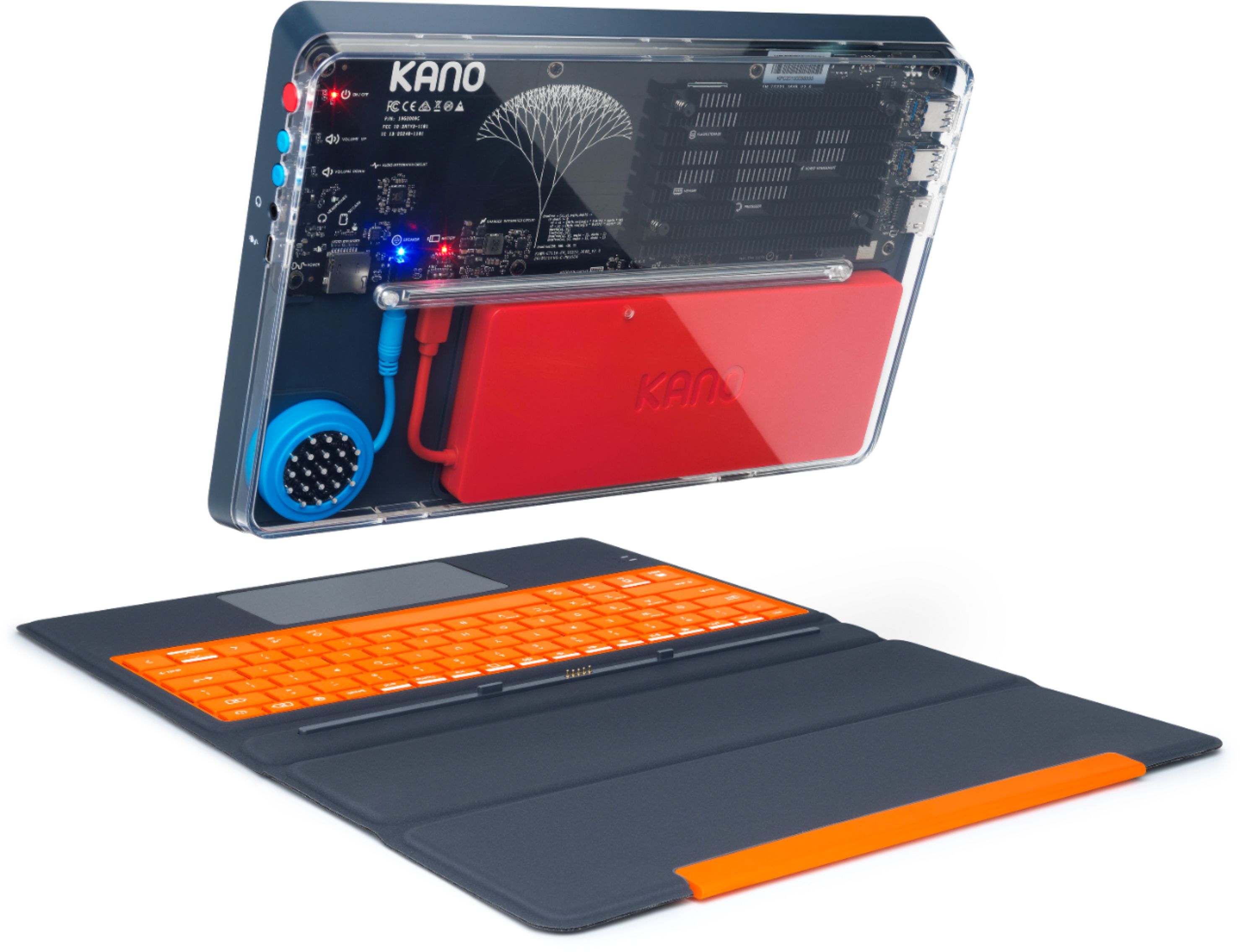
- A:Answer It comes with 64GB eMMC built in. I’m unsure of the size microSD card you can install. Make sure you install the SD card BEFORE you snap the back on the PC. The back is nigh impossible to remove.
Answered by Matt
Q: QuestionCan I use a surface pen with it?
Asked by Anonymous.
- A:Answer Yes, the Surface Pen works with the Kano PC.
Answered by Team Kano
Q: QuestionCan it run roblox and fortnite
Asked by Jared.
- A:Answer Yes, the Kano PC can run Roblox and Fortnite.
Answered by Team Kano
Q: QuestionWhat is the maximum size microSD card I can use with this laptop/tablet?
Asked by SV.
- A:Answer The maximum size of the microSD card that the Kano will accept is 512 GB, according to the Kano specifications.
Answered by DennisJ
Q: QuestionWhat we love most about Chromebooks is that they don't get viruses. Since this is Windows 10, does it get viruses and need an antivirus program?
Asked by Marty.
- A:Answer While it is in theory possible for Windows 10 to get a virus, this is not something that happens often and should not be a concern when purchasing a Kano PC. Windows 10 comes with built-in Virus & Threat Protection. You can find it in Settings > Updates & Security > Windows Security. This is enabled by default to scan & optimize the system regularly.
Answered by Team Kano
Q: Questioncan javaJDK and eclipse be installed on this laptop
Asked by Angel.
- A:Answer It’s running Windows with an x86 processor so it should have no problem with Eclipse. It’s a good PC for kids, but not for hardcore development.
Answered by Mike
Q: QuestionCan you use Google Chrome on this device? We need this for online learning.
Asked by Nicole.
- A:Answer You absolutely can! You can install any web browser on the Kano PC, including Google Chrome!
Answered by Team Kano
Q: QuestionHow do you assemble after ordering?
Asked by Bbyjayy.
- A:Answer the instructions are very clear and it is just plug and play of maybe 5 parts. Very easy.
Answered by g8rgrad98
Q: Questionwill it be able to update to windows 11?
Asked by annie.
- A:Answer Kano #1: Upgraded with preview version before Oct 5 official release, and it did work, but some device functions did not have drivers with Windows 11, i.e. audio, 'proximity" (screen rotation? that is not available in Win 10 on the Kano; just manual rotation, and back, between portrait and landscape), and general ACPI stuff. Once I copied over device drivers from Kano #2 still on Windows 10, I could force driver updates to be found in the Win 10 drivers I copied over, and that seems to work (audio for sure). Kano #2: Since official release Oct 5, it keeps getting prompted in Windows Update to "accept" the terms from MS in order to proceed with the Win 11 "upgrade", but I am not letting that happen until I see positive info from Kano and/or MS (or major tech sites?) that all drivers will be functional without the Win 10 driver copying trick I had to use for Kano #1 as described above. Win 11 is just not that compelling for my uses, and Win 10 will be supported for 4 more years.
Answered by ROBB
Q: QuestionDoes the Kano PC come with Bluetooth?
Asked by heavyhank.
- A:Answer Yes it has bluetooth.
Answered by Ddsanchez
Q: QuestionCAN A CAMERA BE INSTALLED ON THIS TABLET?
Asked by GRANNY.
- A:Answer Yes you can use any webcam attachment. In fact, Kano has one that can be purchased for I believe 29.99 or a package deal with a wired mouse and headset that is designed to be either wired or wireless for 50 dollars on their website. If student, there is an additional 10% discount. However, any standard equipment can be used with this device! https://www.yankodesign.com/2020/08/05/this-flexible-point-anywhere-webcam-allows-you-to-have-more-dynamic-zoom-video-calls/
Answered by Samcharshaw
Most-viewed items
- $329.99$329.99The price was $469.99
- $149.00$149.00The price was $399.00
- $159.99$159.99The price was $179.99
- $122.00$122.00The price was $129.99
- $449.99$449.99The price was $649.99
- $1,149.00$1,149.00The price was $1,299.00