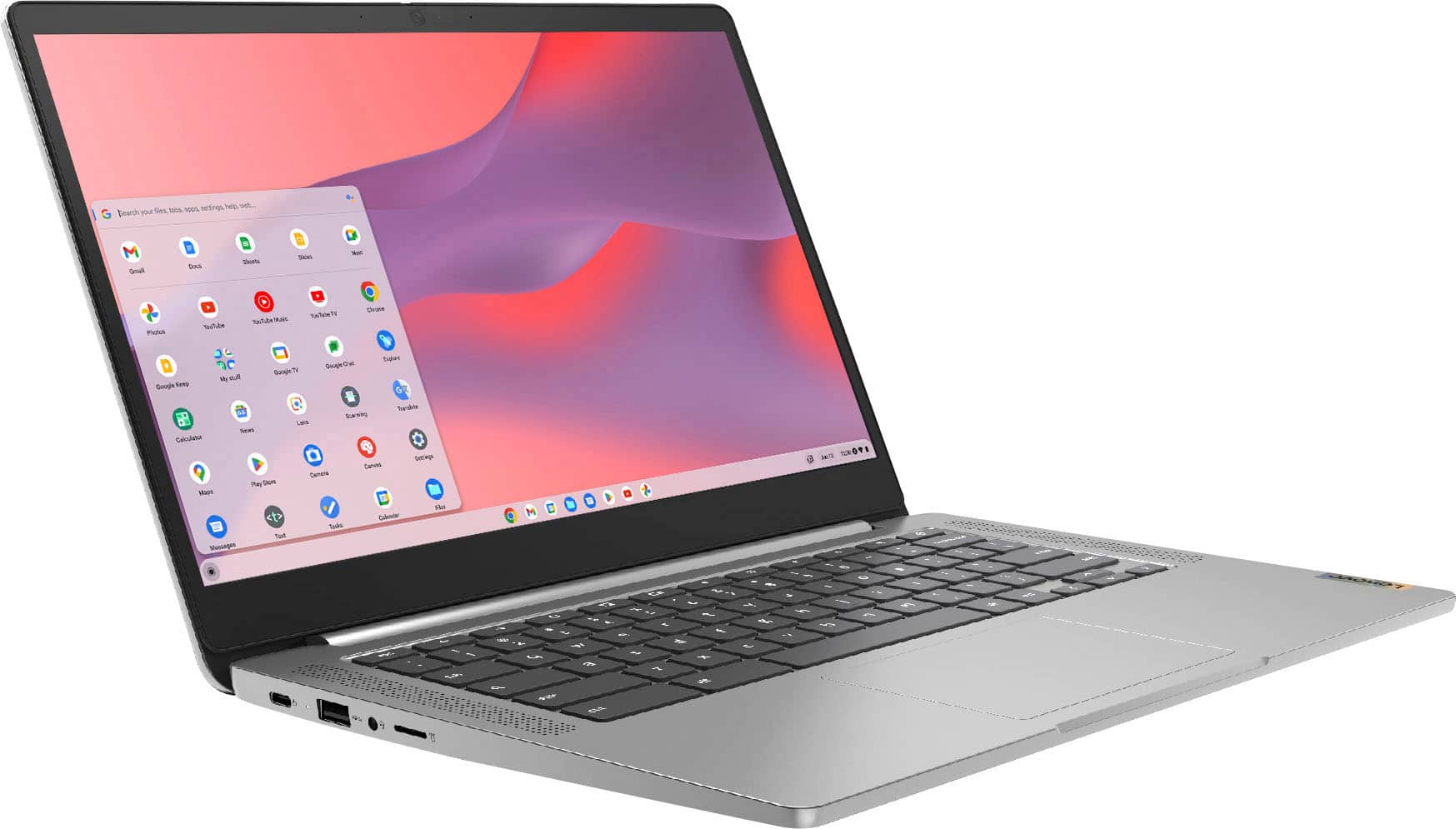
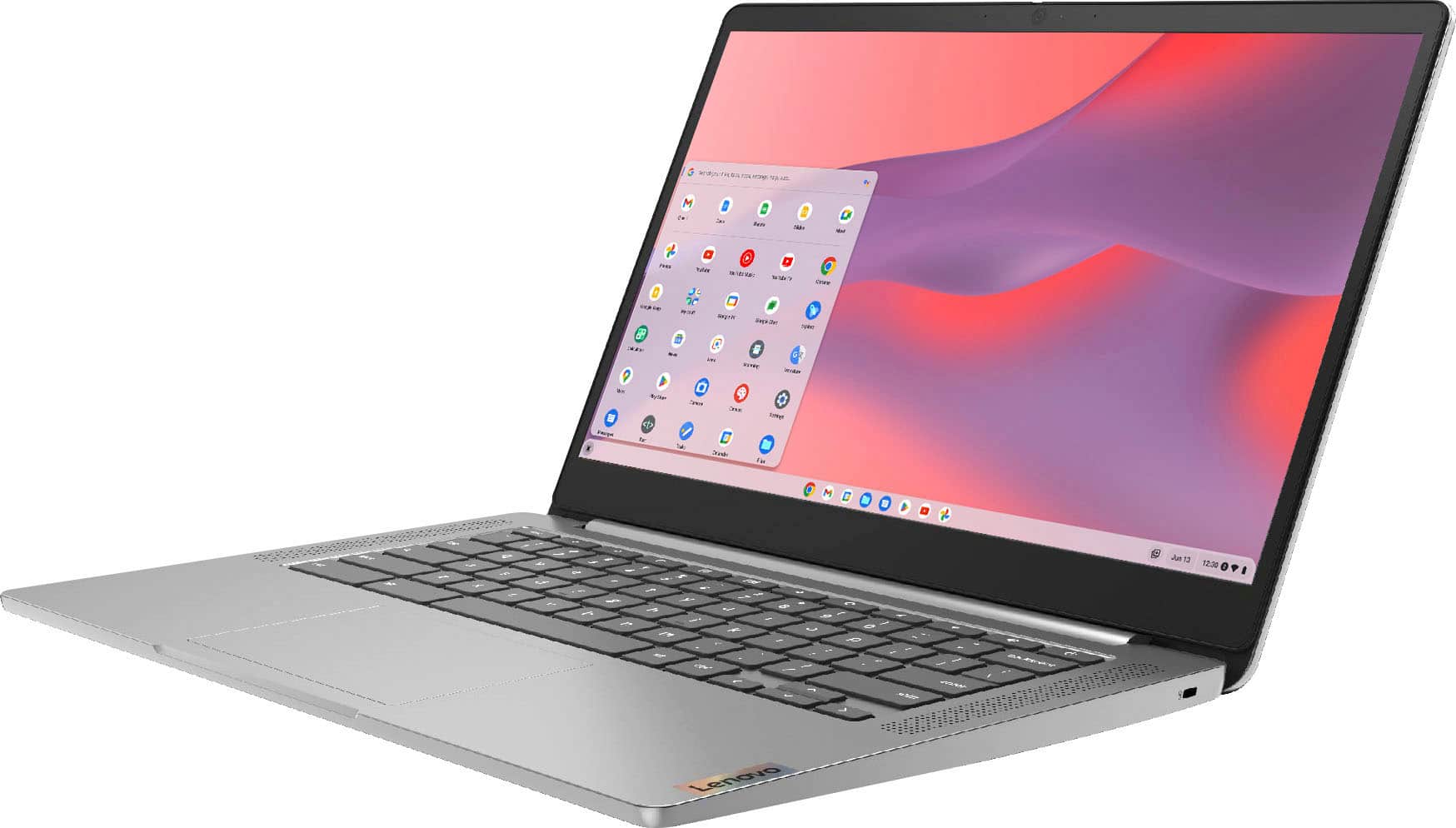
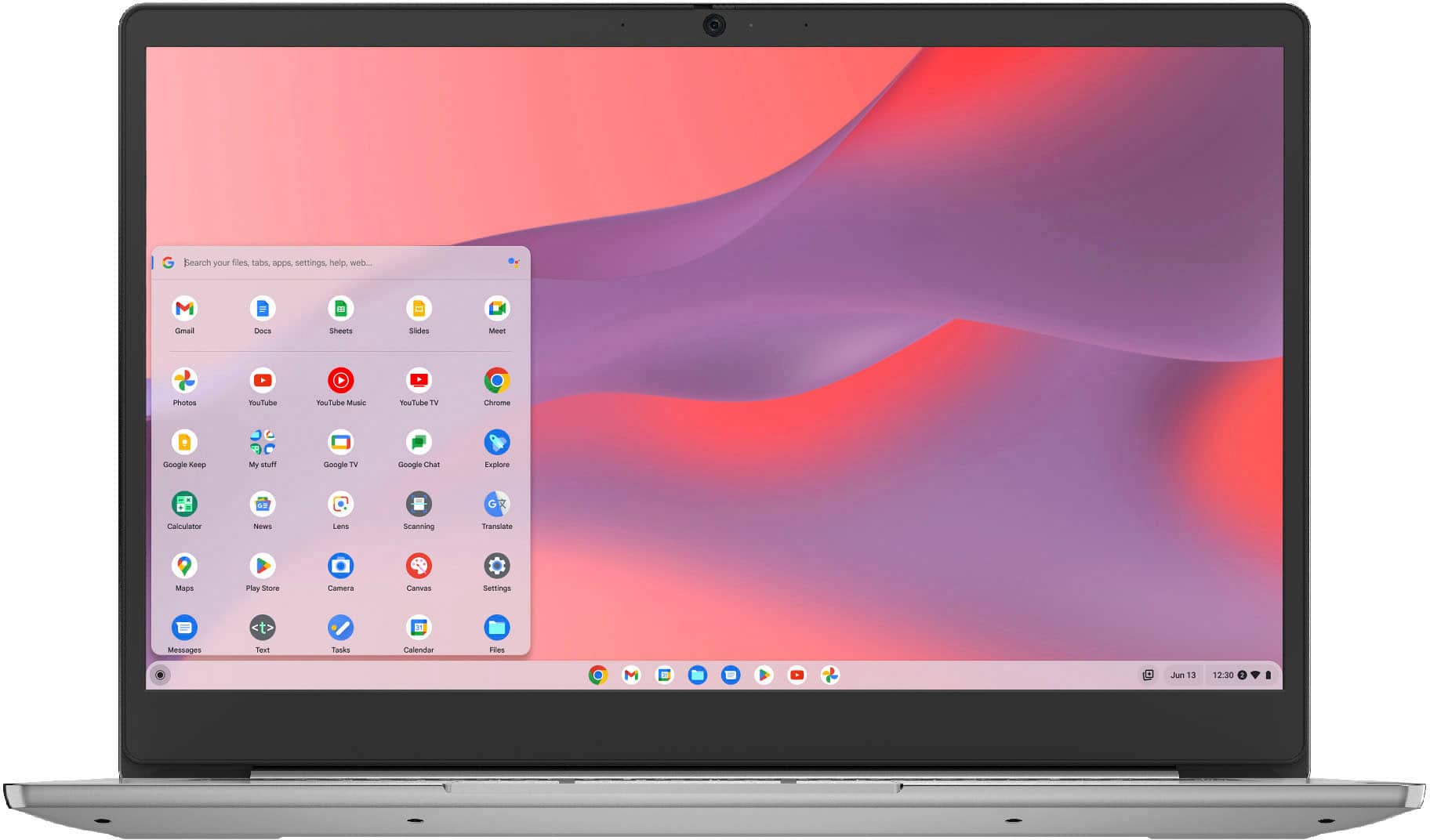
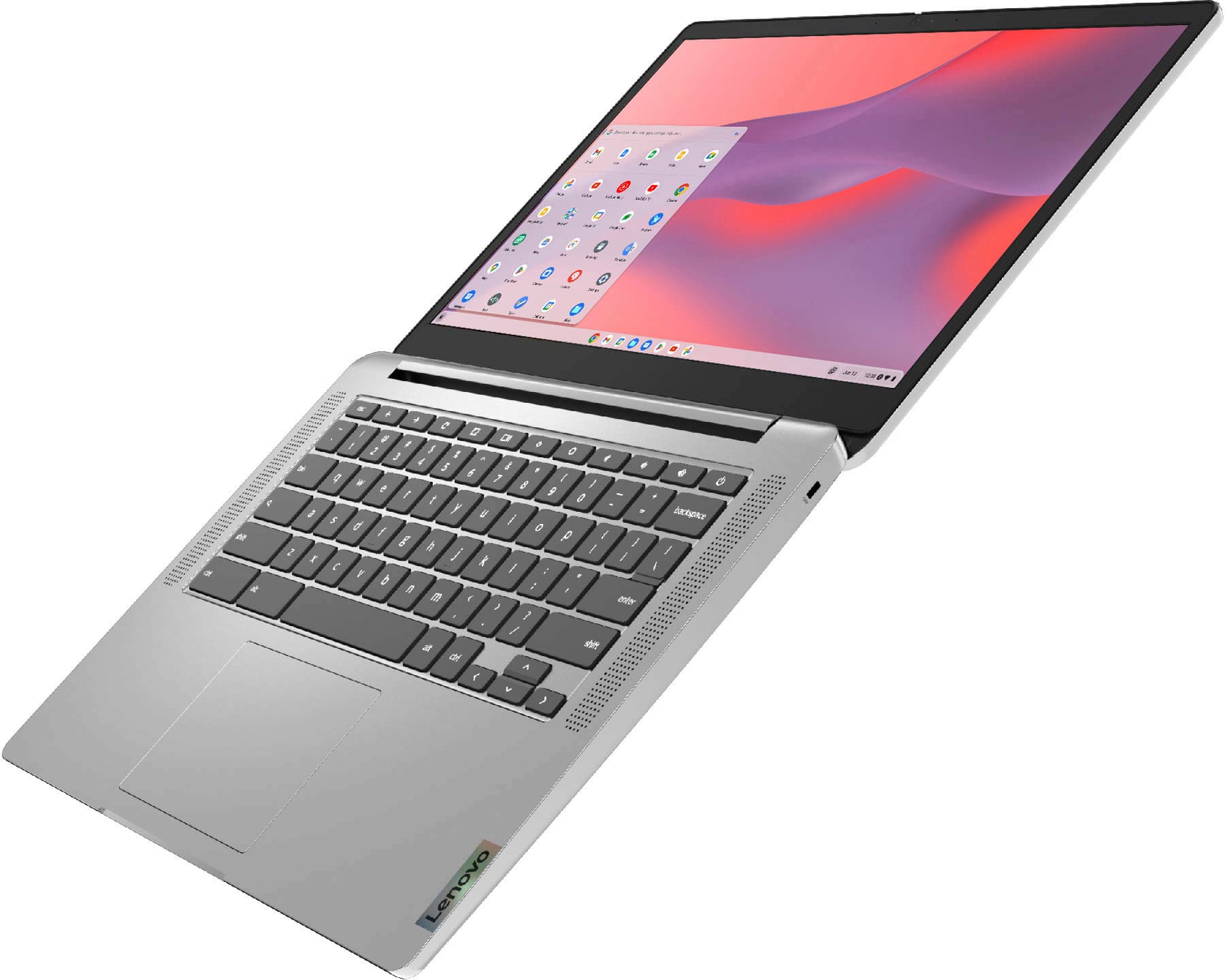
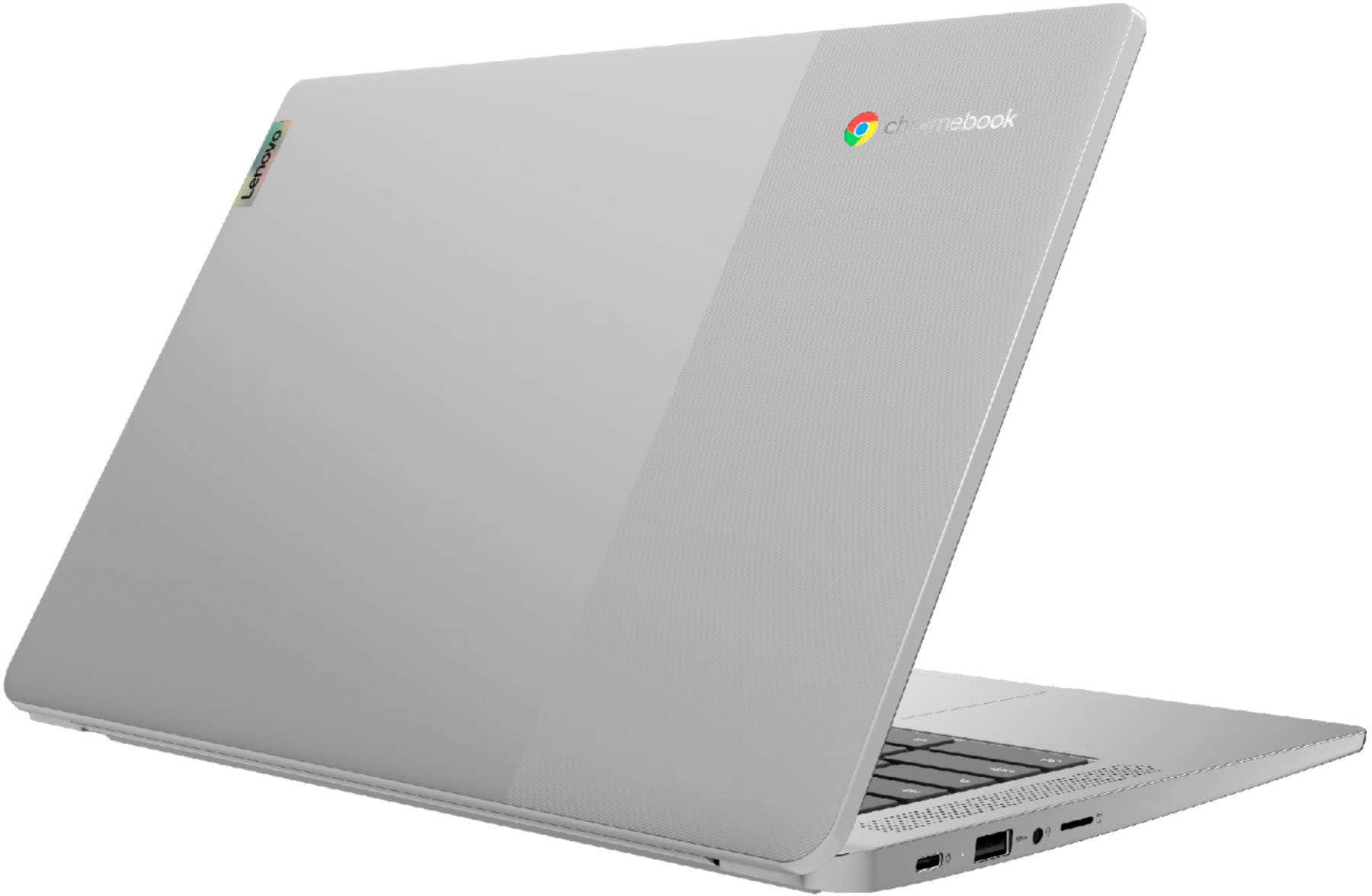
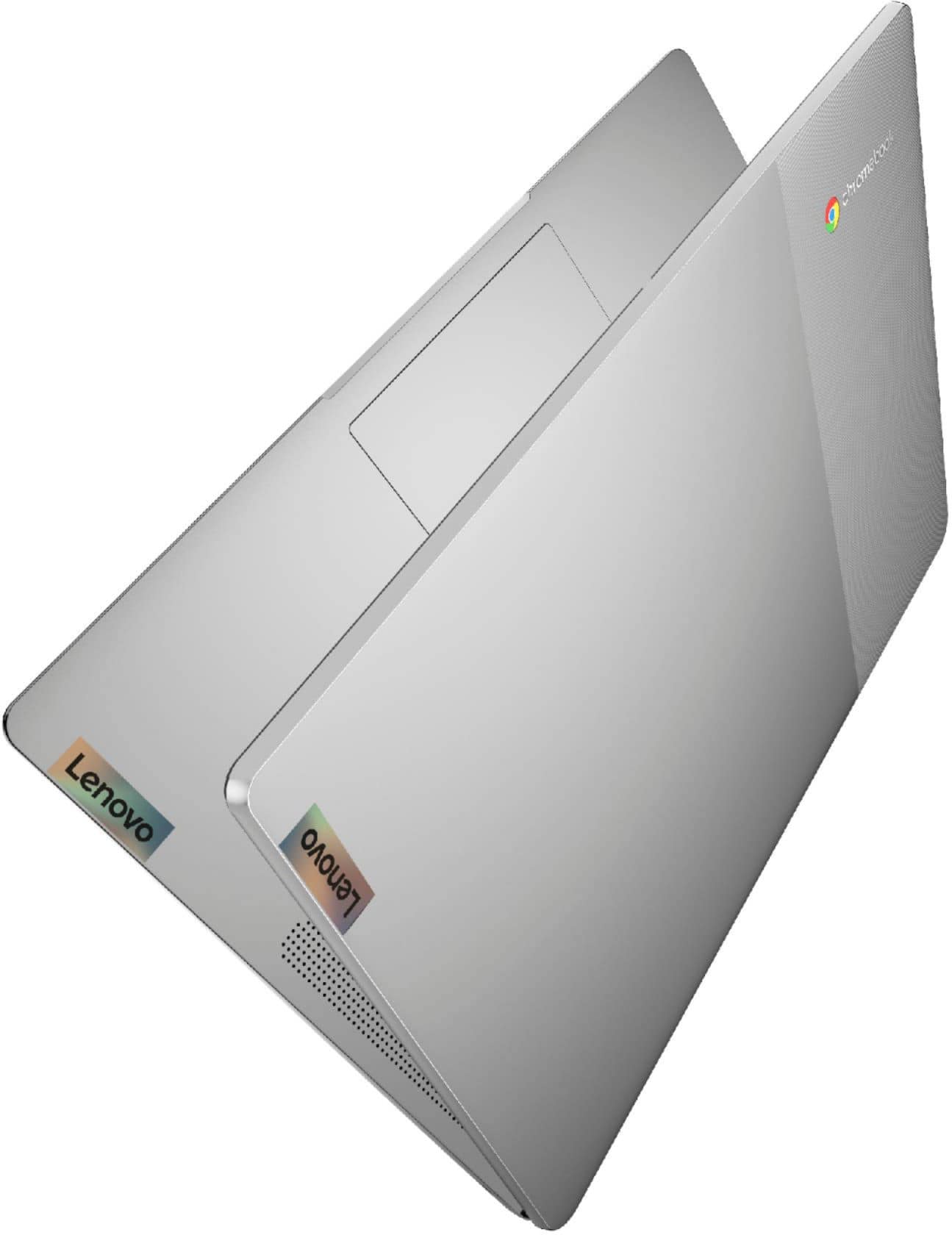
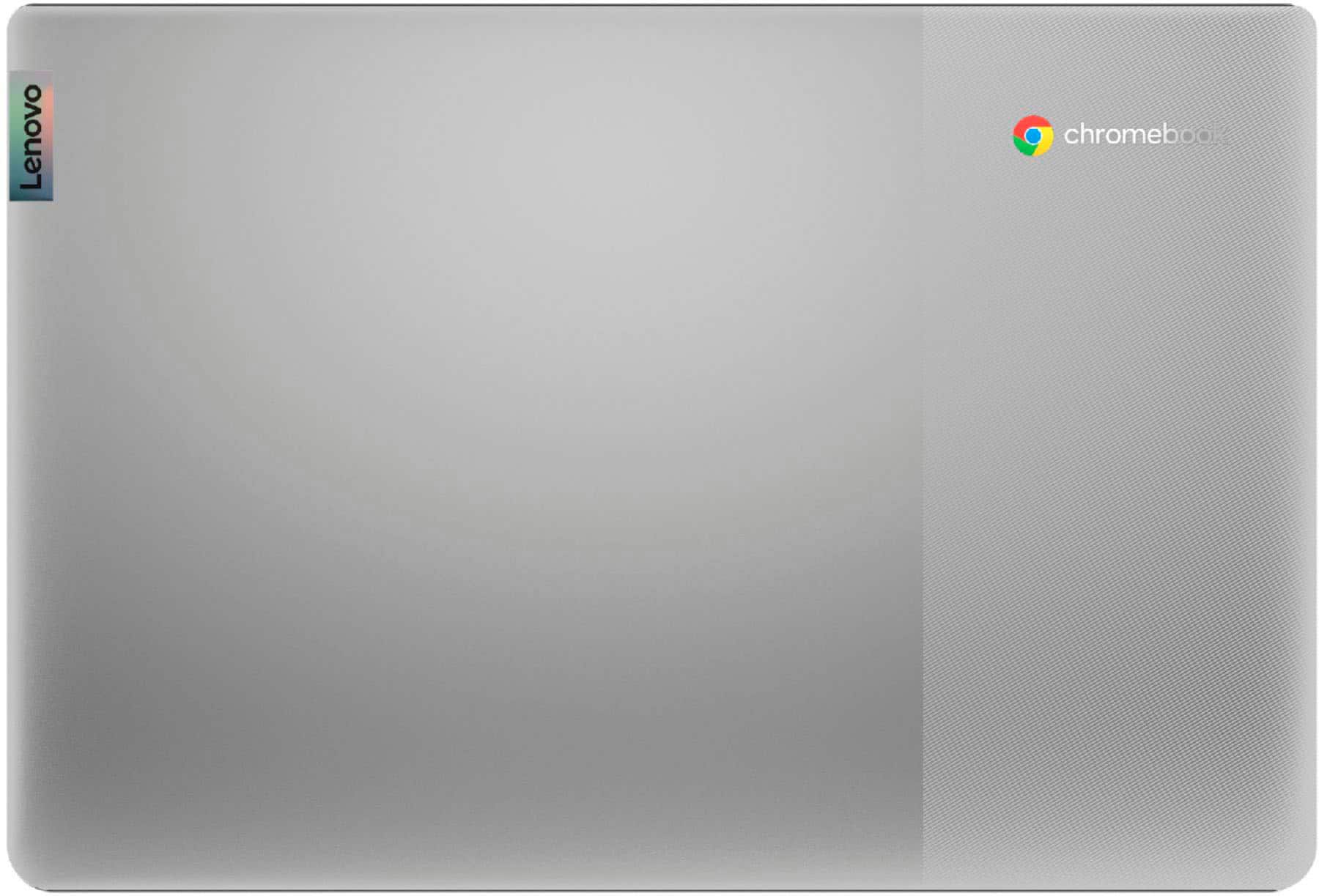
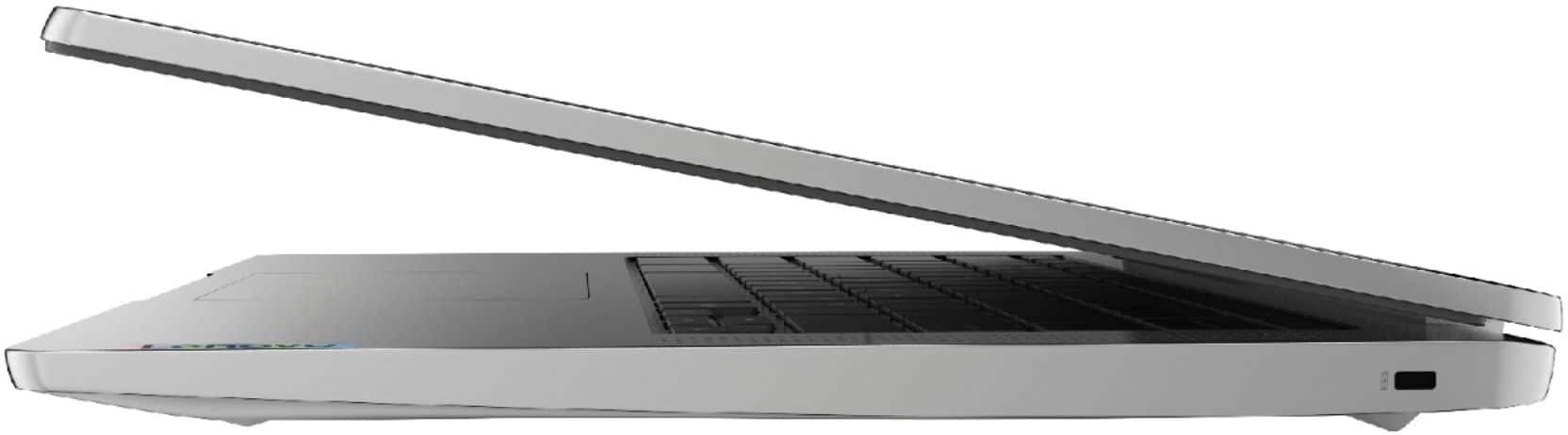
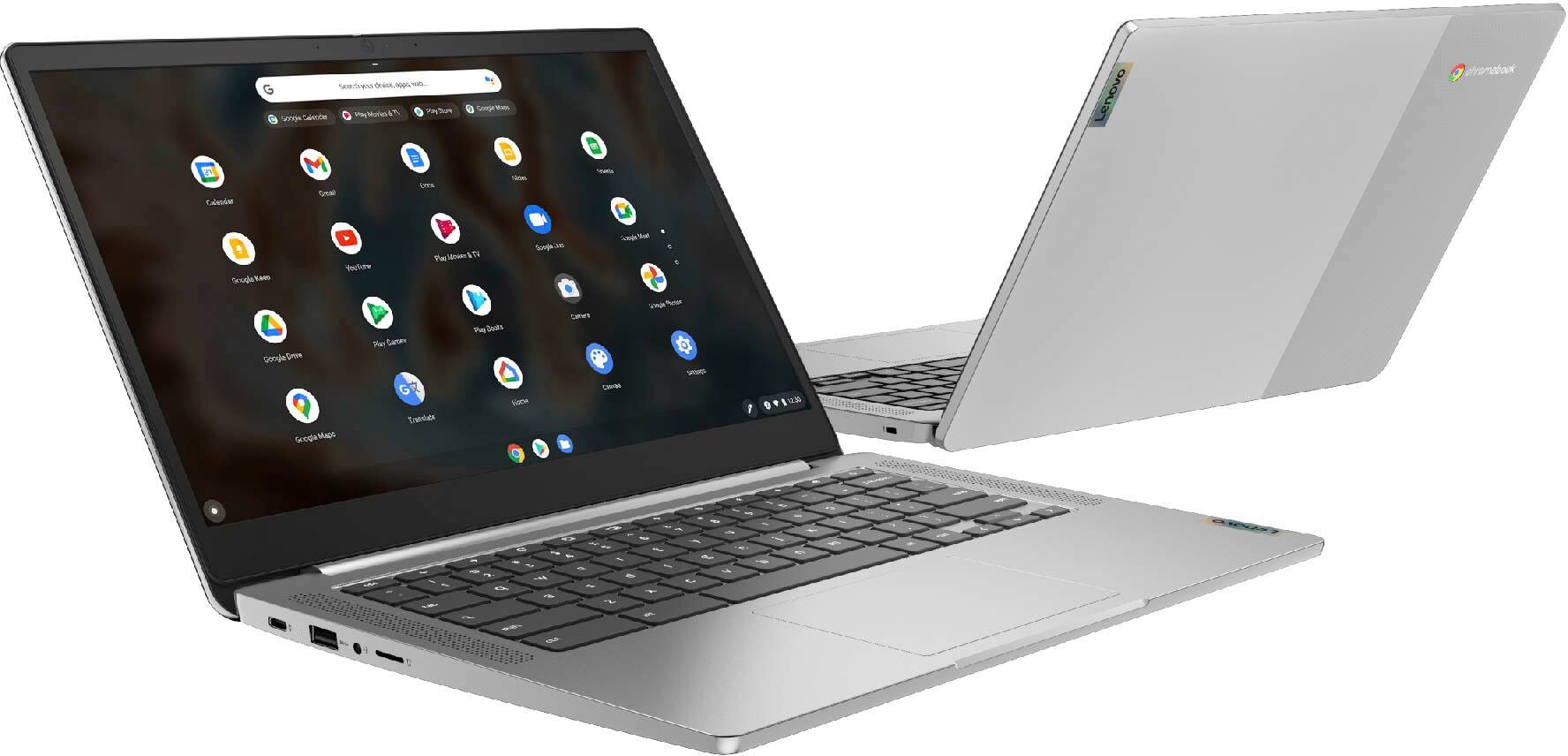
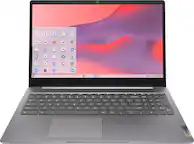
A:AnswerYes. The Lenovo Chromebook 3 14 model number 82KN0001US, ships with a 14 inch (screen size measured diagonally) IPS - FHD (1920x1080) 10-point Multi-touch screen, with a brightness level of 300 nits and has a matte, Anti-glare coating.
A:AnswerYou should be able to do this. Direct Tv has an app in the Google Play store. However, in my experience with TV apps, they are NEVER as good as the TV itself and their may be some limitations in the app version.
A:AnswerAccording to Google support.
If you want to learn about Chromebook security, all the details are here
https://www.chromium.org/chromium-os/chromiumos-design-docs/security-overview
The disk is always encrypted. Only the signed-in user can access their profile data. There is no administrator account that can access everything.
I have seen other posts that say that only the user data is encrypted and that the OS is no encrypted. That would make since for performance.
Note that my experience has been that data stored on external media is not encrypted and is shareable between users.
A:AnswerThe Lenovo Chromebook 3 14 model number 82KN0001US, ships with the Chrome Operating System and is compatible with Google Play Store APPs. Not all APPs available at the Google Play Store are optimized for Chromebooks. We recommend you check specific APPs you want to use, for their requirements and compatibility, with the APPs software publisher/owner's web site, for requirements and compatibility with the Chrome Operating System.
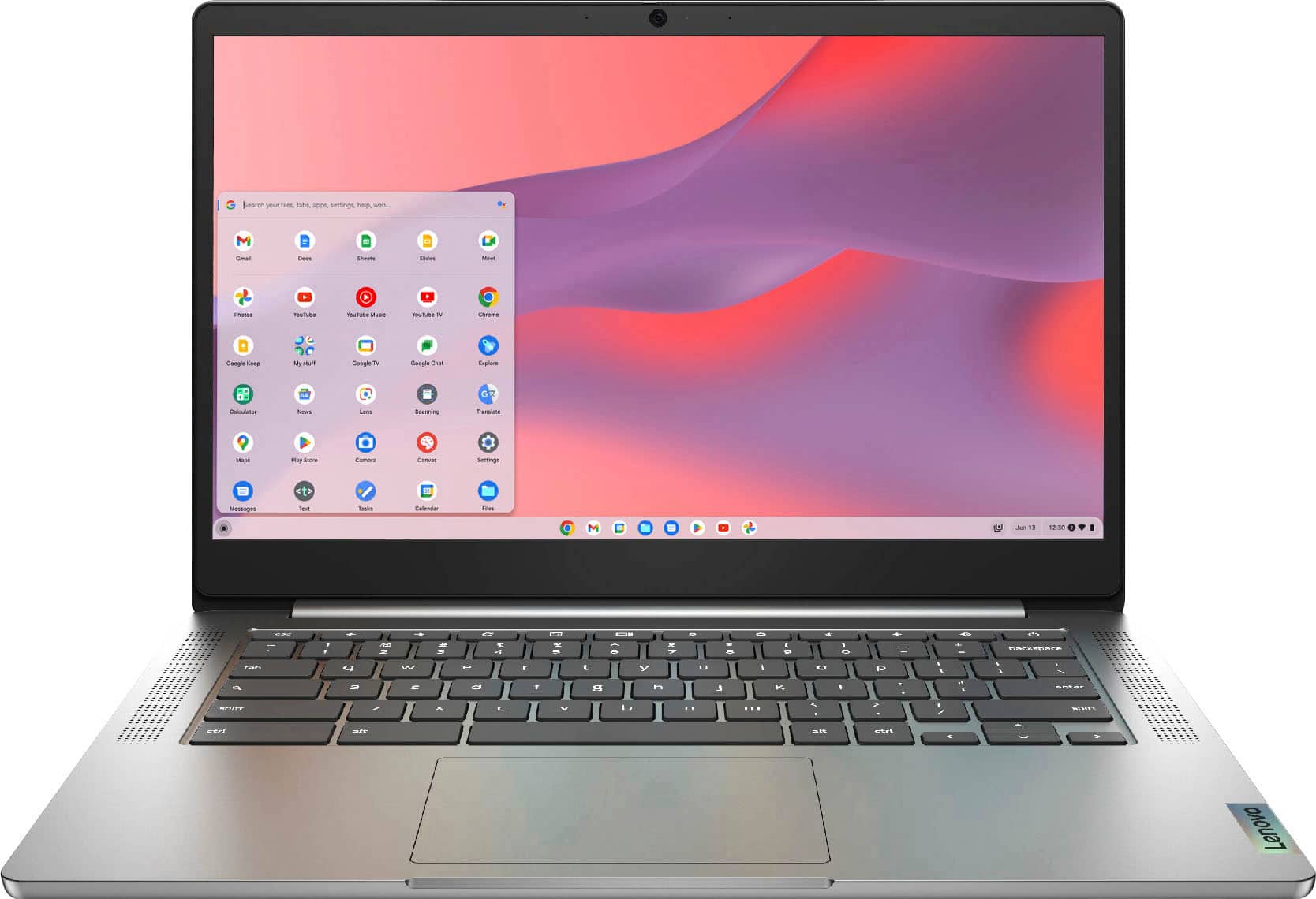
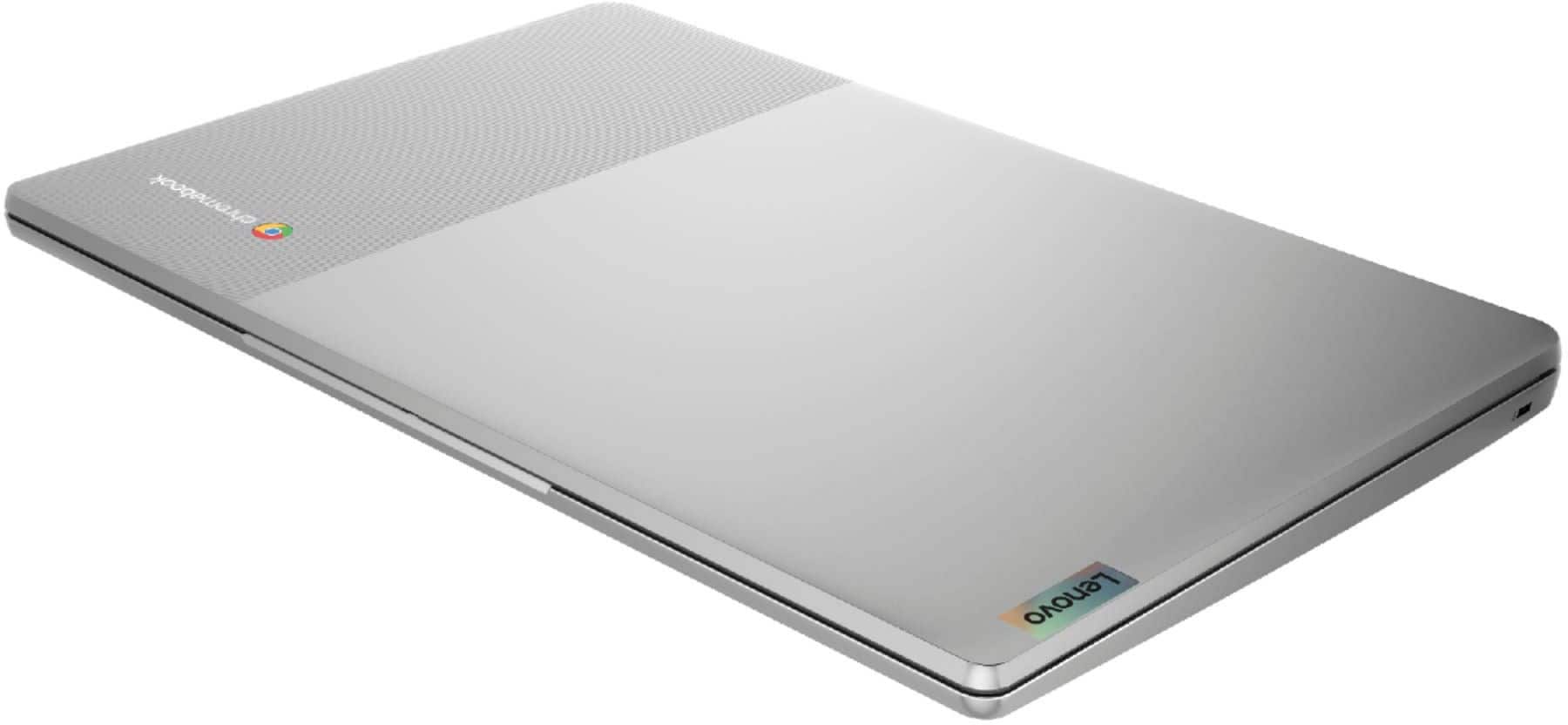
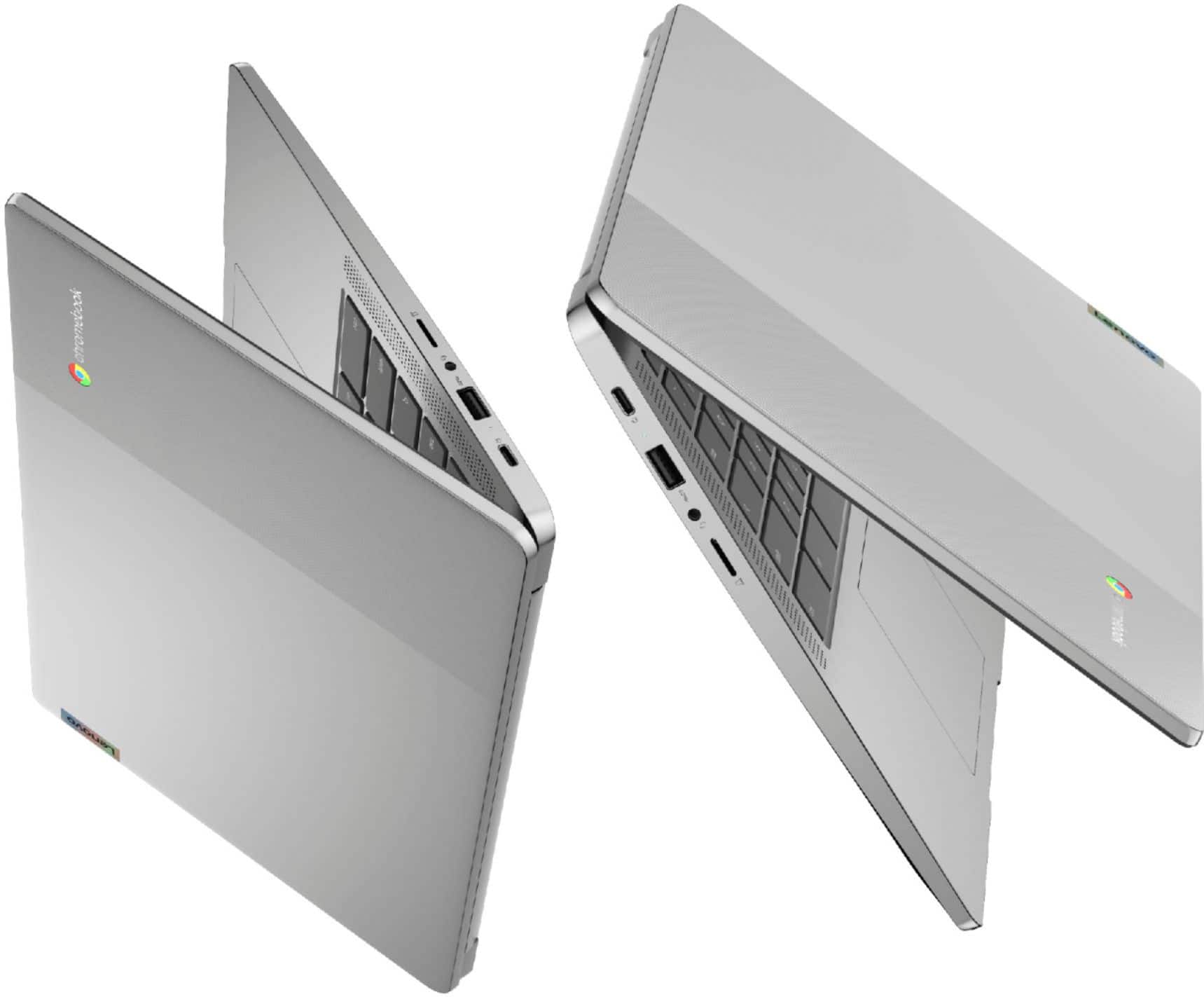
A:AnswerThe case material of the Lenovo Chromebook 3 14 model number 82KN0001US, including the screen frame, is PC + ABS Plastic (Top), PC + ABS Plastic (Bottom).
A:AnswerThe Lenovo Chromebook 3 14 model number 82KN0001US, is a 110V device. It does ship with a Dual Voltage AC adapter/charger with a USA compatible wall side plug. To use outside the USA, you will need to add a compatible wall side plug adapter, compatible with the country the computer will be used in. This adapter is sold separately.
A:AnswerThe Lenovo Chromebook 3 14 will use Google as the default search engine. You can change the search engine to Yahoo!, Ask or even Bing. To change your default search engine, hover over the engine and Make Default will show up. Here is a link to more information: https://www.guidingtech.com/59124/custom-search-engines-chromebook/#:~:text=Your%20Chromebook%20will%20use%20Google,Make%20Default%20will%20show%20up.
A:AnswerThe Lenovo Chromebook 3 14 model number 82KN0001US, is compatible with any printer that is compatible with the Chrome Operating System. We recommend you check with your printer manufacturer's web site for the compatibility of your specific printer model with the Chrome Operating System.
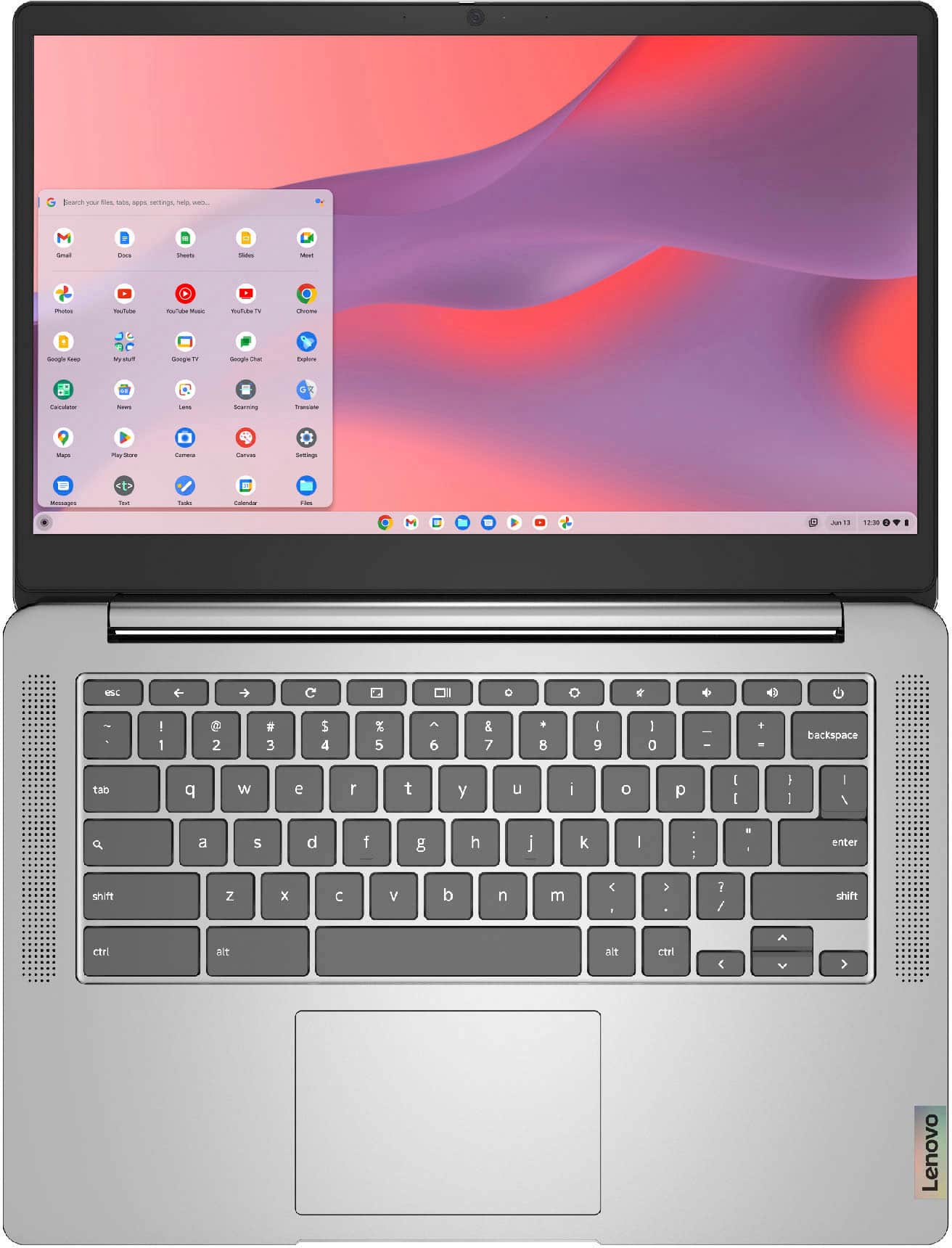
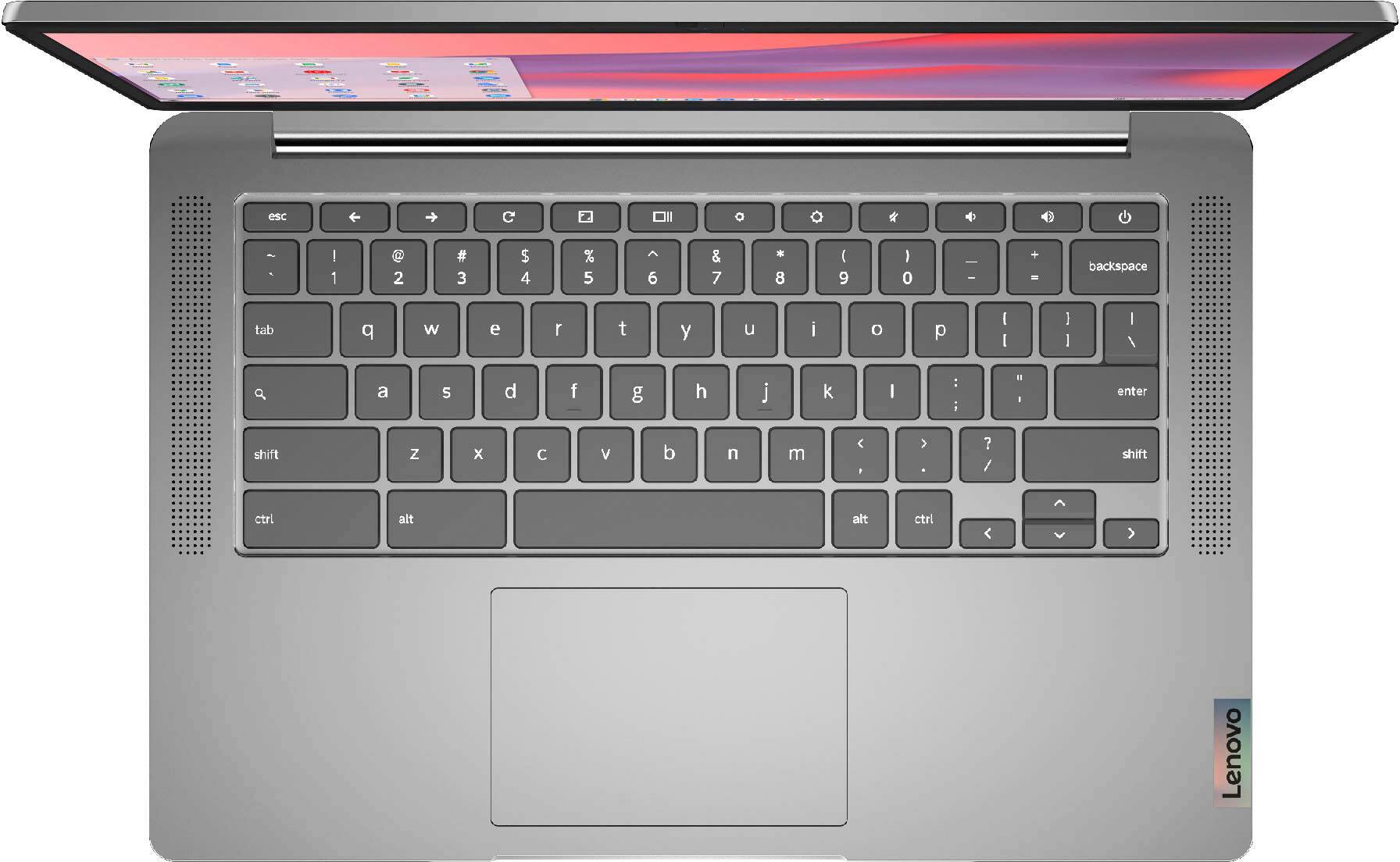
A:AnswerThat really will depend on the requirements and compatibility of the specific APPs the student will need to use. This Lenovo Chromebook 3 14 model number 82KN0001US, ships with the Chrome Operating System and is compatible with Google Play Store APPs. We recommend you check with the specific APPs software publisher's web sites of the APPs the student will be using, for their compatibility with the Chrome operating system and the minimum/recommended hardware requirements (Is a Graphics card required, the processor speed and the minimum required system RAM and the minimum available hard drive space) to run their program, then compare those requirements to this system's configuration. You can also check with the school's web site that the student will be attending for information about the APPs the student will need to use.
A:AnswerNo. The Lenovo Chromebook 3 14 model number 82KN0001US, is not compatible with any Active/Digital Pen. You can use a capacitive touch stylus as a finger replacement on the touch screen like this one: https://www.bestbuy.com/site/insignia-stylus-silver/3695185.p?skuId=3695185
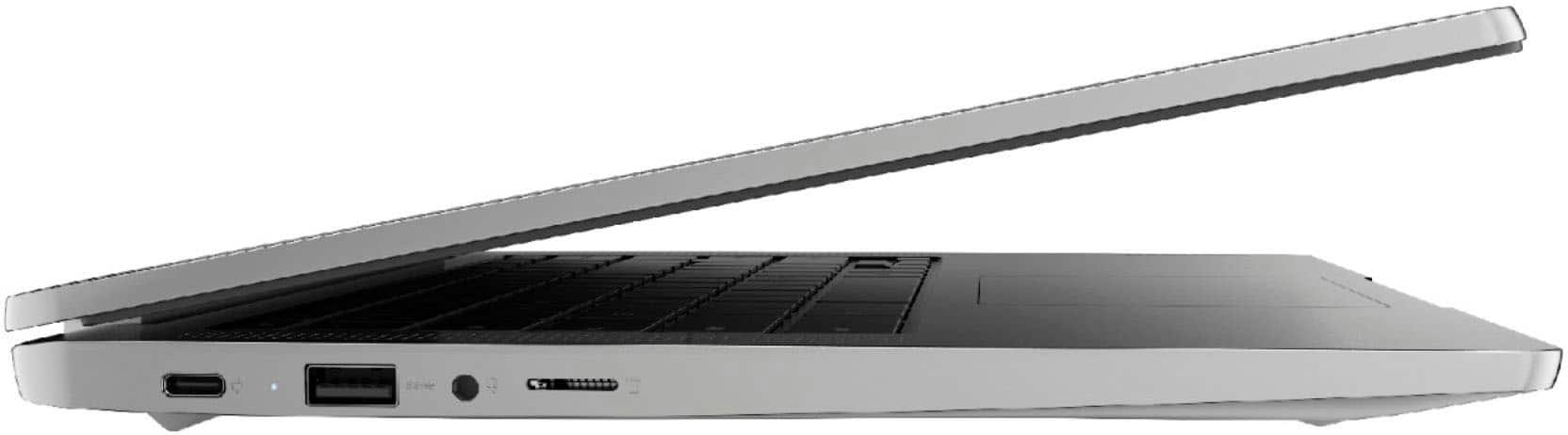
A:AnswerThis Lenovo Chromebook 3 14 model number 82KN0001US, ships with a microSD Card Reader Slot, built in and is compatible with any capacity microSD Card that is compatible with the Chrome Operating System. The microSD Card is sold separately.
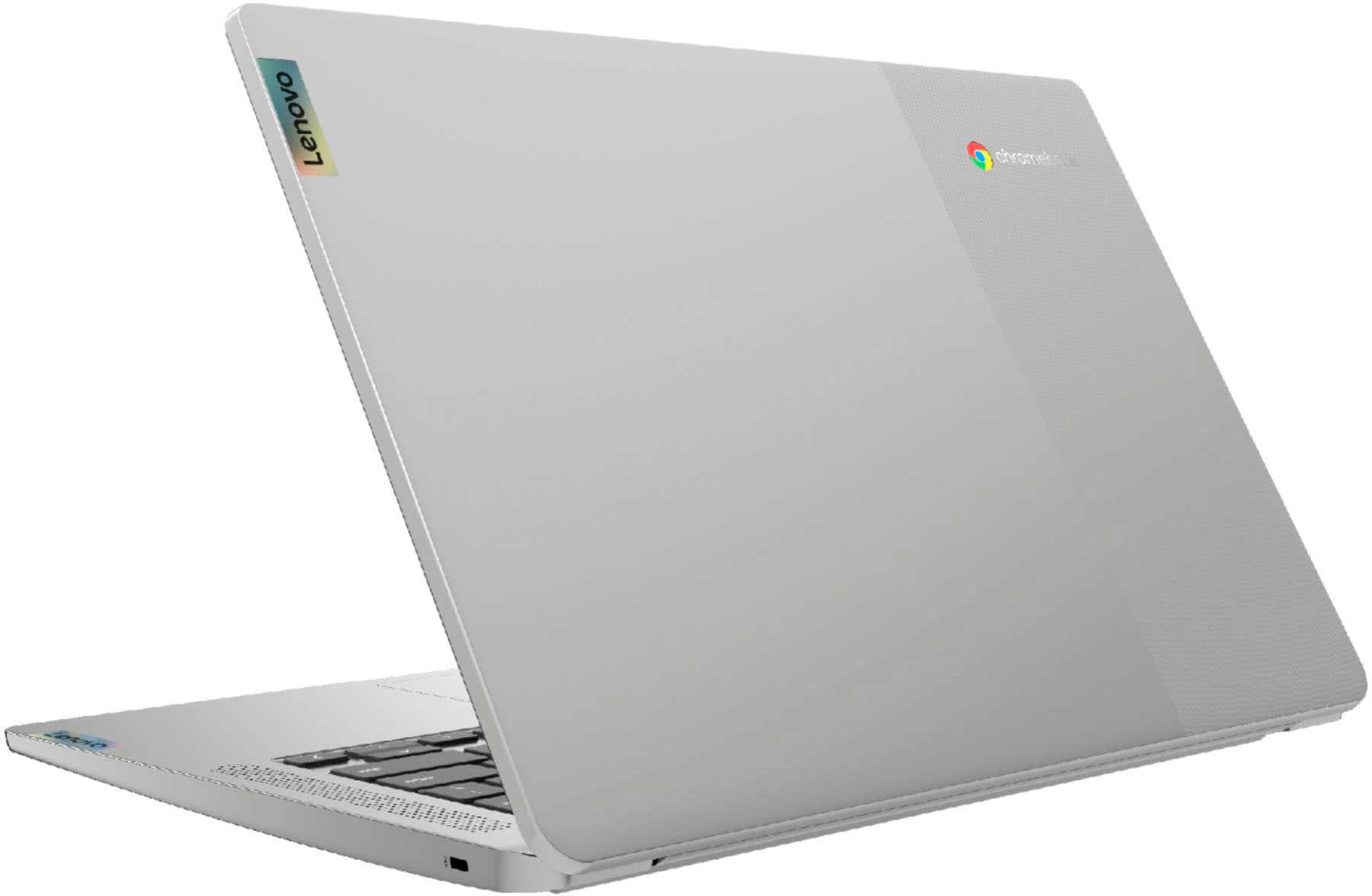
A:AnswerYes. This Lenovo Chromebook 3 14 model number 82KN0001US, ships with a 14 inch (screen size measured diagonally) IPS - FHD (1920x1080) 10-point Multi-touch screen, with a brightness level of 300 nits and has an Anti-glare Coating. This screen provides 67 percent of the sRGB (45 percent NTSC) color gamut.