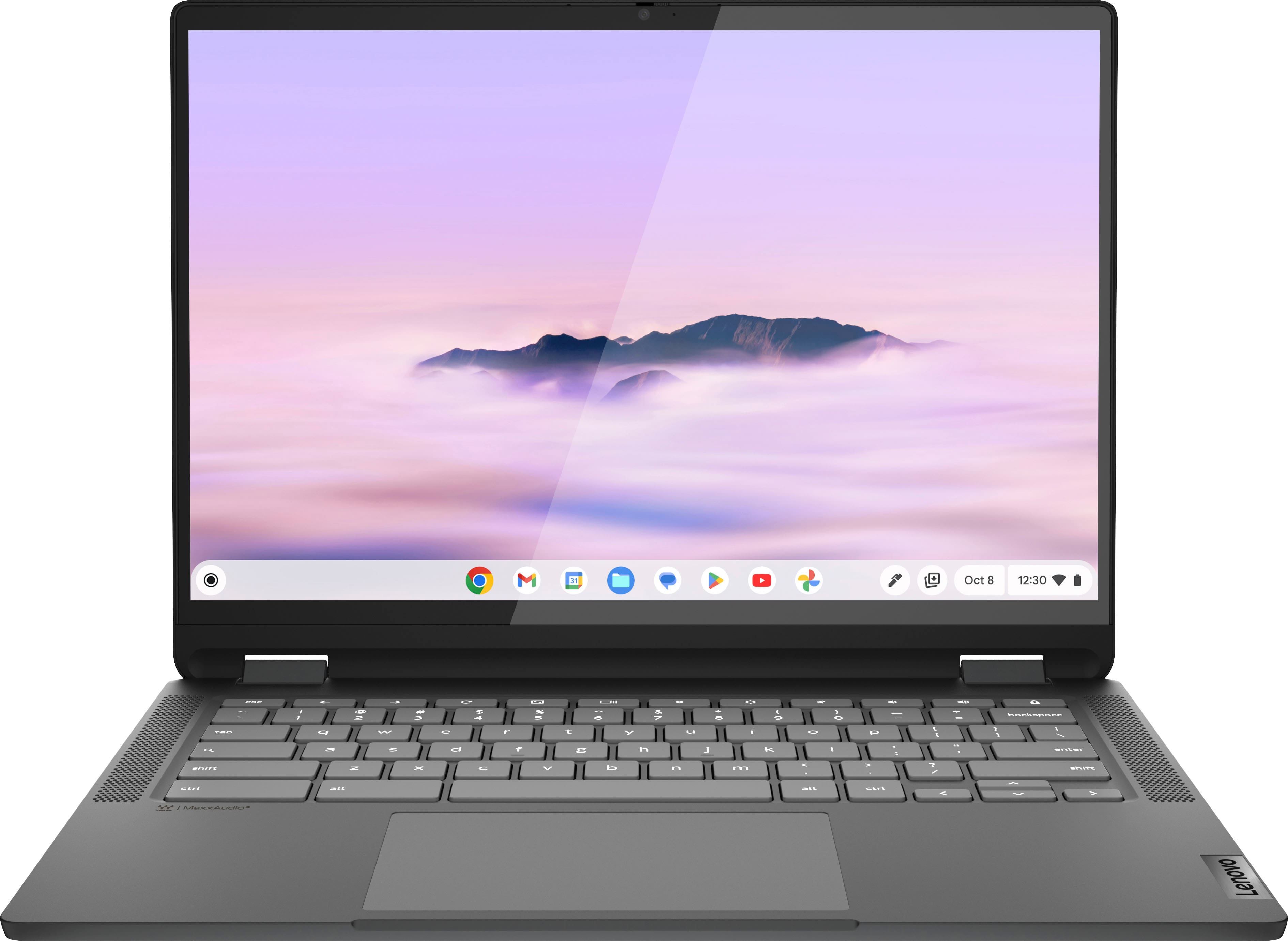
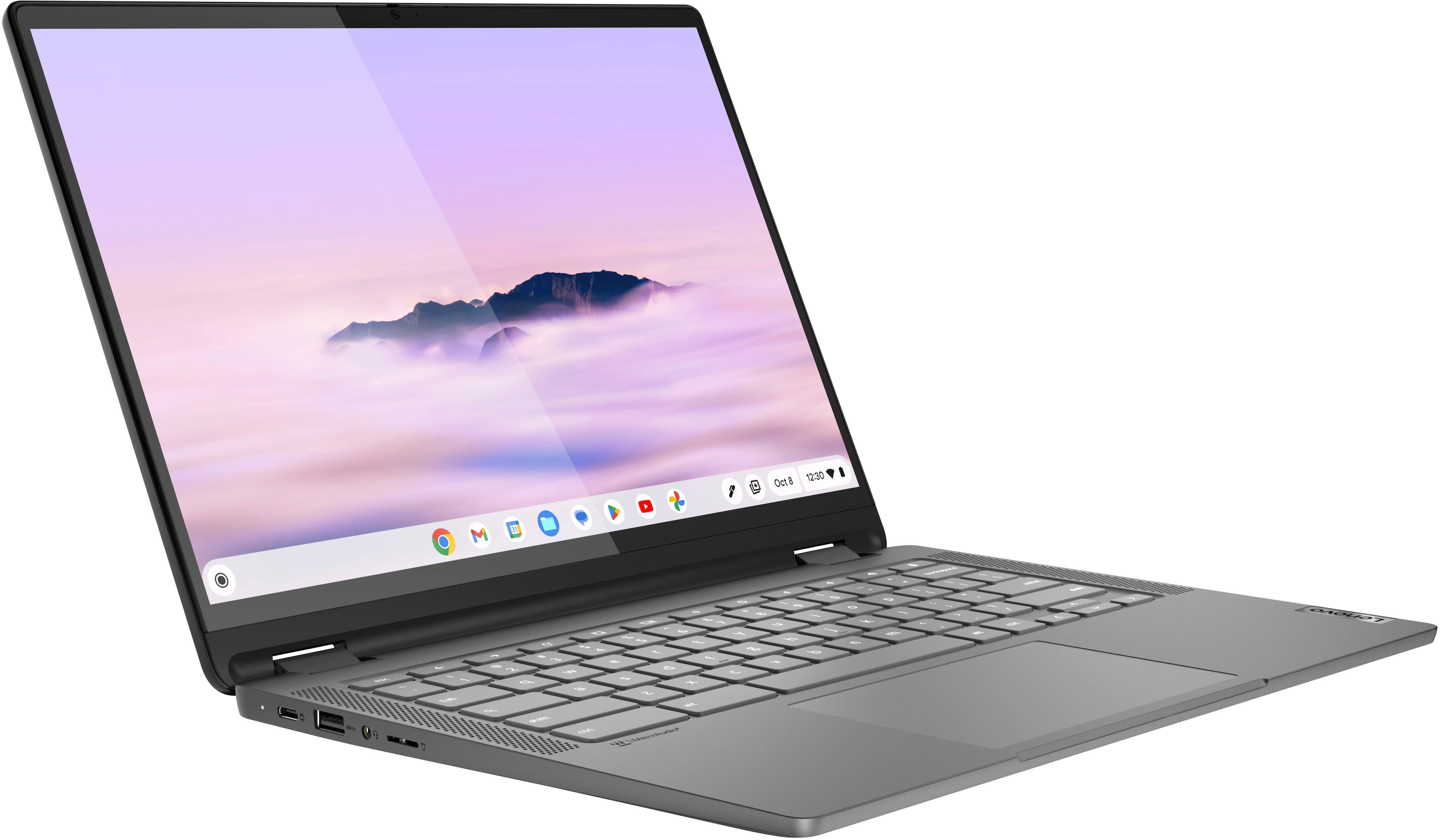
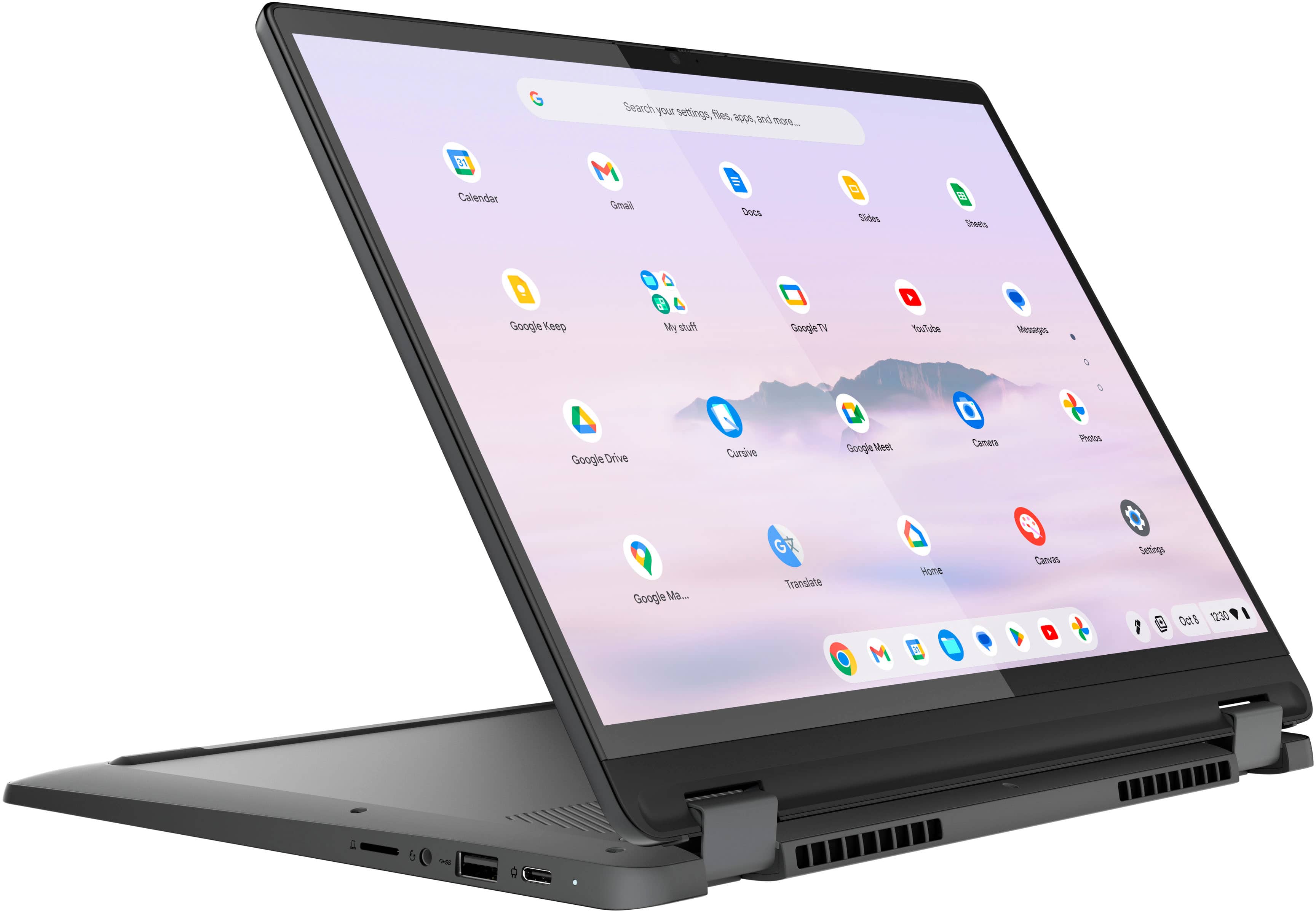
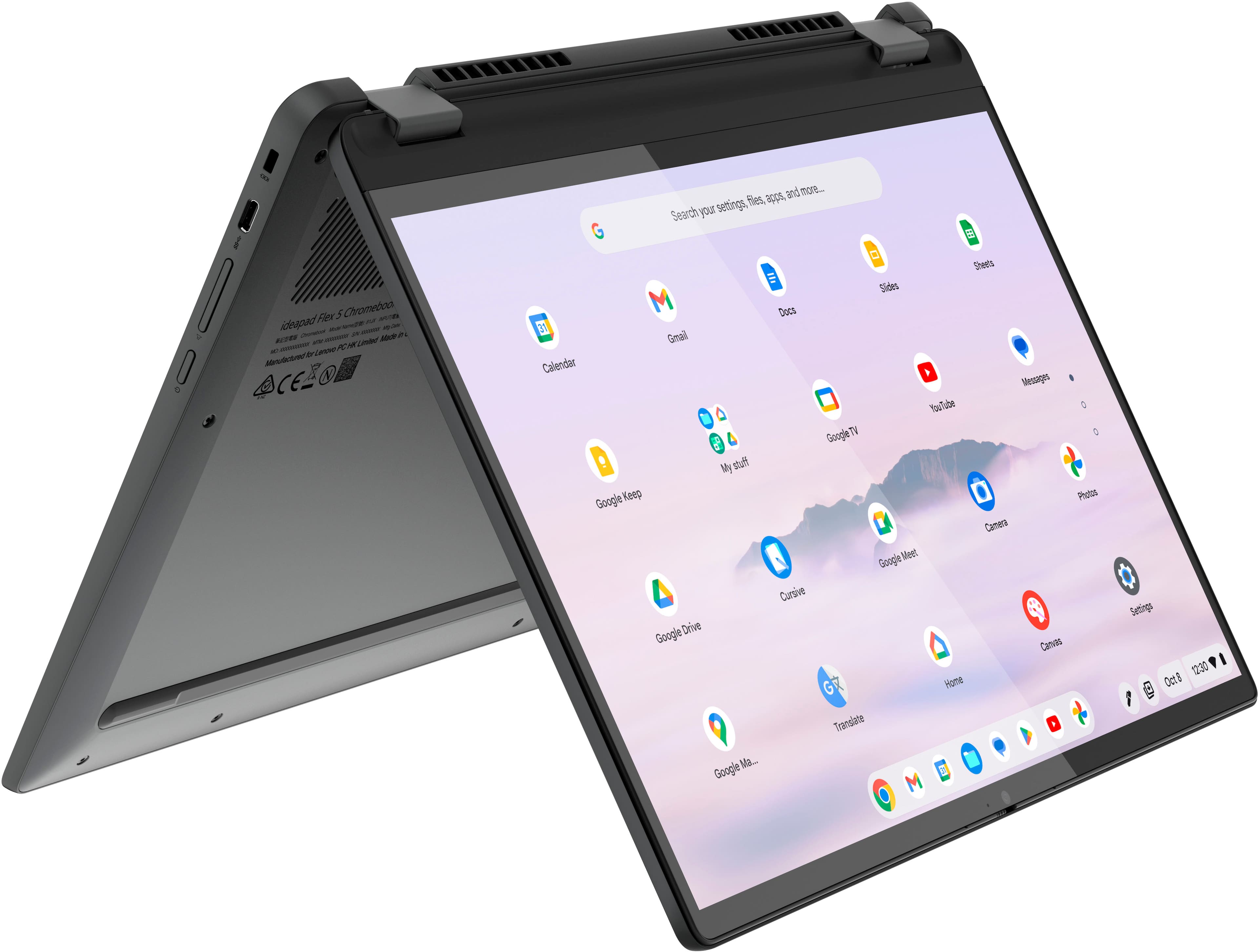
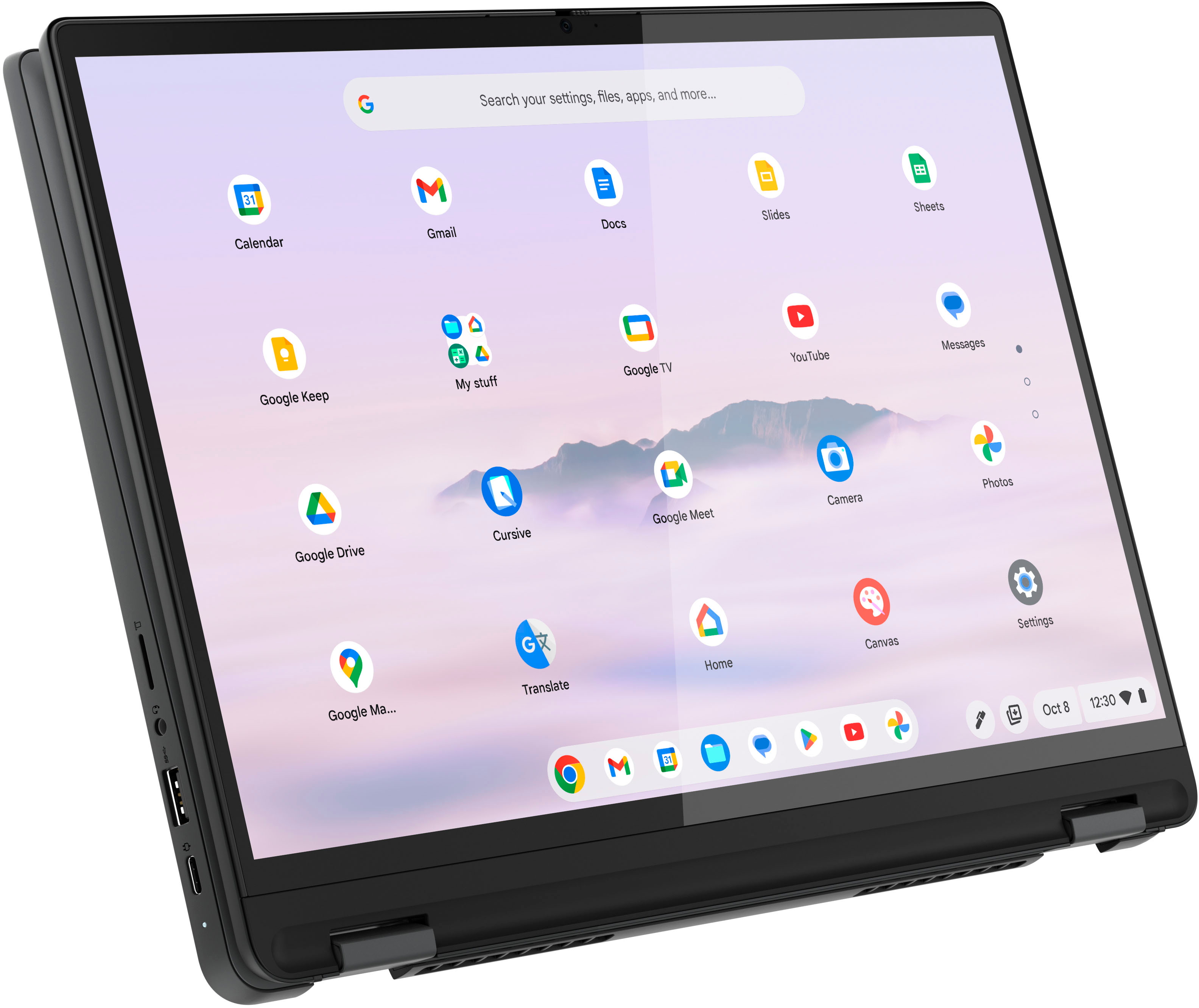
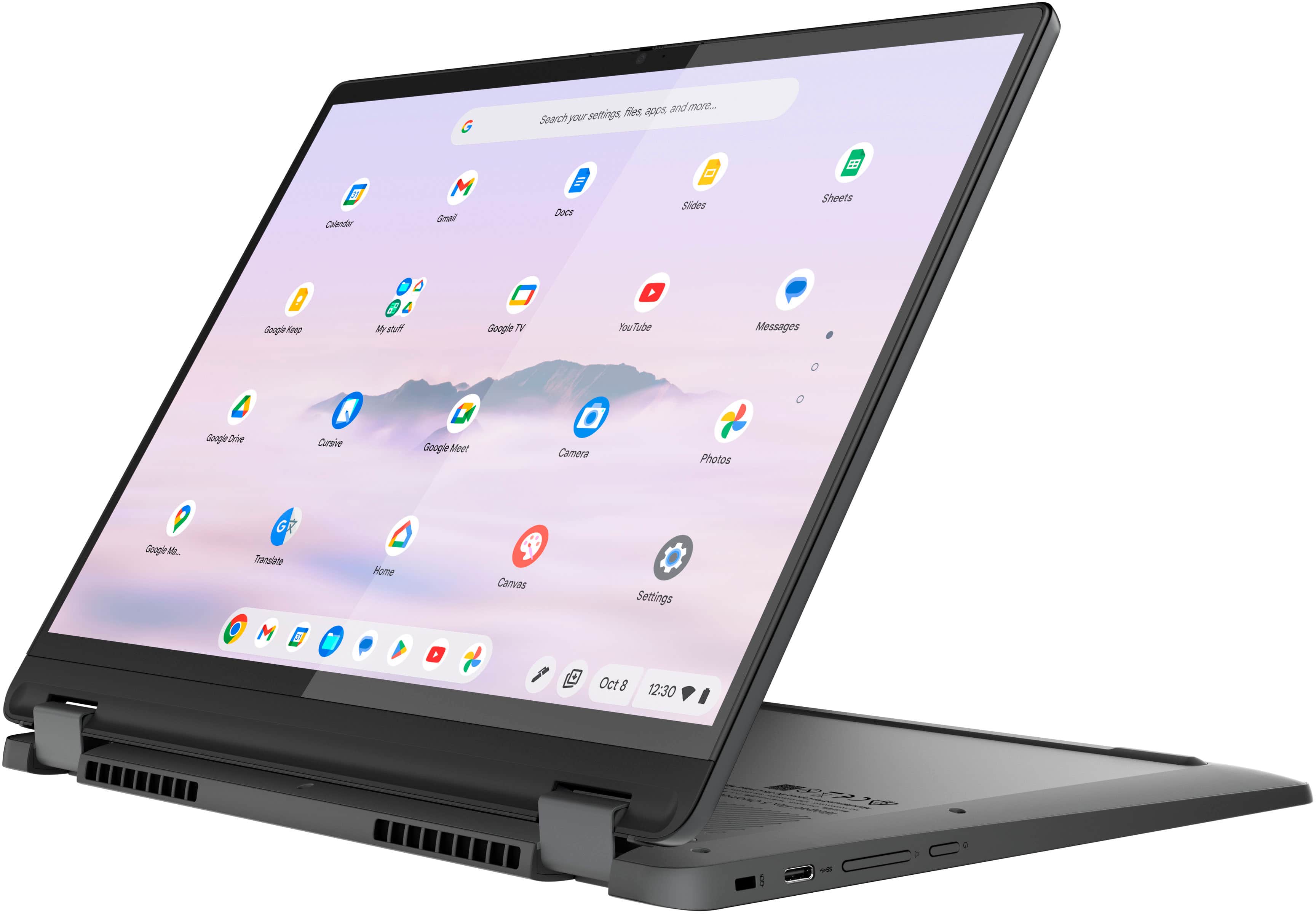
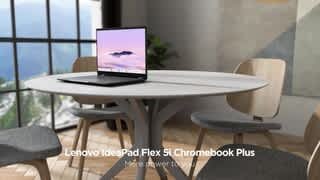
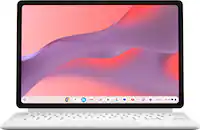
A:AnswerHey, Fhwils. This Flex 5i Chromebook Plus, like other Chromebooks, uses G-Suite for office type programs like Docs for word processing, Slides for presentations, Sheets for spreadsheets, and more. Most G-Suite apps are preinstalled on Chromebooks and are compatible with Microsoft Office programs. If you currently have a Microsoft Office 365 Account, you can access that existing account and use the available apps through with your Chromebook. Here is a link to learn more: https://support.microsoft.com/en-gb/office/how-to-access-microsoft-office-on-a-chromebook-32f14a23-2c1a-4579-b973-d4b1d78561ad#:~:text=Open%20the%20browser%20on%20your,with%20your%20Microsoft%20365%20subscription.

A:AnswerGreetings from the Intel team. Thank you for your question.
Based on the information on Google Help Center, this model will receive auto updates until June 2032.
Google Help Center:
https://support.google.com/chrome/a/answer/6220366?hl=en#zippy=%2Clenovo
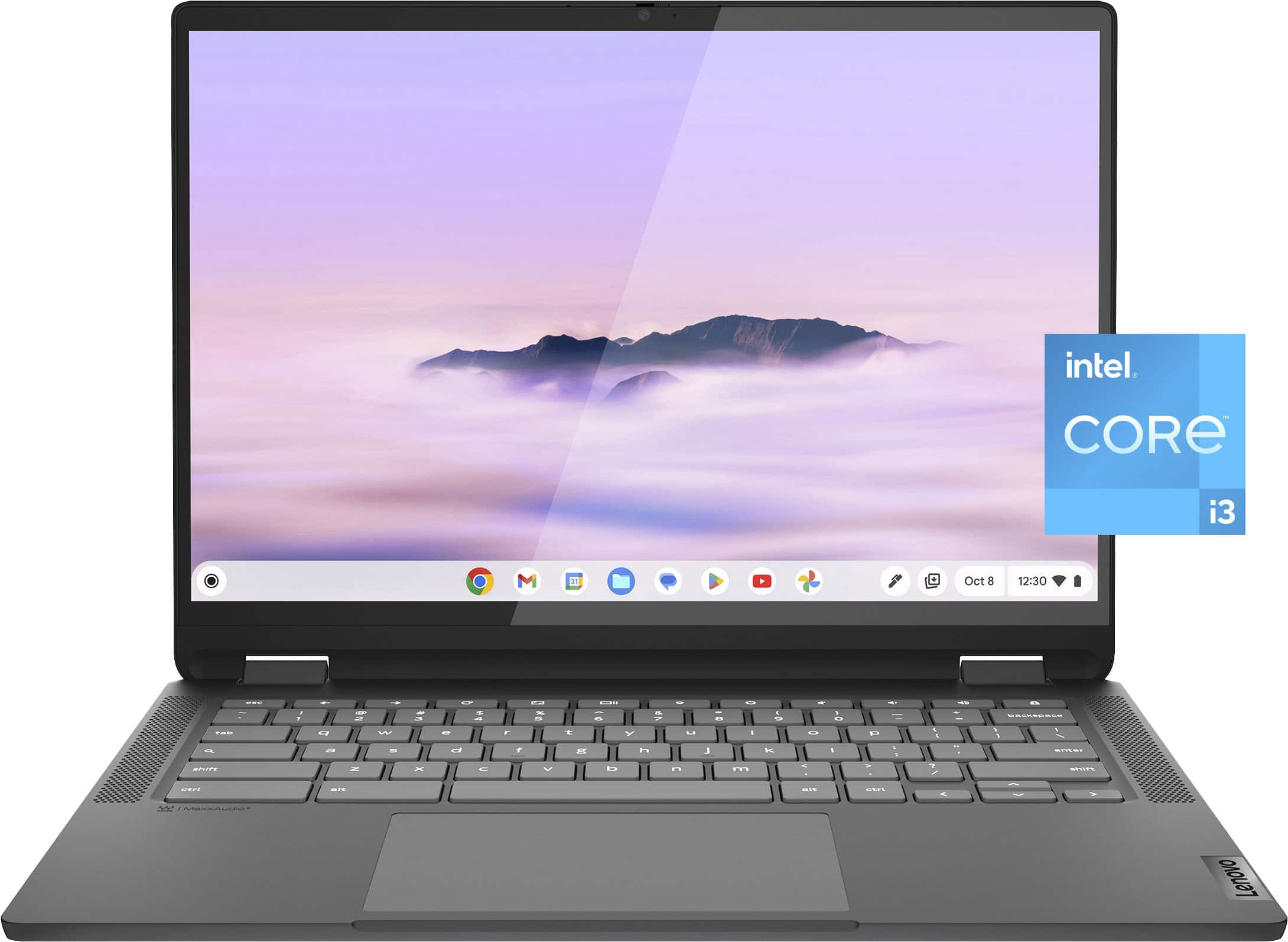
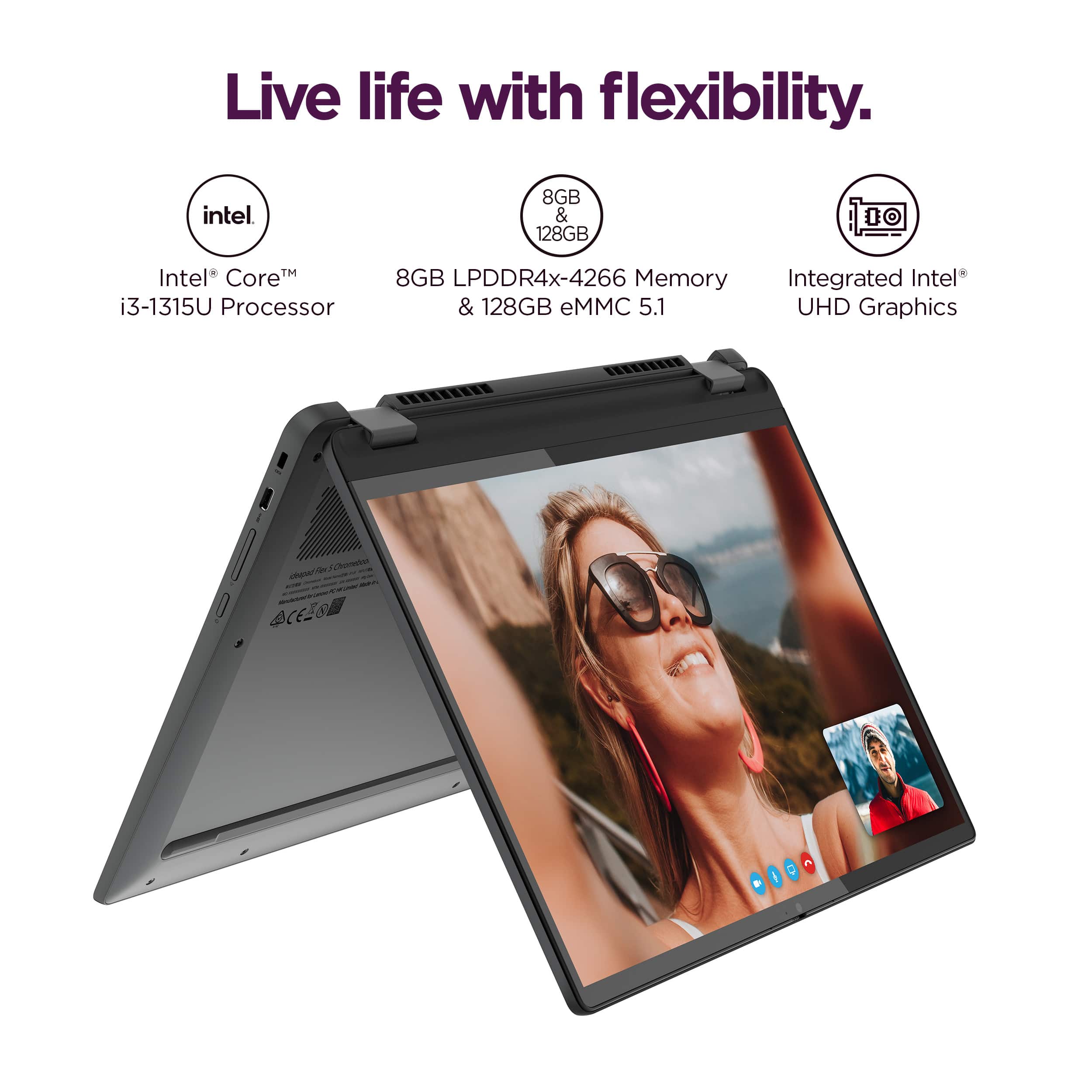
For detailed information about the Intel® Core™ i3-1315U Processor, visit:
https://ark.intel.com/content/www/us/en/ark/products/232136/intel-core-i3-1315u-processor-10m-cache-up-to-4-50-ghz.html
Thank you for choosing Intel! Emilio_Intel
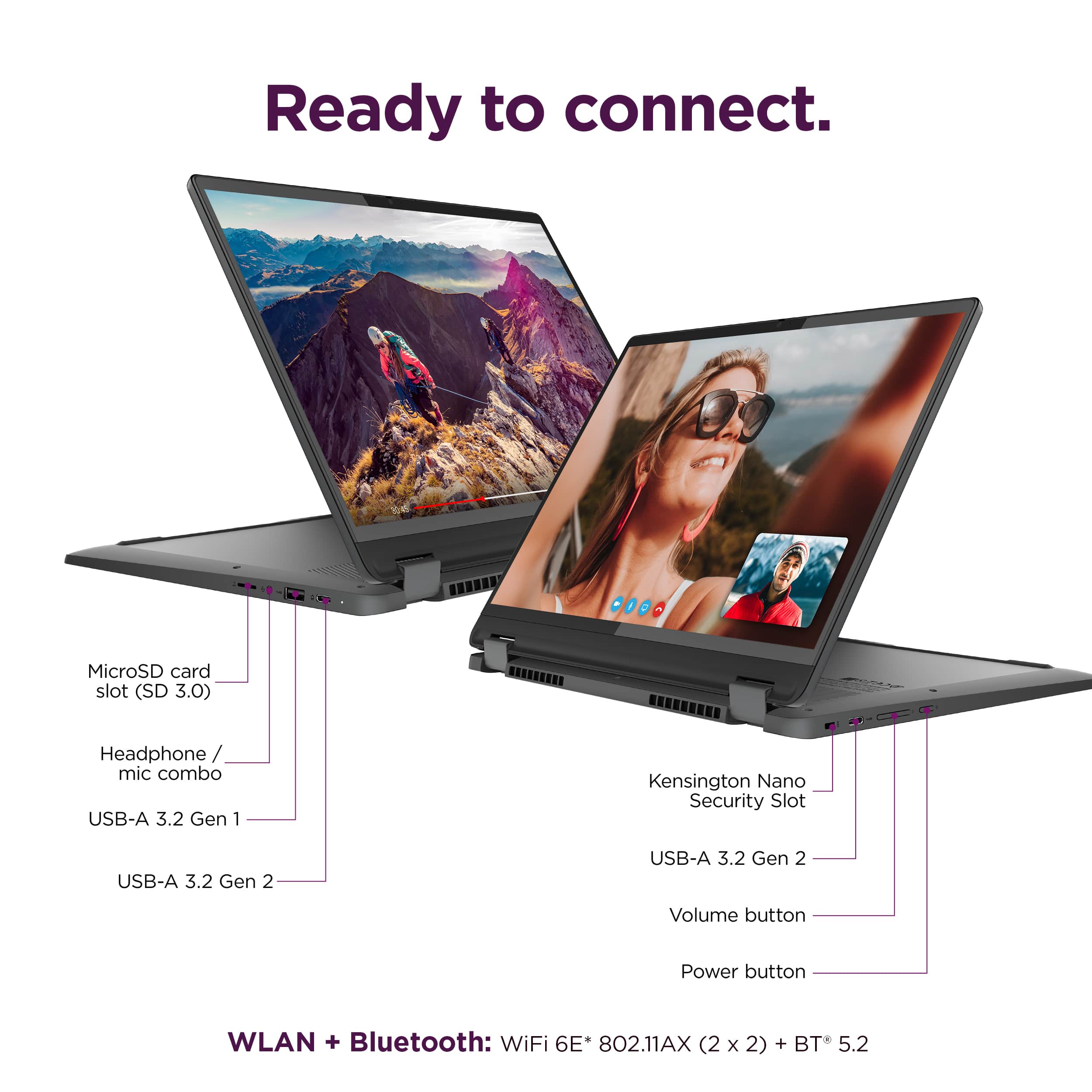
A:AnswerHello, luvrock. You could use a USB-C SD card reader adapter, preferably one that is certified with the Google initiative "Works with Chromebook".
A:AnswerI'm not sure if it hibernates, but it definitely holds its battery for a long time when it is shut. I've had it closed and unplugged for a whole weekend and still had half the battery on monday.
A:AnswerHello, Meg. This feature is engrained into the OS and improves with major OS update rollouts as it has with ChromeOS 99 and onward. As a note, we recommend ensuring contact of pen tip to the screen before resting your palm down again. If your issue persists, we recommend reaching out to Lenovo Tech Support for Chromebook to work with a representative to help resolve your issue: 800-426-7378.