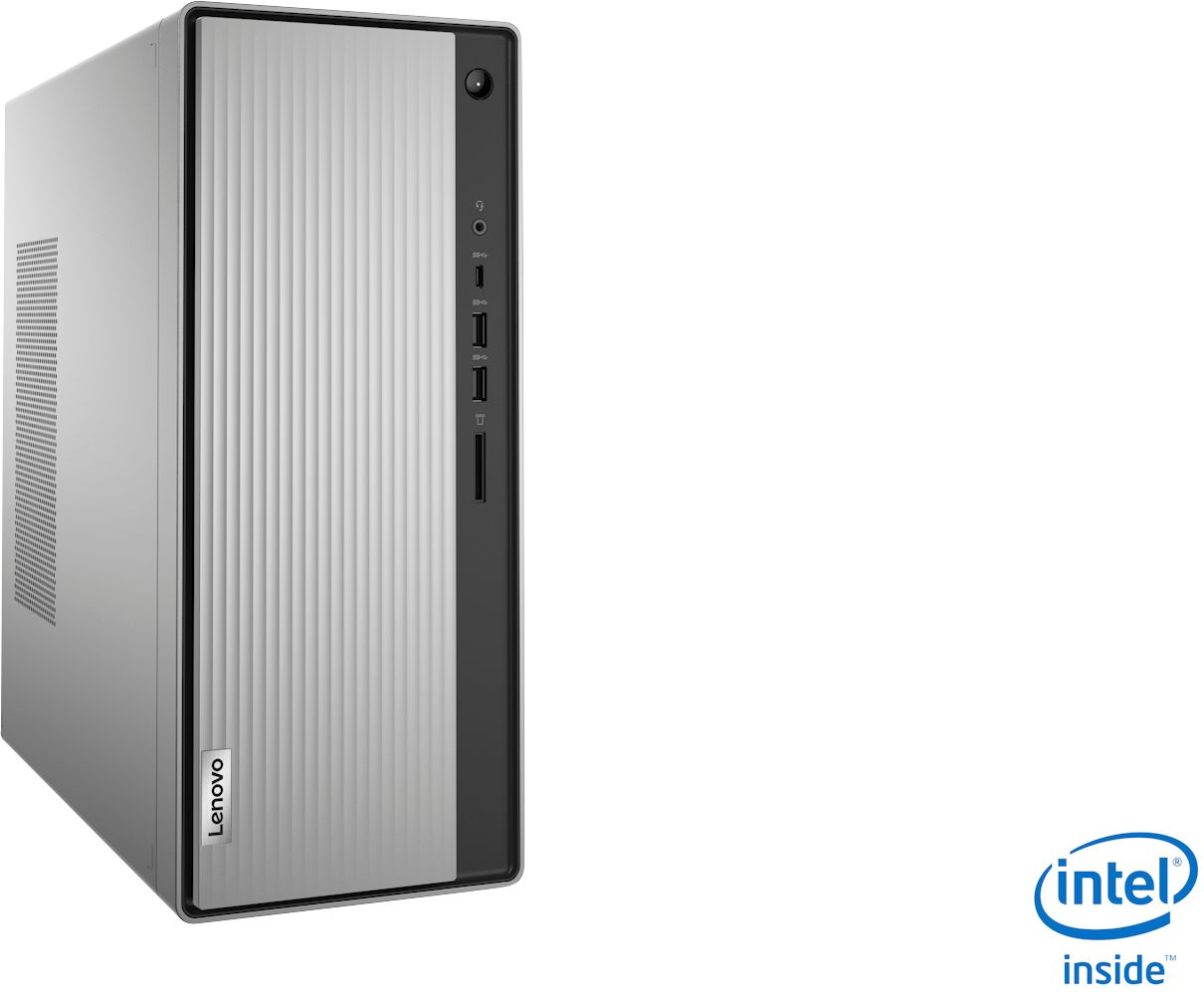
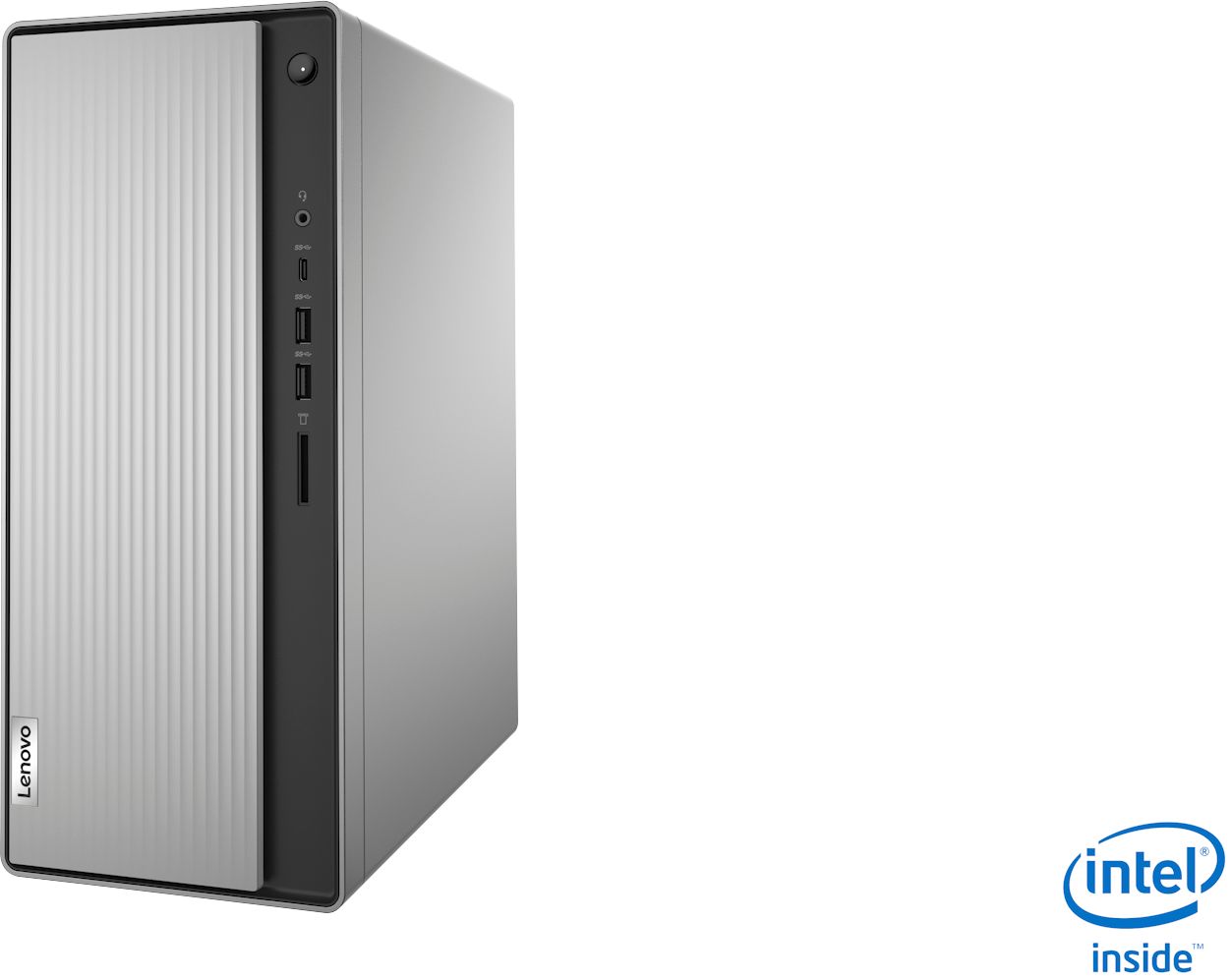
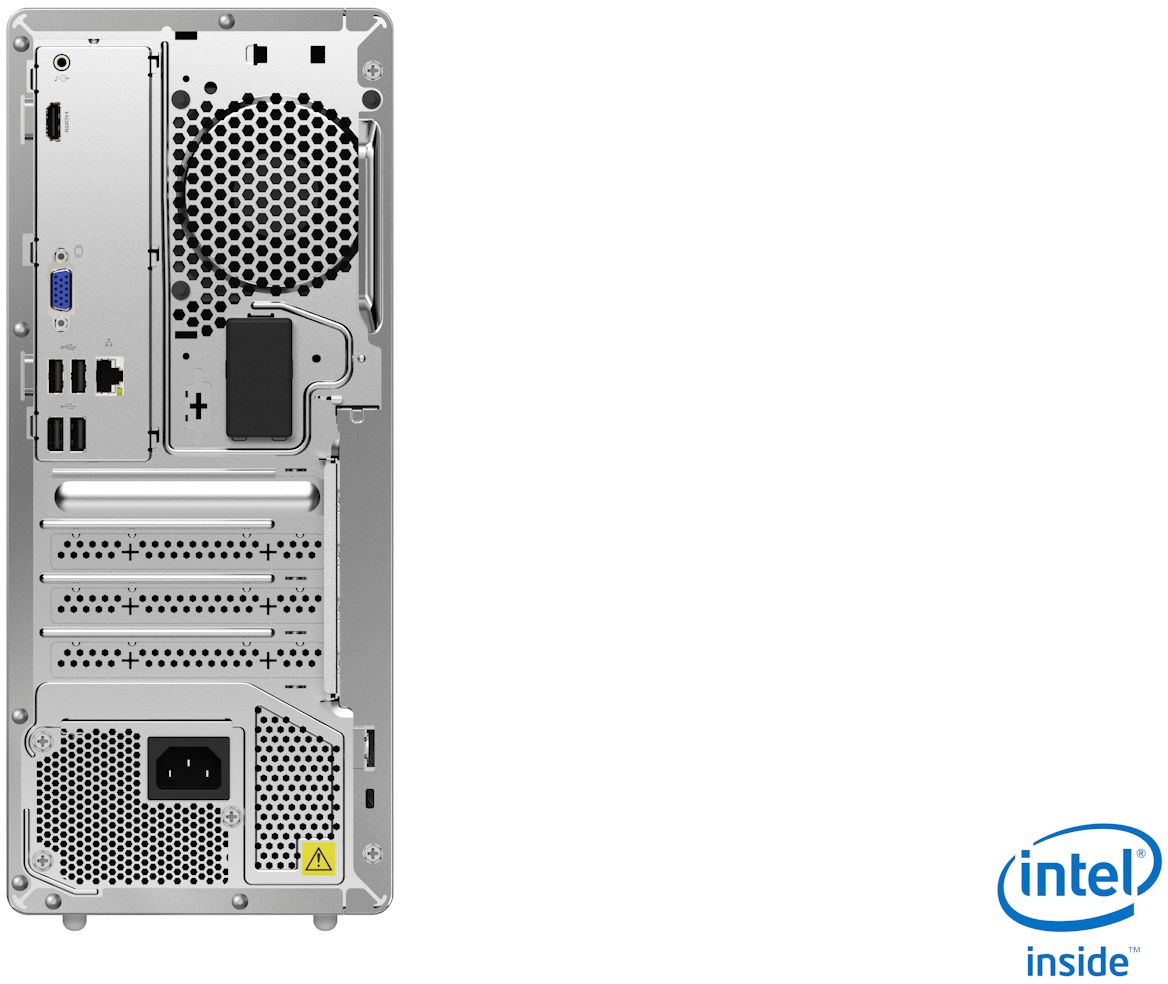
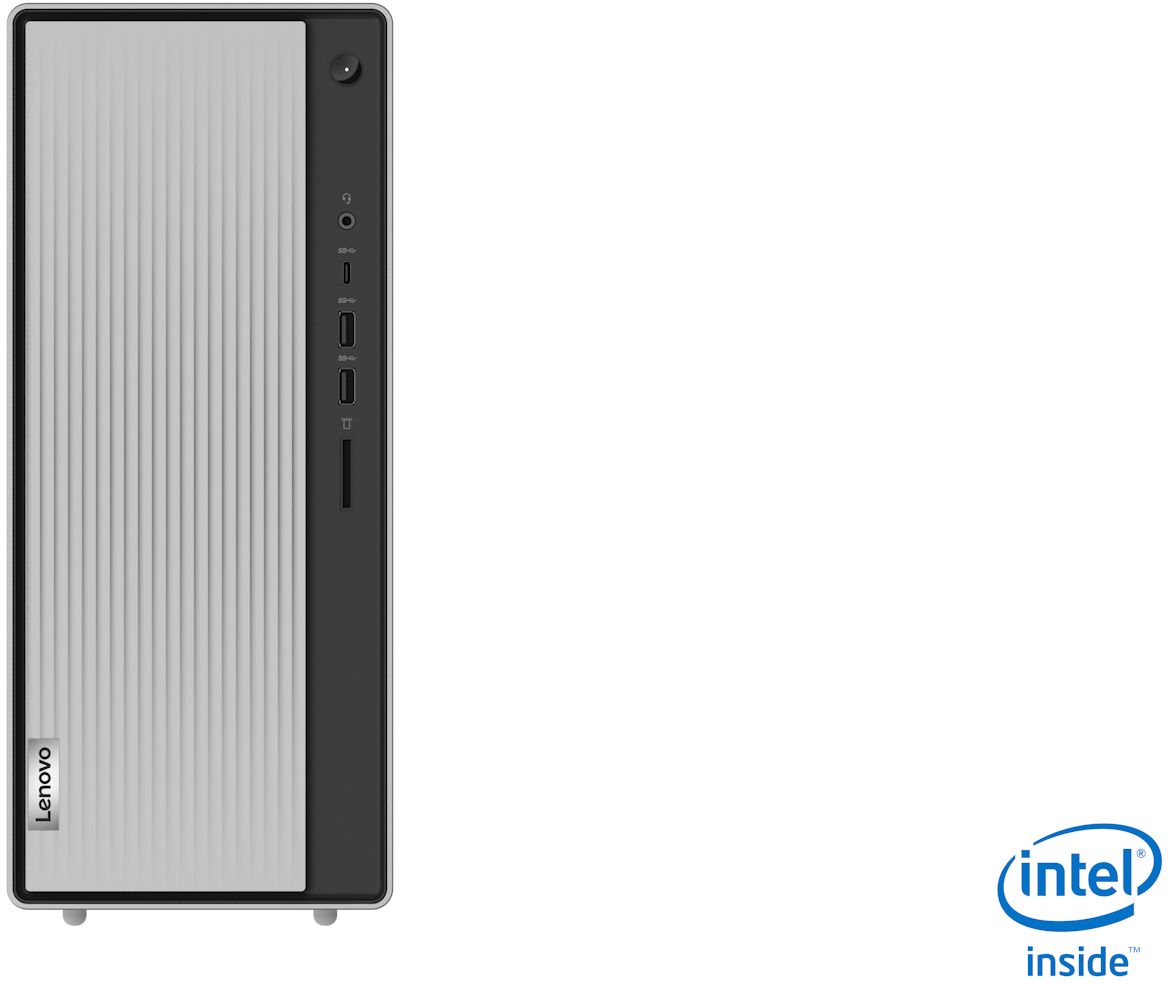
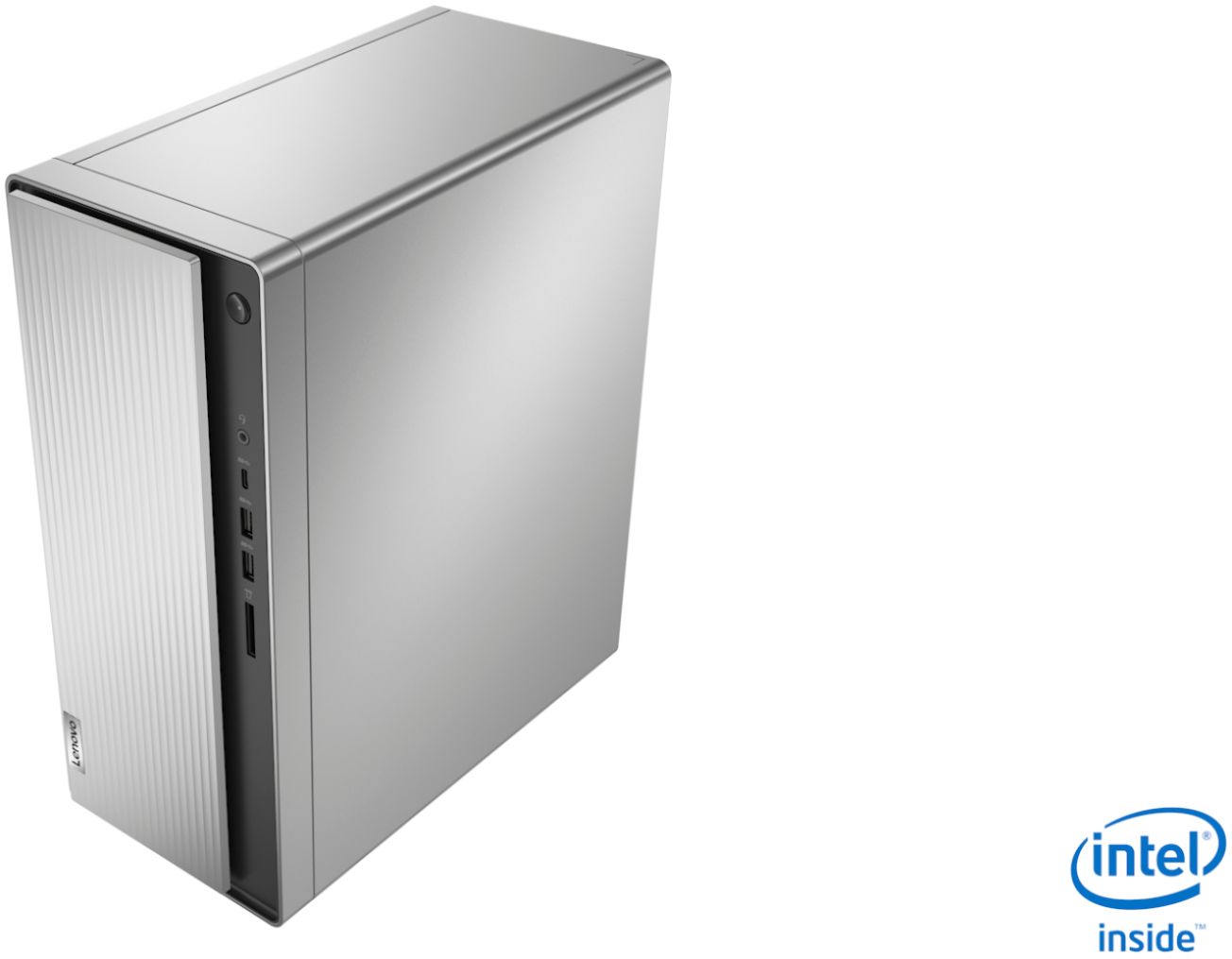
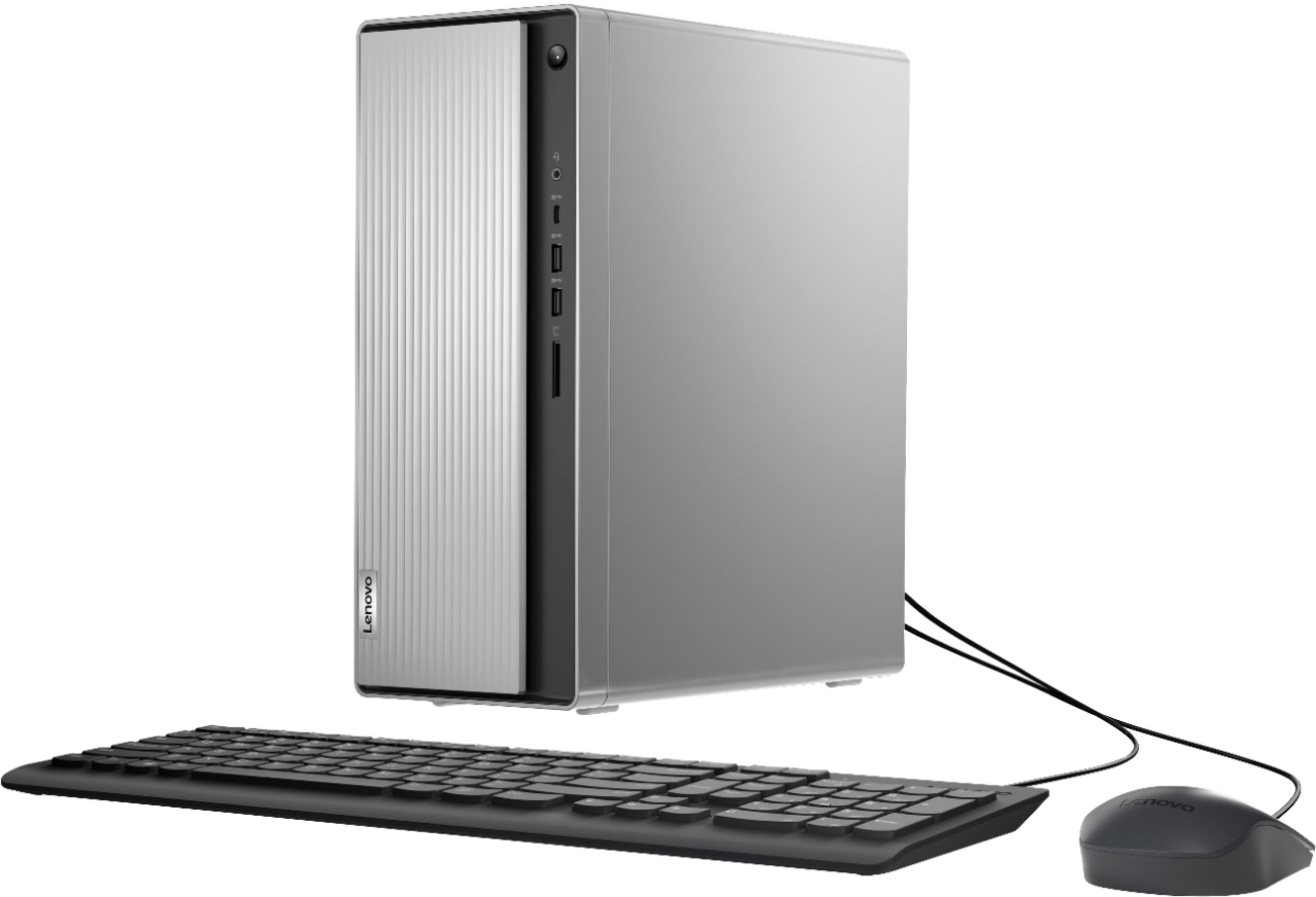
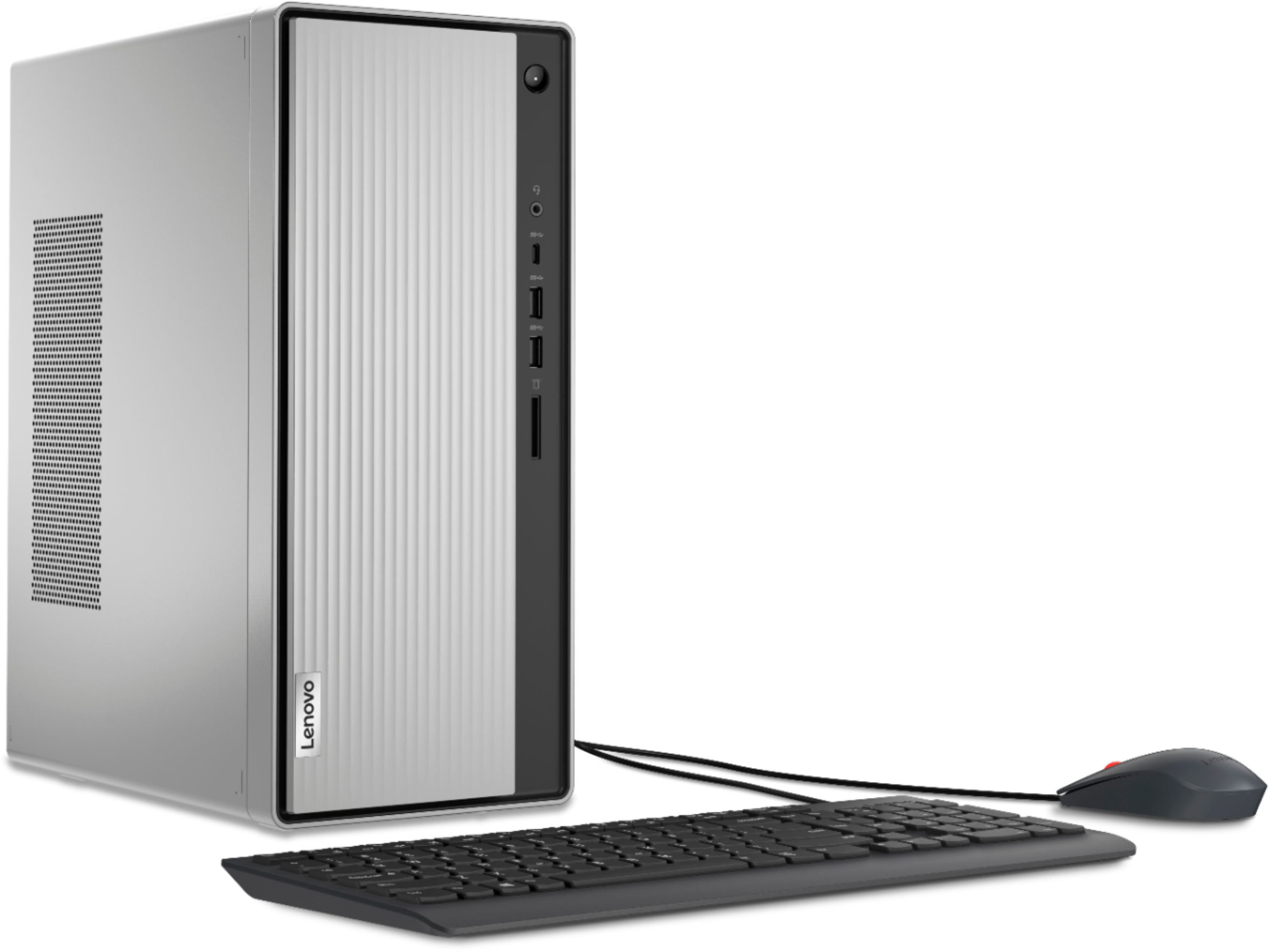
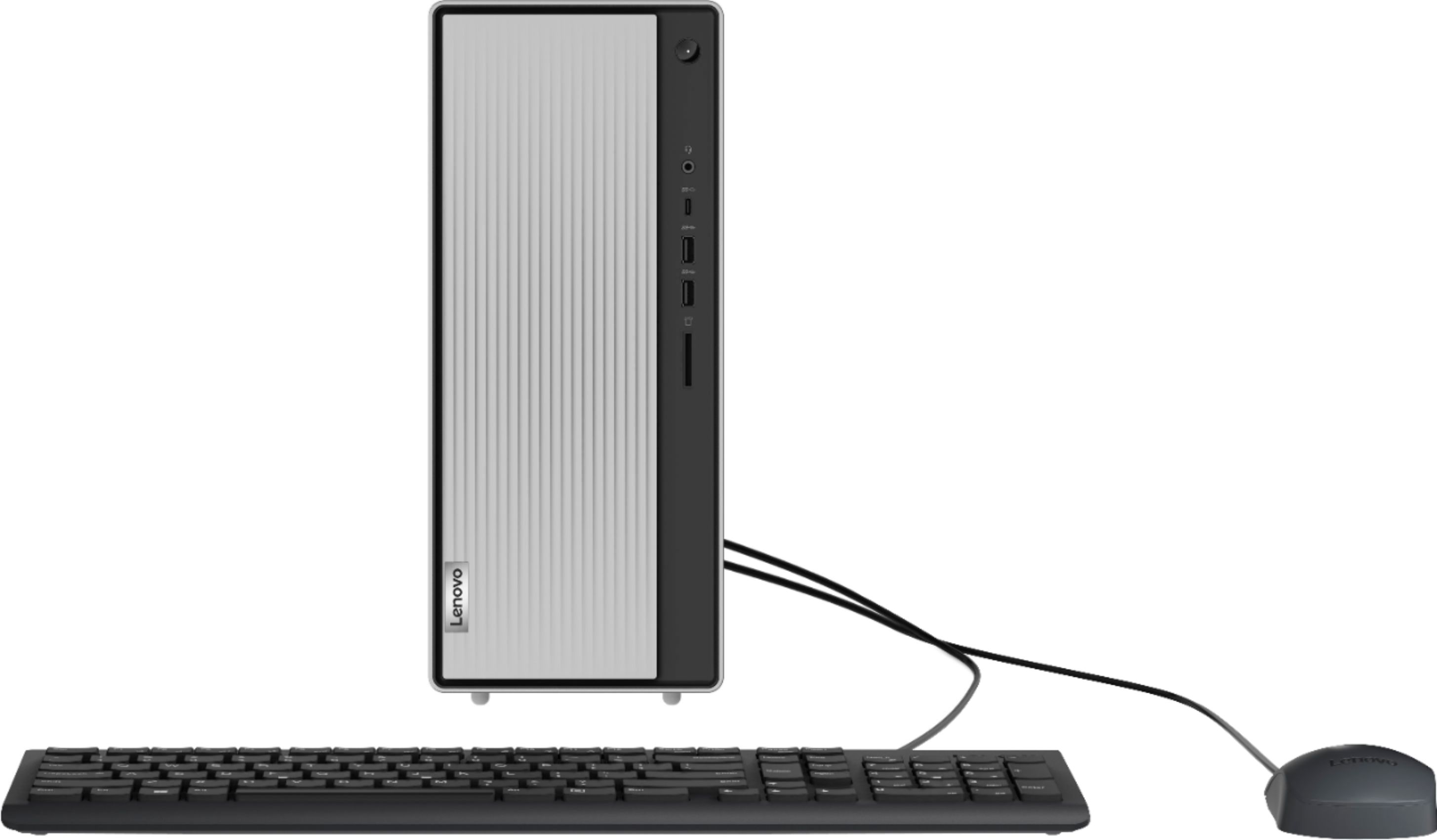
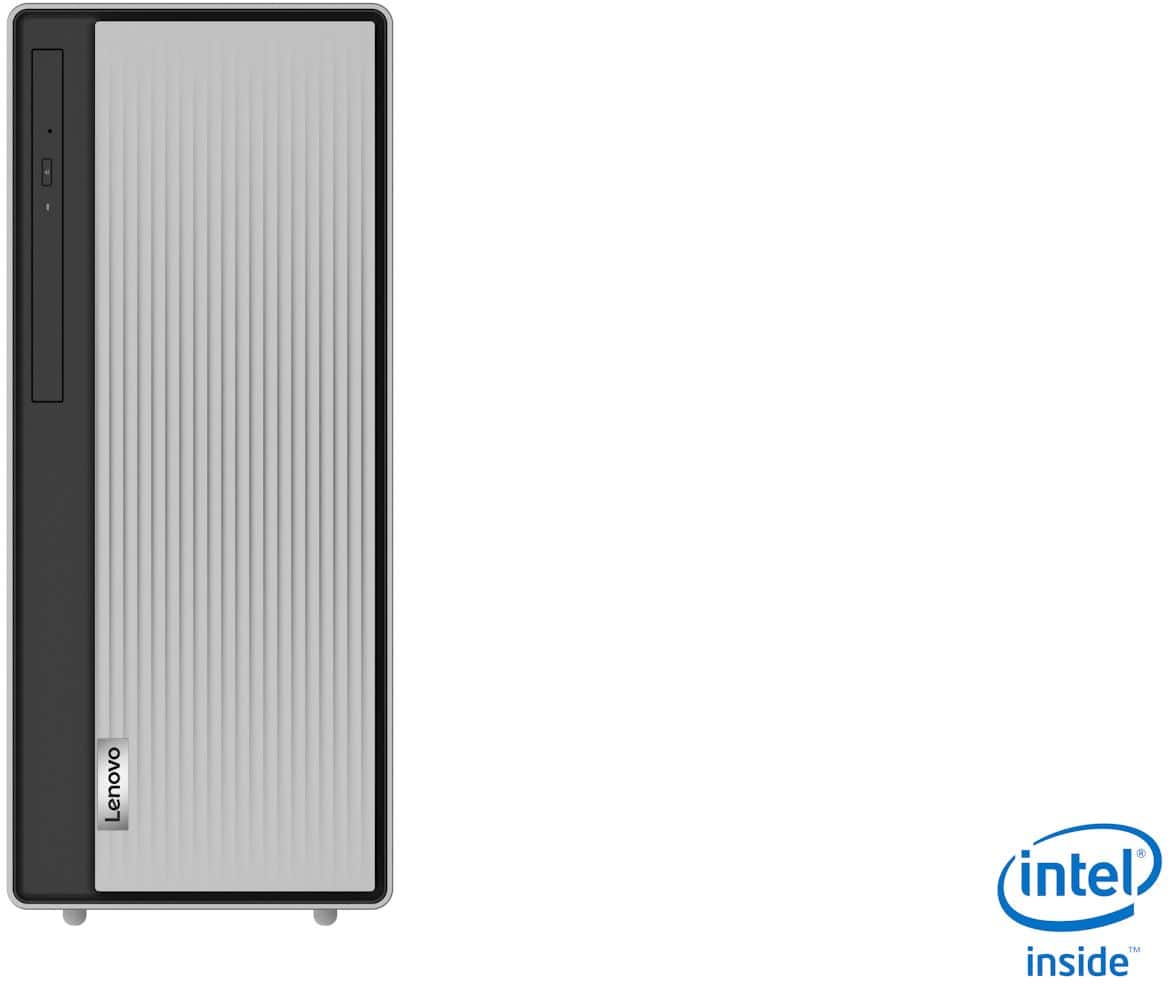
A:Answer At the right of the very top of the front panel is the power on/off button. Below that is first a combo headset/mic 3.5mm port. Next down is a USB-C port. The next two slots down are USB-3.2 ports. Finally, below them, is a SD card reader. The front panel cover slides left-to-right to reveal the DVD burner on the left side. Unfortunately, you must unplug anything plugged in on the right side before you can slide the cover over to expose the DVD burner. You can, however, slide it back over after you insert a DVD and then plug things in again and use the DVD player while things are plugged in. It is kind of a slight design flaw but everything else on this system more than makes up for it in my opinion.