Questions & Answers
- Model:
- 82XJ004AUS
- |
- SKU:
- 6619145
Q: QuestionIs a warranty included with the purchase?
Asked by Dia.
- A:Answer Hey Dia, This IdeaPad Slim 3 Chromebook ships with a 1-year manufacturer warranty, and it is eligible for Best Buy and Geek Squad support and protection services. Please feel free to reach out to us with any other questions!
Answered by Lenovo Product Expert
Q: QuestionHow do you enable the touchscreen feature of this chromebook? The box that it came in indicates that it is touchscreen.
Asked by Silver.
- A:Answer Hi Silver, We are sorry to hear that you have encountered this issue. We wish to clarify that this IdeaPad Slim 3 Chromebook does not feature a touchscreen display. If you could, please share details including the seller you purchased your system from, device model/part no (on the bottom of the laptop), and the UPC listed on the box in another question inquiring about this again so that we can try to help you with this. We look forward to hearing from you. Best regards, Lenovo
Answered by Lenovo Product Expert
Q: QuestionThis is not the model with the touchscreen even though it has the exact same name, so that's misleading. However, should this screen look washed out and hard to view unless at the perfect angle? The contrast seems bad and strains my eyes.
Asked by Kodi.
- A:Answer Hey Kodi, Thank you for sharing your feedback with us. We are sorry to hear that you are dissatisfied with the viewing experience on your IdeaPad Slim 3 Chromebook. To provide context to the answer to this question, this model Slim 3 Chromebook features a TN panel display type, a display panel that generally has narrower viewing angles and lower color accuracy on average than other display types, such as IPS panel displays. This would explain why the color contrast seemingly reduces when the display is viewed at indirect angles. Please feel free to reach out to us should you have any issues with the function of your Chromebook, any concerns, or general questions. Best regards, Lenovo
Answered by Lenovo Product Expert

Q: QuestionWhat is the AUE?
Asked by JV.
- A:Answer Hi JV, The IdeaPad Slim 3 Chromebook is currently slated to receive automatic updates until June 2033. Please reach out to us should you have any other questions!
Answered by Lenovo Product Expert

Q: QuestionCan I connect this chromebook to a TV to display what is on the screen? I know it doesn't have an HDMI port but with an adapter can I display the website on a TV screen?
Asked by Robin.
- A:Answer Hey Robin, Yes, you can use a USB-C to HDMI adapter to connect this IdeaPad Slim 3 Chromebook to an external display. We recommend considering a USB-C docking station or hub that's certified as 'Works with Chromebook' or ChromeOS that supports charging and video output so you can connect your setup with one cable to the computer. Please feel free to reach out to us with any other questions!
Answered by Lenovo Product Expert
Q: QuestionDoes this computer connect to Bluetooth speakers?
Asked by Mel.
- A:Answer Im pretty sure it can
Answered by drizzydrake
Q: QuestionHow do I add excel to this Chromebook? What needs to be done?
Asked by Allan.
- A:Answer You cant its not available for this laptop because its a Chromebook. Im running into the same problem.
Answered by KendreaA
Q: QuestionDoes this laptop hook up to a monitor and what do I need to do that?
Asked by MelissaD.
- A:Answer Yes, through the USB-C port. Get a USB-C docking station that has an HDMI port on it, connect it to your external monitor, and it should automatically extend the desktop. I used an Armstrong USB-C hub and an inexpensive 4K TV, and it worked perfectly.
Answered by JamesB
Q: QuestionDoes it come with PowerPoint pre-loaded?
Asked by Mk.
- A:Answer No sorry but adding the MS office suite is easy to download and setup. Make sure you're paying for the version you need (Office 365, MS Pro, etc).
Answered by MaryjoL
Q: QuestionCan I transfer recordings from a voice recorder onto this laptop?
Asked by DanielleG.
- A:Answer Hey Gd, You shouldn't have any issue in doing so, as Chromebooks can support most audio file types and you should be able to connect the voice recorder via USB. Please feel free to reach out to us with any other questions!
Answered by Lenovo Product Expert

Q: QuestionIs this Chromebook compatible with the HP OfficeJet 3830 printer?
Asked by Anonymous.
- A:Answer Hey, Based on what's listed on the webpage tied to this HP web address: https://developers.hp.com/hp-linux-imaging-and-printing/supported_devices/index, the model printer you shared should be compatible with this IdeaPad Slim 3 Chromebook. Please feel free to reach out to us with any other questions!
Answered by Lenovo Product Expert

Q: QuestionHi. Is a charger included?
Asked by SE.
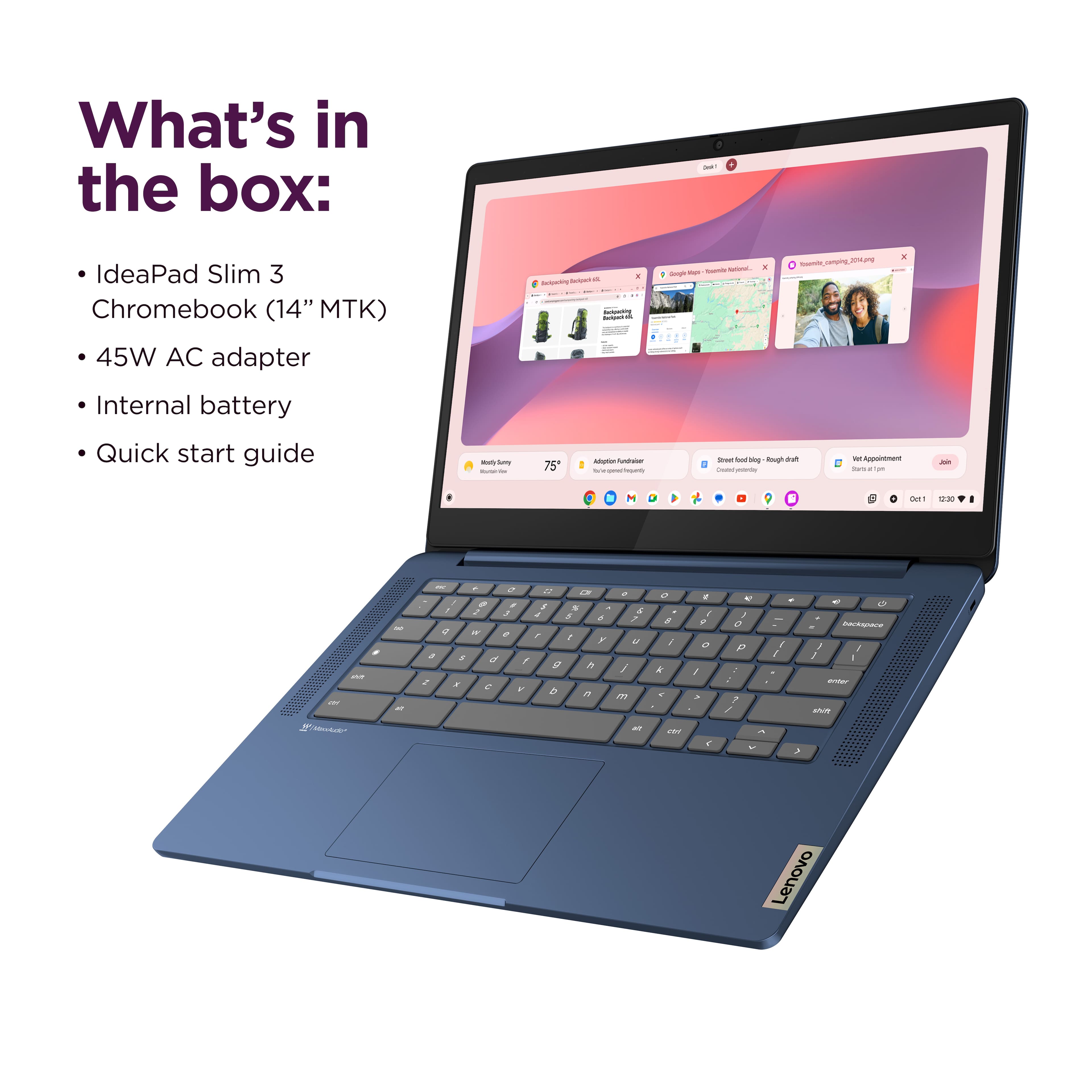
- A:Answer Hey SE, Yes, this IdeaPad Slim 3 Chromebook ships with a 45W USB-C power adapter in the box. Please feel free to reach out to us with any other questions!
Answered by Lenovo Product Expert

Q: QuestionAll my Lenovo's have been Thinkpads with a touchpoint. If this is not a touchscreen, is it a touchpad or is a mouse needed? If a mouse is needed, is it included?
Asked by Juliet.
- A:Answer Hey Juliet, While this IdeaPad Slim 3 Chromebook does not feature a touchscreen display or TrackPoint, but it does have a touchpad that can be used for navigation and interacting with the display content. While a mouse is not necessary, you can add one should you desire. Please feel free to reach out to us with any other questions!
Answered by Lenovo Product Expert
Q: QuestionWhat is the chrome browser speed on this model. I need 130 or higher
Asked by Michele.
- A:Answer Hey Michele, Are you referring to Mbps when you say you "need 130 or higher"? If so, this isn't dictated as much by the Chromebook's Wi-Fi card capabilities as it features Wi-Fi 6 connectivity, but rather your network's performance capabilities. To put it into an example, you may wish to have 100Mbps+ Wi-Fi download speeds, but if the Wi-Fi network you're connected to is only able to deliver 60Mbps download speeds, the computer cannot do anything to boost these speeds, as these changes need to be made to the network itself. Please feel free to reach out to us with any other questions!
Answered by Lenovo Product Expert
Q: QuestionMy Dad is 85 and currently in a rehabilitation home and misses playing his solitaire. Would this be good for him to do that?
Asked by Wheezer.
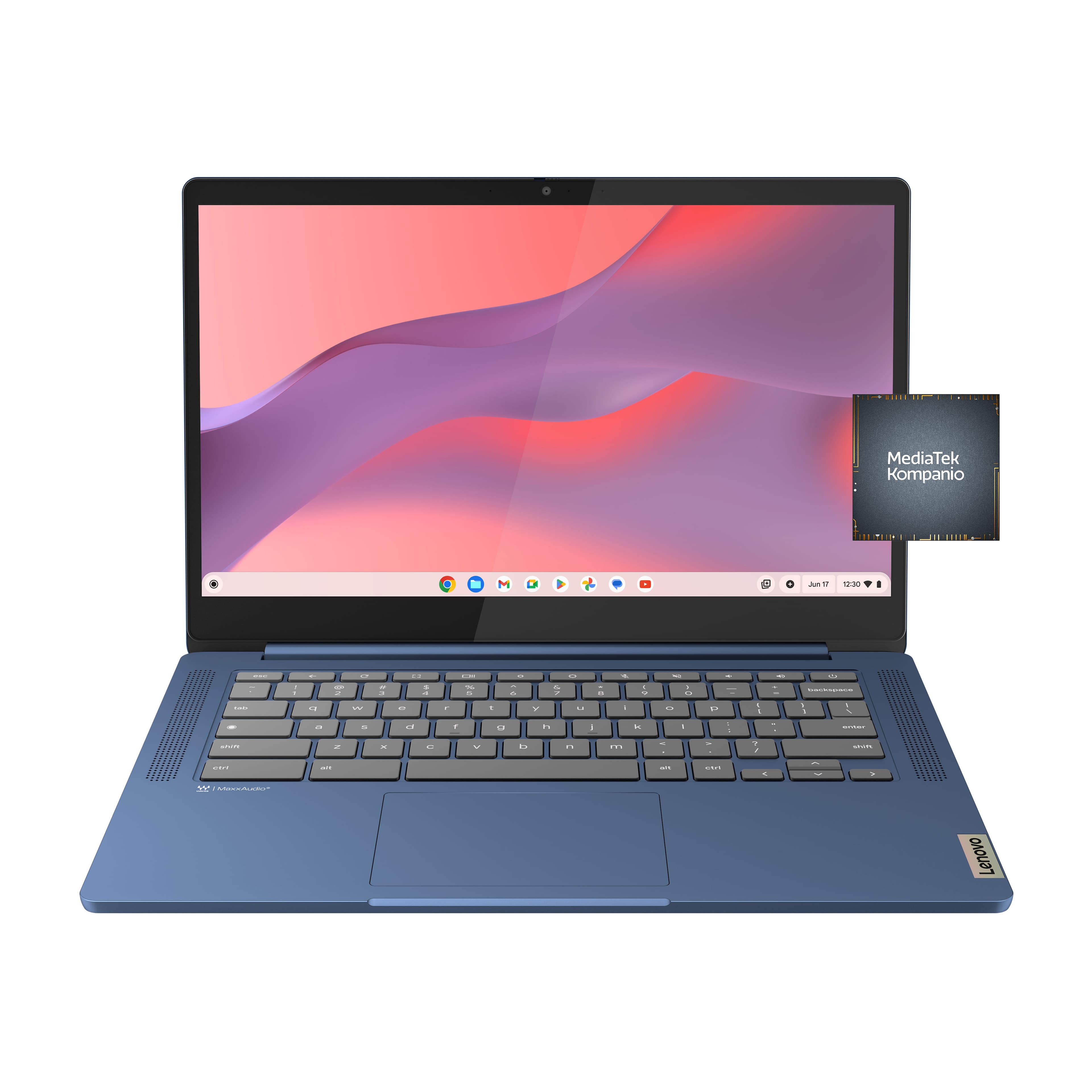
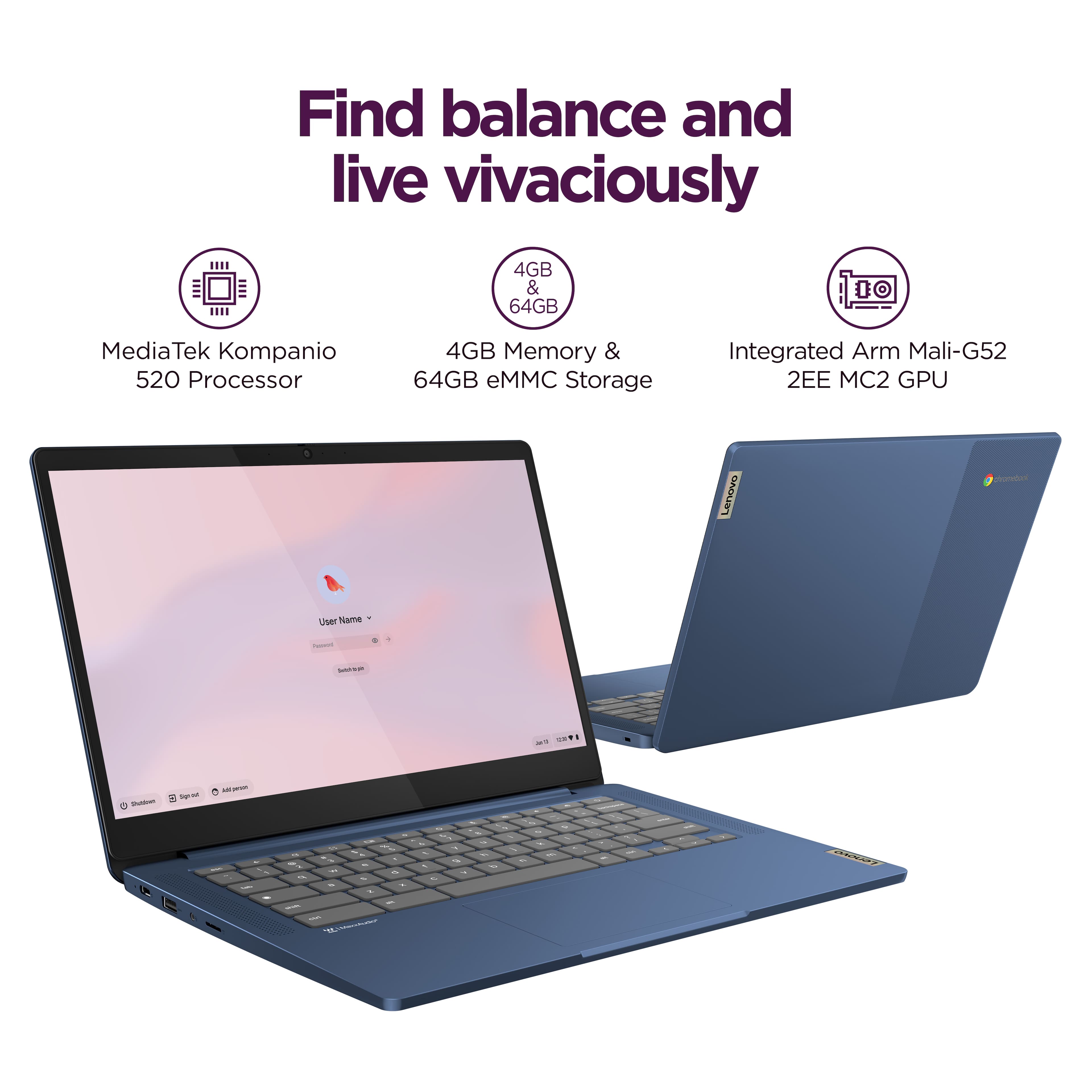
This question was asked about the related product: Lenovo - IdeaPad Slim 3 Chromebook 14" Full HD Laptop - MediaTek Kompanio 520 - 4GB Memory - 64GB eMMC - Abyss Blue
- A:Answer Hey Wheezer, You shouldn't have a problem downloading your preferred Solitaire app from the Google Play Store or play an online version via the web browser with this IdeaPad Slim 3 Chromebook. Although, if you believe it would be more convenient due its more compact design, you could also use a tablet to complete this task. Please feel free to reach out to us with any other questions!
Answered by Lenovo Product Expert
Q: Questionis this computer refurbished?
Asked by Anonymous.
- A:Answer Hi, This product page offers the IdeaPad Slim 3 Chromebook as new in box, but to view your buying options, select the More Buying Options option under the buying area of the product page. Please feel free to reach out to us with any other questions!
Answered by Lenovo Product Expert
Q: QuestionCan you use Photoshop and Lightroom on the Chromebook?
Asked by RDCS08.
- A:Answer Hi RDCS08, You can use a unique version of the Lightroom app for Chromebooks. You can also use the Adobe Creative Cloud Chrome extension for certain Creative Cloud desktop applications. Please feel free to reach out to us with any other questions!
Answered by Lenovo Product Expert
Top Rated
- Black Friday Deal$119.00Your price for this item is $119.00
- Black Friday Deal$149.00Your price for this item is $149.00
- Black Friday Deal$119.00Your price for this item is $119.00
- $369.99Your price for this item is $369.99$429.00The comparable value for this item is $429.00
- Black Friday Deal$199.00Your price for this item is $199.00
- $249.00Your price for this item is $249.00$399.00The comparable value for this item is $399.00
- $279.00Your price for this item is $279.00$479.00The comparable value for this item is $479.00
- Black Friday Deal$249.00Your price for this item is $249.00
- $178.99Your price for this item is $178.99$249.00The comparable value for this item is $249.00
- Black Friday Deal$399.00Your price for this item is $399.00
- Black Friday Deal$549.99Your price for this item is $549.99
- Black Friday Deal$599.00Your price for this item is $599.00
- $399.00Your price for this item is $399.00$599.00The comparable value for this item is $599.00
- $279.00Your price for this item is $279.00
- $629.99Your price for this item is $629.99$799.99The comparable value for this item is $799.99
- $349.00Your price for this item is $349.00$549.00The comparable value for this item is $549.00
- Clearance$479.99Your price for this item is $479.99


![The text on the image is a keyboard layout, which includes the letters, numbers, and symbols typically found on a computer keyboard. The layout is as follows:
1. 2. 3. 4. 5. 6. 7. 8. 9. 0. - + = backspace tab q w e r t y u i o p [ ]
2. a s d f g h i k l ; ' . - enter shift Z x C V b n m < d > c ? / shift ctrl alt alt ctrl < W MickAudio Lenovo](https://pisces.bbystatic.com/image2/BestBuy_US/images/products/ac1eedc3-1853-48ce-b3f3-e9b54880526c.jpg;maxHeight=54;maxWidth=54;format=webp)