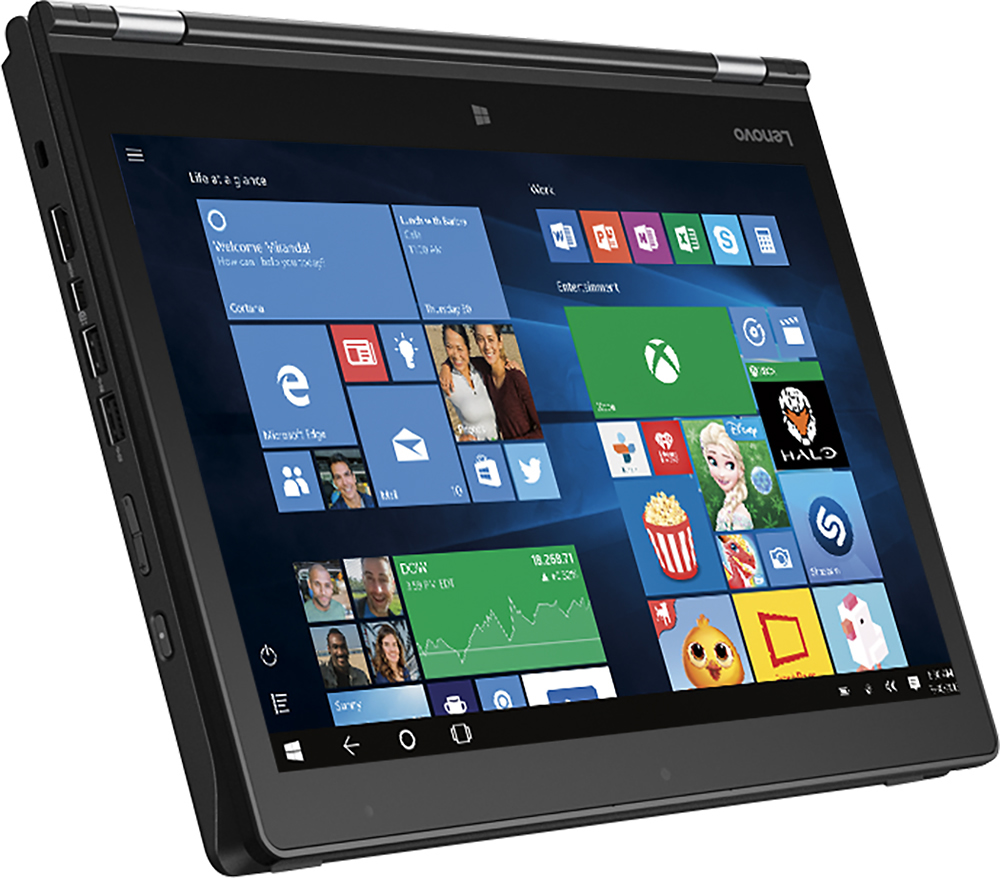
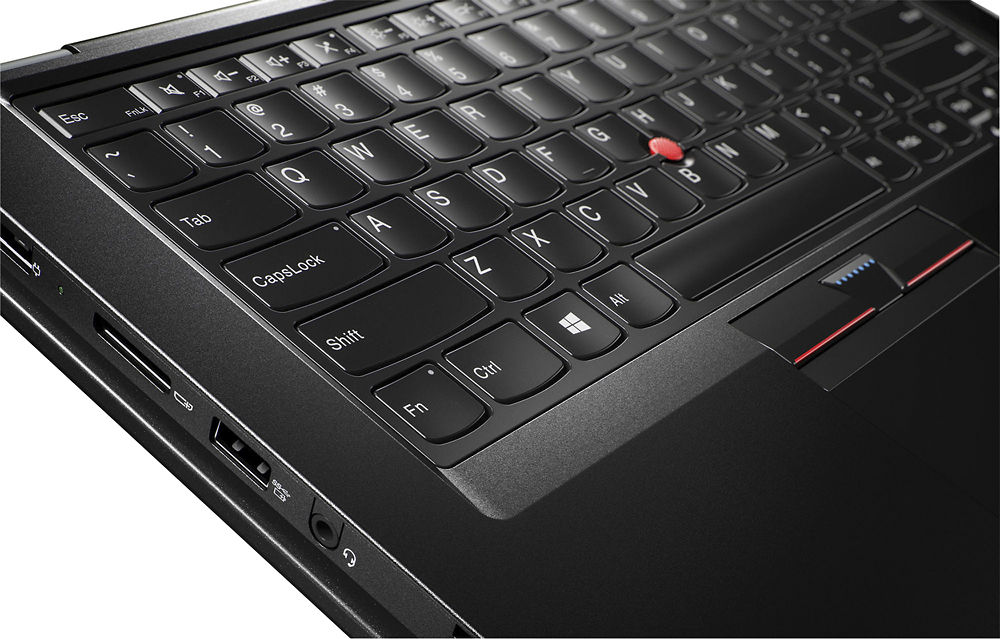
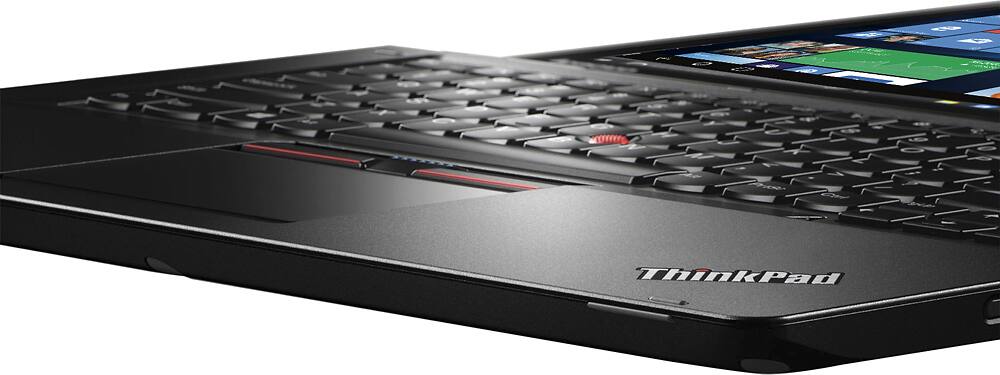
A:AnswerI can't answer what the screen is made of (no mention in the manual either), but we have between 12 and 15 of these at my school. No issues yet with the glass.
A:AnswerThis is supposed to work with the onelink plus dock. Check Lenovo's support site for specs on what that dock allows, but it should do dual monitors.
A:AnswerI take handwritten notes on this laptop everyday. I have had no issues with resting palm. Just do it in tablet mode and there is an option to auto hide the taskbar, just in case. Or just move the taskbar to top of the screen.
A:AnswerThe battery in this system is internal. Batteries, with proper use should last 4 to 6 years. Cost today for a replacement battery is approximately $150.00.
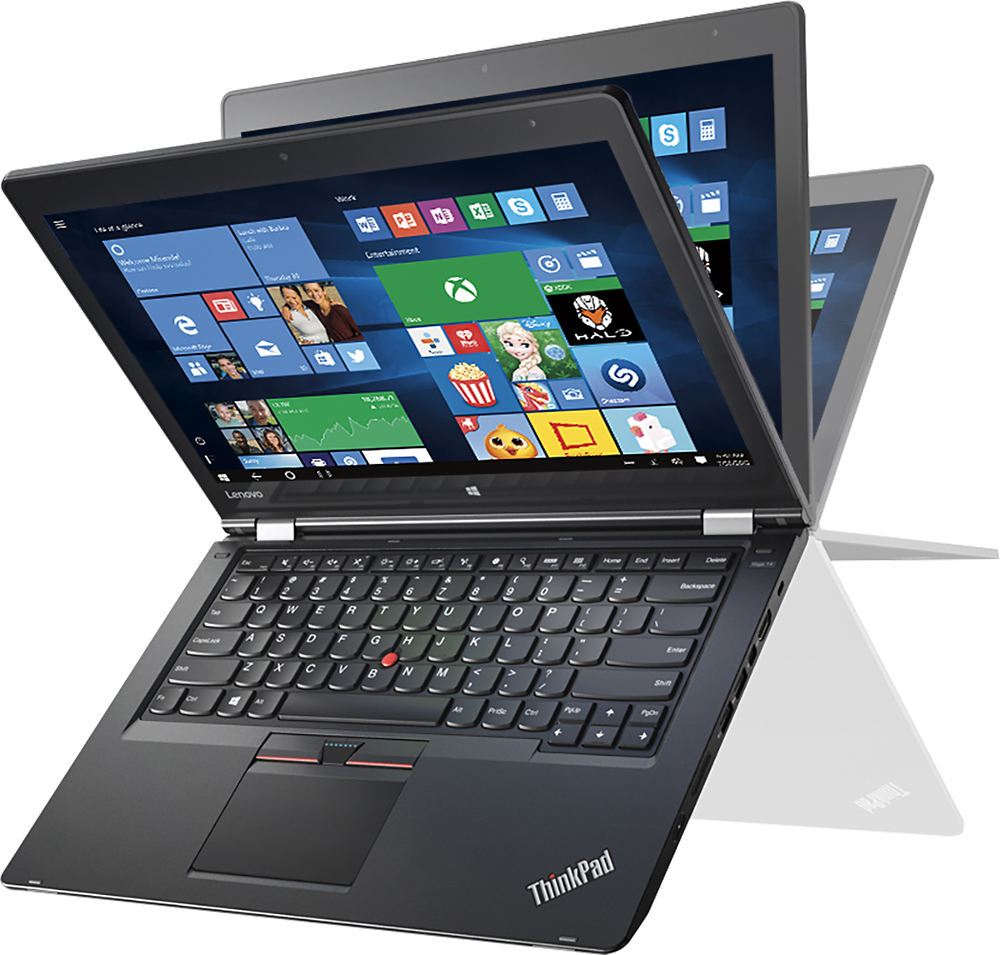
A:AnswerThe hinges on the ThinkPad Yoga 14 have been bench tested to replicate 10 years of use without a failure. If the demonstration model at your store had loose hinges, it was defective. I can't explain how it happened but it is abnormal.
A:AnswerThis is the profile of the screen on this specific model, there are is an update coming this summer:
Black level: 0.26/ Contrast: 1065/ DeltaE color: 3.49/ DeltaE Gray: 3.27/ Gamma: 2.35/ % of sRGB: 94.6/ % of Adobe RGB: 61.5
A:AnswerOn the refresh model of this device for Summer, 2016 the specifications of the screen will remain the same, FHD, 1920 x 1080 resolution, IPS with Gorilla Glass.
A:AnswerThe specified RAM profile is DDR3 for this system. There is only one slot in this system. We do not recommend using any replacement parts that do not match the profile for this product. You may void your warranty if you use parts that do not match the product profile. Also all work done on the system must be done by a certified technician or you may again void your warranty. Keep in mind this system also has a NVIDIA GeForce 940M GPU with 2GB of dedicated RAM on the GPU, for a system total of 10GB for graphics processing.
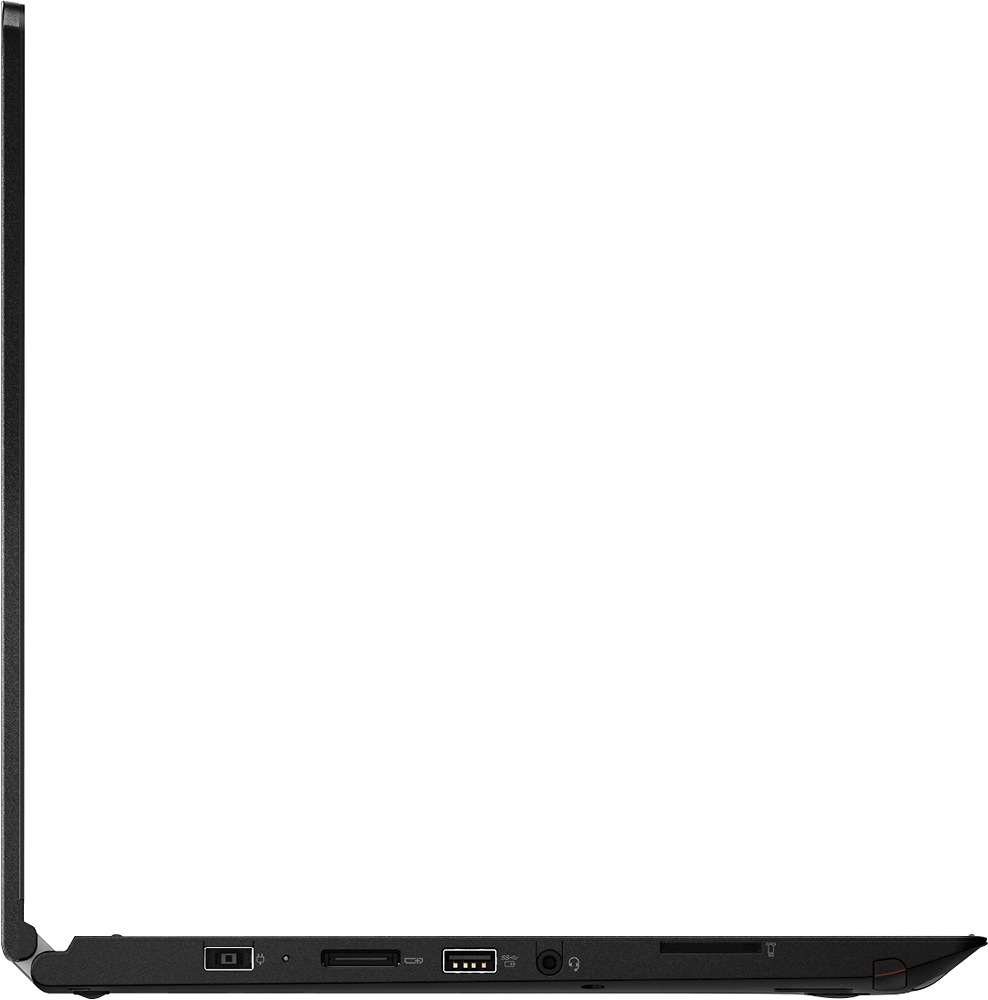
A:AnswerI just bought the One Link Pro Dock docking station, and there does not seem to be a suitable sized port for the connector. Is the OneLink connector different to the OneLink Pro Dock connector?
A:Answer"This system is not upgradable by the user. Any work on this device must be performed by a certified technician or the warranty may become void. There is a full-size SD Card Slot on this device that will allow you to easily add up to 512GB of additional solid state storage to the device. This would not be suitable for storing software programs though as most commercial software programs must be loaded on the internal "C" drive."
Dear Lenovo Expert,
Let's say the upgrade is done by a certified technician; Does the stock drive have an upgrade path and can this machine run an NVMe SSD drive?
Thank you