A:AnswerHey, Pat. While Lenovo does make cases and bags for laptops, we recommend choosing whatever best aligns with your needs and preferences in a travel bag to help ensure you're happy with your purchase.
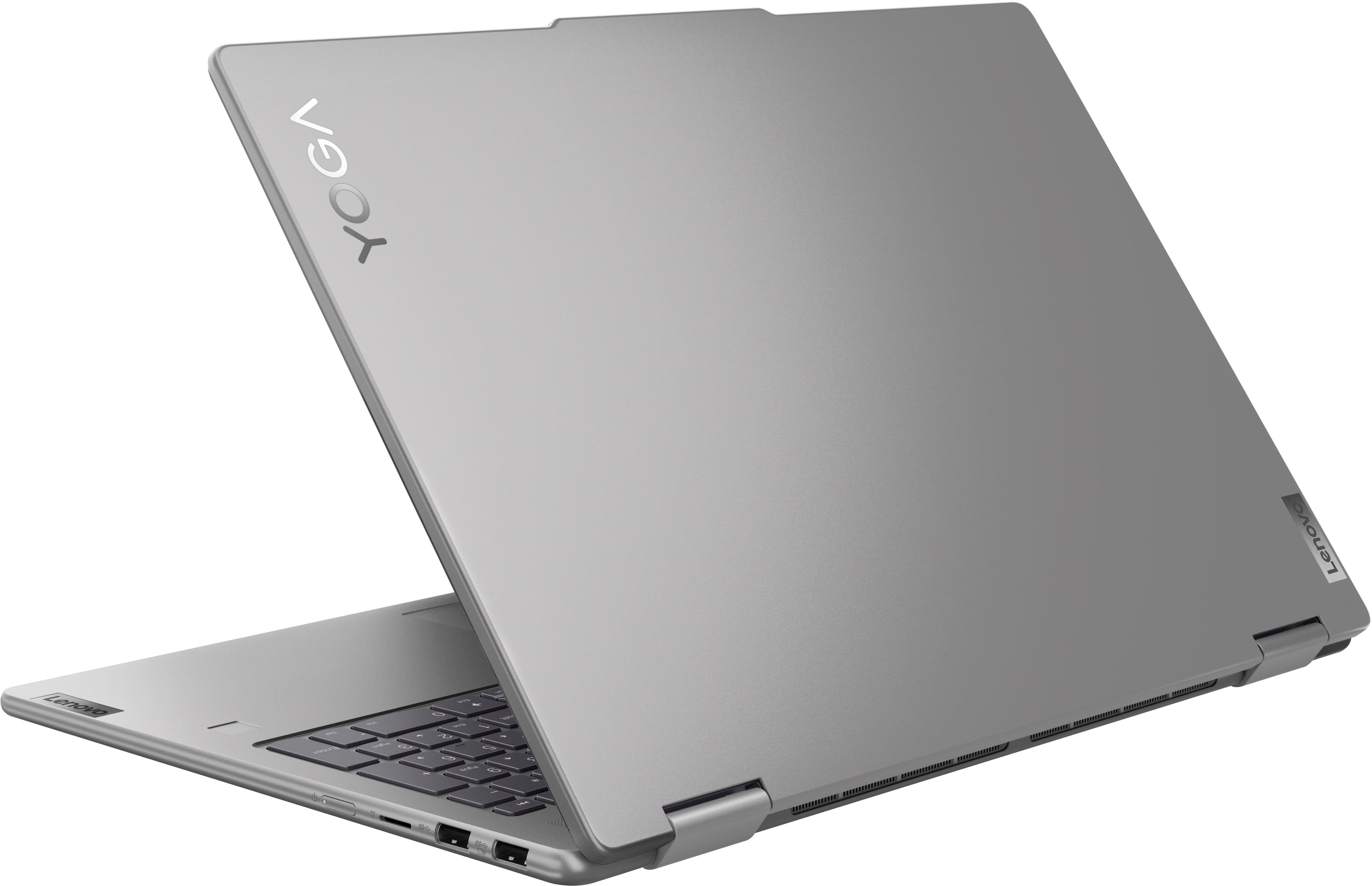
A:AnswerHi, thank you for your question. The Yoga 7 does not support SIM cards or eSIM for cellular connectivity. It relies strictly off Wi-Fi for internet.
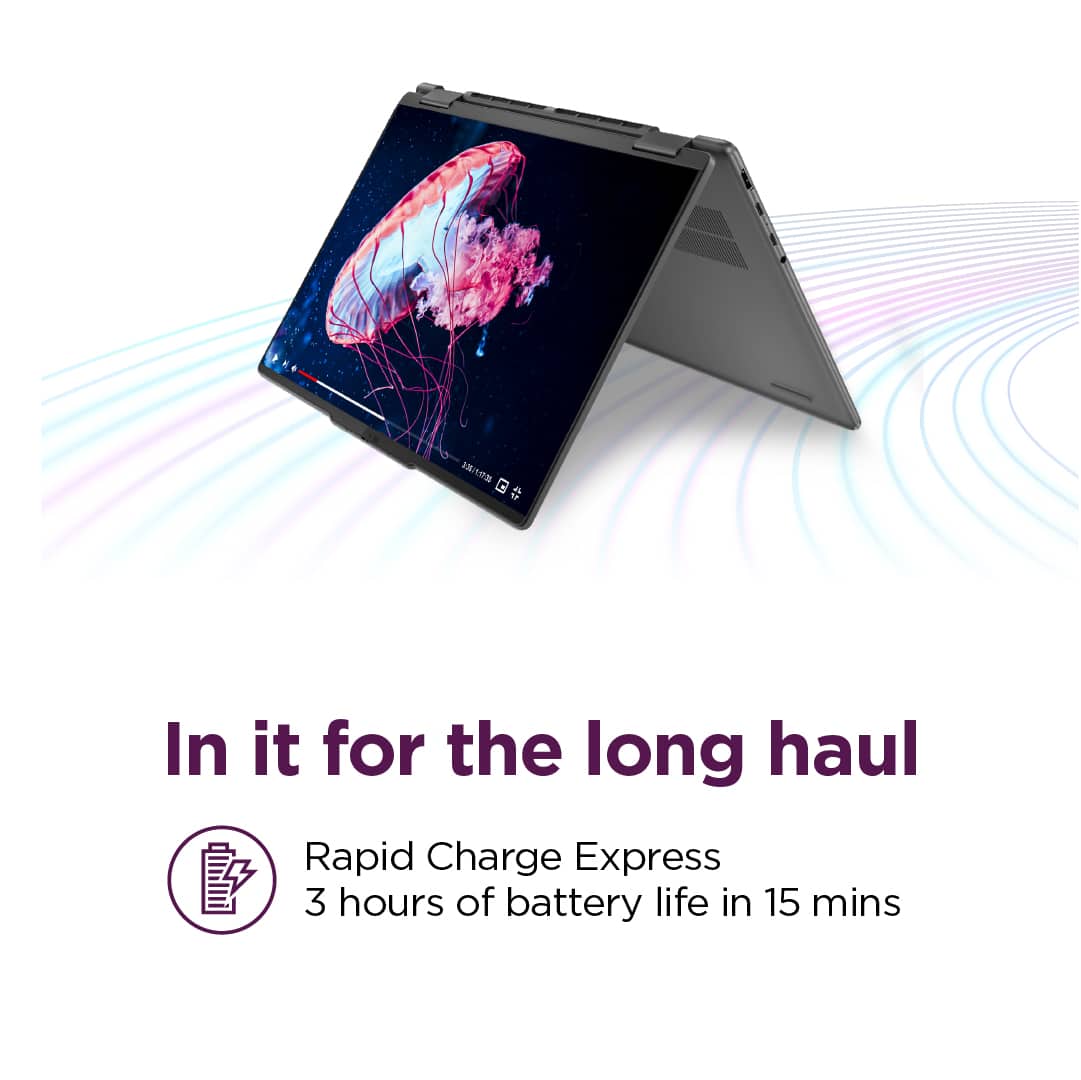
A:AnswerHey, Gwen. The MobileMark battery life rating for this Yoga 7 is 12 hours; however, during test like these, the conditions you may be using your Yoga can vary greatly depending on device settings, workload its under, and more. Reviews of this series usually experience around 6-8 hours of use with a moderate workload, being used continuously. Putting your device to sleep and making power adjustments in Lenovo Vantage are some ways you can easily extend your battery life.
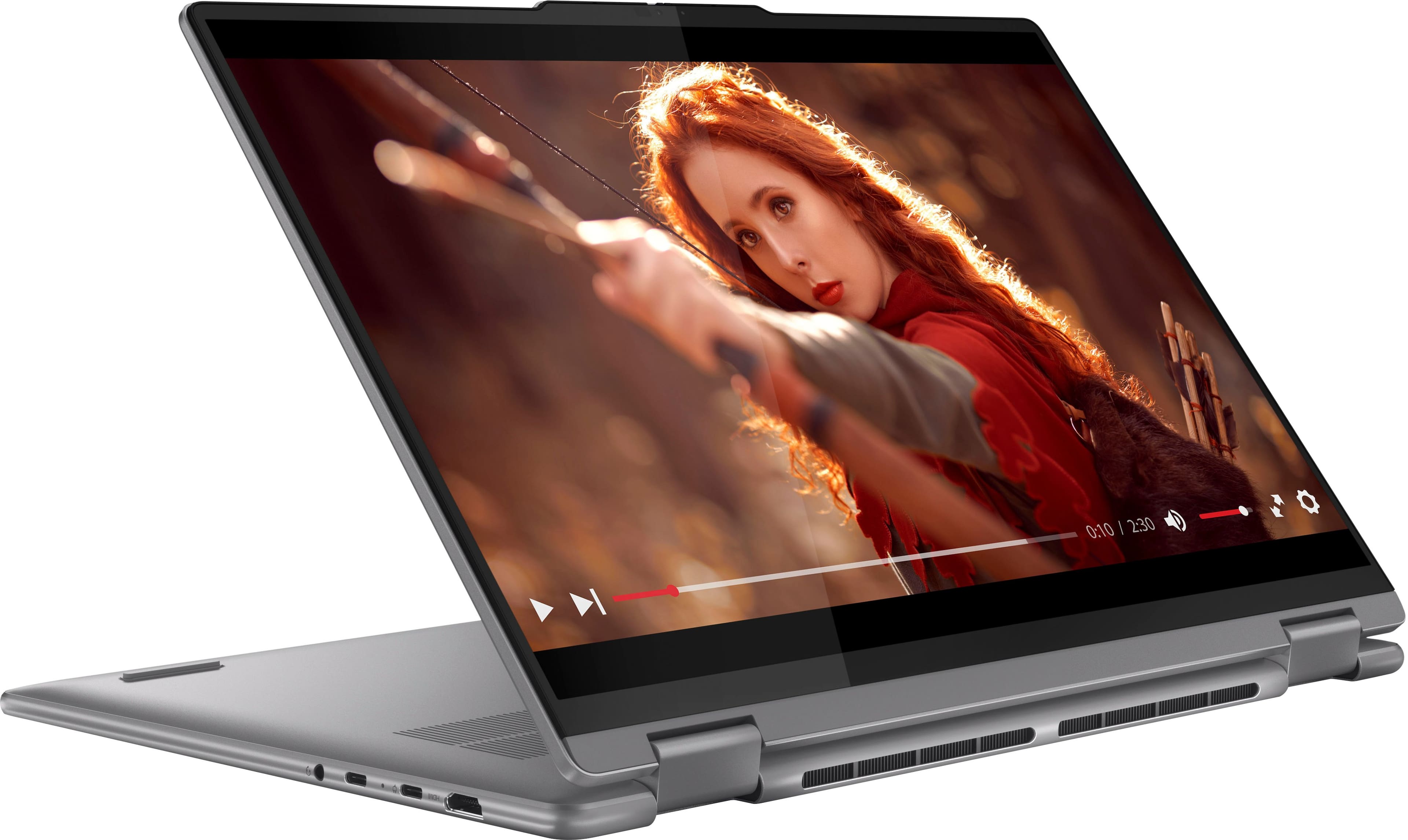
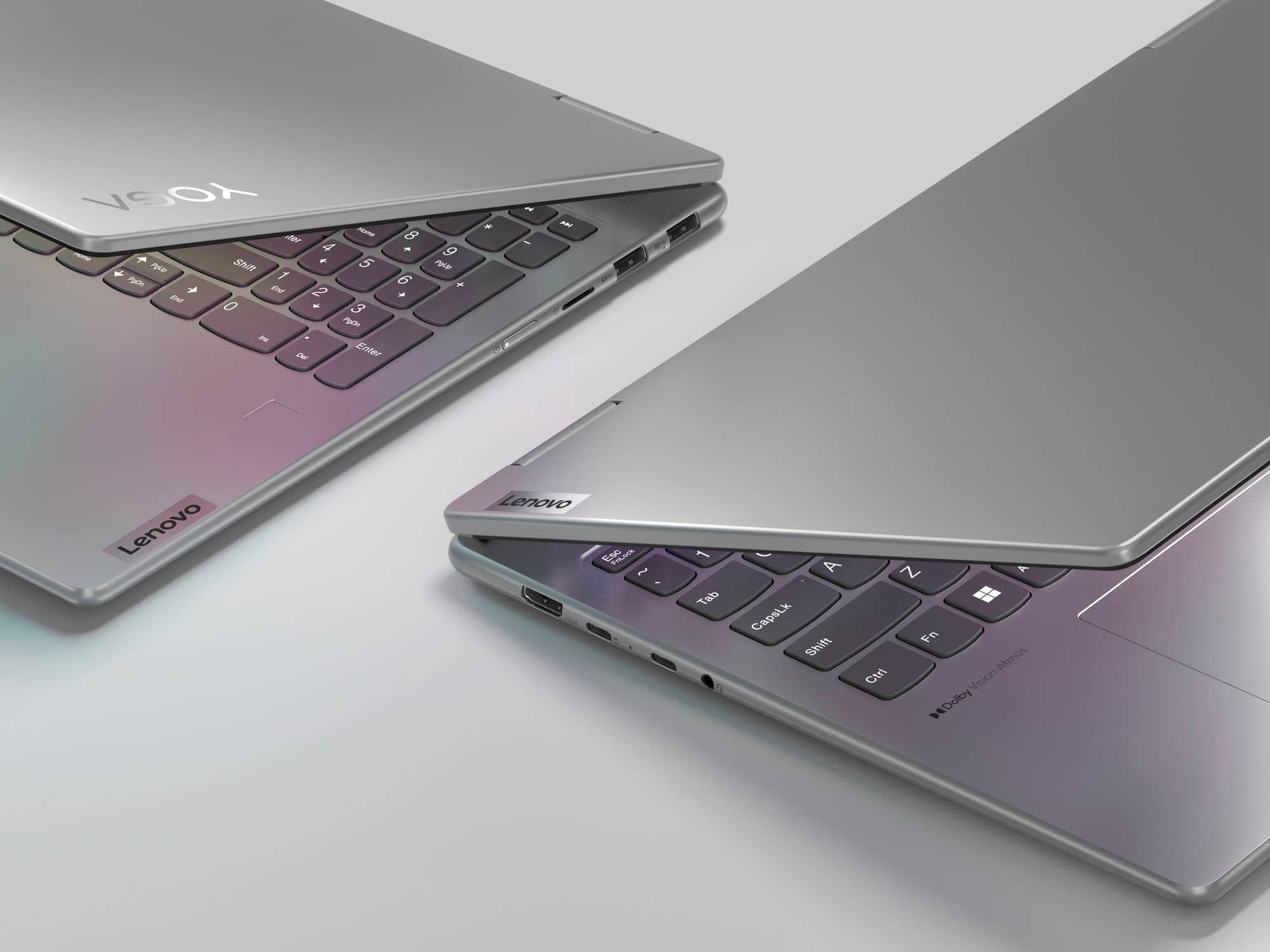
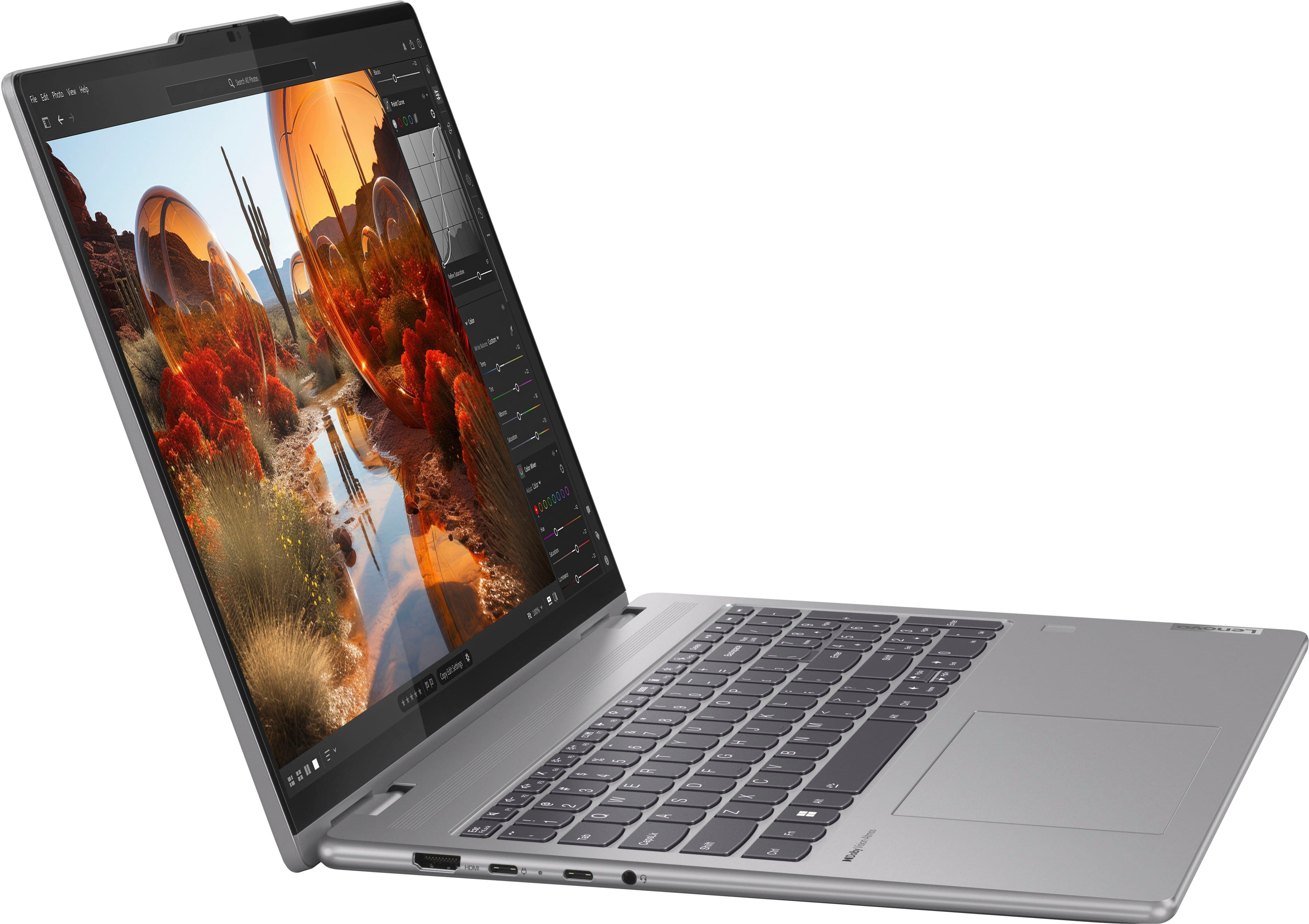
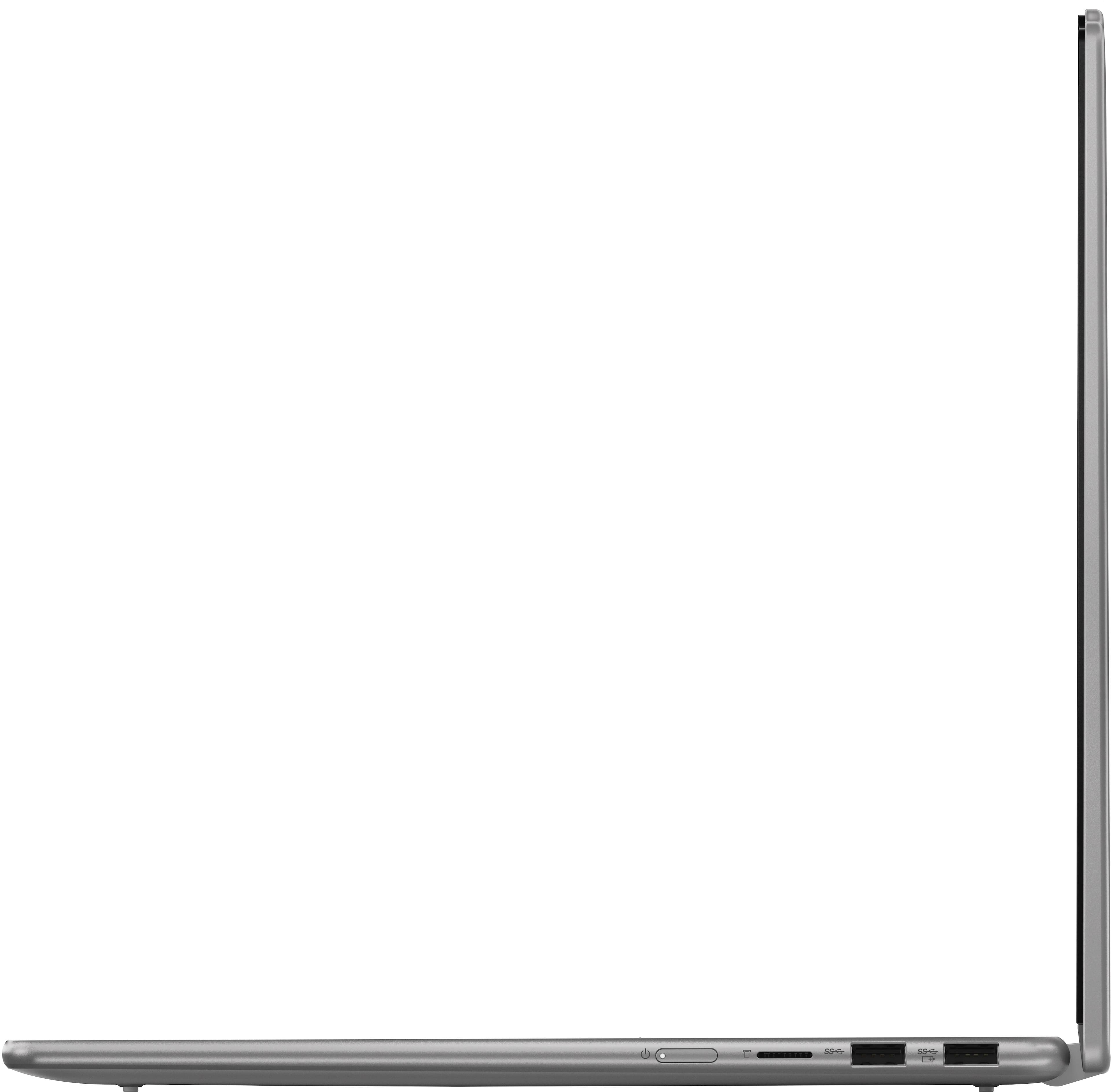
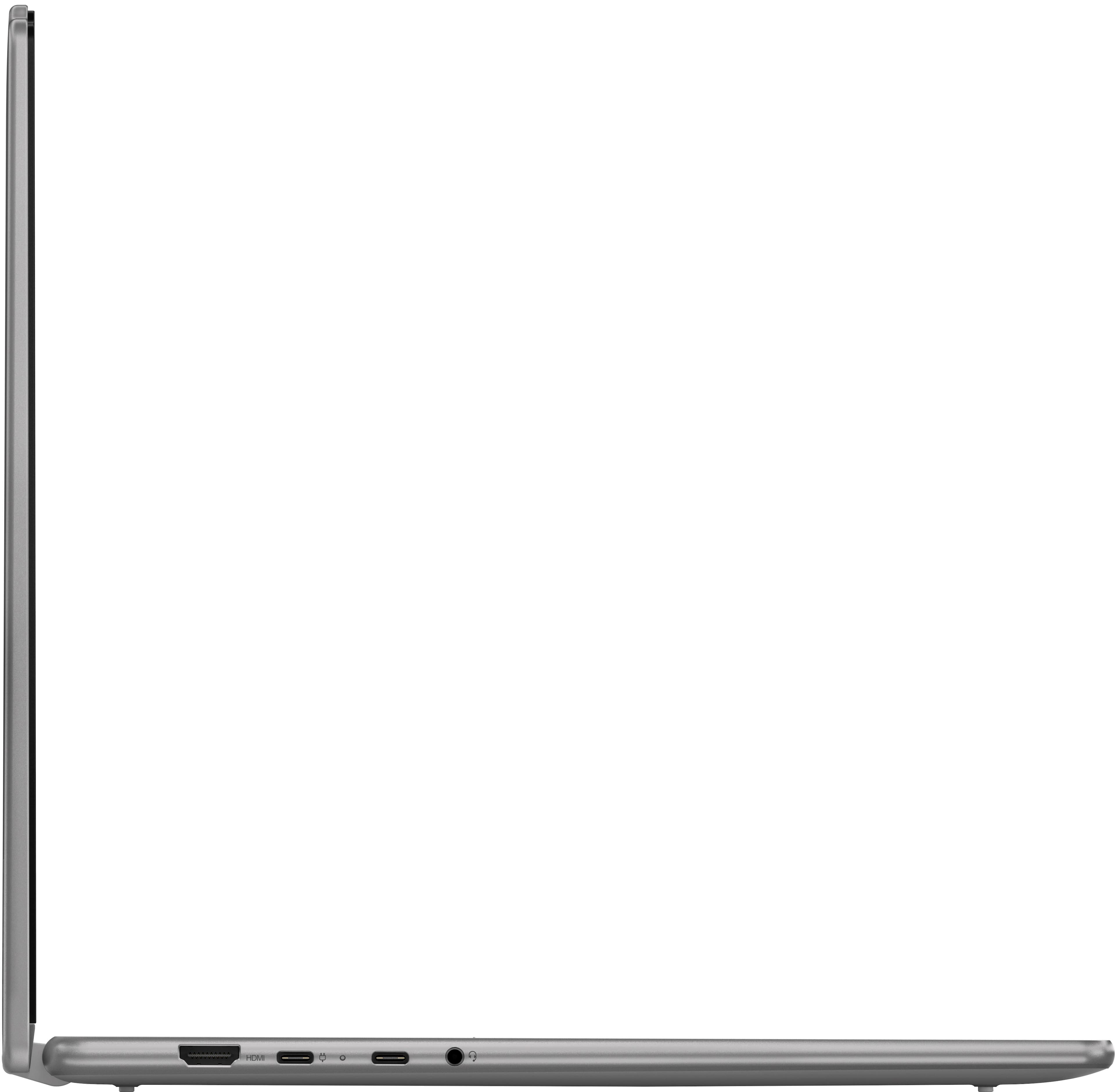
A:AnswerHey, DavidZ. Yes, it does, and they can be connected via HDMI and USB-C (a display adapter may be necessary for this port), or you can use a USB-C docking station or hub to connect all peripherals into one port.
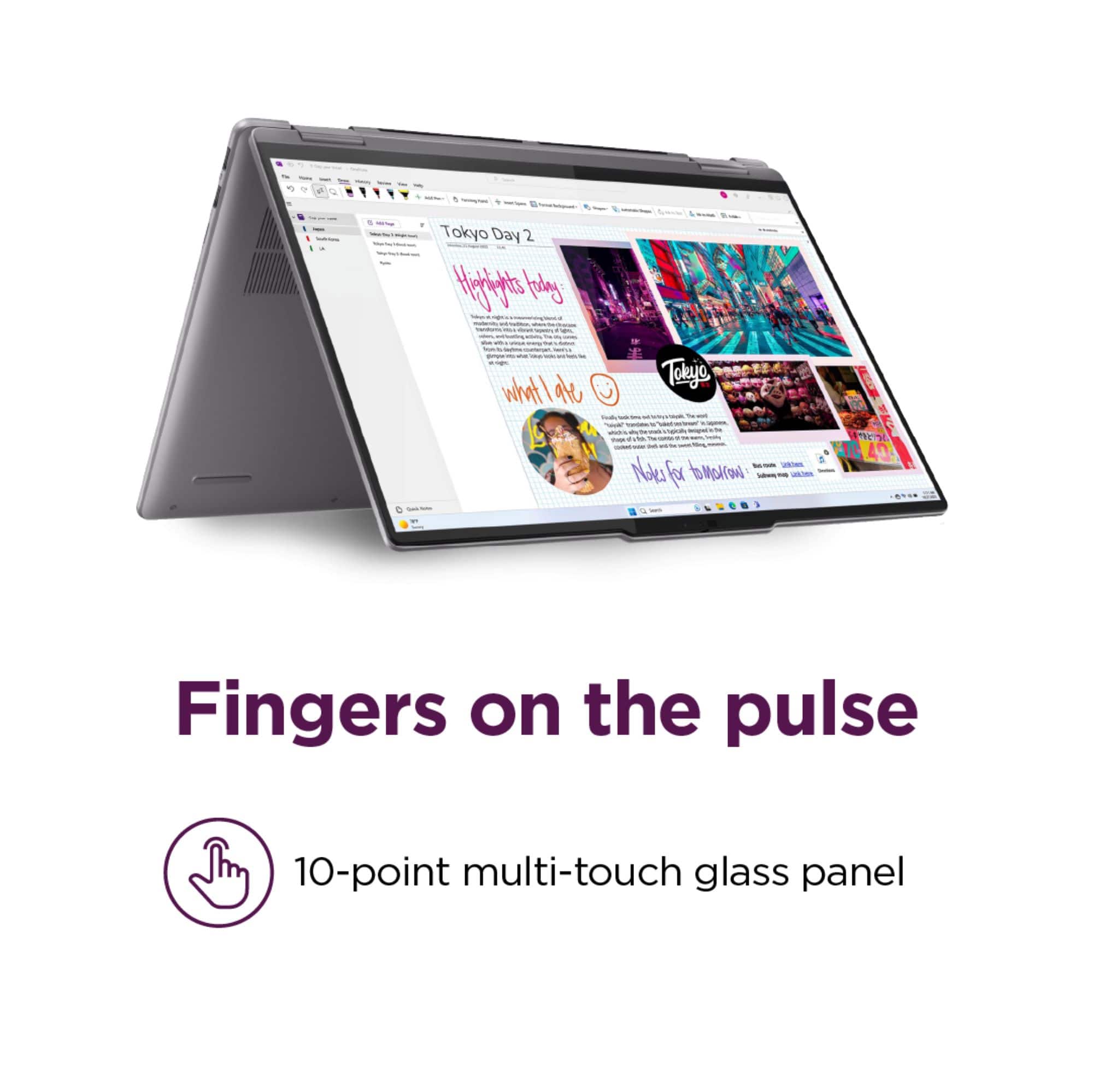
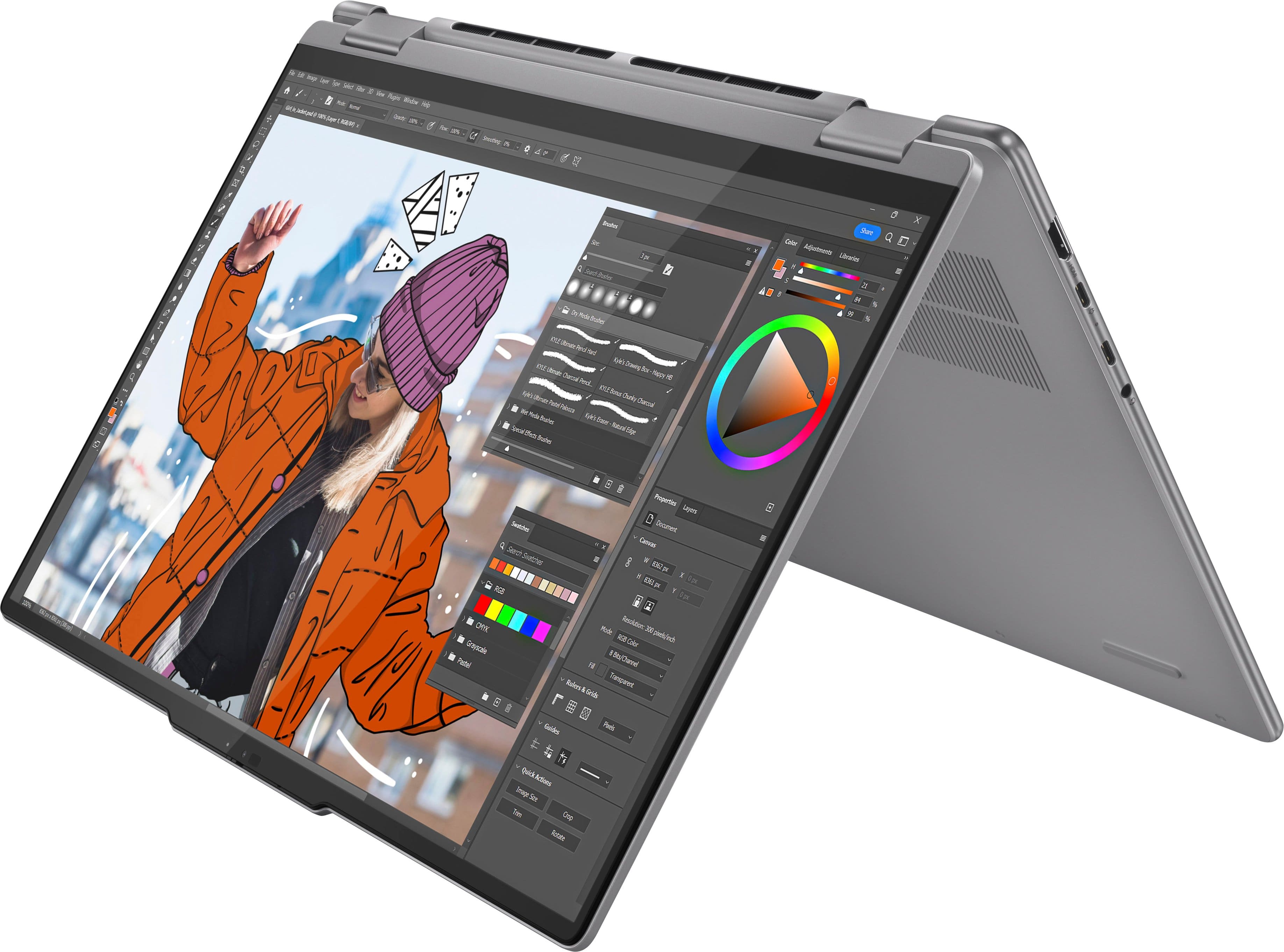
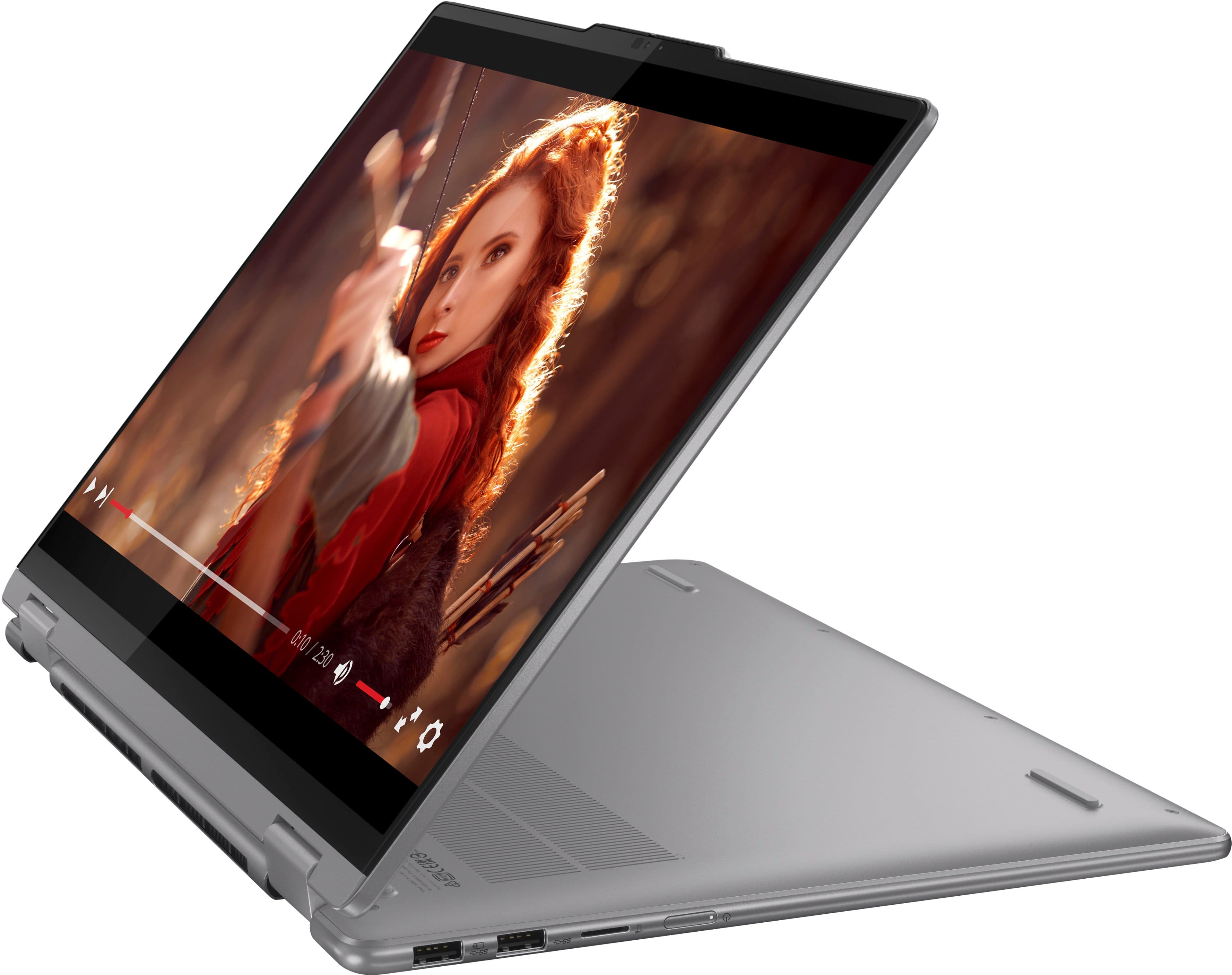
A:AnswerHi again, appreciate your questions. It can depend on the pen as some pens only work with certain devices; but generally, any pen like the Lenovo Digital 2 pen here (https://www.bestbuy.com/site/lenovo-digital-pen-2-gray/6580719.p?skuId=6580719) that support MPP and AES pen protocols will work with our 2-in-1 devices, along with the Active Pen 2 (Windows). Also, there shouldn't be any damage to the display or the display glass since we design our 2-in-1 displays with this use in mind.
A:AnswerHey there, thank you for your question. While Lenovo does not offer any bag options through Best Buy, here's a link to search results (https://www.bestbuy.com/site/searchpage.jsp?id=pcat17071&qp=laptopcasesizerange_facet%3DMaximum%20Laptop%20Size~16%22%20-%2016.9%22%5Efeatures_facet%3DFeatures~Water%20resistant&st=laptop+bag) for laptop bags with search filters for accommodating 16" laptops and water resistance. Hope this helps!
A:AnswerHey, Matt. We're sorry to hear that you're having trouble. Here's a link to a Lenovo Support webpage (https://support.lenovo.com/us/en/videos/vid100753-trouble-connecting-to-the-internet-or-a-wireless-network) with a video and instructions on steps to take to resolve this issue. Hope this helps!
A:AnswerHey there, thank you for your question. We currently do not offer a screen protector for the Yoga 1-in-1 devices. We understand hear your concern and want you to know that we design the Yoga 2-in-1 devices with every day use in mind. That doesn't mean drops, scraping and similar abuse, of course; however, there are protection and support options offered by Best Buy to protect your entire device and not just the display. Here's a link to learn more about Best Buy Total coverage: https://www.bestbuy.com/site/best-buy-membership/best-buy-membership-total/pcmcat1629315977983.c?id=pcmcat1629315977983
A:AnswerHey there, thank you for your question. There is not a screen protector option that is offered for the Yoga devices from us (Lenovo) since we design these devices with day-to-day use in mind, so we cannot recommend an option in this regard.
A:AnswerHey, TSK. It features a 1-year manufacturer warranty, and yes, preinstalled software includes Windows required applications, Microsoft partner apps, Lenovo device health and support applications like Lenovo Vantage, Microsoft 365 apps, and more.
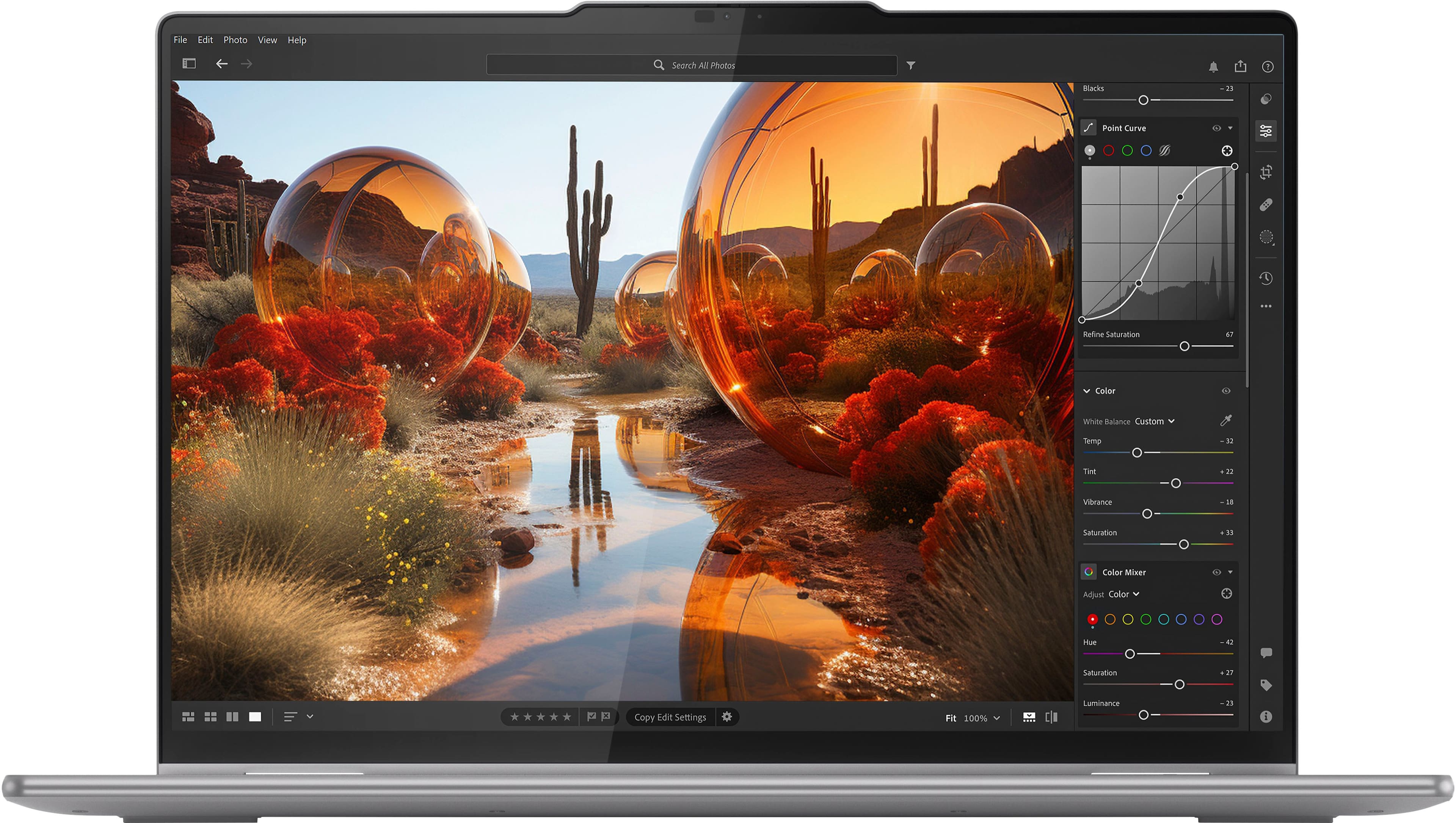
A:AnswerHey, JD. It should do fine for most common software like Adobe Premiere, but it would depend on the specific video software since some can have high system specification demands. We recommend reviewing the system requirements detailed on each software publisher's website, then comparing it with the specifications this Yoga or any potential computer you’re interested in to help ensure you find the right fit for you. If you have a specific software in mind, you can ask another question mentioning it and we can help.
A:AnswerHey, Phil. A pen like this Lenovo Digital Pen 2 (https://www.bestbuy.com/site/lenovo-digital-pen-2-gray/6580719.p?skuId=6580719) will work with this Yoga. Any pen that features MPP and AES pen protocols will work.