Questions & Answers
- Model:
- 24GN650-B.AUS
- |
- SKU:
- 6451069
Q: QuestionCan this run 120hz and 120 fps on my Xbox series s?
Asked by Oscar.
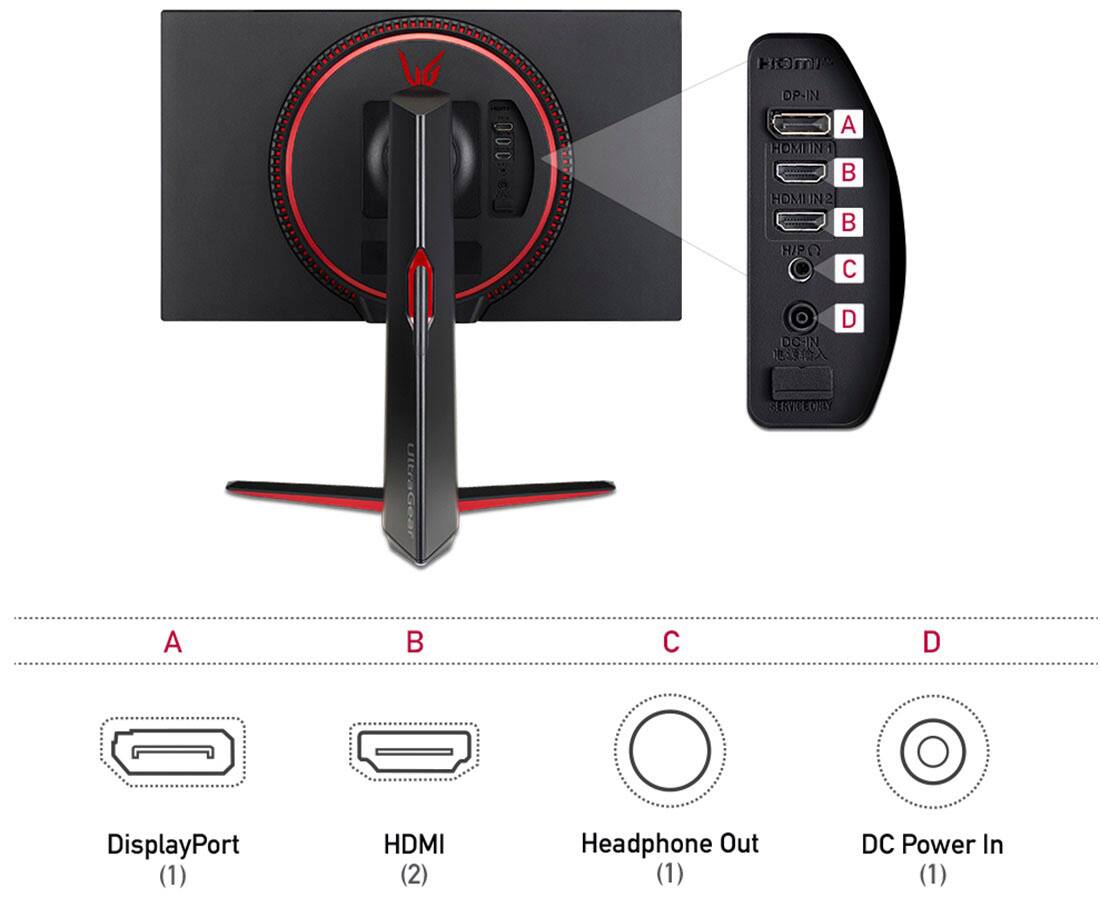
- A:Answer This monitor recommended resolution of 1920 x 1080 @ 144Hz. It will support 120Hz @ 1080P with HDMI Compatibility Mode Off. This monitor does not have HDMI 2.1 and will not support 4K@120Hz. ^Daphane
Answered by LG Digital Customer Care

Q: Questiondoes it have a camera and is it !s adjustable?
Asked by Anonymous.
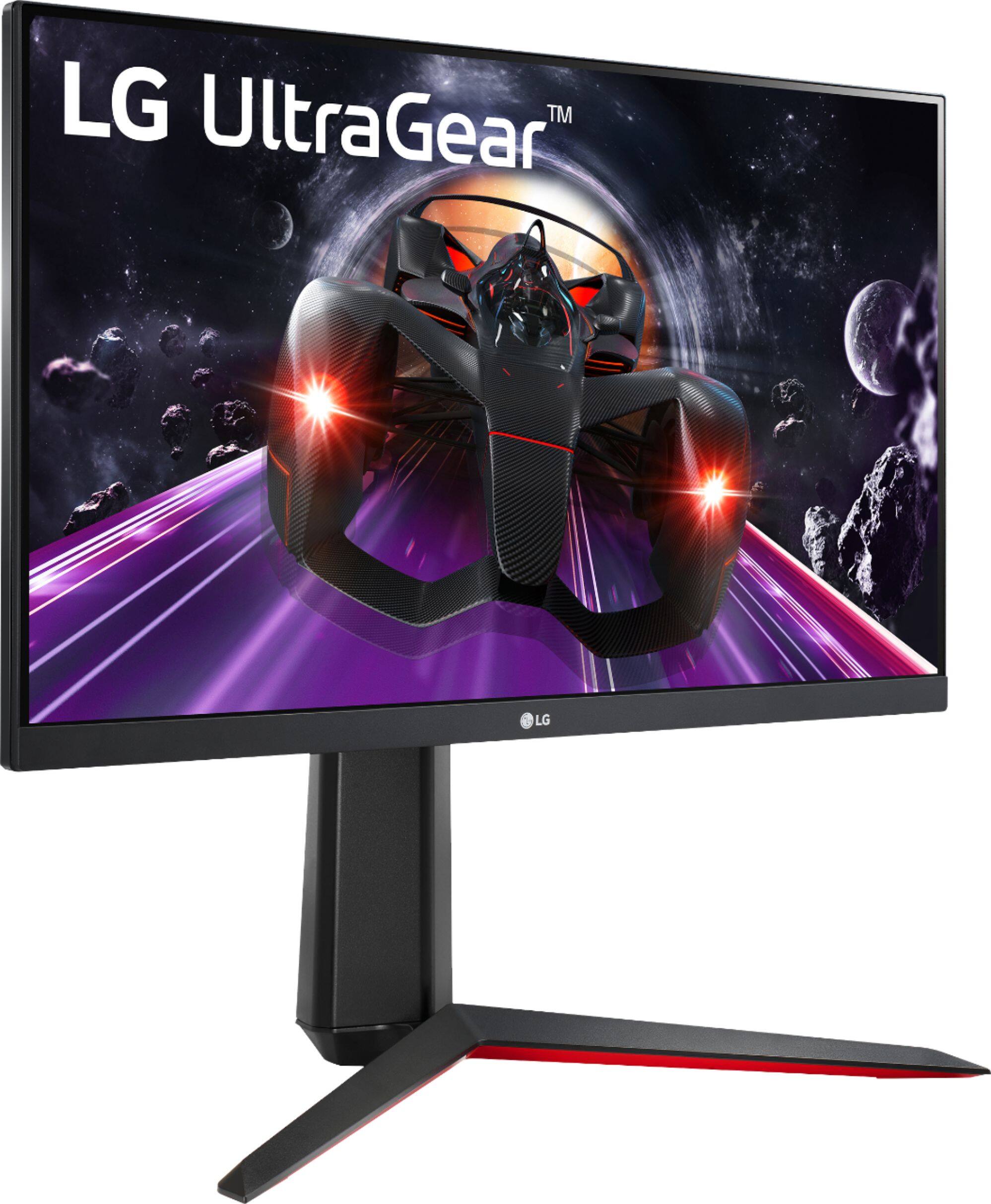
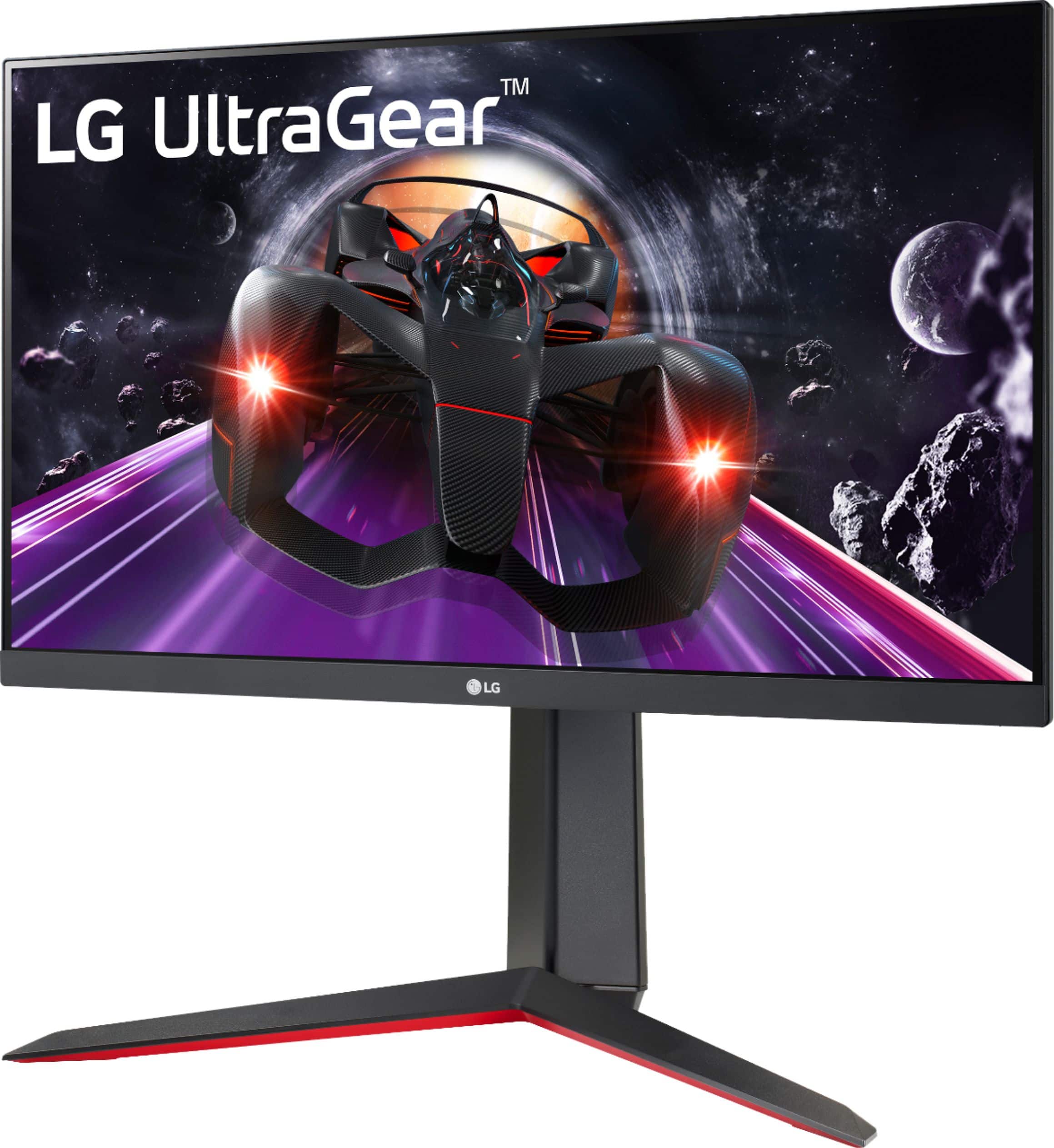
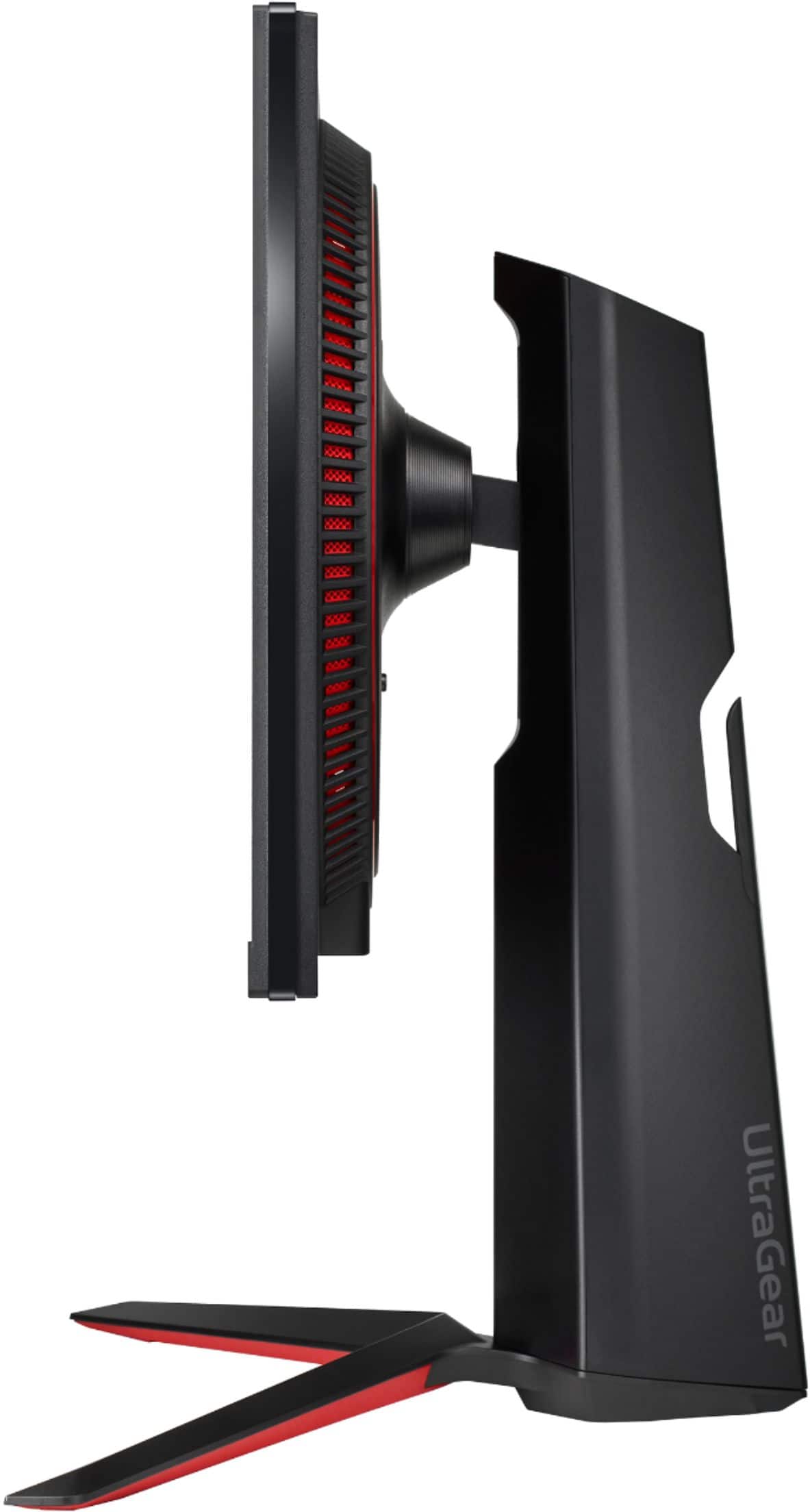
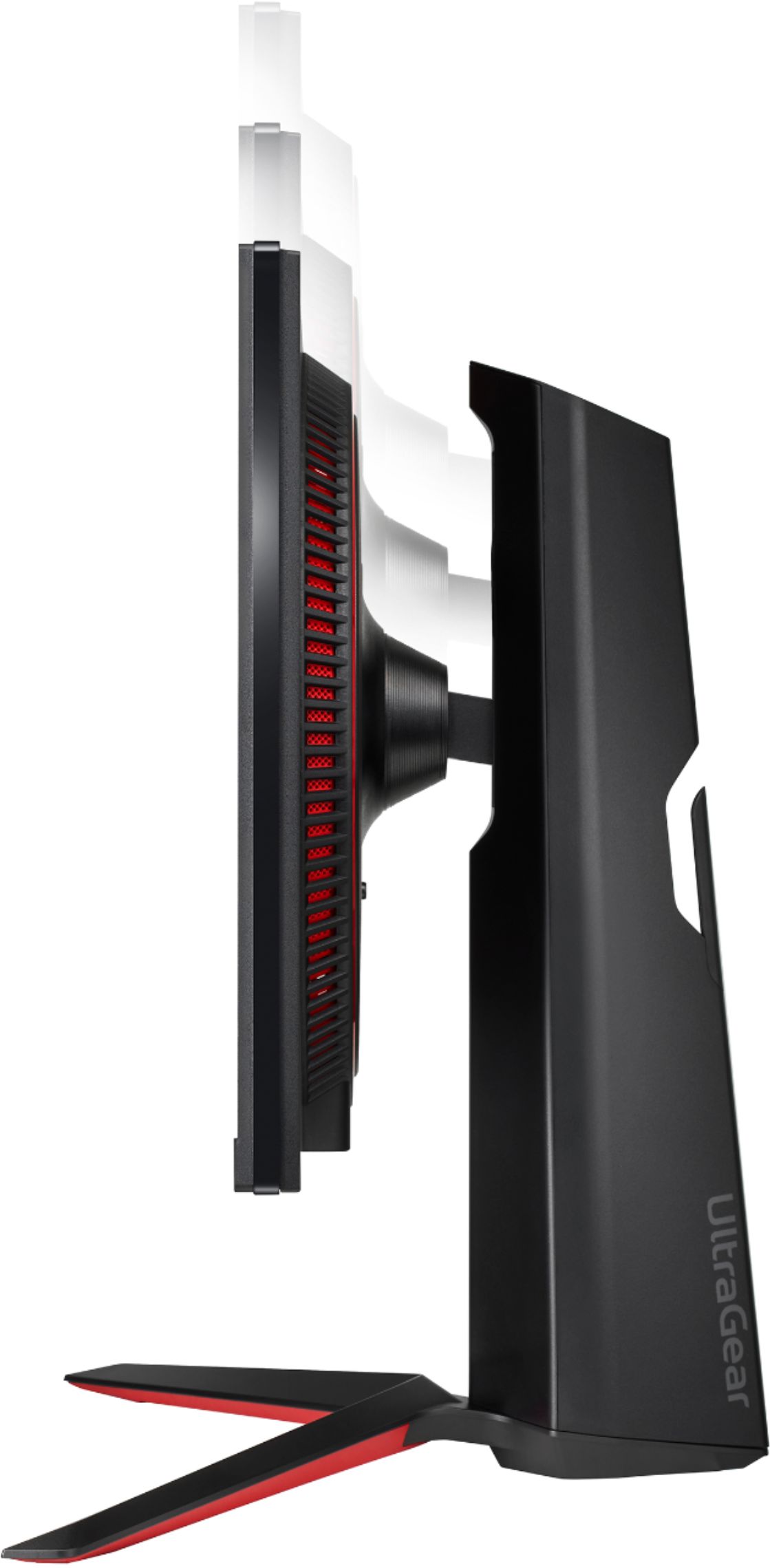
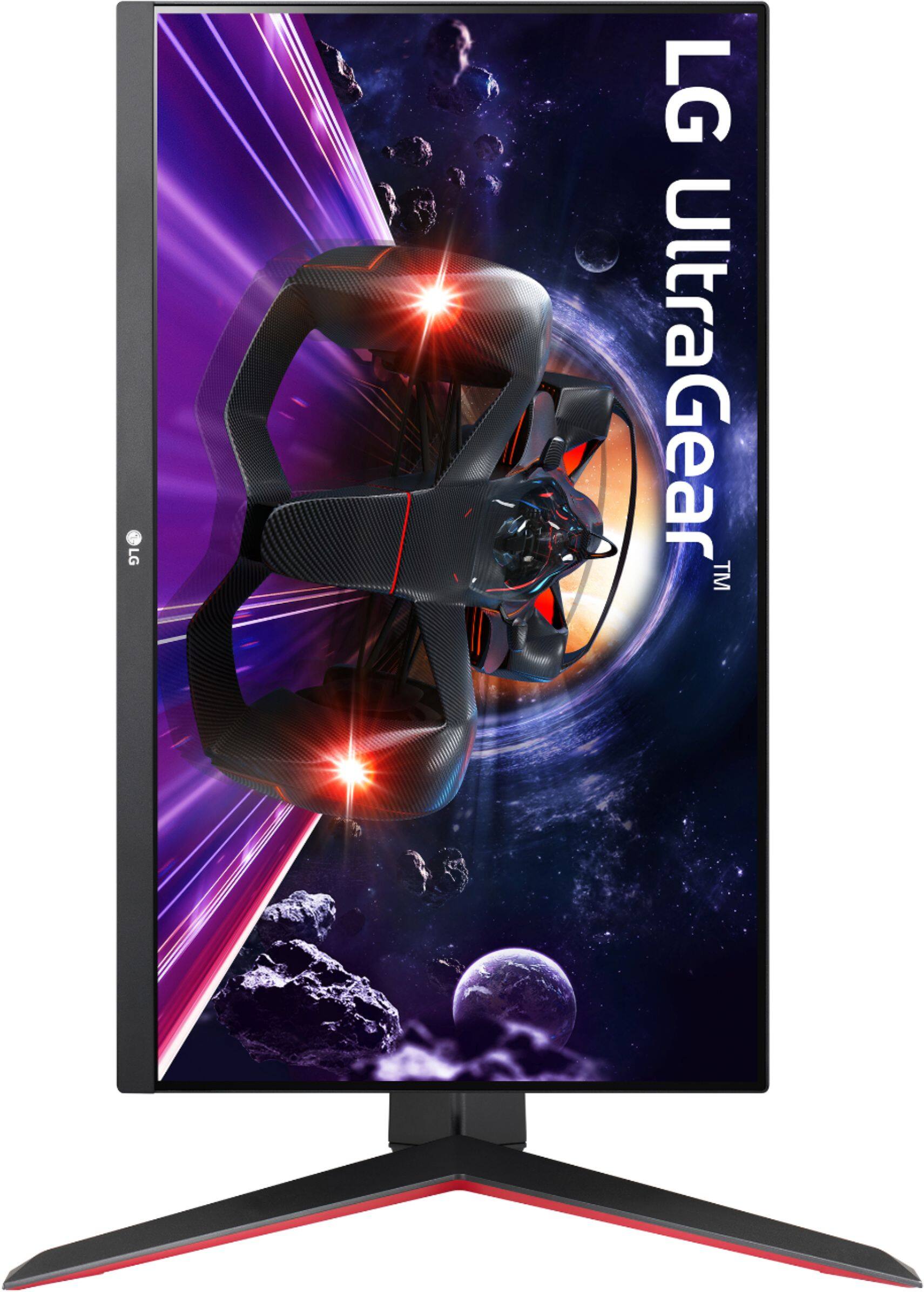
- A:Answer No camera and does come adjustable from portrait to landscape and up and down.
Answered by Shadowgate
Q: QuestionDoes this monitor have a camera?
Asked by Willie.
- A:Answer Did not come with a camera
Answered by Shadowgate
Q: QuestionWhat power cable does it use
Asked by Diego.
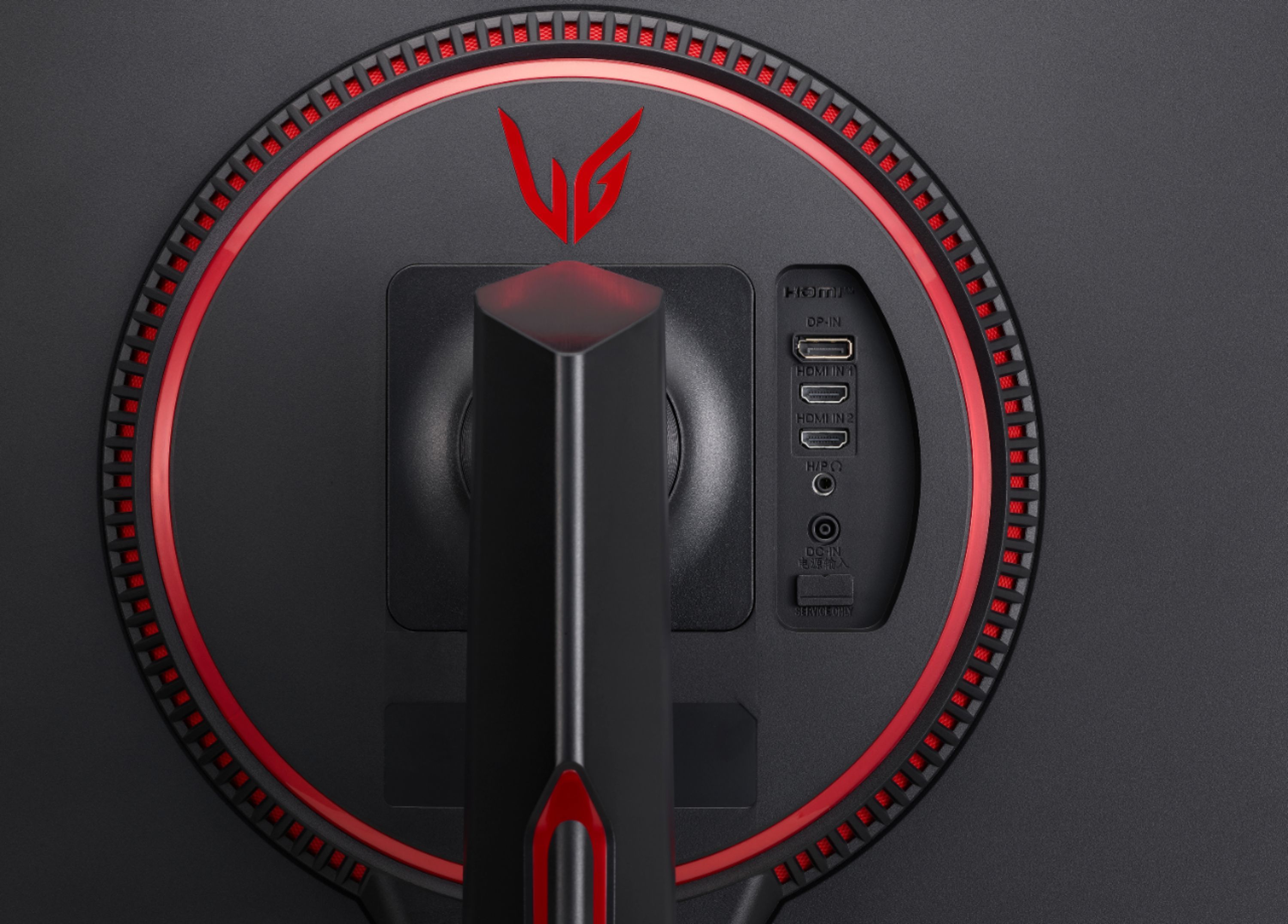
- A:Answer Hello, Diego! The LG 24GN650-B monitor uses a standard power cable with a C7 connector, also known as a "figure-8" or "cloverleaf" plug. This cable is commonly used for many electronic devices. If you need further assistance, feel free to ask! -Junel
Answered by LG Digital Customer Care

Q: QuestionHow can I change the hz from 60 to the highest possible on ps5
Asked by Questionneedanswer.
- A:Answer Thank you for reaching us regarding LG Monitor. To change your refresh rate from 60 Hz to the highest possible on your PS5 with the LG 24GN650-B monitor, follow these steps: 1. Connect Your PS5: Use a DisplayPort cable for the best refresh rate (up to 144 Hz). If using HDMI, it may be limited to 120 Hz. 2. Adjust PS5 Settings: Go to "Settings" > "Screen and Video" > "Video Output" on your PS5. Set the resolution to 1080p and make sure "Enable 120 Hz Output" is turned on. 3. Check Monitor Settings: Use the joystick on the monitor to open the menu. Go to "Settings" > "Picture" and make sure features like "HDR" or "Motion Blur Reduction" that might affect the refresh rate are set correctly or turned off. 4. Check Your Cable: Make sure you're using a high-quality cable that supports higher refresh rates. If using HDMI, ensure it's an ultra high-speed HDMI cable. You can download its owner's manual through this link for more information: https://www.lg.com/us/support/product/lg-24GN650-B.AUS. For additional assistance, please reach out to us on social media @LGUSSupport so we can help you further. ^Cris
Answered by LG Digital Customer Care

Q: QuestionIs this a good budget monitor for the Xbox series x?
Asked by jeff18.
- A:Answer I would recommend it. I bought for $180 on sale, and I see it's now at $170 without a sale. Maybe wait until there is a sale and it would definitely be worth it.
Answered by Colton
Q: QuestionWill it run 120 fps on Xbox series s when it’s on 1080p
Asked by Blake.
- A:Answer Yes
Answered by AlexanderC
Q: QuestionI really want this monitor but the red trim doesn’t fit my setup, is there a way to get different color or remove the color red?
Asked by Ramilly.
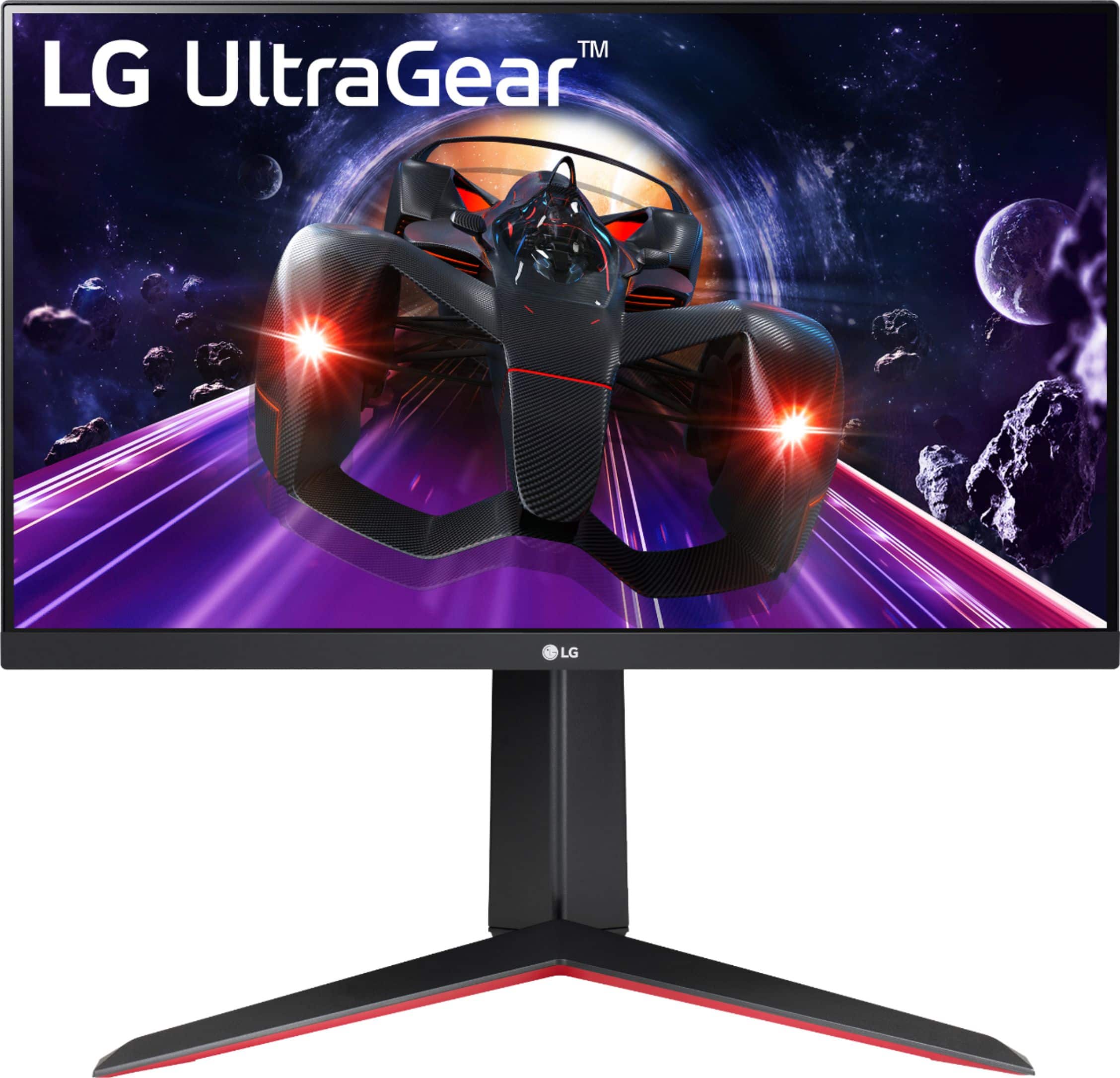
- A:Answer No way to remove it and doesn't look like there are any color options. The only red parts you would see are the legs so maybe you could cover them with edge tape.
Answered by ViAsh
Q: QuestionI have an older Xbox One S, and I want to maybe use this monitor with it. Does anyone know if the monitor's Display Port would work on the xbox SS1 or SS2?
Asked by pisaguarius.
- A:Answer It should with the hdmi port!
Answered by ViAsh
Q: QuestionHow many milliseconds those this monitor have?
Asked by Crush.
- A:Answer Hey there. With 1ms response time, gamers see fast action, obstacles and opponents in near real time for a clear advantage and with a 144Hz refresh rate for less motion blur and smooth movement regardless of game genre. ^Anthony
Answered by LG Digital Customer Care

Q: QuestionCan I connect my ps5 to this monitor? If I could will I be able to use it to its full potential?
Asked by Robert.
- A:Answer You should be able to with the hdmi port and yes you should be able to display with the highest fidelity.
Answered by ViAsh
Q: QuestionWould this work with a ps5 and what hdmi would I need?
Asked by Salman.
- A:Answer Yes, via HDMI 2.0. but it will lower down to 1080p and 120hz
Answered by CharlescrisC
Q: QuestionI will like to get this because I am building a pc. Will I be able to connect my headset to it or connect it with Bluetooth?
Asked by bri.
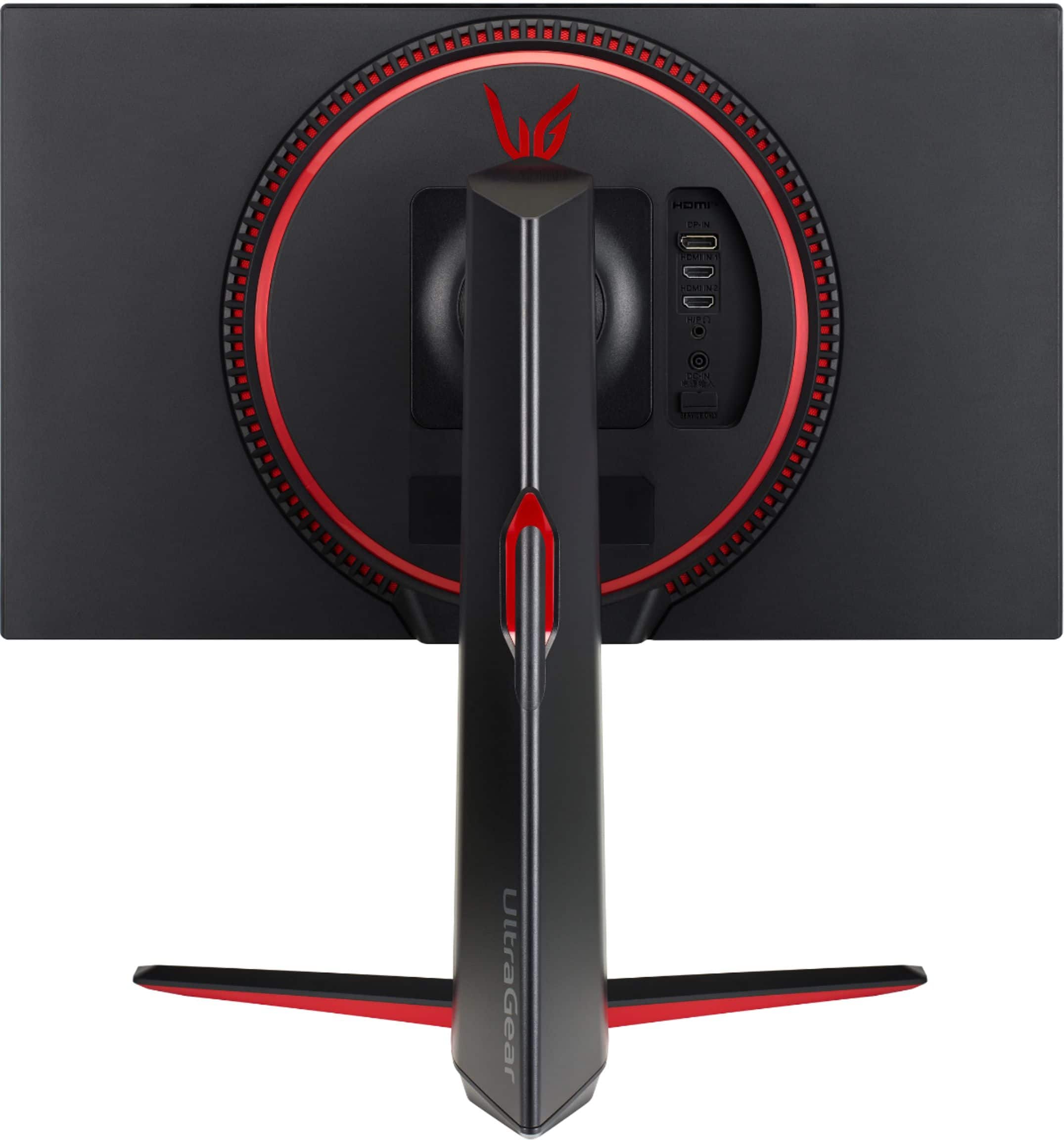
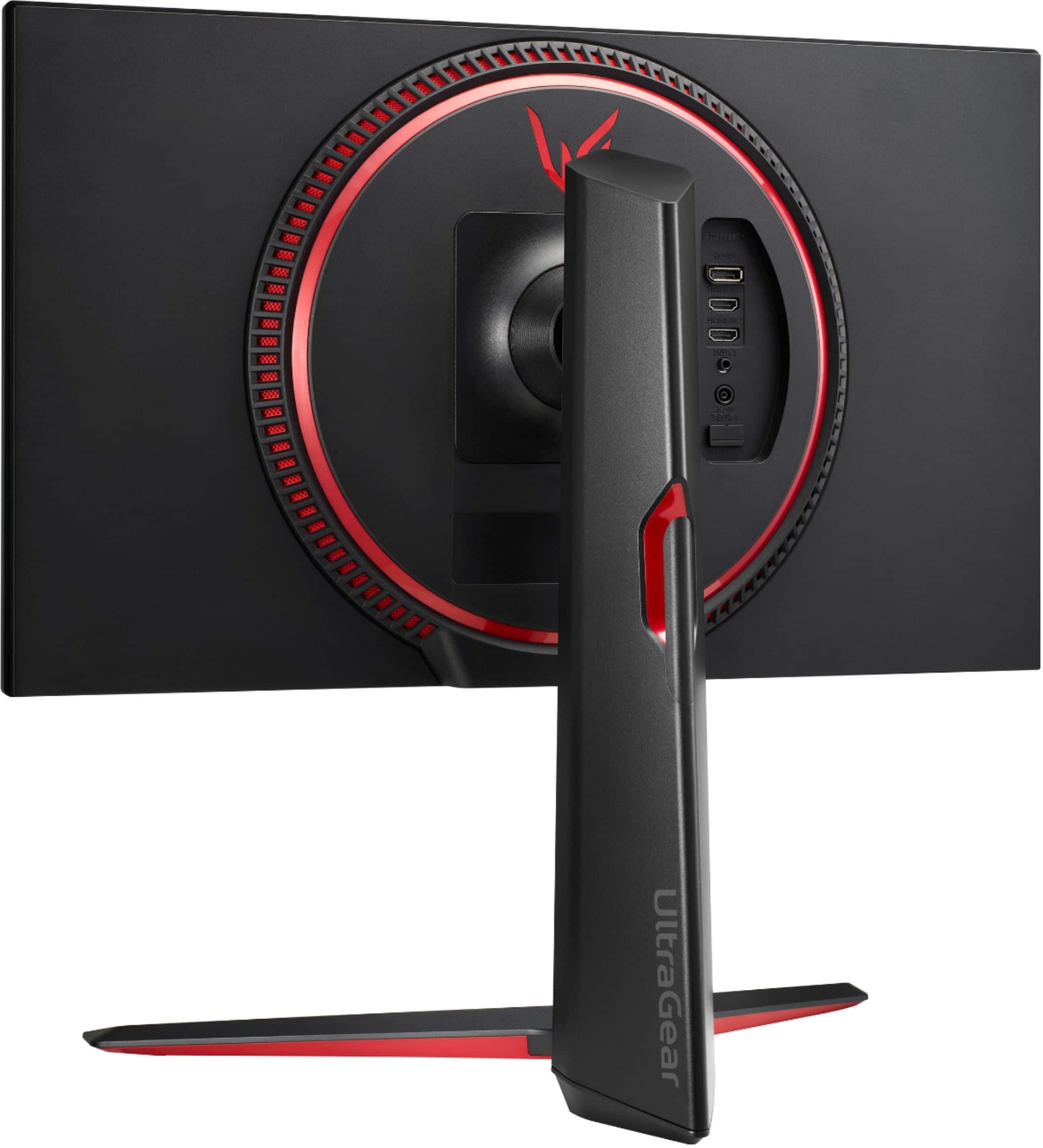
- A:Answer You can connect your headset at the back of the monitor. it has 1 3.5mm audio jack. Does not support bluetooth
Answered by CharlescrisC
Q: Questionis there a film that is supposed to come off the screen? why does the screen look grainy?
Asked by Heather.
- A:Answer it does not come with a film
Answered by CharlescrisC
Q: QuestionHow accurate is the color?
Asked by Heather.
- A:Answer The color is more accurate than my Samsung g5 monitor that has a VA panel so I prefer the LG IPS. However, sometimes dark black pictures can appear a little bit grey and not completely black.
Answered by Adam
Q: QuestionCan this monitor be used for working at home? No gaming
Asked by Krystal.
- A:Answer it has good color accuracy, good for content creation and good for media consumption.
Answered by CharlescrisC
Q: QuestionWhat is the weight?
Asked by ML.
- A:Answer Hi, this model 24GN650-B With Stand Weight 12.4 lbs and Without Stand Weight 7.5 lbs. ^Vanessa
Answered by LG Digital Customer Care

Q: QuestionDoes this monitor require a pc desktop? Or can you play games on this monitor without a pc connected?
Asked by A.
- A:Answer You can play it with a laptop or desktop
Answered by Dylon
Q: QuestionHow can I get 2 monitors connected to my MacBook Pro M1 Pro?
Asked by Alfred.
- A:Answer Please reach out to our support team on Facebook at @LGUSSupport and use #VOC in your first message to our social media support team. Please be sure to provide your name, phone number, address, email, model/serial numbers, and date of purchase and we will be happy to assist you. There are policies and procedures in place to ensure resolutions are consistent and fair. I am confident that we will work to provide an agreeable resolution.^Venette
Answered by LG Digital Customer Care

Q: Questioncan i swap out the stand for one that takes screws instead of that sphere stand
Asked by sukuna.
- A:Answer Hello, we only recommend the stand that is included on the package.^Venette

Answered by LG Digital Customer Care

Top Rated
- Winter Sale Deal$219.99Your price for this item is $219.99
- Winter Sale Deal$999.99Your price for this item is $999.99
- $129.99Your price for this item is $129.99$209.99The comparable value for this item is $209.99
- Winter Sale Deal$249.99Your price for this item is $249.99
- Winter Sale Deal$1,599.99Your price for this item is $1,599.99
- $399.99Your price for this item is $399.99$549.99The comparable value for this item is $549.99
- $249.99Your price for this item is $249.99$429.99The comparable value for this item is $429.99
- $169.99Your price for this item is $169.99
- $479.99Your price for this item is $479.99$549.99The comparable value for this item is $549.99
- $349.99Your price for this item is $349.99
- $279.99Your price for this item is $279.99$399.99The comparable value for this item is $399.99
- $2,299.99Your price for this item is $2,299.99
- $999.99Your price for this item is $999.99$1,199.99The comparable value for this item is $1,199.99
- $749.99Your price for this item is $749.99$799.99The comparable value for this item is $799.99
- Winter Sale Deal$349.99Your price for this item is $349.99
- Winter Sale Deal$949.99Your price for this item is $949.99
- $189.99Your price for this item is $189.99$299.99The comparable value for this item is $299.99
- Winter Sale Deal$209.99Your price for this item is $209.99
- $189.99Your price for this item is $189.99$249.99The comparable value for this item is $249.99