Questions & Answers
- Model:
- 24MR400-B.AUSQ
- |
- SKU:
- 6560959
Q: QuestionSince it is a pair of monitors, does it come with two HDMI cables?
Asked by CarolynH.
- A:Answer Yes
Answered by FrankR
Q: QuestionThe monitor doesn't turn on when my new computer turns on. Besides checking for power and hdmi connection, what else should I try?
Asked by Watcher.
- A:Answer When you are done using the LG 24-inch FHD 3-Side Borderless IPS 100Hz Monitor with FreeSync™, Model # 24MR400-B, don't turn it off, leave it on when you turn your computer off. The monitor has an Automatic Standby mode, and if there is no operation on the monitor for a certain period of time, the monitor will automatically switch to standby mode. When you next turn your computer on, the monitor will also turn on...^Ivan.
Answered by LG Digital Customer Care
Q: Questionwhat if my deskdop computer only has 1 HDMI plug?
Asked by Bill.
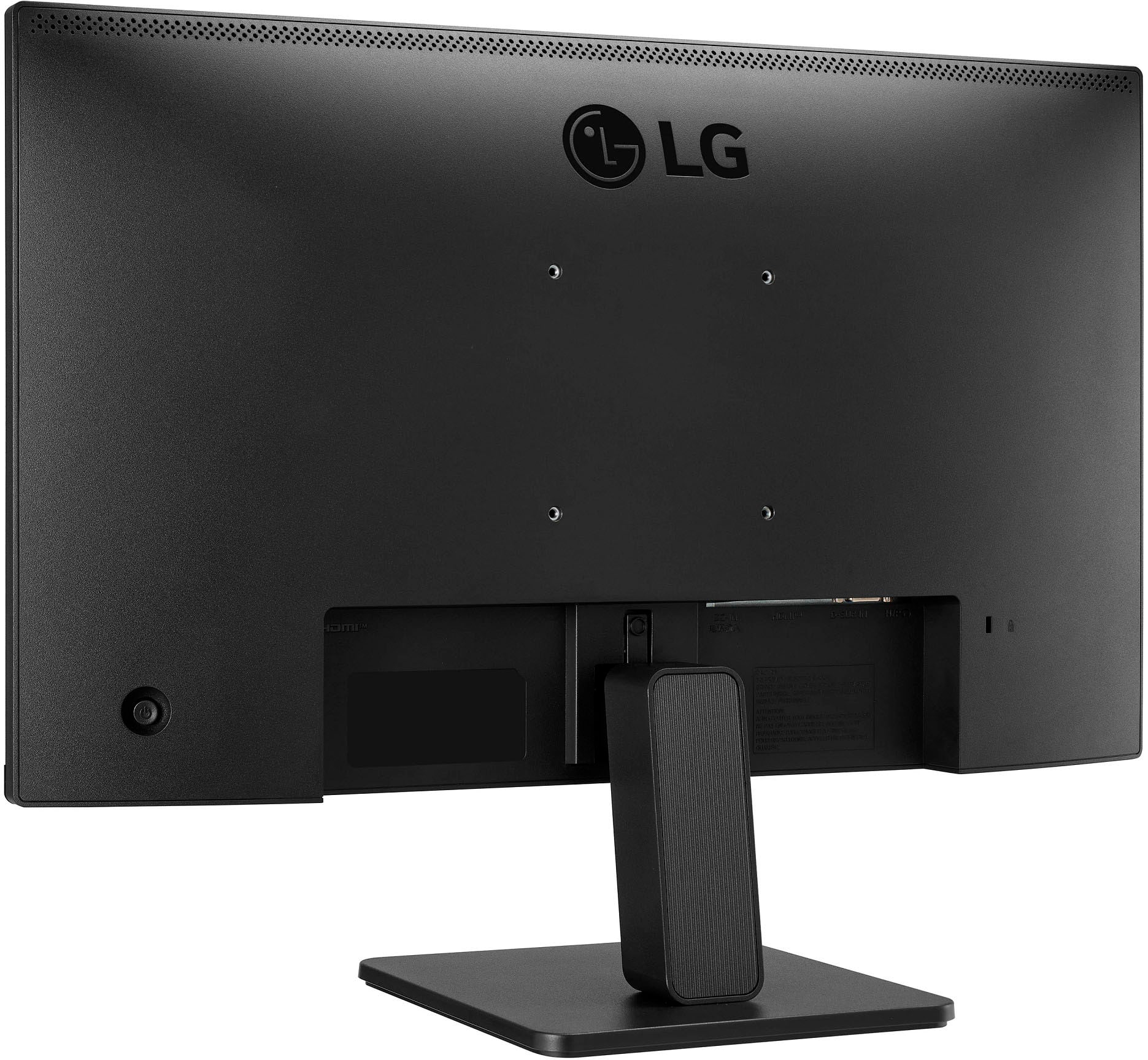
- A:Answer If your desktop computer only has one HDMI output, then you can simply connect that to the HDMI input on the LG 24 Inch FHD 3-Side Borderless IPS 100Hz Monitor with FreeSync™, Model # 24MR400-B, which also has a single HDMI input...^Ivan.
Answered by LG Digital Customer Care
Q: QuestionIs the monitor stand adjustable and if so how hight can the monitor be raised, roughly?
Asked by LLW20.
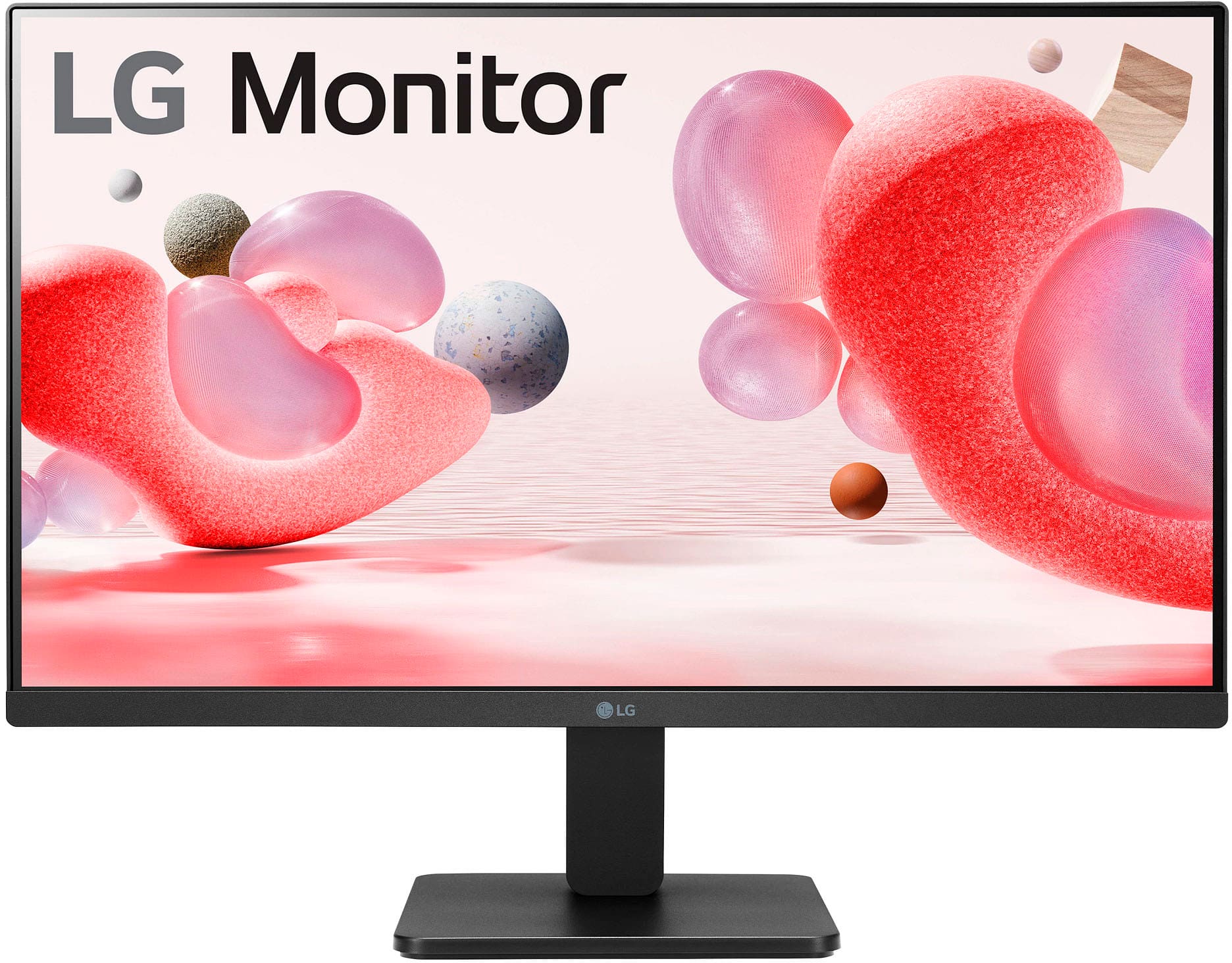
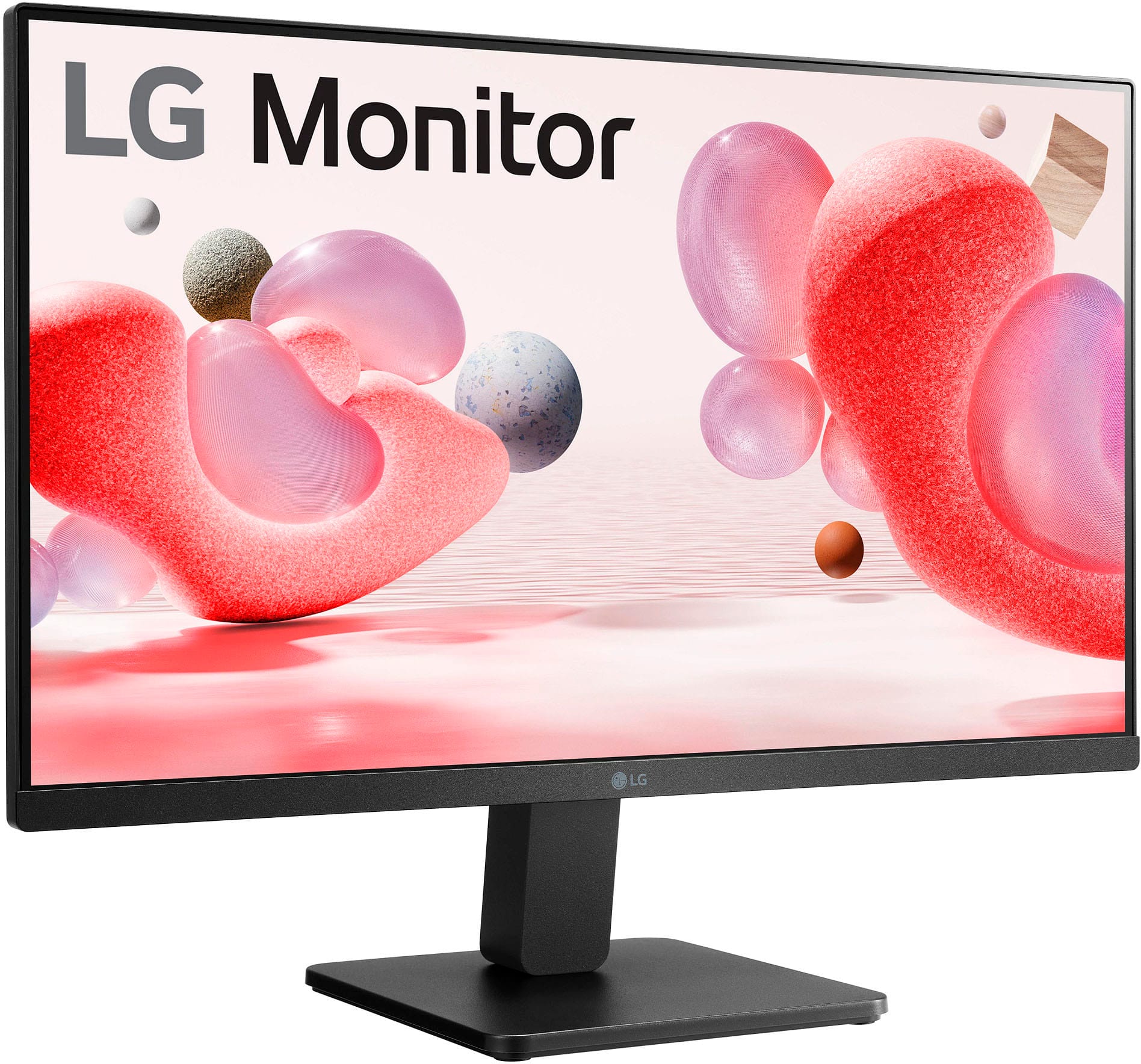
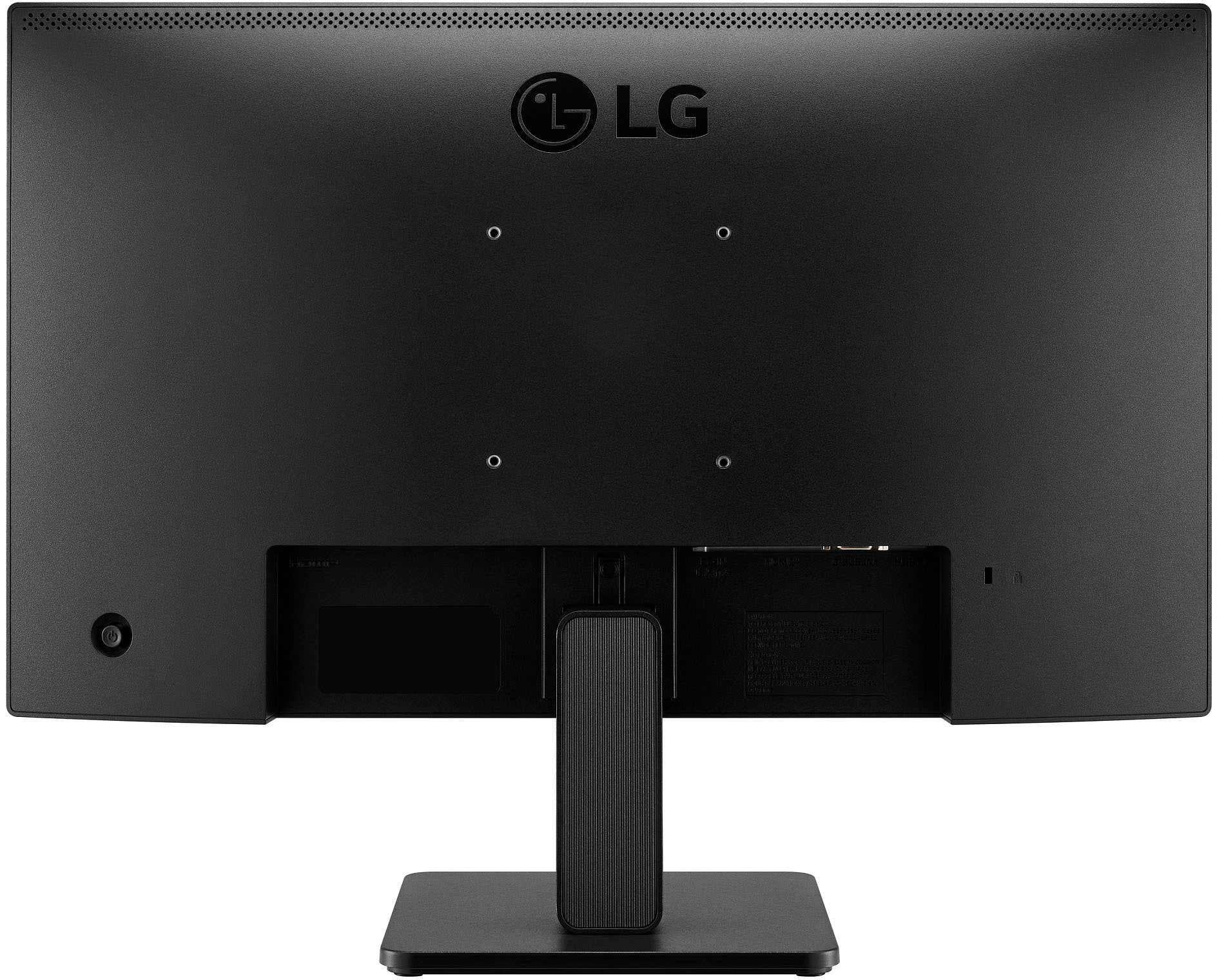
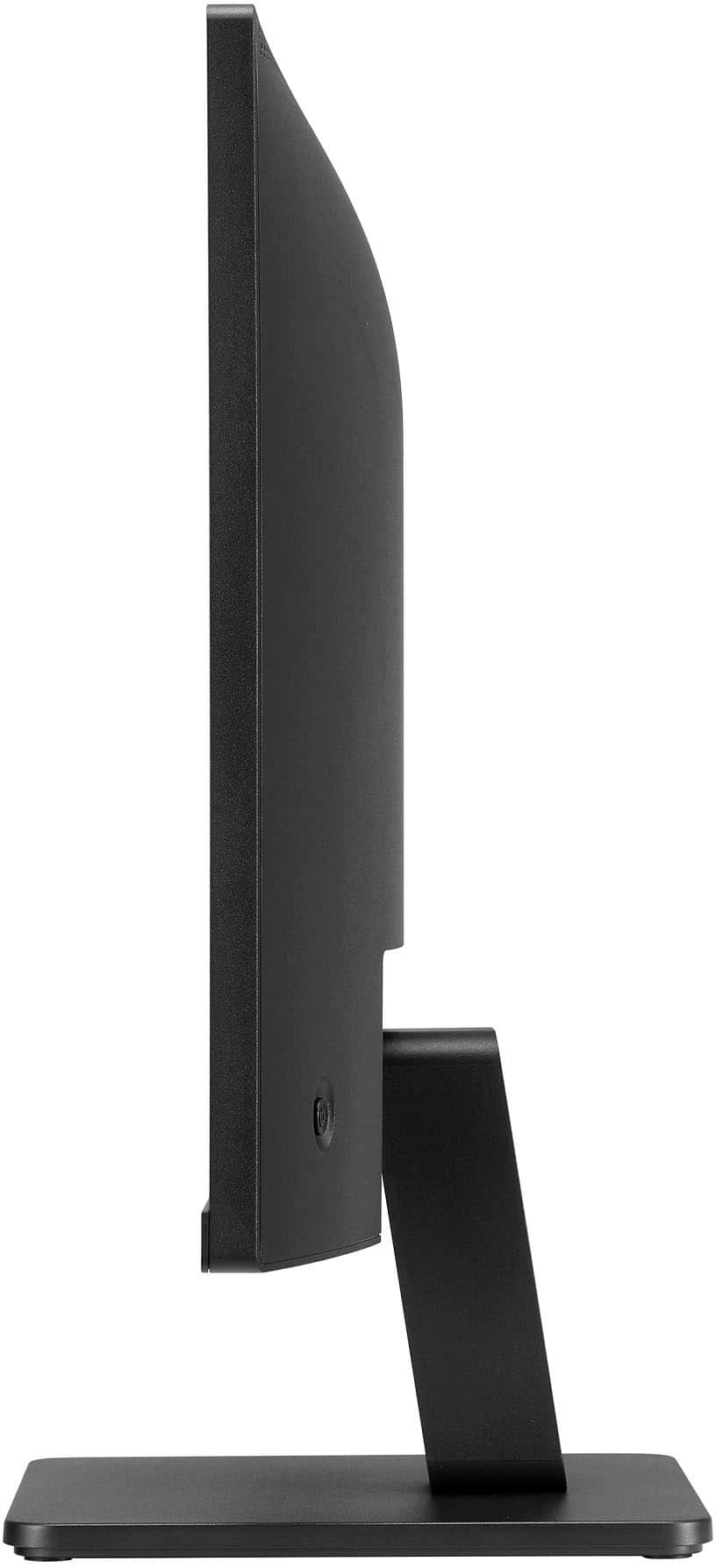
- A:Answer The stand is fixed, and the bottom of the screen is about 4.5 inches above the surface it's placed on.
Answered by MichaelA
Q: QuestionCan this monitor pivot from horizontal to vertical?
Asked by okiedocloch.
- A:Answer Hello there. Thank you for sharing your inquiry with us. We understand you're asking if the LG 24MR400-B.AUSQ monitor can pivot from horizontal to vertical orientation. Based on the specifications for the LG 24MR400-B.AUSQ monitor, the included stand allows for tilt adjustment only (-5 to 20 degrees). It does not have a pivot feature that would allow you to rotate the screen 90 degrees for portrait (vertical) orientation. However, since this monitor is VESA mount compatible (100mm x 100mm), you could potentially use a third-party VESA-compatible monitor arm or stand that offers a pivot function if you wish to use it in a vertical orientation. https://www.bestbuy.com/site/lg-24-ips-3-side-borderless-fhd-100hz-amd-100hz-freesync-monitor-hdmi-black/6560959.p?skuId=6560959 If you have any further questions or would like to explore possible solutions, please send us a private message on Social Media @LGUSSupport, and our team will be more than happy to assist you further. We appreciate your patience. —Renzo
Answered by LG Digital Customer Care

Q: QuestionCan this monitor be mounted on a swing mount and can the leg stand be removed?
Asked by Hidden.
- A:Answer The leg can be removed, and there are four threaded holes on the rear for mounting.
Answered by Movierecorder
Q: QuestionThis monitor have Audio output for external speakers
Asked by Anonymous.
- A:Answer Yes
Answered by Movierecorder
Q: QuestionCan this screen help with the anti-glare issue outside from sun to see better viewing on my Roku tv?
Asked by Moe.
- A:Answer Does not have antiglare but you maybe able to find antiglare screen protector off the internet.
Answered by MBPmonitor
Q: Questionthis monitor hook up to a mac mini
Asked by vinnie.
- A:Answer Need a HDMI to USB dongle. (Converter)
Answered by MBPmonitor
Q: QuestionCan I use this as a second computer with my iMac?
Asked by PatC.
- A:Answer Depending on the Mac model you can add up to 4 monitors. Max and Pro M chips vs air/ intel. Also depending if you have 4k or 6k monitors already.
Answered by MBPmonitor
Q: QuestionCan this monitor link with a Macbook if I have a dongle for the HDMI cable?
Asked by Anonymous.
- A:Answer Yes, just need an adapter hdmi- usb-c,
Answered by Marc
Q: QuestionDOES IT HAVE VIDEO?
Asked by BECKY.
- A:Answer Hello, Becky. Please pardon us, but we are unclear about your inquiry about if the LG 24" IPS 3-Side Borderless FHD 100Hz AMD 100Hz FreeSync Monitor (HDMI) - Black, Model # 24MR400-B has video and we will need some clarification. The monitor will display images or any video content it receives from a connected PC/Laptop or other devices capable of transmitting video that can be connected to the monitor...^Ivan.
Answered by LG Digital Customer Care

Q: QuestionDoes this monitor support 480p? I’m looking for a monitor that can run 480p.
Asked by Cashob.
- A:Answer 720p 1080p 1600x900 100hz 60hz 50hz No 480
Answered by MBPmonitor
Q: QuestionCan I use a lg monitor mr400 for home camera
Asked by Tp.
- A:Answer What connectivity does your Home Security Camera have and what resolutions does it support? The LG 24" IPS 3-Side Borderless FHD 100Hz AMD 100Hz FreeSync Monitor (HDMI) - Black, Model # MR400-B has a native resolution of 1920 x 1080 and it has an HDMI input...^Ivan.
Answered by LG Digital Customer Care

Q: QuestionCan I use this monitor with a Mac Book Air?
Asked by Roger.
- A:Answer Currently being used as main monitor with laptop kept closed. Yes I believe you can add 2 monitors. Check Apple website.
Answered by MBPmonitor
Q: QuestionDoes the display cable have HDMI connectors on both ends? The output from my video adapter uses DisplayPort connectors.
Asked by jeffb.
- A:Answer Yes normal HDMI cable included. Need to buy dongle/ adapter.
Answered by MBPmonitor
Q: QuestionCan I connect to the wifi with this monitor?
Asked by Vanessa.
- A:Answer Hi there, Vanessa. The LG 24MR400-B monitor does not have built-in Wi-Fi capabilities. It is designed to connect via HDMI or D-Sub inputs to other devices, such as a computer or a gaming console. If you want to use the monitor wirelessly, you would need a separate wireless HDMI transmitter or other wireless display solutions that can send the signal to the monitor. https://www.lg.com/us/monitors/lg-24mr400-b#pdp_specs You can contact us directly via private message at @LGUSSupport, and we'd be happy to assist you further! —Renzo
Answered by LG Digital Customer Care

Q: Questionwhat is the manufacture's warranty?
Asked by jennifer.
- A:Answer Hello there, Jennifer. Thank you for reaching out with your question about your LG 24MR400-B.AUSQ monitor. We understand your situation and appreciate your interest in knowing more about your unit. For this model, the manufacturer's warranty covers both parts and labor for 1 year, providing you with support should you encounter any issues during that period. If you ever experience any unexpected performance concerns with your monitor, we recommend starting with a quick troubleshooting step such as ensuring that all cable connections are secure and verifying your display settings through the on-screen menu. This can help confirm that the unit is operating correctly and might resolve minor issues promptly. https://www.bestbuy.com/site/lg-24-ips-3-side-borderless-fhd-100hz-amd-100hz-freesync-monitor-hdmi-black/6560959.p?skuId=6560959 For any additional questions or further assistance, please send us a private message on Social Media @LGUSSupport. Our team will be more than happy to explore any further solutions with you. —Renzo
Answered by LG Digital Customer Care

Q: QuestionI currently have a HP2010 monitor but speakers don't seem to have any volume is it time for a new one as it's 16 years old
Asked by Tom.
- A:Answer Hello there, Tom. It sounds like you’ve had your HP2010 monitor for quite some time. If the speakers are no longer producing adequate volume, it could be a sign of wear and tear given its age of 16 years. Monitors and their components, including built-in speakers, can degrade over time. If you're considering an upgrade, the LG 24MR400-B monitor is a great option. It offers modern features such as a 1920 x 1080 Full HD resolution, IPS display for wide viewing angles, and AMD FreeSync for smoother visuals. However, this model does not have built-in speakers, so you might need external speakers or headphones for audio. https://www.lg.com/us/monitors/lg-24mr400-b#pdp_specs If you're looking for a monitor with integrated speakers, you might want to explore other LG models that include this feature. Feel free to reach out to us via private message on Social Media @LGUSSupport for further assistance or personalized recommendations! —Renzo
Answered by LG Digital Customer Care

Best-selling monitors
- Black Friday Deal$86.99Your price for this item is $86.99
- Black Friday Deal$104.99Your price for this item is $104.99
- Black Friday Deal$89.99Your price for this item is $89.99
- Black Friday Deal$99.99Your price for this item is $99.99
- Black Friday Deal$79.99Your price for this item is $79.99
- Black Friday Deal$159.99Your price for this item is $159.99
- Black Friday Deal$279.99Your price for this item is $279.99
- Black Friday Deal$219.99Your price for this item is $219.99
- Black Friday Deal$114.99Your price for this item is $114.99
- Black Friday Deal$179.99Your price for this item is $179.99
- Black Friday Deal$129.99Your price for this item is $129.99
- Black Friday Deal$149.99Your price for this item is $149.99
- Black Friday Deal$259.99Your price for this item is $259.99
- $134.99Your price for this item is $134.99
- $169.99Your price for this item is $169.99
- Black Friday Deal$99.99Your price for this item is $99.99
- $69.99Your price for this item is $69.99$159.99The comparable value for this item is $159.99
- Black Friday Deal$99.99Your price for this item is $99.99
- Black Friday Deal$129.99Your price for this item is $129.99
- Black Friday Deal$209.99Your price for this item is $209.99