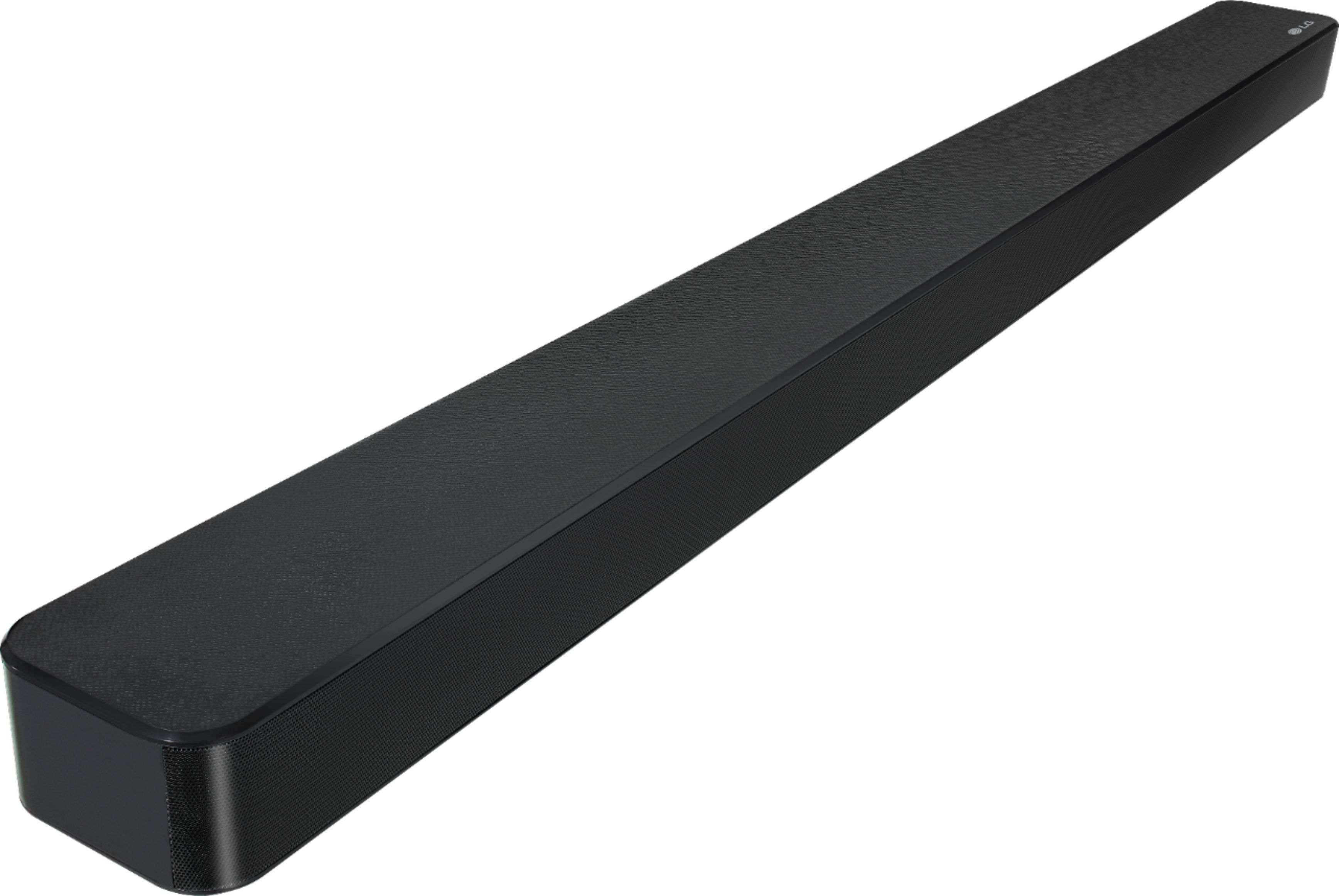
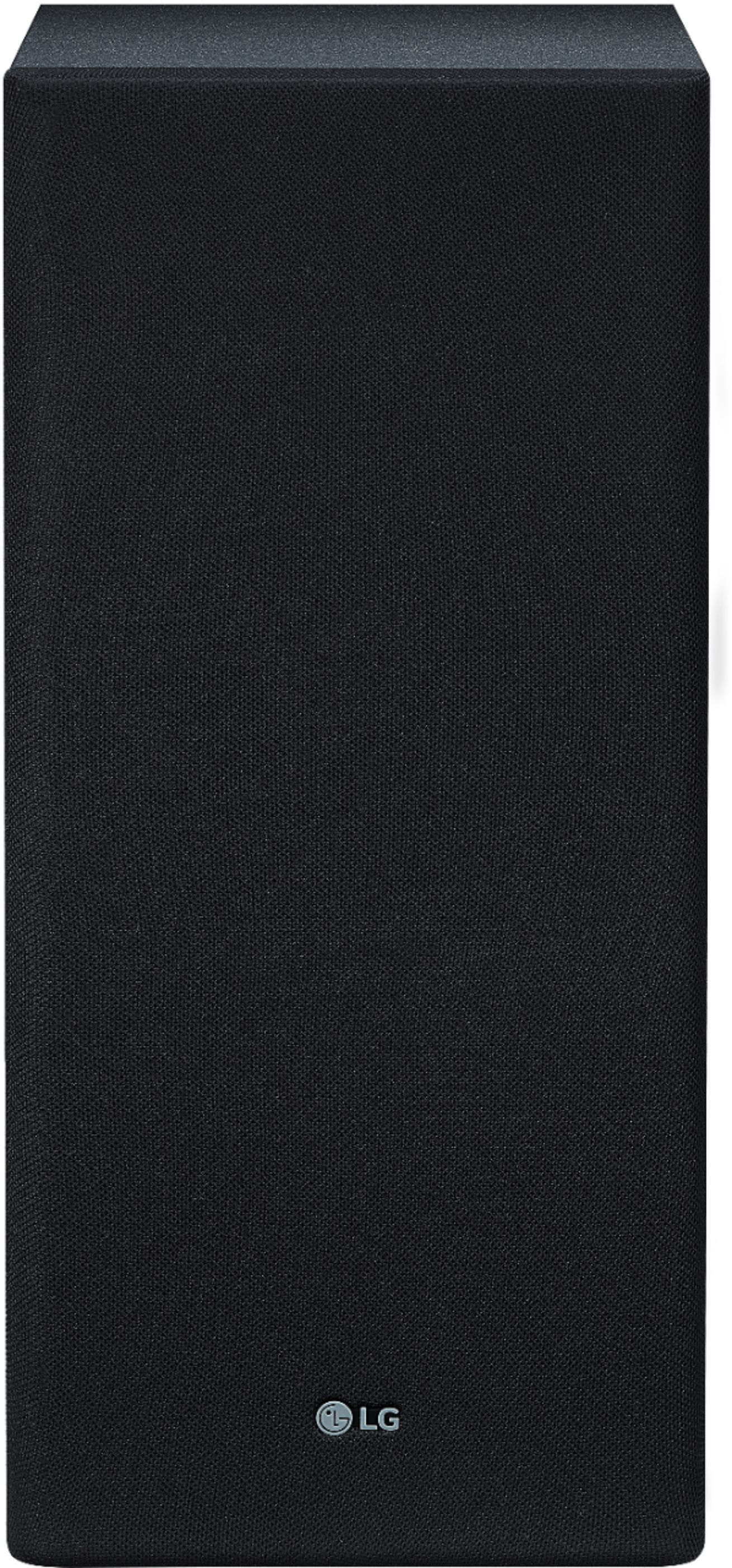
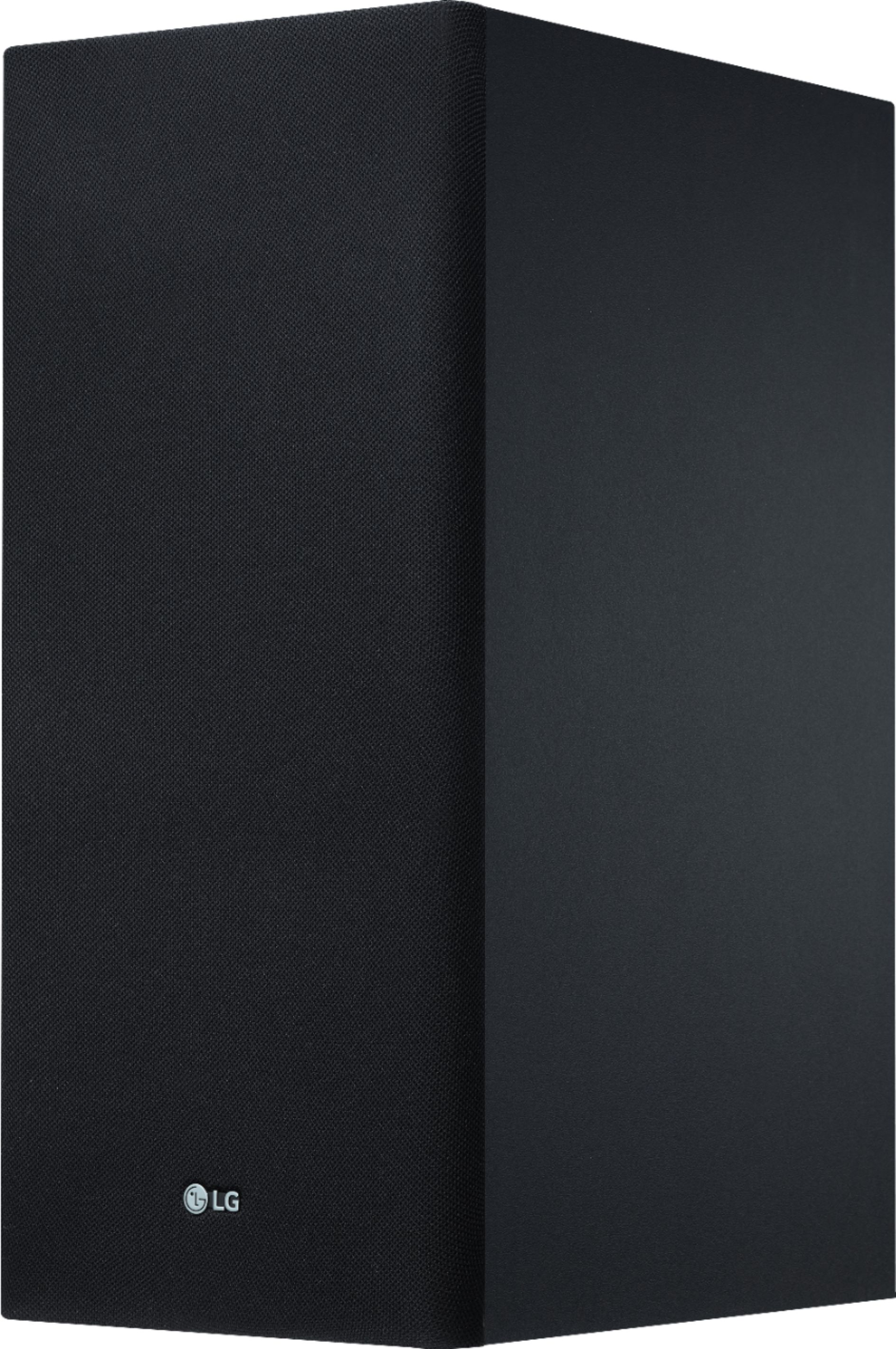
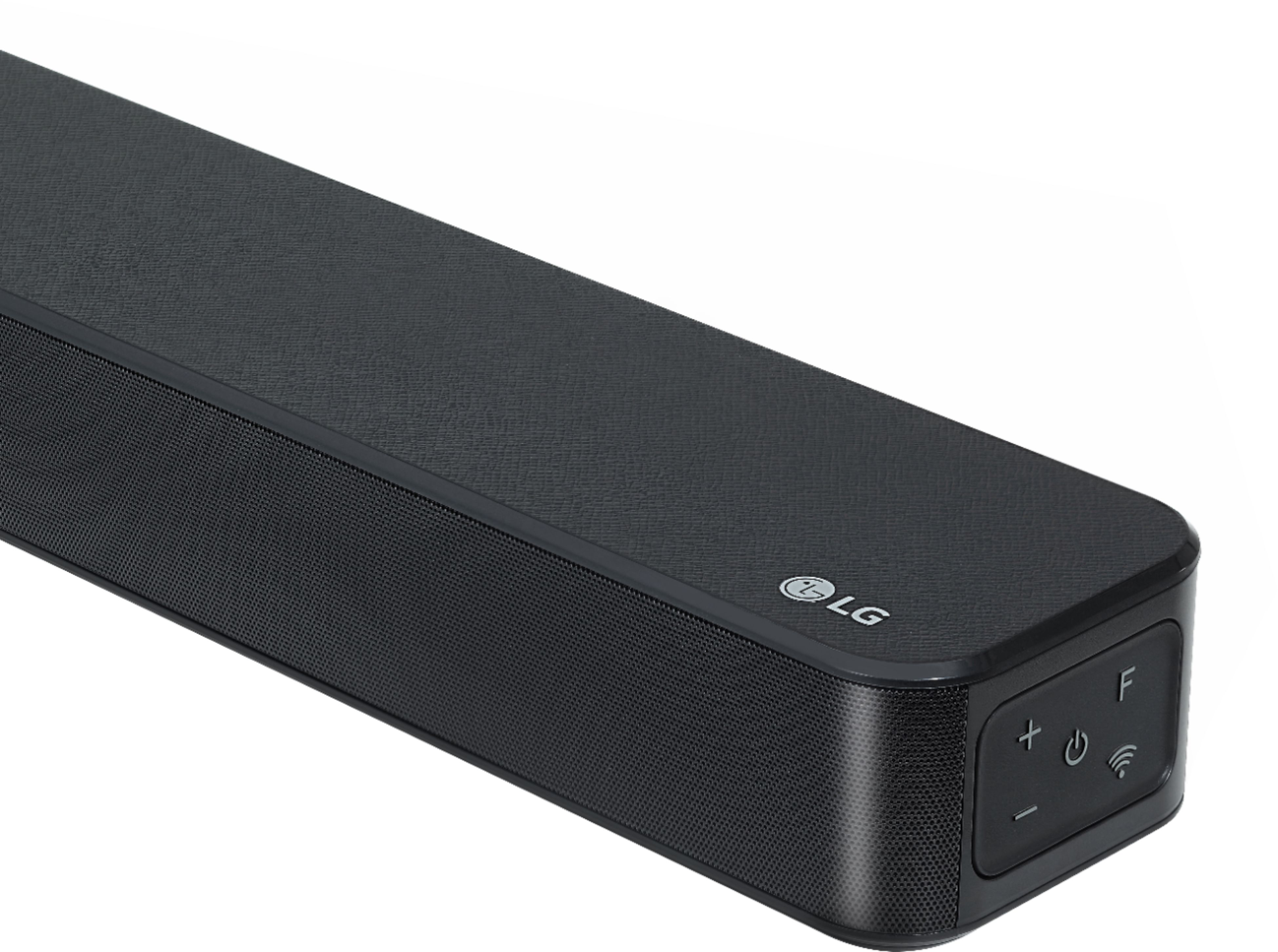
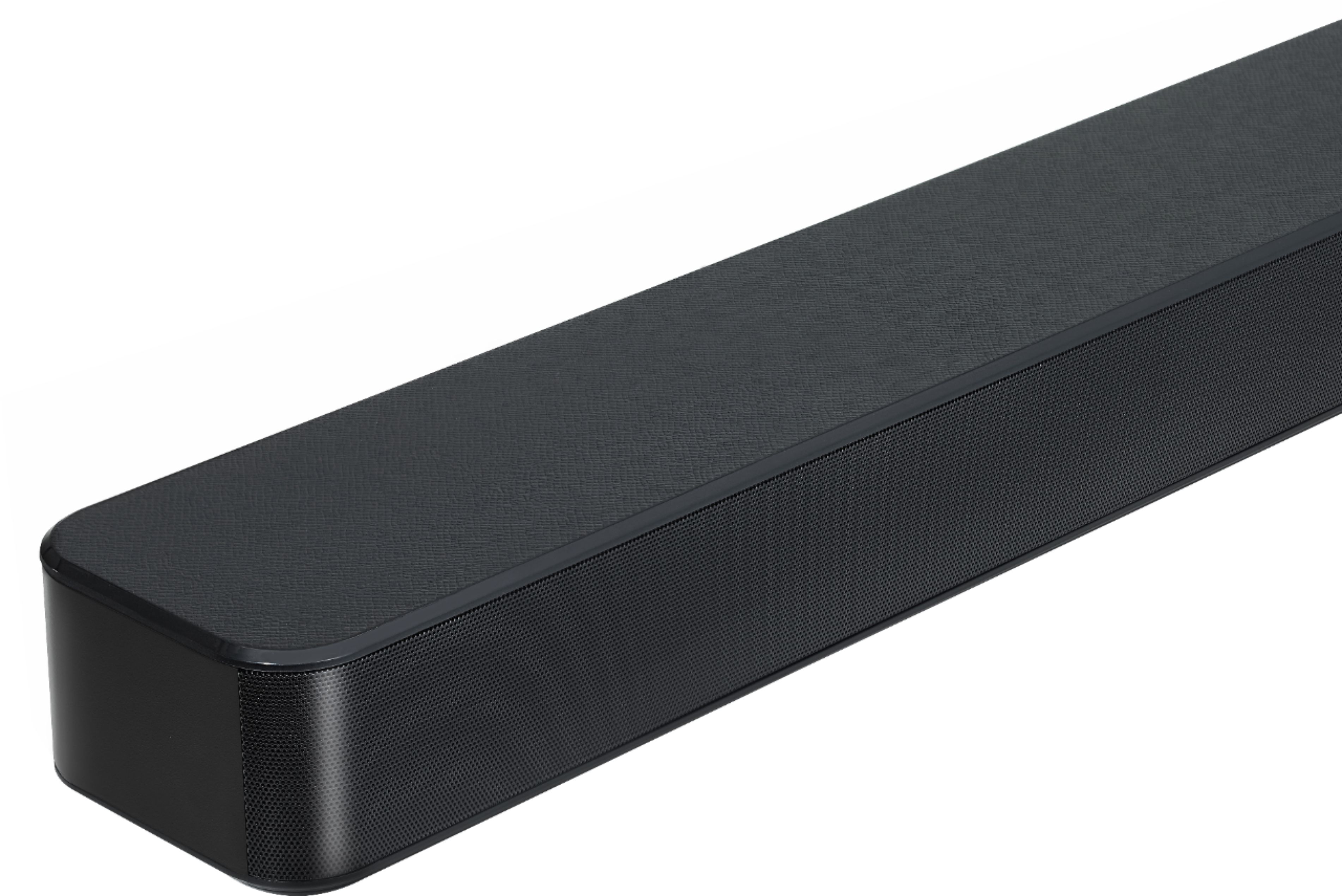
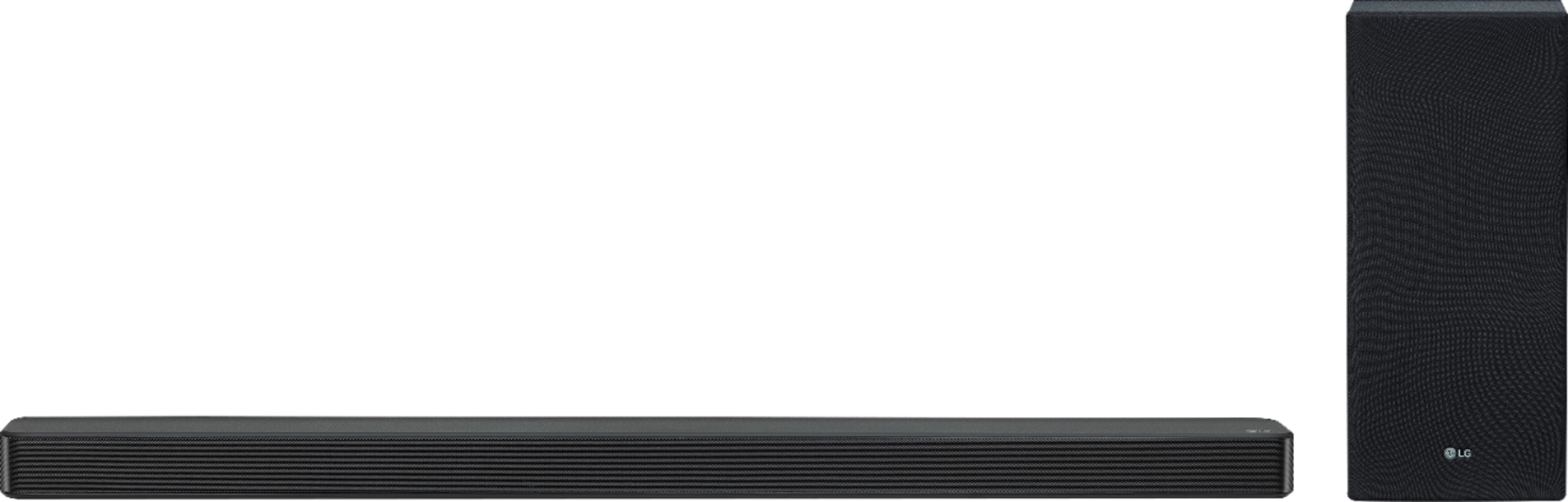
A:AnswerHi David. The LG 3.1-Channel Soundbar with Wireless Subwoofer and DTS Virtual: X, Model # SL6Y comes with a standard infrared remote. Infrared remotes have a range of only about 30 feet (10 meters), and they require line-of-sight. This means the infrared signal won't transmit through walls or around corners. You need a straight line to the device you're trying to control. The small light bulb in your remote control may not be strong enough to send clear signals over a distance greater than about 30 feet. We don't know which TV you have, but in most cases, most TVs come with infrared remotes. If the range is limited for both your TV remote and for the Soundbar, it might be that there is something in your environment that is interfering with the signal. Infrared light is so ubiquitous that interference can be a problem with infrared remotes. Everyday light infrared-light sources include sunlight, fluorescent bulbs, and the human body. To avoid interference caused by other sources of infrared light, the infrared receiver on a TV only responds to a particular wavelength of infrared light, usually 980 nanometers. There are filters on the receiver that block out light at other wavelengths. Still, sunlight can confuse the receiver because it contains infrared light at the 980-nm wavelength. To address this issue, the light from an IR remote control is typically modulated to a frequency not present in sunlight, and the receiver only responds to 980-nm light modulated to that frequency. The system doesn't work perfectly, but it does cut down a great deal on interference...^IFV
A:AnswerNo, the remote control does not light up. Please contact LG Customer Support so that we can better investigate your issues and quickly assist you towards a resolution. You can contact our Customer Support by any of the below options:
Phone: 1-800-243-0000
LiveChat: https://www.lg.com/us/support/chatbot
Email: https://www.lg.com/us/support/email-appointment
Facebook Messenger: https://www.facebook.com/LGUSA/
Twitter: @LGUSSupport
The LG Community Forum is also a great resource for getting help from other LG customers: https://lgcommunity.us.com ^CP
A:AnswerThe SL6Y does not have the capability to set blocks or a password for pairing via bluetooth. We apologize for the inconvenience. If you need further assistance, you can contact our Customer Support by any of the below options:
Phone: 1-800-243-0000
LiveChat: https://www.lg.com/us/support/chatbot
Email: https://www.lg.com/us/support/email-appointment
Facebook Messenger: https://www.facebook.com/LGUSA/
Twitter: @LGUSSupport
The LG Community Forum is also a great resource for getting help from other LG customers: https://lgcommunity.us.com/ ^CP
A:AnswerAfter the sound bar is connected via the Optical cable.
Go to settings on the TV
Go to the Sound Icon and click it
When it expands change the SOUND OUT to OPTICAL
That's it, the remote will automatically adjust the volume
A:AnswerYour sound bar and sub woofer are connected through Bluetooth not WiFi, therefore this should not be the cause of your tv to freeze up. I would try to reinstall the sound bar to see if it fixes the issue. If that doesn’t work, there could be a problem with your tv.
A:AnswerLip Sync happens when your TV outputs the audio to the LG SL6Y 3.1 Channel 420W Sound Bar w/DTS Virtual X & High Resolution Audio, Model # SL6Y before the video because of the time it takes for the TV to process the video input. Check the settings menu in your TV to see if it has an AV Sync Adjustment feature that you can use to reduce the delay so the video and audio sync up...^IFV
A:AnswerInformation regarding mounting the soundbar to the wall can be found in the owner's manual on page 13. https://www.lg.com/us/support/product/lg-SL6Y.DUSALLK ^CP
A:AnswerHad the same issue but now available online. I love mine! Easy setup and center channel is awesome!
My review:
Okay, I will go ahead and say I so appreciate staff that know their stuff! My problem has always been while watching TV the ambient noise overriding the verbal range. In layman’s terms: ‘What did they say???’ Looking for a resolution and with advice from Brice ‘LG-3.1’ did it. OMG! Connecting via HDMI, communications between bar and subwoofer was flawless and immediate and WOW ‘I’ve been HEALED!! I CAN HEAR AGAIN!!!’ My dog who freaks out during storms reaction was the true test! Okay, I calmed him down but truly amazing especially with the Black Friday savings! Very very happy!
A:AnswerIf you already have your SL6Y soundbar connected to ur smart tv thru hdmi arc OR Optical And assuming you also setup ur Direct TV remote with the TV, then you should be able to control the vol on the soundbar.
A:AnswerThe SL6Y has the following inputs for connecting to an external device such as a TV: HDMI, USB, Optical, Bluetooth, Aux In. Information regarding connecting a soundbar to your TV can be found on the following help article: https://www.lg.com/us/support/product-help/CT30009760-1422046866931-connecting-external-devices If you are in need of any assistance, have additional questions, or would just like to see our helpful tips, check us out on Twitter @LGUSSupport Facebook https://www.facebook.com/LGUSA/ ^CP
A:AnswerThat will depend on what audio outputs your stereo receiver has. The LG SL6Y 3.1 Channel 420W Sound Bar w/DTS Virtual X & High-Resolution Audio has an Optical Digital Audio Input that can be connected to an Optical Digital Audio output of a device that you want to stream the audio from. It also has an HDMI 1.4 Out that supports HDMI ARC functionality that can be connected to a device that has an HDMI port that also supports HDMI ARC functionality. The Soundbar also supports Bluetooth so it can be paired with device that support Bluetooth that you can stream Bluetooth audio from. ^CP