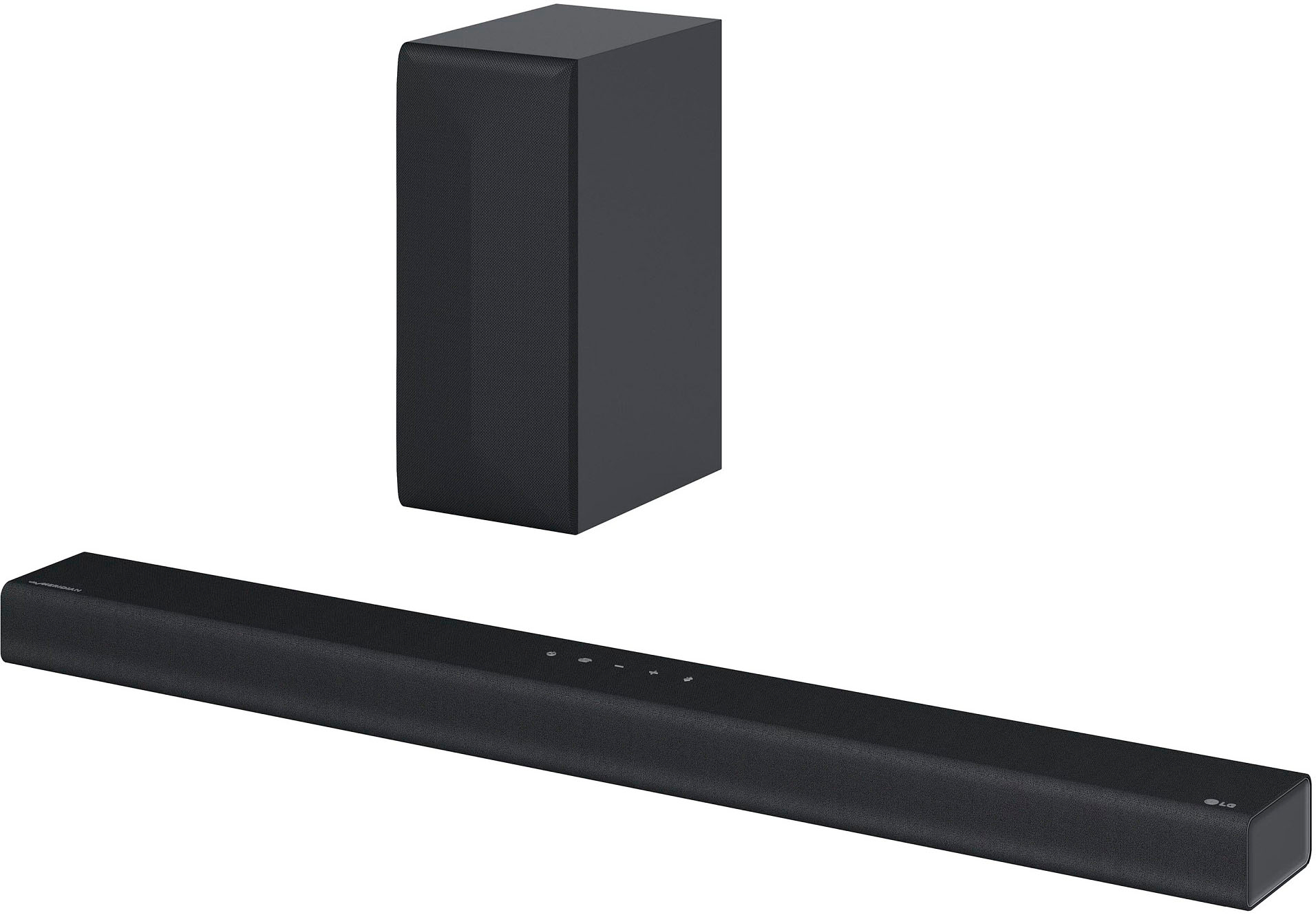
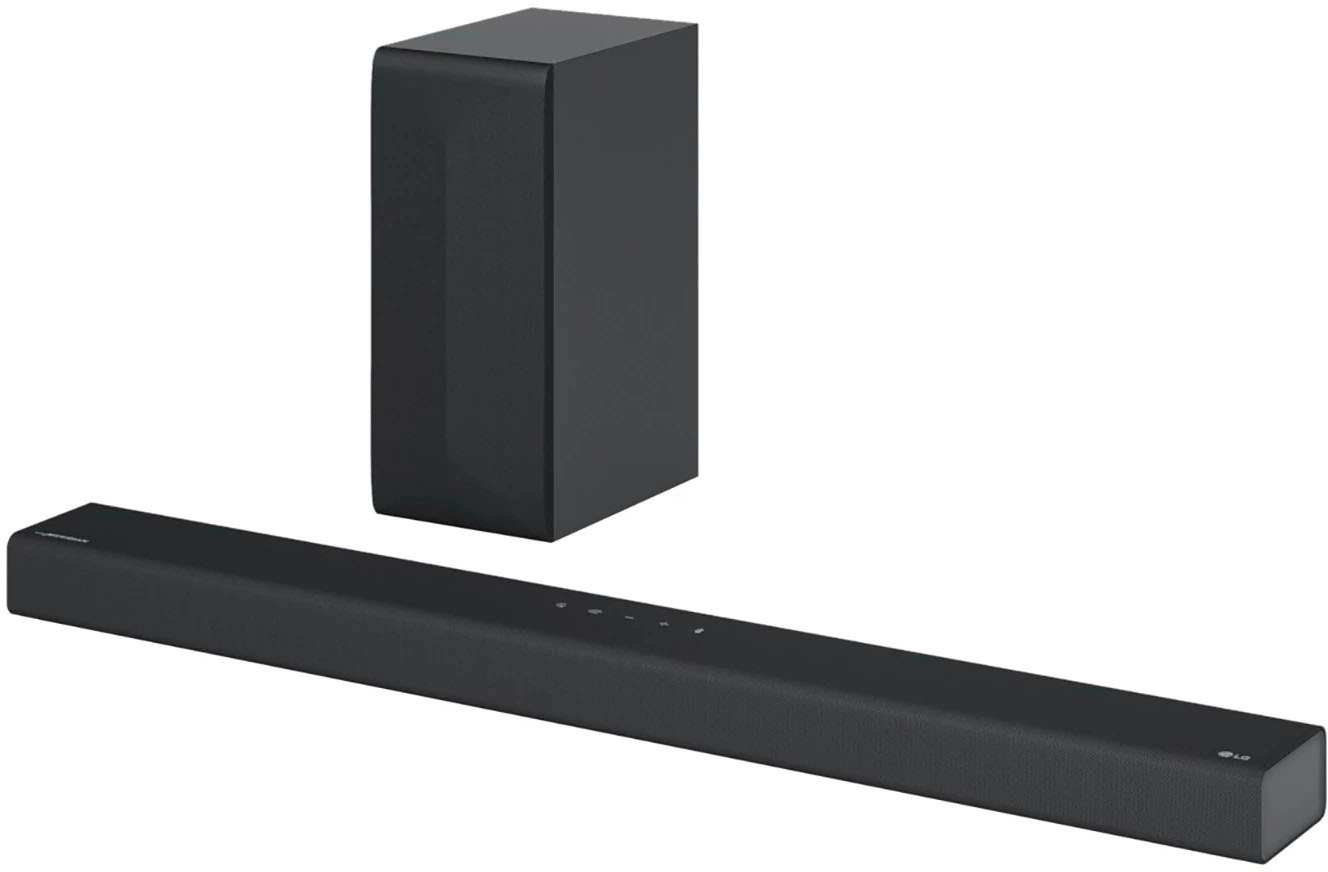
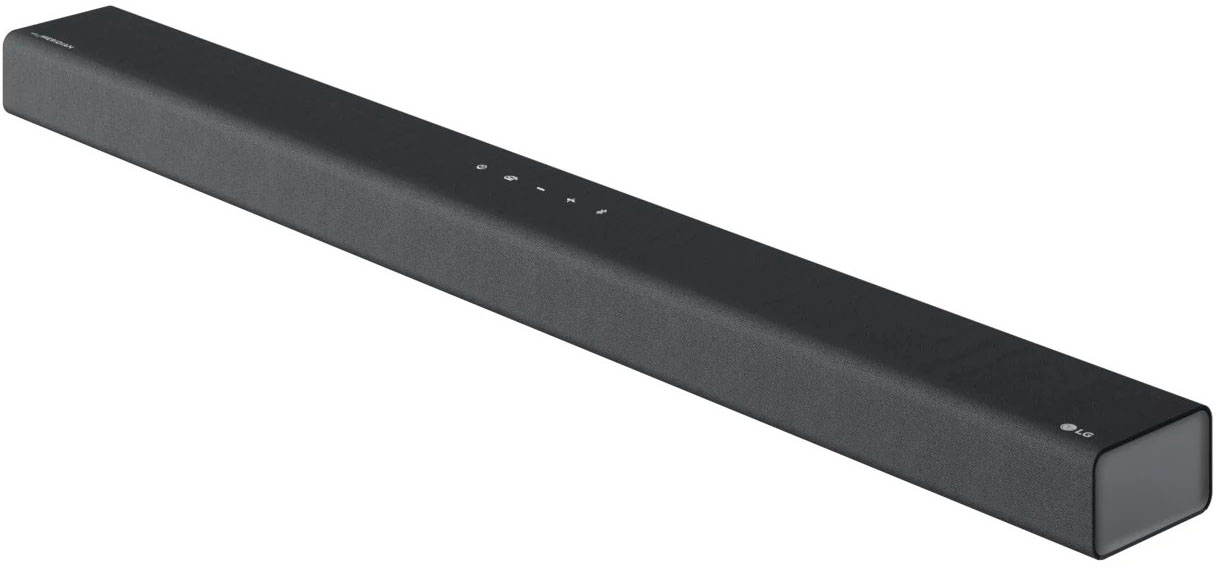
A:AnswerThank you for reaching us regarding LG Soundbar. No, The LG S65Q soundbar does not automatically lower the volume when a commercial comes on. You can download its owner's manual through this link for more information: https://www.lg.com/us/support/product/lg-S65Q.DUSALLK. For additional assistance, please reach out to us on social media @LGUSSupport so we can help you further. ^Cris
A:AnswerHi there, Jack. Thank you for your question about connecting your LG 3.1 Channel Soundbar to your LG 65" Class C3 Series OLED TV. To ensure sound is transmitted correctly via HDMI ARC, make sure the soundbar is connected to the HDMI ARC port on the TV. Enable the HDMI ARC feature in the TV’s sound settings, and set the audio output to HDMI ARC. Once set up, test the sound using either remote. If you continue to experience issues, please send us a private message on Social Media @LGUSSupport for further assistance. We’re here to help!
—Avril
A:AnswerI had issues with using the HDMI, so I Changed to the Optical cord and it worked beautifully.
Also in the tv setting there should be a choice to turn off tv sound, maybe on of the settings got changed?
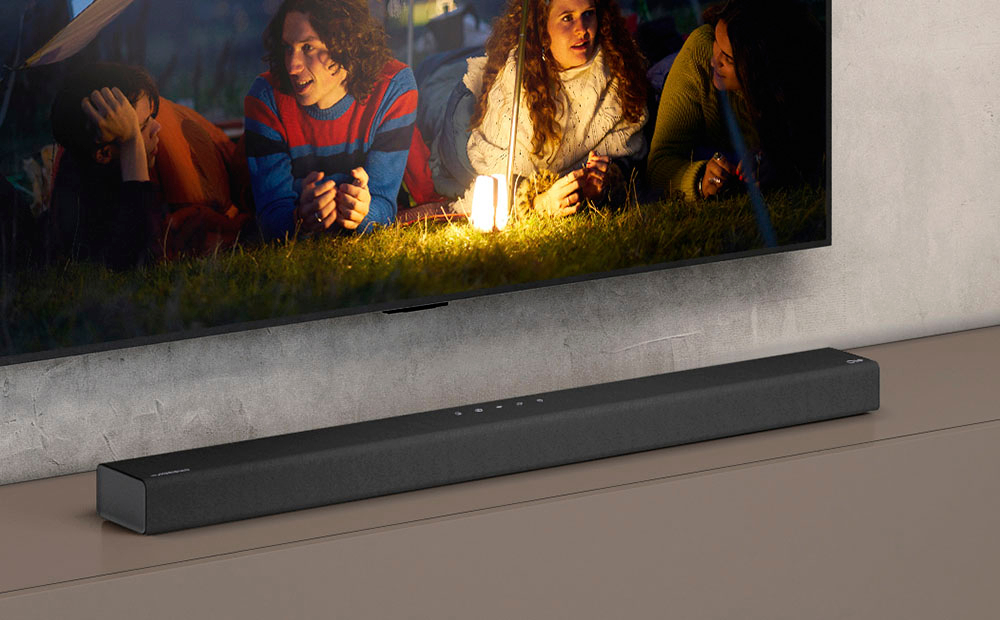
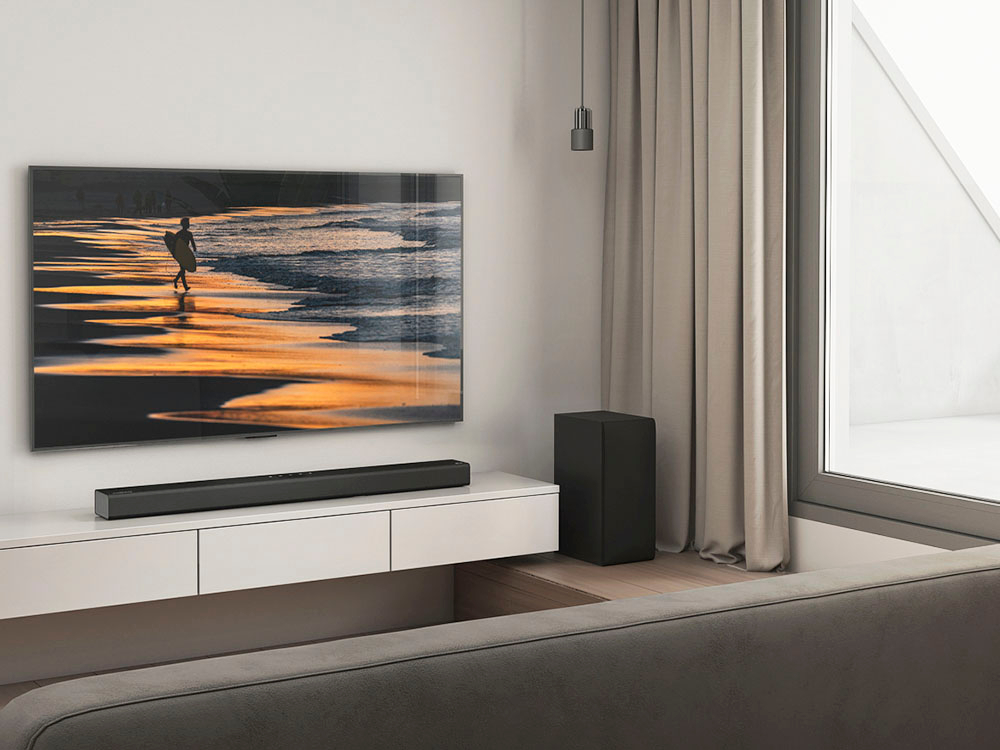
A:AnswerThank you for your interest in the LG Soundbar. The LG S65Q soundbar is designed to be mounted on the wall, but it can also be placed on a TV stand or shelf. However, it does not come with a wall mount included, so you would need to purchase a compatible wall mount separately if you choose to wall mount it. You can download its owner's manual through this link for more information: https://www.lg.com/us/support/product/lg-S65Q.DUSALLK. For additional assistance, please reach out to us on social media @LGUSSupport so we can help you further. ^Cris
A:AnswerHello there! Thank you for your inquiry about configuring the S65Q soundbar to work with your Roku 4K Express. We understand how frustrating it can be when the video works, but the audio doesn't come through. To resolve this, ensure your Roku and TV are both connected via the HDMI ARC or eARC port, as this is necessary for audio to pass to the soundbar. Next, check your TV’s audio settings to confirm that HDMI ARC/eARC is enabled and that the sound output is set to the soundbar. Additionally, verify that the Roku’s audio settings are set to Dolby Digital or PCM, which are compatible formats for the soundbar. If you continue to experience issues with audio while streaming, feel free to send us a private message on Social Media @LGUSSupport, and our team will be happy to assist you further. We appreciate your patience and interest in our products! —Avril
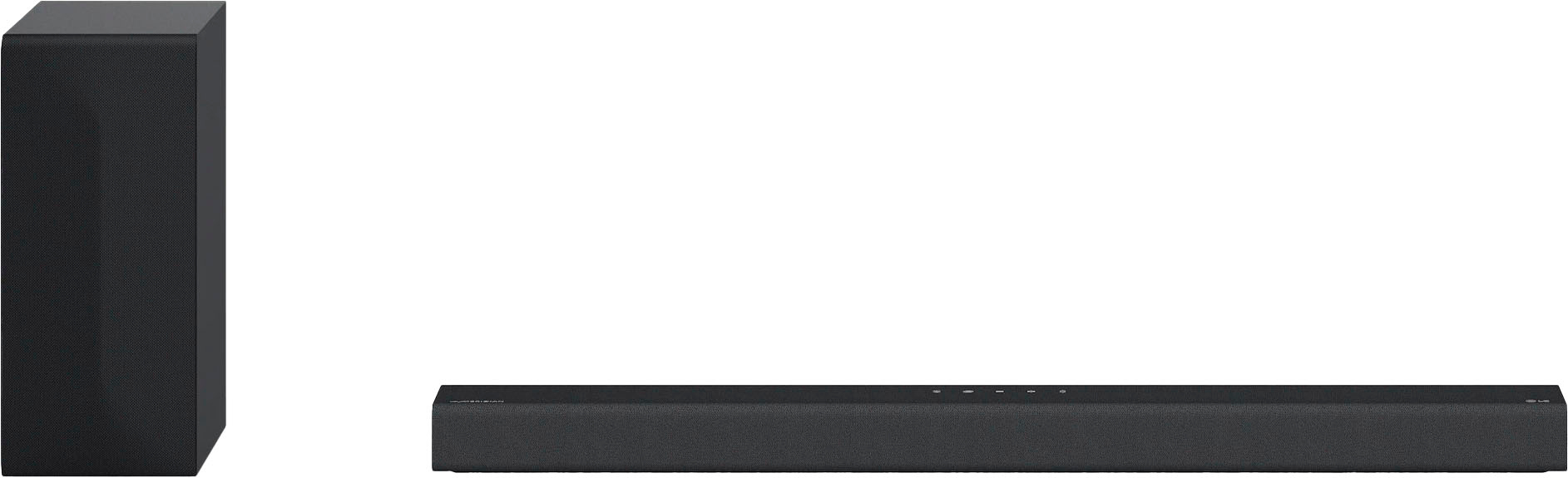
A:AnswerThank you for your interest in the LG Sound Bar (S65Q) model. The LG S65Q soundbar supports 4K pass-through, allowing it to receive ultra-high-definition resolution video and pass the video through to the TV. It is capable of passing 4K, 1080p, 1080i, 720p, and 480p video signals. You can download its owner's manual through this link for more information: https://www.lg.com/us/support/product/lg-S65Q.DUSALLK ^Cris
A:AnswerUse both options with your tv, Bluetooth and optic. Go to your tv settings and connect a Bluetooth device (soundbar) .When watching netflix just switch the SB to Bluetooth.
A:AnswerNo it wont work, unless you hardwire it. Basically connect your subwoofer with a +/- cable and bridge it to your 2nd subwoofer like that, and it sould work just fine.
A:AnswerThe LG 3.1 Channel Soundbar with Wireless Subwoofer and DTS Virtual:X has the following power outputs for its components: Soundbar: Front speakers - 80W (45W + 35W) each, Center speaker - 40W. Subwoofer: 220W The total power output of the soundbar and subwoofer combined is 420W. This 3.1 channel sound system is designed to deliver powerful and immersive audio, with a dedicated center channel for clear dialogue and DTS Virtual:X technology for a multidimensional audio experience. —Kai