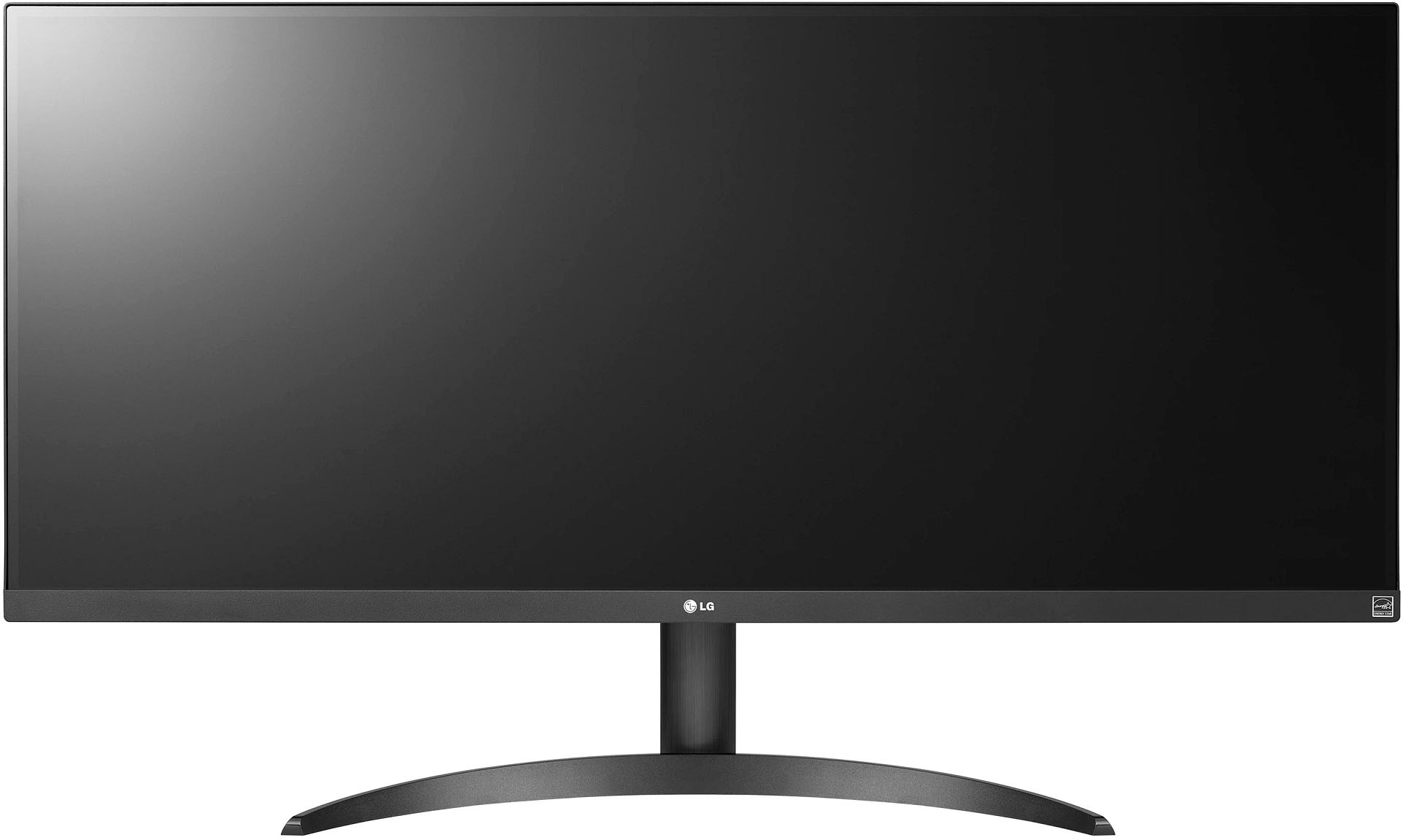
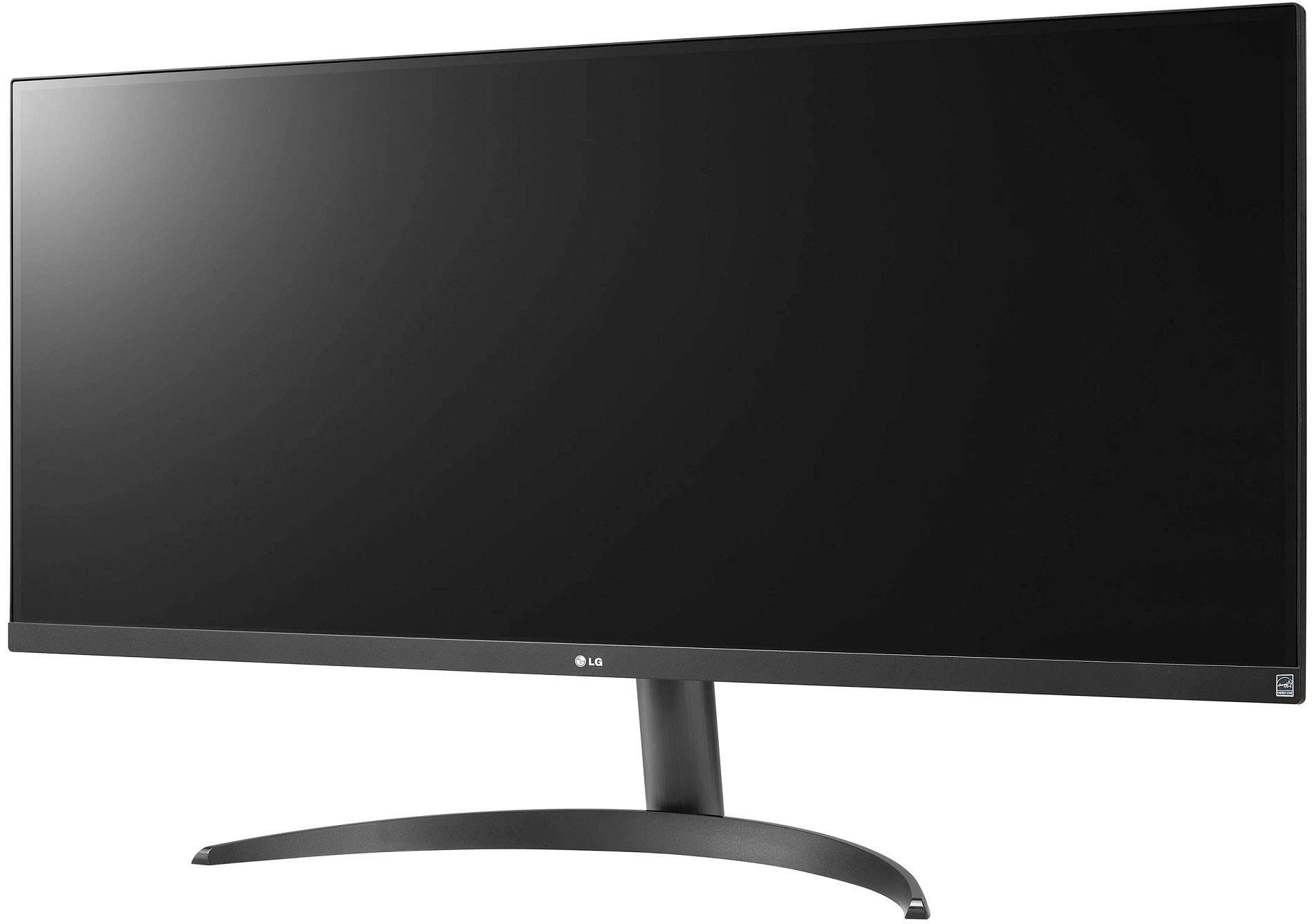
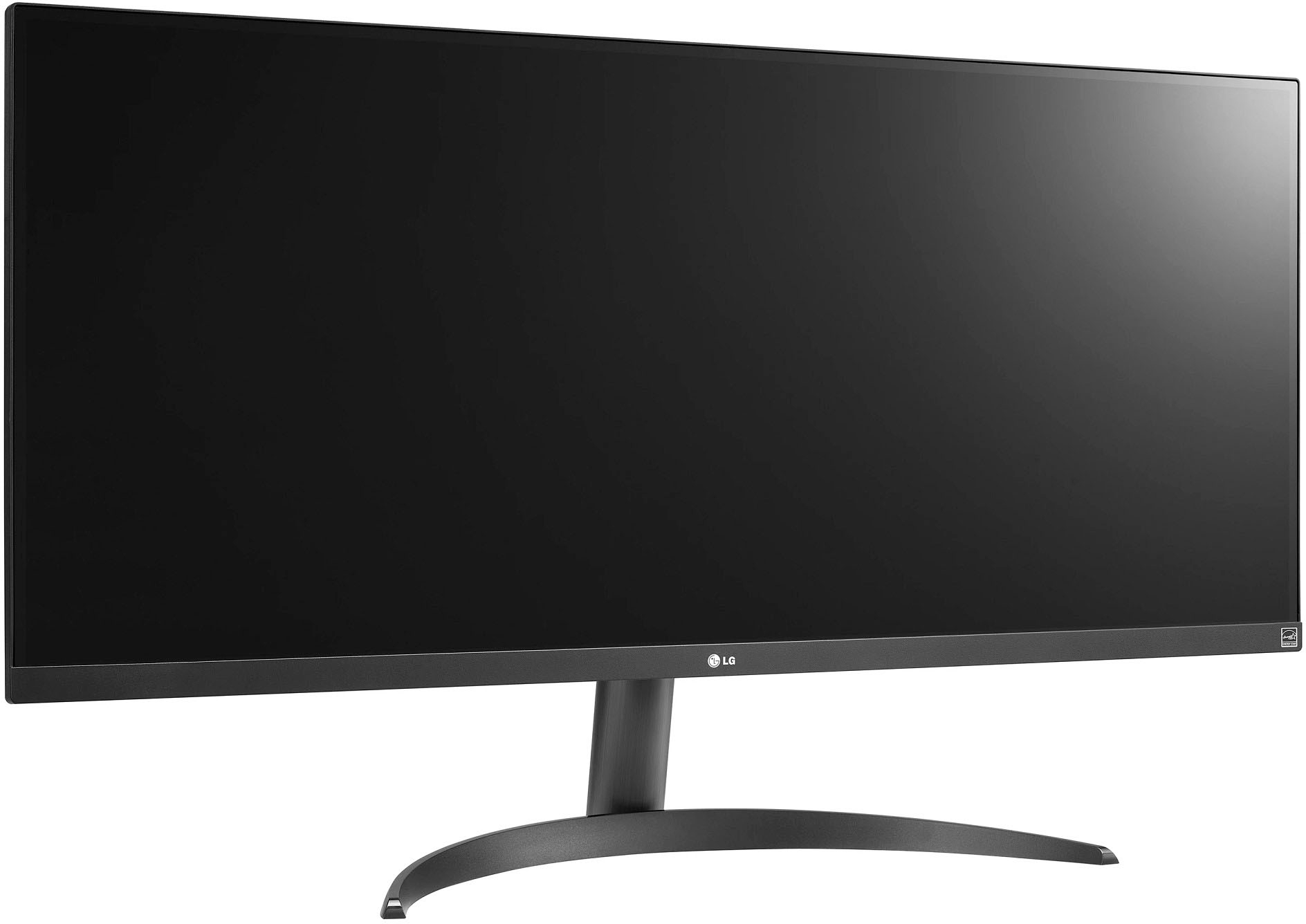
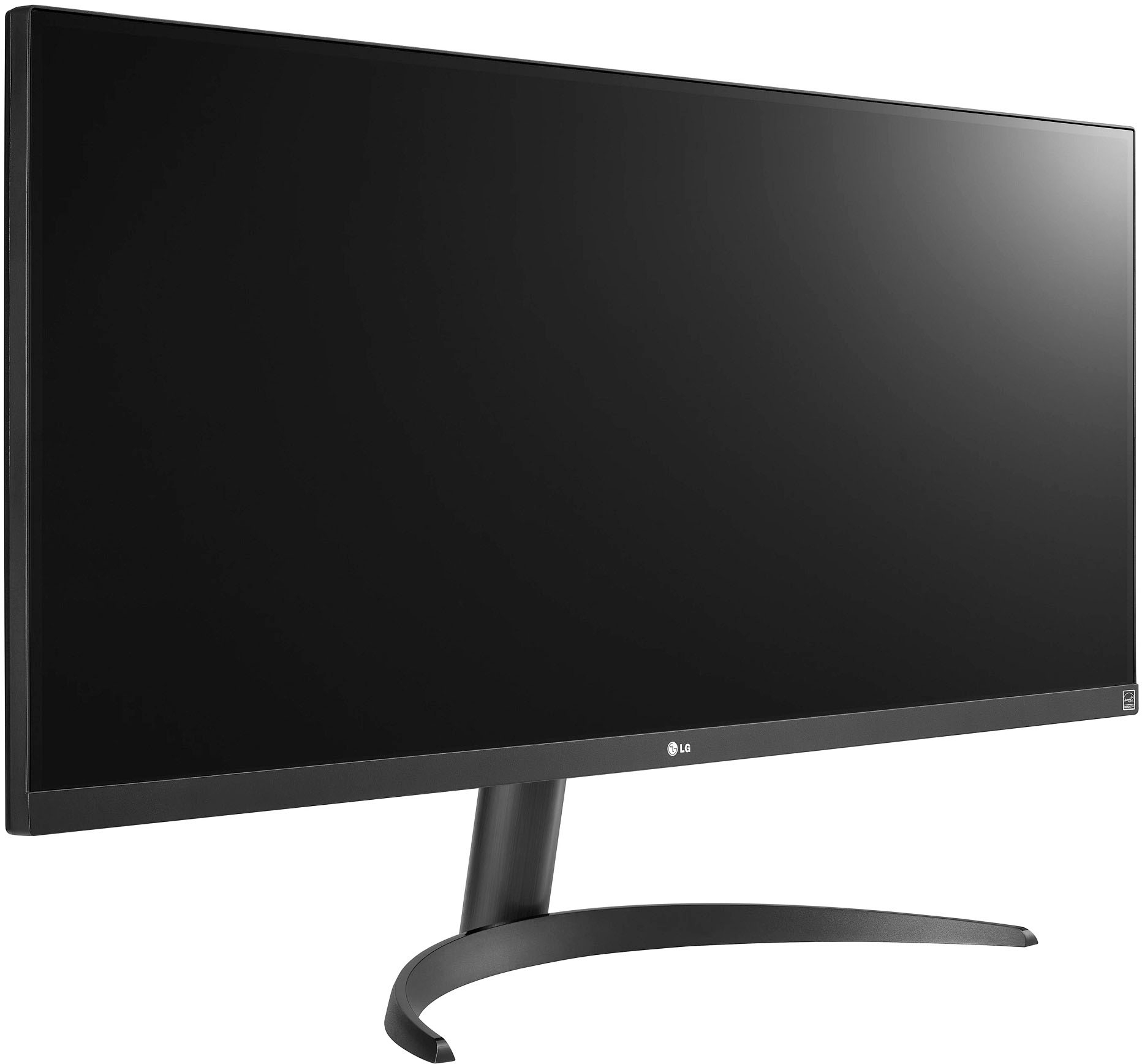
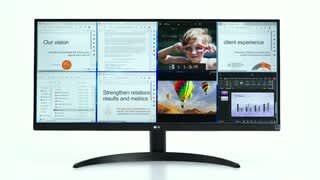
A:AnswerThank you for your interest in the LG Monitor (34WQ500-B) model. With regards to your "Can the screen be fixed in store the same day" concern, kindly coordinate with the dealer where you'll buy your LG appliance. In your case, on BestBuy. ^Cris
A:AnswerHi there. Thank you for your inquiry about the 34WQ500-B monitor. We understand the importance of compliance with the Trade Agreements Act (TAA) of 1979.
To determine if this model is TAA compliant, we recommend checking the product specifications or documentation provided by LG. TAA compliance typically involves ensuring that products are sourced from countries that adhere to trade agreements with the U.S. government.
If you need specific confirmation or further assistance, please send us a private message on Social Media @LGUSSupport. We're here to help with any additional questions you might have. —Renzo
A:AnswerHello, Lester. The LG 34WQ500-B monitor is not a television but a monitor designed primarily for computing purposes, such as gaming or productivity tasks. It does not have smart TV functionality or the ability to connect to the internet directly for streaming or online browsing.
For a smart TV experience with internet connectivity, you would typically look at LG's range of smart TVs, such as models in the OLED, NanoCell, or UHD series, which are equipped with built-in smart features and internet connectivity.
If you have more questions about monitors or need assistance with choosing the right display for your needs, feel free to reach out to us via @LGUSSupport on social media. We're here to help you find the best LG product for your setup. ^Sam
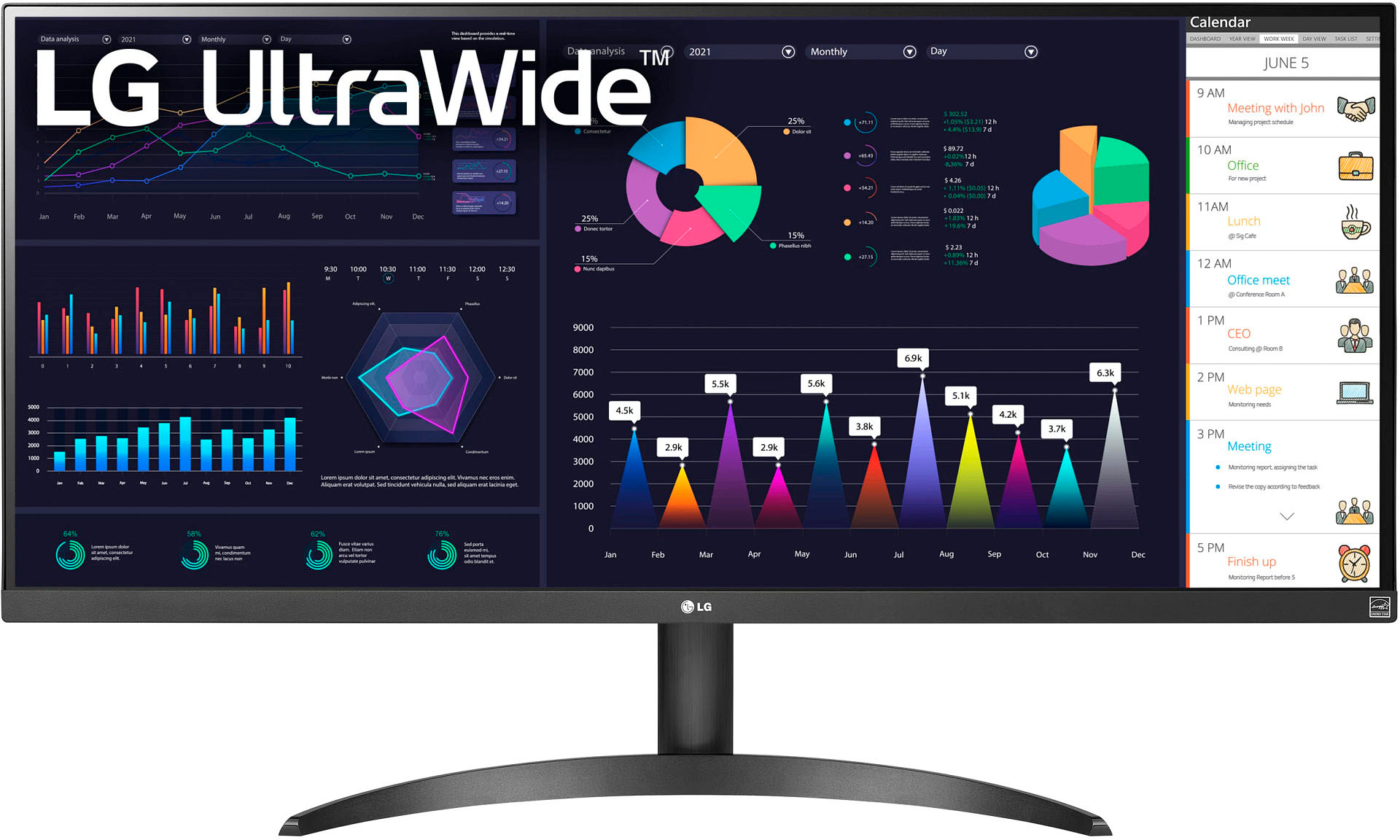
A:AnswerThank you for reaching us regarding LG Monitor. Yes, the LG 34WQ500-B monitor is a suitable choice for office use, especially for tasks such as using Microsoft Word and emailing. You can download its owner's manual through this link for more information: https://www.lg.com/us/support/product/lg-34WQ500-B.AUS. For additional assistance, please reach out to us on social media @LGUSSupport so we can help you further. ^Cris
A:AnswerThank you for your interest in the LG Monitor (34WQ500-B) model. The LG 34WQ500-B monitor does not natively support a split-screen feature to display content from two different laptops simultaneously. However, you can achieve a similar effect by connecting both laptops to the monitor and using the built-in features of the operating systems to arrange and display the content side by side. You can download its owner's manual through this link for more information: https://www.lg.com/us/support/product/lg-34WQ500-B.AUS. ^Cris
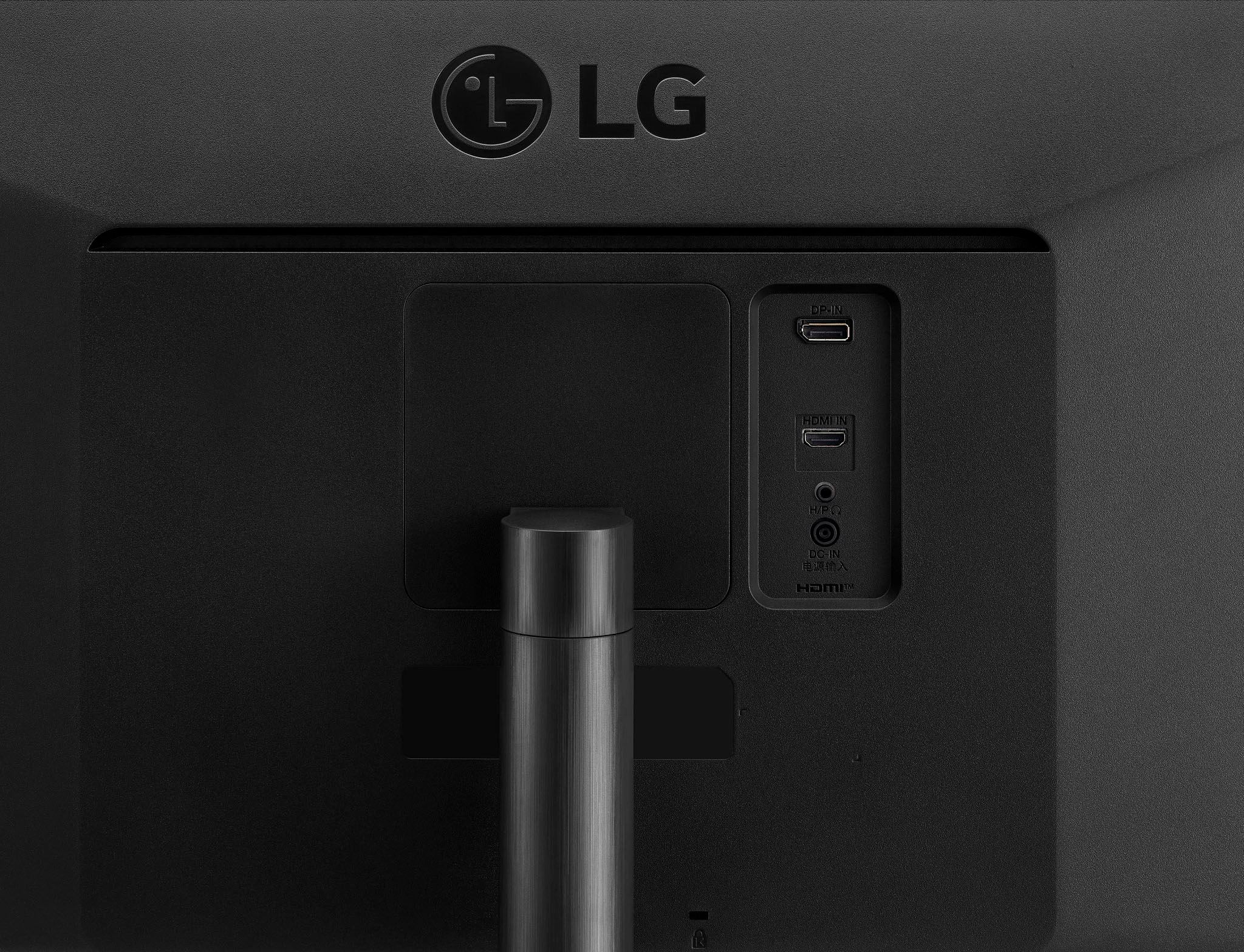
A:AnswerHey LG: "monitor typically comes with a power cable"??? What kind of answer is that? The correct answer is to apologize for not receiving a power cable in the box with information for who to contact to have one shipped to you. FWIW, mine also included a Display Port cable.
A:AnswerThank you for your interest in the LG 34” UltraWide FHD VESA DisplayHDR™ 400 IPS Monitor with AMD FreeSync™ (34WQ500-B) model. The LG 34WQ500-B UltraWide monitor is suitable for gaming, particularly for casual gaming. You can download its owner's manual through this link for more information: https://www.lg.com/us/support/product/lg-34WQ500-B.AUS. ^Cris
A:AnswerHi there! Thank you for your question about the 34WQ500-B monitor. We understand how important it is to have the right features for your communication needs. The 34WQ500-B monitor does not come with a built-in webcam, so you won’t be able to use it for video calls directly through the monitor itself. However, you can easily connect an external webcam to your computer and use it in conjunction with the monitor for your video conferencing needs.
If you have any further questions about your monitor or need assistance with setup, please feel free to reach out. Please send us a private message on Social Media @LGUSSupport, and our team will be more than happy to assist you further. We appreciate your inquiry and look forward to helping you with your tech needs!
—Avril
A:AnswerThank you for your interest in the LG 34” UltraWide FHD VESA DisplayHDR™ 400 IPS Monitor with AMD FreeSync™ (34WQ500-B) model. The LG 34WQ500-B monitor works with Windows 11, and most Windows 10 drivers are also compatible. If you have any issues, you may need to install the correct driver manually. To do this, go to the LG website, download and install the driver that matches your monitor model. If you're still having problems, use the LG Display / Monitor Driver Update Utility to automatically find and install the latest driver for your display/monitor. You can download its owner's manual through this link for more information: https://www.lg.com/us/support/product/lg-34WQ500-B.AUS. ^Cris
A:AnswerIt absolutely comes with a power cable. It's simply bizarre that LG is saying it doesn't. What kind of company would ship an electronic device without a power cable?