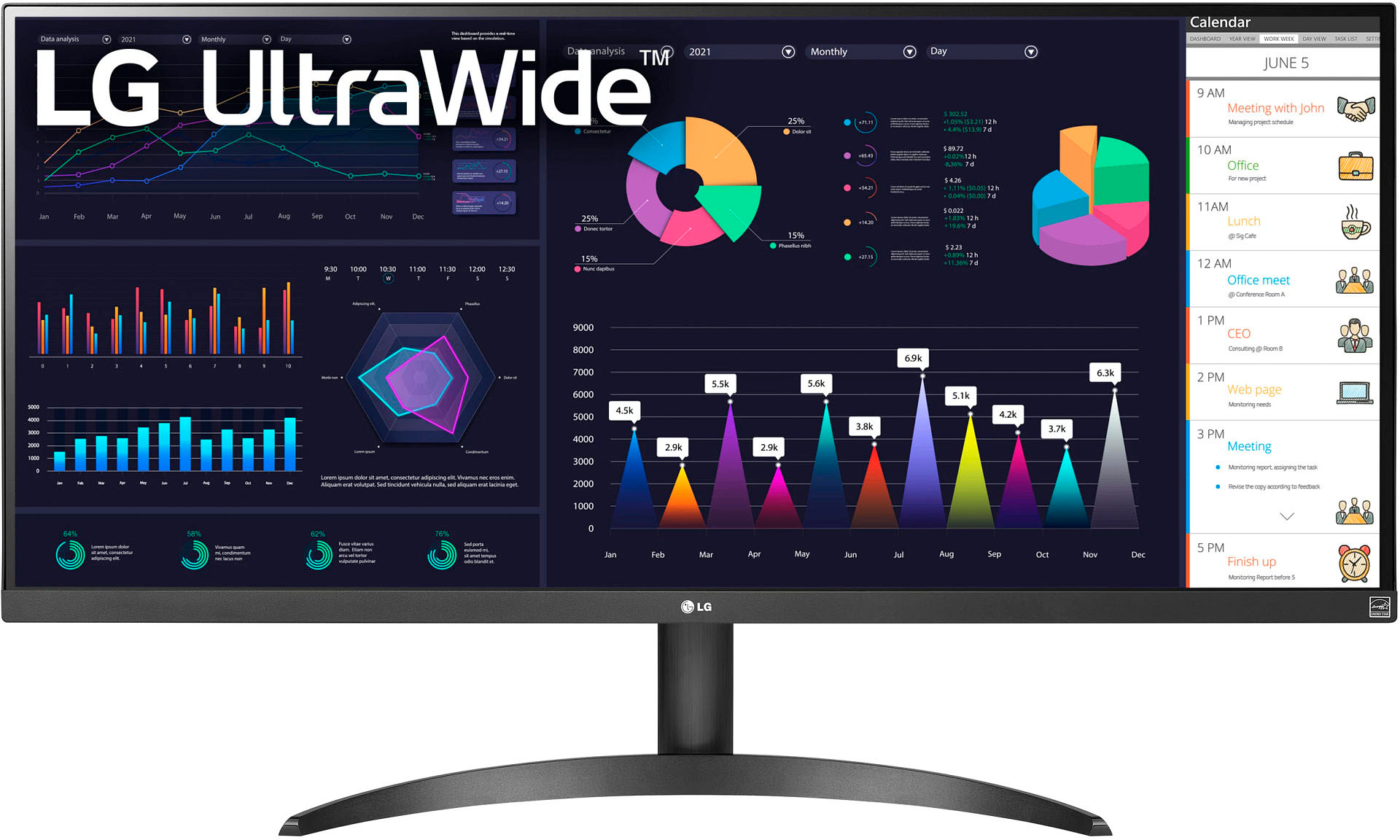
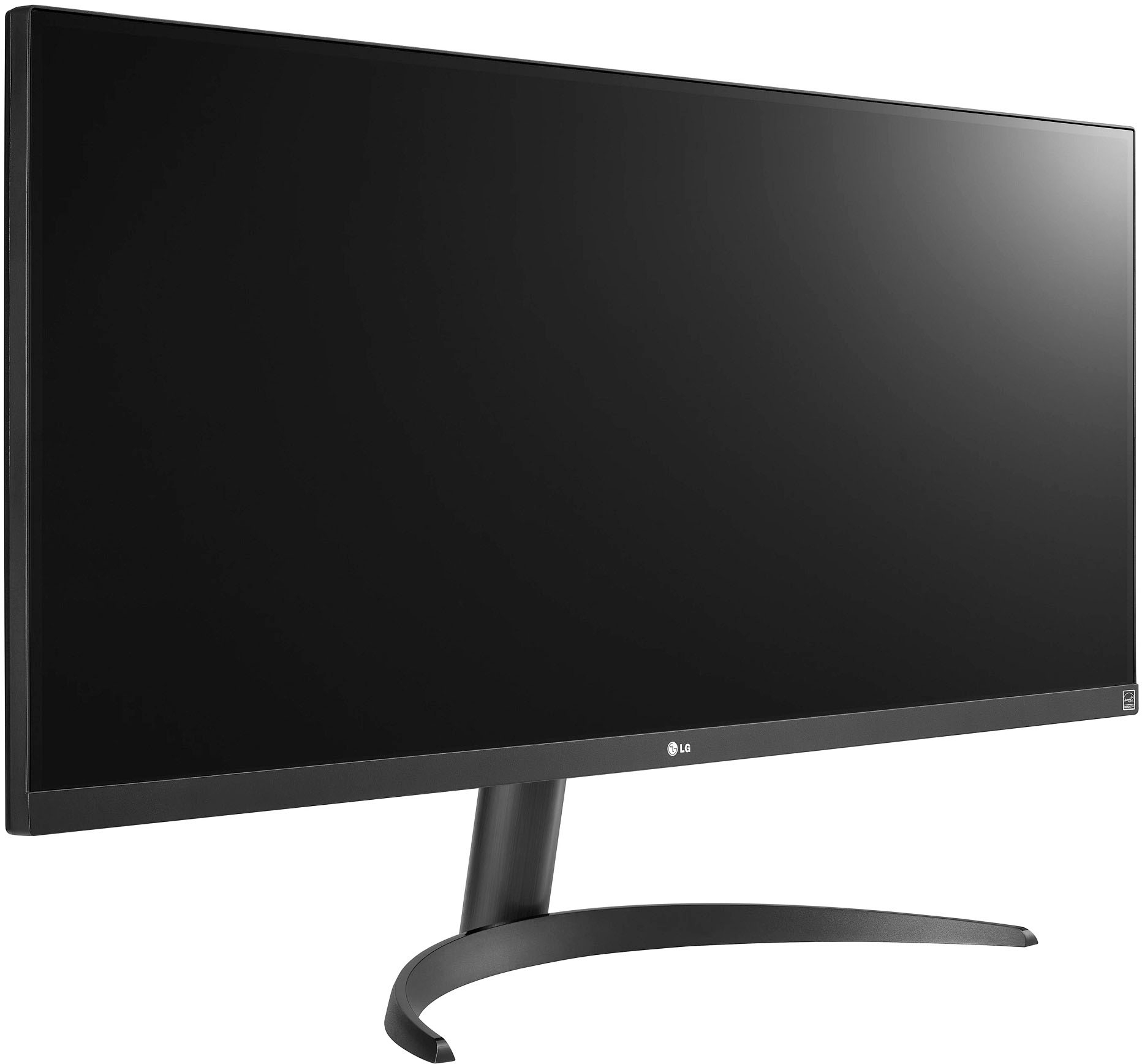
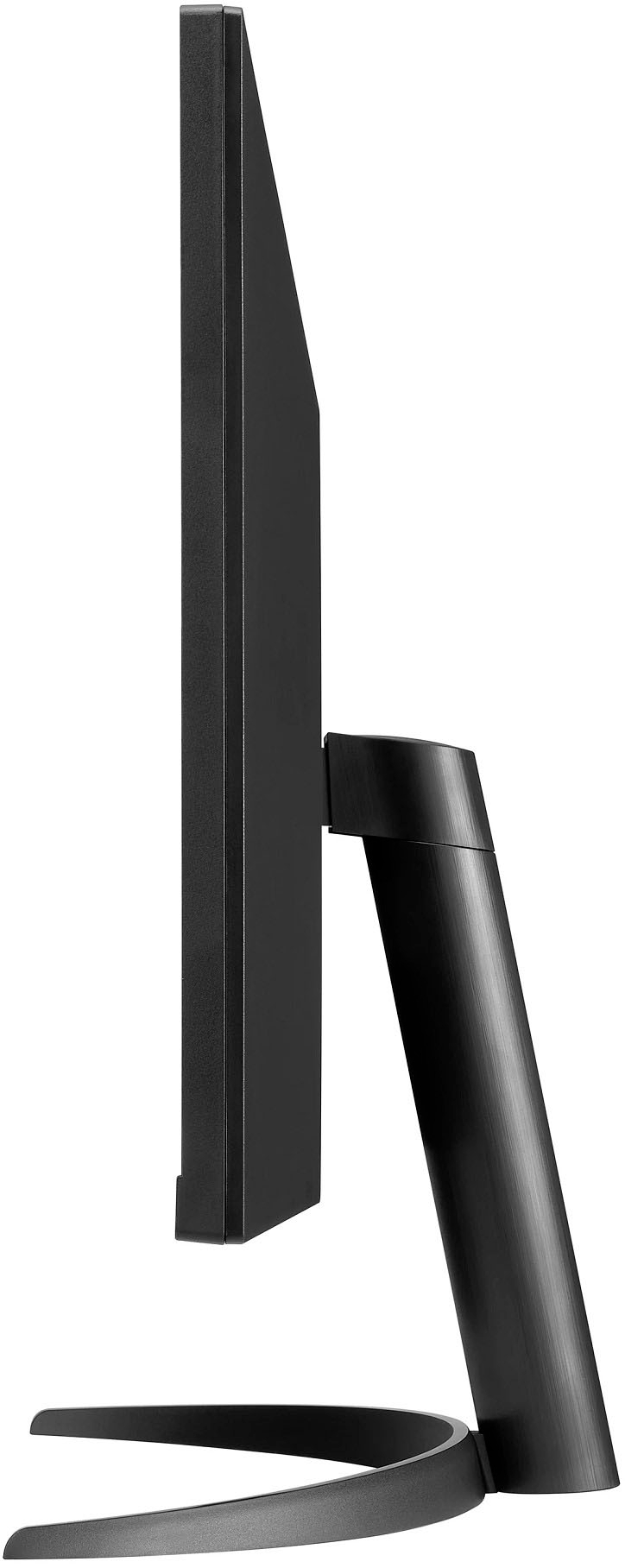
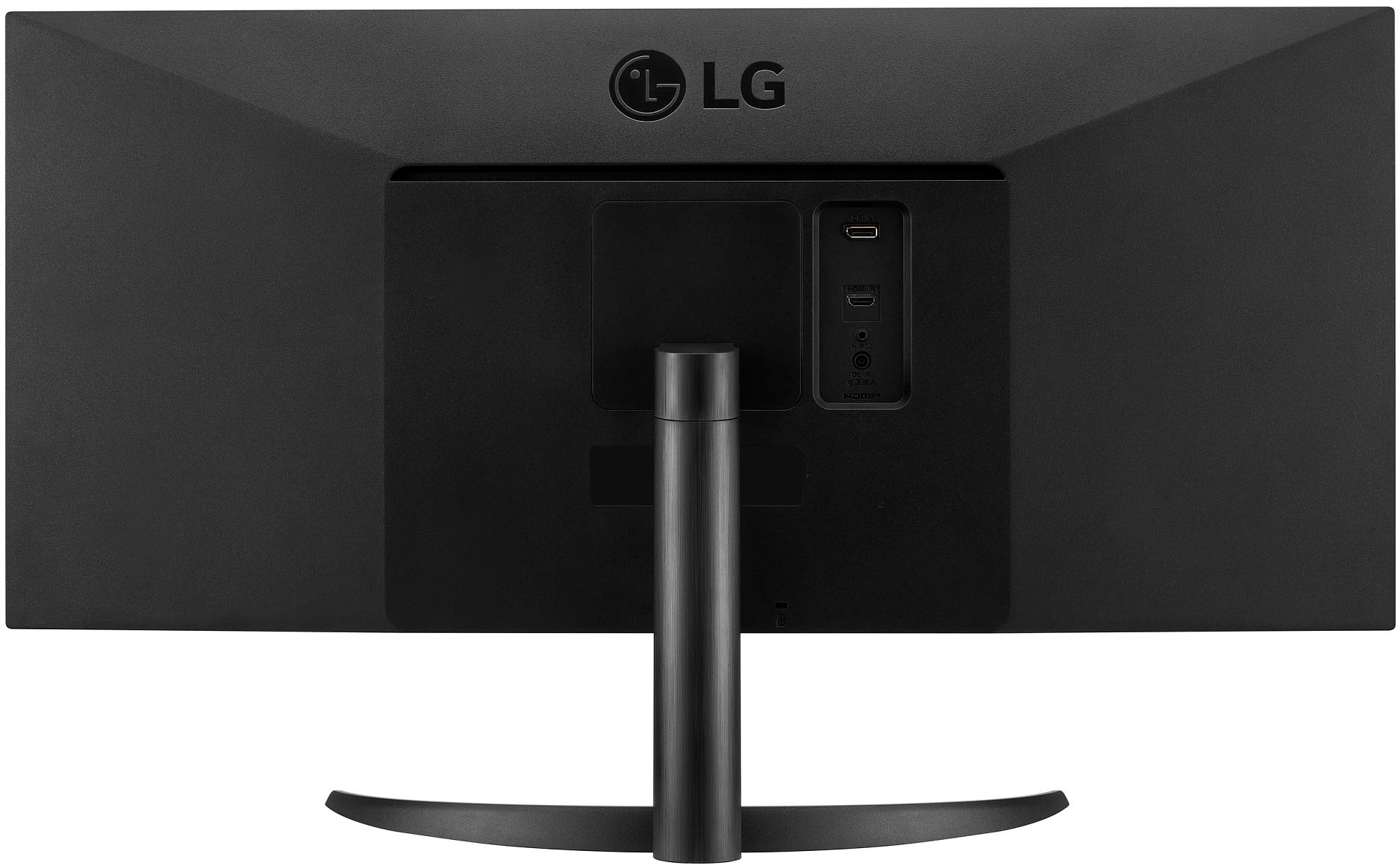
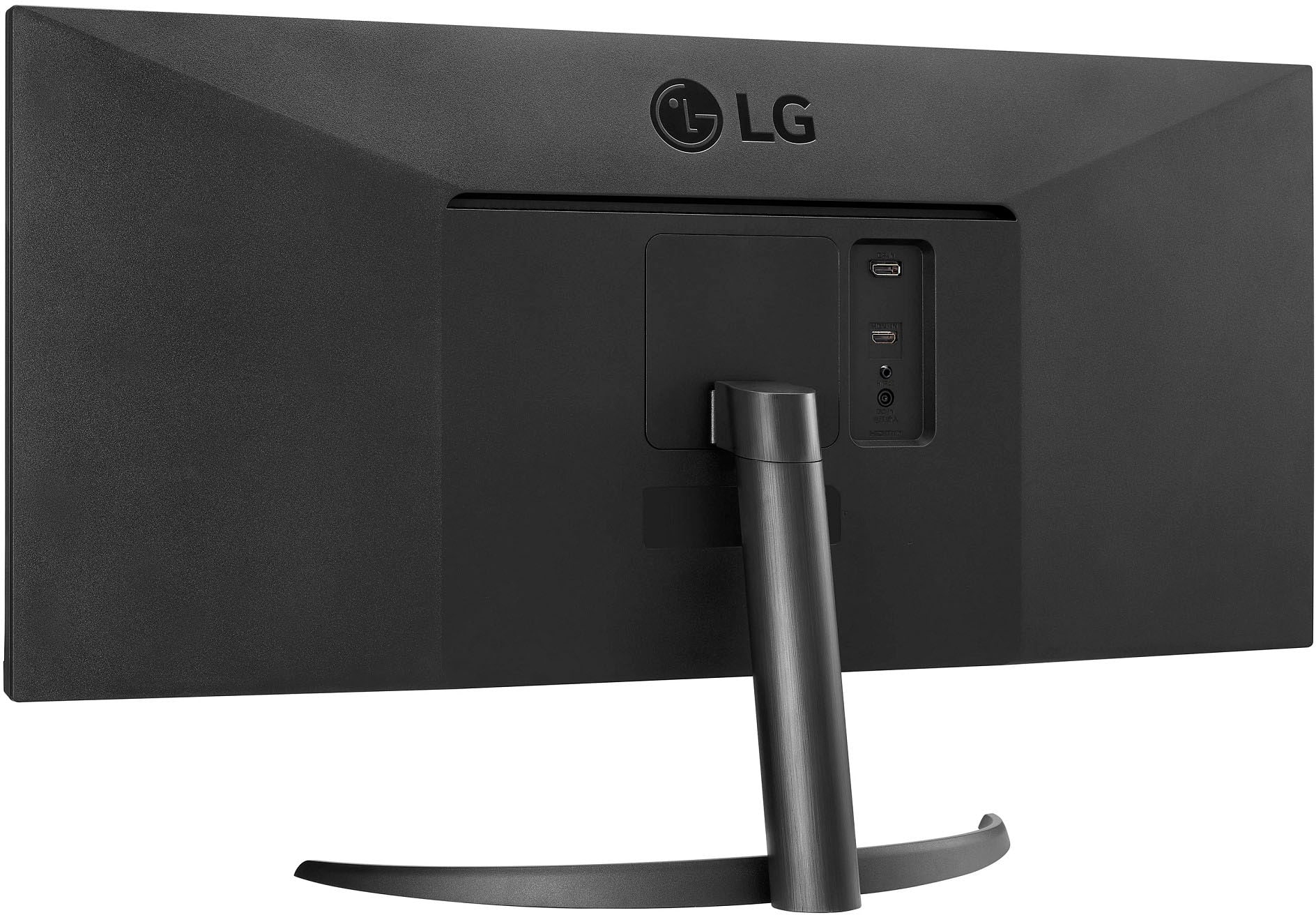
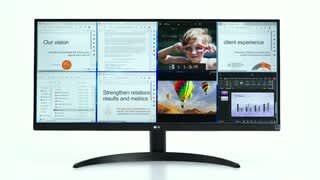
A:AnswerYes, you can view multiple applications at once. I usually have 2-3 documents/web pages/PDFs up at one time and it fits very nicely in the 34” screen. Makes multitasking a dream.
A:AnswerAffirmative, you may monitor all video signals, provided,
your device (through which you initiate the app) has HDMI
output. If so, Connect HDMI cable, to your PC and the monitor and enjoy Spider-Man Remastered.
A:AnswerNo it does not charge the MacBook. It has very few plug attachments. That is not one. You still will have to use your charge wire. It does power up your screen though.
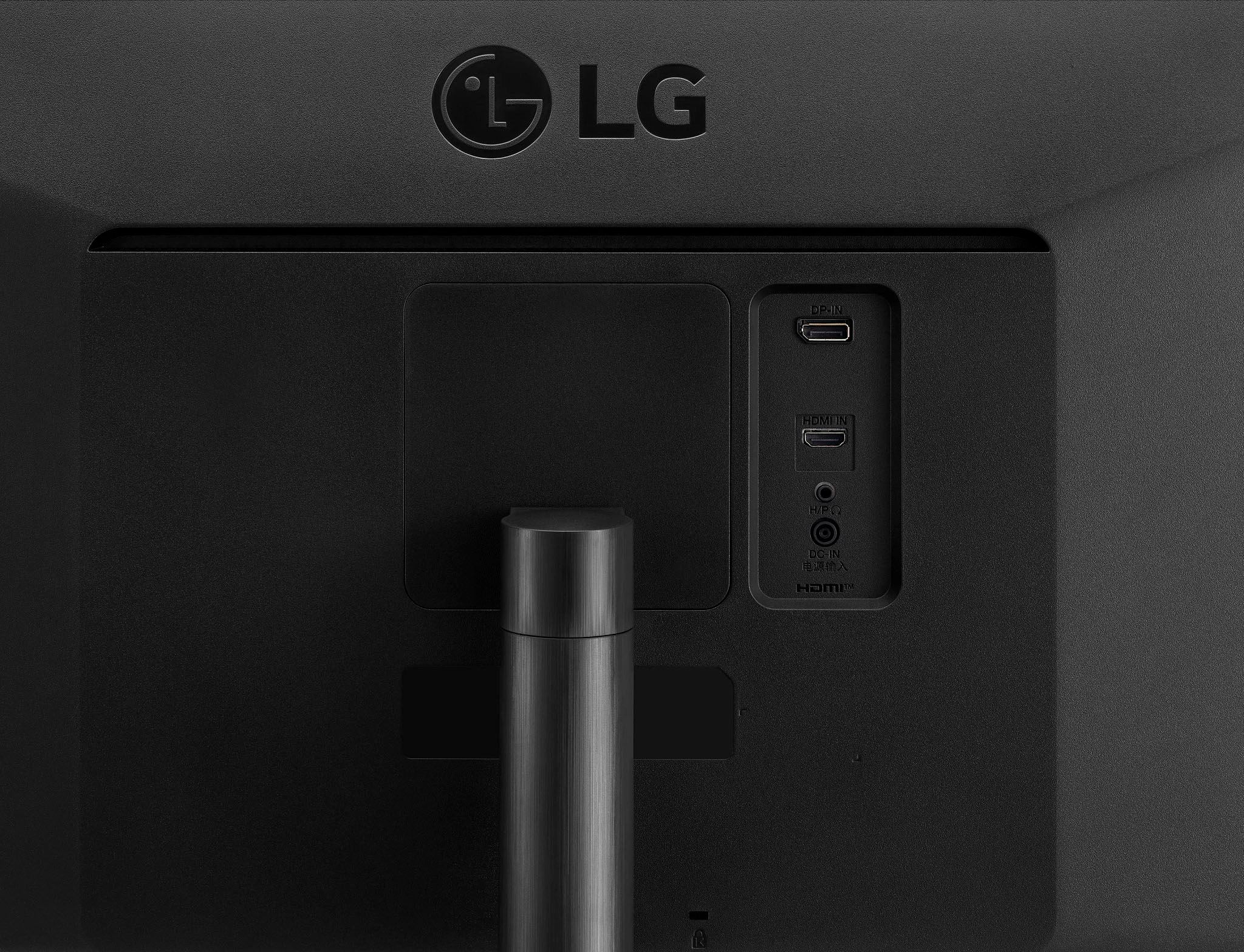
A:AnswerThe answer is negative. LG 34” monitor has only one HDMI input receptacle to receive video signals.
But, can the video signal be paralleled? Affirmative. It can be.
But, it’s a lengthy process and it’s difficult to explain due to space and time constraint.
A:AnswerThe outputs on a video card is just to support extra monitors. If you have some kind of super expensive monitor with 5k or something you might need to use more inputs, but you’ll be able to use this one just fine with one of either