Questions & Answers
- Model:
- 34WP65G-B.AUS
- |
- SKU:
- 6451070
Highly rated by customers for: Screen Size, Ease of use, USB
$399.99$399.99
Page Showing 41-47 of 47 questions
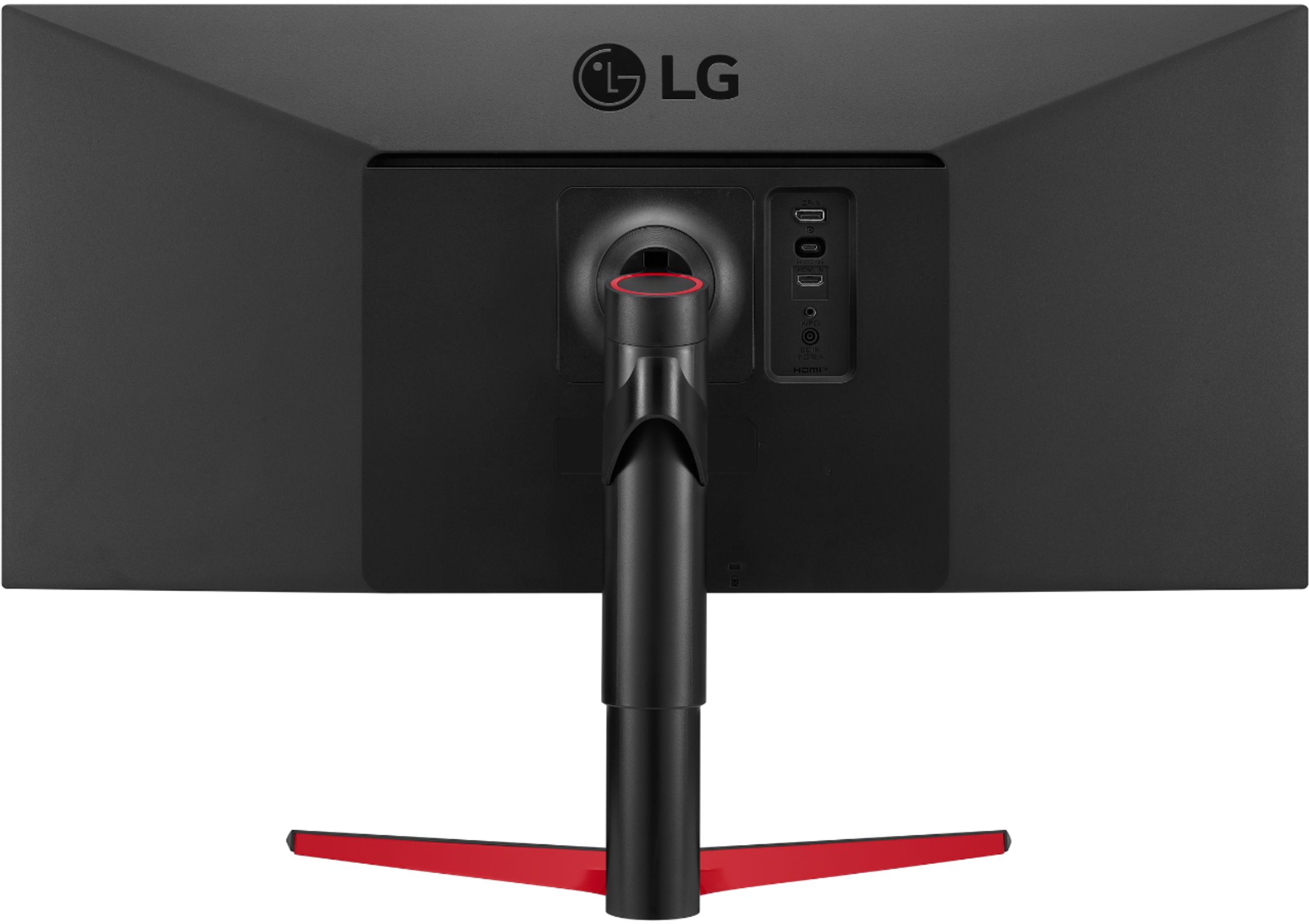
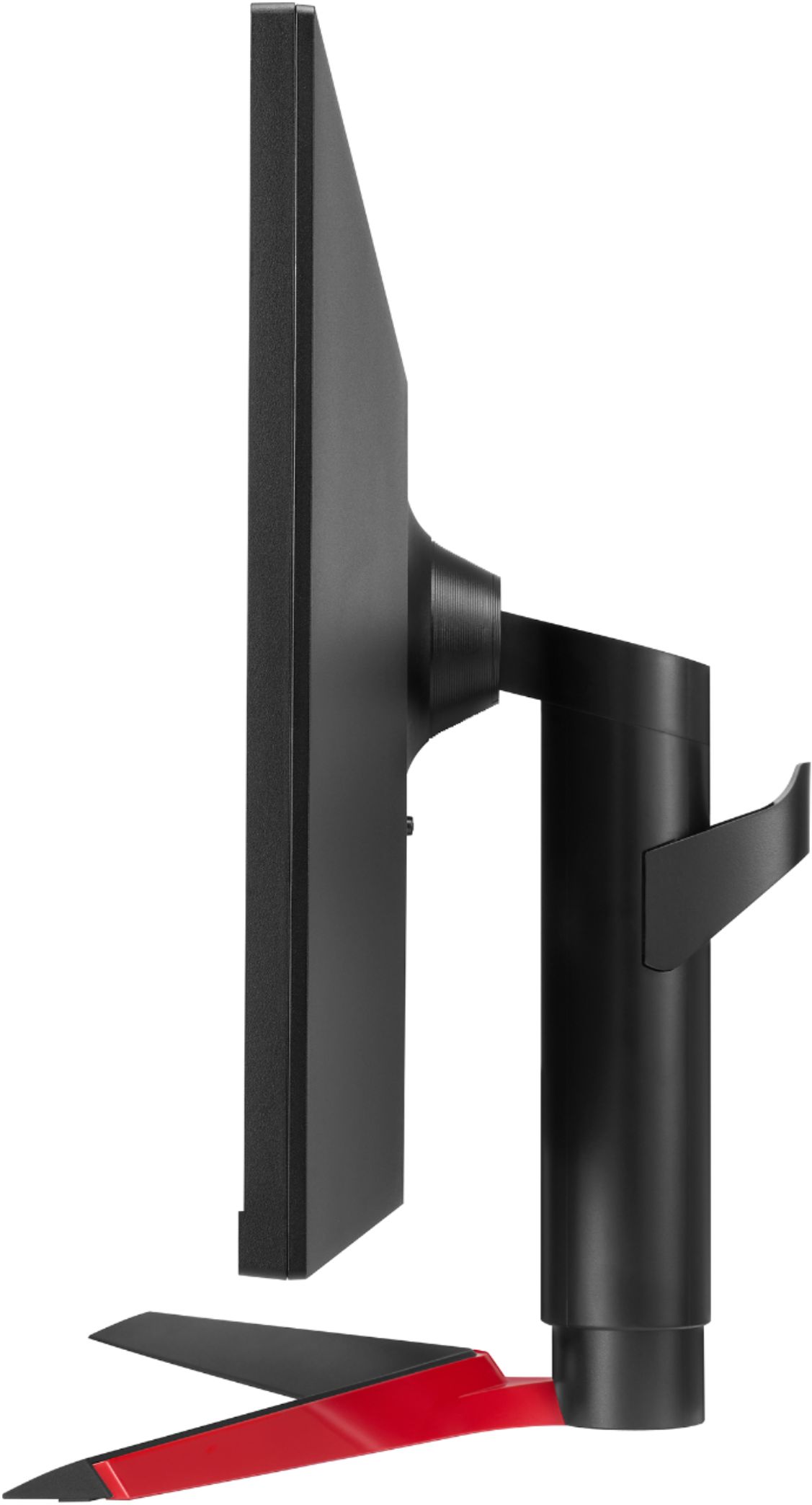
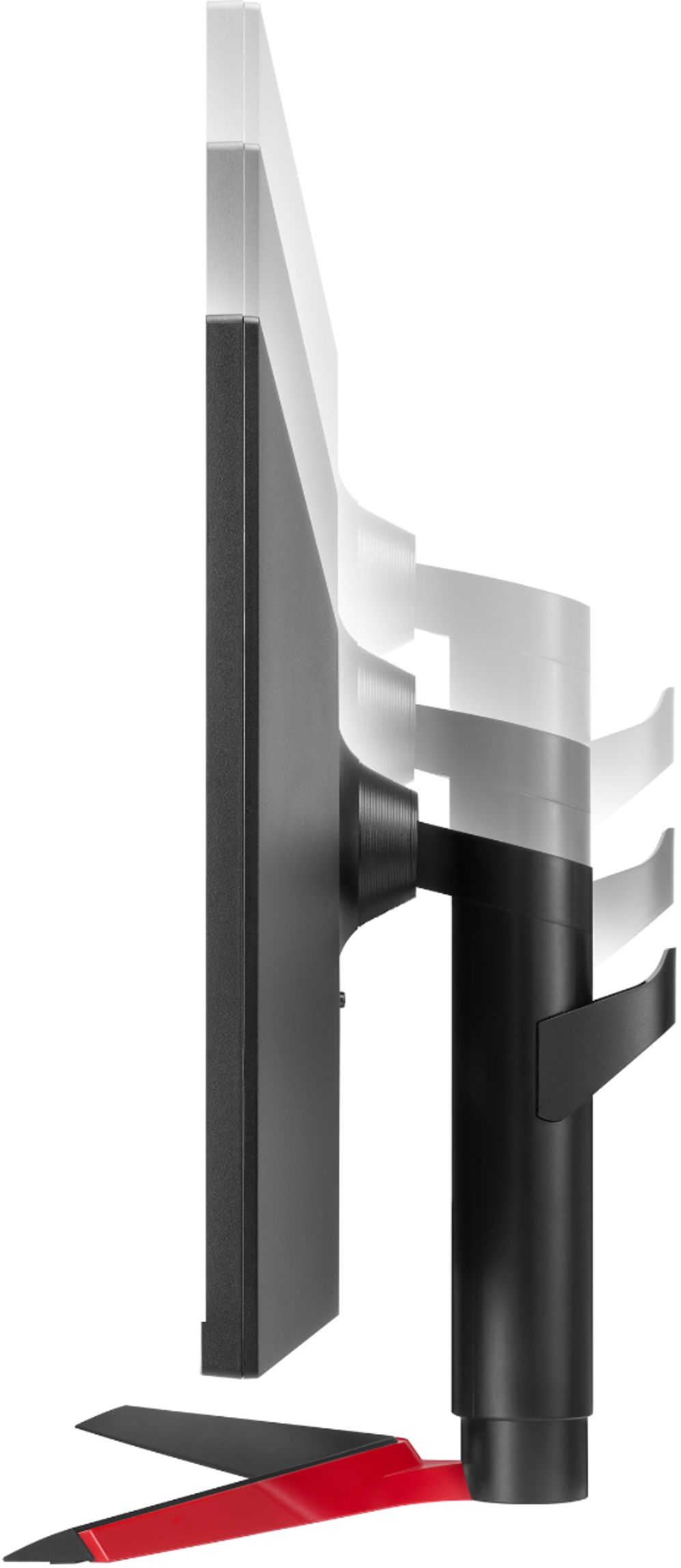
Q: QuestionI would like to mount this to a desk mounted arm-specs state that this is VESA mountable 100x100 with no mention of a required wall plate [optional for $160?]. Is this accurate? I checked the owners manual, not clear whether wall mount is req for this.
Asked by AmyB.
- A:Answer Hi. This can wall mounted with Vesa standard Wall Mount Size (mm)100 x 100 mm. Stand is included in this package. ^Vanessa
Answered by LG Digital Customer Care

Q: QuestionCurrently, have the monitor connected to my Mac and PC. When I decide to switch between the 2 devices the monitor does not automatically switch between them, I have to manually do it each time. Is it suppose to be like that for this monitor?
Asked by Twin.
- A:Answer Please reach out to our support team on Facebook at @LGUSSupport. Please be sure to provide your name, phone number, address, email, model/serial numbers, and date of purchase and we will be happy to assist you. There are policies and procedures in place to ensure resolutions are consistent and fair. I am confident that we will work to provide an agreeable resolution.^Venette
Answered by LG Digital Customer Care

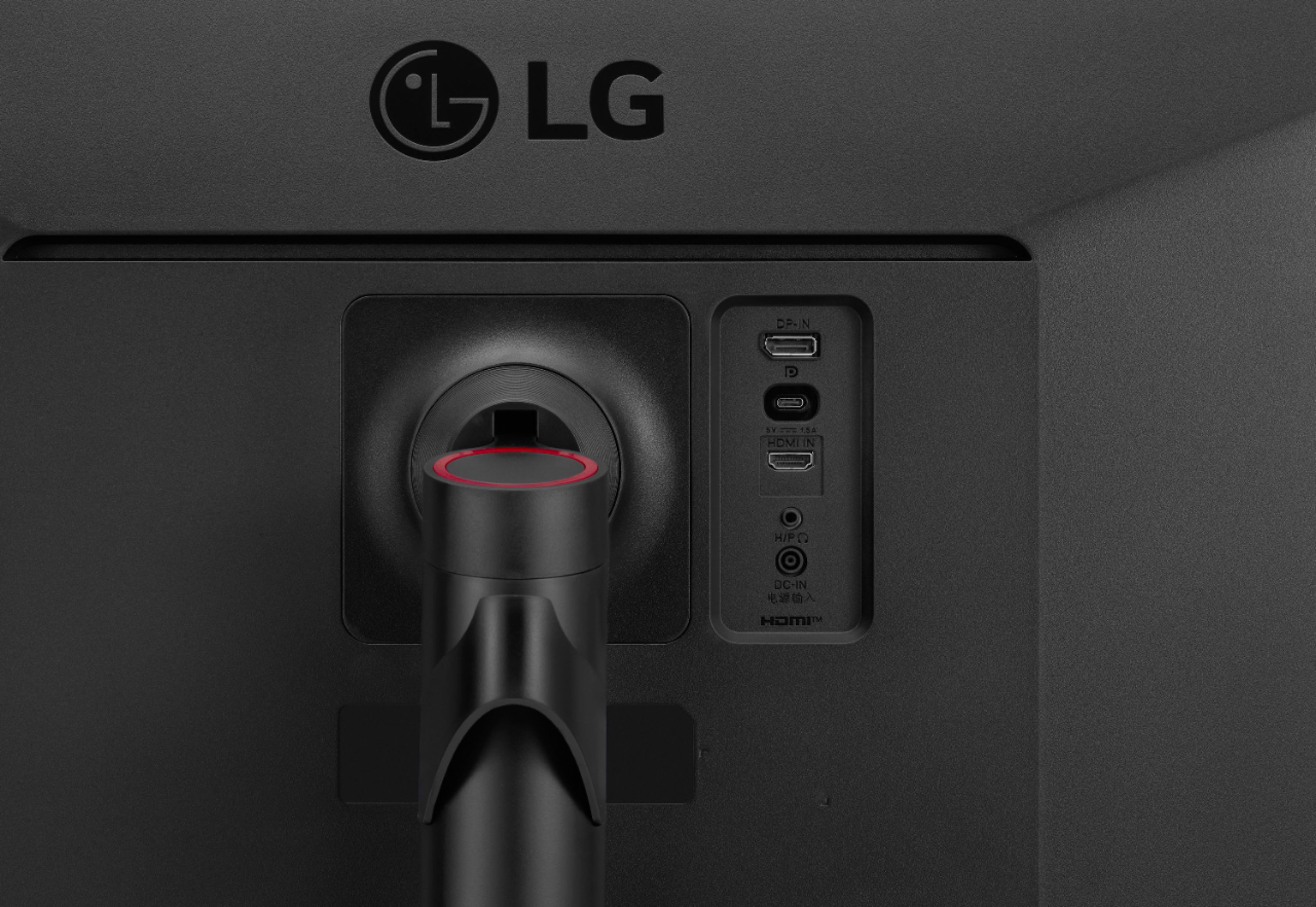
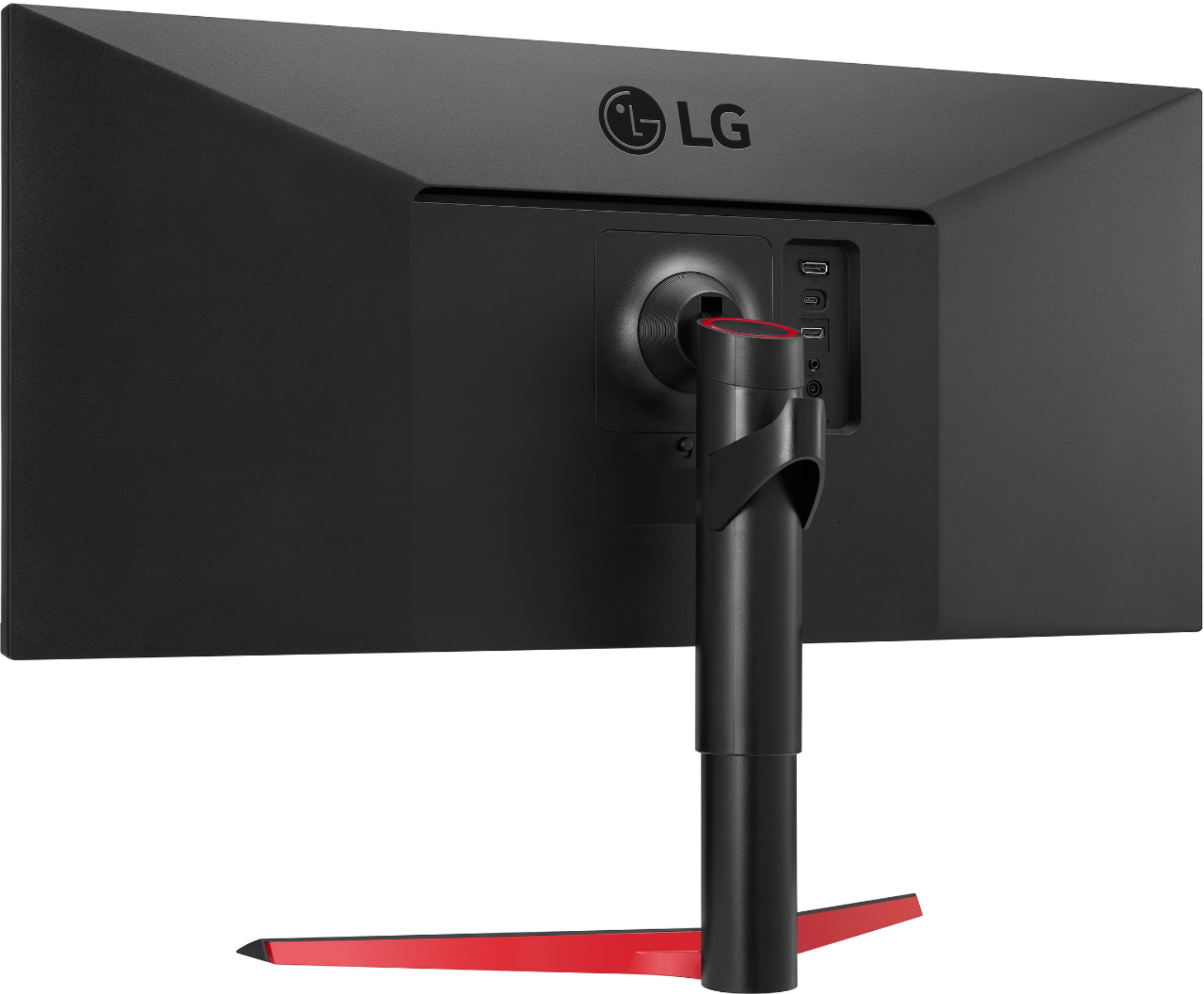
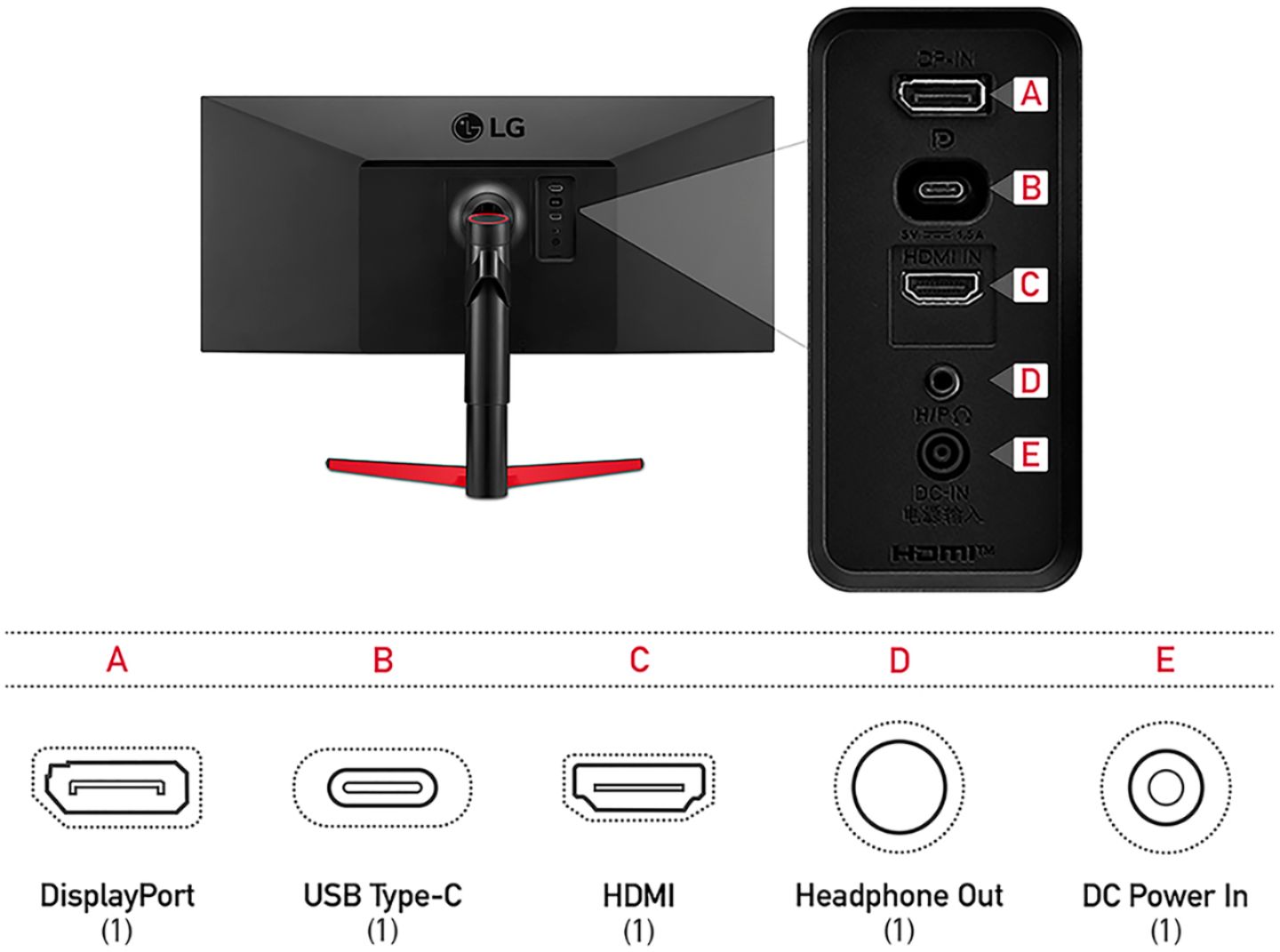
Q: QuestionTried to connect my MBP 13 M1 (thunderbolt/usb c to usb c port on the back of the monitor) to my monitor and cannot get a video signal. What am I missing? Can my mbp transfer a video signal via usb c? if yes, what settings do i need to enable.
Asked by Waka.
- A:Answer Please reach out to our support team via direct message Twitter or Facebook @LGUSSupport or call at 800-243-0000. Please be sure to provide your contact information, model/serial numbers and date of purchase. ^Daphane
Answered by LG Digital Customer Care

Q: QuestionWill this monitor work with a 2018 iPad Pro and a USBC to HDMI cable?
Asked by Kanagawa.
- A:Answer This is a Plug and Play monitor and doesn't require drivers. If you are in need of assistance with using a monitor, give our computer specialists a call at 800-243-0000. ^Daphane
Answered by LG Digital Customer Care

Q: QuestionI have a dell laptop with a usb c connection, however it does not support thunderbolt over USB C. I believe it uses DisplayPort over usb c. Will this monitor be compatible?
Asked by PaulG.
- A:Answer Please reach out to our Support team on Twitter via @LGUSSupport or on Facebook at https://www.facebook.com/LGUSA. ^Daphane
Answered by LG Digital Customer Care

Q: Questioncan i use a single USB-C cable to both connect my laptop and charge my laptop via the monitor?
Asked by cj.
- A:Answer USB-C port is not for the Monitor Power source. Connect Adapter to supply power to the Monitor, but it can be used a power source for a laptop or other connected devices. ^Daphane
Answered by LG Digital Customer Care

Q: QuestionCan it charge a laptop via USB-C? If so, how many watts of power through USB-C?
Asked by LMC.
- A:Answer The USB-C port is not for the Monitor Power source and you must connect the adapter to a power supply to powe4r the monitor. The manual does not say the input is a power supply. ^Daphane
Answered by LG Digital Customer Care

Page 3, Showing 41-47 of 47 questions
Most-viewed items
- $89.99$89.99The price was $199.99
- $299.99$299.99The price was $349.99
- $109.99$109.99The price was $149.99
- $299.99$299.99The price was $369.99
- $149.99$149.99The price was $179.99
- $59.99$59.99The price was $99.99
- $109.99$109.99The price was $134.99
- $124.99$124.99The price was $139.99
- $119.99$119.99The price was $149.99
- $159.99$159.99The price was $199.99
- $299.99$299.99The price was $379.99