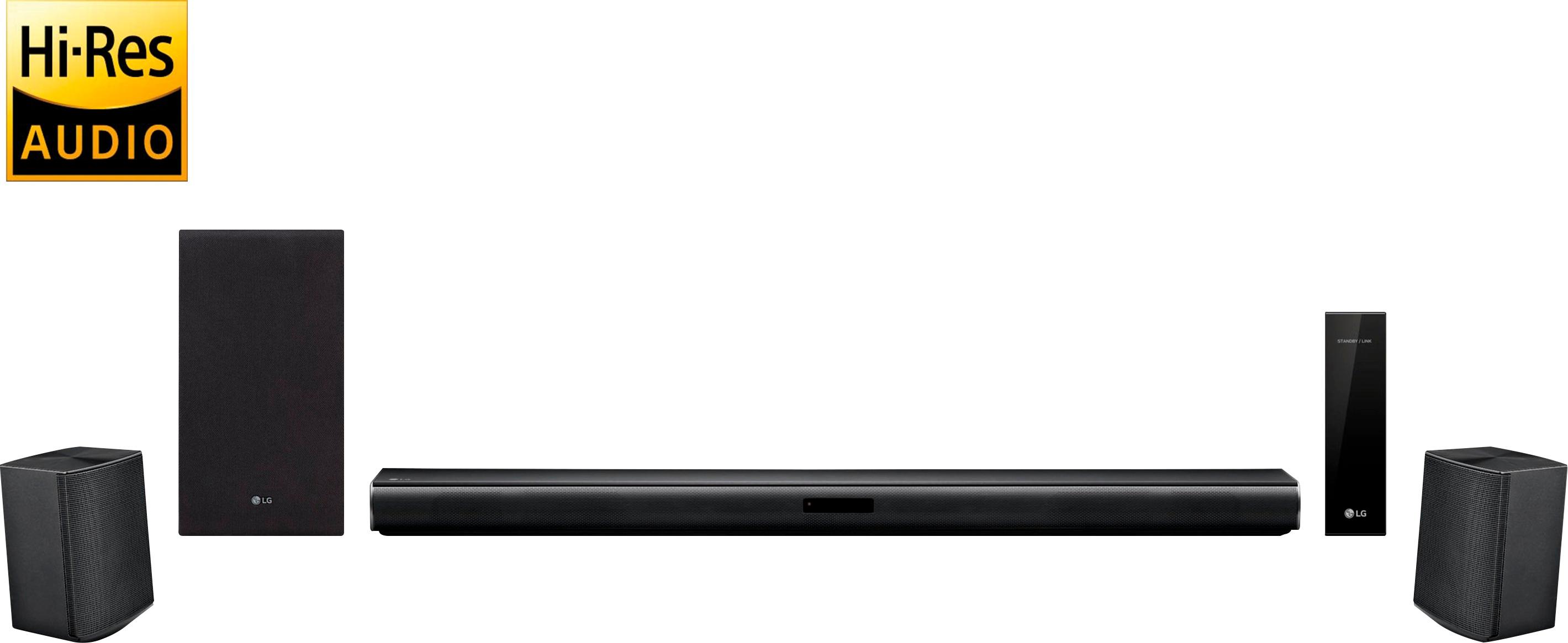
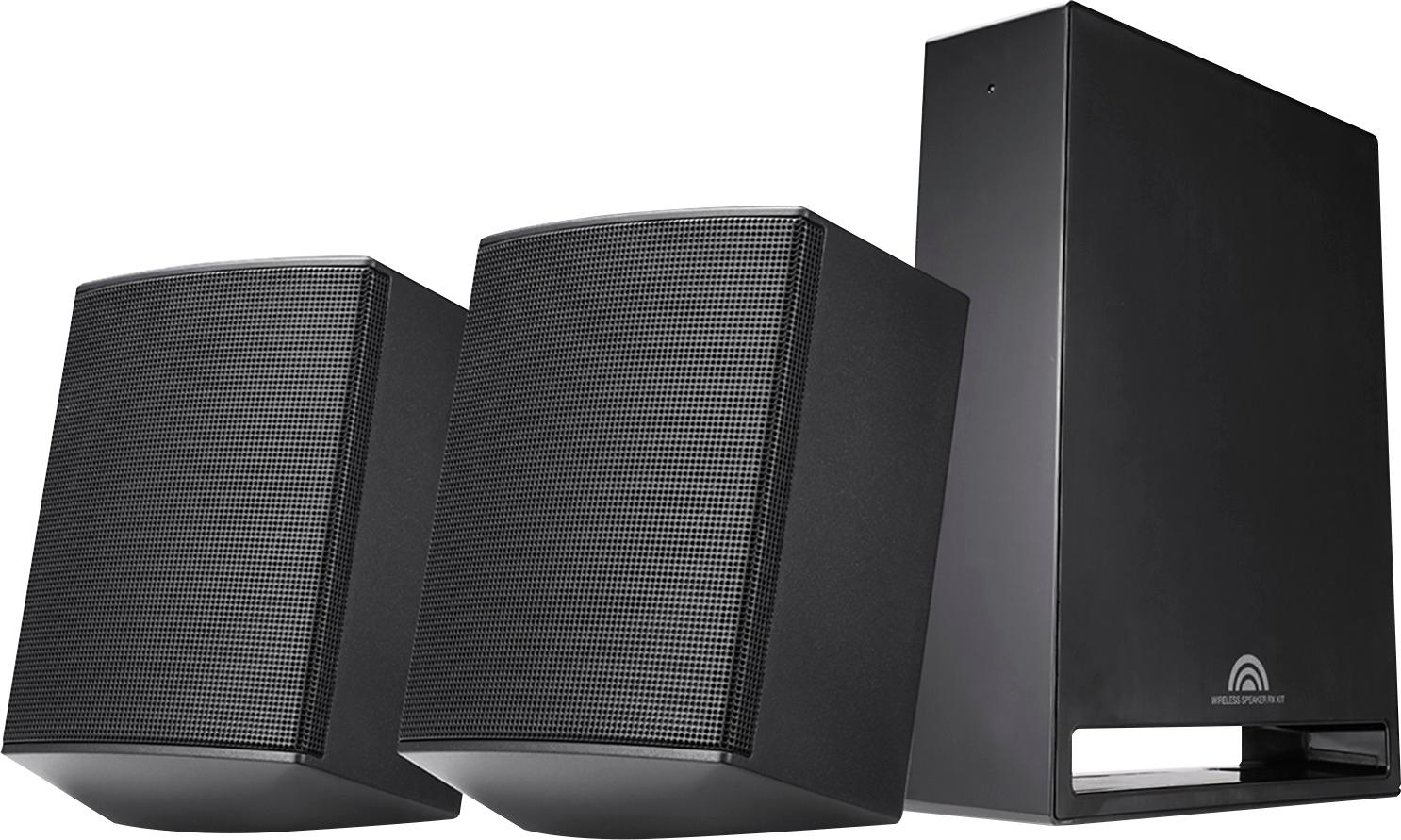
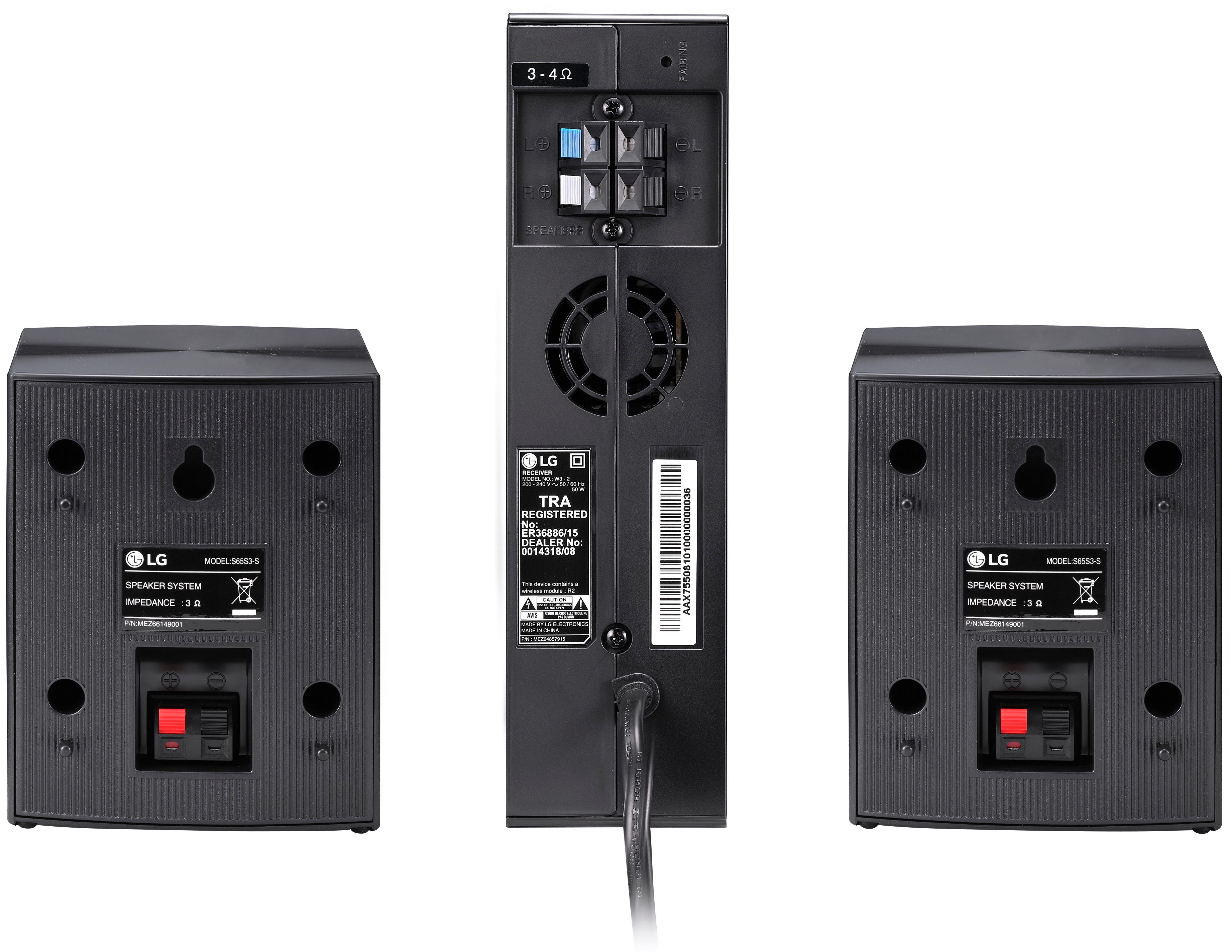
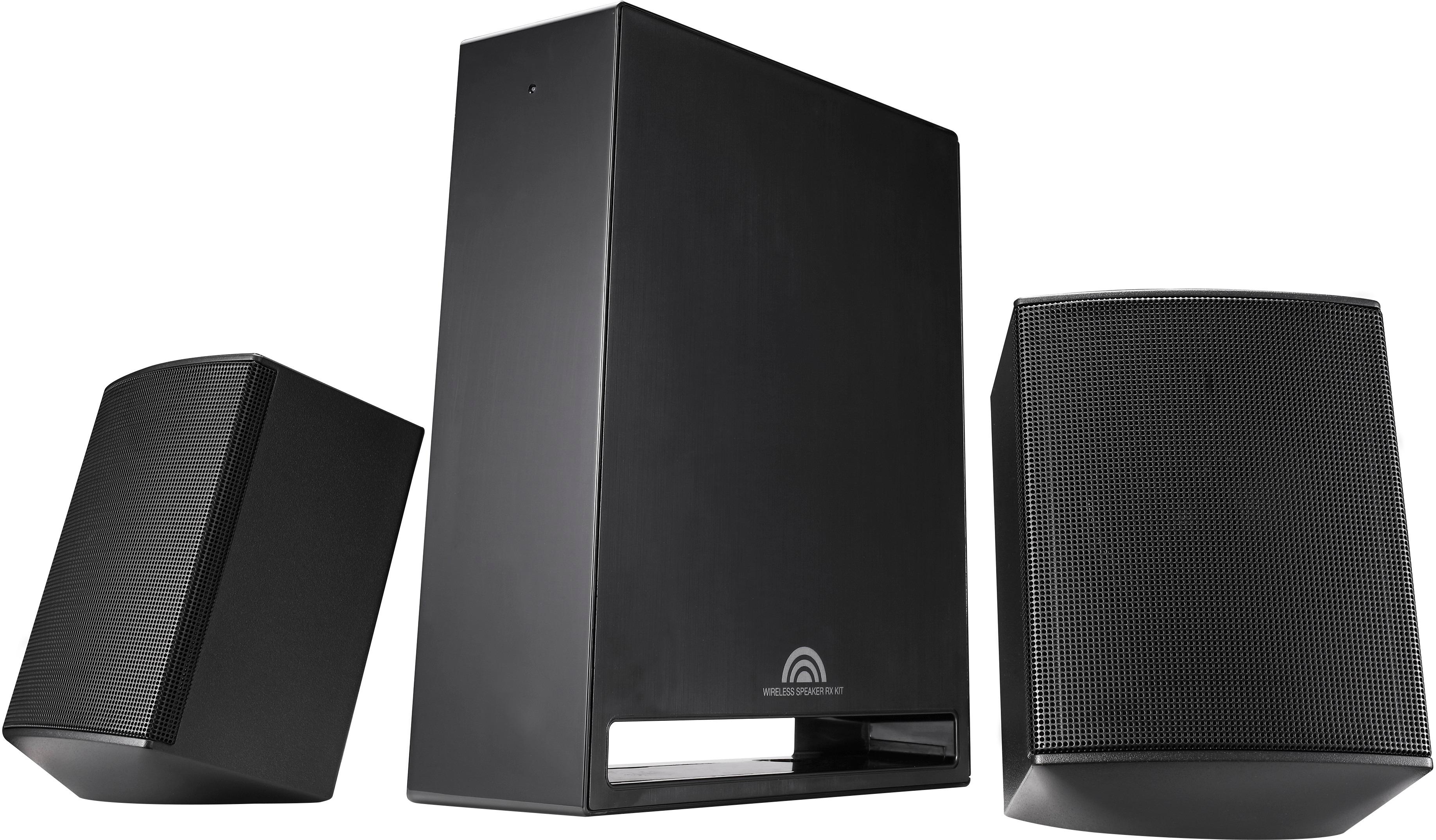
A:AnswerThe rear speakers plug into the rear amplifier, which connects wirelessly to the soundbar (or sub). The rear amplifier also has a power cable that runs to an outlet.
A:AnswerNo, the two small speakers go behind the viewers. Preferably widely spaced and near ear level. The wireless receiver can be hidden. Mine is behind our couch.
A:AnswerIt does come with a remote but I use my LG tv remote to adjust the sound. The speakers say wireless but they connect to a hub with wires that has to be plugged in to a outlet, so not really wireless. For the most part they sound okay, when I'm watching cable tv it sounds good, but when I'm watching a 4k blu-ray movie I can't get it to go louder also the sound does cut in and out at times so I'm thinking of returning it. I would not recommend this product.
A:AnswerI have mine hooked up with an HDMI cable in the HDMI ARC port on my lg tv. The rear speaker wires are included and simply need to be attached to the separate controller.
So the sound bar is connected to tv (hdmi cable)
The subwoofer just needs to be plugged in to an ac outlet
The rear speaker controller to to be plugged in anywhere that will be convenient to hook up your rear speakers thus producing the 4.1 surround.
They all pair up automatically and very simple to get up and running.
I’m happy with mine and it’s great that I can play music from my iPhone too!
A:AnswerNot difficult at all. Sound bar has two connections: (1)power plug and (2)AV connection. I recommend HDMI ARC if TV supports it. Woofer has only a power connection. Rear speakers attach to receiver via supplied wires and the receiver has one power connection. All is laid out in instructions. Sound is better than a VIZIO 5.1 channel system I first purchased at Costco.
A:AnswerThe sound bar has multiple physical connections including optical. The subwoofer is wireless but of course requires power. The rear surround speakers hardwire to a separate amp that connects wirelessly to the sound bar. Once it's all set up the whole thing is a giant Bluetooth speaker system you can connect your phone or other Bluetooth devices to.
A:AnswerWhile you need to plug the sub woofer into an outlet for power, the 'wireless' aspect is that you don't need to run a wire from the sub woofer to the sound bar. It is blue-tooth.
Therefore you can plug in the sub woofer either next to the sound bar or, as I have it, across the living room and not have yet another wire going across the living room floor.
Hope this helps.
A:AnswerYes will work well with your LG TV. I have purchased 2 of these. Pleased with the product however I did have to update the firmware on both which did take a couple of minutes. You will know if you need an update if the unit drops the sound periodically. Sound bar is plenty loud it will fill the room with sound. Good buy if you can get for under $200.
A:AnswerYes, this can be done easily.
To play only the TV speakers, use the TV options to select TV Speakers.
To answer your question, use the sound bar remote control device to turn down the volume(s) on both the rear speakers and subwoofer.
Good luck!
A:AnswerNo, it doesnt. Wsted 3 hours yesterday after I received the bar - works with optical does not work with HDMI ARC. Probably because my TV is Samsung and bar is LG... lesson not to buy competing company's products!
A:AnswerYes you can. Just connect the soundbar with an optical cable to your TV, and your PlayStation with an HDMI cable. Anything you connect to the TV will play through the speakers.
A:AnswerSort of. You can turn the subwoofer down using the remote. There is no fine tuning the sound. Same for the rear speakers. I ended up removing the rears because they were to loud even at the lowest volume allowed.
A:AnswerRobin you don't need a receiver. Everything is included in the box. System includes wireless receiver and speaker wires for the rear. Love my system and great sound and reasonable price.
A:AnswerFound the option to enable HDMI ARC, we have to turn on 'simplink' in LG TV to connect HDMI ARC. If this is enabled, you can control sound bar volume using TV remote.
A:AnswerThe wireless receiver that the rear speakers for the LG 4.1-Channel Hi-Res Soundbar System with Wireless Subwoofer and Digital Amplifier, Model # SJ4R plug into receives its audio signal via Bluetooth from Soundbar so regardless of whether you are using HDMI or Optical Digital Audio, the audio will be transferred via Bluetooth to receiver and played through the rear speakers. The wireless receiver and Soundbar should automatically pair when they are first turned on. You can pair them manually if they do not connect automatically as instructed in the owner's manual. HDMI OUT (TV ARC) jack is for TV connection.
Even though multi channel is input to the unit through an HDMI cable, the unit can only output PCM 2 channel to the TV. Both the HDMI Out (TV ARC) and the HDMI IN are HDMI 1.4 ports that are HDCP compliant, they are not HDCP 2.2 compliant and they will not pass a 4K signal if your gaming console is HDCP 2.2 compliant and has HDMI 2.0 ports...^IFV