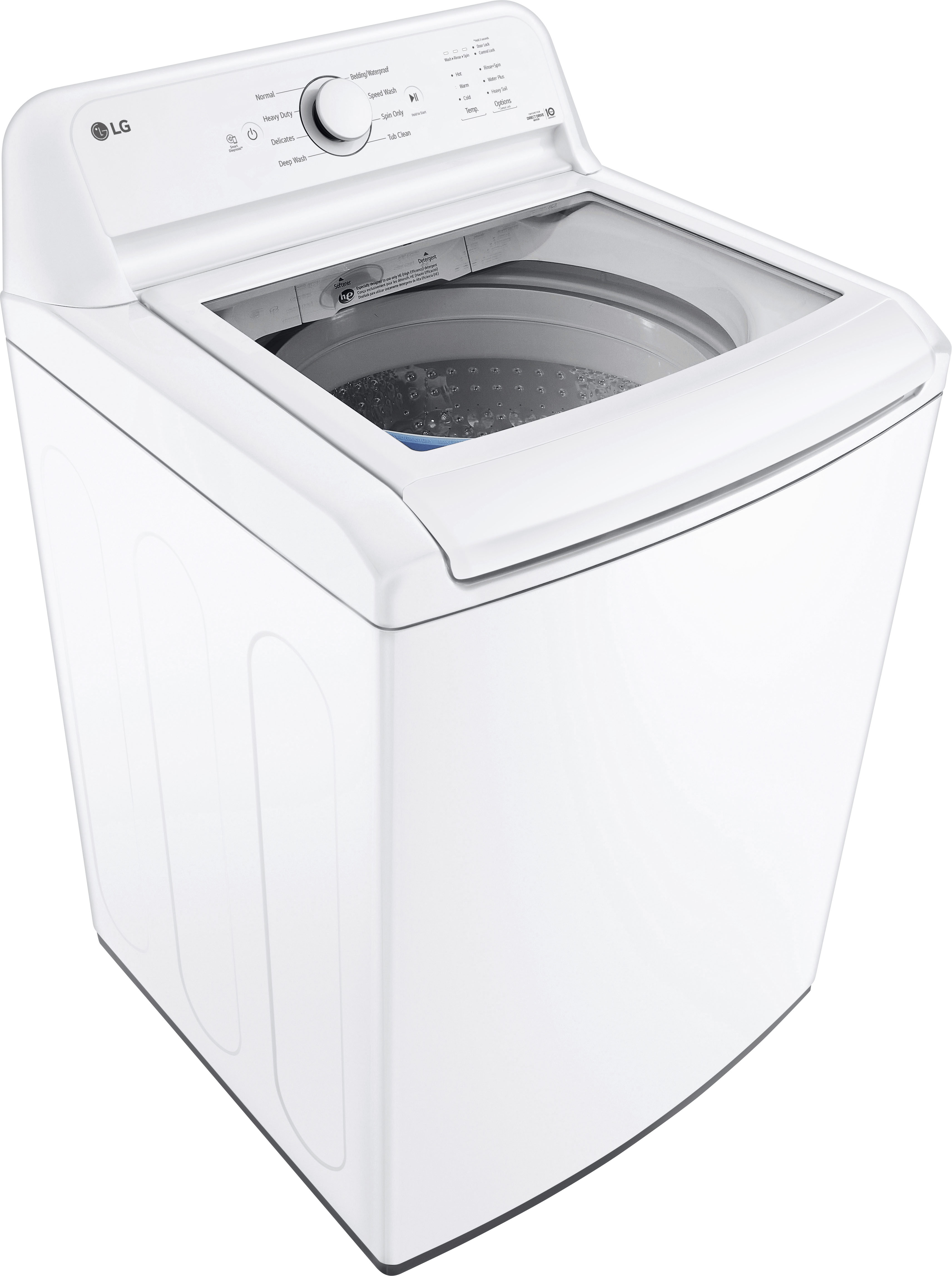
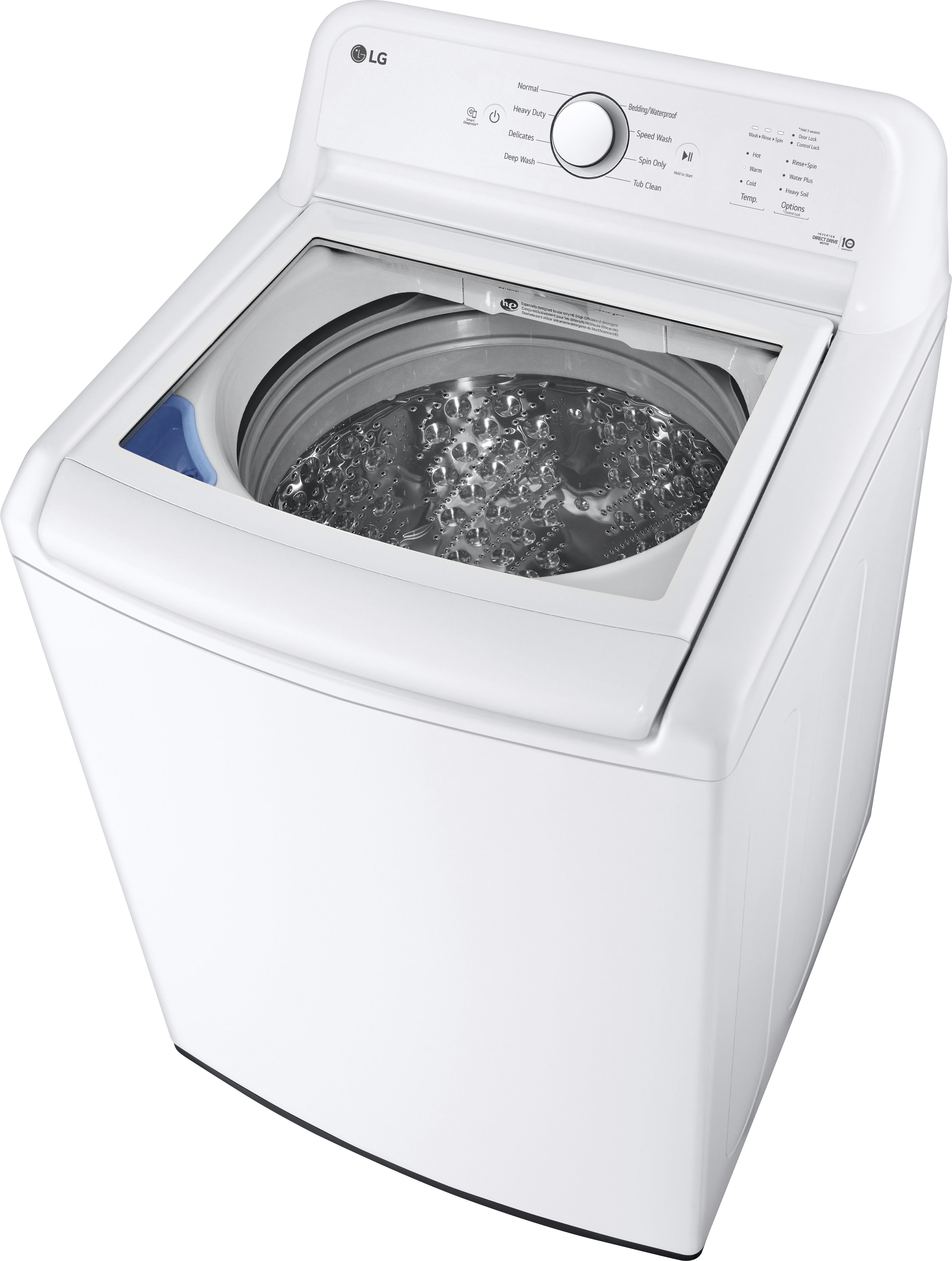
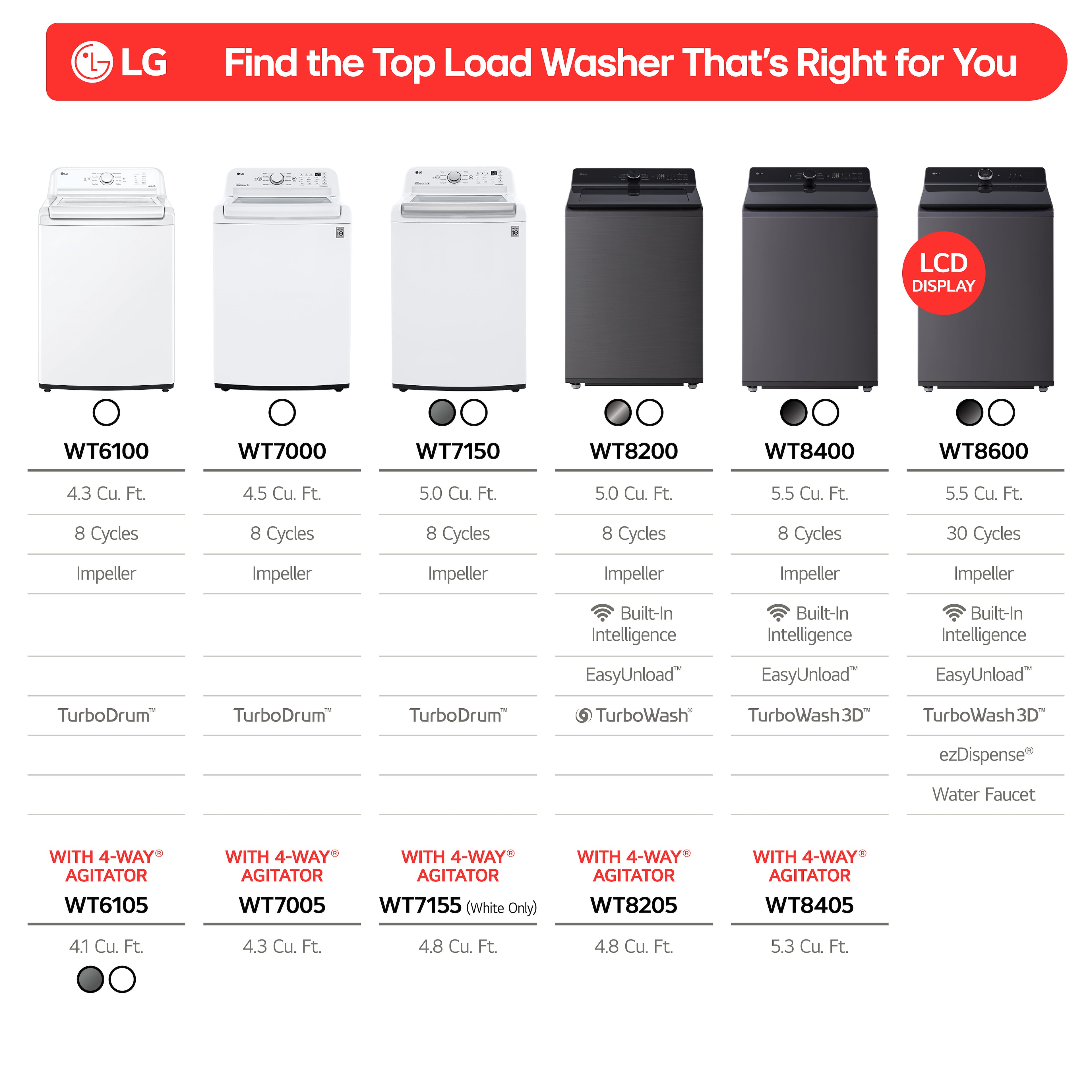
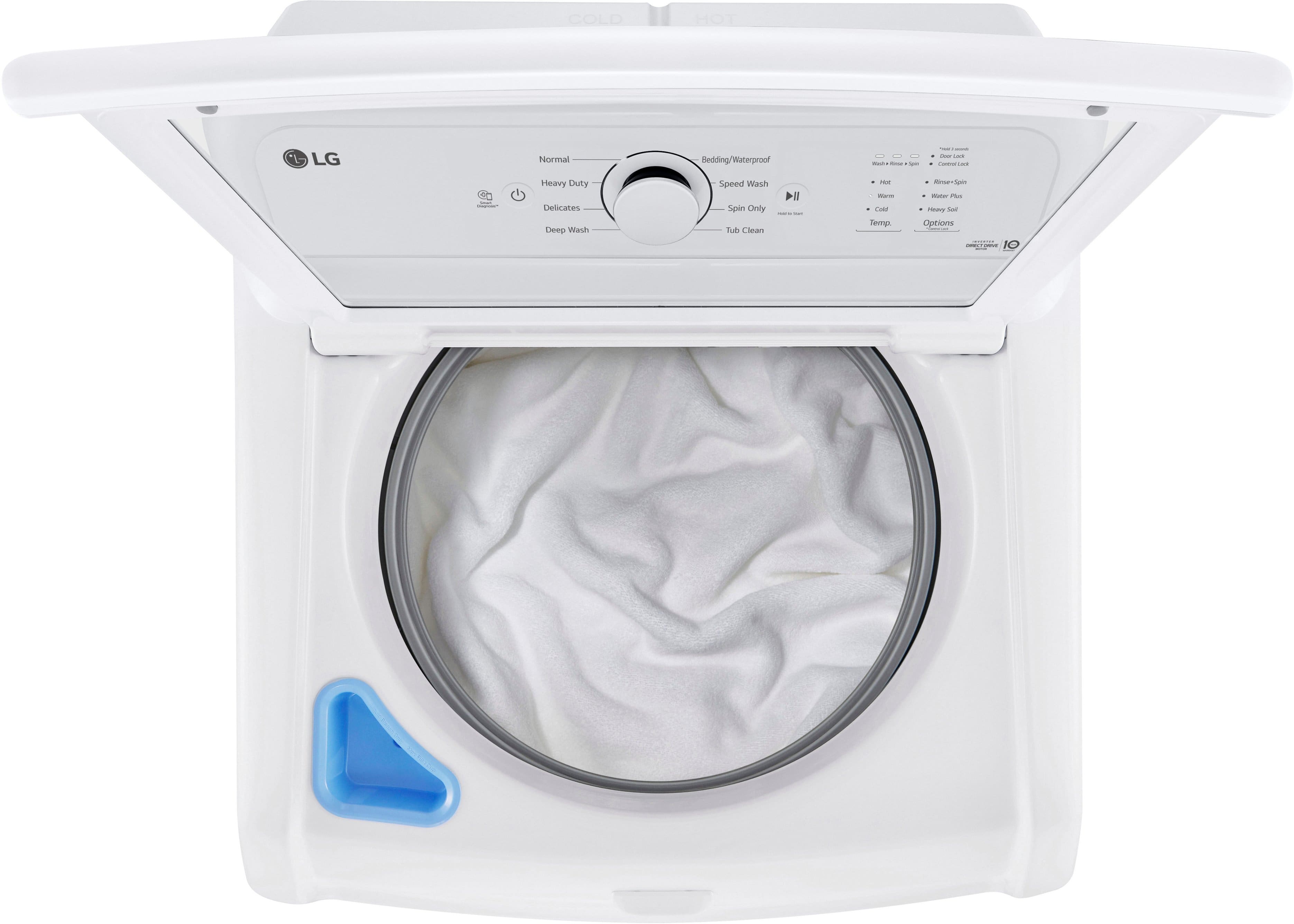
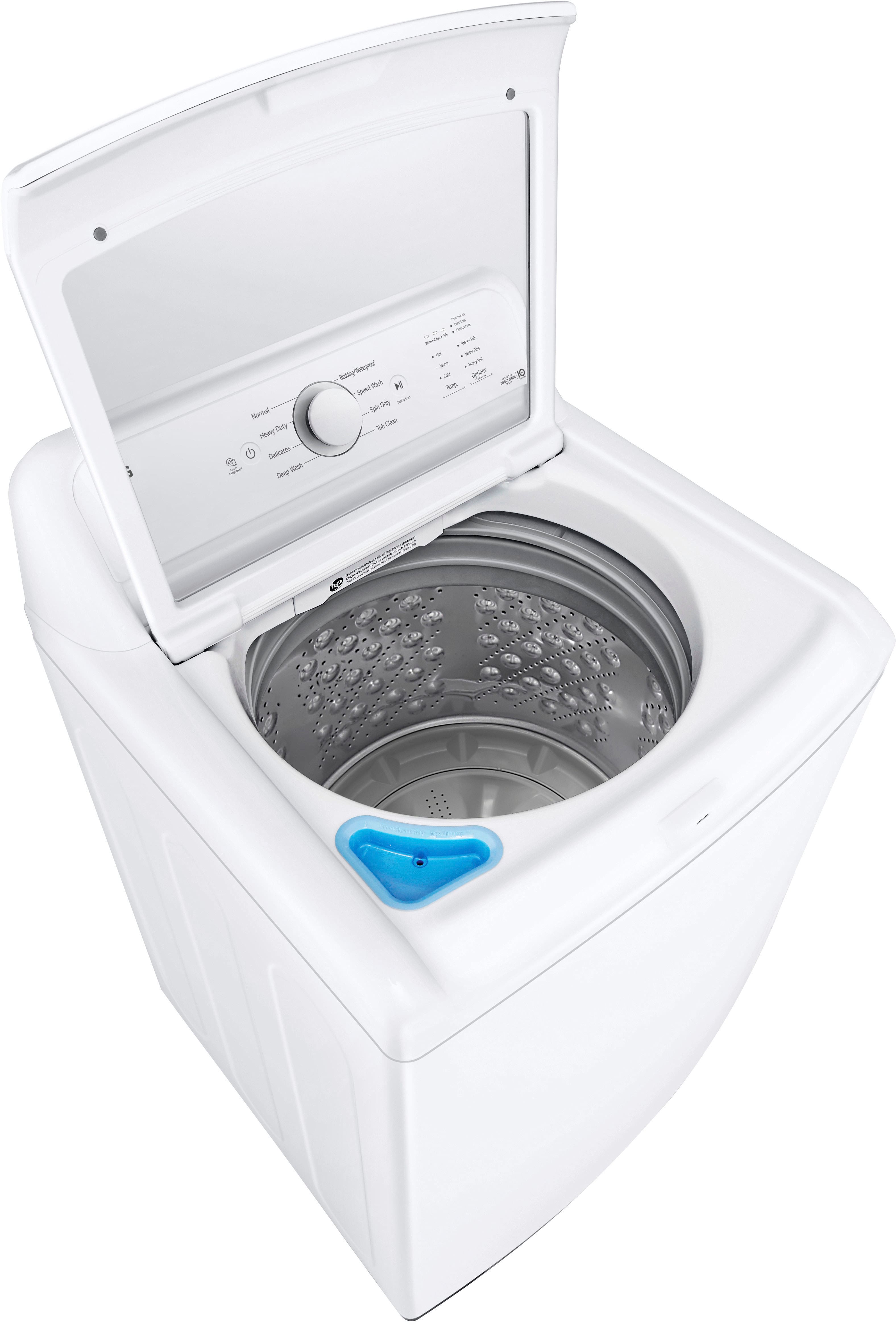
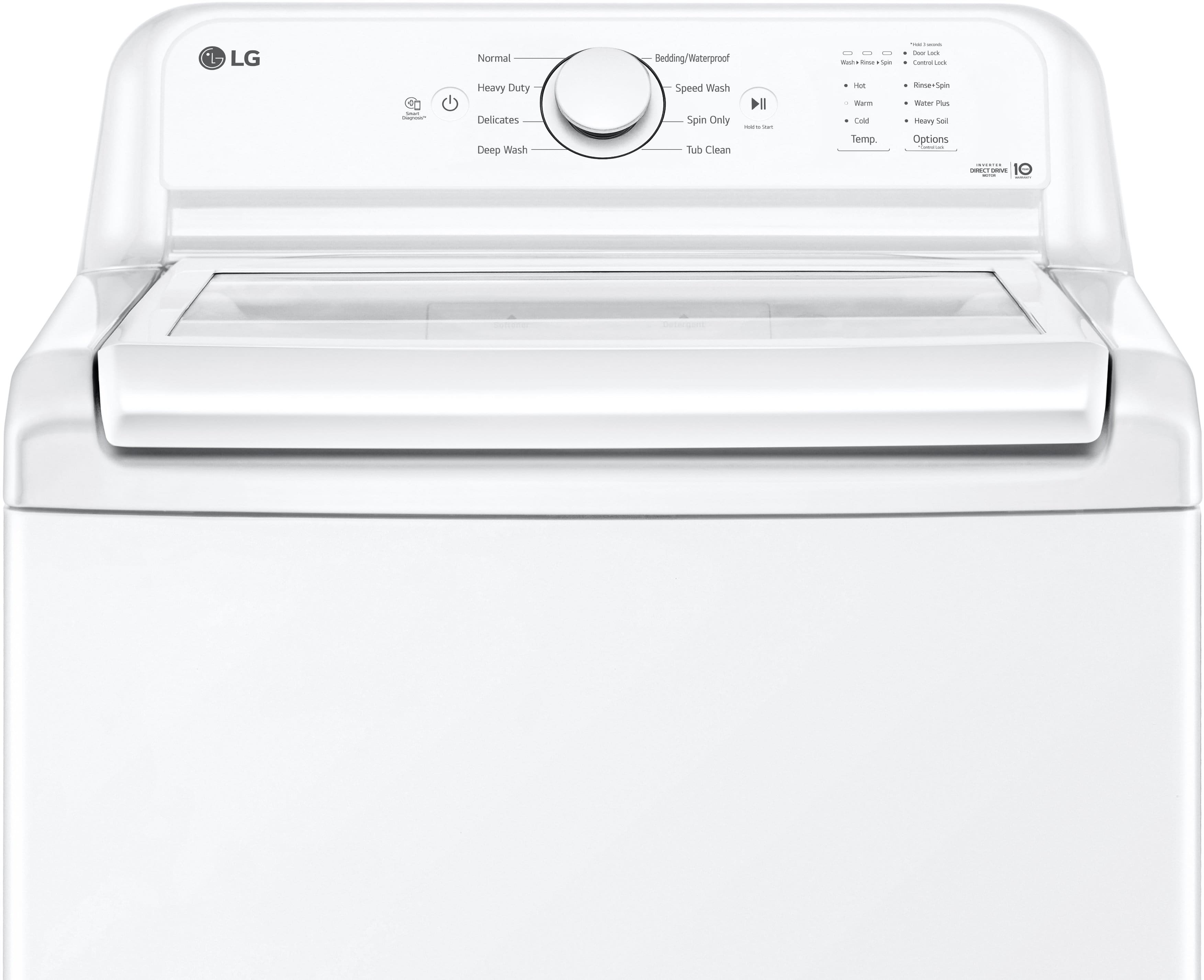
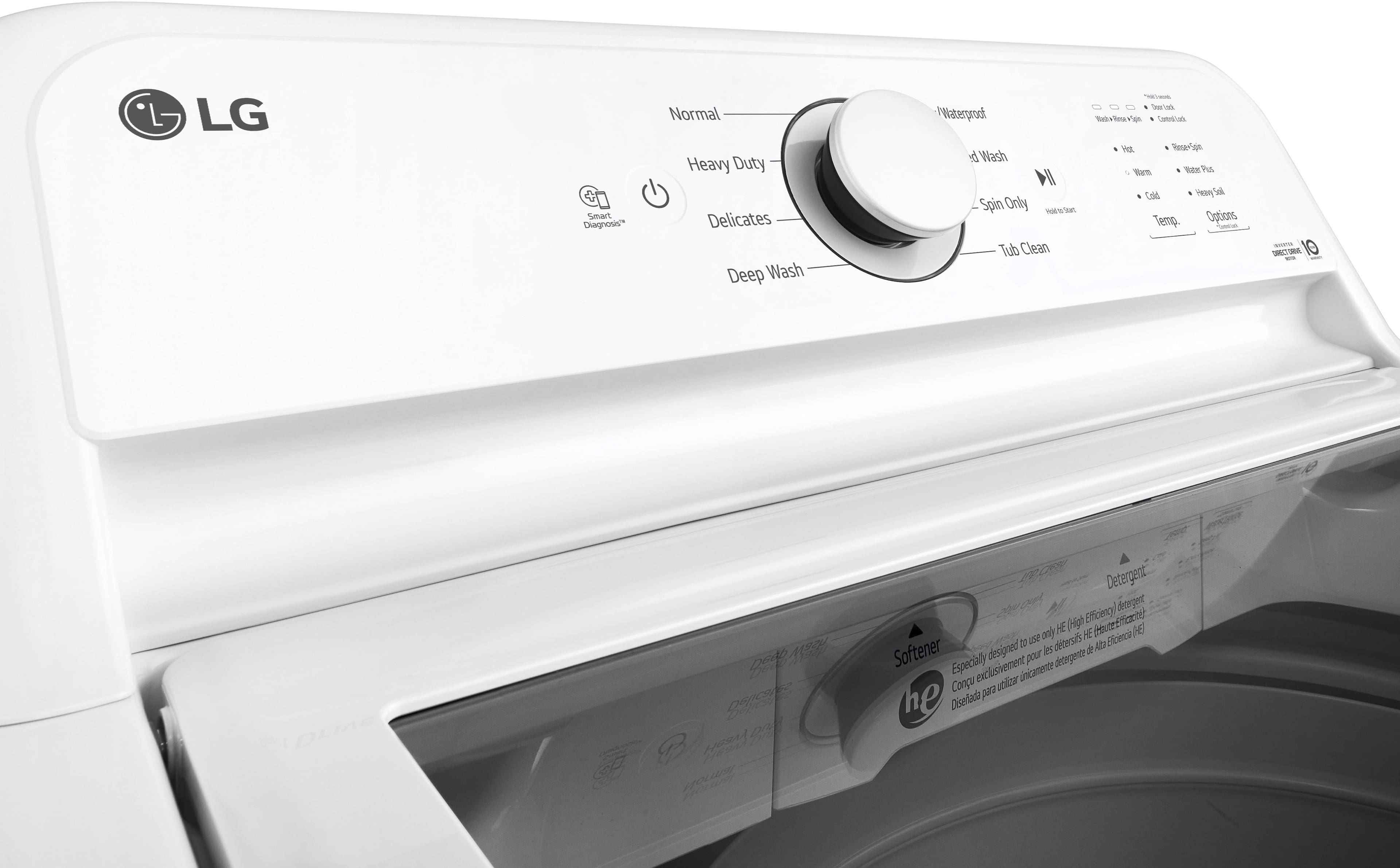
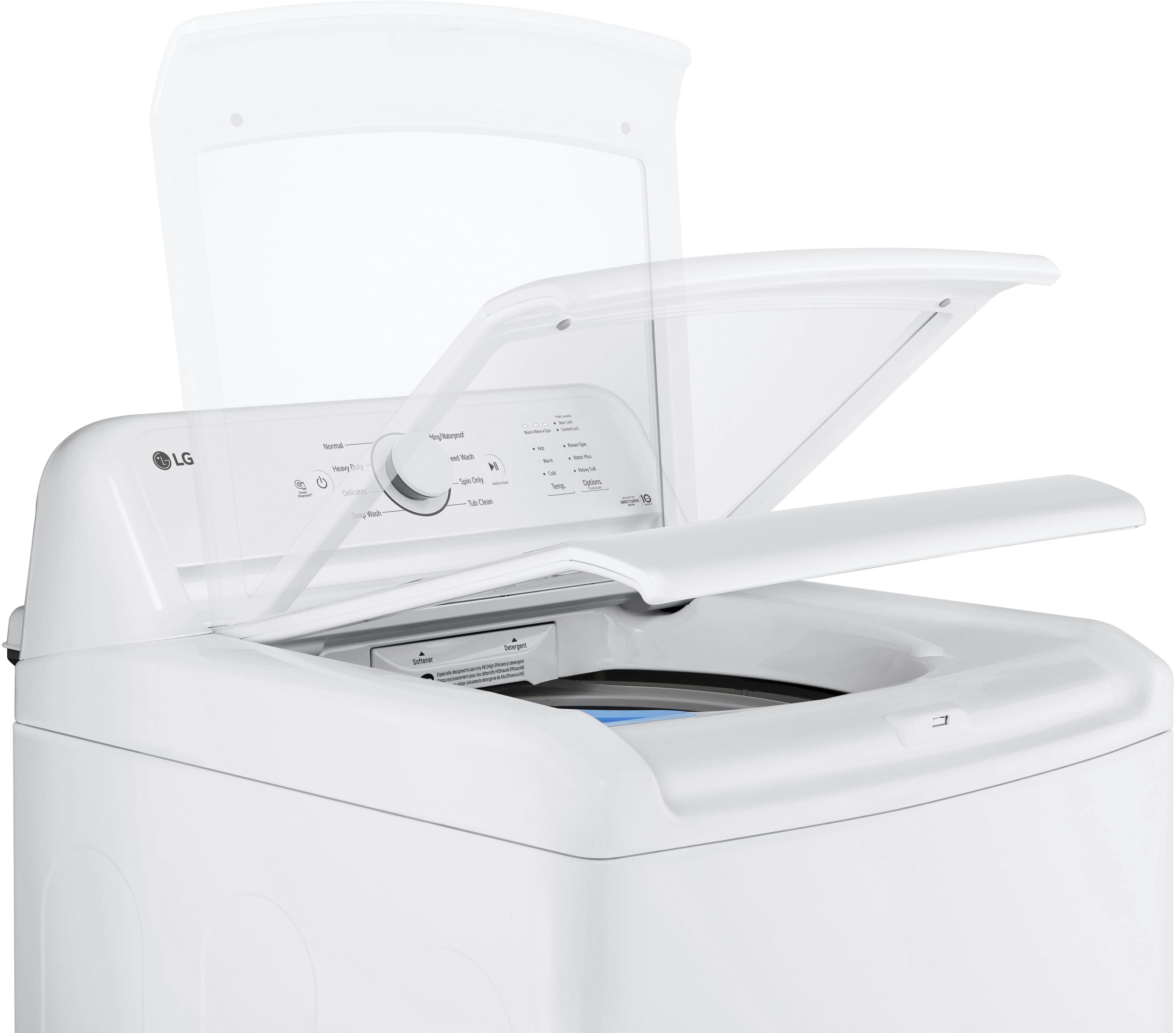
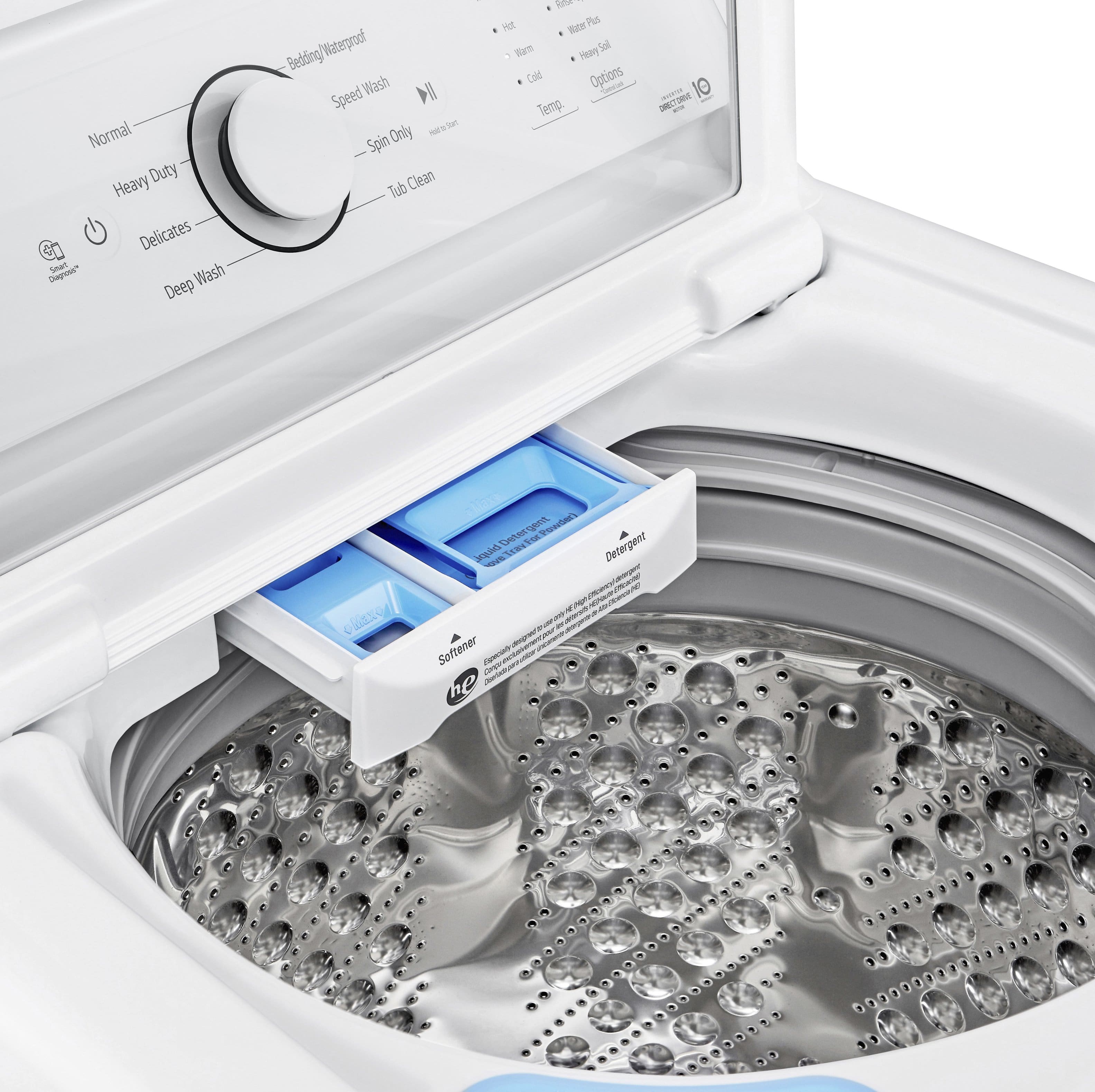
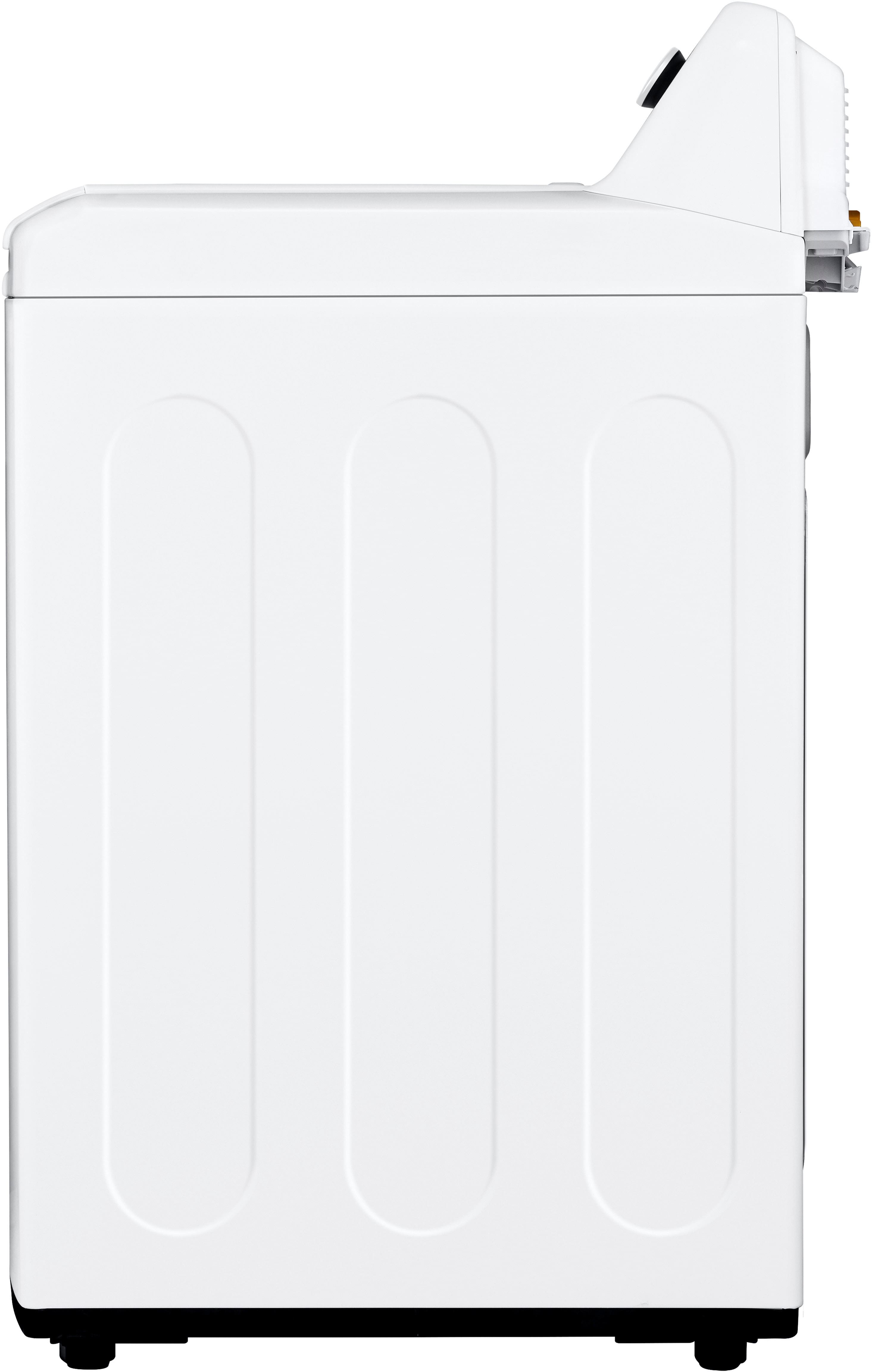
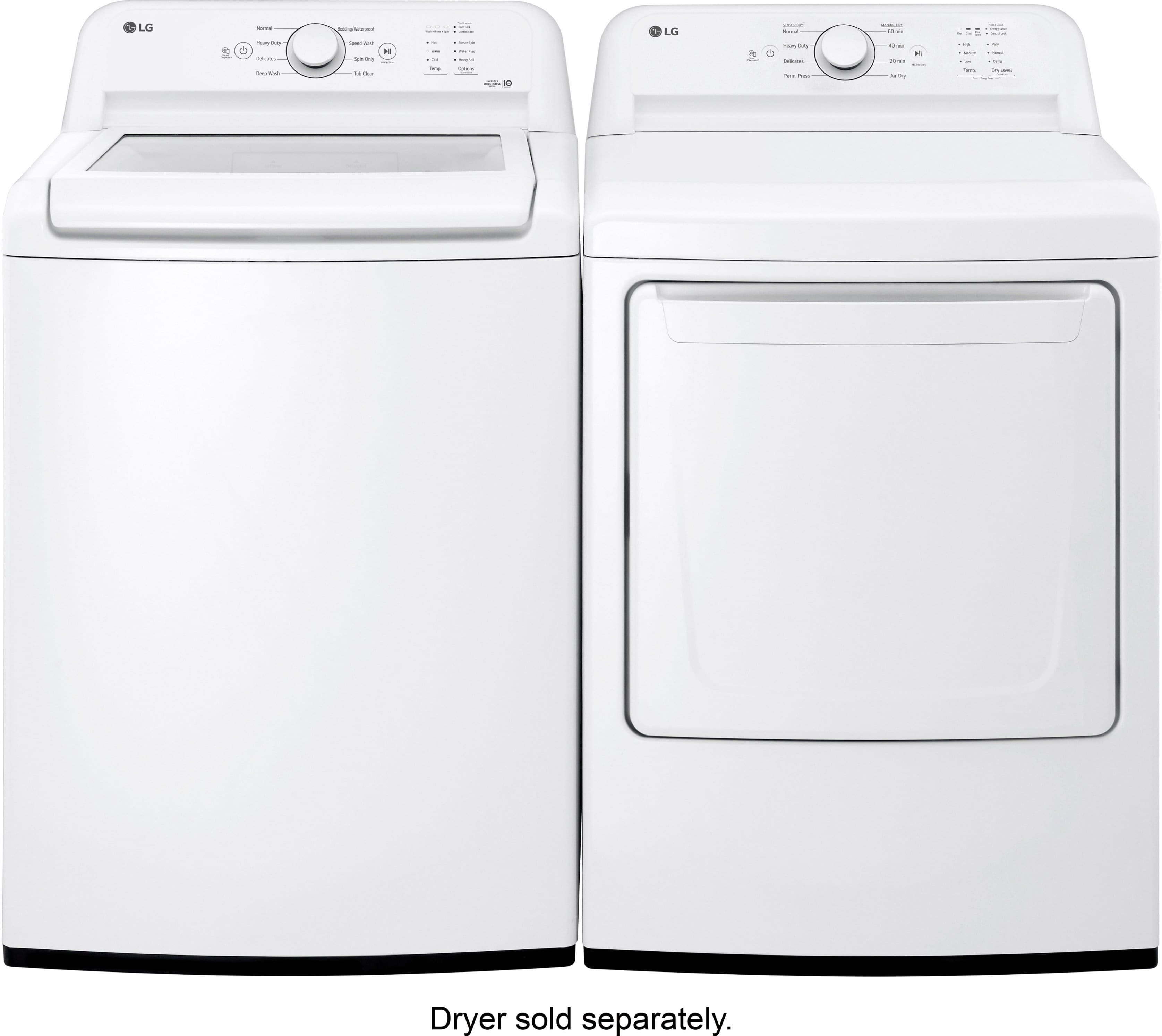
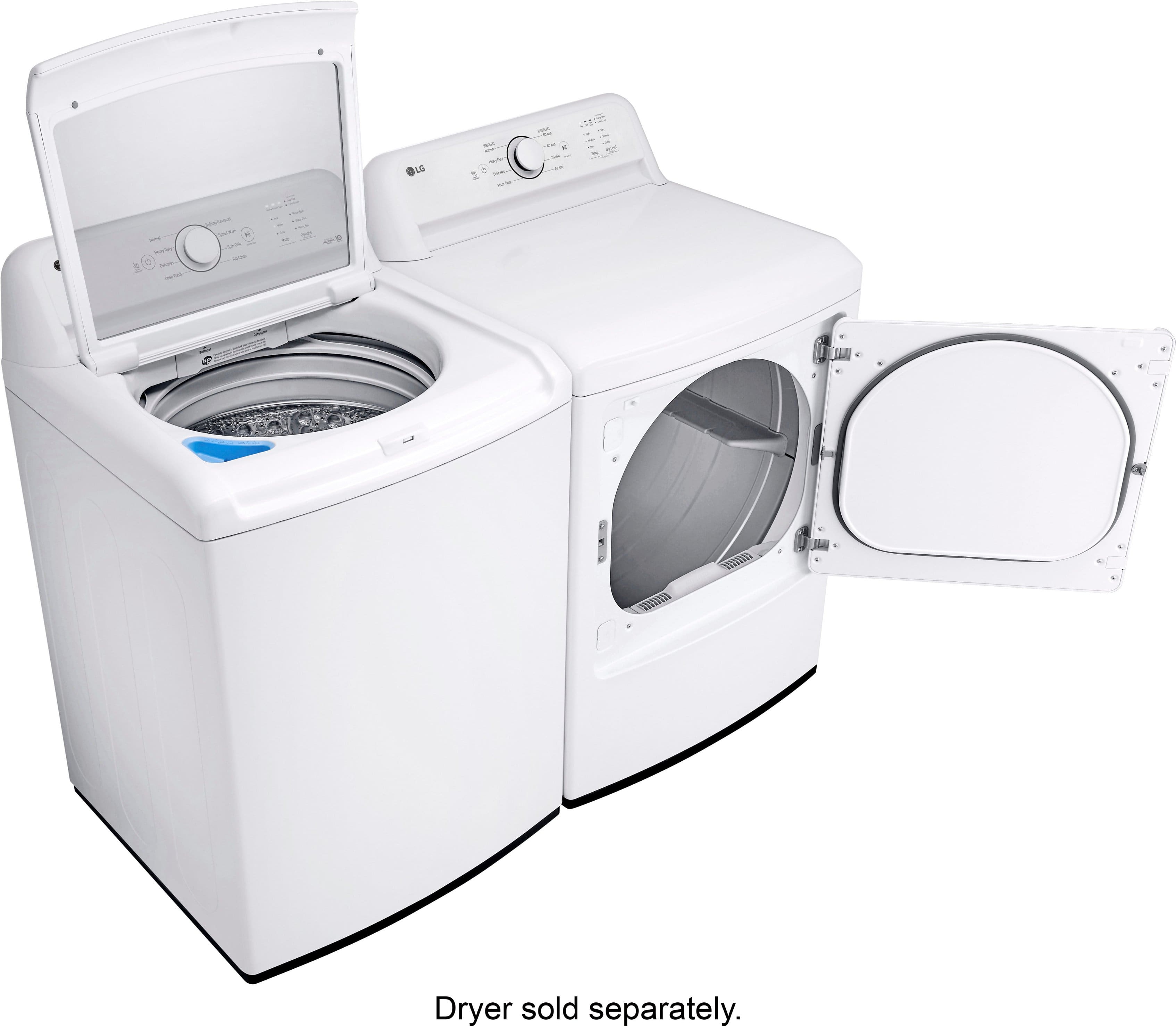
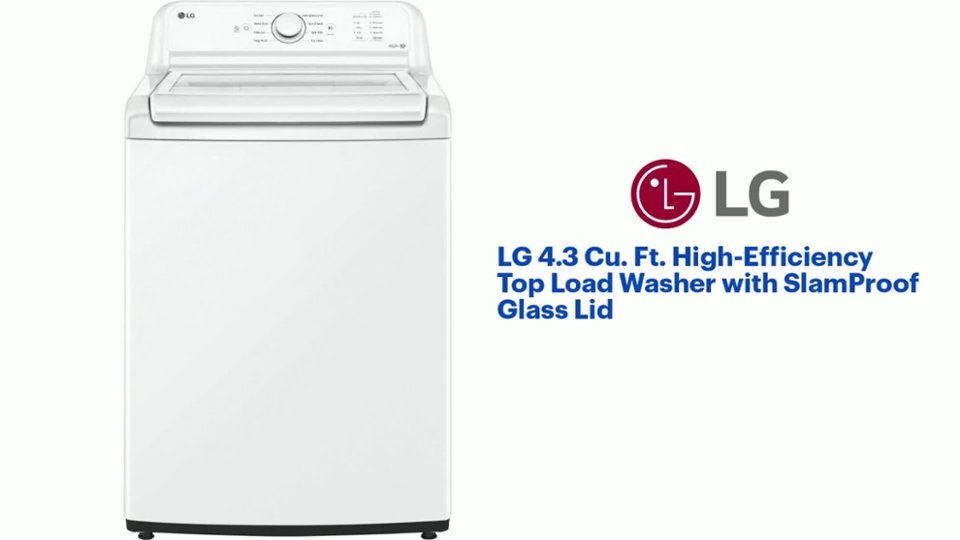
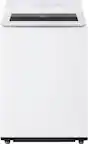
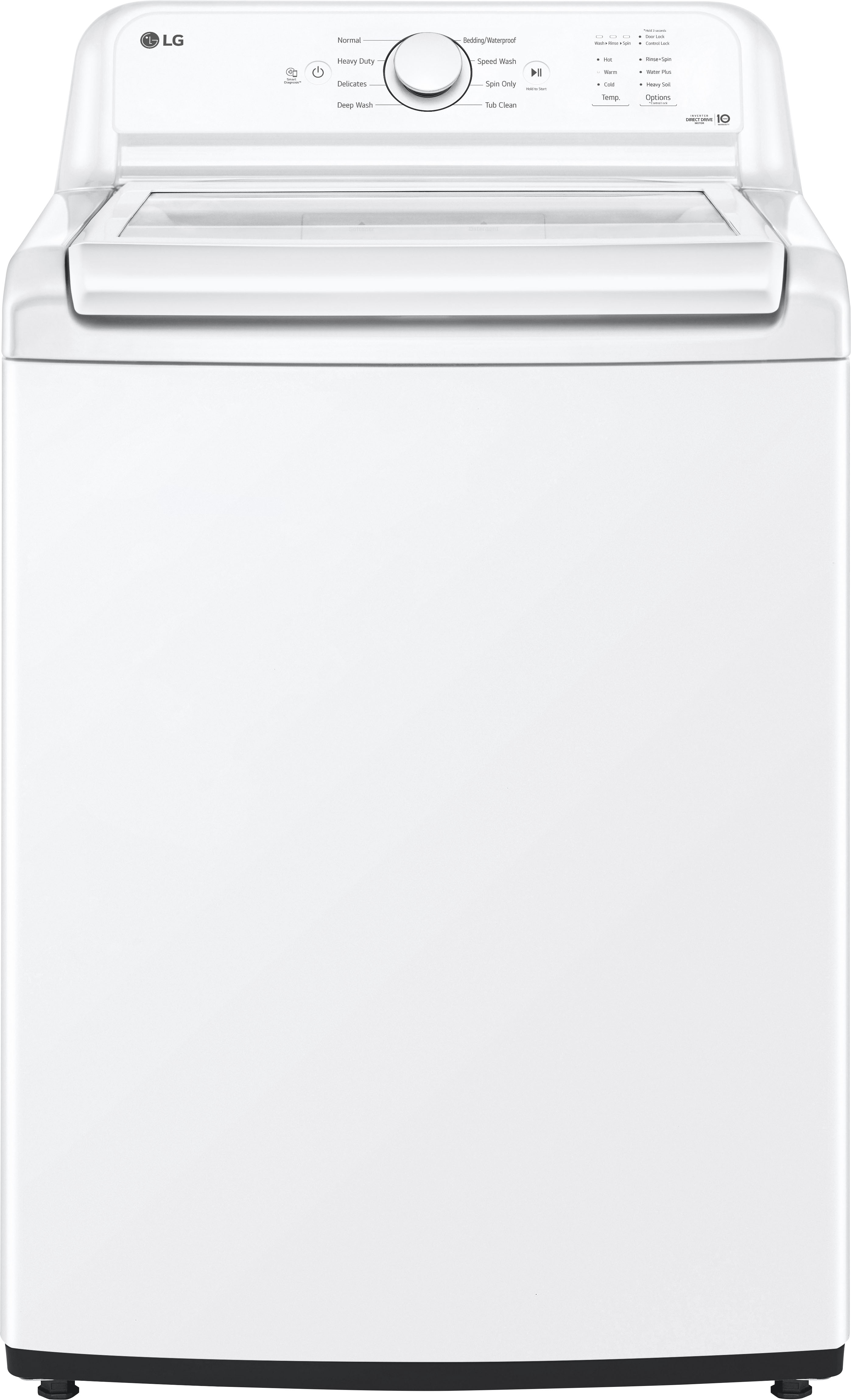
A:AnswerHi, Cathy. Thank you for reaching out with your question. The LG Washer (WT6100CW) model is a highly efficient, feature-packed washing machine, and it does have computerized features that help optimize wash cycles and monitor performance. However, like many modern machines, it is designed with diagnostic codes that can appear if there's an issue. These codes are meant to help identify specific problems, which can sometimes lead to service being needed if the machine isn't functioning correctly.
That said, it’s important to know that these codes don’t always require costly repairs. Many issues can be addressed with simple troubleshooting, like ensuring the washer is level, checking for blockages in the hoses, or verifying that the door or lid is properly closed. If a code does appear, we always recommend checking the user manual or reaching out to us for guidance on potential solutions.
If you're looking for a machine that avoids complicated diagnostics or heavy repair costs, it’s good to explore more basic models that offer fewer features, although this may come at the cost of some advanced functions and energy efficiency. For more information about the product, visit https://www.lg.com/us/washers-dryers/lg-wt6100cw-top-load-washer.
Please feel free to send us a private message on social media @LGUSSupport if you need any further clarification or have any other questions—we’d be happy to help. ^Juvy
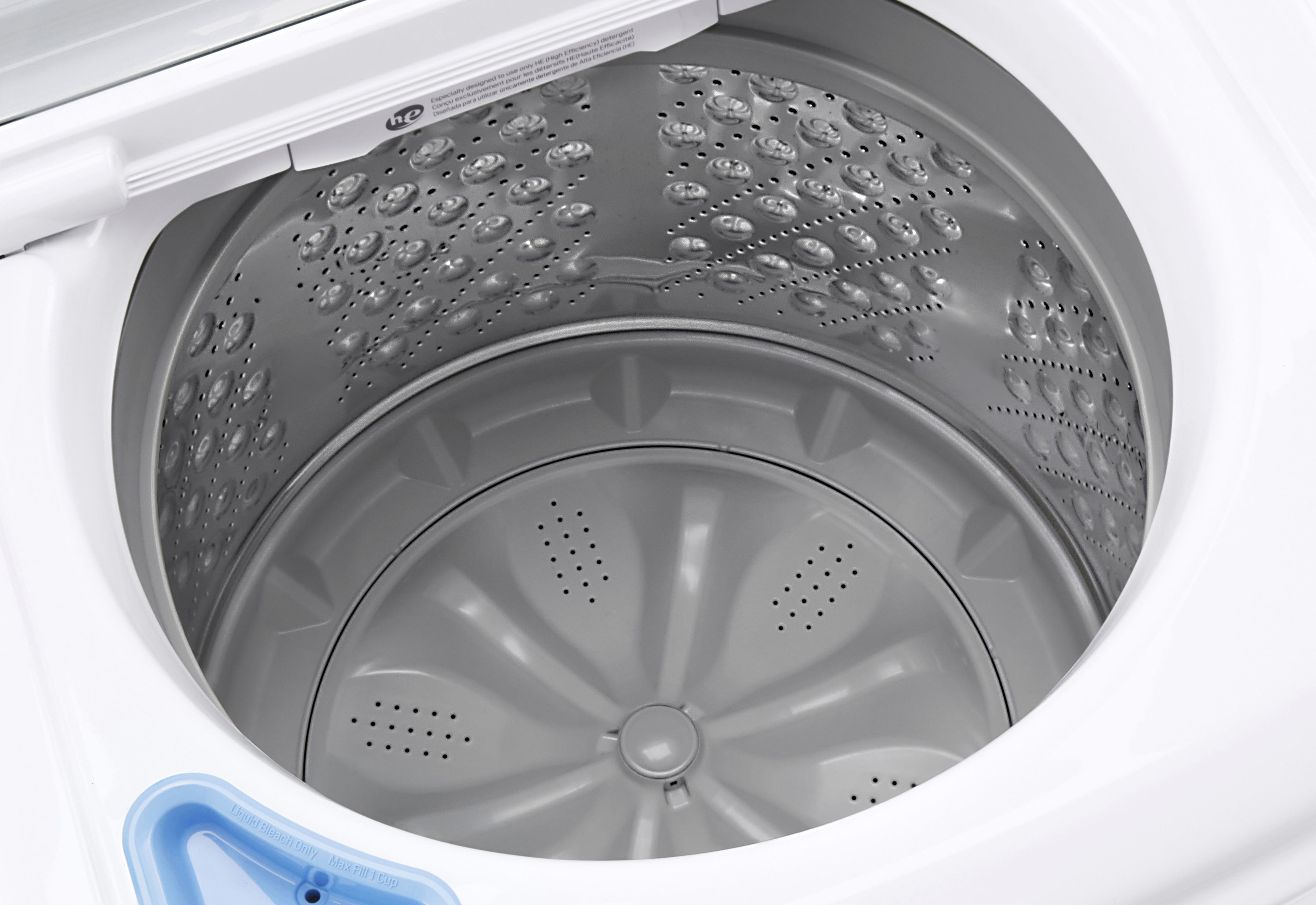
A:AnswerThere is no centrally-positioned device that is mounted to the bottom of the cylinder and extends upward toward the top, as is the cleaning method the old-style "agitator."
A:AnswerHi, there. Thank you for reaching out to us regarding your LG Washer (WT6100CW) model. We understand your concern about experiencing issues with your unit where the water level isn't sufficient to cover your clothes during a normal wash cycle. This unit is a high-efficiency washer, which means it uses less water than traditional models. It’s designed to sense the load size and adjust the water level accordingly. If you have a small load, it may not fill up as much as you expect. If the load is too small or not evenly distributed, the washer may not fill with as much water. Try adding a few more items or redistributing the clothes to see if that helps. Check if your machine has a setting for water level. Some models allow you to manually adjust the water level for different load sizes. If the water supply hoses are kinked or clogged, it could affect the water flow into the machine. Inspect the hoses to ensure they are clear and properly connected.If the water level sensor is malfunctioning, it may not be detecting the correct water level. This could require professional service to diagnose and fix. For additional help, you may visit https://www.lg.com/us/support/help-library/lg-washer-how-to-increase-the-water-level--20153067163643. If you've checked these factors and the issue persists, it may be a good idea to consult the user manual or contact LG customer support for further assistance. Please send us a private message on social media @LGUSSupport, and our team will be more than happy to help you. We appreciate your patience and look forward to assisting you. ^Juvy
A:AnswerHello there, Amy. Thank you for reaching out again. We understand your situation and are here to help you locate the drain pump filter for your LG WT6100CW washer.
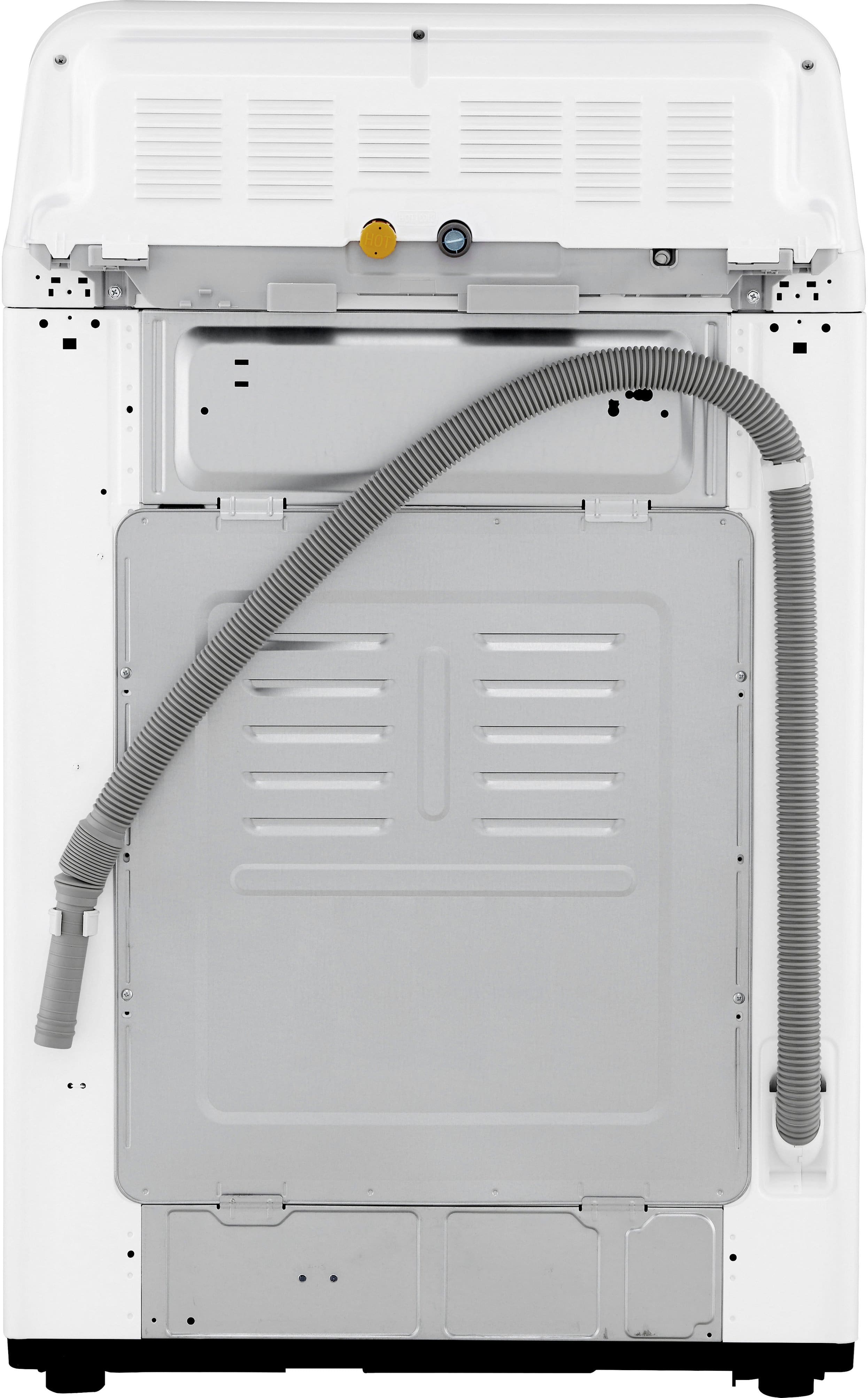
The drain pump filter is actually located at the back of the washer, near the bottom since your washer is a top load washer. You should see a cap there. To access it, turn the cap counter-clockwise, and you should be able to pull it out. If you're still unable to locate it, we recommend checking out an instructional video on the official LG YouTube channel, which often includes step-by-step tutorials. You can use this website as an example to locate it and how to clean it as well: LG Top Load Washer - How to clean drain pump filter - https://www.lg.com/eastafrica/support/product-help/CT20279036-20151836707602
If you're still having trouble or need further assistance, please send us a private message on Social Media @LGUSSupport, and we'll be happy to guide you through the process. We appreciate your patience! —Renzo
A:AnswerHello there, Amy! Thank you for your question about the WT6100CW washer. This model does not require a traditional filter for cleaning; however, it is advisable to periodically clean the drain pump filter to ensure optimal performance. The drain pump filter is located at the front of the washer, typically behind a small access panel at the bottom. To clean it, first turn off the washer and unplug it. Then, open the access panel and place a towel or shallow dish beneath to catch any water. Carefully unscrew the filter cap and pull out the filter, cleaning any lint or debris before reinserting it and securing the cap. You may access this link related to your concern: https://www.lg.com/us/support/help-library/lg-washer-how-to-clean-the-drain-pump-filter--20150206838321. If you have any more questions or need further assistance, please feel free to reach out to us on social media @LGUSSupport. We’re here to help!
—Avril
A:AnswerHello there, Henry! Thank you for your question about the WT6100CW washer. Typically, removal of your old washing machine is not included with the purchase of a new appliance unless specified by the retailer. However, many retailers offer this service for an additional fee. We recommend checking with the retailer where you purchased the washer to confirm their specific policies regarding old appliance removal. You may contact Best Buy's Customer service 1 (888) 237-8289. If you have any further questions or need assistance, please feel free to send us a private message on Social Media @LGUSSupport—we’re here to help!
—Avril
A:AnswerHi there! Thank you for your question about the LG WT6100CW Top Load Washer. This model features an Inverter Direct Drive Motor, meaning it is a direct drive machine. The direct drive motor provides enhanced durability and efficiency, and it also comes with a 10-year limited warranty for added peace of mind.
https://www.lg.com/us/washers-dryers/lg-wt6100cw-top-load-washer#pdp_specs
If you have any other questions, feel free to send us a private message on Social Media @LGUSSupport. We’re happy to help!
—Renzo
A:AnswerHi there! I understand the need for a manual that specifically covers your LG Model #WT6100CW washer. Here’s how you can download the correct manual for your model:
Visit the LG Support Website: Go to the official LG support website LG Support.
Search for Your Model: Enter your model number (WT6100CW) into the search bar and click on the search icon.
Access the Manual: Once you’re on the product page for your model, look for the “Manuals & Documents” section. You should be able to download the specific user manual for your washer from this section.
Contact Support: If you encounter any issues or if the manual isn’t available online, you can also contact LG customer support for assistance. They can provide you with the correct manual or additional help as needed.
If you need any more help or have further questions, please feel free to send us a private message on social media @LGUSSupport. We’re here to assist you!
—Renzo
A:AnswerHey Charlie! You might be experiencing issues with your WT6100CW 4.3 cu agitator. Ft. Top Load Washer, particularly with the movement of the clothes during the cycle. To get this sorted and have your washer running smoothly again, we've outlined a few simple troubleshooting steps for you to follow:
1. **Check the Load Size**: It's essential to ensure that the washer isn't overloaded. Too many items can restrict the movement of your garments and affect the wash quality.
2. **Evenly Distribute the Load**: An unbalanced load impedes proper movement. Make sure that clothes are evenly placed around the agitator for better washing action.
3. **Try a Test Cycle**: Consult your user manual and conduct a test cycle. This will help identify any potential issues with the washer's operation.
We're ready to assist further if these steps do not resolve the issue. Please reach out to us directly on our social media @LGUSSupport, including your contact information, and we'll take care of you. ^Anthony