Early Black Friday DealsNew Doorbusters every Friday.Shop now

Main Content

Questions & Answers

Your price for this item is $212.99
Clearance
The comparable value price is $249.99
Page Showing 61-80 of 91 questions
  • QuestionHow do I get Netflix ? Can this tv support Netflix?

    Asked by Kami.

    • Answer Hi there! The OLED77C3AUA TV does support Netflix. To get Netflix, first, ensure your TV is connected to the internet. Then, press the Home button on your remote, go to the LG Content Store, and search for the Netflix app. Install the app, open it, and sign in with your Netflix account. If you need any further help, please send us a private message on Social Media @LGUSSupport. We’re here to assist! —Avril

      Answered by LG Digital Customer Care

  • Questionwhere are the speakers located

    Asked by 8374069.

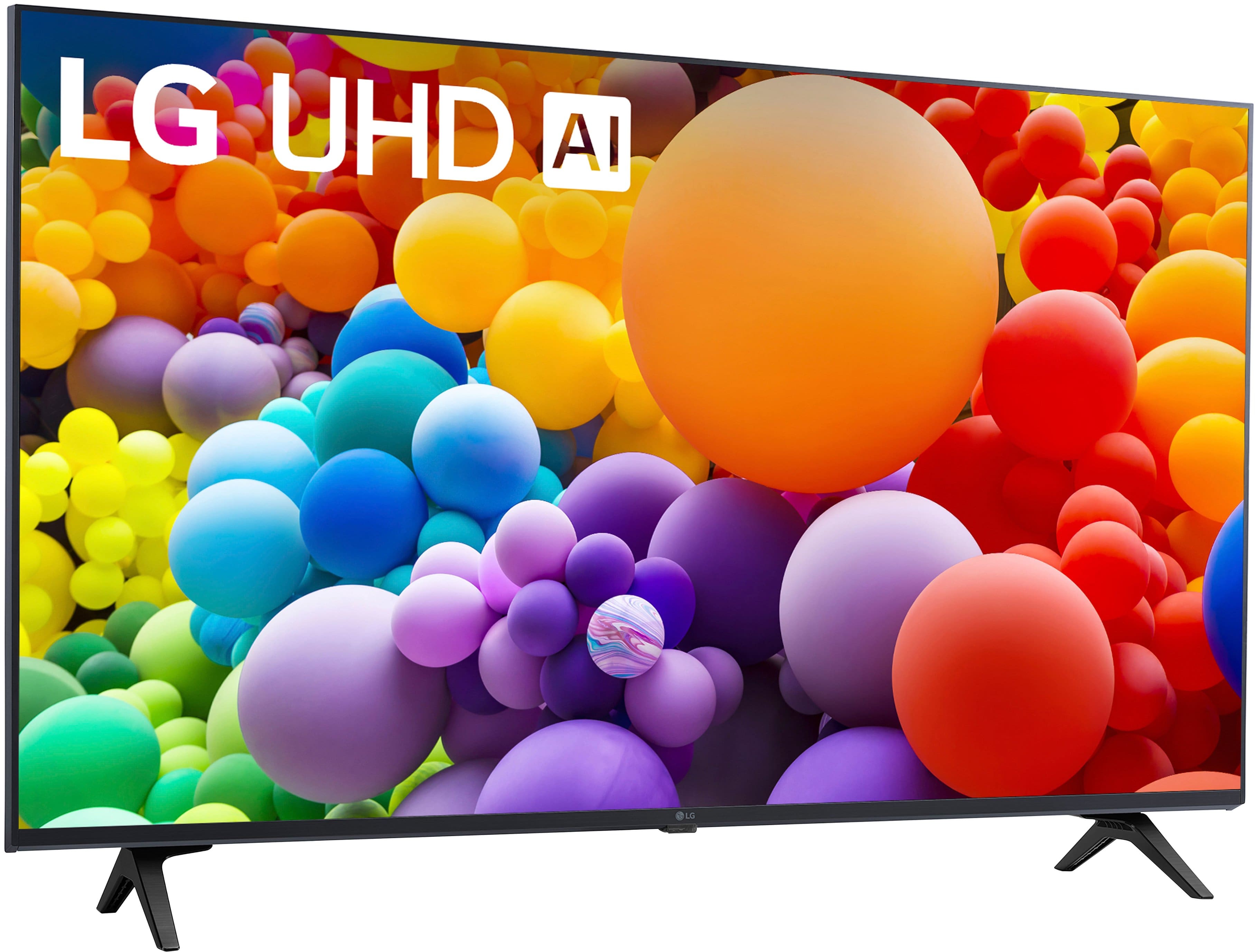
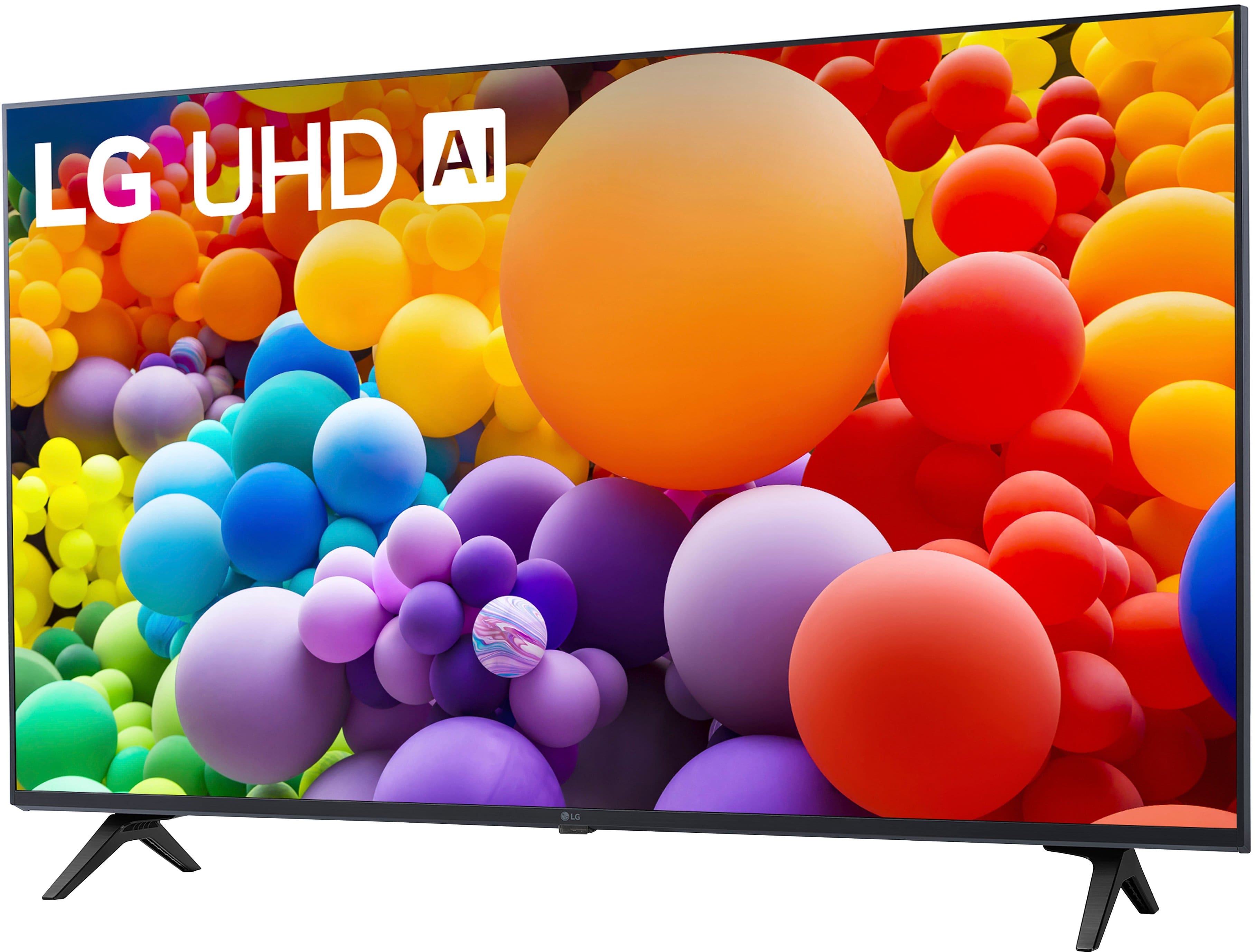
    • Answer Hello there! Thank you for your question! On the 3UT7590PUA TV, the speakers are typically located along the bottom edge of the screen or integrated into the sides, depending on the specific design. They are designed to provide optimal sound quality and enhance your viewing experience. If you need more details or have further questions, please send us a private message on Social Media @LGUSSupport, and our team will be happy to assist you. —Avril

      Answered by LG Digital Customer Care

  • QuestionAre you able to get HULU on this TV?

    Asked by TSS.

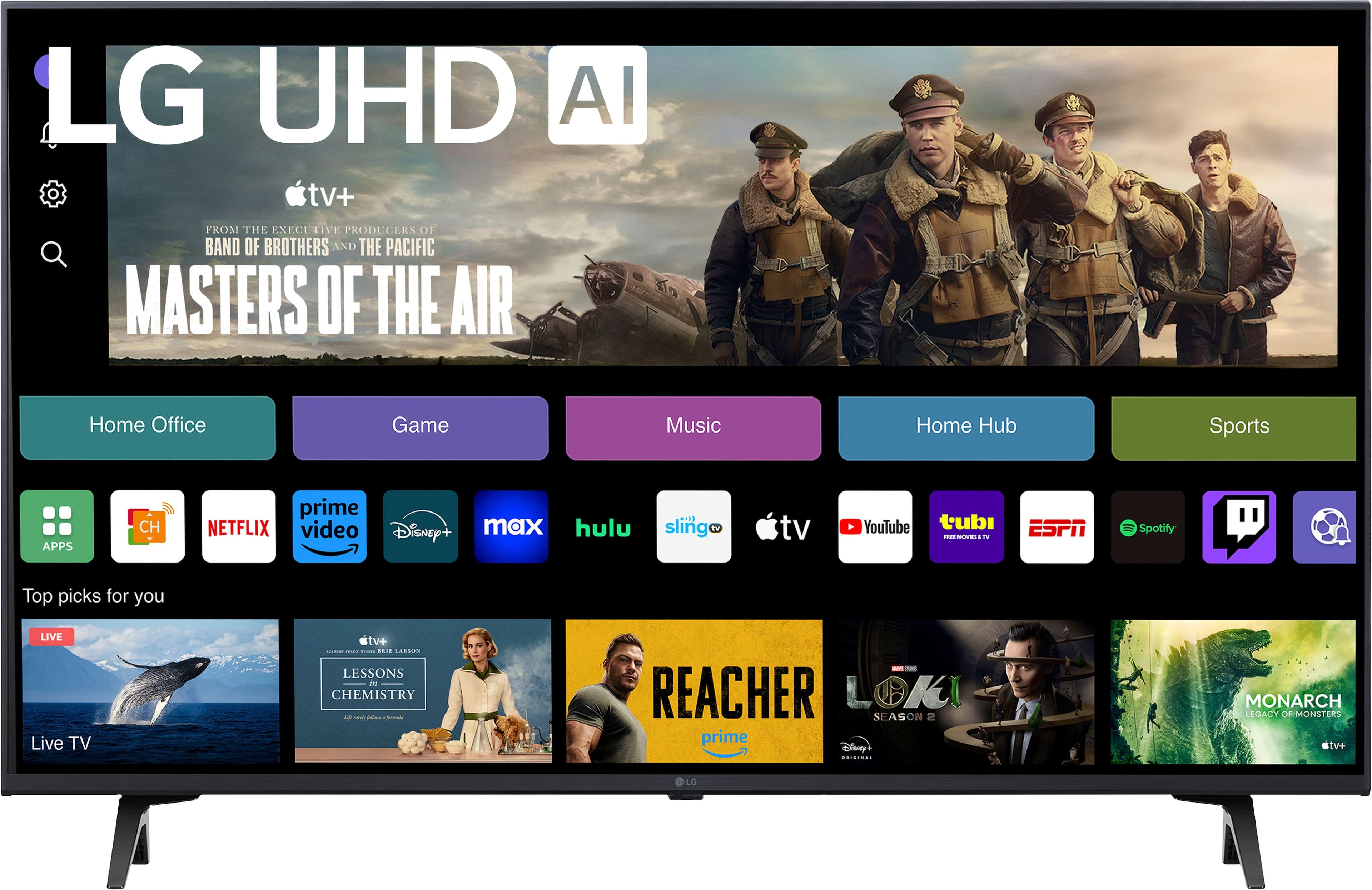
    • Answer Hello there. Thank you for your question about the LG 43UT7590PUA TV. We understand you're looking to stream Hulu on this model. Yes, the 43UT7590PUA is a Smart TV that supports popular streaming apps, including Hulu. Simply download the Hulu app from the LG Content Store, and you’ll be able to enjoy your favorite shows and movies. If you need assistance with installation or setup, feel free to send us a private message on social media @LGUSSupport, and we'd be happy to guide you through the process. We appreciate your inquiry! —Renzo

      Answered by LG Digital Customer Care

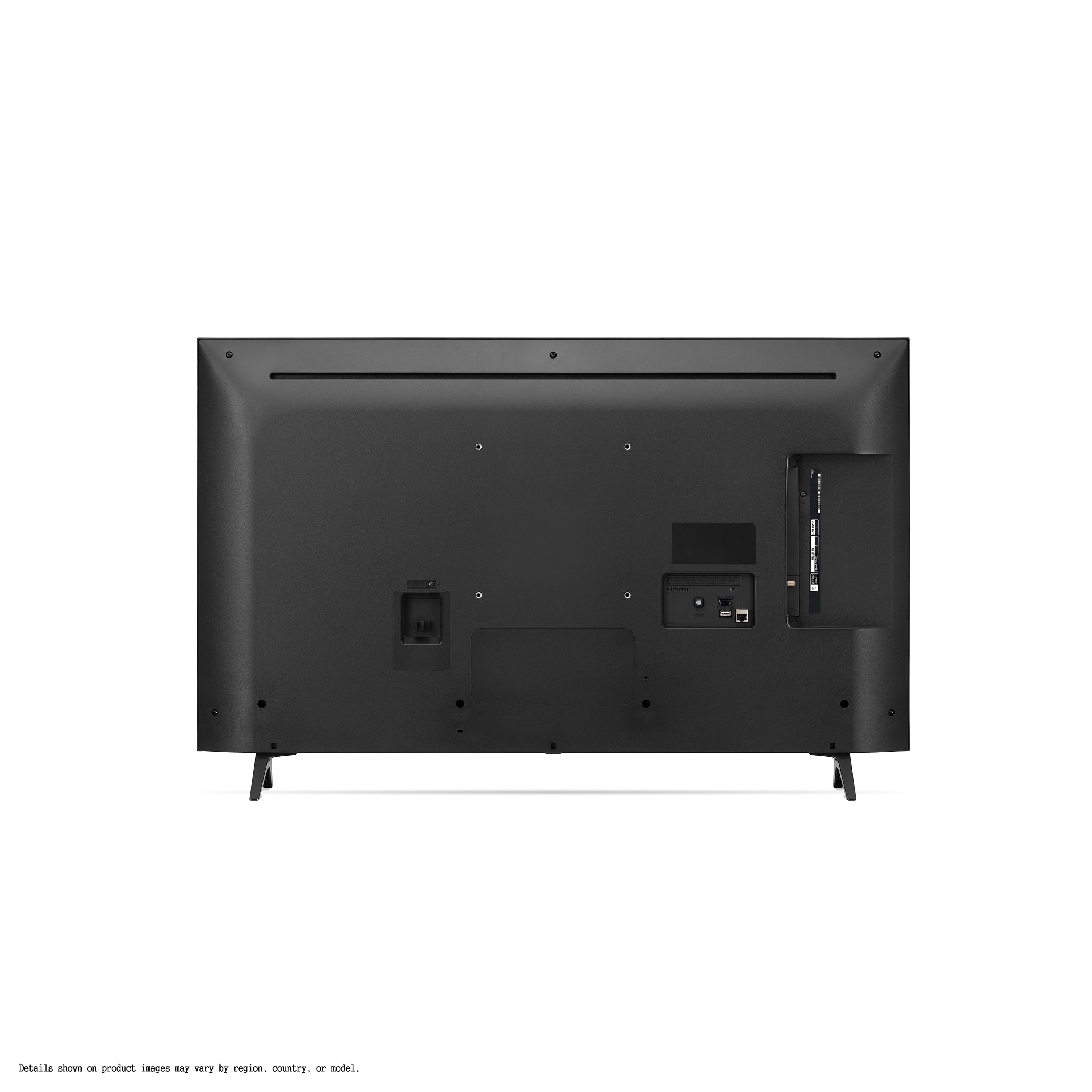
  • QuestionDoes the TV include a manual power button on the unit itself? Other than remote

    Asked by Lg43.

    • Answer Hi there! Thank you for your inquiry about the LG 43UT7590PUA TV. Yes, this model does include a manual power button located on the unit itself, allowing you to power it on without the remote. If you're having trouble accessing the TV's functions without the remote, you can also refer to the user manual for more detailed instructions. If you have any further questions or need assistance, please send us a private message on Social Media @LGUSSupport, and our team will be more than happy to help! —Avril

      Answered by LG Digital Customer Care

  • QuestionWill wall mounting it vertically (portrait) decrease life due to different cooling airflow?

    Asked by Anonymous.

    • Answer Hi there! Thank you for your question about wall mounting your LG 43UT7590PUA TV. Mounting your TV vertically (in portrait mode) could potentially affect its cooling airflow, which might impact its performance and longevity. Our TVs are designed with optimal airflow in mind when mounted in the standard landscape orientation. If you do choose to mount the TV vertically, it’s important to ensure that it has adequate ventilation and is not obstructed. This will help maintain proper airflow and prevent any potential issues related to overheating. For any additional questions or if you need further assistance, please send us a private message on Social Media @LGUSSupport. Our team is here to help you with any concerns you may have. We appreciate your attention to this matter and look forward to assisting you. —Mau

      Answered by LG Digital Customer Care

  • QuestionIs this tv wall mountable

    Asked by Pat.

    • Answer Thank you for reaching us regarding LG Smart webOS TV. Yes, the LG 43UT7590PUA is wall mountable. It is designed to be compatible with standard VESA mounting brackets, which allows you to easily mount it on a wall. You can download its owner's manual through this link for more information: https://www.lg.com/us/support/product/lg-43UT7590PUA.AUS. For additional assistance, please reach out to us on social media @LGUSSupport so we can help you further. ^Cris

      Answered by LG Digital Customer Care

  • QuestionWill this work as a computer monitor

    Asked by dee.

    • Answer Thank you for reaching us regarding LG Smart webOS TV. The LG 43UT7590PUA can be used as a computer monitor for everyday tasks, office work, and casual gaming. It has low input lag and good resolution, making it a decent choice. However, if you need high refresh rates or plan to use it in bright areas, you might want to explore other options or consider using an anti-glare screen. You can download its owner's manual through this link for more information: https://www.lg.com/us/support/product/lg-43UT7590PUA.AUS. For additional assistance, please reach out to us on social media @LGUSSupport so we can help you further. ^Cris

      Answered by LG Digital Customer Care

  • QuestionDoes this TV come with a built in speaker of good sound quality?

    Asked by MoniVlogz.

    • Answer YES

      Answered by PJCon

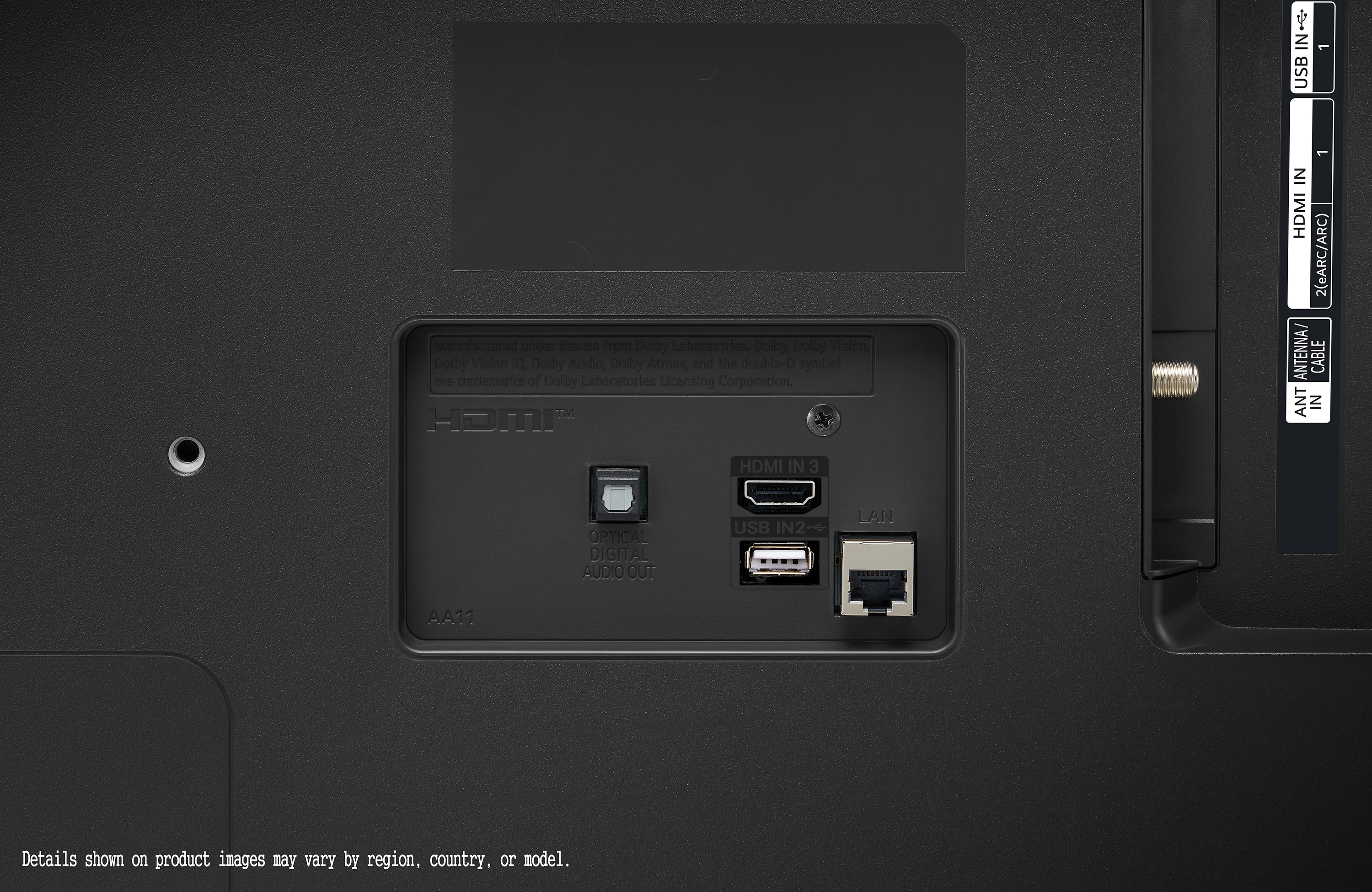
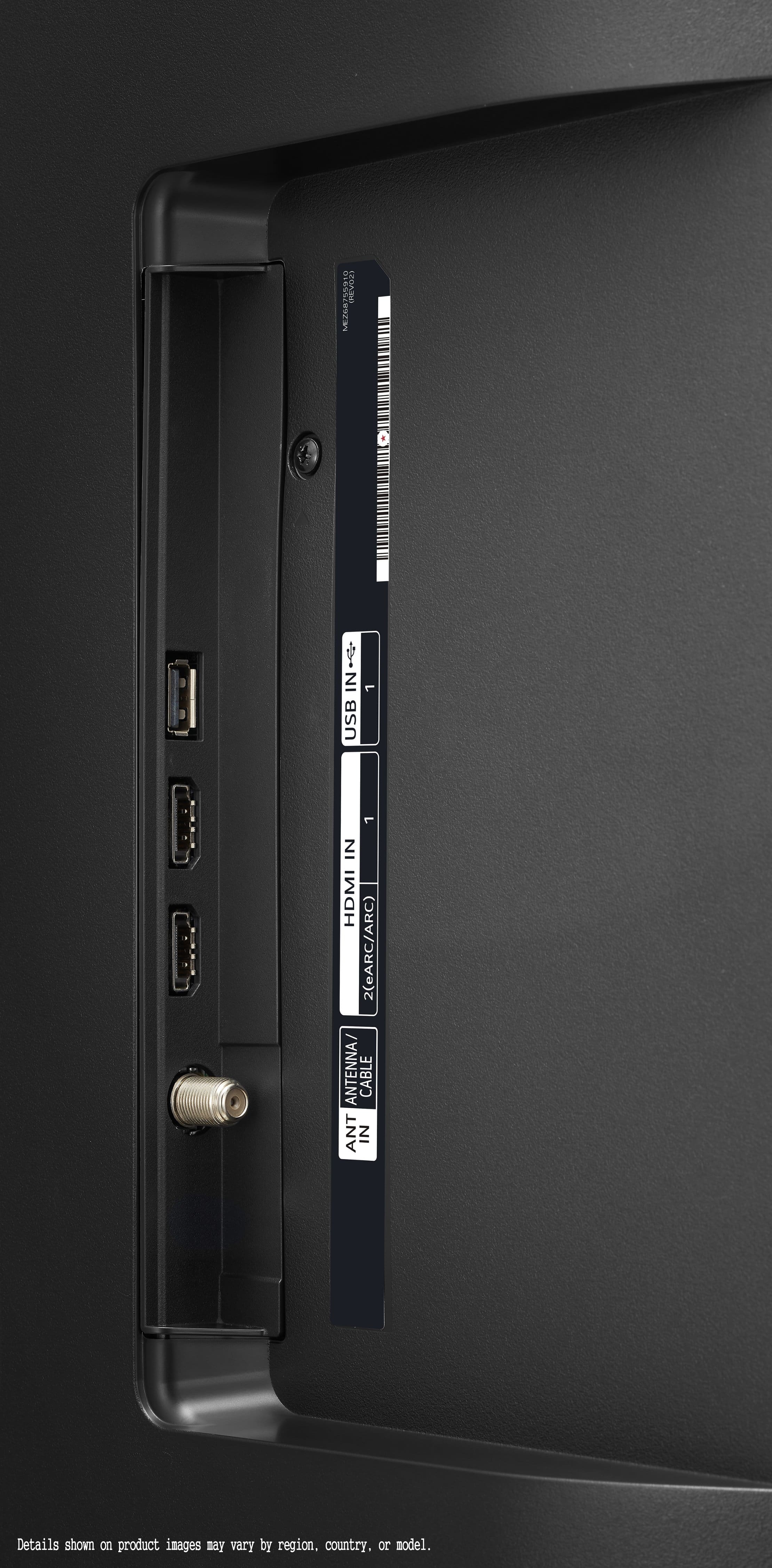
  • QuestionDoes it have a headphone aux jack?

    Asked by Dakrause5.

    • Answer Thank you for reaching us regarding LG Smart webOS TV. The LG 43UT7590PUA does not have a dedicated headphone aux jack. You can download its owner's manual through this link for more information: https://www.lg.com/us/support/product/lg-43UT7590PUA.AUS. For additional assistance, please reach out to us on social media @LGUSSupport so we can help you further. ^Cris

      Answered by LG Digital Customer Care

  • QuestionIs it compatible with LG XBOOM sound system?

    Asked by Peka33.

    • Answer Hi there! Thank you for your question regarding the LG Model # 43UT7590PUA. This TV is compatible with the LG XBOOM sound system, providing a seamless audio experience when paired together. For more details on how to set up your XBOOM system with the 43UT7590PUA, please send us a private message on Social Media @LGUSSupport. We're here to assist you further! —Renzo

      Answered by LG Digital Customer Care

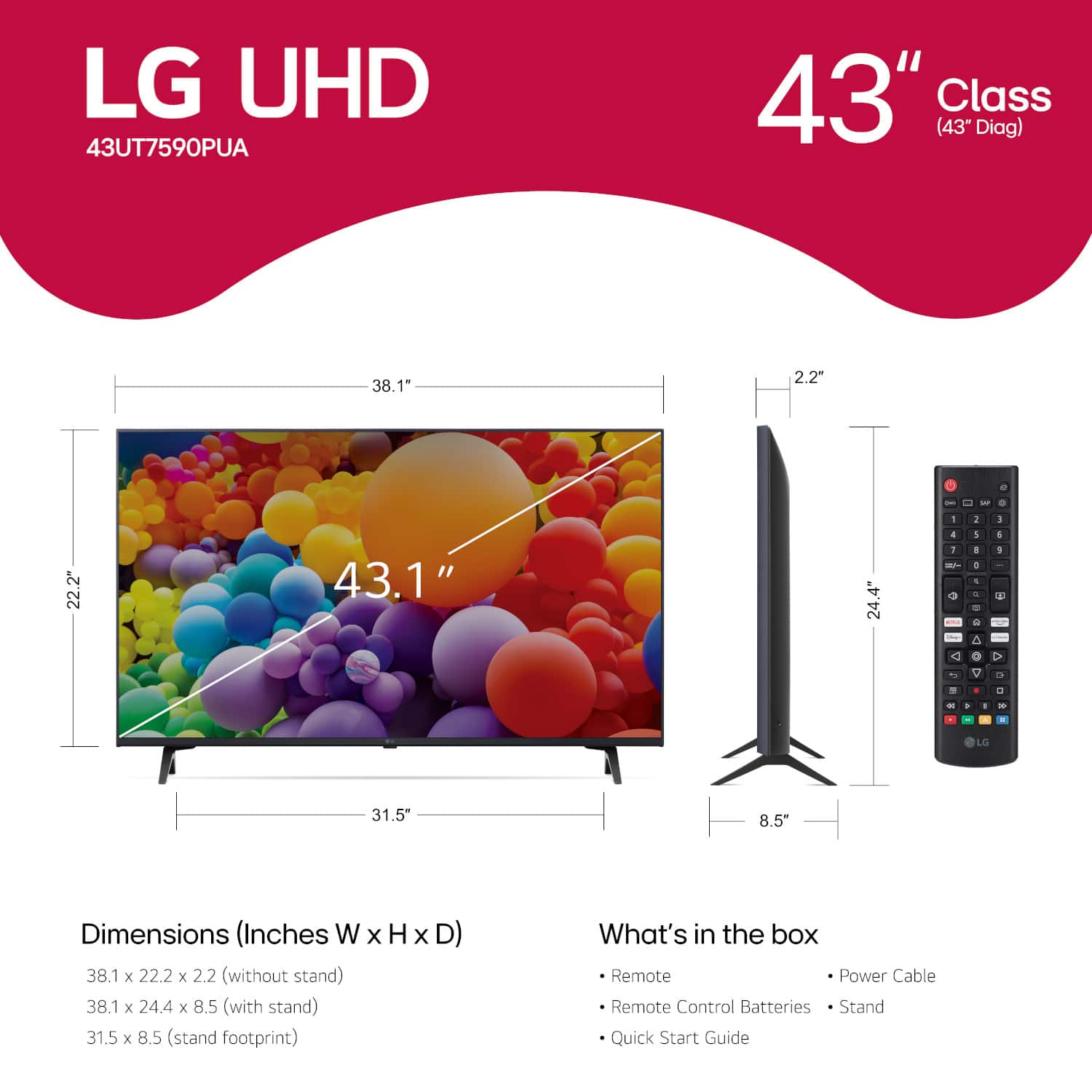
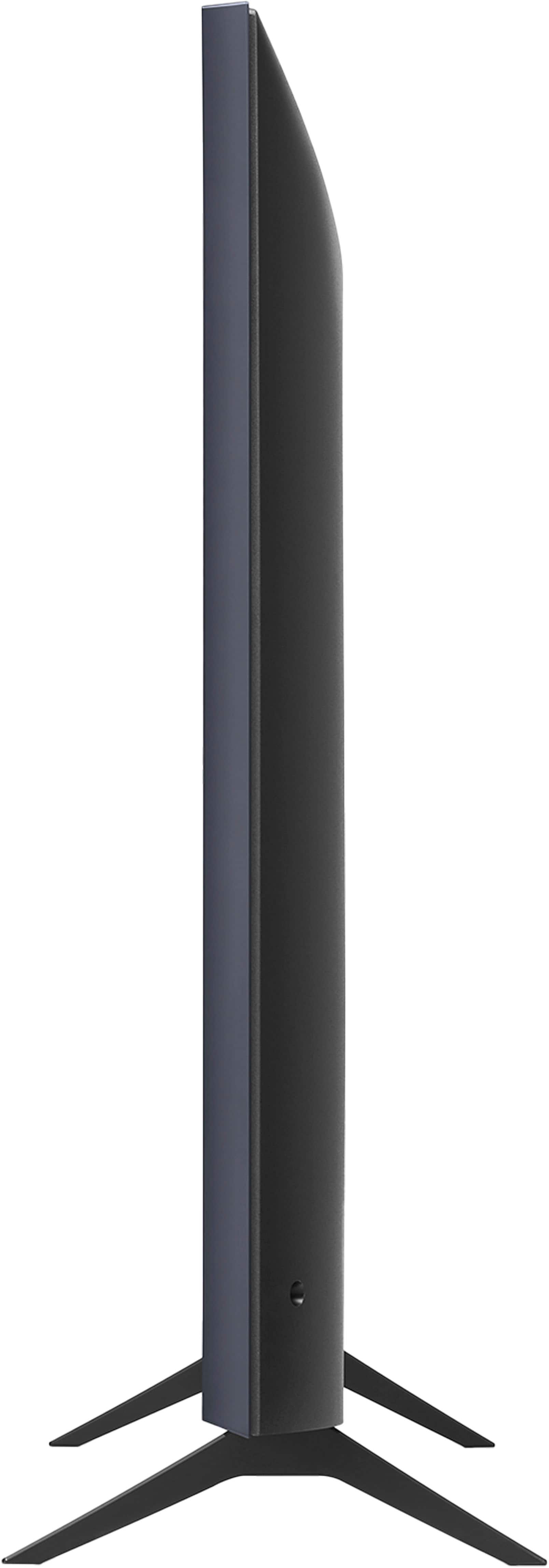
  • QuestionI know my table will be long enough to place my tv on, but not sure if it is wide enough using the stand that is included. Will 14 inches be wide enough? LG 43 inch UT75 Series

    Asked by Anonymous.

    • Answer No. The legs are 31.5 inches wide. Plus, you would need 2-3 inches on each side for safety

      Answered by PaulM

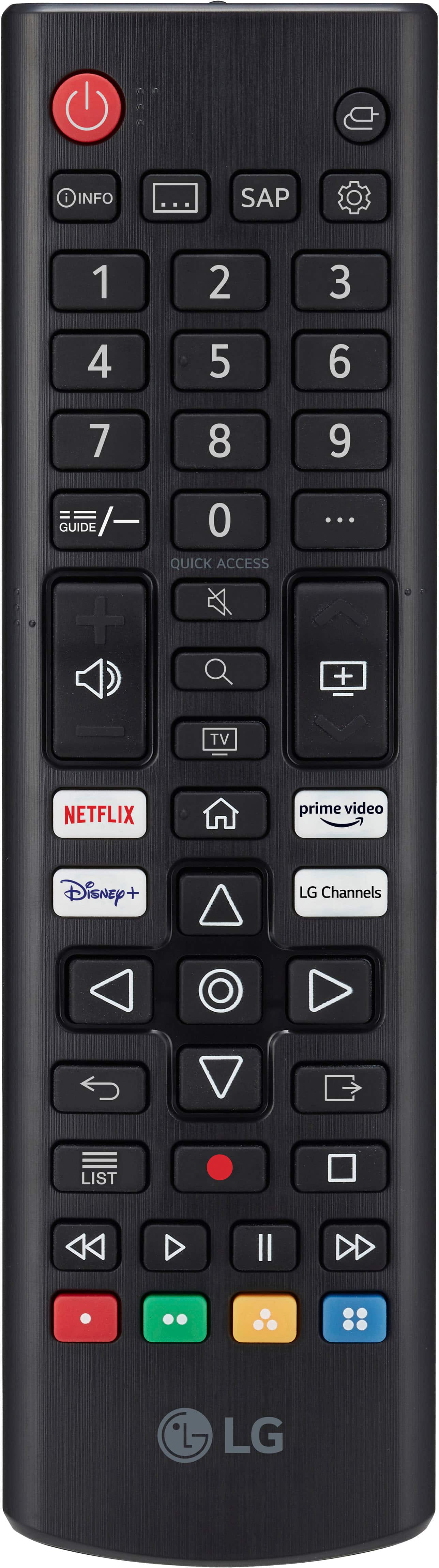
  • QuestionDoes this have a Standard Remote?

    Asked by Patty.

    • Answer Hello there. Thank you for your interest in the LG model 43UT7590PUA. Yes, this model comes with a standard remote control included. The standard remote allows you to conveniently operate the TV and access its features. If you have any other questions about the remote or need further assistance, please send us a private message on Social Media @LGUSSupport, and our team will be happy to assist you. We appreciate your inquiry. —Renzo

      Answered by LG Digital Customer Care

  • QuestionSInce I am not seeing it being mentioned in specifications, does it have Bluetooth connectivity? Thanks!

    Asked by manuoche.

    • Answer Hello, Manu. Thank you for your inquiry about the LG TV model 43UT7590PUA and its Bluetooth connectivity. The LG 43UT7590PUA 4K UHD TV does include Bluetooth connectivity. This feature allows you to wirelessly connect compatible Bluetooth devices like headphones or speakers to the TV for audio streaming. If you have any further questions or need assistance with choosing a TV model that meets your requirements, please send us a private message on our social media platform via @LGUSSupport. Our team will be happy to provide you with more information and help you find the right TV for your needs. We appreciate your patience and look forward to assisting you. ^Sam

      Answered by LG Digital Customer Care

  • Questionwhat does the AI mean in the name?

    Asked by Anonymous.

    • Answer Thank you for reaching us regarding LG Smart webOS TV. The "AI" in the model name LG 43UT7590PUA refers to LG's α (Alpha) 5 Gen 5 AI Processor that powers this 4K UHD TV. You can download its owner's manual through this link for more information: https://www.lg.com/us/support/product/lg-43UT7590PUA.AUS. For additional assistance, please reach out to us on social media @LGUSSupport so we can help you further. ^Cris

      Answered by LG Digital Customer Care

  • QuestionHow much storage/memory does the ut75 have?

    Asked by Mansfield234567.

    • Answer IDK

      Answered by BrendaB

  • QuestionWhat is webOS TV?

    Asked by Rockman.

    • Answer Hello, Rock. WebOS is LG's TV Platform/Operating system that the LG 43” Class UT75 Series LED 4K UHD Smart webOS TV (2024), Model # 43UT7590PUA runs on. It is a smart TV operating system that allows easy integration and expansion with an intuitive user experience and provides access to apps, websites, voice control, and streaming options...^Ivan.

      Answered by LG Digital Customer Care

  • QuestionAre there many possible tweaks to closed captioning? Size, color, background.

    Asked by Bob.

    • Answer In Analog Mode for the Closed Caption on the LG 43-inch Class UHD Series 4K UHD TV with webOS 24, Model # 43UT7590PUA, CC 1 - CC 4 (Closed Captioning) / TEXT 1 - TEXT 4 Displays the audio part of the broadcast content as text on the device screen. CC 1 is the most common usage mode. Field 1 data channels : two Captions (CC1, CC2), two Text (T1, T2). Field 2 data channels : two Captions (CC3, CC4), two Text (T3, T4). In Digital Mode, according to the digital broadcasting type you are watching, you can select the caption in HD Mode. In the case of HD broadcasting, you can set the size and color of the caption at the HD Mode Option. You have the option to select Set By Program or Custom. You can adjust detailed options such as the size and color of the caption by selecting the Custom. You can also move the position of closed captions while watching a broadcast...^Ivan.
      Answered by LG Digital Customer Care

  • QuestionWhat is the stand width between the legs from the outside of each, not the in between the legs measurement?

    Asked by JamJam.

    • Answer Hi there! Thank you for reaching out about the LG 43UT7590PUA 4K UHD TV. The stand width listed in the specifications as 31.5 inches refers to the distance between the outermost edges of the stand legs when attached to the TV. This is the full width across the outside of the legs, ensuring a stable fit on your TV stand or surface. https://www.lg.com/us/tvs/lg-43ut7590pua-4k-uhd-tv#pdp_specs If you have any other questions or need further assistance, feel free to message us directly at @LGUSSupport on social media. We’re here to help! —Renzo

      Answered by LG Digital Customer Care

  • QuestionCan I connect my dish network hopper with this TV and use my dish remote ?

    Asked by Porkepine.

    • Answer Hi there! Thank you for your question. We understand you're looking to connect your Dish Network Hopper to the LG 43UT7590PUA TV and use your Dish remote. Yes, you can connect your Dish Network Hopper to this TV using an HDMI cable. However, to use your Dish remote to control the TV, you'll need to ensure that your TV is compatible with universal remote control functionality. The LG 43UT7590PUA supports Simplink (HDMI CEC), which may allow your Dish remote to control the TV’s basic functions like power and volume. You might need to program your Dish remote to work with the TV. This can usually be done by following the instructions in the Dish remote's manual or settings menu. https://www.lg.com/us/tvs/lg-43ut7590pua-4k-uhd-tv#pdp_specs Please send us a private message on Social Media @LGUSSupport, and our team will be happy to assist you with additional setup or troubleshooting if needed. We appreciate your patience. —Renzo

      Answered by LG Digital Customer Care

  • QuestionHow far apart are the legs of this tv. Not sure it will fit on my stand

    Asked by Hadders.

    • Answer Hello there, Hadders.The legs of the LG 43UT7590PUA TV are 31.5 inches apart (stand width). The stand itself has a depth of 8.5 inches, so make sure the surface where you plan to place the TV is wide enough to accommodate this width for stable support. https://www.bestbuy.com/site/lg-43-class-ut75-series-led-4k-uhd-smart-webos-tv-2024/6578176.p?skuId=6578176 If you're concerned about fitting it on your existing stand, the distance between the legs should be the key measurement to check against your stand's width. Let us know if you need any more details! —Renzo

      Answered by LG Digital Customer Care