Refund Refresh 4-Day SaleEnds Monday. Limited quantities. No rainchecks.Shop now

Main Content

Questions & Answers

$599.99
Page Showing 21-24 of 24 questions
  • Questionthis tv has 60 hz as compared to others like this that have 120, does this mean that the apps are slow in opening?

    Asked by carol.

    • Answer HZ refers to picture refresh rate. Download will depend on your WiFi speed

      Answered by PatrickW

  • QuestionIs it Alexa smart

    Asked by Anonymous.

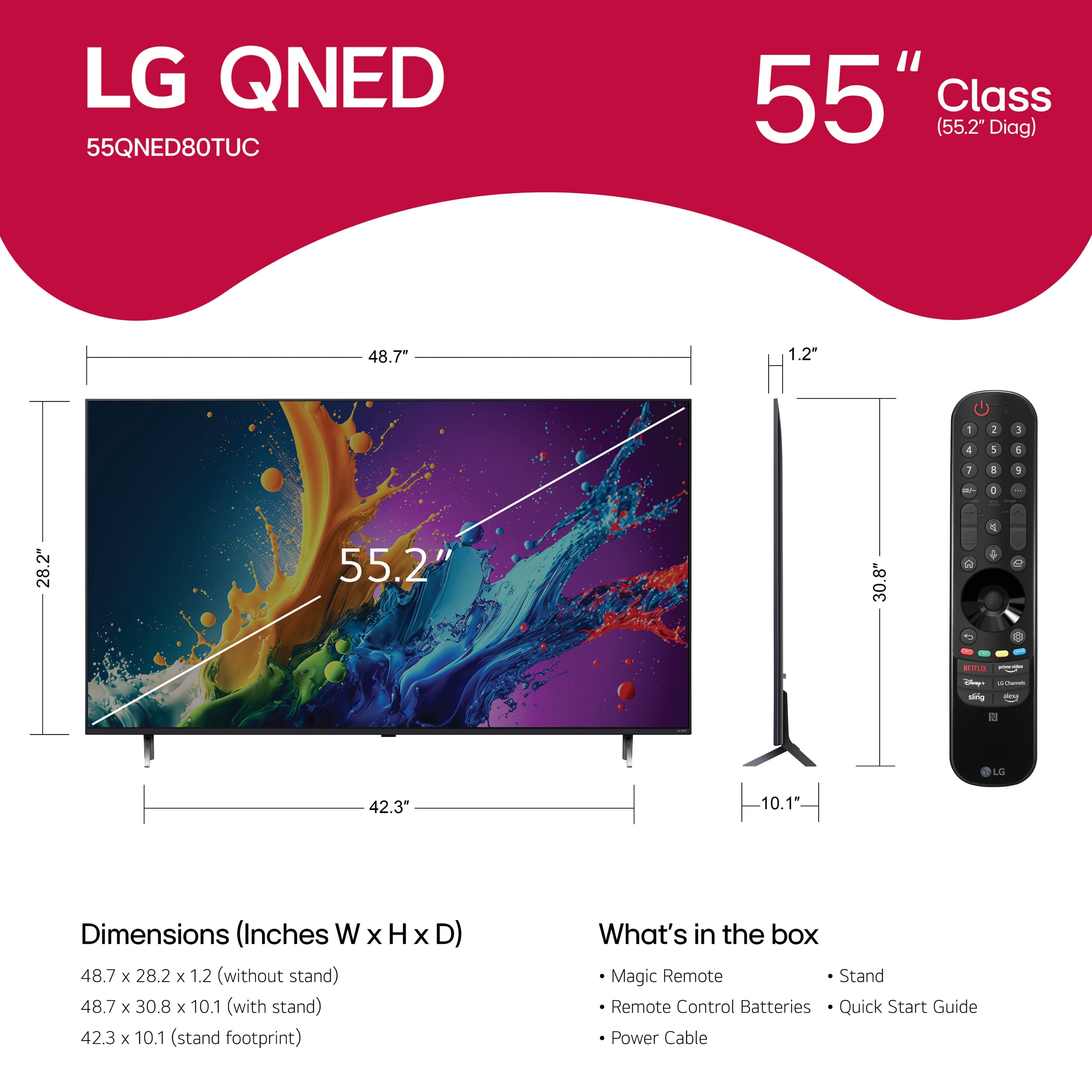
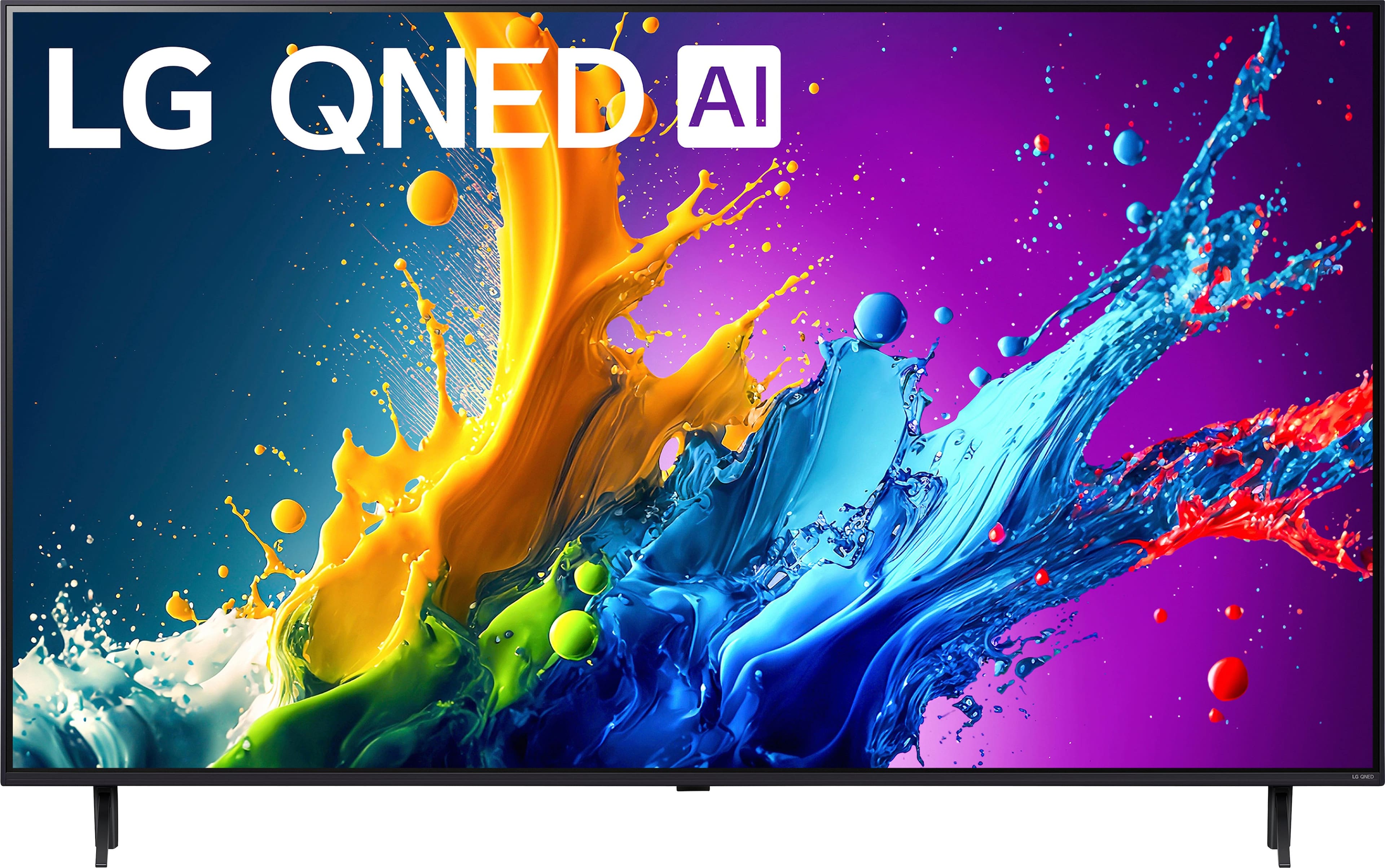
    • Answer Hi there! The 55QNED80TUC model is compatible with Alexa, allowing you to control the TV using voice commands through an Alexa-enabled device. To set it up, you'll need to connect the TV to your Alexa device via the LG ThinQ app or the Alexa app, depending on your setup. If you need help with the setup or have any other questions, please send us a private message on Social Media @LGUSSupport, and our team will be more than happy to assist you. We’re here to ensure you get the most out of your TV. —Avril

      Answered by LG Digital Customer Care

  • QuestionDoes this unit have Bluetooth?

    Asked by Brad.

    • Answer Yes

      Answered by spotter31

  • QuestionCan you get the Uzzu Tv app in the app store for this tv.

    Asked by LaoR.

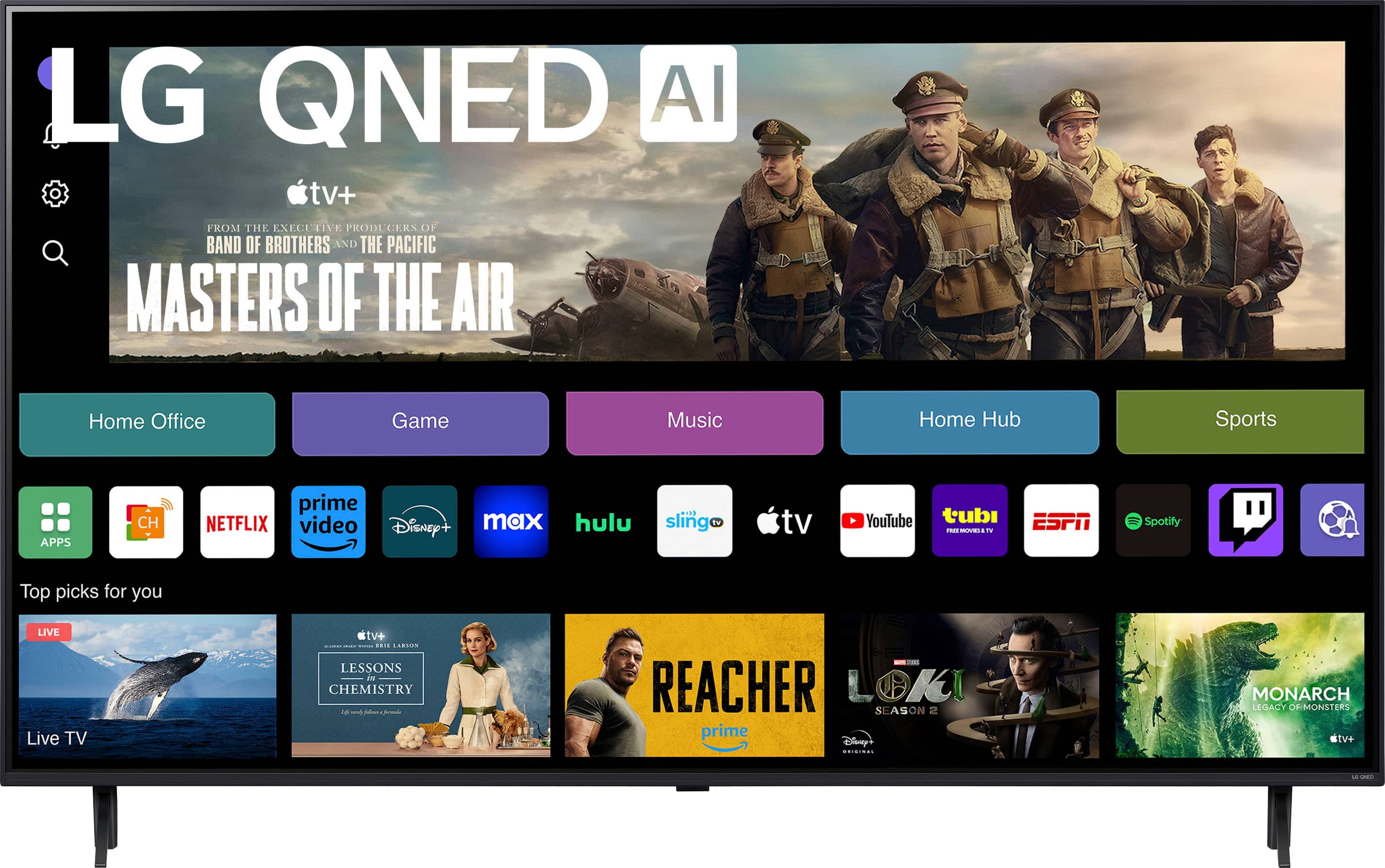
    • Answer Hello there, LaoR. The LG 55QNED80TUC TV, with webOS, allows you to access a variety of streaming apps through the LG Content Store. However, based on the information available, Uzzu TV is not listed as one of the prominent content partners or apps available directly through the LG Content Store. While you can access popular apps like Netflix, Max, Disney+, YouTube, Prime Video, ESPN, Apple TV, and Sling TV, Uzzu TV might not be directly available. It's worth checking the LG Content Store on your TV for the latest available apps, or you might also be able to stream Uzzu TV via casting or a compatible device connected to your TV. https://www.lg.com/us/tvs/lg-55qned80tuc-qned-4k-tv#pdp_specs Please send us a private message on Social Media @LGUSSupport, and our team will be happy to provide additional support and guidance. We appreciate your patience and are here to assist! —Renzo
      Answered by LG Digital Customer Care