





Black Friday is hereShop new DoorbustersShop now

Main Content

Questions & Answers

Your price for this item is $598.99
The comparable value price is $799.99
Page Showing 1-20 of 44 questions
  • QuestionDoes this TV support HDR?

    • Answer Yes, this TV supports HDR10 Pro for an enhanced visual experience with vivid colors and extended contrast.
    This question and answer was generated by AI based on customer and product data.
  • QuestionCan I connect this TV to my home Wi-Fi network?

    • Answer Yes, this TV has built-in Wi-Fi connectivity for easy network access.
    This question and answer was generated by AI based on customer and product data.

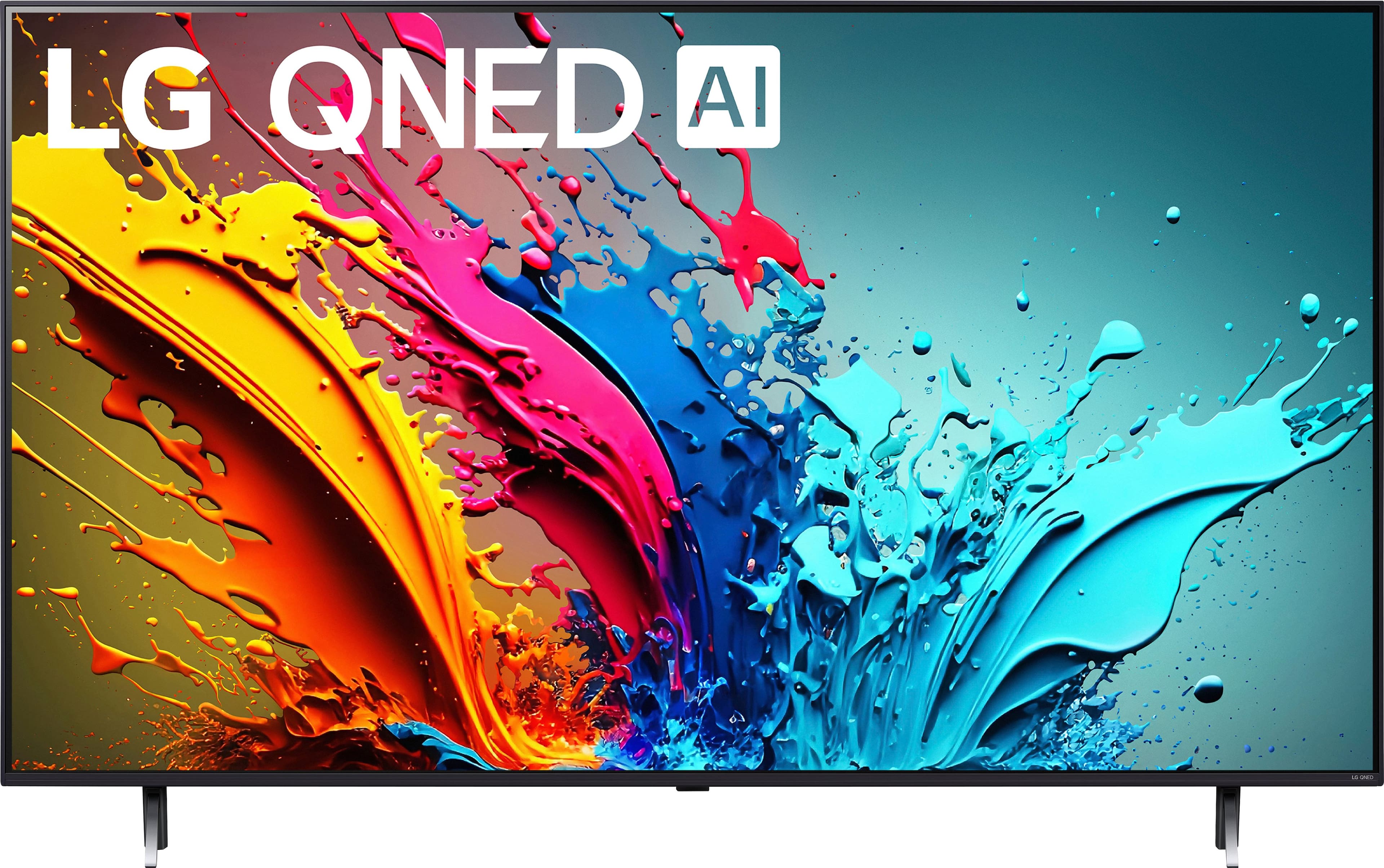
  • QuestionWhat is the screen size class of this LG TV?

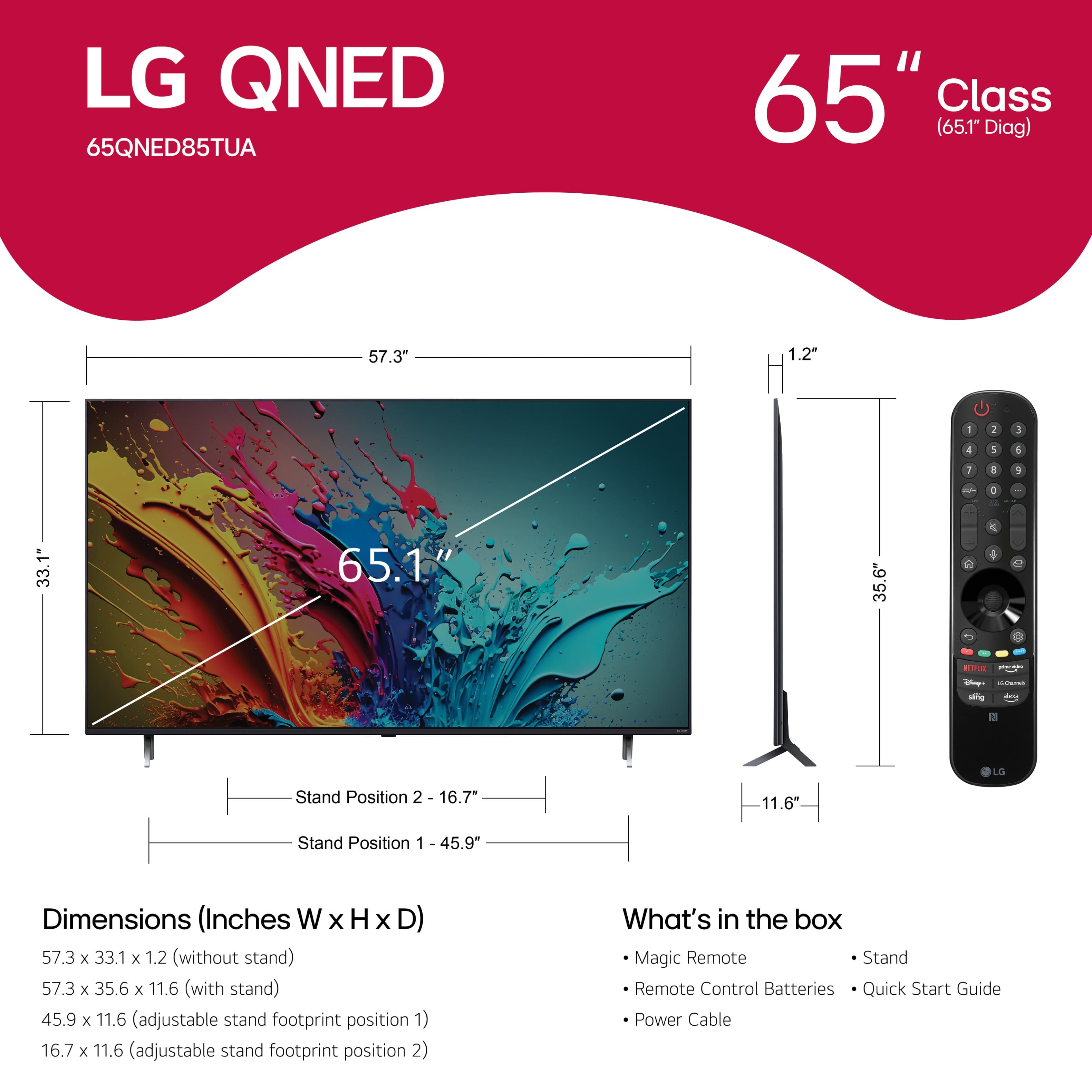
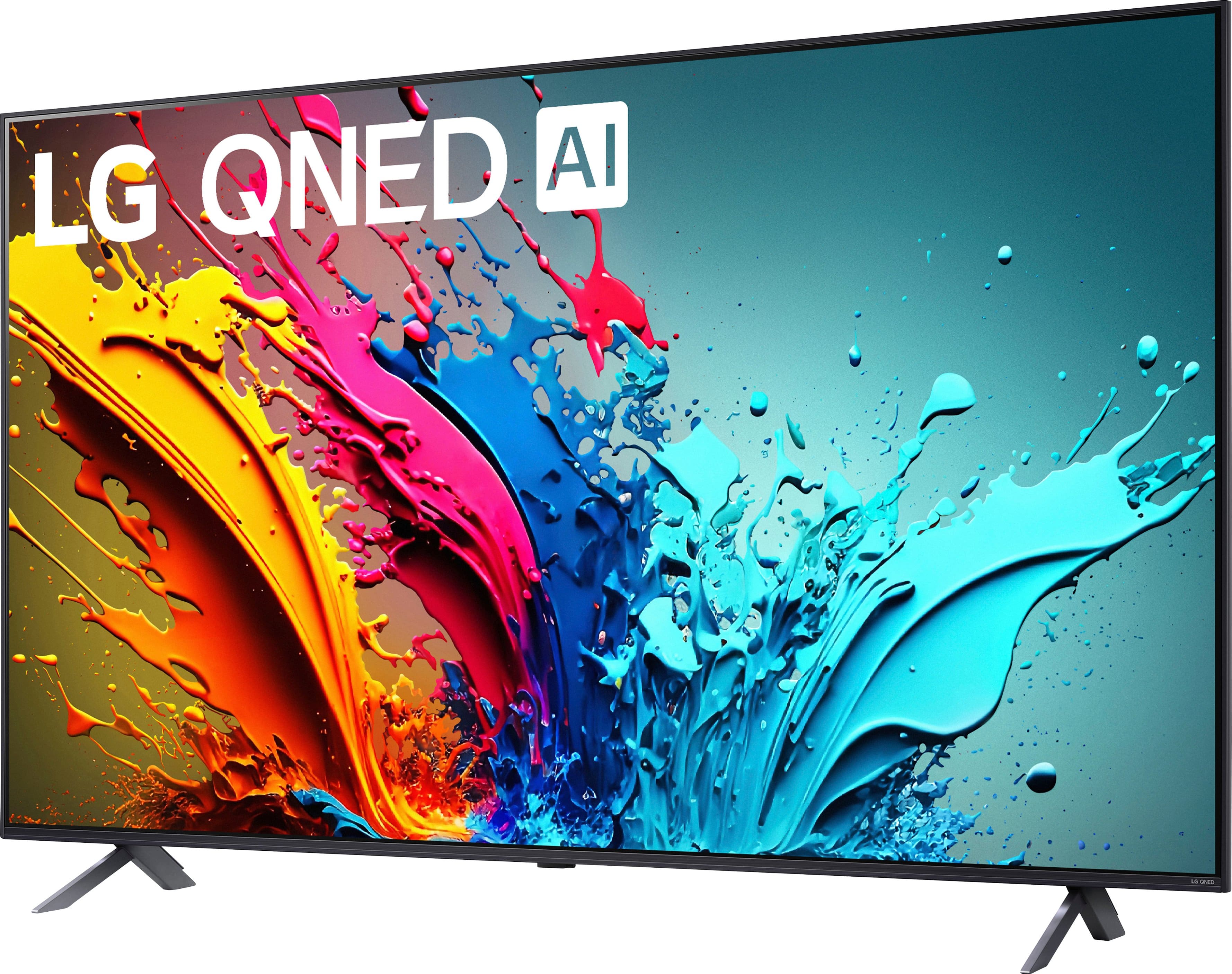
    • Answer The screen size of this LG TV is 65.1 inches.
    This question and answer was generated by AI based on customer and product data.
  • QuestionDoes this TV have built-in speakers?

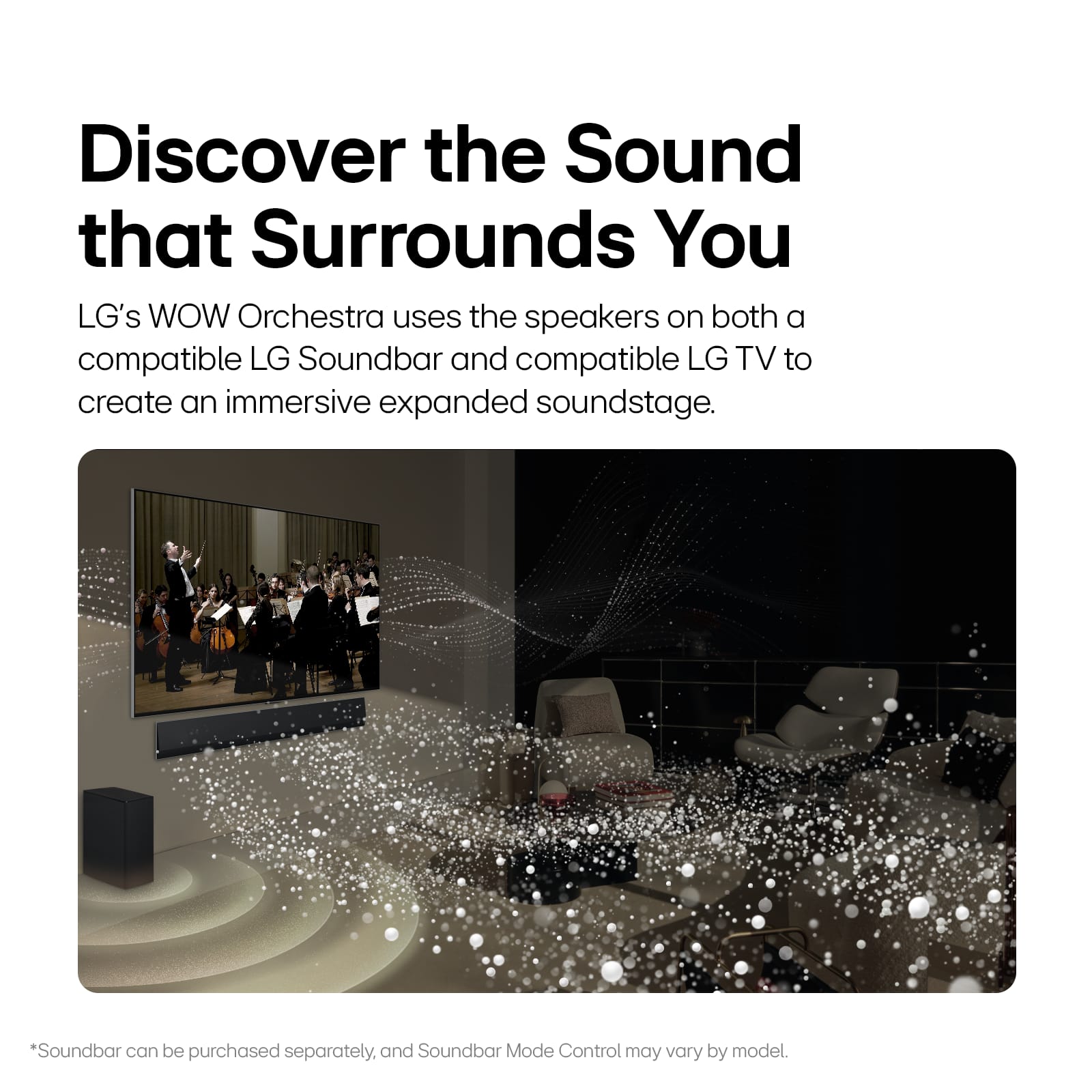
    • Answer Yes, this LG TV has built-in downward-firing speakers.
    This question and answer was generated by AI based on customer and product data.
  • QuestionWhat is the estimated annual electricity use for this TV?

    • Answer The estimated annual electricity use for this TV is 236 kilowatt hours.
    This question and answer was generated by AI based on customer and product data.
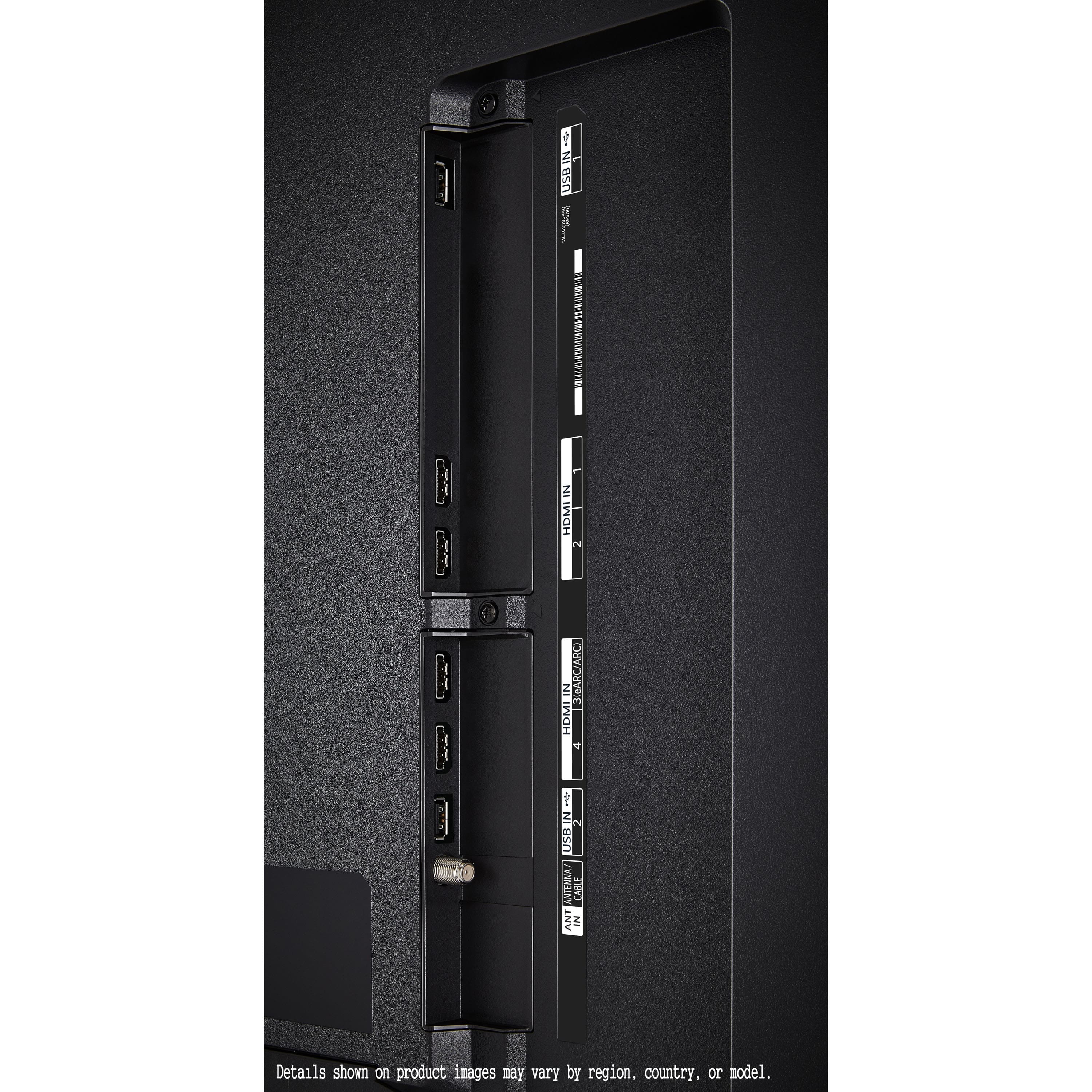
  • QuestionHow many HDMI ports does this TV have?

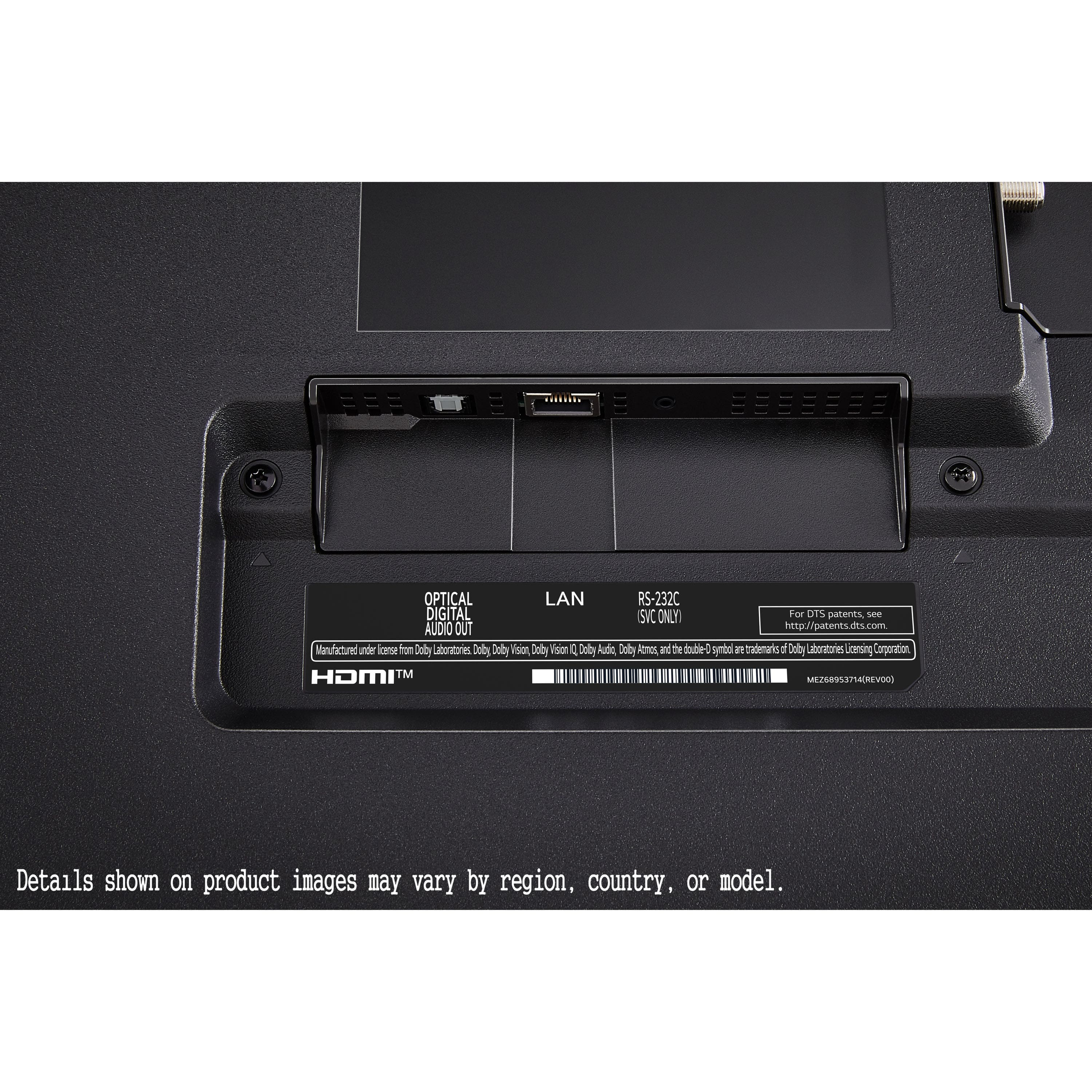
    • Answer This LG TV is equipped with four HDMI 2.1 ports.
    This question and answer was generated by AI based on customer and product data.

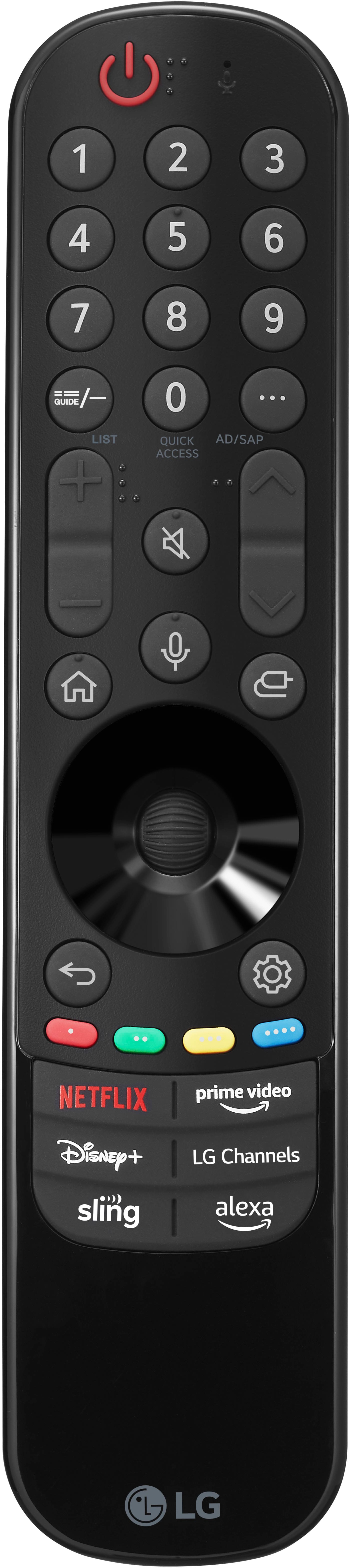
  • QuestionWhat type of remote control comes with this LG TV?

    • Answer This LG TV comes with the Magic Remote, which allows for intuitive mouse-like pointing, wheel control, and preset app buttons for easy access to your favorite content.
    This question and answer was generated by AI based on customer and product data.

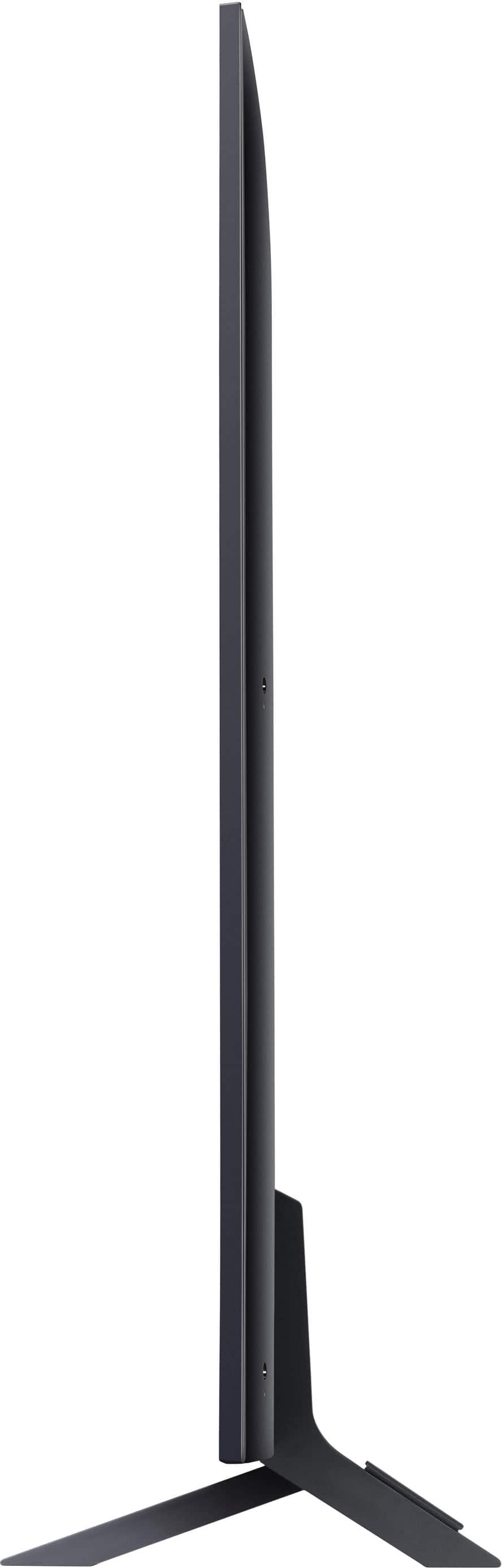
  • Question2 questions about 65” tv. What is distance between the feet that the support the tv on a table top. Can the feet be moved closer together? I want to set the tv on a 48” wide table.

    Asked by Marty.

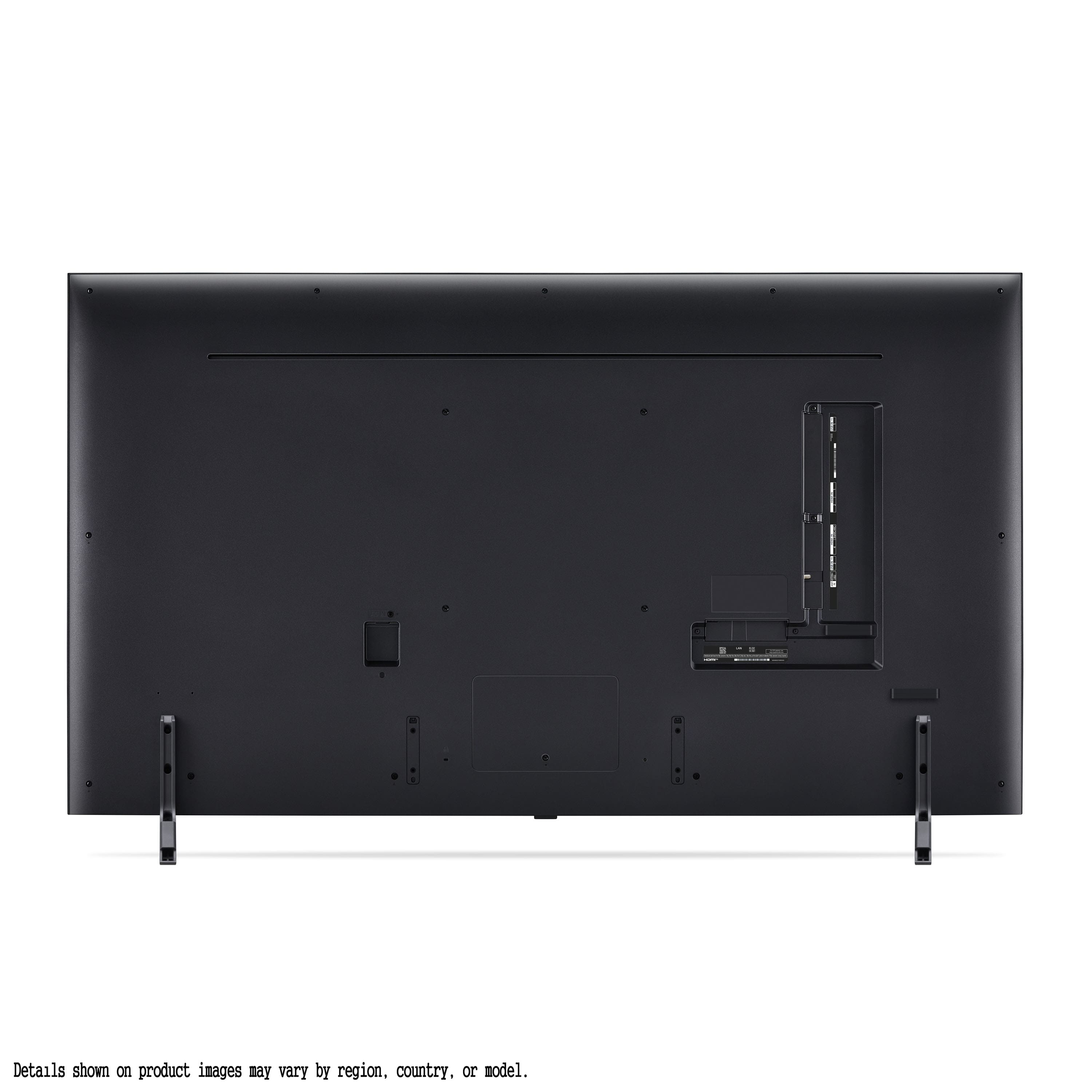
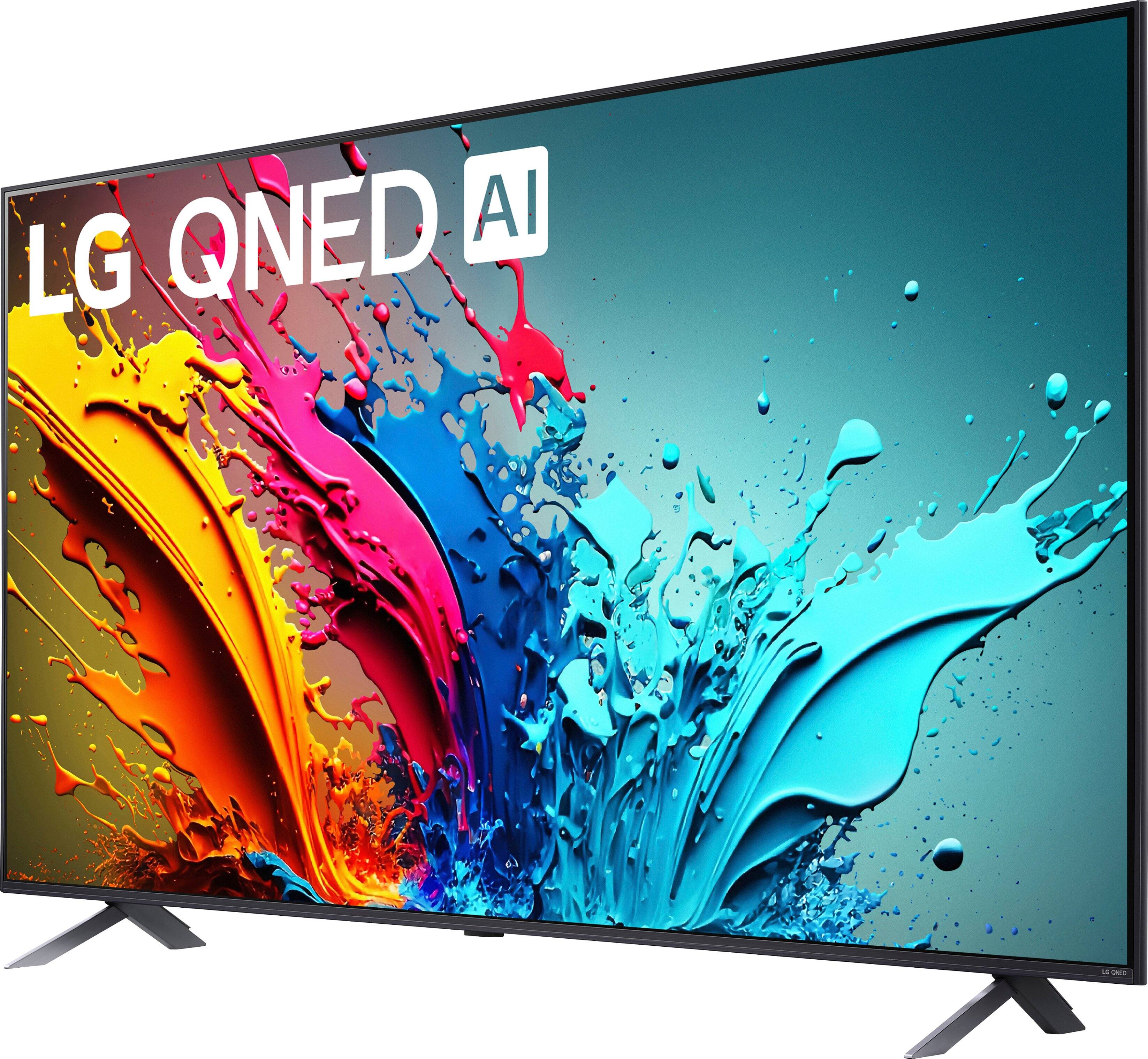
    • Answer Hi there, Marty.Thank you for your inquiry regarding the LG 65QNED85TUA TV. We understand you have questions about the distance between the feet and the possibility of moving them closer together. The stand width for this model is adjustable, with Position 1 measuring 45.9 inches and Position 2 measuring 16.7 inches. This means the feet can be moved closer together to accommodate your 48-inch wide table. https://www.lg.com/us/tvs/lg-65qned85tua-qned-4k-tv#pdp_specs If you have any further questions or need assistance with setup, please send us a private message on Social Media @LGUSSupport, and our team will be more than happy to help you. We appreciate your consideration. —Renzo

      Answered by LG Digital Customer Care

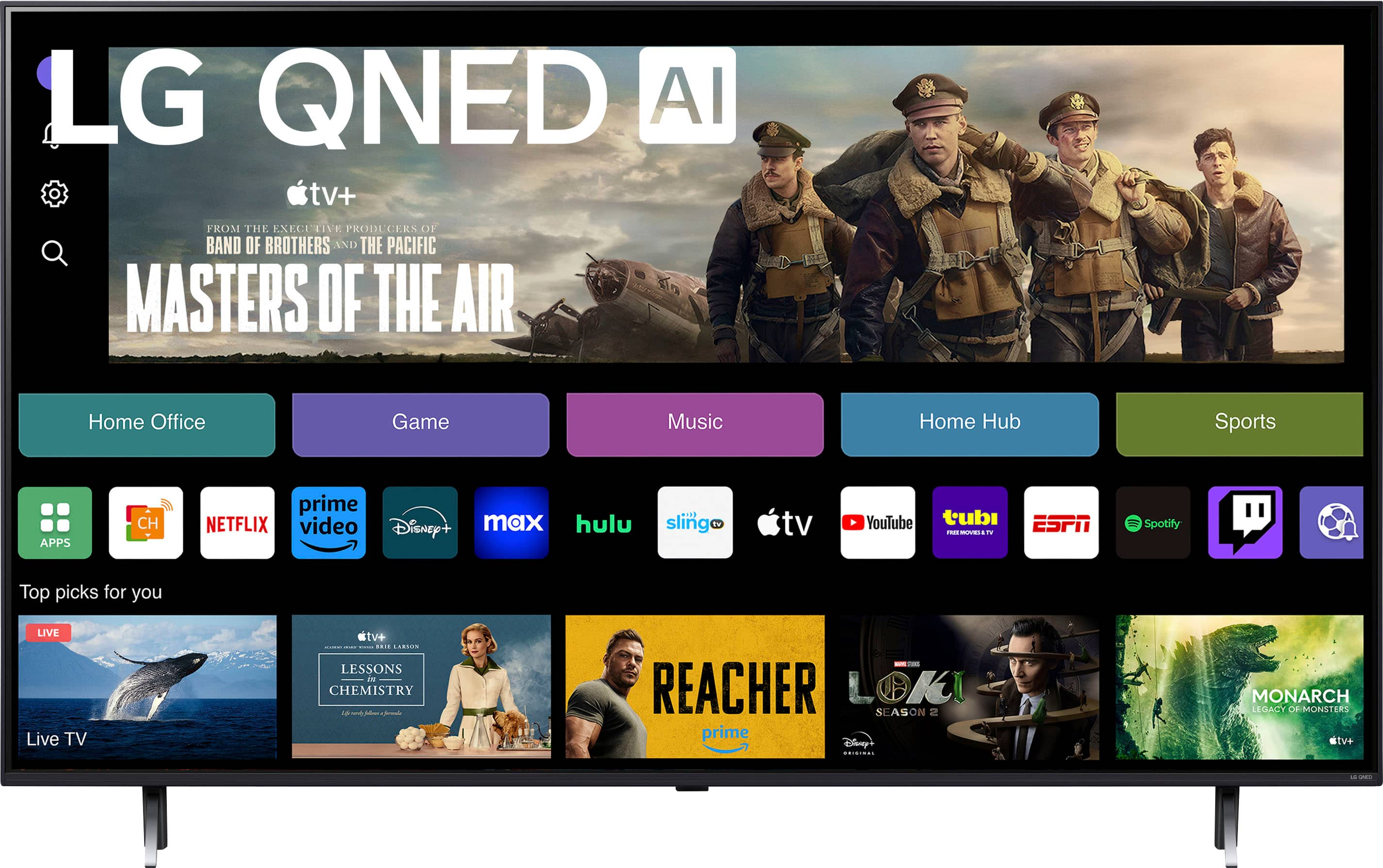
  • QuestionIf I want to watch You Tube TV or Hulu on this, will I need a streaming device like a Fire Stick?

    Asked by Kevin.

    • Answer Thank you for your interest in the LG Smart webOS TV. The LG 65QNED85TUA is a smart TV that comes equipped with built-in streaming capabilities, including access to popular services like YouTube TV and Hulu. It features built-in WiFi, allowing you to connect to the internet without needing an additional streaming device like a Fire Stick. You can download its owner's manual through this link for more information: https://www.lg.com/us/support/product/lg-65QNED85TUA.AUS. For additional assistance, please reach out to us on social media @LGUSSupport so we can help you further. ^Cris

      Answered by LG Digital Customer Care

  • QuestionWhat is this TVs MS rate , 1ms,5ms,10ms,15ms,20ms ? The 120hz is awesome but I'm searching for a good gaming TV with an MS below 12...

    Asked by Mike.

    • Answer Hello there! Based on the available information, the LG 65QNED85TUA does not have a specifically advertised response time (often referred to as "MS rate") of 1ms, 5ms, 10ms, 15ms, or 20ms. However, we can infer some details about its performance: • The TV has a 120Hz refresh rate, which suggests it's capable of relatively fast pixel response times. • It features variable refresh rate (VRR) technology, which helps reduce screen tearing and provides smoother motion, especially in gaming scenarios. -Junel

      Answered by LG Digital Customer Care

  • QuestionIf I buy a tv & pay for delivery & setup will theboldvtv be hauled off

    Asked by K.

    • Answer Hi there! Thank you for sharing your question with us. We understand your inquiry about the haul-away service for your 65QNED85TUA. When you select Best Buy’s delivery & setup package, the removal of your existing TV is offered as an optional add-on—you’ll want to be sure the “haul-away” service box is checked during checkout so your old unit gets taken away. As a quick tip, once your order is placed you can log into your Best Buy account to review or modify your service options: just click on your order number, choose “Edit services,” and confirm that haul-away is included. https://www.bestbuy.com/site/lg-65-class-85-series-qned-4k-uhd-smart-webos-tv-2024/6578184.p?skuId=6578184 If you have any other questions or would like us to double-check the details of your delivery & setup order, please send us a private message on Social Media @LGUSSupport and our team will be more than happy to explore possible solutions. We appreciate your patience and look forward to helping you get set up smoothly. —Renzo

      Answered by LG Digital Customer Care

  • QuestionI need a TV with antiglare capability due to the many windows in our living room. Does this TV or others have that capability?

    Asked by Mike.

    • Answer Hi there, Mike. Thanks for reaching out. The LG 65QNED85TUA is equipped with features that enhance picture clarity and color contrast even in bright rooms, but it does not specifically have an anti-glare coating. For rooms with many windows, LG’s OLED models with anti-reflective technology or the QNED99 series with advanced brightness control might offer an ideal viewing experience, reducing reflections and maintaining sharp picture quality. https://www.lg.com/us/tvs/lg-65qned85tua-qned-4k-tv#pdp_specs If you’d like assistance in selecting the best model for your space, please send us a private message at @LGUSSupport on social media, and we’d be happy to help you explore further options. —Renzo

      Answered by LG Digital Customer Care

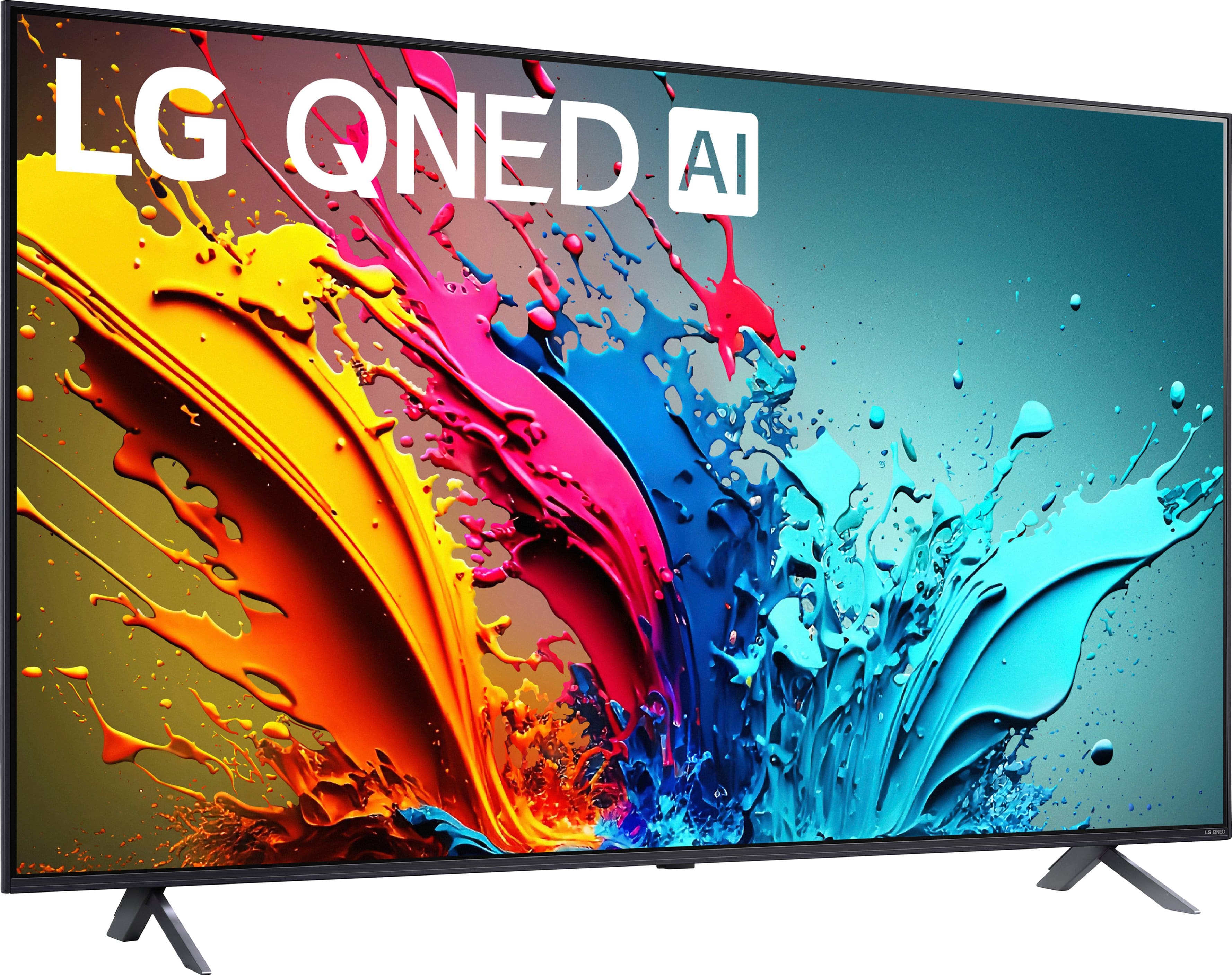
  • QuestionDo I need to purchase wall mount?

    Asked by Anonymous.

    • Answer It comes with a stand, so it can be set up on a tv stand, but it is way better when wall mounted. Buy the wall mount.

      Answered by Coolie

  • QuestionDoes this tv come with a wall mount

    Asked by Anonymous.

    • Answer No

      Answered by Stev

  • QuestionI’m trying to hook a head set to listen TV But I can’t fund S and or usb How should I do

    Asked by Anonymous.

    • Answer Do bluetooth

      Answered by Stev

  • QuestionI bought this TV. I can't figure out which channels come with it. It looks like Peacock and the ION channel already came loaded with it free of charge? Where can I find a list of what comes free with the TV? Does ESPN or PRIME video come with it? Thanks!

    Asked by RWHES.

    • Answer Channels are provided with your subscription from your cable service provider and free Over-the-Air TV programming requires and indoor or outdoor antenna with the LG 65" Class 85 Series QNED 4K UHD Smart webOS TV (2024), Model # 65QNED85TUA. On the TV's home screen, you will find tiles for preinstalled Premium Content Provider's apps like Netflix, Prime Video, Peacock, YouTube, Apple TV, Max, Disney +, Paramount +, Tubi, Pluto TV, Sling TV, Hulu, just to name a few. If you already have accounts with the preinstalled apps on the TV, you can use to sign-in credentials to access your account and start streaming from the apps. If not, you will be prompted to create and account so you can sign in and start streaming from the apps. Some apps are free and others may require a subscription or payment. If you have to create a new account, you will be notified if payment of subscription is required. You can find a full listing of apps that are available for download and installation on the TV at https://us.lgappstv.com/main/tvapp. Apps that are preinstalled on the TV can be found under TV apps...^Ivan.

      Answered by LG Digital Customer Care

  • QuestionWhat are the overall best video settings for this TV?

    Asked by Marc.

    • Answer Set them on default. Comes pretty setup

      Answered by RobertB

  • QuestionIs there any discount on installation of 65 inch purchased tv if are a Best Buy Rewards member? If not isn't $199 excessive for installation if there is no MOUNT?

    Asked by Anonymous.

    • Answer I agree. We, also, paid $199 for installation, am a Best Buy Rewards member and there was no mount involved. I was sure salesman mentioned a lesser amount without a mount, but was then told $199 was fee, with or without mount. Would not pay this again.

      Answered by ElizabethS

  • QuestionDoes this have Apple airplay?

    Asked by MikaylaB.

    • Answer Yes

      Answered by CarlosG

  • QuestionIs this tv energy star?

    Asked by Bill.

    • Answer Hello there, Bill. Thank you for sharing your inquiry with us. We understand your inquiry about the 65″ Class 85 Series QNED 4K UHD Smart webOS TV (Model 65QNED85TUA) and its energy certification. Great news — the 65QNED85TUA is ENERGY STAR® certified, designed to meet strict energy efficiency guidelines while delivering outstanding picture quality. As a helpful tip, you can further optimize its power consumption by enabling Energy Saving (Eco) Mode: Press the Settings button on your Magic Remote. Navigate to All Settings > General > Energy Saving. Set Energy Saving to Auto or Minimum to let the TV adjust backlight and performance for maximum efficiency. https://www.bestbuy.com/site/lg-65-class-85-series-qned-4k-uhd-smart-webos-tv-2024/6578184.p?skuId=6578184 If you’d like additional assistance or have any other questions, please send us a private message on social media @LGUSSupport, and our team will be more than happy to explore possible solutions with you. We appreciate your patience and look forward to helping you get the most out of your LG TV. —Renzo

      Answered by LG Digital Customer Care









