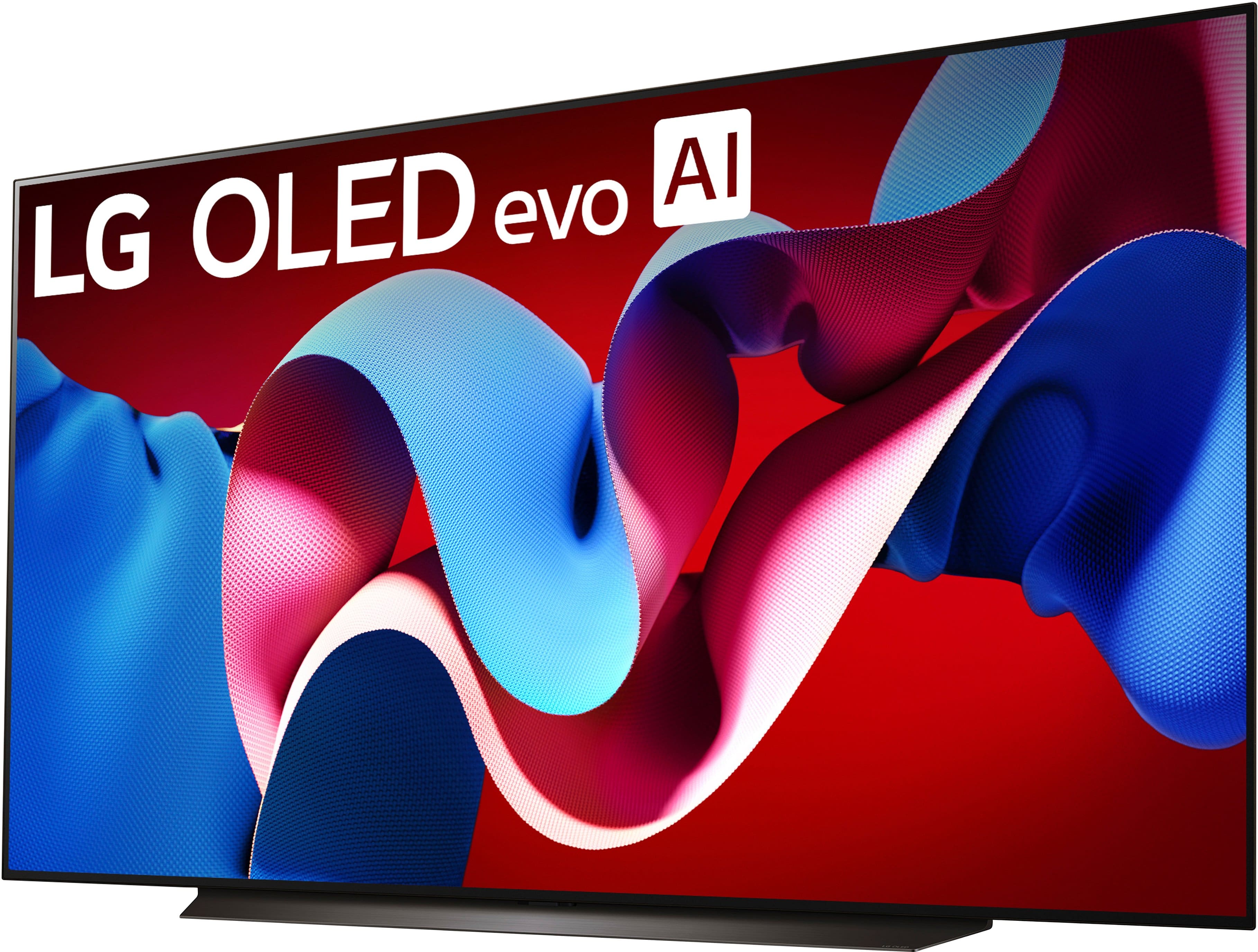
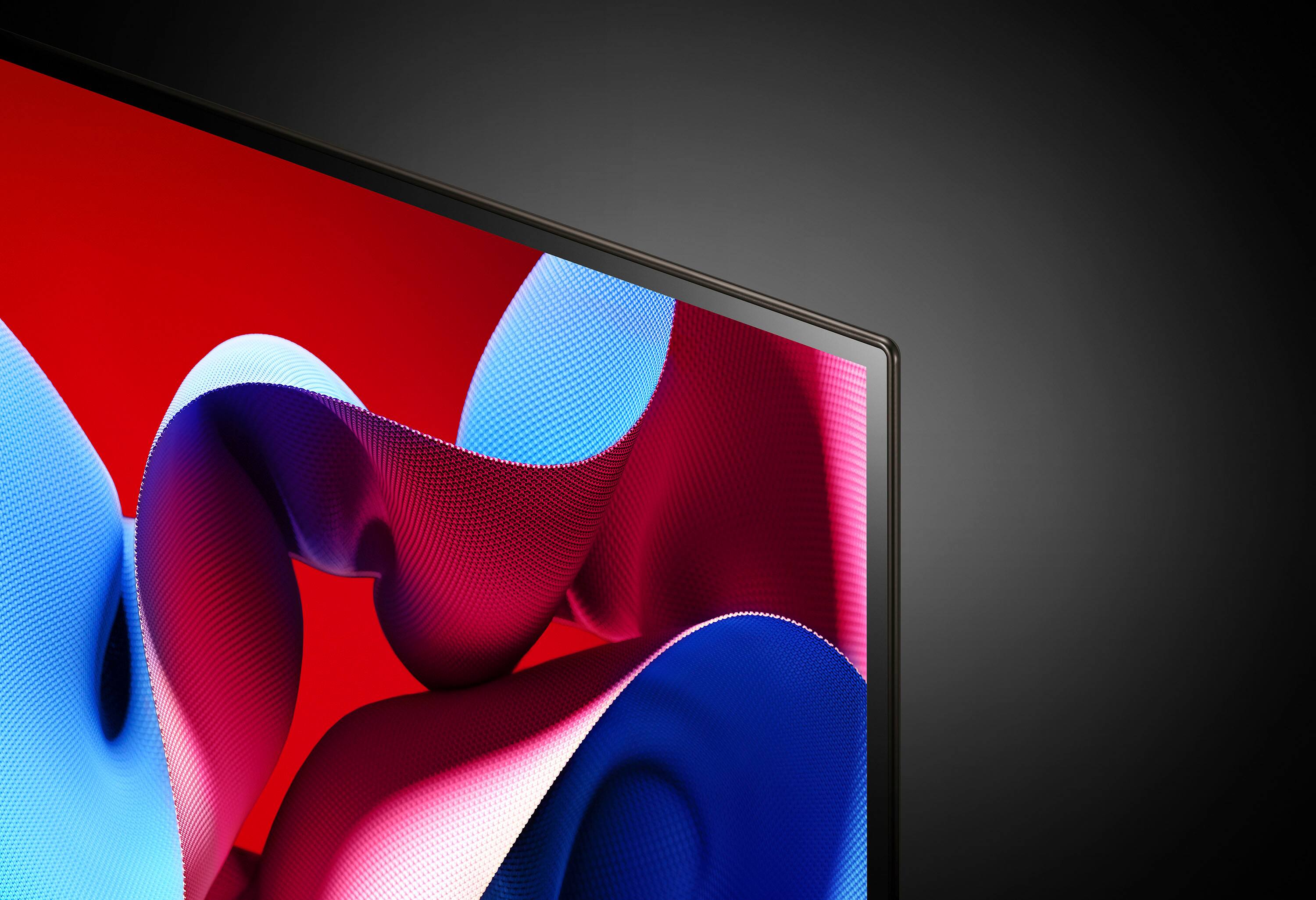
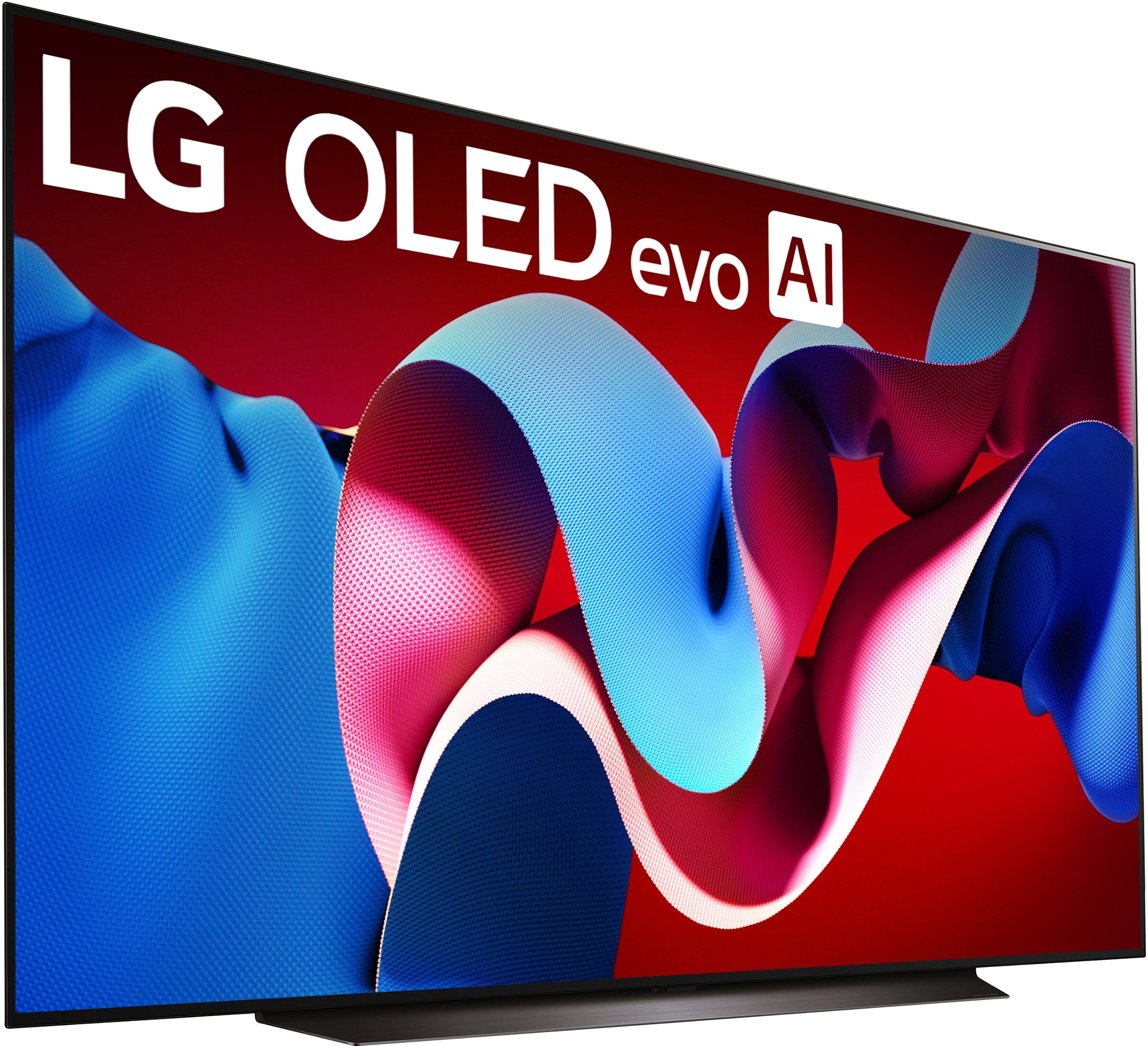
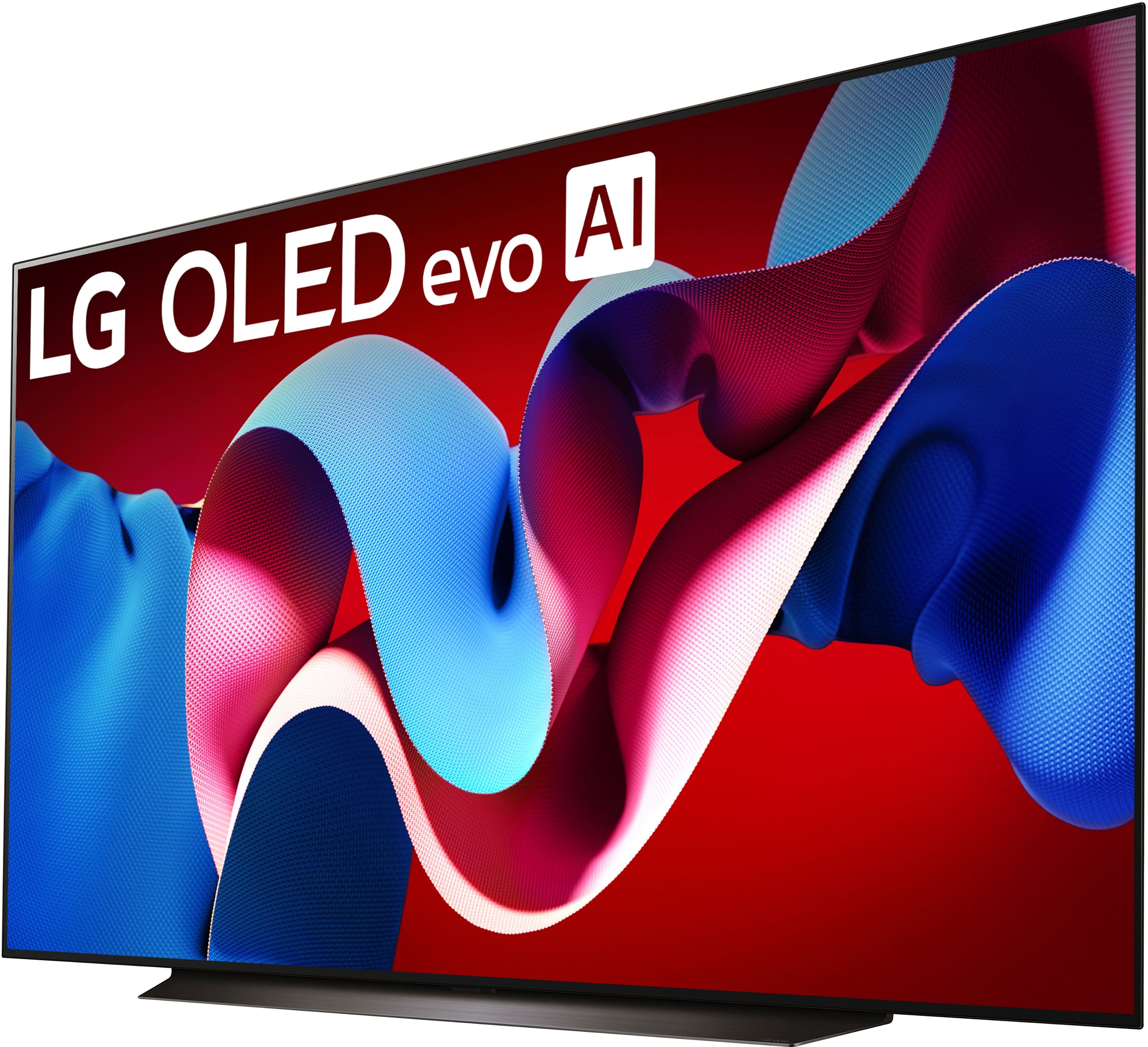
A:AnswerHello there, Lee. Thank you for your question. We understand your curiosity about the differences between the LG OLED83C4PUA and OLED83G4WUA models. While both TVs share many impressive features like 4K OLED displays, 100% color volume, and a refresh rate of 120Hz, there are some key distinctions:
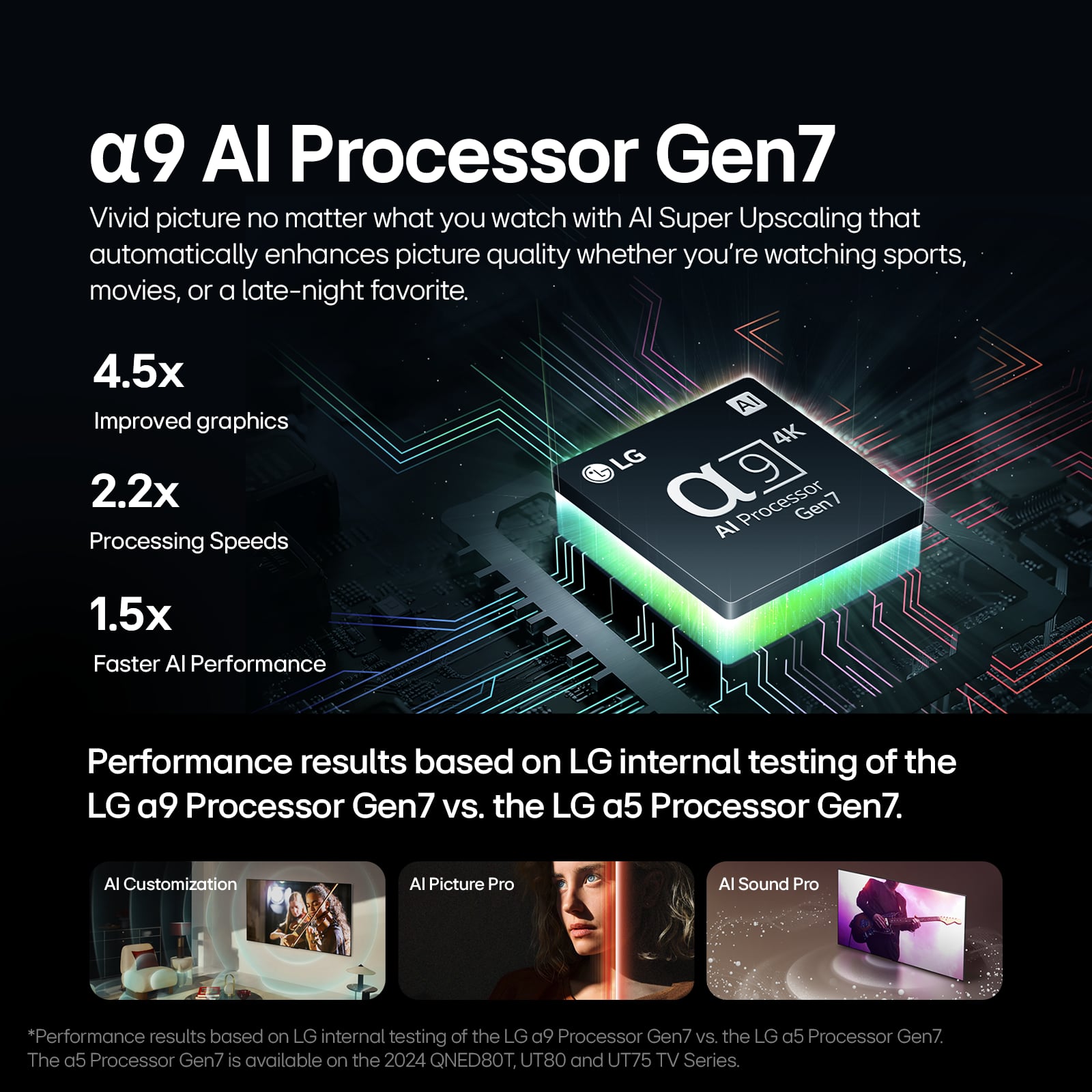
Processor: The OLED83C4PUA is equipped with the α9 AI Processor 4K Gen7, while the OLED83G4WUA features the upgraded α11 AI Processor 4K. This means the G4 model benefits from enhanced processing power, leading to potentially better picture quality and AI-driven optimizations.
Sound: The OLED83C4PUA has a 2.2 Channel speaker system with AI Sound Pro, while the OLED83G4WUA features a more advanced 4.2 Channel system with AI Sound Pro (Virtual 11.1.2 Up-mix), providing a richer and more immersive audio experience.
Brightness: The OLED83G4WUA has the Brightness Booster Max, offering a higher peak brightness compared to the Brightness Booster of the OLED83C4PUA, which can improve HDR content and viewing in well-lit rooms.
Connectivity: The G4 model supports Wi-Fi 6E, offering a faster and more stable wireless connection compared to the Wi-Fi 5 on the C4 model, making it more future-proof for streaming and gaming.
Warranty: The OLED83G4WUA offers a 5-Year Panel Warranty, giving you extended coverage for the panel in the second to fifth year, whereas the C4 model has a standard 1-Year Parts and Labor warranty.
Both models are equipped with fantastic features for an exceptional viewing experience, but the G4 series has a few advanced upgrades for those seeking the highest performance in processing power, sound, and brightness.
As a troubleshooting step, if you're unsure which model fits your needs, we recommend checking the setup environment—such as sound preference, brightness level, and internet stability—since the G4 has specific upgrades in these areas.
https://www.lg.com/us/tvs/lg-oled83c4pua-oled-4k-tv#pdp_specs
Please send us a private message on Social Media @LGUSSupport if you'd like additional assistance, and we'll be happy to help you further!
We appreciate your patience. —Renzo
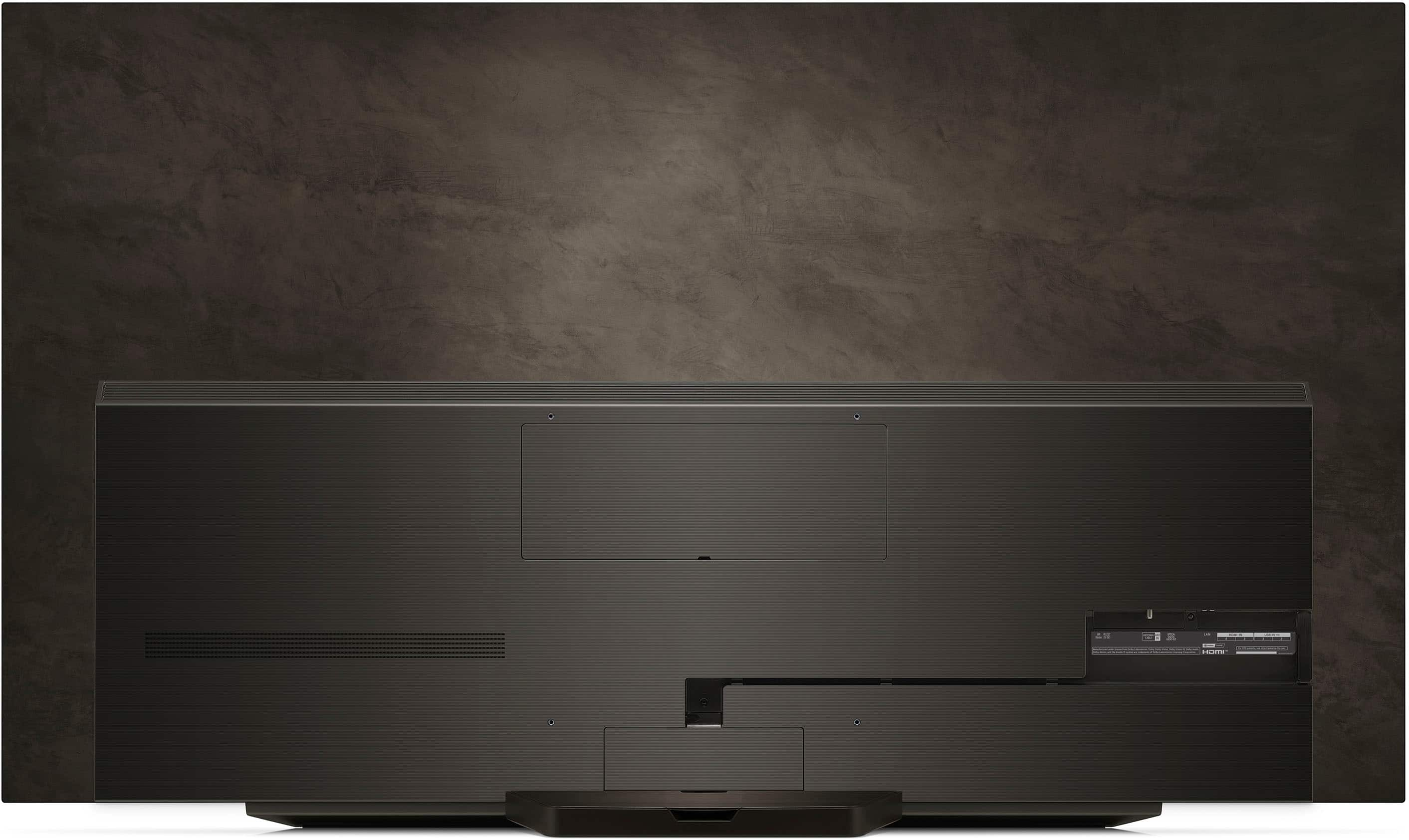
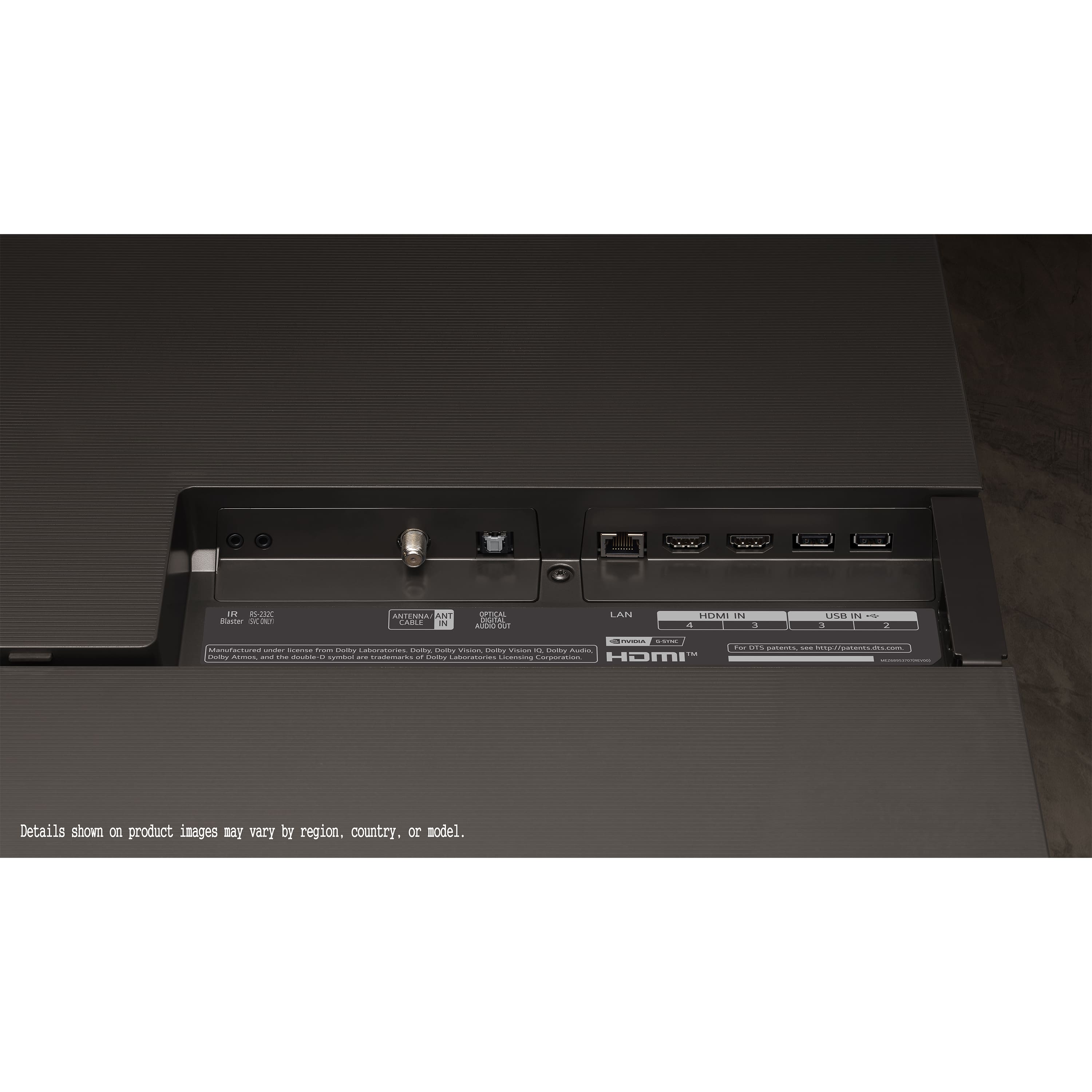
A:AnswerHello there. Thank you for reaching out with your question about the LG OLED83C4PUA. We understand your situation and appreciate you taking the time to inquire about the HDMI inputs. Based on our official LG resources, this model is equipped with 4 HDMI ports. Although pictures may sometimes display only a couple of inputs, you’ll find all four on the back panel of your TV. Specifically, one of these ports is designed with eARC functionality—typically, this is labeled as HDMI 2 on the unit.
A helpful troubleshooting step would be to carefully inspect the back of your TV for labeled ports. You might also refer to the user manual or the on-screen input guide, which provide a detailed layout of the HDMI connections and clearly indicate which port supports eARC. If the layout still isn’t clear from the pictures online, these steps can help ensure you have the correct port for your audio setup.
https://www.lg.com/us/tvs/lg-oled83c4pua-oled-4k-tv#pdp_specs
For further assistance or any additional questions, please send us a private message on Social Media @LGUSSupport, and our team will be more than happy to explore possible solutions with you. —Renzo
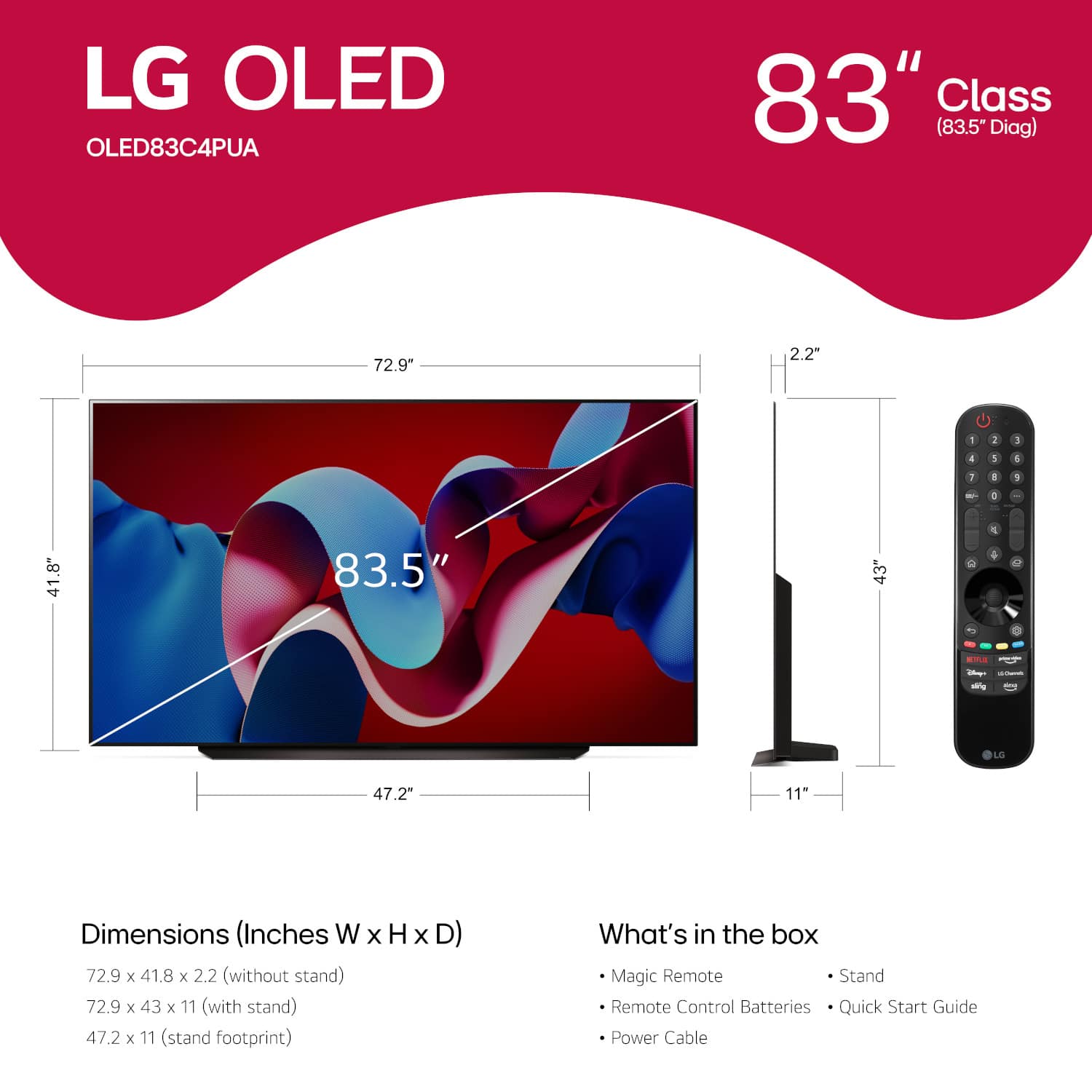
A:AnswerHi there, Todo. The LG OLED83C4PUA TV has a VESA mounting pattern of 400 x 400 mm. Since your Chief PNR-2000 Display Wall Mount requires an adapter bracket, we recommend contacting Chief directly or visiting their website to find a compatible VESA adapter plate. They offer various adapter solutions designed to fit specific models and VESA patterns.
https://www.lg.com/us/tvs/lg-oled83c4pua-oled-4k-tv#pdp_specs
For further assistance, feel free to reach out to us via private message @LGUSSupport. We're here to help! —Renzo
A:AnswerHi there! Thank you for your question about the included accessories with your LG OLED83C4PUA TV. Based on the items you mentioned, here's what they are for:
E-Manual: A digital version of the user manual that provides guidance on using and setting up the TV.
Power Cable: Used to connect the TV to a power outlet.
Quick Start Guide: A simplified guide for setting up your TV quickly.
Remote: The Magic Remote that allows you to control the TV and navigate its features.
Remote Control Battery: Batteries for the remote control.
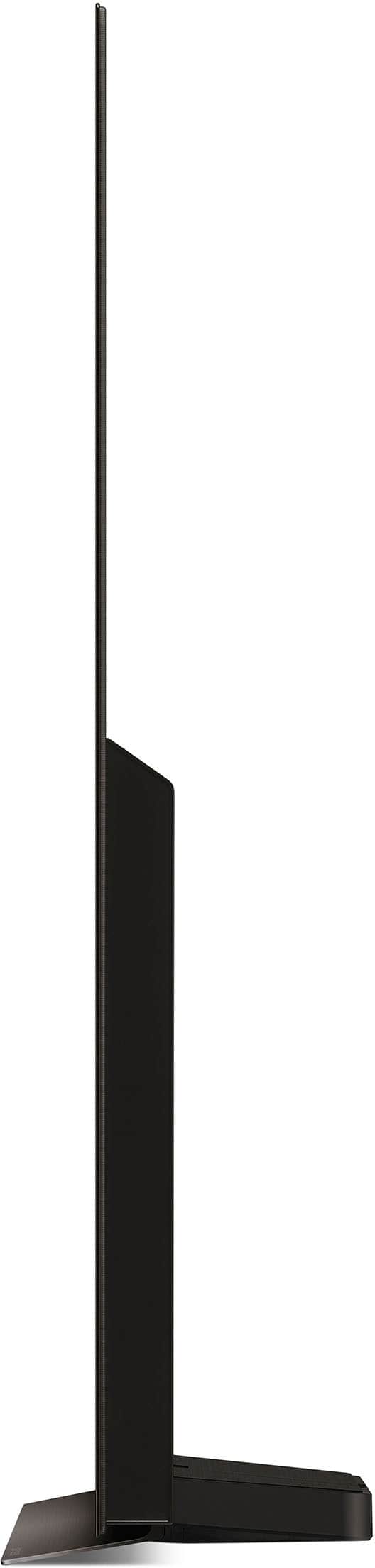
Stand: A stand that allows you to place the TV on a flat surface if you are not wall-mounting it.
Wall Mount: Not included, but you can purchase a compatible one if you prefer to mount your TV.
https://www.lg.com/us/tvs/lg-oled83c4pua-oled-4k-tv#pdp_specs
If you need more details or assistance with setting up any of these accessories, feel free to send us a private message on Social Media @LGUSSupport, and we'd be happy to assist you!
—Renzo