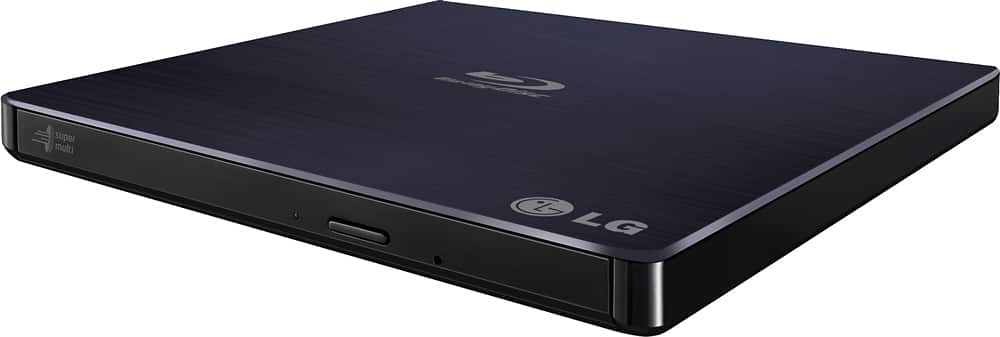
A:Answer I've never thought about plugging both usb in, even though I just looked at the instructions and they show plugging one into a regular laptop usb and the other one into a usb power port on a laptop. I've never looked at the instructions before, till I received your request. I'm also a computer tech, disconnect your device, restart your computer, then plug one usb in and give it a few minutes. That is all I've had to do using it on Mac, Linux and Windows machines. If you do this on windows and it shows a driver error, go to device manager, uninstall it, disconnect, restart and plug it in and give it a few minutes. If that doesn't work, go to device manager and try to update driver, if that doesn't work, go to LG's website and download and install the latest driver, if that doesn't work, I'd be on the phone with LG & Microsoft next. Alternatively if you suspect a bad device bring it to BestBuy and see if they can test it, if you just bought your Surface Pro from BestBuy, bring both pieces of equipment to them, as they should both be under their free repair plan. I find in most cases the driver gets corrupted even during install, so it it important to uninstall it in order to completely reinstall the driver. Most of the time that is all it takes. You may also try different usb ports on your machine, if using windows you can open this pc you will see the drive if and when it is recognized. I sincerely hopes this helps...