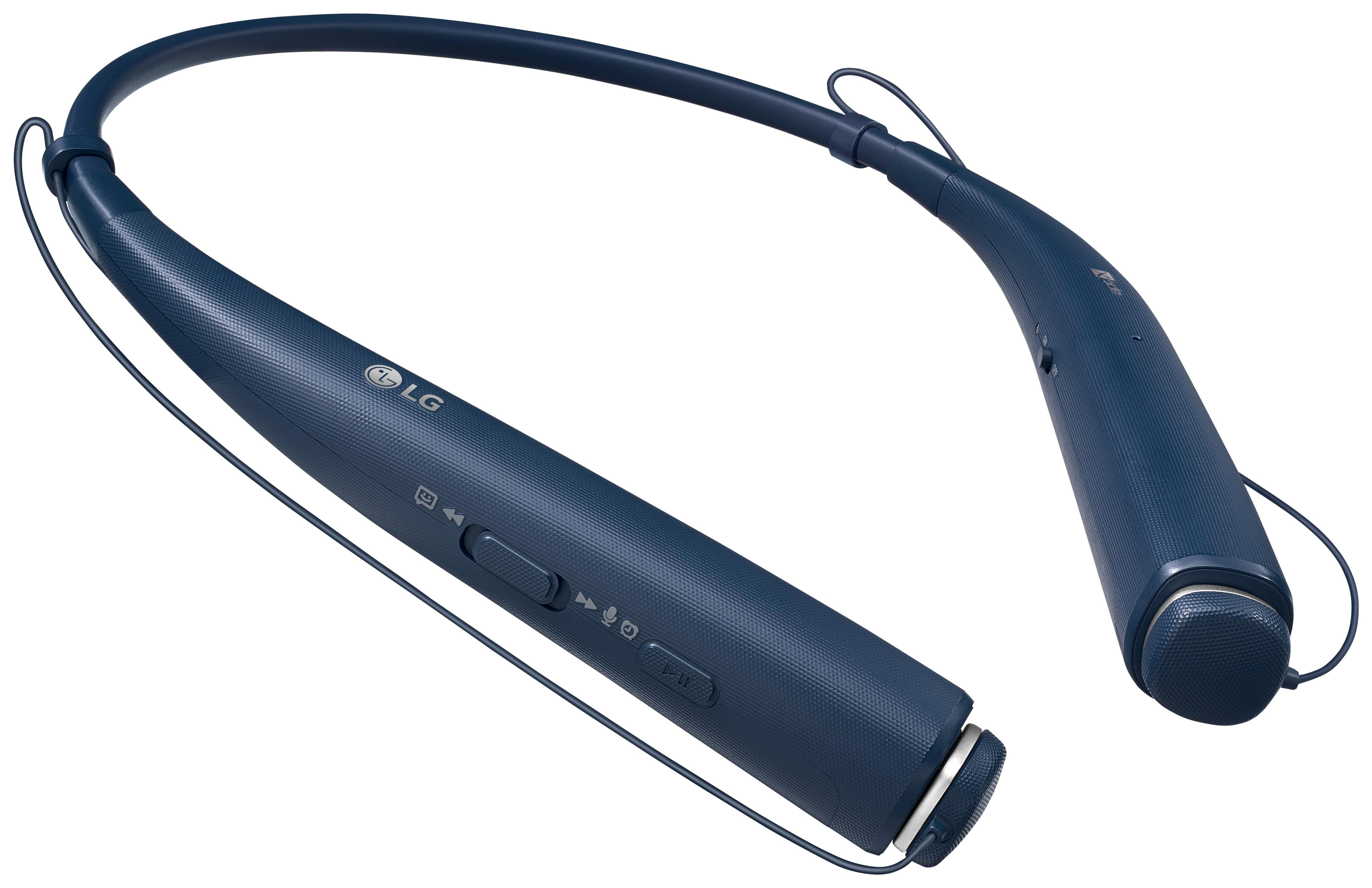
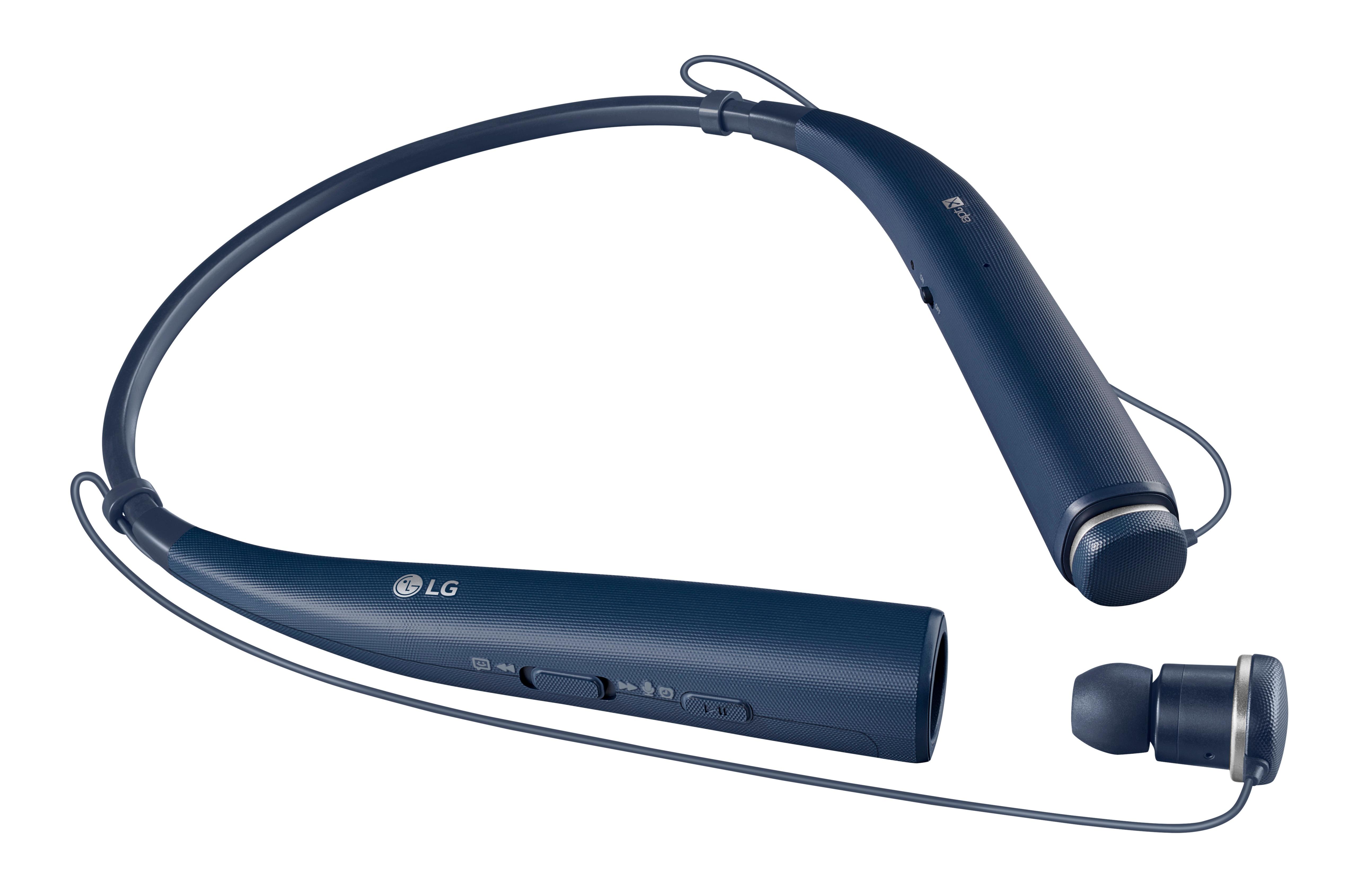
A:AnswerThis headset carries a 1 year factory warranty. We would love to look into this for you. Please take a moment, at your convenience, to contact us directly via Twitter @LGUSSupport or Facebook www.Facebook.com/LGSupportUSA ^CP
A:AnswerYou can turn the vibration alert on by following the steps listed in the owners manual on page 9 http://www.lg.com/us/support-product/lg-HBS-780#manuals ^CP
A:AnswerHopefully this has resolved, but to pair them to my iPhone X, I turned the headphones on, then went into the bluetooth settings on my phone and clicked the headphones. Done.
A:AnswerNo, unless your USB wifi adaptor also has Bluetooth connectivity. LG Tone Pro 780 only uses Bluetooth to connect to other devices. So if you need to connect the headset to some computer that doesn't have built-in Bluetooth (receiver), you would need a USB Bluetooth adapter and decent drivers that allow the computer to recognize the adapter.
A:AnswerIt sounds like we'll need to walk through some troubleshooting for your headset. Please head over to our support team via @LGUSSupport on Twitter so that we can dig into this a little more for you. ^CP
A:AnswerGary you may just gave a defective item. I have had mine over a year now. I strictly use them for conference calls n they are awesome. I have had zero trouble. I would try n receive a new one n retry.
A:AnswerIt sounds like we'll need to walk through some troubleshooting for your TV. Please head over to our support team via @LGUSSupport on Twitter so that we can dig into this a little more for you. ^CP
A:AnswerThe earbuds sit in the ear canals. I would be afraid to use them with hearing aids for fear of pushing the speaker portion of the hearing aid up against the eardrum.