
Questions & Answers
- Model:
- 27G610A-B
- |
- SKU:
- 6641769
Q: QuestionHello. I understand about the display cable it comes with. How does this cable connect to my pc? What kind of port? My pc uses Win7. Is this monitor compatible? Thank you
Asked by Katia.
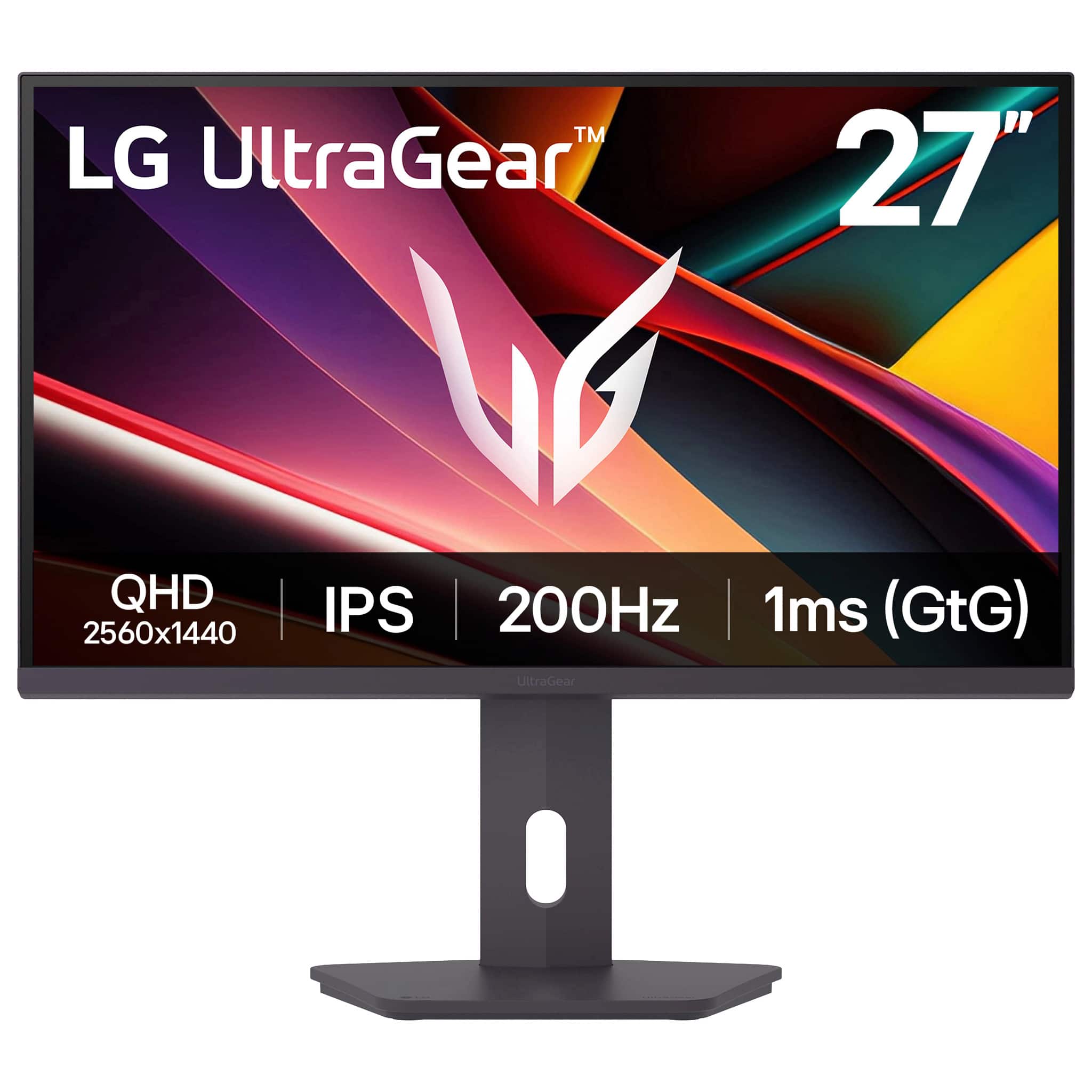
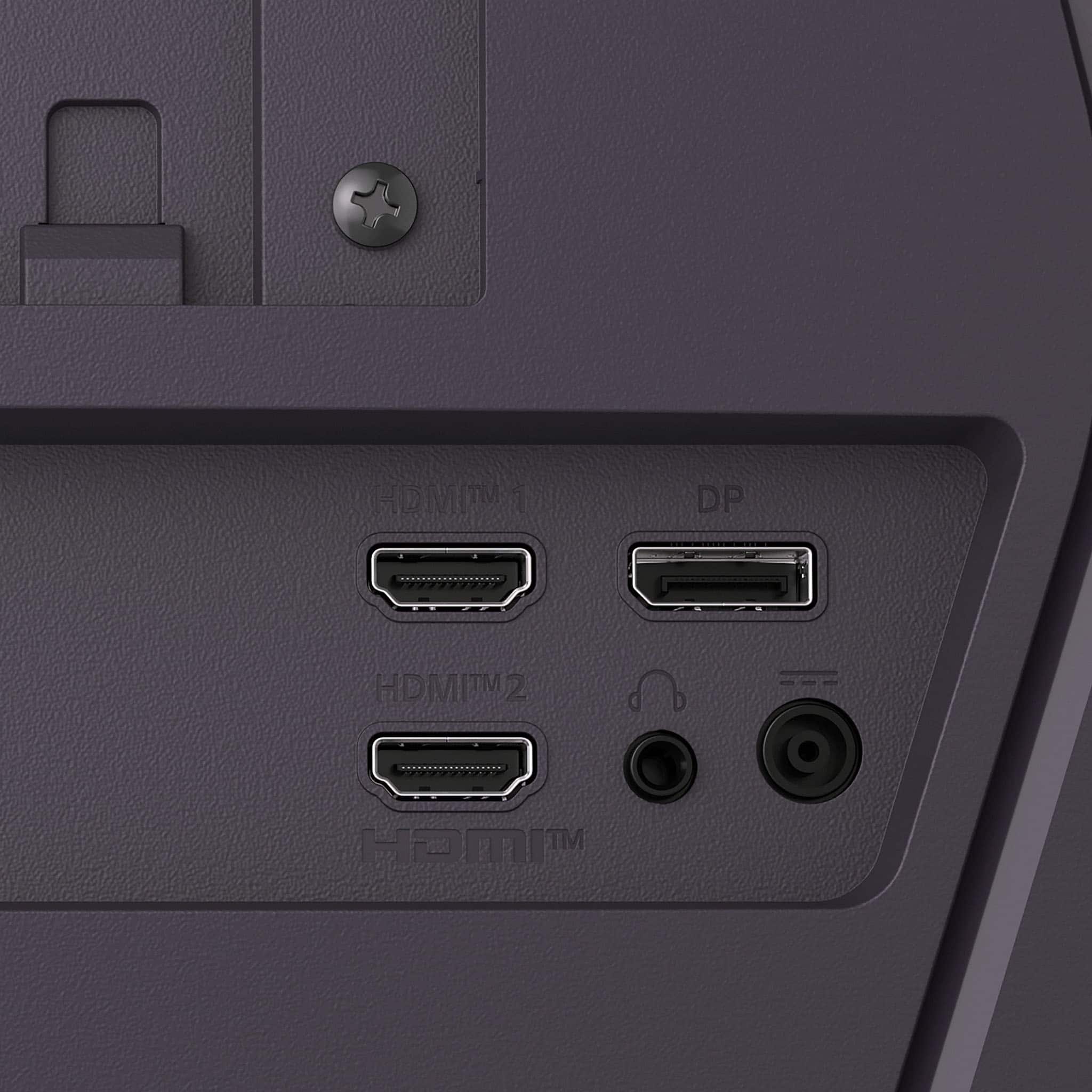
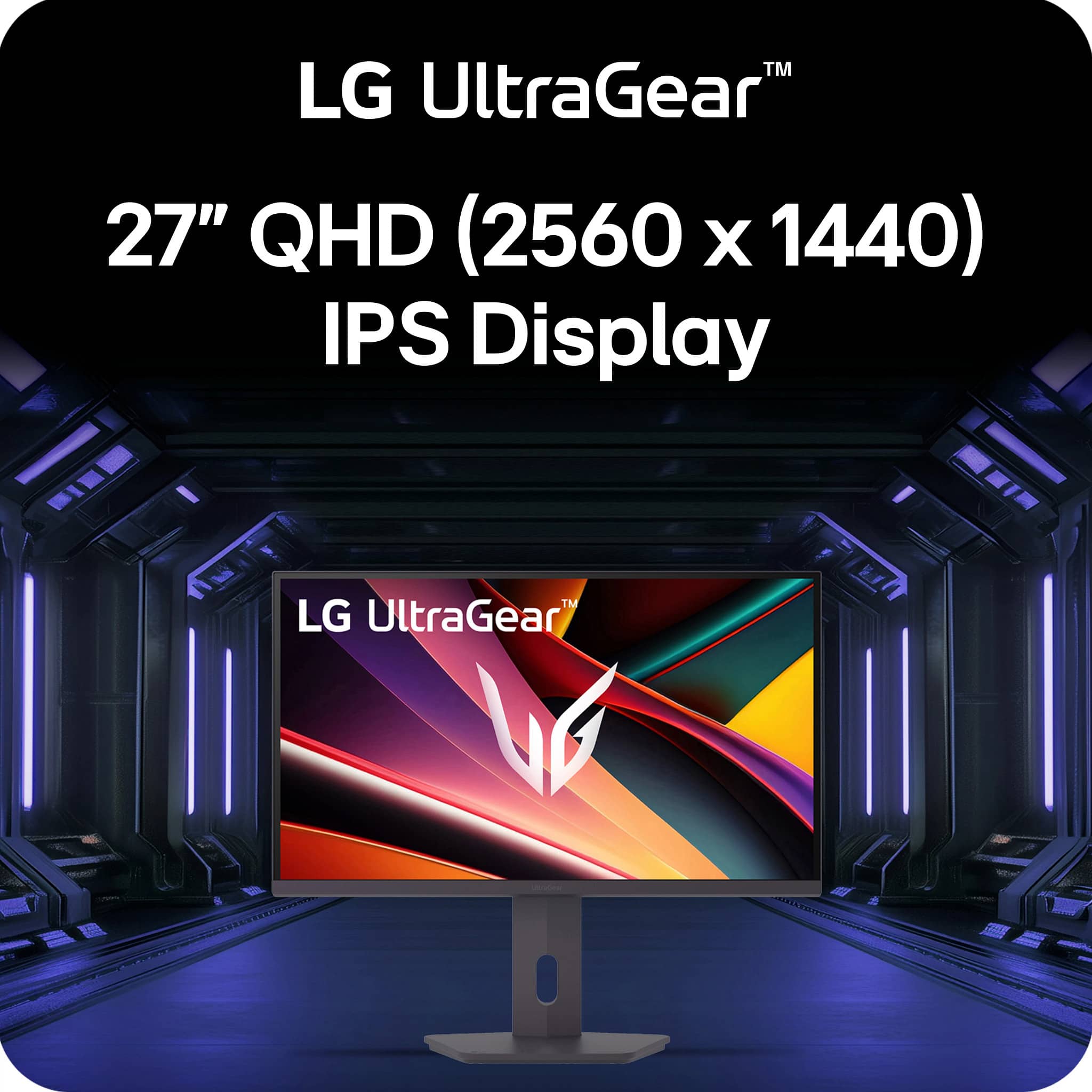
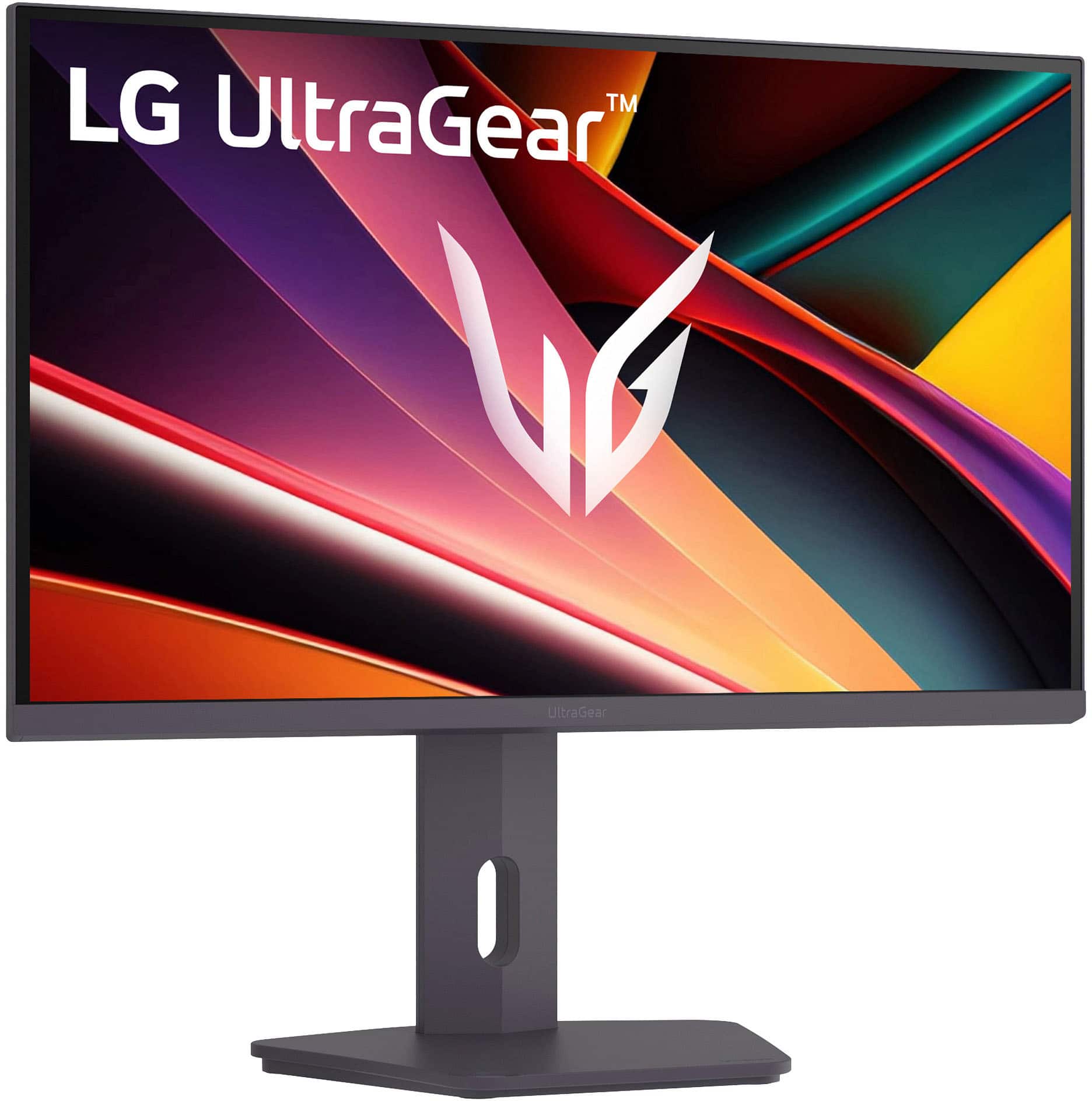
- A:Answer The included DisplayPort cable connects the DisplayPort input on the LG - UltraGear™ 27" IPS QHD 200Hz Gaming Monitor with DisplayHDR 400 (HDMI, DisplayPort) - Black, Model # 27G610A-B, to a DisplayPort output on a PC/Laptop. The monitor supports Plug and Play, which is a feature that allows you to add a device to your computer without having to reconfigure anything or install any manual drivers. Windows Operating Systems have supported Plug and Play since Windows 95. The monitor has a native QHD (2560 x 1440) resolution, and it also supports an FHD (1920 x 1080) resolution, so if the graphics card in your PC supports those resolutions, and you can make the necessary connections to the monitor's DisplayPort Version 1.4 input or its HDMI Version 2.0, it will work with the monitor...^Ivan.
Answered by LG Digital Customer Care
Q: QuestionWhat type of display port cable does the monitor come with?
Asked by CJ19.
- A:Answer DisplayPort (DP) cables do not technically have version numbers like 1.4 or 2.1; rather, they are classified by bandwidth capacity (e.g., RBR, HBR, HBR2, HBR3, DP40, DP80). Version numbers are marketing labels, while certified cables ensure performance for features like high resolution (4K/8K) and refresh rates. While many retailers label cables as "DisplayPort 1.4 cables," VESA does not officially classify them this way; any cable, regardless of "version" labeling, will work if it has sufficient bandwidth. Higher-rated cables (like HBR3) are generally backwards compatible with older devices, allowing them to function properly across different standards. The DisplayPort on the LG 27-inch UltraGear™ IPS QHD 1440p 200Hz 1ms Gaming Monitor, Model # 27G610A-B, is a DisplayPort Version 1.4 port, and the monitor has a native QHD (2560 x 1440) resolution, so the included DisplayPort cable will be a DP40/HBR3 cable, which supports up to 4K@120Hz or 8K@30Hz...^Ivan.
Answered by LG Digital Customer Care
Q: QuestionDoes it support HDR and vrr on Xbox series x
Asked by Blue.
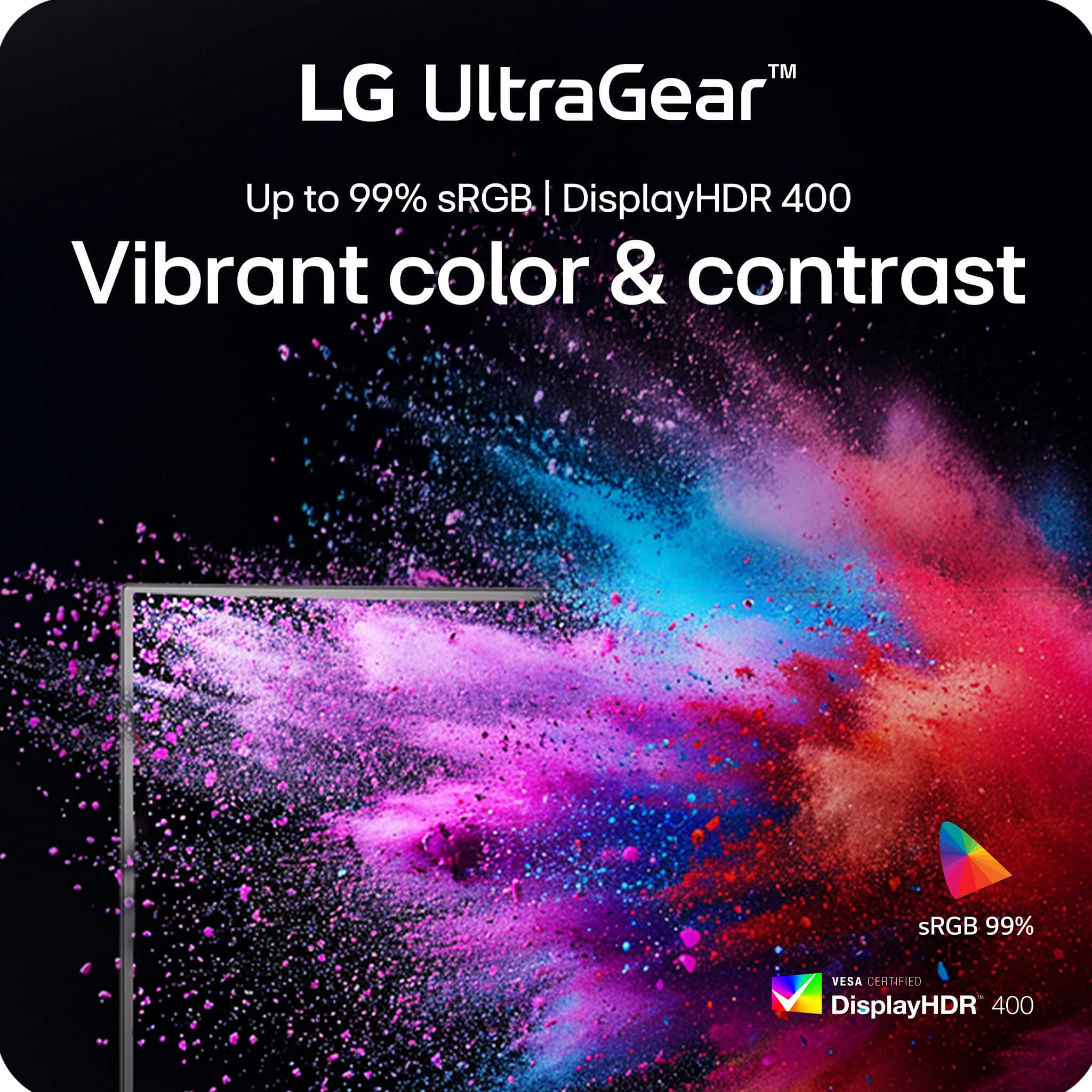
- A:Answer The LG 27-inch UltraGear™ IPS QHD 1440p 200Hz 1ms Gaming Monitor, Model # 27G610A-B, is a FreeSync™ Premium monitor and a DisplayHDR™ 400 Certified monitor. It has a Fresync™ range of 48 - 280 Hz over HDMI®...^Ivan.
Answered by LG Digital Customer Care
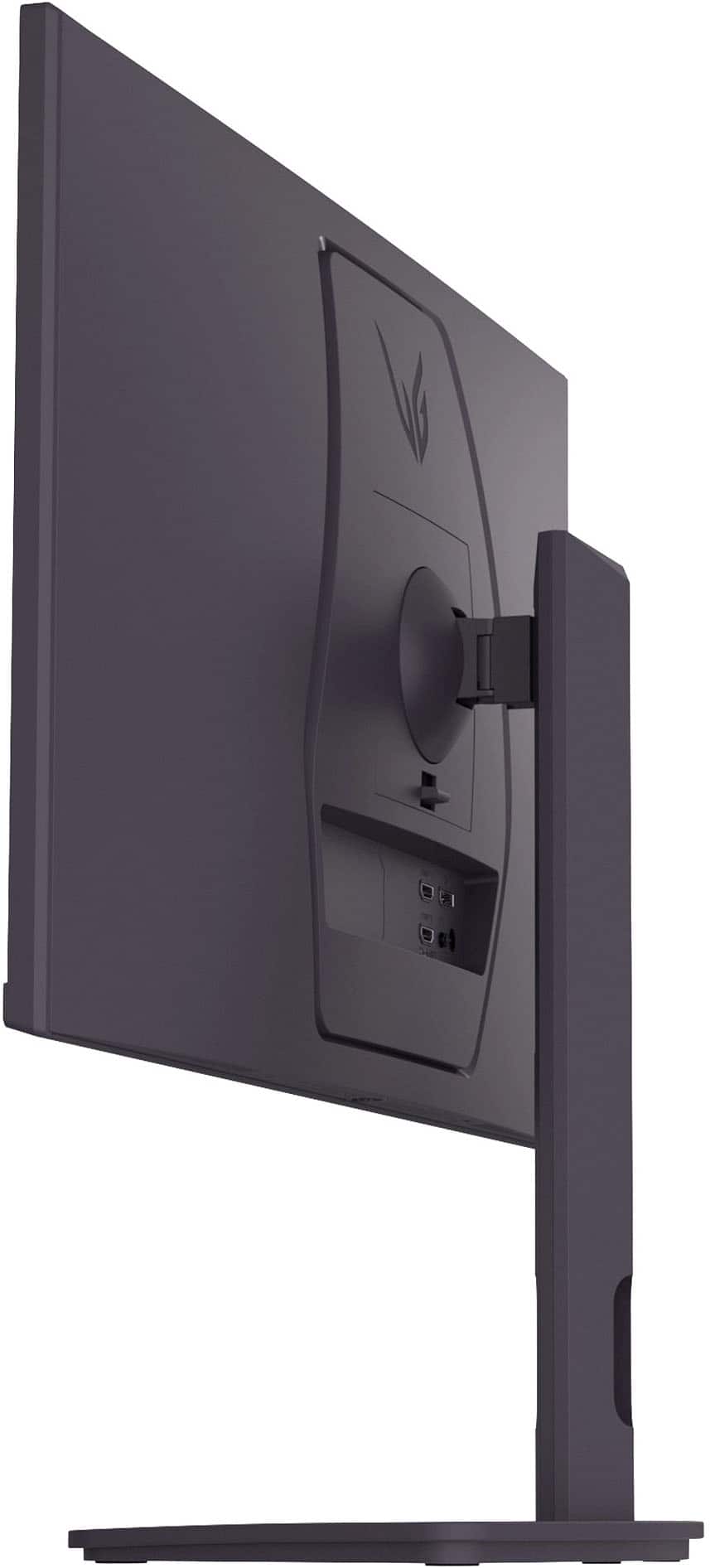
Q: Question1) does it have any USB ports 2) does it have a plug for earphones 3) does it come with an HDMI cable? What else in box?
Asked by Katia.
- A:Answer power cable and DP cable
Answered by PeterO
Q: QuestionCan the resoulution be changed on this monitor
Asked by Jaxx.
- A:Answer Hello there, Jaxx. Thank you for your interest in our products. We understand your inquiry regarding the resolution settings of the 27G610A-B monitor. Yes, while the monitor features a Native Resolution of QHD (2560 x 1440) for the best viewing experience, you can adjust the output resolution through the display settings of your connected computer or gaming console. https://www.bestbuy.com/product/lg-ultragear-27-ips-qhd-200hz-gaming-monitor-with-displayhdr-400-hdmi-displayport-black/JJ8VPZKQJ3 If you have any further questions about its features, please contact us on [email protected], and our team will be more than happy to assist you. —Renzo
Answered by LG Digital Customer Care
Q: QuestionCan this monitor support 4k if i have a 4k hdmi cable?
Asked by Hklepper.
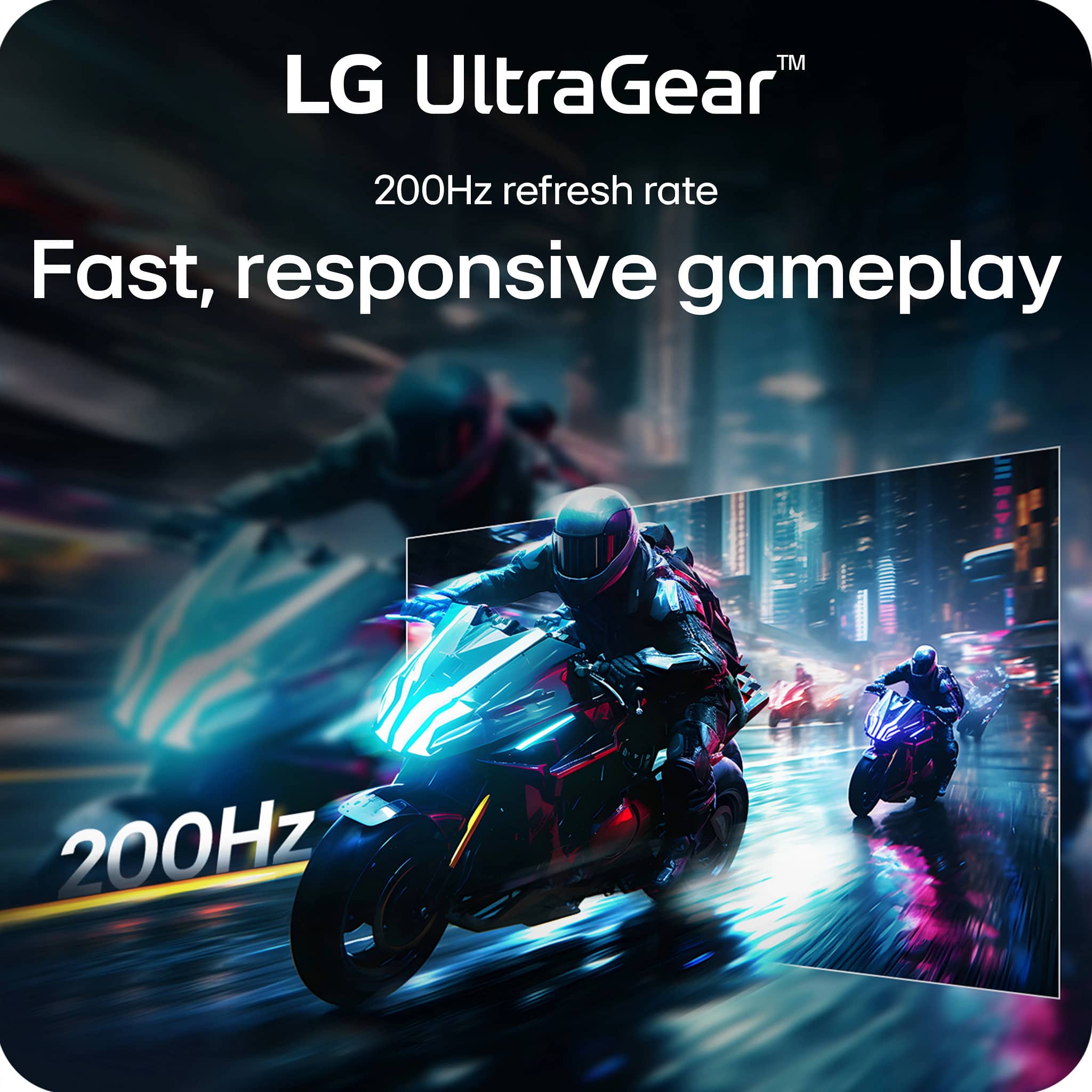
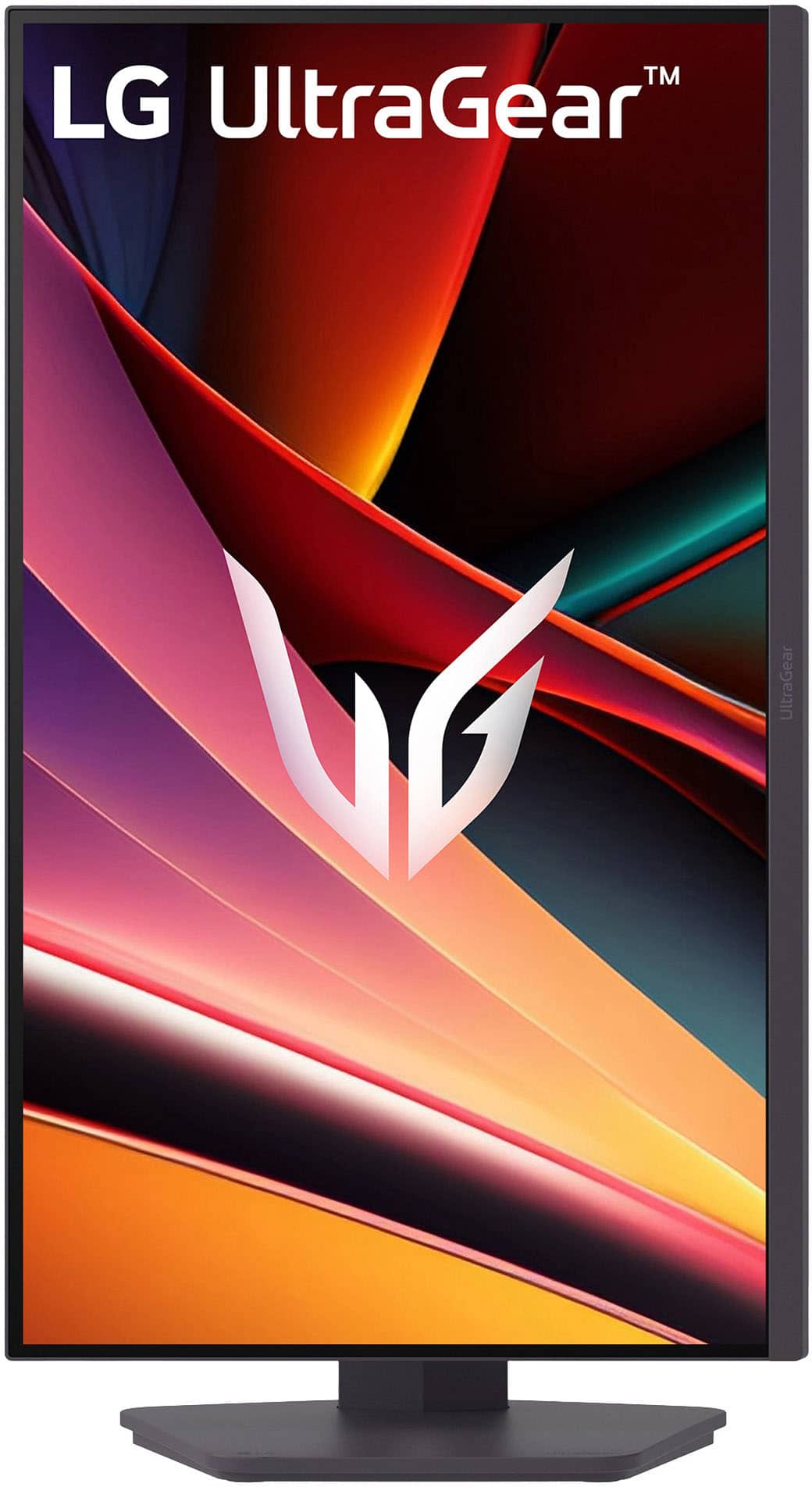
- A:Answer As indicated in the header, the LG 27-inch UltraGear™ IPS QHD 1440p 200Hz 1ms Gaming Monitor, Model # 27G610A-B, has a native QHD (2560 x 1440) resolution so it supports a max resolution of 2560 x 1440 @ 200 Hz (DisplayPort), and 2560 x 1440 @ 144 Hz (HDMI). Regardless of what High Speed HDMI®/™ cable you use, it does not support 4K (3840 x 2160)...^Ivan.
Answered by LG Digital Customer Care
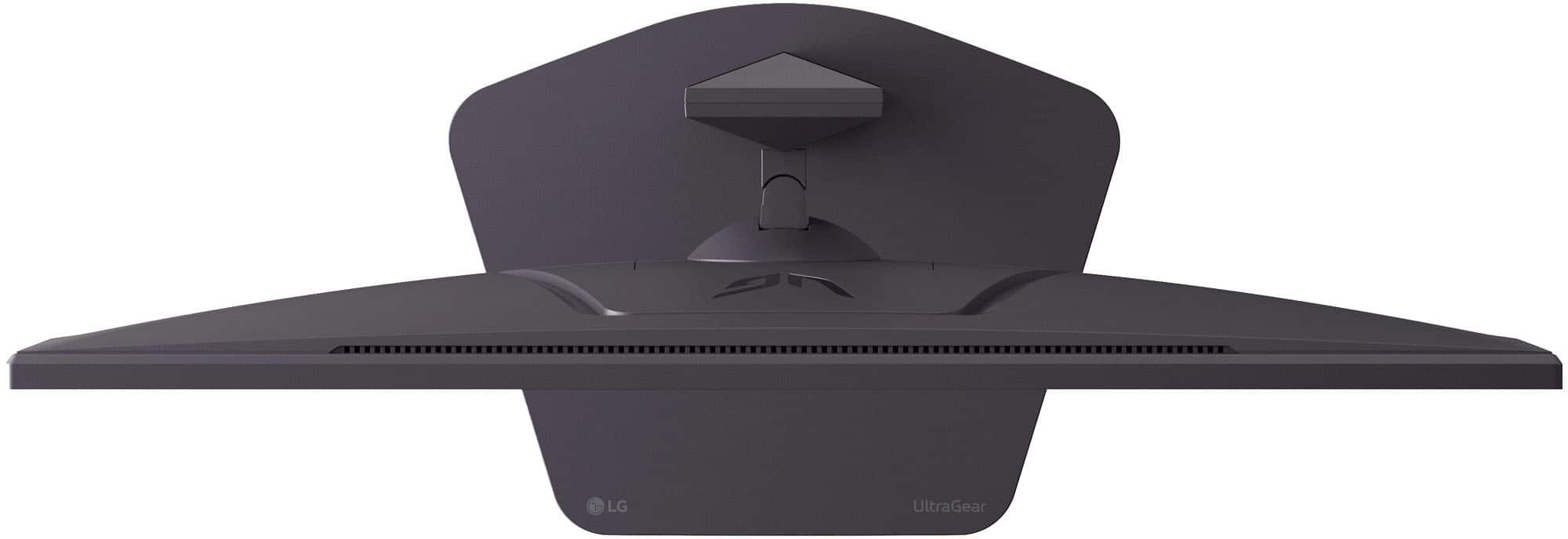
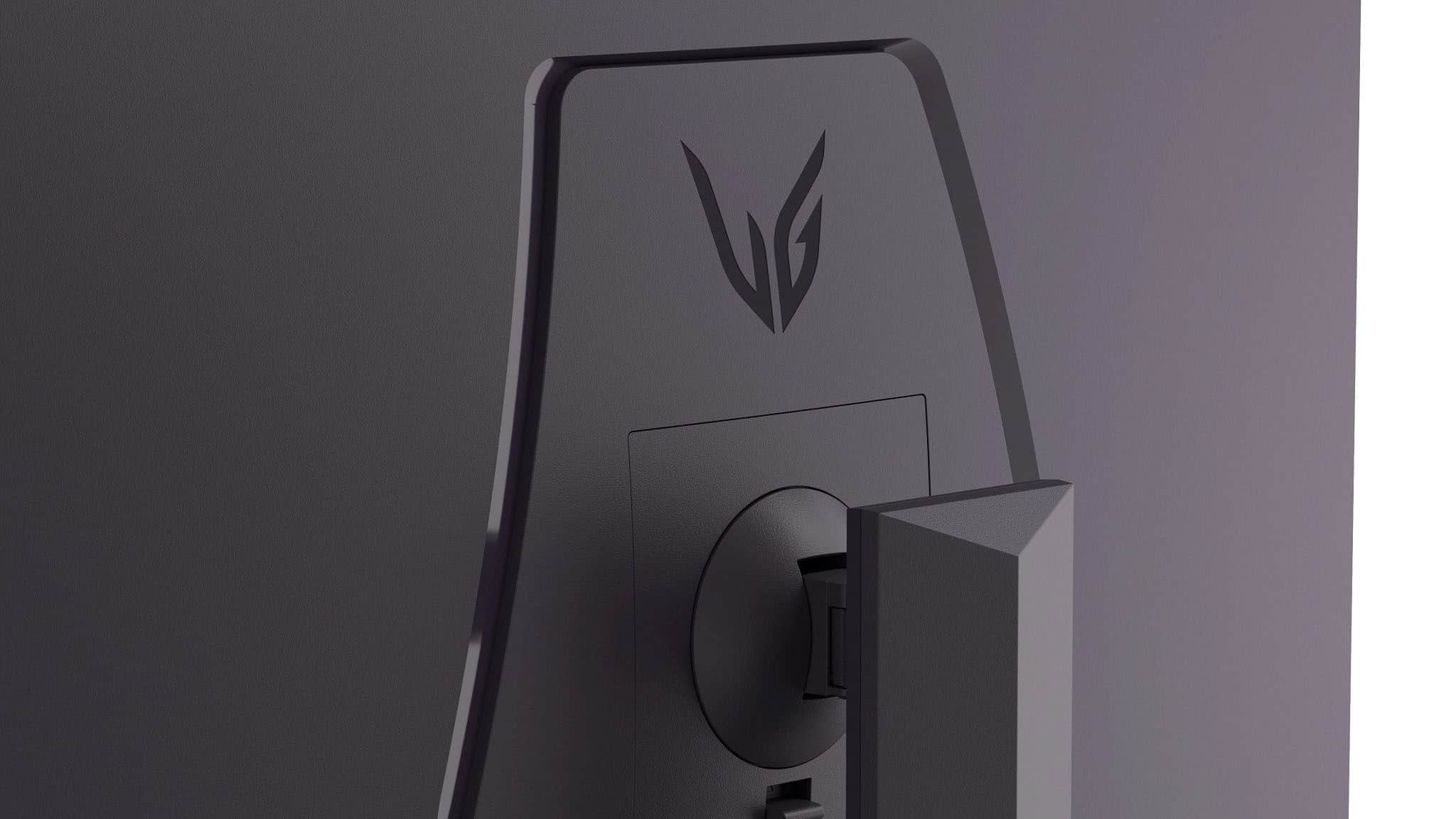
Q: QuestionCan it be mounted?
Asked by classicdylan.
- A:Answer Yes, might need spacers for some bracket screws
Answered by Brandon
Q: QuestionDoes it have a speaker on the monitor or do I have to use a separate audio device? I'm asking as when I try to use it as an audio option (it shows up as one in settings) it doesn't work. I'm using windows 11.
Asked by Feddy.
- A:Answer No speaker built in to the monitor
Answered by JazminD
Q: QuestionWhat is a display port cable?
Asked by Hoogie.
- A:Answer The shape is different shape than the hdmi and allows to get ability from the monitor like color and refresh rate.
Answered by TbnT
Q: QuestionWhere is the power cord located? I can’t find it and it’s not in the box
Asked by Marley.
- A:Answer Hi there, Marley. Thank you for sharing your experience with us. We understand your inquiry regarding the power accessories for your LG UltraGear Gaming Monitor, model 27G610A-B. We would like to assist you in locating the necessary components to get your monitor powered on and ready for use. Based on the official specifications, this unit utilizes an external power adapter rather than a standard internal power cord. Often, during the unboxing process, smaller accessories like the power adapter and its accompanying cord are tucked into specific recessed compartments within the styrofoam packaging or taped to the underside of the protective inserts to keep them secure during transit. As a troubleshooting step to help you find it, we recommend carefully inspecting all sides of the styrofoam packaging, including the cardboard flaps, as the power adapter is frequently packaged separately from the larger cables like the DisplayPort cable. We want to ensure you have a complete setup to enjoy the 200Hz refresh rate and QHD resolution of your new monitor. https://www.bestbuy.com/product/lg-ultragear-27-ips-qhd-200hz-gaming-monitor-with-displayhdr-400-hdmi-displayport-black/JJ8VPZKQJ3 If you have thoroughly checked all the packaging materials and the power adapter is still not found, please contact us on [email protected], and our team will be more than happy to assist you further with obtaining the necessary parts. —Renzo
Answered by LG Digital Customer Care
Q: QuestionIs this monitor dependent on a computer or phone to adjust its display settings? Our church would plan to use it as a stand alone to display views of our church cameras.
Asked by Anonymous.
- A:Answer computer
Answered by StephenS
Q: QuestionHow quickly does it adapt to a change in input? If I switch between input ports or switch my KVM, how long until it re-acquires a usable picture?
Asked by gsteemso.
- A:Answer Hi there. Thank you for sharing your inquiry with us regarding your 27G610A-B monitor. We understand your inquiry about the speed of input adaptation when switching sources. While we do not have a specific millisecond or second measurement for the input signal acquisition time, we want to assure you that your monitor is designed for a fast and seamless experience, especially since it is a high-performance gaming display. Features such as Dynamic Action Sync and the inclusion of Auto Input Switch are engineered to minimize input lag and streamline the process of detecting and displaying a new source. These features ensure the monitor quickly processes the new signal and displays a usable picture. https://www.bestbuy.com/product/lg-ultragear-27-ips-qhd-200hz-gaming-monitor-with-displayhdr-400-hdmi-displayport-black/JJ8VPZKQJ3 If you have any further questions about optimizing your monitor settings or its features, please contact us on [email protected], and our team will be more than happy to assist you. —Renzo
Answered by LG Digital Customer Care
Q: QuestionIs this monitor good for office work, typing letters, excel, word type administrative work?
Asked by True.
- A:Answer At 27 inches it’s the perfect size. A big screen for visualizing documents and spreadsheets, but a small enough footprint it doesn’t get in the way
Answered by UberRN
Q: QuestionDoes this monitor support VRR on a ps5? What Display port does this monitor have?
Asked by Julian.
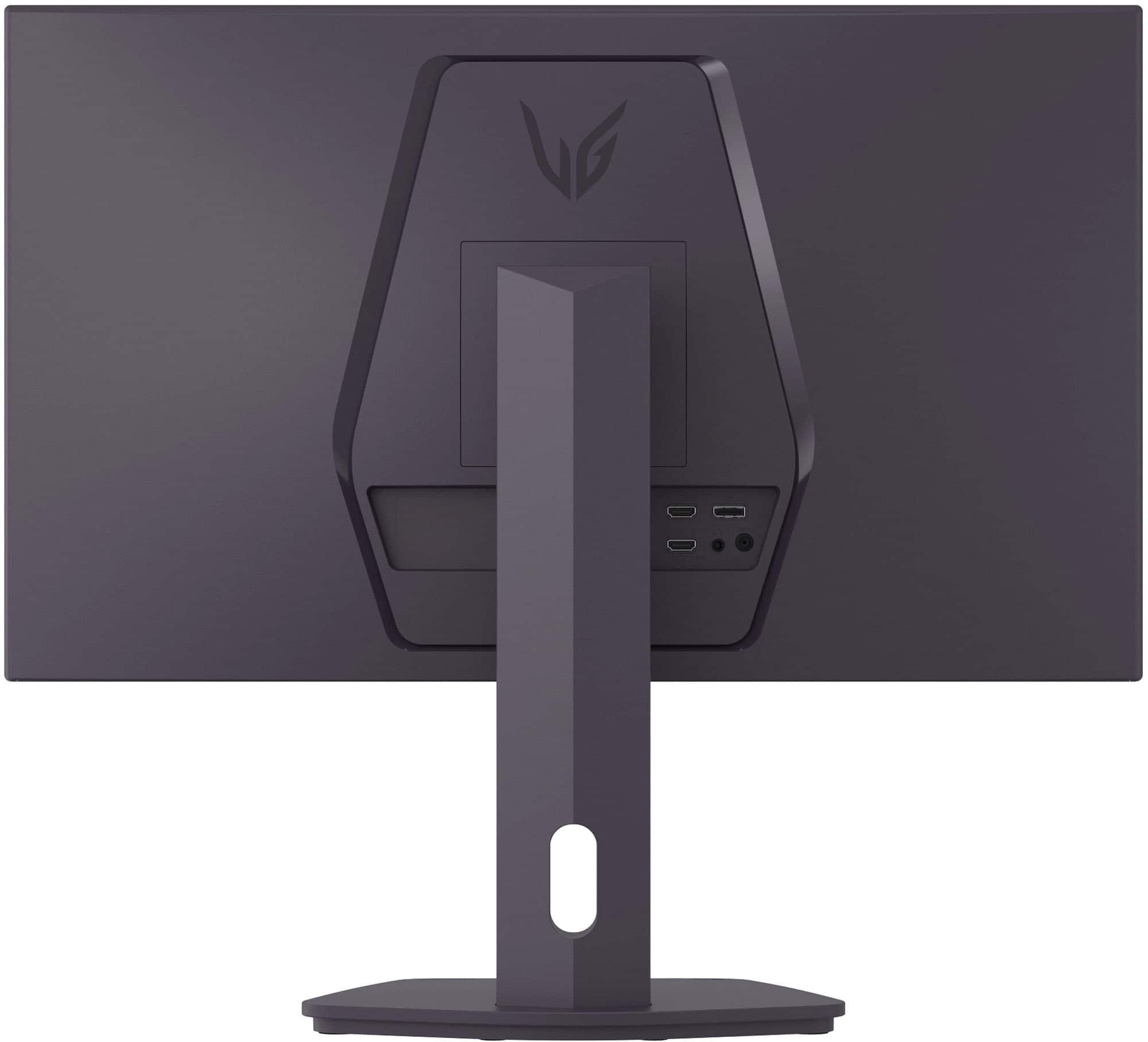
- A:Answer It has a display port, two hdmi 2 ports, and a regular hdmi port.
Answered by Realperson
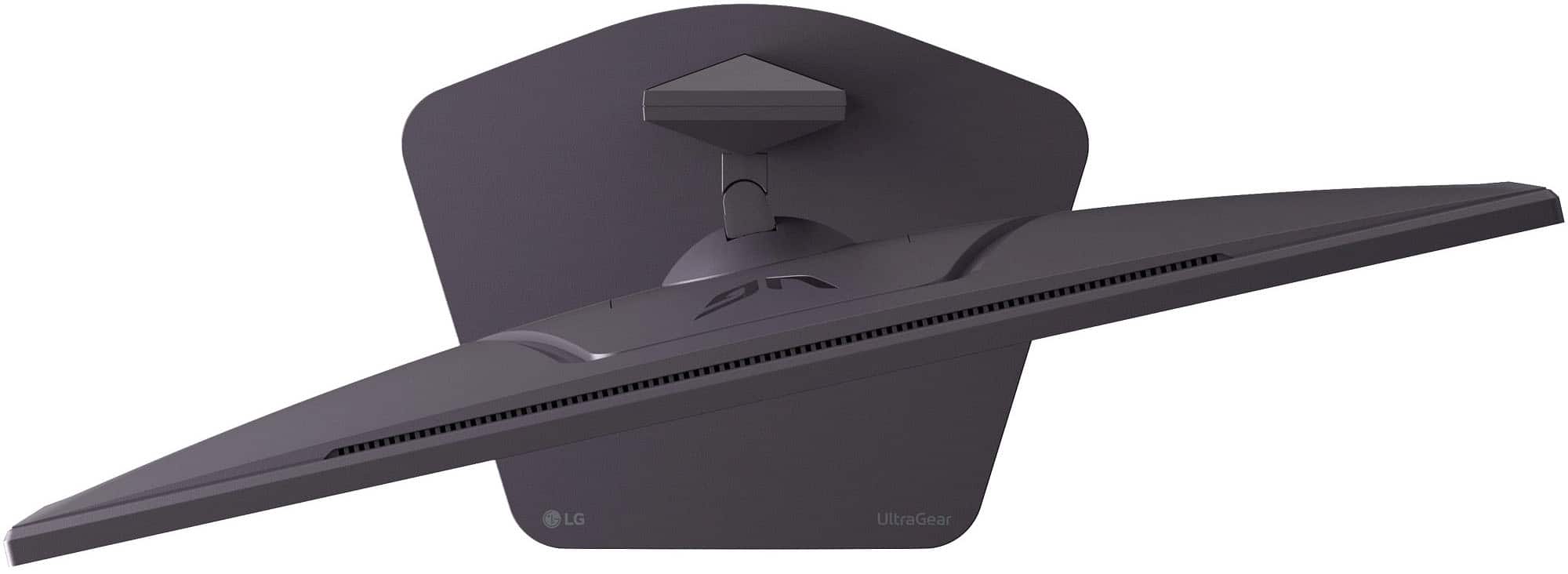
Q: QuestionDoes the monitor swivel up and down?
Asked by HaroldB.
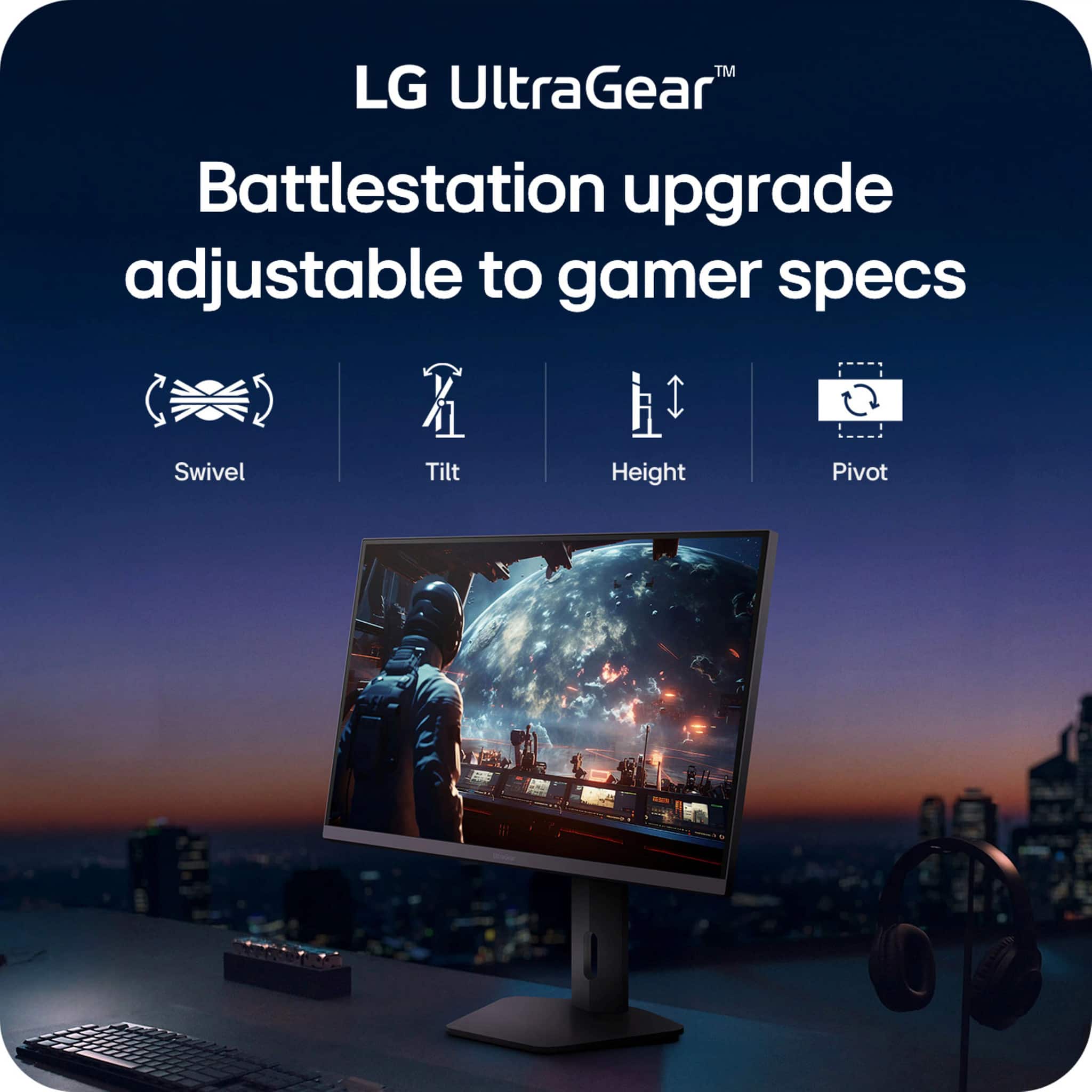
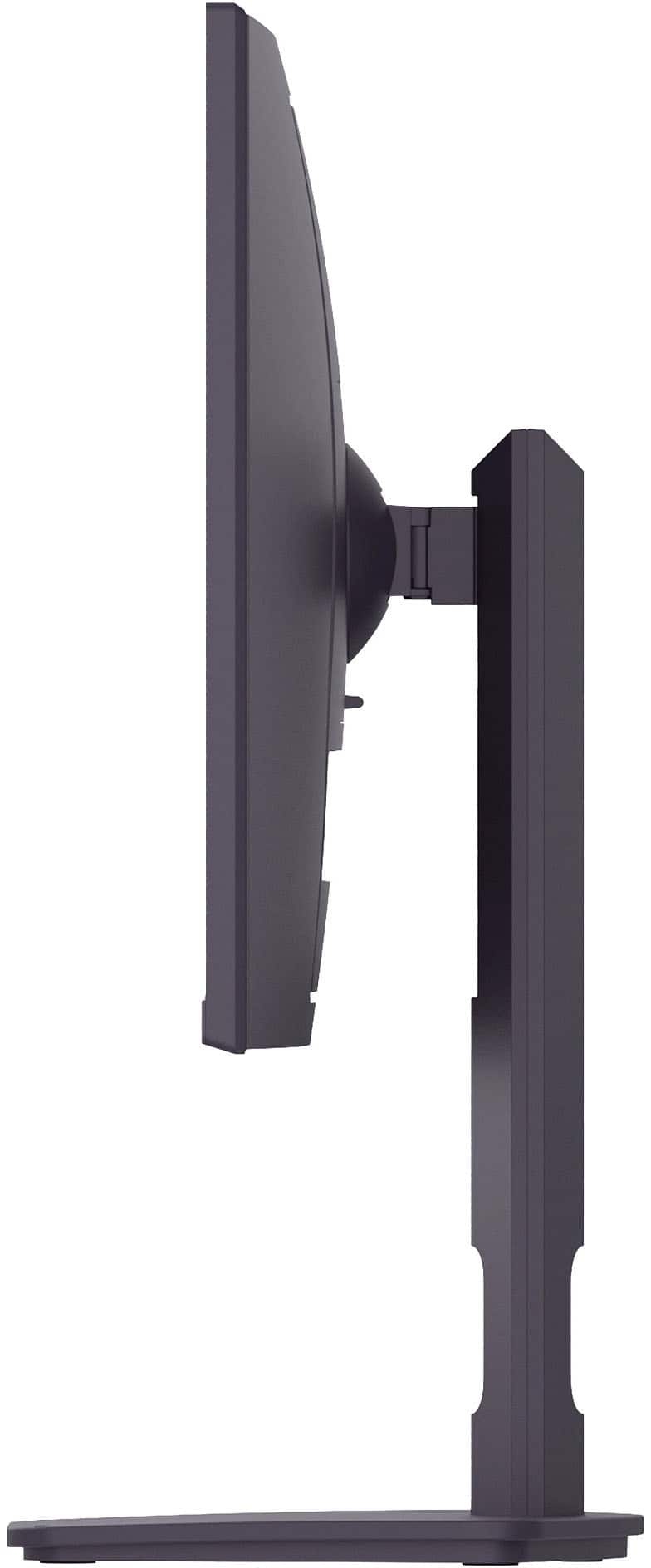
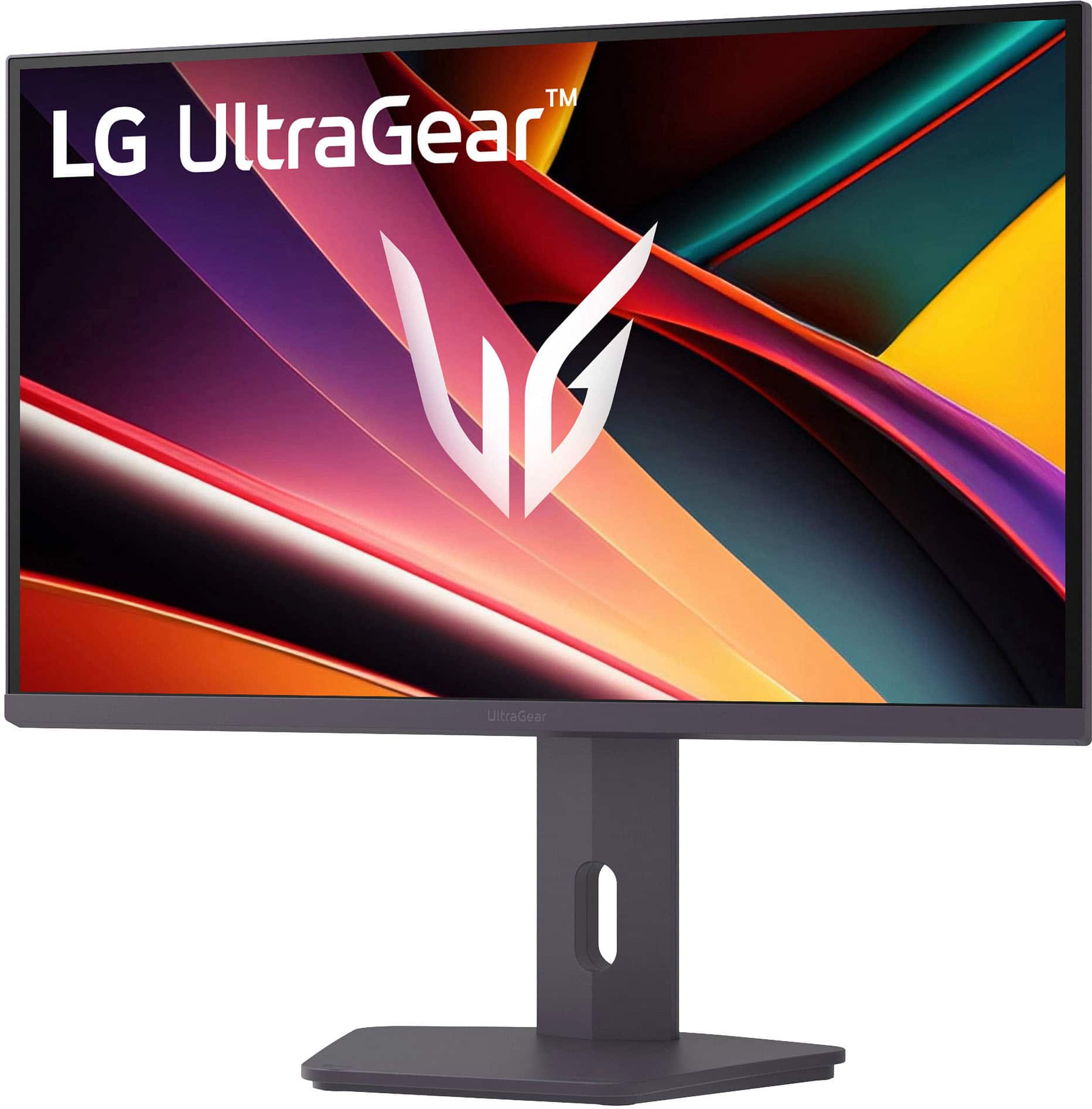
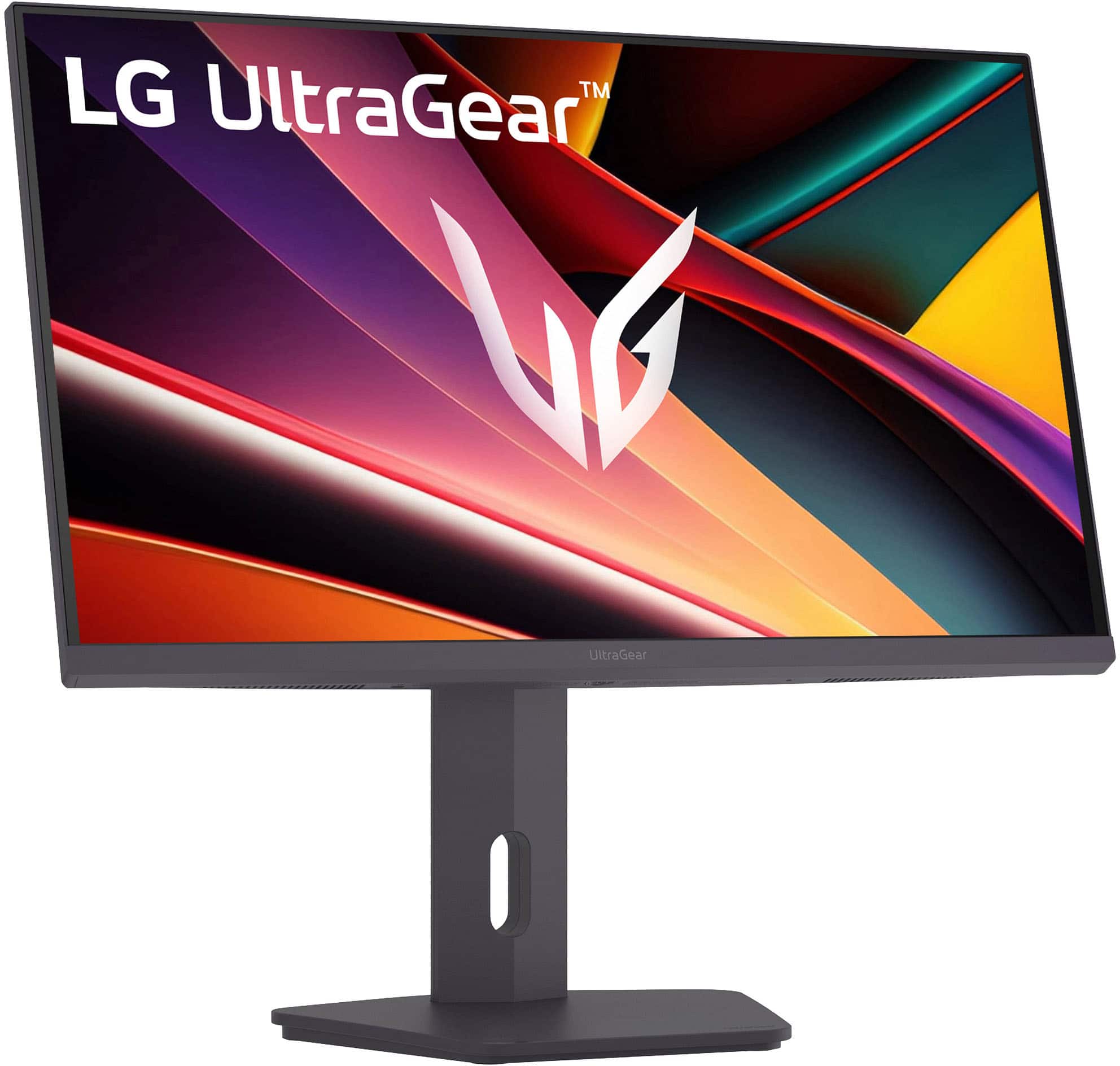
- A:Answer It can tilt up and down, raise and lower, and rotate 90°, but no twisting (rotating) left or right.
Answered by UberRN
Q: QuestionDoes it come with the HDMI CABLE? Or we should buy another HMDI CABLE to connect it to my computer?
Asked by 123456.
- A:Answer It comes with a display port cable only no HDMI cable
Answered by UberRN
Q: QuestionDoes the monitor have hdmj 2.1? I’m asking so I know if my Xbox will run 1440p at 120hz on this monitor.
Asked by Cell.
- A:Answer Hello there, Cell. Thank you for sharing your inquiry with us. We understand your question about the LG UltraGear™ QHD IPS Gaming Monitor (27GR610A-B) and its HDMI version for your Xbox. This monitor features HDMI 2.0 ports. While HDMI 2.0 supports 1440p at 120Hz, performance may vary depending on your Xbox settings and specific game. https://www.bestbuy.com/product/lg-ultragear-27-ips-qhd-200hz-gaming-monitor-with-displayhdr-400-hdmi-displayport-black/JJ8VPZKQJ3 If you have any further questions about its features, please send us a private message on Social Media @LGUSSupport, and our team will be more than happy to assist you. —Renzo
Answered by LG Digital Customer Care
Q: QuestionIs this G-Sync compatible?
Asked by Anonymous.
- A:Answer No, but you can force it in Nvidia settings for video card and it works just fine.
Answered by woof
Best-selling gaming monitors
- $209.99Your price for this item is $209.99$349.99The comparable value for this item is $349.99
- $199.99Your price for this item is $199.99$299.99The comparable value for this item is $299.99
- $313.00Your price for this item is $313.00$349.99The comparable value for this item is $349.99
- $379.99Your price for this item is $379.99
- $169.99Your price for this item is $169.99
- $269.99Your price for this item is $269.99$349.99The comparable value for this item is $349.99
- $129.99Your price for this item is $129.99$209.99The comparable value for this item is $209.99
- $999.99Your price for this item is $999.99$1,699.99The comparable value for this item is $1,699.99
- $119.99Your price for this item is $119.99$159.99The comparable value for this item is $159.99
- $209.99Your price for this item is $209.99$269.99The comparable value for this item is $269.99
- $209.99Your price for this item is $209.99$459.99The comparable value for this item is $459.99
- $679.99Your price for this item is $679.99$899.99The comparable value for this item is $899.99
- $1,499.99Your price for this item is $1,499.99$1,999.99The comparable value for this item is $1,999.99
- $209.99Your price for this item is $209.99
- $379.99Your price for this item is $379.99$549.99The comparable value for this item is $549.99
- $399.99Your price for this item is $399.99$649.99The comparable value for this item is $649.99
- $749.99Your price for this item is $749.99$799.99The comparable value for this item is $799.99
- $249.99Your price for this item is $249.99$299.99The comparable value for this item is $299.99