Early Black Friday DealsNew Doorbusters through SundayShop now

Main Content

Questions & Answers

Your price for this item is $229.99
The comparable value price is $299.99
Page Showing 61-77 of 77 questions
  • QuestionWhen will this monitor be available? I want to use it with the Xbox Series X.

    Asked by Zach.

    • Answer We are sorry for the delayed availability of products. We are working as quickly as possible to make our products available. Please consult directly with the store for more information. I cannot provide a concrete date as to when this unit will be available. We appreciate your commitment to the LG brand. Please bear with us as we navigate uncharted waters to resolve the delay. Again, we apologize for the delay and any inconvenience it has caused. ^Daphane

      Answered by LG Digital Customer Care

  • QuestionDoes this item have HDMI 2.1?

    Asked by Robo.

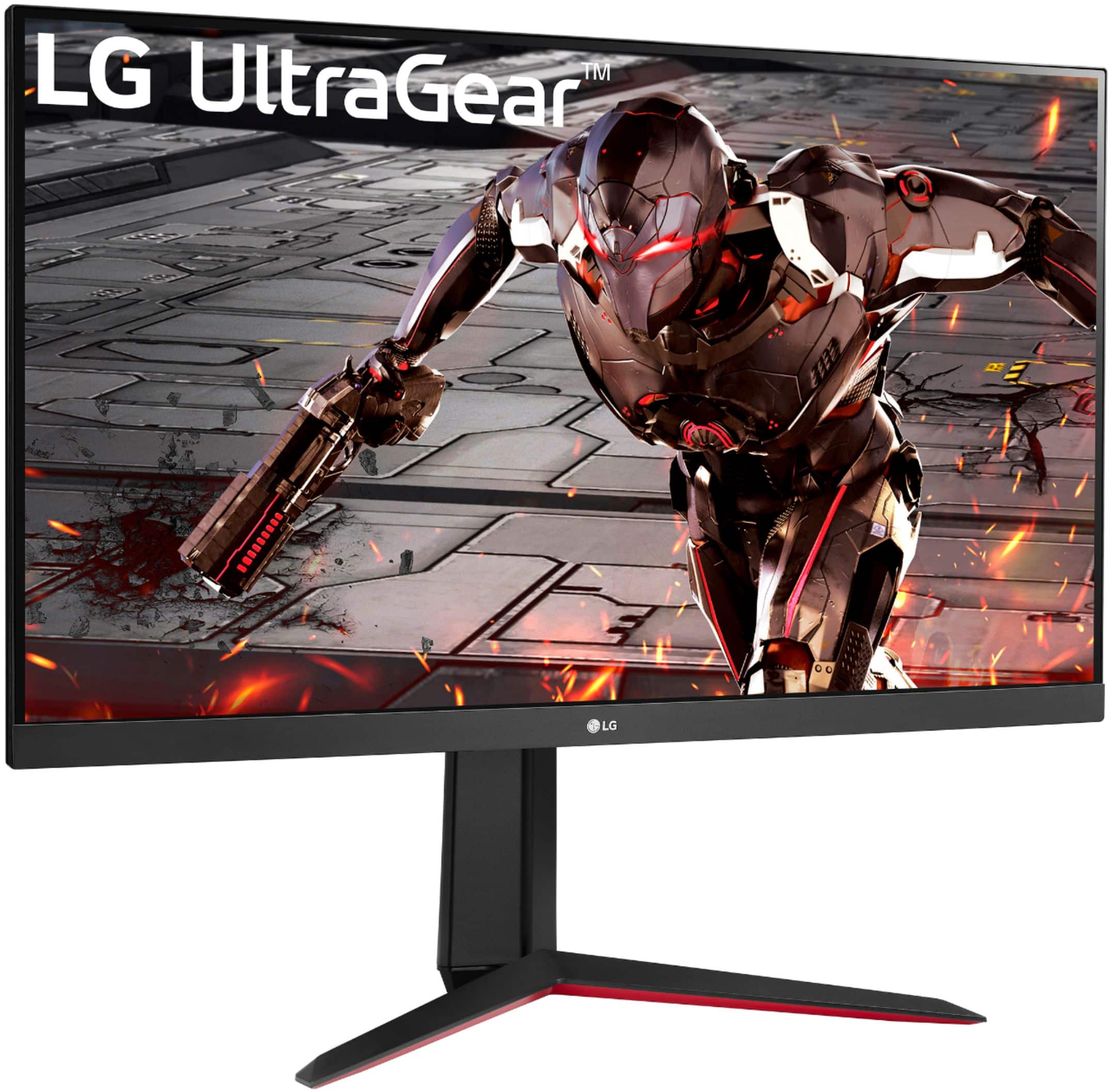
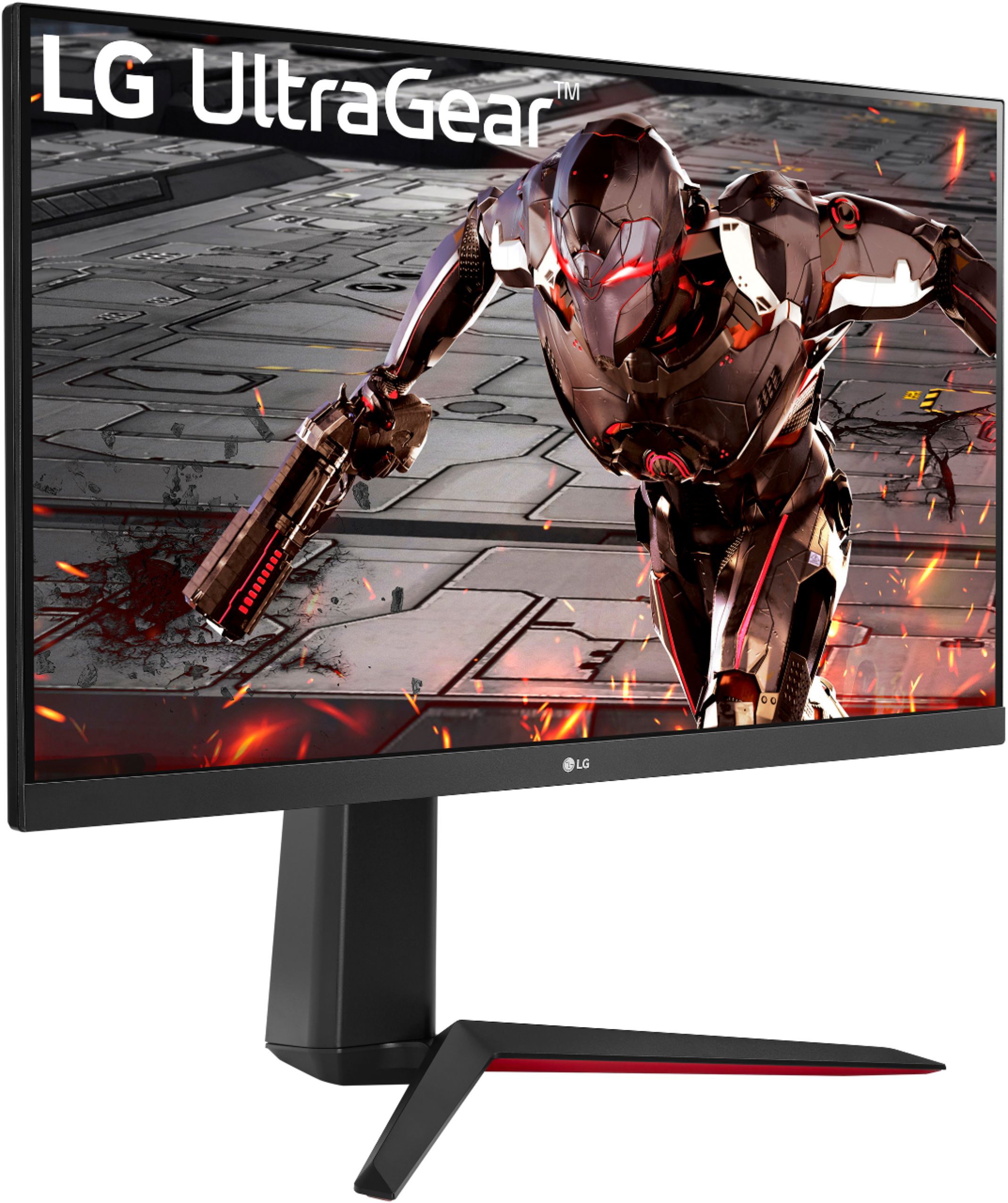
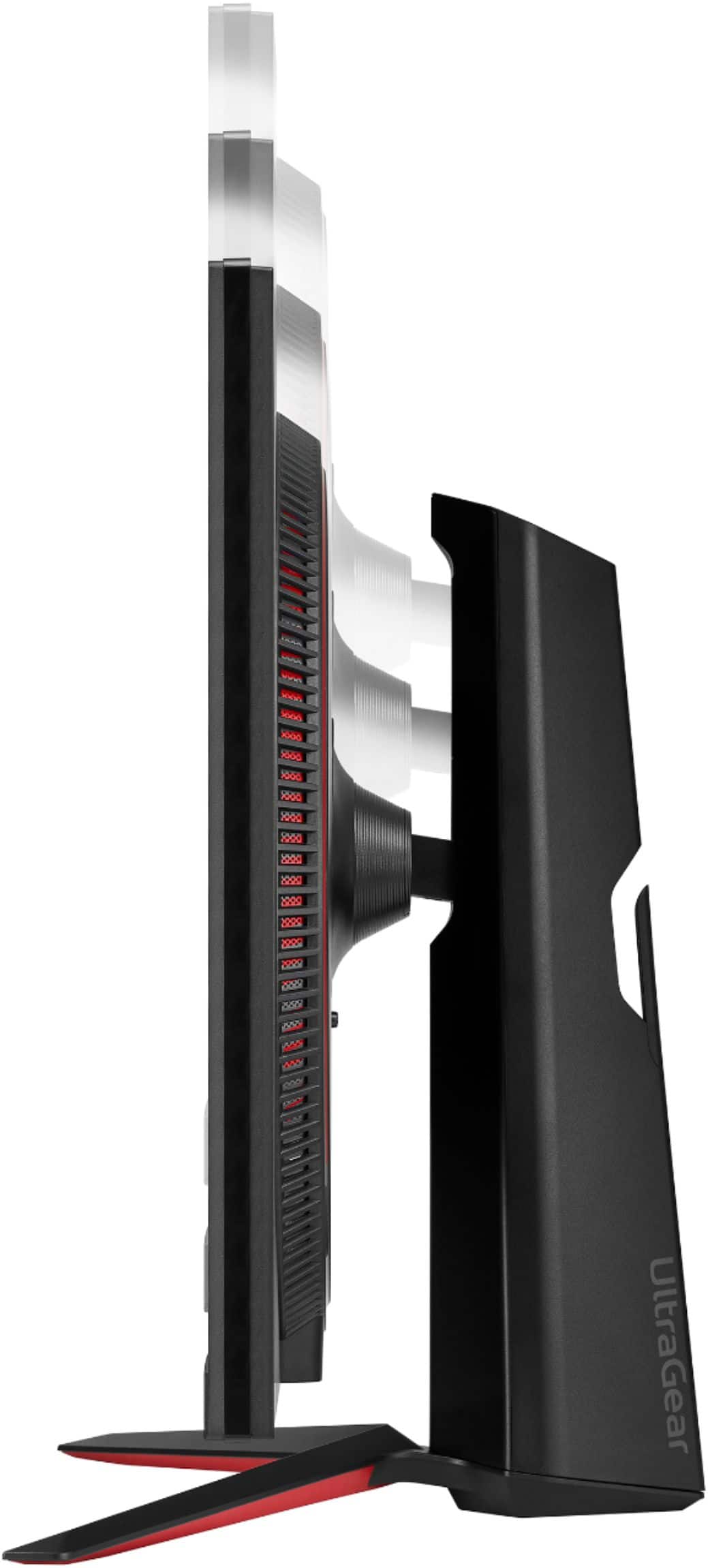
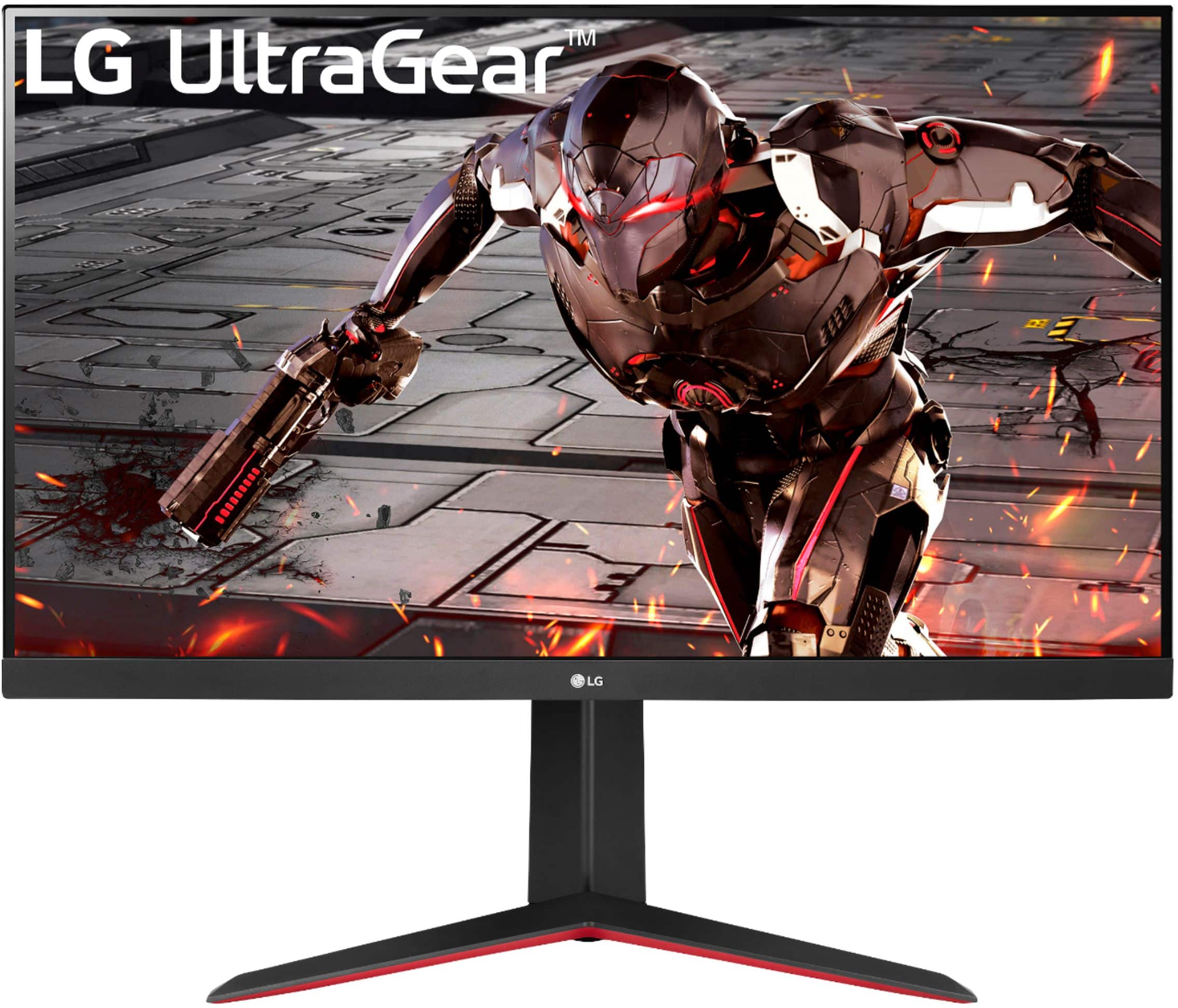
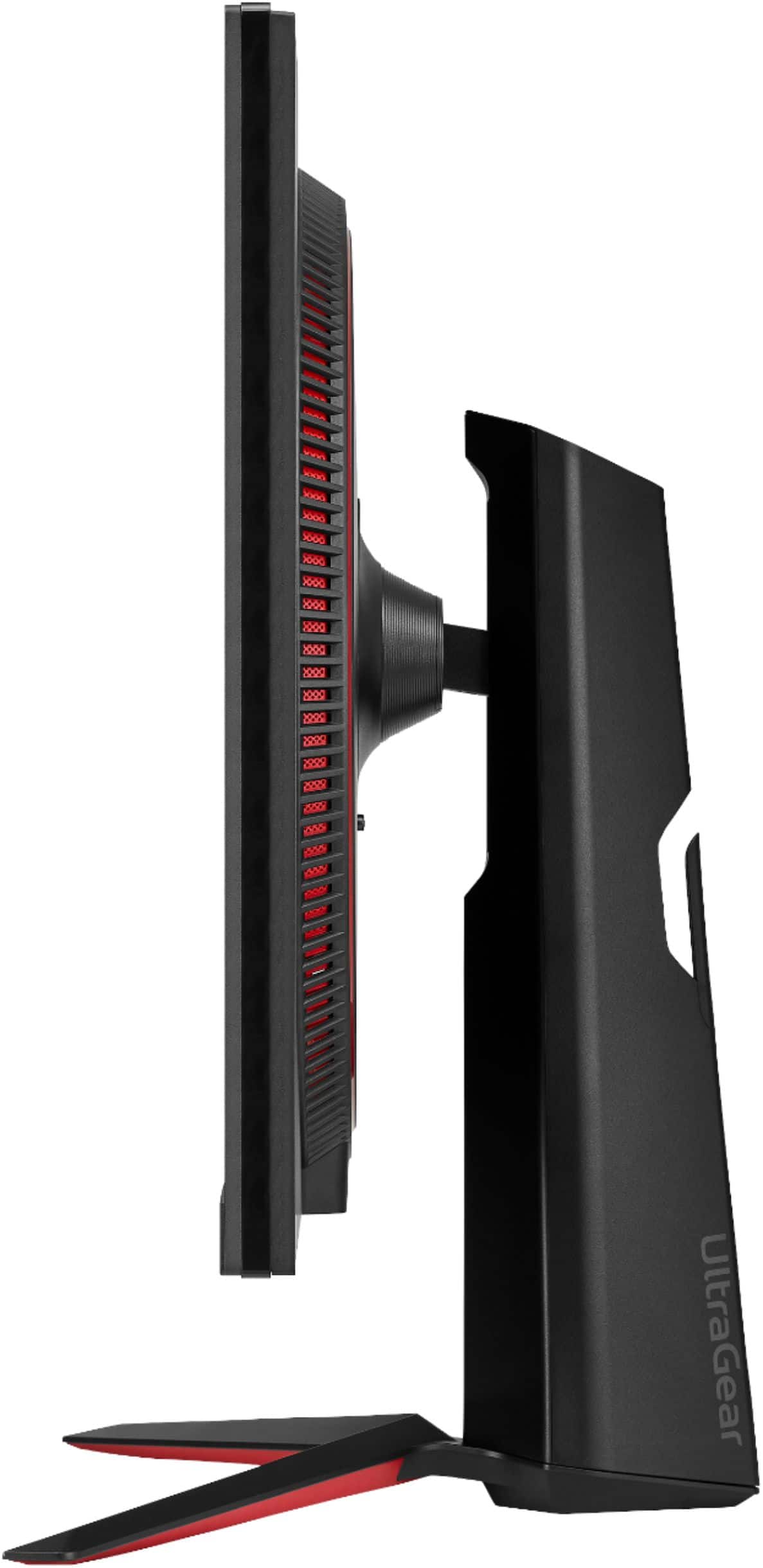
    • Answer Thank you for your interest in the LG Monitor (32GN650-B) model. The LG 32GN650-B Ultragear Gaming Monitor is a 32" QHD display with a 165Hz refresh rate, 1ms Motion Blur Reduction, HDR 10, and sRGB 95% Color Gamut. It features AMD FreeSync technology and offers a virtually borderless design with adjustable stand options like height, pivot, and tilt. You can download its owner's manual through this link for more information: https://www.lg.com/us/support/product/lg-32GN650-B.AUS. ^Cris
      Answered by LG Digital Customer Care

  • QuestionI was changing resolution and suddenly it changed to 0x0 and 0hz what should i do/what can i do?

    Asked by Aba.

    • Answer Thank you for raising your concern regarding LG Monitor (32GN650-B) model. If the resolution of your LG 32GN650-B monitor suddenly changes to 0x0 and 0Hz, try these steps: Check the Connection: Make sure the cable connecting your monitor to the computer is securely plugged in. Restart the Computer: A simple restart can reset the display settings and fix the issue. Adjust Display Settings: Right-click on the desktop, choose "Display Settings," and select a supported resolution like QHD (2560 x 1440) and a compatible refresh rate. Factory Reset: If the problem continues, consult the user manual for instructions on performing a factory reset on the monitor. If problem persist, please reach out to us on social media @LGUSSupport so we can help you further. ^Cris

      Answered by LG Digital Customer Care

  • Questioncan you use a hdmi 2.1 cable on this monitor ?

    Asked by dfwtxjose.

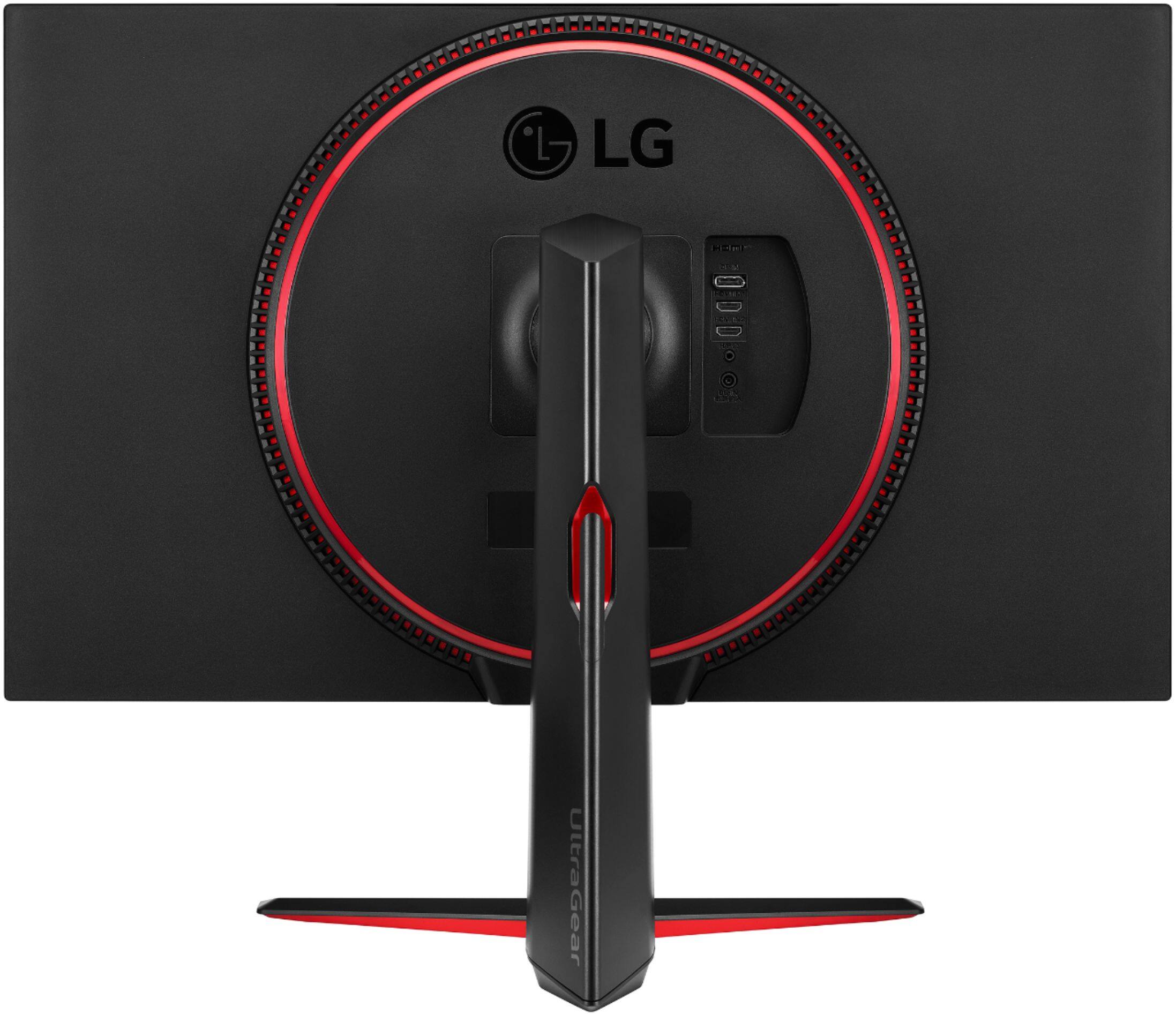
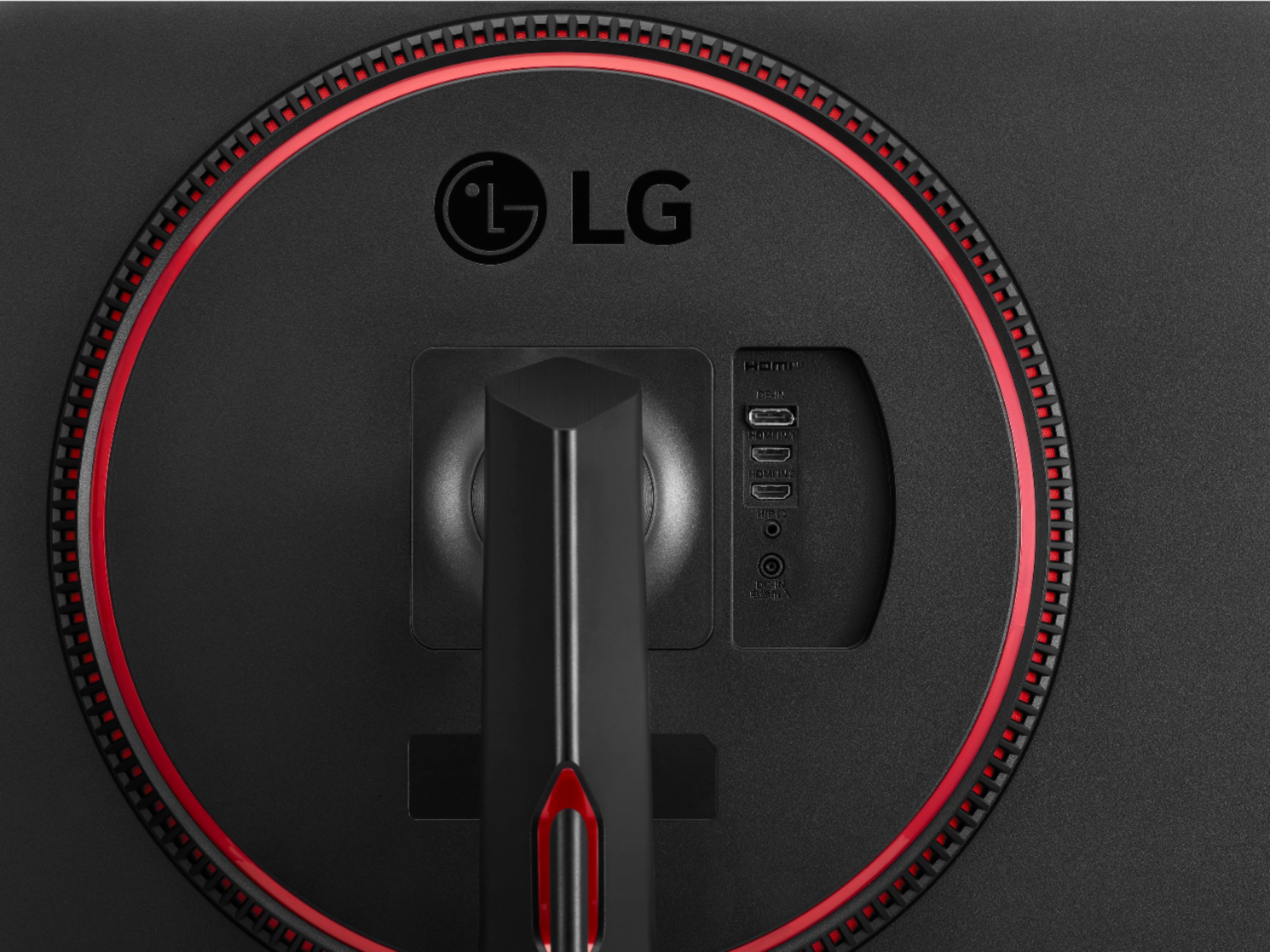
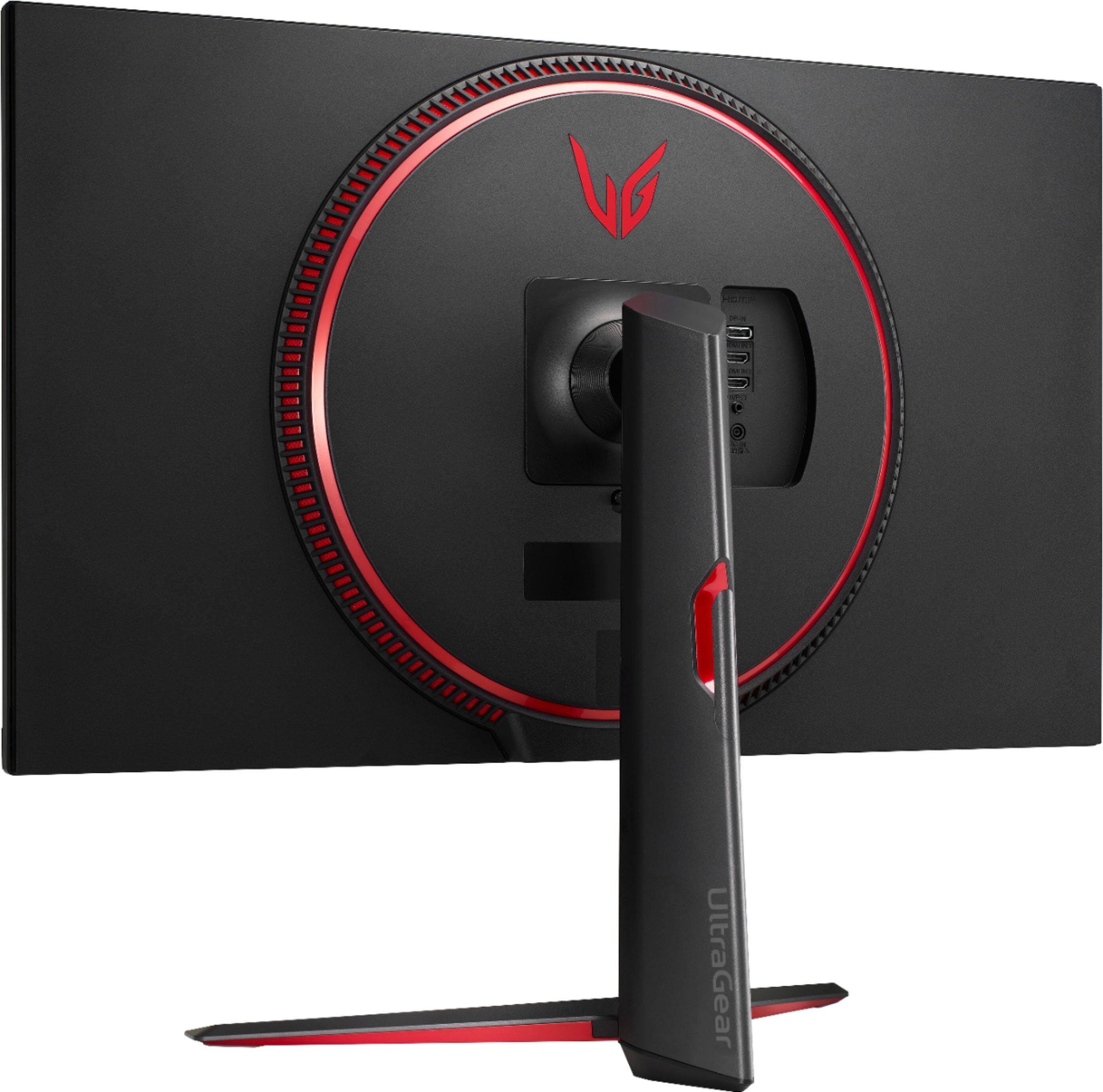
    • Answer Looking at the monitor and All im seeing are 2 HDMI ports and the cord it comes with so im not say no the don’t support HDMI 2.1

      Answered by GamerHappy

  • QuestionHow many frames per second does this monitor run?

    Asked by Peter.

    • Answer 150-500

      Answered by Basel

  • QuestionExtended to a dual display issues. I want to dual display with the monitor but its not able to. As soon as I select 'extend these displays' the monitor goes black. I works with 'duplicate these displays' I am on Windows 10. Help would be appreciated.

    Asked by TropicalWeeble.

    • Answer Please reach out to our technical support team via private message on Facebook @LGUSSupport and use #VOC in your first message to our social media support team or call at 800-243-0000. Also, be sure to provide your contact information, model/serial numbers and date of purchase. ^Daphane

      Answered by LG Digital Customer Care

  • QuestionIs this monitor a like for like for Monitor Model# 32GK650K, we bought it for our son Christmas 2020?

    Asked by Mike.

    • Answer Overall the monitors are alike. They have the similar features. but in looking at the specifications, there are some differences. Please see the product page for detailed specification for model 32GN650-B, https://www.lg.com/us/monitors/lg-32gn650-b-gaming-monitor?gclid=EAIaIQobChMI1NKE19Xm8wIVwYODBx0hpwcBEAAYASAAEgIrvPD_BwE&gclsrc=aw.ds. ^Daphane

      Answered by LG Digital Customer Care

  • QuestionDoes this monitor work with my ps5 for the graphics can look good? Because with my current tv the graphics look like ps4.

    Asked by Santiago.

    • Answer This monitor has a recommended resolution of 1920 x 1080 @ 144Hz. This monitor does not have HDMI 2.1 and will not support 4K@120Hz. ^Daphane

      Answered by LG Digital Customer Care

  • QuestionDoes this support a 2.1 hdmi cord

    Asked by Anonymous.

    • Answer No, the 2- HDMI inputs are version 2.0. ^Daphane

      Answered by LG Digital Customer Care

  • QuestionIs it 4K 120hz and for ps5

    Asked by Anonymous.

    • Answer This monitor has a maximum resolution 1920 x 1080 @ 144Hz. This monitor does not have HDMI 2.1 and will not support 4K@120Hz. ^Daphane

      Answered by LG Digital Customer Care

  • QuestionDoes this monitor have built-in speakers?

    Asked by newtogame.

    • Answer No, this monitor does not have built in speakers. ^Daphane

      Answered by LG Digital Customer Care

  • QuestionWill the freesync work with Ge Force video cards?

    Asked by Geforce.

    • Answer free sync works with the displayport cable, but you will not have the 1ms motion blur reduction option. it's either free sync or the 1ms motion blur option.

      Answered by ErPup

  • QuestionPlease confirm the DisplayPort Version is it 1.2 or 1.4?

    Asked by DJDAVE.

    • Answer Honestly I could not tell you the hdmi works perfectly with my consoles but was not ablw to get the display port to show anything sure it could be a user error or might have got the wrong cord but the one I got supports all the way up to 165hz but I ended up getting a HDMI switcher so I could use up to three devices. Sorry I couldn't be of help. But I can tell you this since it came out last year I would try 1.2 first since there just releasing monitors with 1.4 this year but HDMI I am running 8k/4k 1.4

      Answered by Tony

  • QuestionWill this monitor 'unofficially' work with G-Sync like the 32GK650F?

    Asked by Lynn91.

    • Answer Hey, I might be a bit late to answer your question but I have just received this monitor yesterday and there seems to be some brightness flickering with gsync enabled but there does not seem to be flickering with G-sync turned off. Looks like it's a compatibility issue and also it being so new I am not even sure if any upcoming driver updates from NVIDIA should even fix this problem. I thought this monitor shared the same panel type as the 850G monitor? Not sure what I will do in regards to keeping this monitor. I have contacted LG support too but they seem to offer the turning off and then turning on the monitor "fix" I feel that they are completely unaware of it. The worst part is there are no reviews for the monitor and comparing my issues with someone else is going to be hard. Not sure what I shall do at this point.

      Answered by Rohan

  • QuestionCan I set up speakers with this monitor since it don’t have audio?

    Asked by RAy.

    • Answer Yes, it has a headphone jack in the back near the video inputs.

      Answered by Erby

  • QuestionDoes audio passthrough and 165hz work for anyone? Audio stutters when it's set at 165hz but doesn't when it's 144hz. I am using the display port.

    Asked by Kbai.

    • Answer Audio still seems to stutter when it was changed to 120hz on a m1 macbook pro. This might be a m1 issue since I didn't encounter the audio stuttering at 165hz on my windows laptop

      Answered by Kbai

  • QuestionWill this monitor work with a ps 5?

    Asked by Gamer.

    • Answer Yes, I use it for my Xbox series x and I am able to play at 120hz.

      Answered by Nicholas