Questions & Answers
- Model:
- 45GX950A-B
- |
- SKU:
- 11083571
$1,616.99
Save $383
Comp. Value: $1,999.99
Page Showing 41-44 of 44 questions
Q: QuestionIs this a smart monitor ?
Asked by Anonymous.
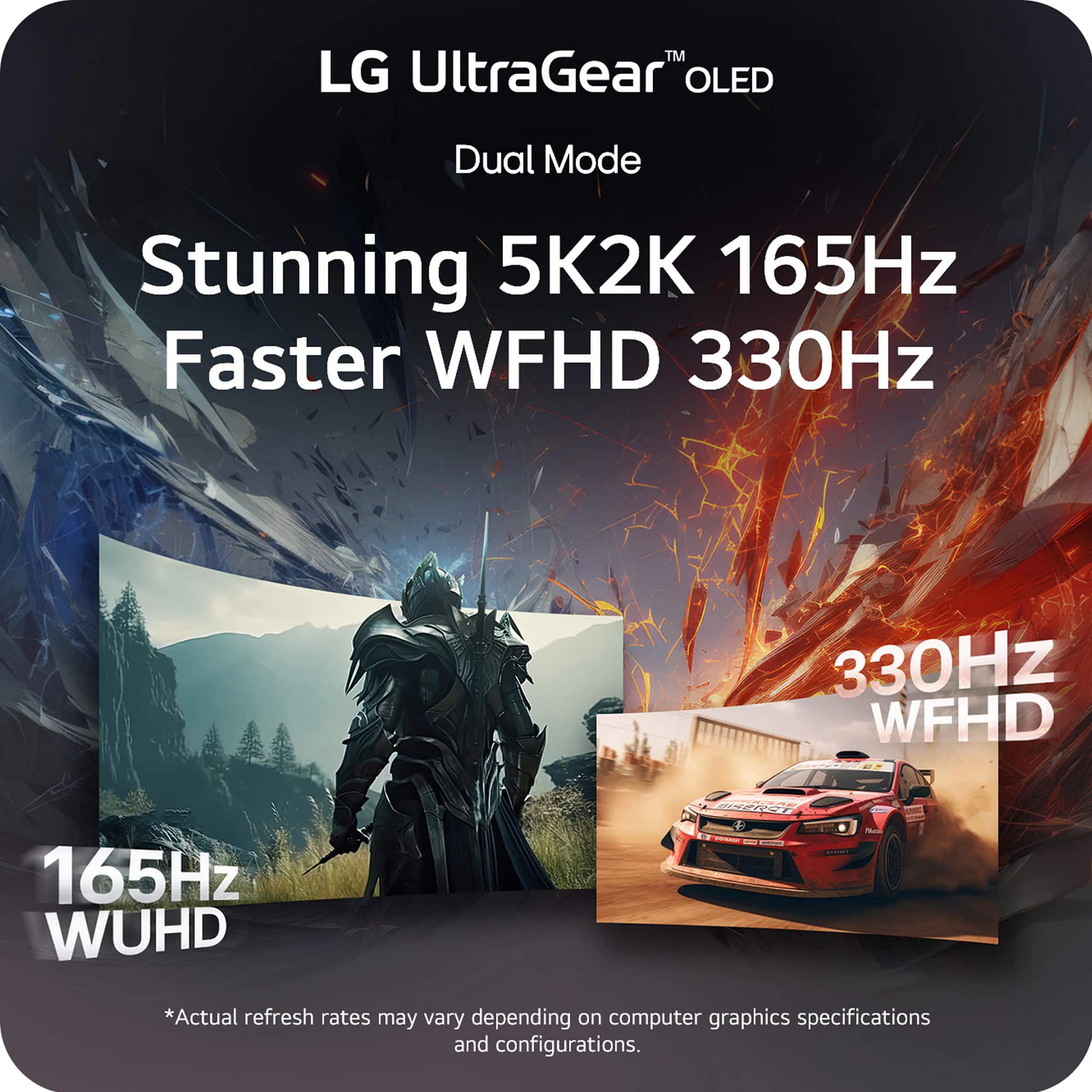
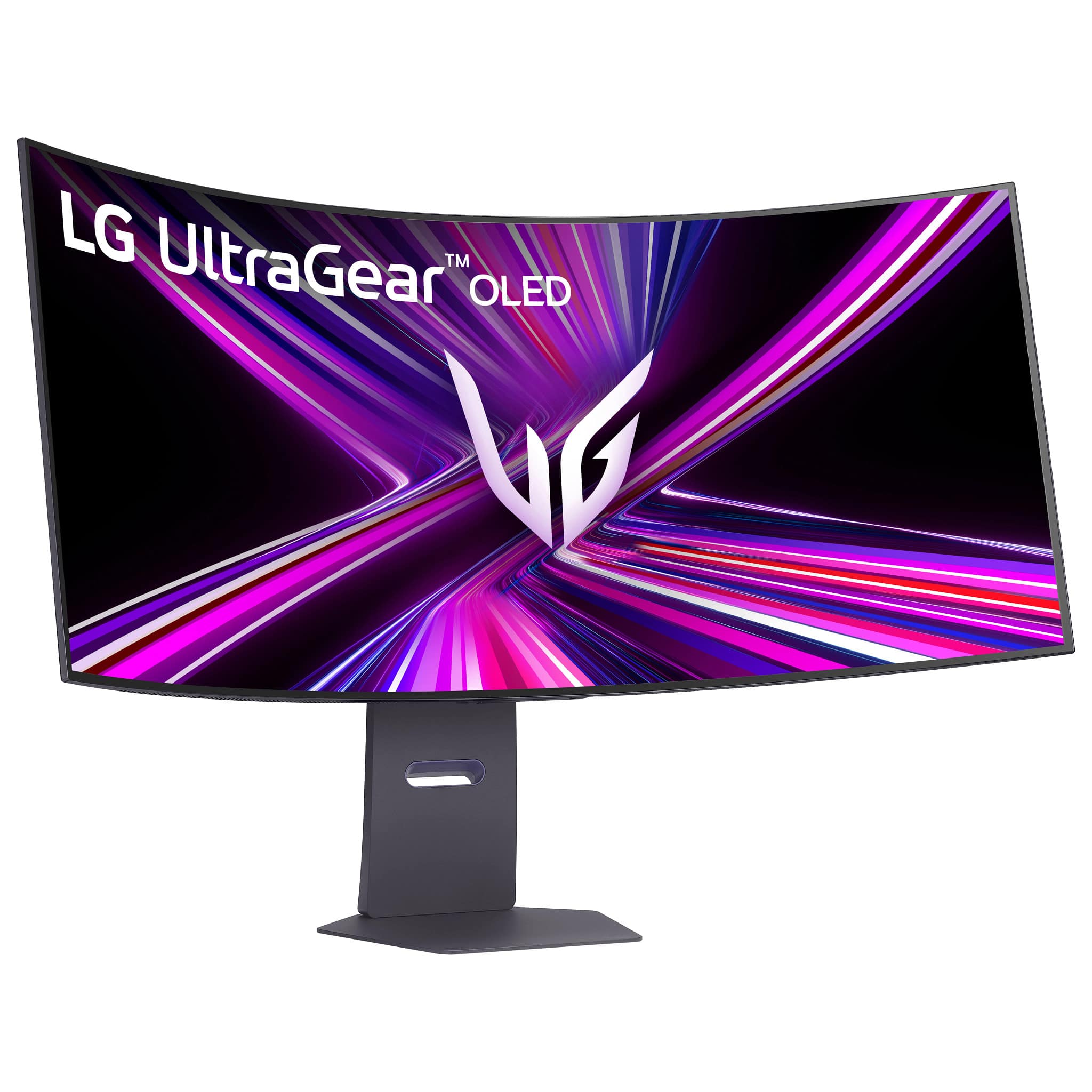
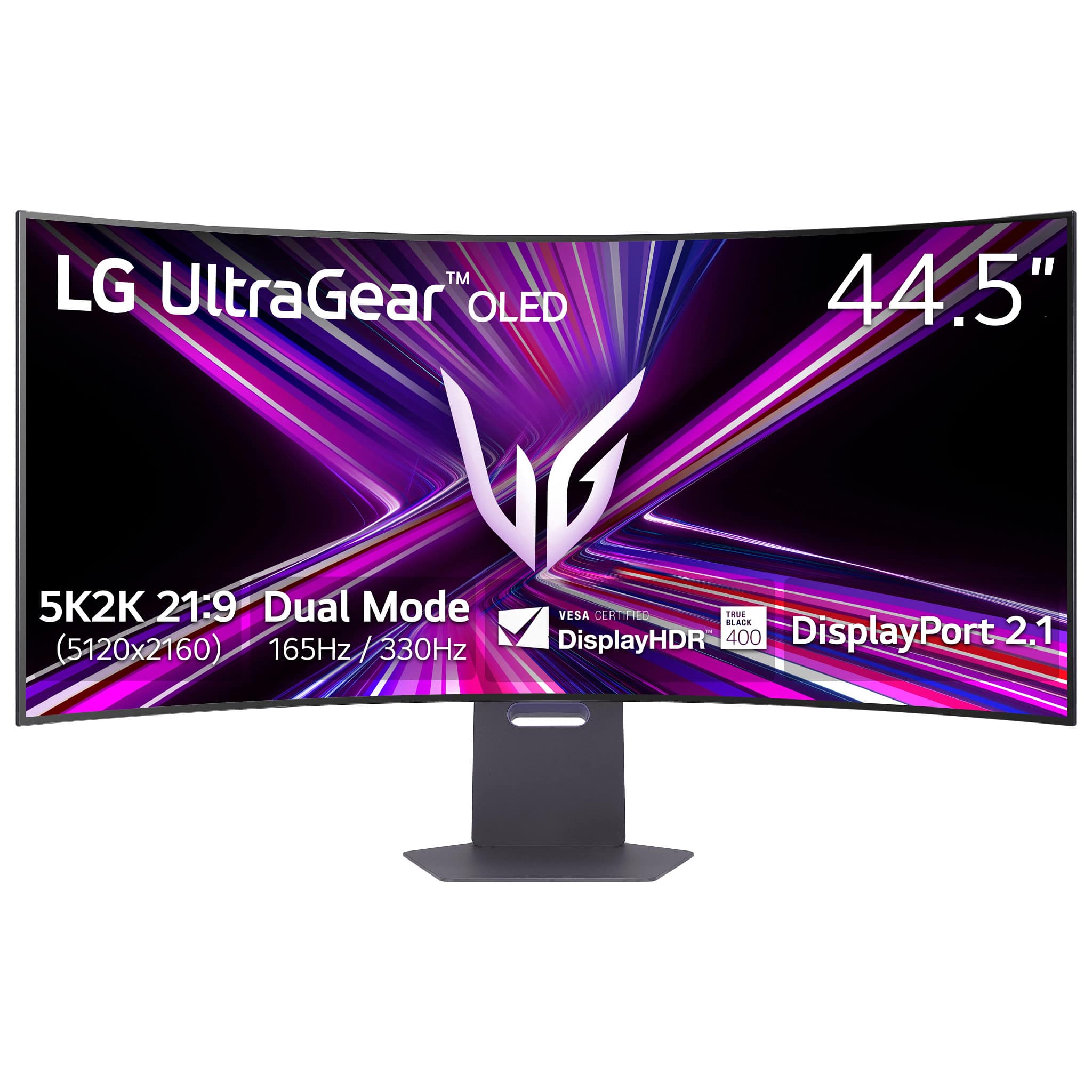
- A:Answer The LG 45-inch UltraGear™ OLED 5K2K WUHD 165Hz or WFHD Dual Mode 330Hz 0.03ms G-sync Compatible DisplayPort 2.1 Gaming Monitor, Model # 45GX950A-B IS NOT an LG Smart monitor...^Ivan.
Answered by LG Digital Customer Care

Q: QuestionDoes this monitor have a built in microphone?
Asked by PJ.
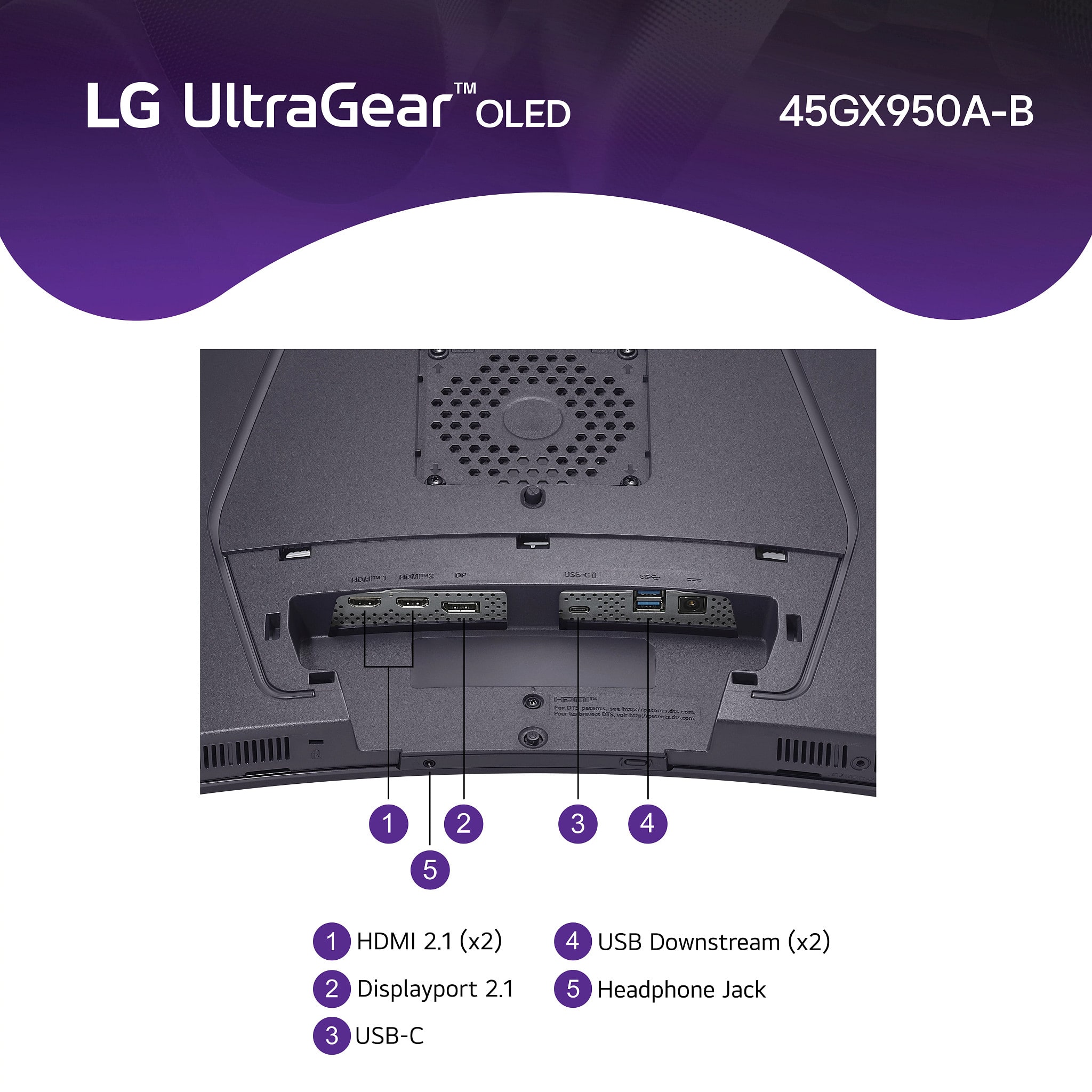
- A:Answer Hi there, PJ. Thank you for sharing your question with us. We understand your inquiry regarding the LG UltraGear 45GX950A-B. This model does not include a built-in microphone. While it features integrated speakers and a headphone jack for audio output, there is no integrated mic on this monitor. If you plan to use voice chat or streaming, you can connect an external microphone via USB or use a headset with a microphone through the audio jack. https://www.bestbuy.com/site/lg-ultragear-45-oled-dual-mode-5k2k-wuhd-165hz-wfhd-330hz-0-03ms-g-sync-freesync-premium-pro-gaming-monitor-black/6619492.p?skuId=6619492 If you need any further assistance—such as recommendations on compatible headsets or setup guidance—please send us a private message on Social Media @LGUSSupport, and our team will be more than happy to help you. We appreciate your patience as we ensure you have the best possible gaming setup. —Renzo
Answered by LG Digital Customer Care

Q: QuestionIs this compatible with a Macbook Pro? I know Macs can have issues with certain monitors.
Asked by russtanner6.
- A:Answer Hello there, thank you for reaching out with your question about your 45GX950A-B.AUS. We understand your situation regarding MacBook Pro compatibility. The LG UltraGear 45GX950A-B.AUS is equipped with a USB‑C port supporting 90 W Power Delivery and DisplayPort Alt Mode, plus HDMI 2.1 and DisplayPort 2.1 inputs, making it fully compatible with MacBook Pro models (M1, M2, M4) over a single Thunderbolt (USB‑C) cable. Troubleshooting Step: If your MacBook Pro doesn’t immediately detect the monitor, please confirm that your Thunderbolt/USB‑C cable is firmly seated and then: Open System Settings > Displays. Press and hold Option and click Detect Displays. Select the USB‑C input and set the resolution to 5K2K (5120×2160) at 165 Hz. You can also connect via HDMI 2.1 using a high‑speed HDMI cable, though USB‑C offers the most streamlined, single‑cable experience with power delivery. https://www.lg.com/us/monitors/lg-45gx950a-b-gaming-monitor#pdp_specs If you’d like personalized assistance configuring your MacBook Pro with this monitor or have any other questions, please send us a private message on Social Media @LGUSSupport and our team will be more than happy to explore possible solutions. We appreciate your patience as we help you enjoy the expansive view of your LG 45GX950A-B.AUS. —Renzo
Answered by LG Digital Customer Care

Q: QuestionCan my son hook his PS5 up to this monitor to do his gaming?

Asked by Nick.
- A:Answer The LG 45-inch UltraGear™ OLED 5K2K WUHD 165Hz or WFHD Dual Mode 330Hz 0.03ms G-sync Compatible DisplayPort 2.1 Gaming Monitor, Model # 45GX950A-B, has a native 5K2K (5120 x 2160), or WUHD resolution, which your PS5 does not support. However, it does support 2560 x 1440 @ 120Hz and 1920 x 1080 @ 60Hz, and it has two HDMI 2.1 inputs for connectivity...^Ivan.
Answered by LG Digital Customer Care

Page 3, Showing 41-44 of 44 questions