Black Friday is hereShop new DoorbustersShop now

Main Content

Questions & Answers

Your price for this item is $229.99
The comparable value price is $299.99
Page Showing 1-2 of 2 questions
  • Questionhow easy is this to set up with a PC?

    Asked by VibrantVerena.

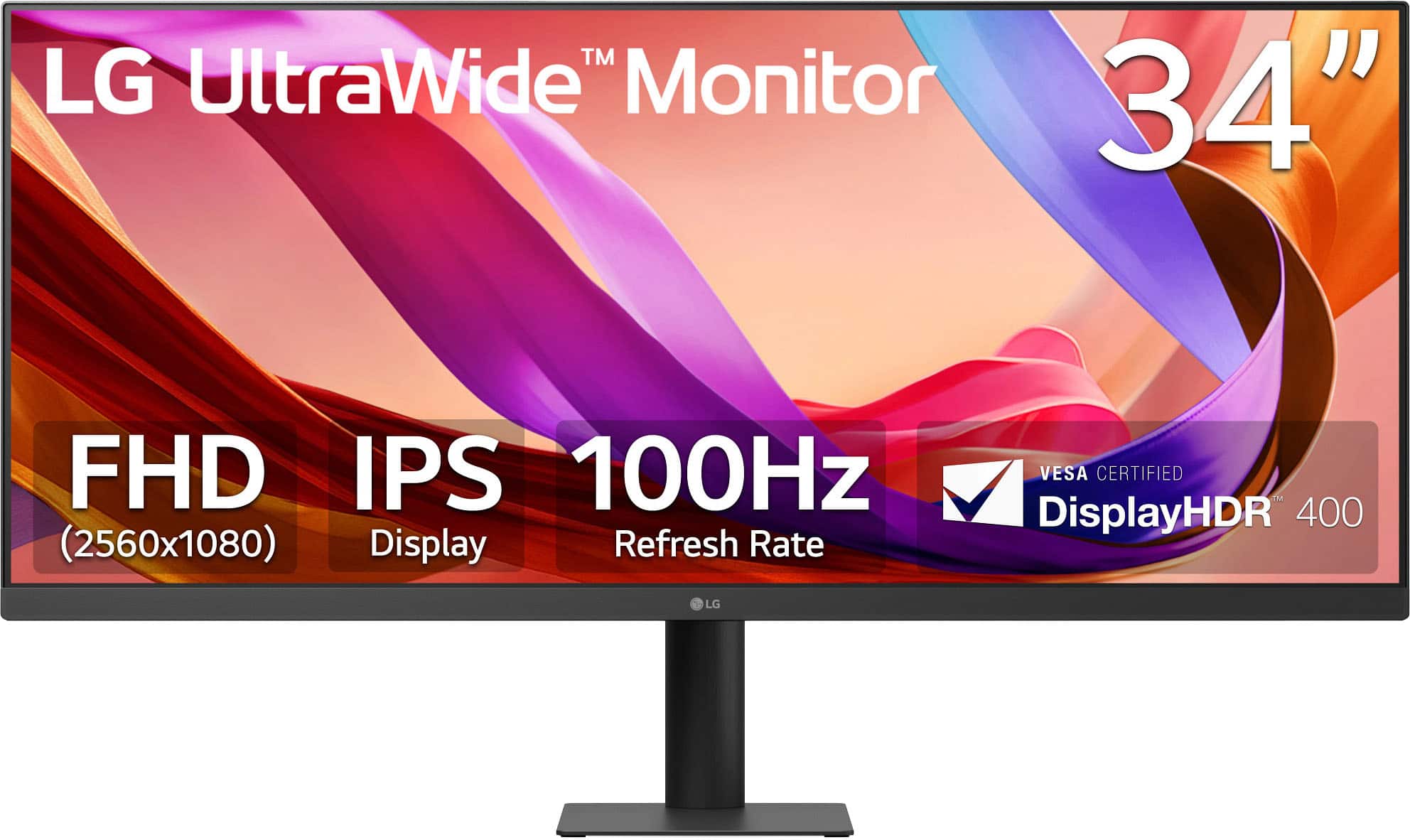
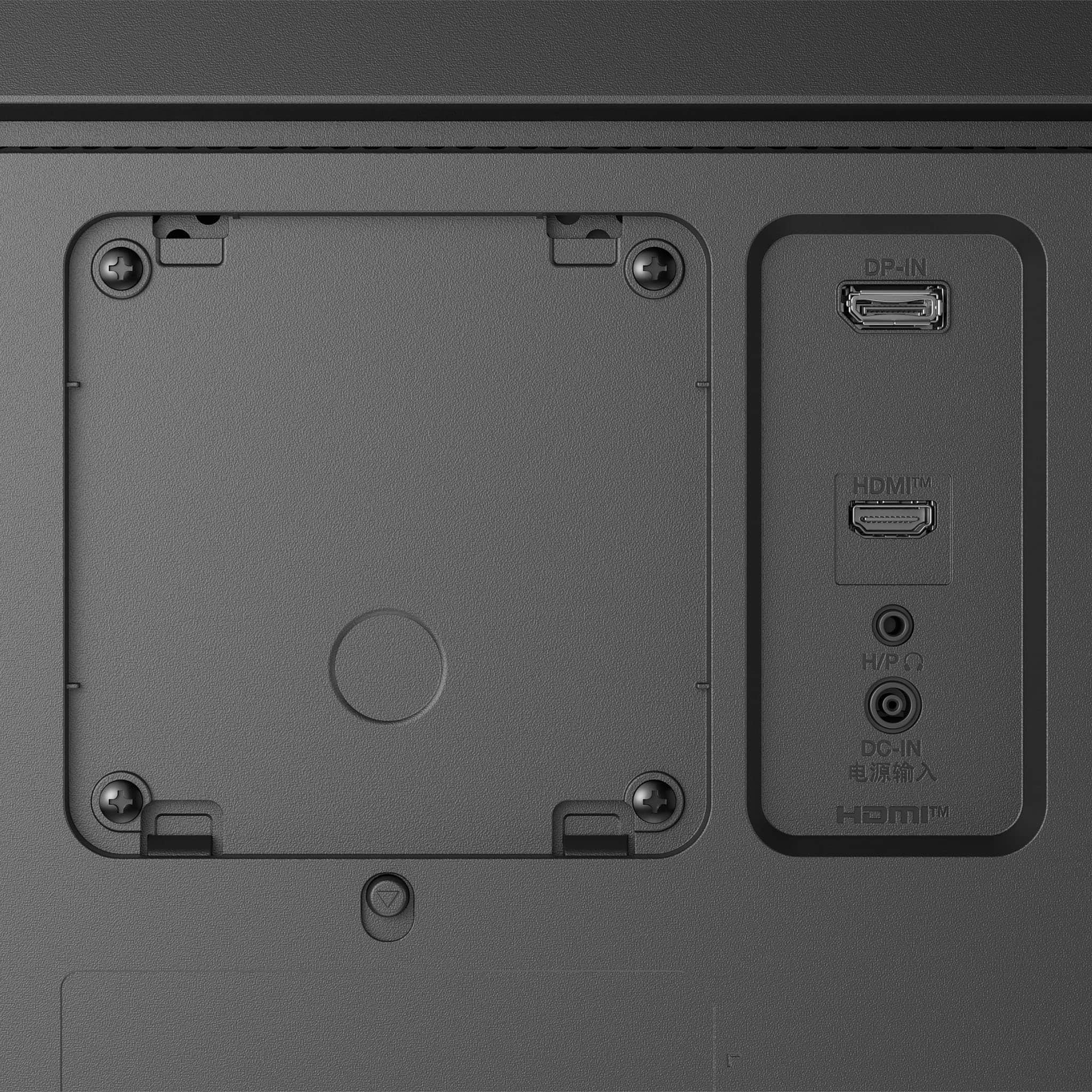
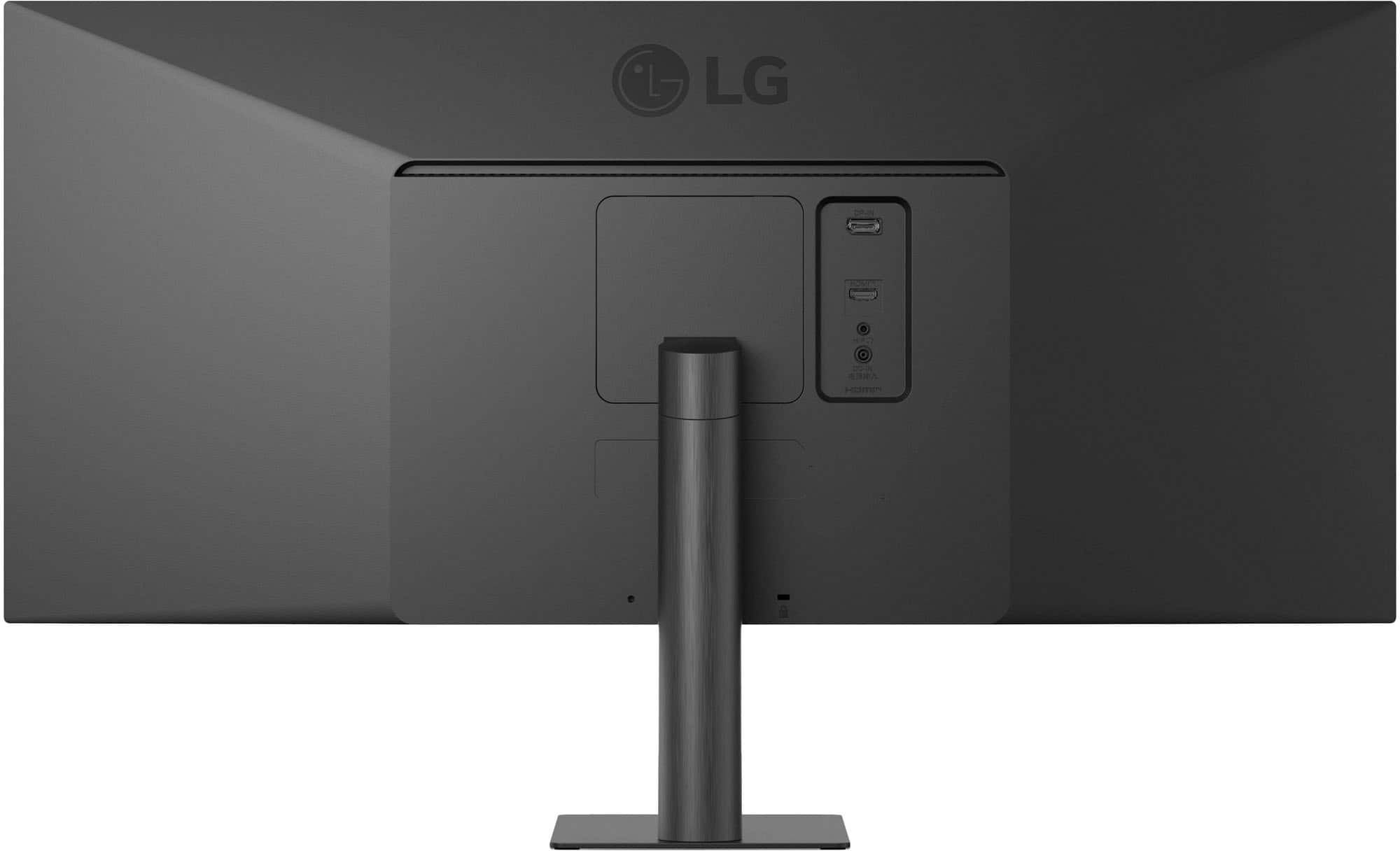
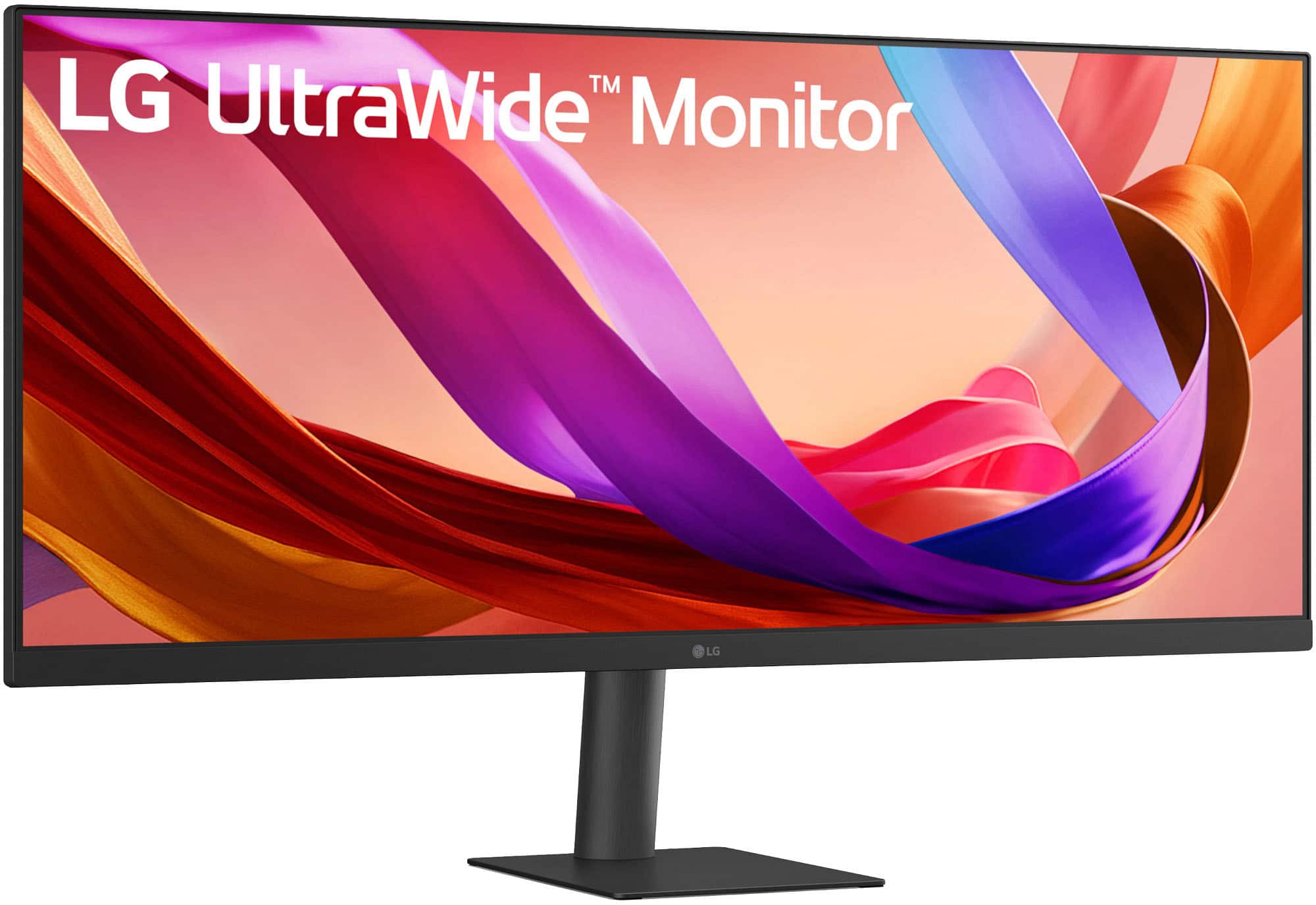
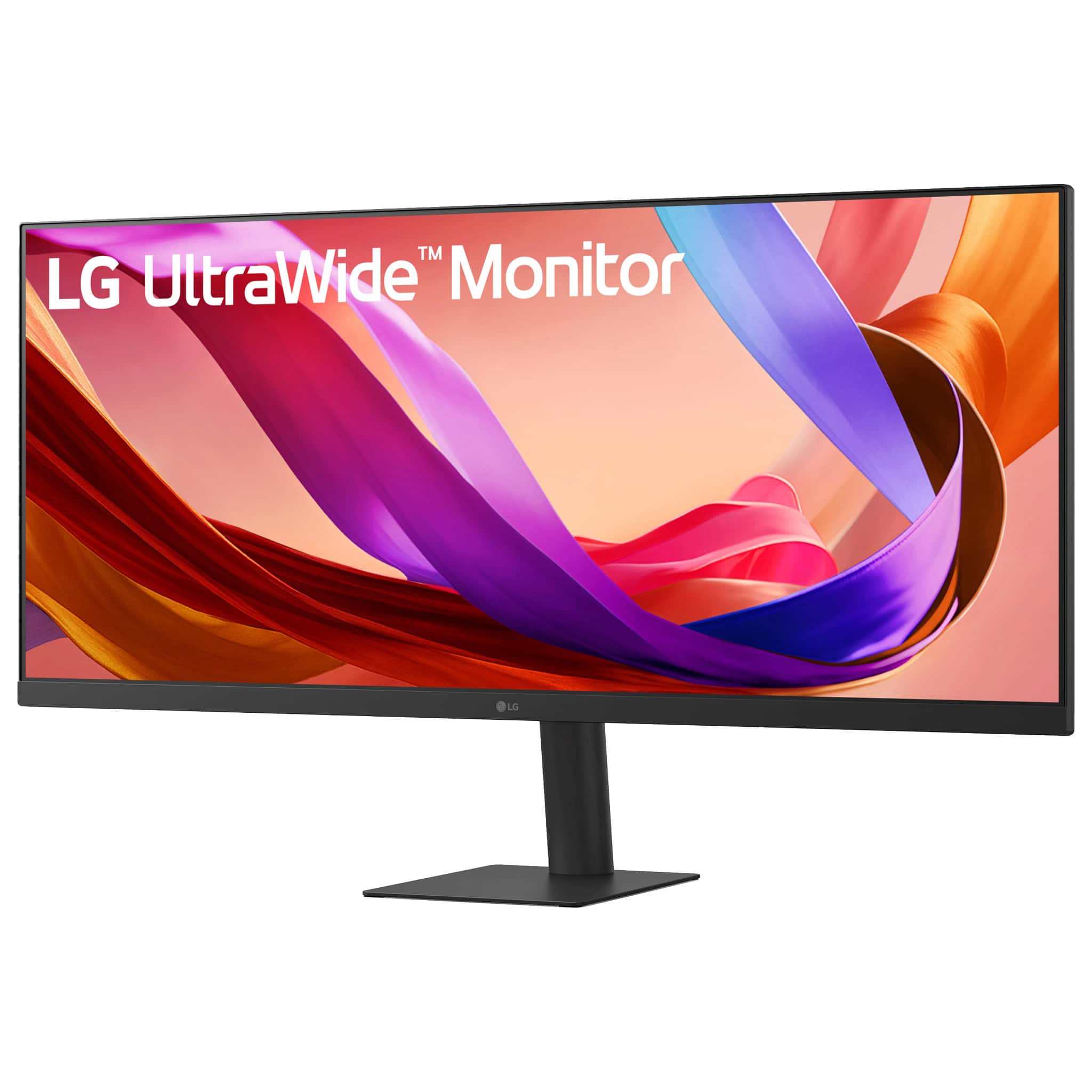
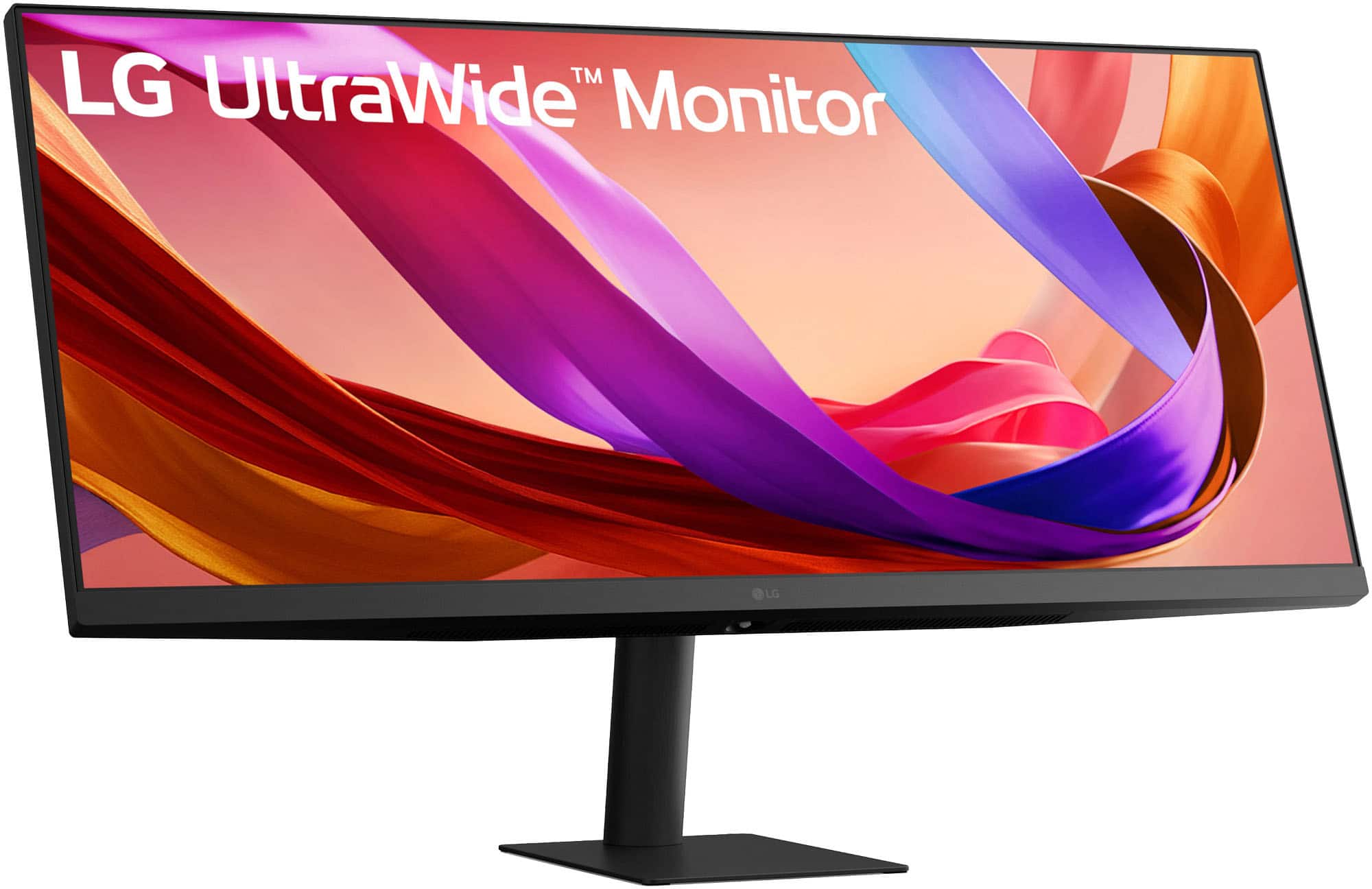
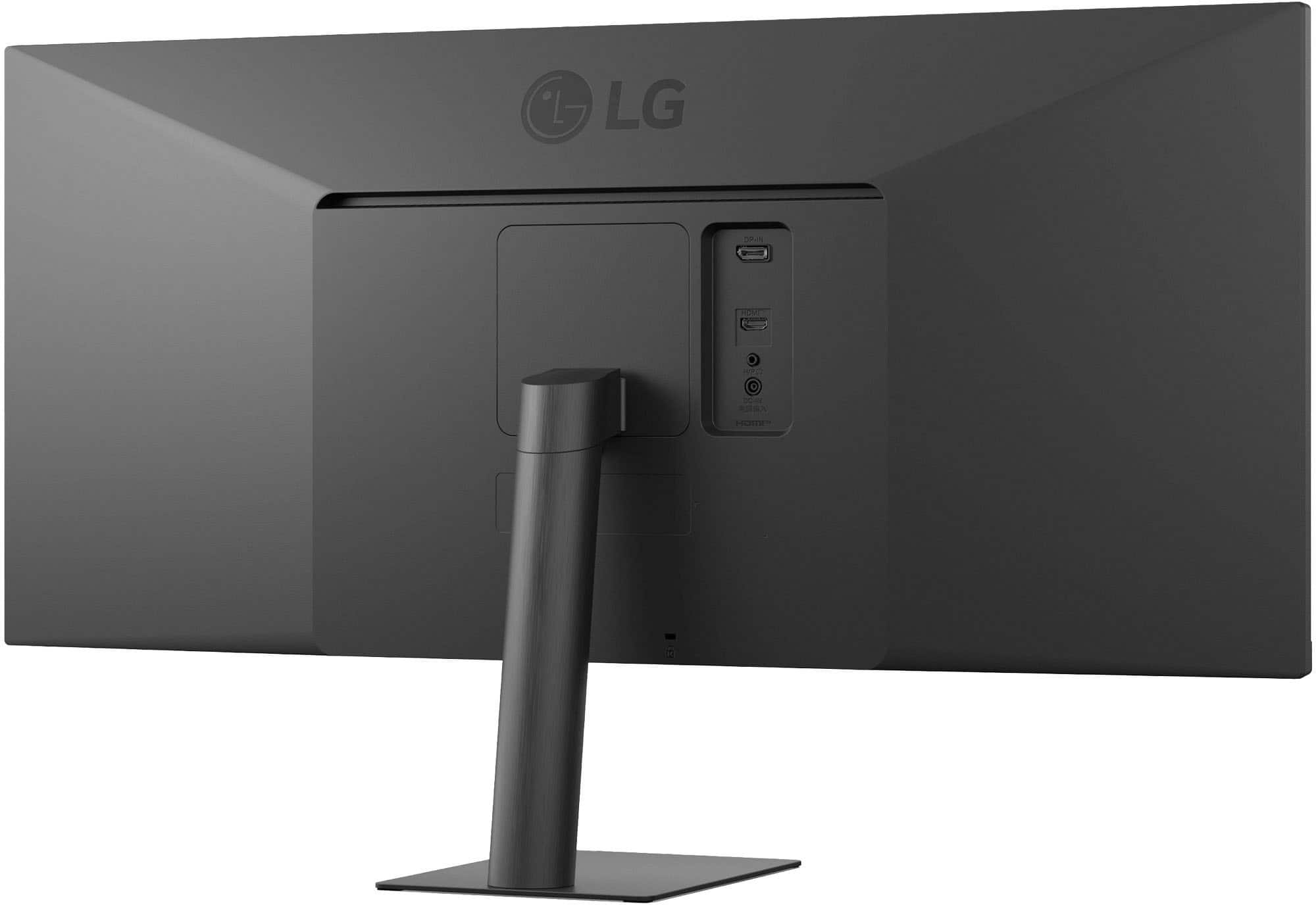
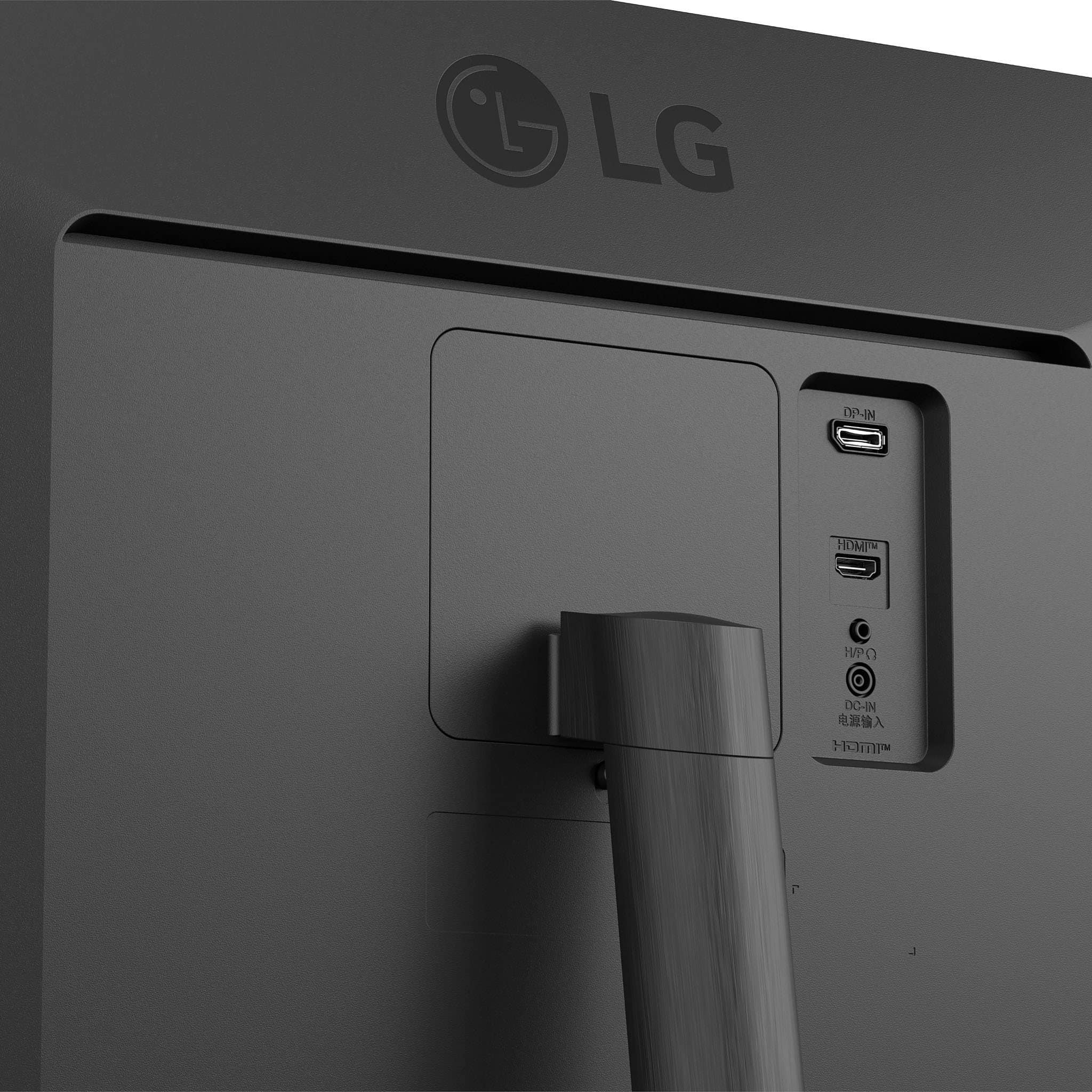
    • Answer There is no setup required for the LG 34-inch UltraWide™ IPS FHD 100Hz VESA DisplayHDR™ 400 Computer Monitor with Slim Stand, Model # 34U511A-B, besides making the necessary connections to your PC/laptop. The monitor supports Plug and Play which is a feature that allows you to add a device to your computer without having to reconfigure anything or install any manual drivers. If your PC supports Plug and Play, the Plug and Play (PnP) service allows a PC to automatically detect a monitor and adjust to the right settings. It recognizes and configures connected monitors without user intervention, ensuring optimal display settings such as resolution and refresh rates. This service is crucial for seamless hardware detection and configuration in Windows operating systems...^Ivan.

      Answered by LG Digital Customer Care

  • QuestionIs this compatible with mac computers?

    Asked by sid.

    • Answer Hi there, Sid. Thank you for sharing your experience with us. We understand your inquiry regarding the compatibility of the LG 34" UltraWide FHD Monitor (Model: 34WQ500-B) with Mac computers. Yes, the 34WQ500-B is designed to be compatible with Mac computers. Since this monitor has both HDMI and DisplayPort inputs, you will simply need the appropriate cable or adapter for the ports available on your specific Mac model (such as a USB-C to DisplayPort or USB-C to HDMI adapter, as many newer Mac models primarily use USB-C/Thunderbolt ports for video output). We also offer OnScreen Control software for Mac users to easily manage monitor settings directly from the macOS environment. https://www.bestbuy.com/product/lg-ultrawide-34-ips-fhd-100hz-5ms-monitor-with-vesa-displayhdr-400-hdmi-displayport-black/JJ8VPZKY9Q We understand your inquiry, and we'd like to assist you further to ensure you have the best setup for your needs. If you have any further questions about connecting your Mac to the monitor or want to explore its features, please send us a private message on Social Media @LGUSSupport, and our team will be more than happy to assist you. —Renzo

      Answered by LG Digital Customer Care