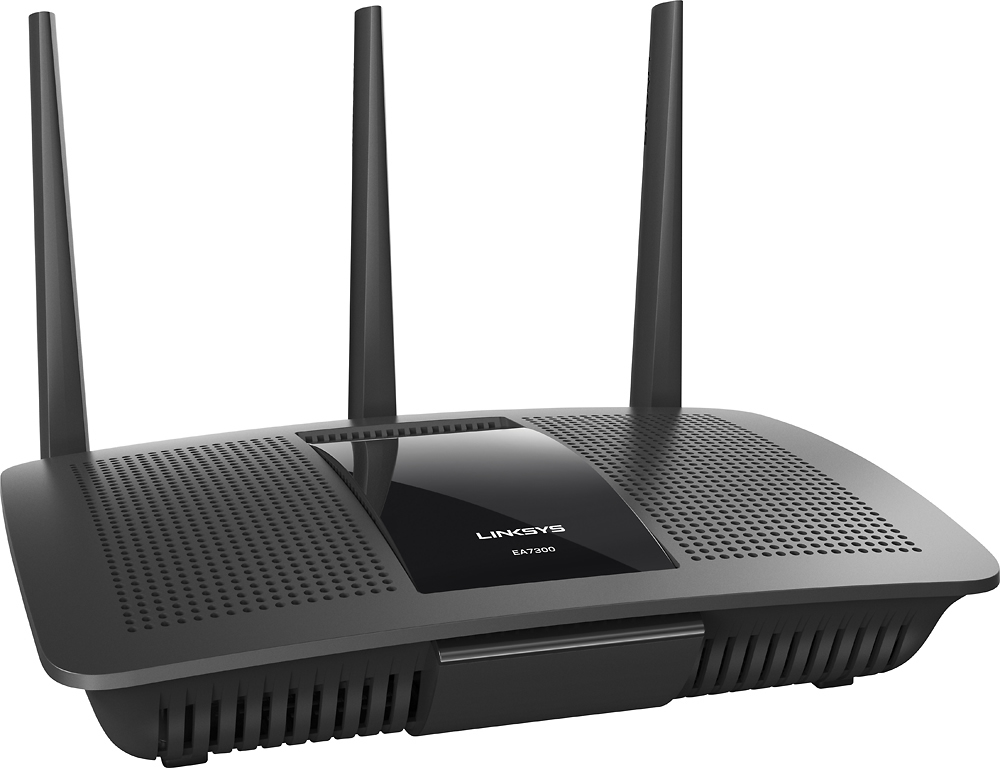
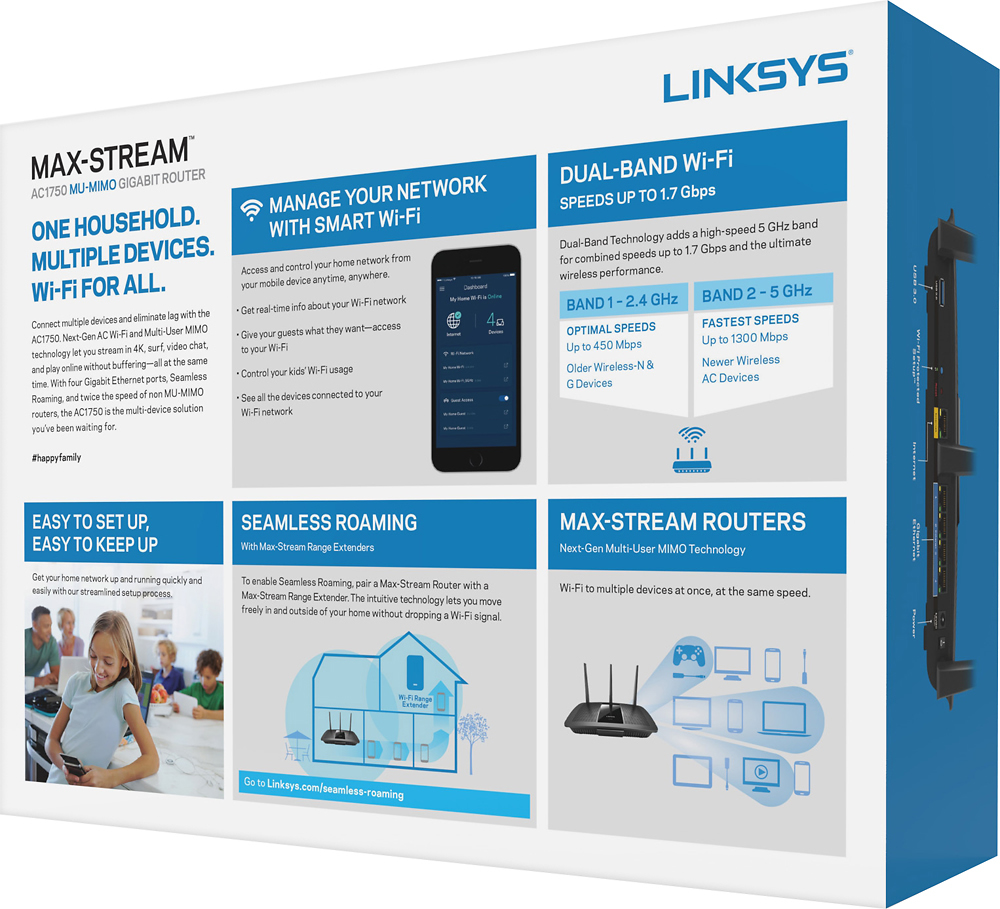
A:AnswerYour problem is either in placement, or interference from your neighbors networks.
If you have to have the thing on one end of your condo, get this router and then ask the Best Buy nerd people to show you a compatible DIRECTIONAL Antena.
All routers come with omnidirectional antenna, which is ot what you need (based on your description), don't fight with neighbors over strength of signal. Focus your signal and win in your space, it's better that way.
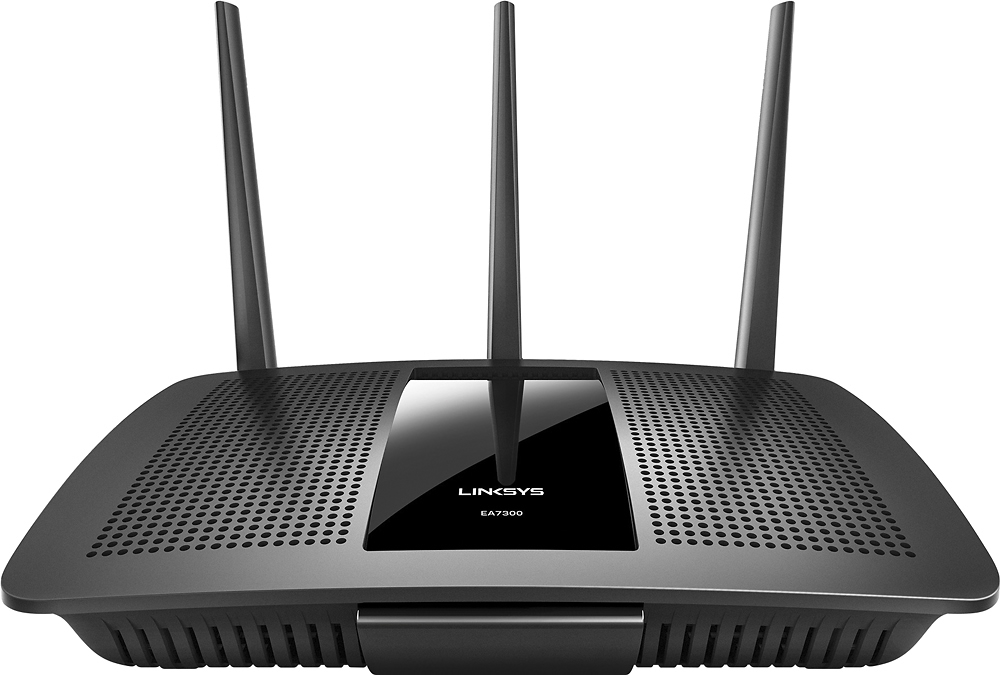
A:AnswerHi. Please get in touch with us via email at [email protected] with your contact details and the link to this post as a reference, so we can have our Escalation Engineers take a closer look at this.
A:AnswerLet's break this down in terms of what you think you are observing. Think of internet speed as a tube. The larger tube that you have the more data that you have the larger amount of stuff you can send through it. You stated you bought 100 mbps from your ISP. However, you are seeing that you are only getting 45 mb/s. There is a factor of latency that is taken in to account when transferring data. Best way to think of this is a large semi-truck full of DVD's is being transported, the amount of DVD's is quite substantial but the time required to get to the destination is quite large.
Your PC is able to pull 45 mbps from the remote location and then get it back to you at your location. You aren't guaranteed 100 mbps at every situation. It is also dependent on what type of protocol you are using to get the data.
Upgrading the router at this time would not make a difference. I personaly have 1 Gbps from my ISP and it roughly stays around 500-600 depending on what provider I am using. However, if I get something from a server/computer inside my home or on the same internet is is upwards of 800-900 (depending on how fast my system can get the data to me).
A:AnswerYes, I have 3 outdoor nest cams and they all connect easily. Two of them do disconnect from time to time, as WiFi can get a little spotty, it it’s not too often and only for a few minutes usually
A:AnswerNo, this does not work with FiOS! At least, not by itself. You MUST use the router supplied by the FiOS provider because it has technology inside to unscramble their fiber optic signal. And before someone accuses me of not understanding what a modem is (modulate / demodulate), understand that fiber optic is a completely different signal than regular broadband (cable internet) which uses a modem. Therefore, this router could only be used as a piggyback to that router, or as a wireless repeater.