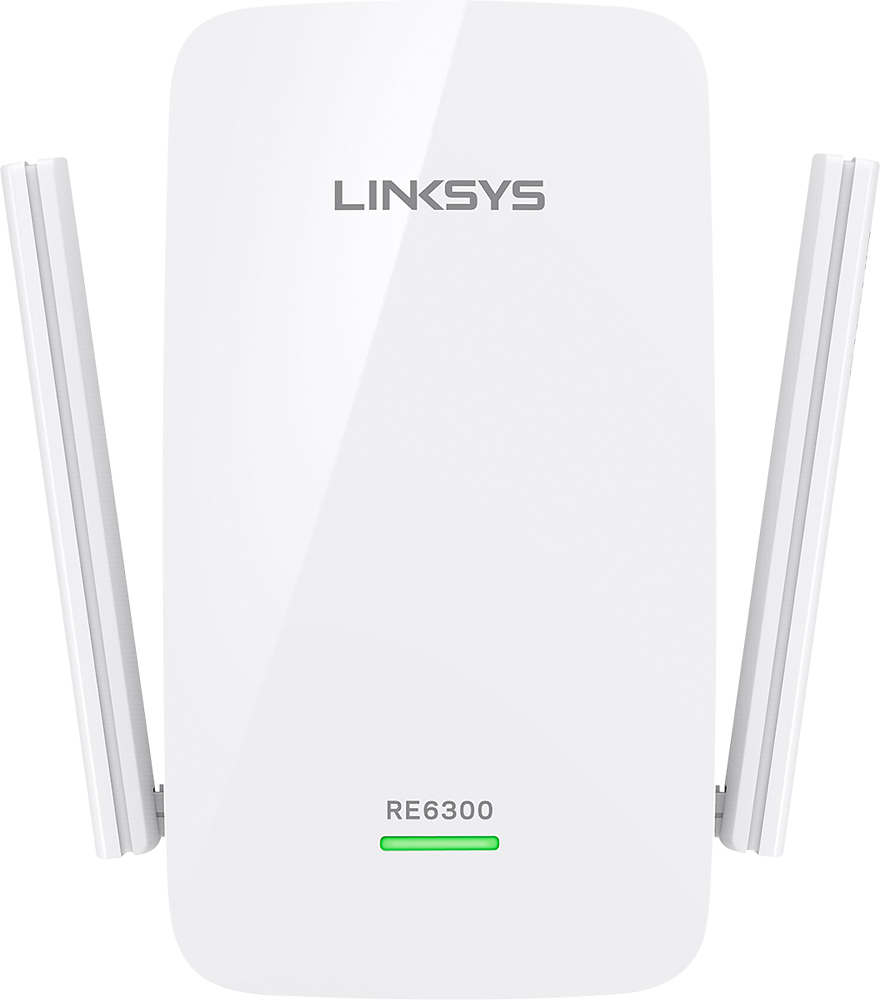
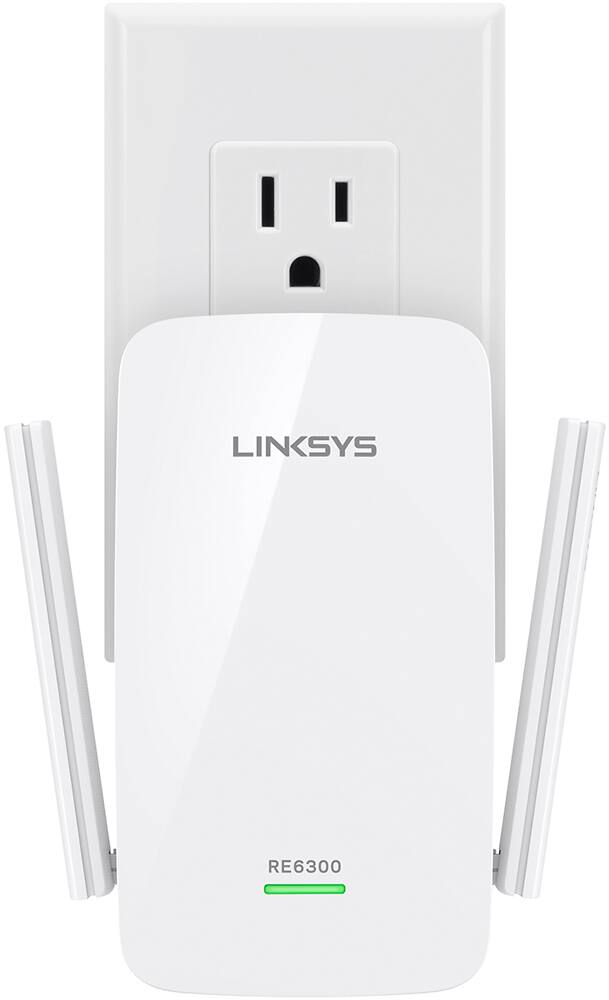
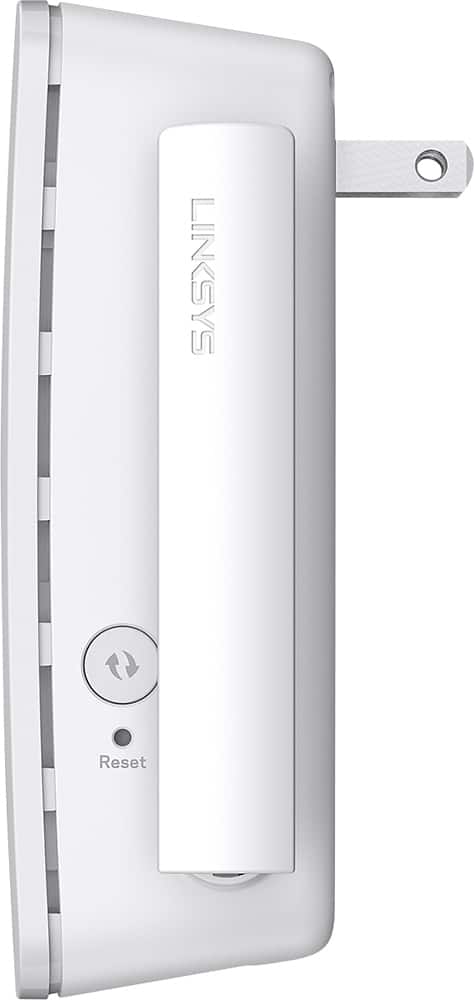
A:AnswerThis works to extend wifi from an already present wifi source. You may be better off getting an activated hot spot device from your cell phone service provider which will provide dependable wifi but may or may not necessarily help the actual calling service. You could also have hot spot service activated and use your phone or phones as a hot spot for wifi service. I think you can get the phone hotspot service turned off and on as needed.
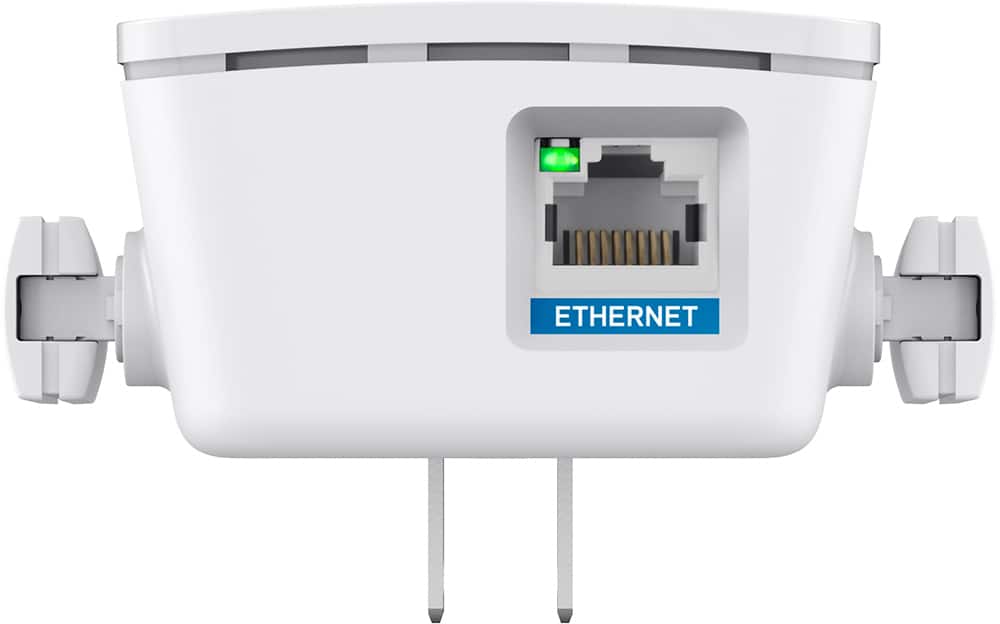
A:AnswerAccording to NETGEAR the wired port allows connection of a wired device to the wireless network so it appears to also act as an access point in addition to being an extender.
A:AnswerIt may help. Try choosing this device name on the wifi list and sign in with your usual password. Turn the wifi off on other devices (tv, computer, tablet, even other phones when not in use and then only connect them to your internet as needed. This should strengthen your signal. Try that before buying this device. You may not need it at all.
A:AnswerHi, TomL. The RE6300 extender has not been tested with Google Mesh router, however, it should work as long as there’s an active WiFi connection that it can connect to. Lastly, please note that it does not feature mesh technology.
A:AnswerNot sure. I would visit and speak to the Geek Squad to answer this question. I know they are trying to make it so that people can't share internet anymore because we used to be able to share with a neighbor across the street even 18 years ago! So either the signal is not as good anymore or it's being limited by our providers to sell more internet right? That's business!
A:AnswerNo - it picks up a wifi signal and boosts it. It does have an Ethernet port so if you wish to place a remote printer or computer with it you can, using a lan cable between the two.
A:AnswerThis won't work while traveling. Only while sitting stationary to extend a wifi signal that already exists. You also have to have the password for the wifi you are trying to extend from. Then you have to be in proximity to the main wifi to get it to sign in. Then you can move it to another plug after it is signed in.