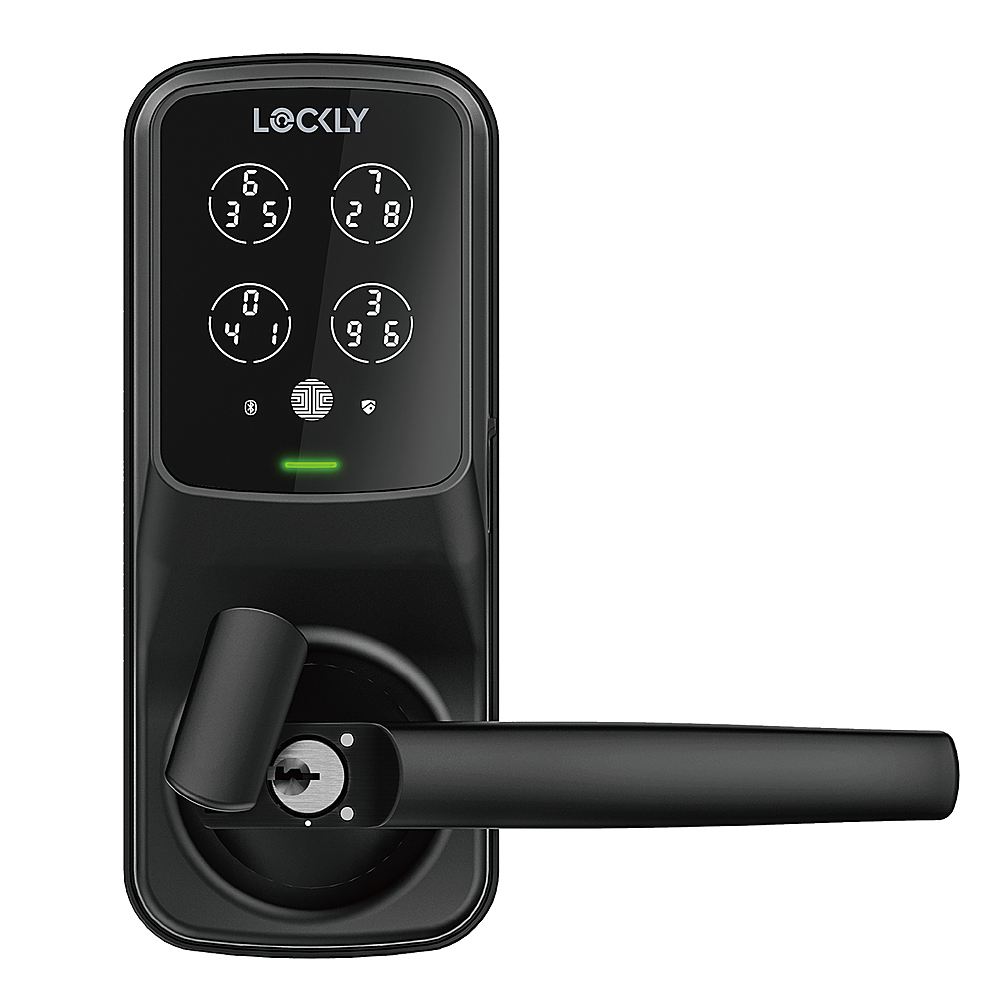
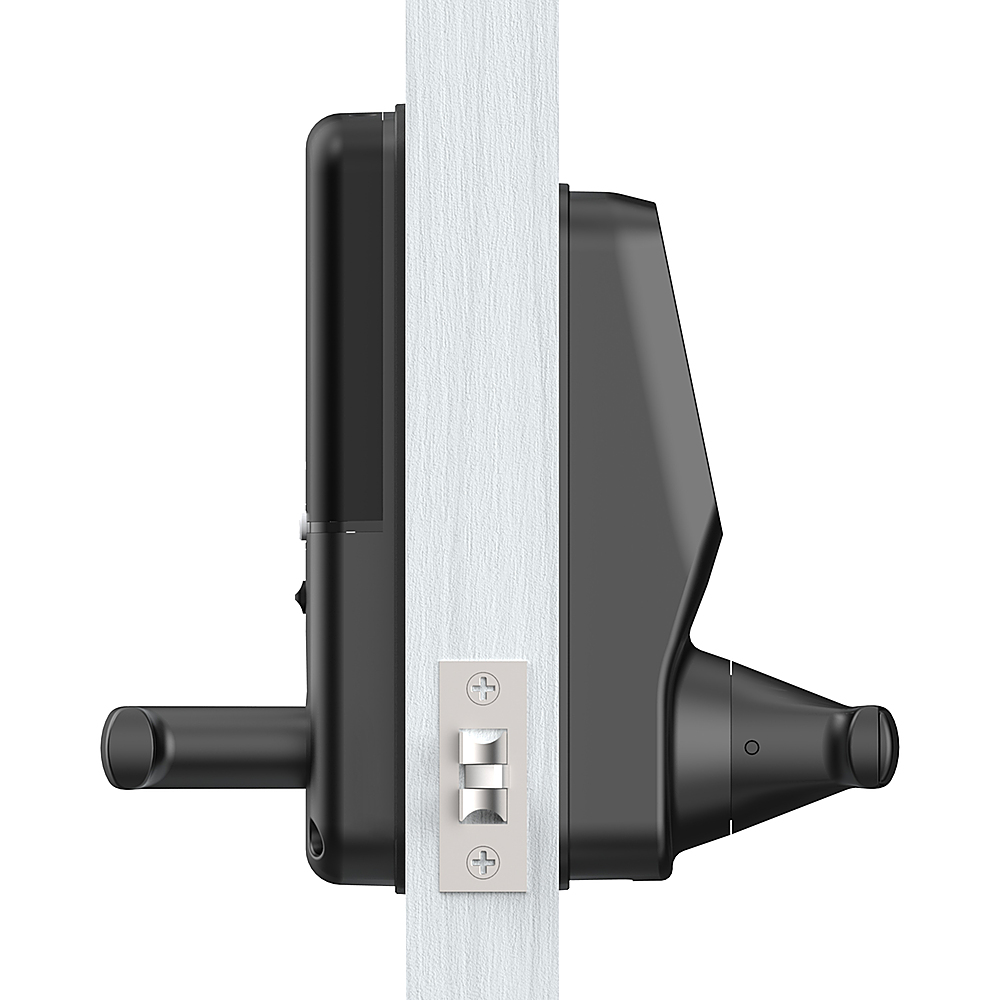
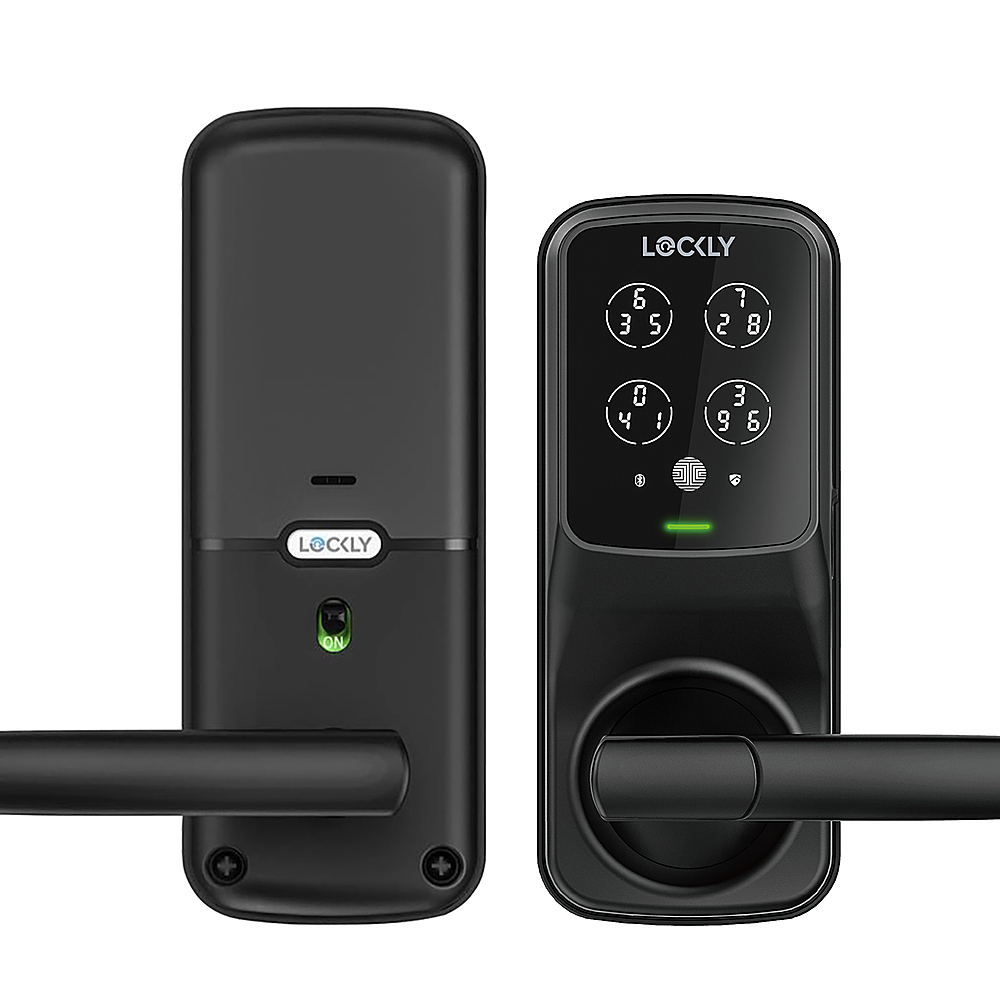
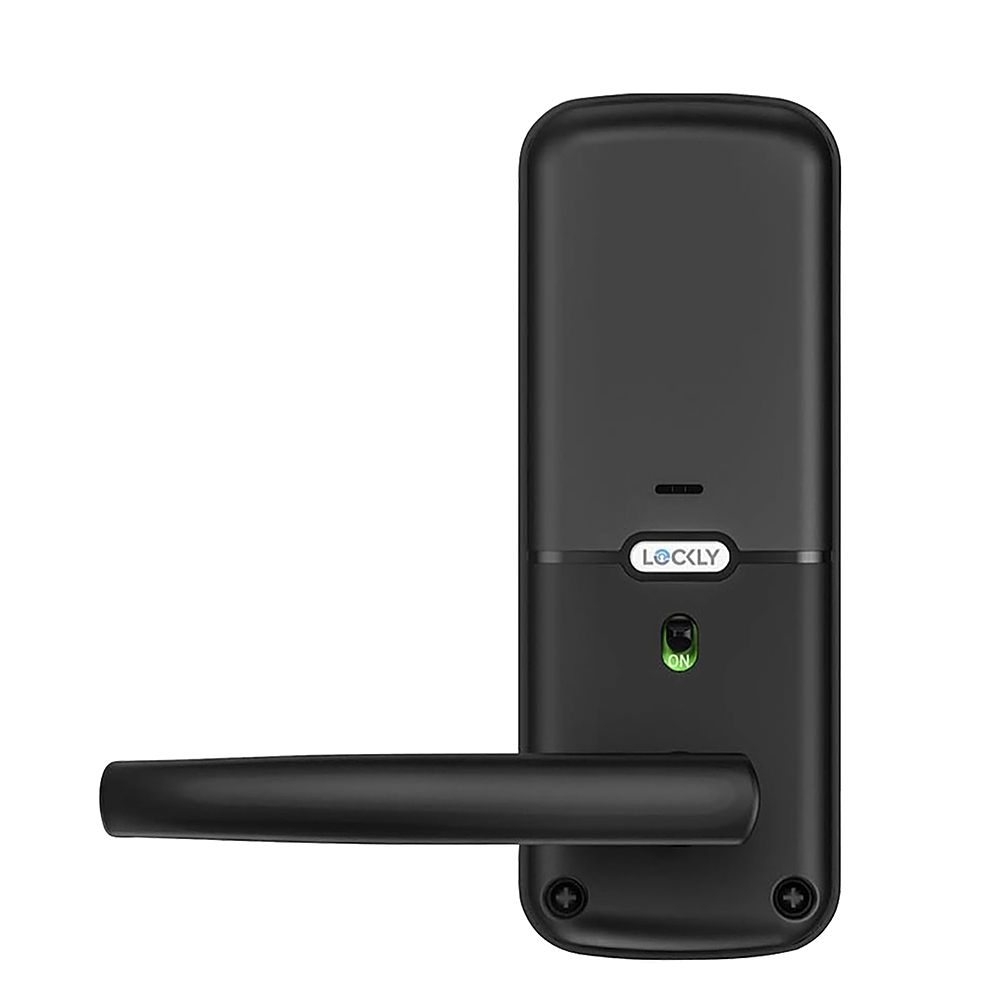
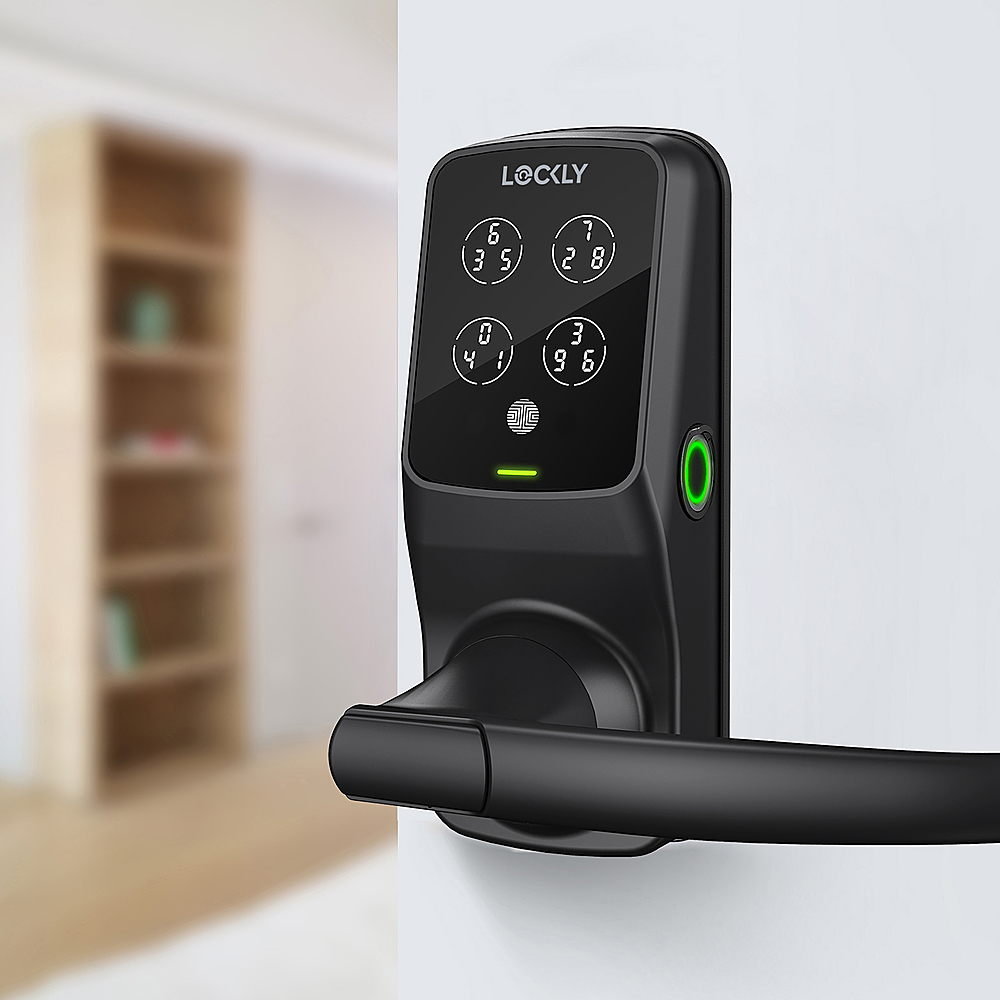
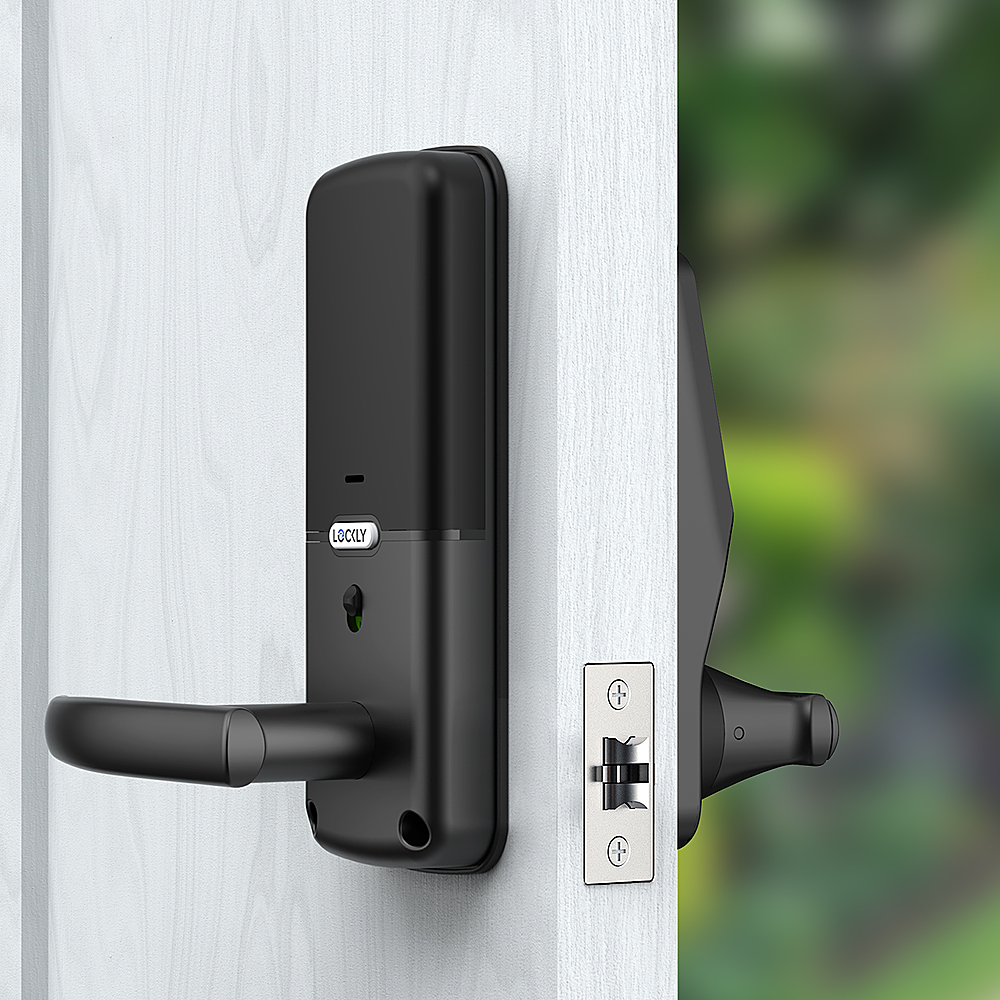
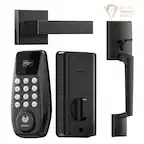
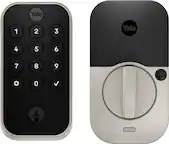
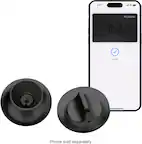
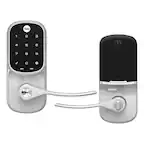
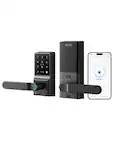
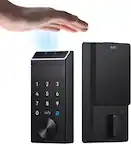
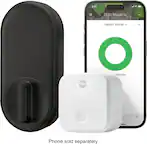
A:AnswerThanks for your inquiry. The Lockly Smart Lock can both fit in left and right open doors. We have included detail instructions on how to change handle direction in our user manual as well as our 3D interactive video on BILT App. and as always, please feel free to call our Lockly customer care hotline at 669 500 8835. we are here to answer your questions and make sure your Lockly smart lock always works perfectly.
A:AnswerWe're so happy to hear you love your Lockly smart locks! The Wi-Fi hub can support up to 5 Lockly locks and each Lockly must be within Bluetooth range of the WiFi hub. Generally, Bluetooth range is 25-30 feet (unobstructed); however, walls and other obstructions can reduce the range. The optimal range is 10-15 feet. Please also keep in mind that each WiFi Hub only comes with one door sensor.
A:AnswerHi Homer!
Yes, with the Lockly Secure Plus Smart Lock, you can schedule automatic locking and unlocking. Lockly offers this feature, which allows you to set specific times for your door to automatically lock or unlock.
For example, you can set it to automatically lock the door at 10 PM every day and unlock it at 7 AM. This can be done through the Lockly app.
Note: This feature is usually available when the lock is connected to Wi-Fi through the Lockly Gateway. If you need further assistance with this feature, please reach out to us directly.
[email protected]
669-500-8835
A:AnswerIt is possible to turn off the display from the inside deactivating the ability to use pin codes to unlock the door, however, other options like the physical key or the Lockly app could still be used to unlock the door.
A:AnswerHi Bob,
Yes, your Lockly lock can be set to allow free entry and exit using Welcome Mode. With this feature, you can schedule times when the door stays unlocked—perfect for when clients or visitors need to come and go during business hours. There’s also an option to require a first unlock verification (such as a code or fingerprint) before Welcome Mode activates, adding an extra layer of control. Once the schedule ends, the lock automatically returns to its normal secured mode. Everything is managed easily through the Lockly app.
Need help setting it up?
Reach us at 📧 [email protected] or 📞 (669) 500-8835.
A:AnswerHi Matt, Thank you for reaching out with your question regarding the Lockly Secure Plus Smart Lock and its performance in extreme North Dakota winters.
The Lockly Secure Plus is designed to operate in cold climates, with an official operating temperature range of -4°F to 140°F (-20°C to 60°C). Many customers in colder regions have used this lock successfully, especially when it’s installed under a covered entryway or sheltered location. However, it’s important to note that North Dakota winters can sometimes experience temperatures well below -4°F, which may affect the lock’s performance, including battery life and touchscreen responsiveness. Please don’t hesitate to reach out if you have any other questions or need additional assistance! 📧 [email protected]
📞 669-500-8835
A:AnswerHello,
Yes, the Lockly Secure Plus Smart Lock (Bluetooth touchscreen/fingerprint/latch) can work with Alexa, but you'll need to add Lockly’s Secure Link Wi‑Fi Hub separately. By itself, the Secure Plus only has Bluetooth, so Alexa can’t reach it. But once connected to the Hub, Alexa voice control becomes available.
A:AnswerThe Lockly Secure Plus can work with Wi-Fi but does not come with the Secure Link Wi-Fi hub needed to utilize its Wi-Fi capabilities. The Secure Link Wi-Fi hub can be purchased separately or with the lock in the Secure Pro package.
A:AnswerNo, our stand latch locks are not made with compatibility for sliding glass doors. We do, however, have the Lockly Guard Athena Slide Edition, PGD228WSL, which has been designed for sliding glass doors.
A:AnswerYou can store up to 99 fingerprints on our Secure model locks, and yes you can both connect to the lock on your phones via the Lockly app, however, keep in mind that our Secure Plus model does not include the Secure link Wi-Fi hub which would need to be purchased separately but does come included with our Secure Pro models.
A:AnswerWe're sorry you are having this issue. We would like to get more details of the issue and offer troubleshooting to resolve the issue. Please contact our Customer Support team at [email protected] or give us a call at 669-500-8835 so we can further assist you.
A:AnswerWe recommend installing our deadbolt lock to use along with an existing handle or installing our latch model with exterior handles which will replace the existing handle/knob. If you have any other questions, please email us at [email protected] or give us a call at 669-500-8835. We are here for you M-F 9AM-9PM CST and Sat/Sun 8AM-5PM CST.
A:AnswerOur Secure Plus lock can be WIFI enabled for remote access with the addition of our Secure Link WIFI hub. The WIFI hub is sold separately, or you can purchase the Secure Pro which comes with the Secure Plus lock and WIFI hub bundled together to save you money.
A:AnswerHi Sam C....I believe I answered this for you earlier. But no it does not automatically lock as you approach your lock. You would need to do so via our mobile app either via Bluetooth or on the Pro version with a fingerprint or via WiFi.