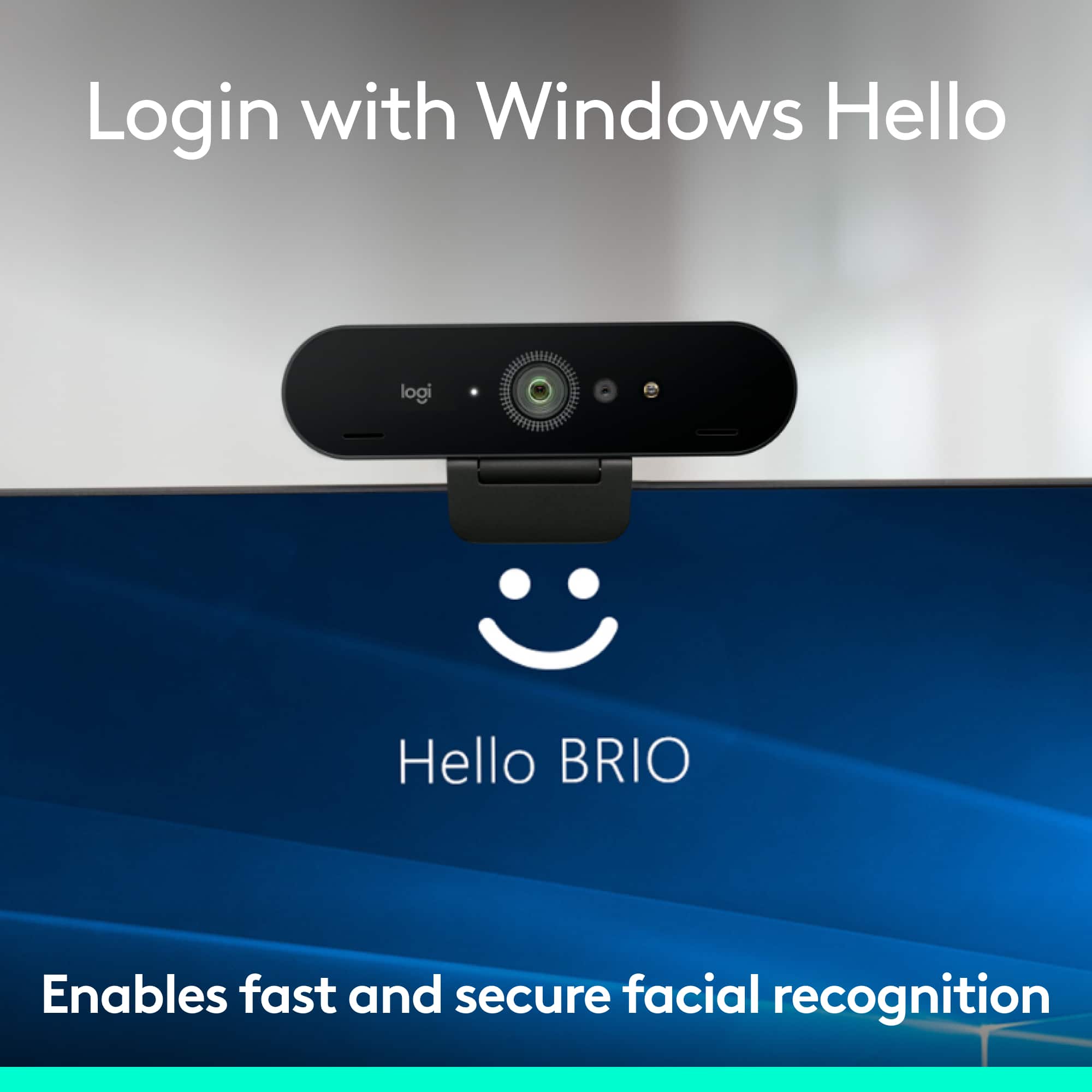
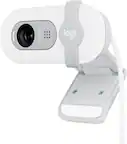
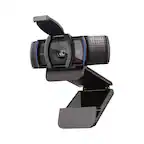
A:AnswerHello TH! The 4K Pro 4096 x 2160 Webcam with Noise-Cancelling Mic is compatible with Windows® 8 or later (Windows 8 or higher required for resolutions greater than 1080p), macOS 10.10 or later, and ChromeOS 29.0.1547.70 or later. So it won't work with Linux unfortunately. - Mathieu from Logitech
A:AnswerHello SundarSri! They 4K Pro 4096 x 2160 Webcam with noise-Cancelling Mic and the BRIO 4096 x 2160 Webcam are both one and the same, just 2 separate items on the website with a packaging revamp, but it is the same webcam. - Mathieu from Logitech
A:AnswerHello! They 4K Pro 4096 x 2160 Webcam with noise-Cancelling Mic and the BRIO 4096 x 2160 Webcam are both one and the same, just 2 separate items on the website with a packaging revamp, but it is the same webcam. - Mathieu from Logitech
A:AnswerHello CohenSteve! The 4K Pro 4096 x 2160 Webcam with Noise-Cancelling Mic is designed to work on a PC, Mac or Chromebook. It will not work with your LG Smart TV no unfortunately. - Mathieu from Logitech
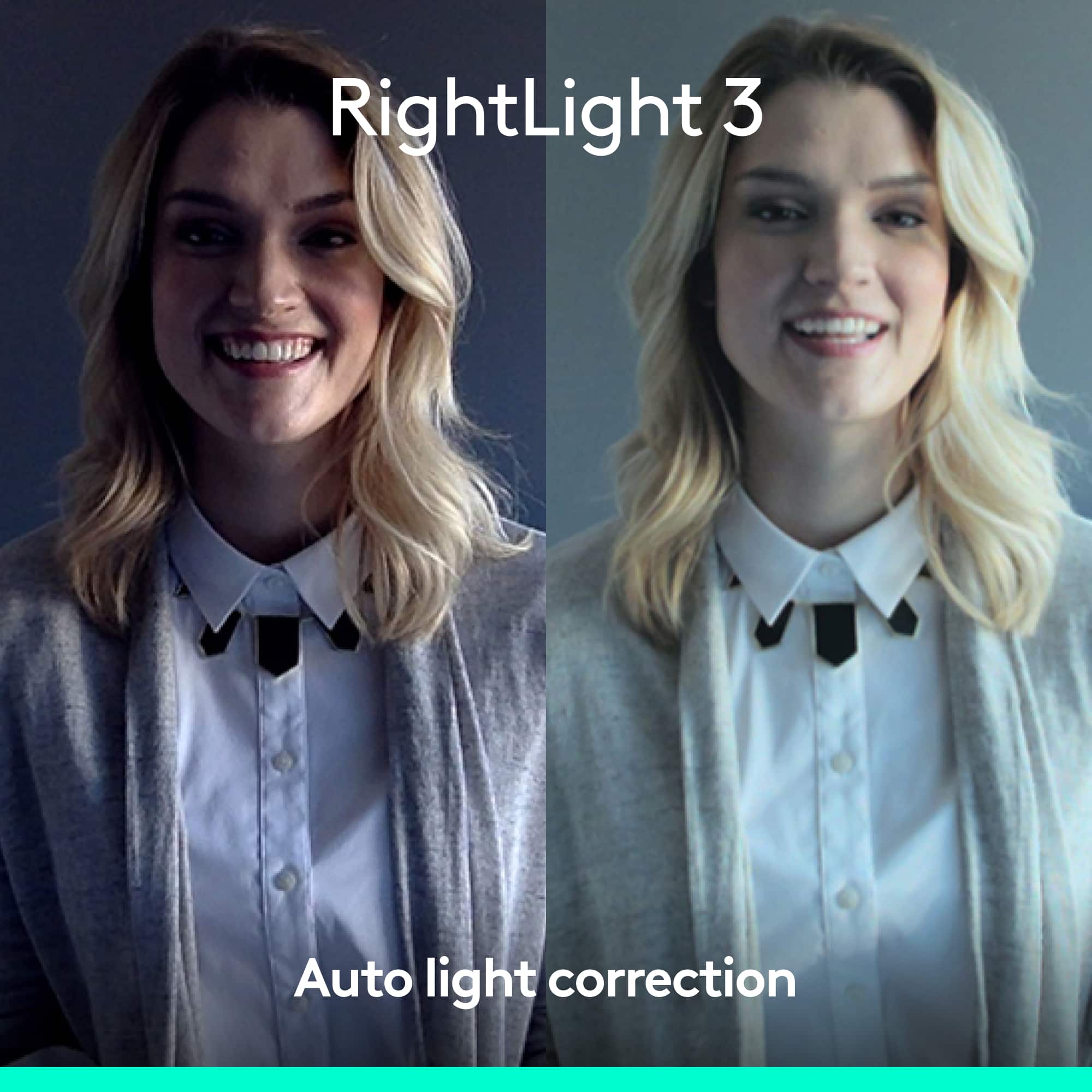
A:AnswerHello Concert! The 4K Pro 4096 x 2160 Webcam with Noise-Cancelling Mic does offer colored video in a low-light environment thanks to its RightLight 3 and High Dynamic Range (HDR) technologies, but you won't get a night vision option like what you would get on a security camera in example. This is more meant to be for a person streaming in front of the webcam, not to stream big rooms such as a concert venue in example. - Mathieu from Logitech
A:AnswerThe SOFTWARE setting decides whether it's a mirrorless view. The Webcam hardware doesn't matter. For example, ZOOM meetings have a setting to not mirror your camera to see yourself.
A:AnswerHello Robbo! According to Sony's official website (https://www.sony.ie/electronics/support/articles/00269378), yes the Pro 4090 x 2160 Webcam with Noise-Canceling Mic will work with your Sony Bravia A90J with Google Duo. - Mathieu from Logitech
A:AnswerHey there Jaci. The 4k pro is only compatible with Mac OS 10.10 or later. This doesn't mean it won't work for your device, but you may lose some functionality. -Weston from Logitech