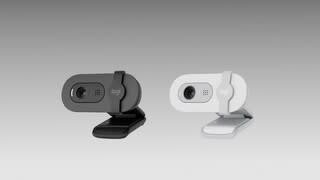
Questions & Answers
- Model:
- 960-001616
- |
- SKU:
- 6571769
Highly rated by customers for: Image Quality, Setup
$39.99Your price for this item is $39.99
Page Showing 41-60 of 87 questions
Q: QuestionCan you adjust camera field?
Asked by K.
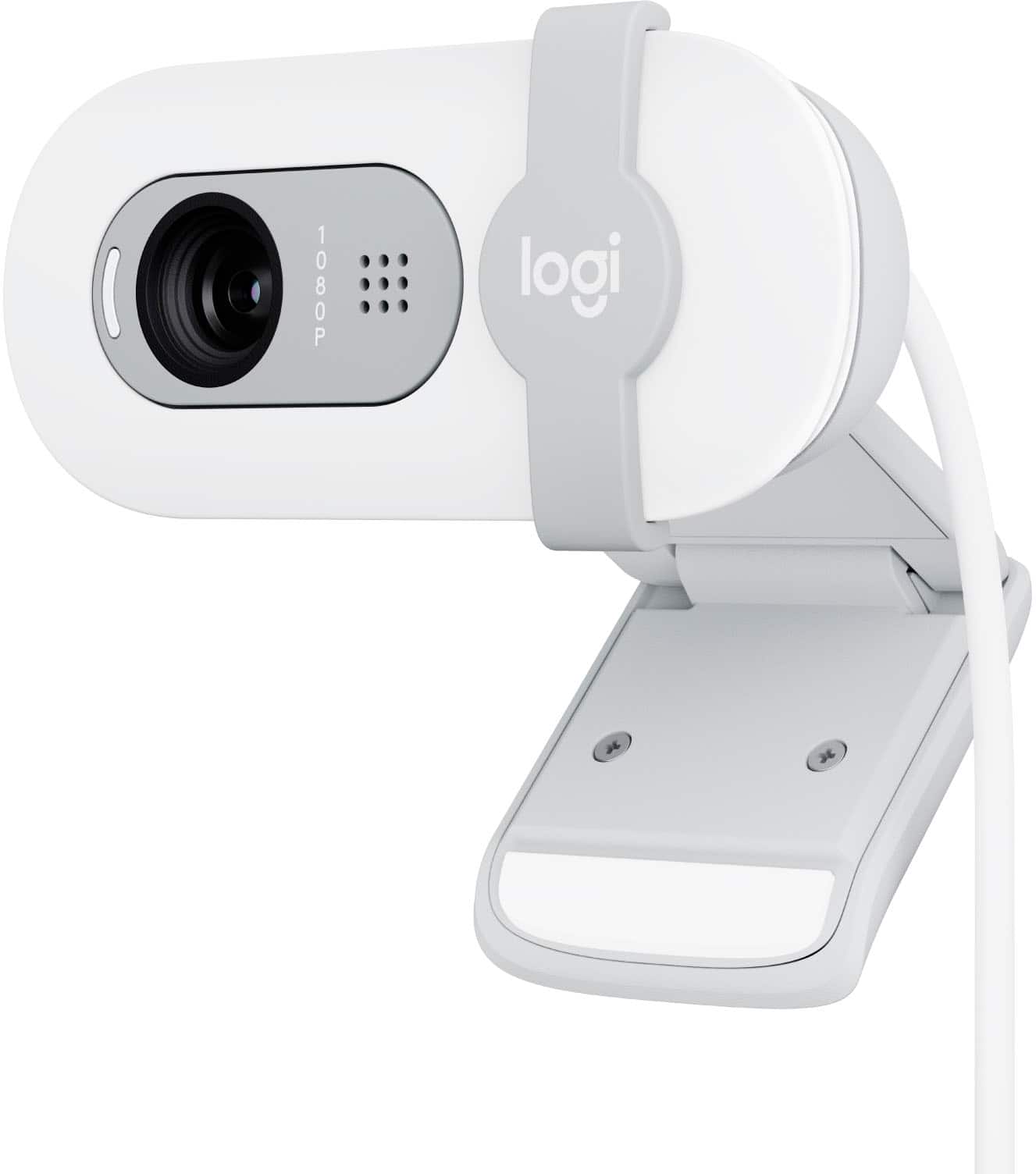
- A:Answer No, the Logitech Brio 100 webcam has a fixed diagonal field of view (dFoV) of 58 degrees.
Answered by Logitech
Q: QuestionIs this compatible with the Playstation 4?
Asked by Playstation.
- A:Answer Yes
Answered by Saisanjay
Q: QuestionWhat is the field of vision?
Asked by CraigS.
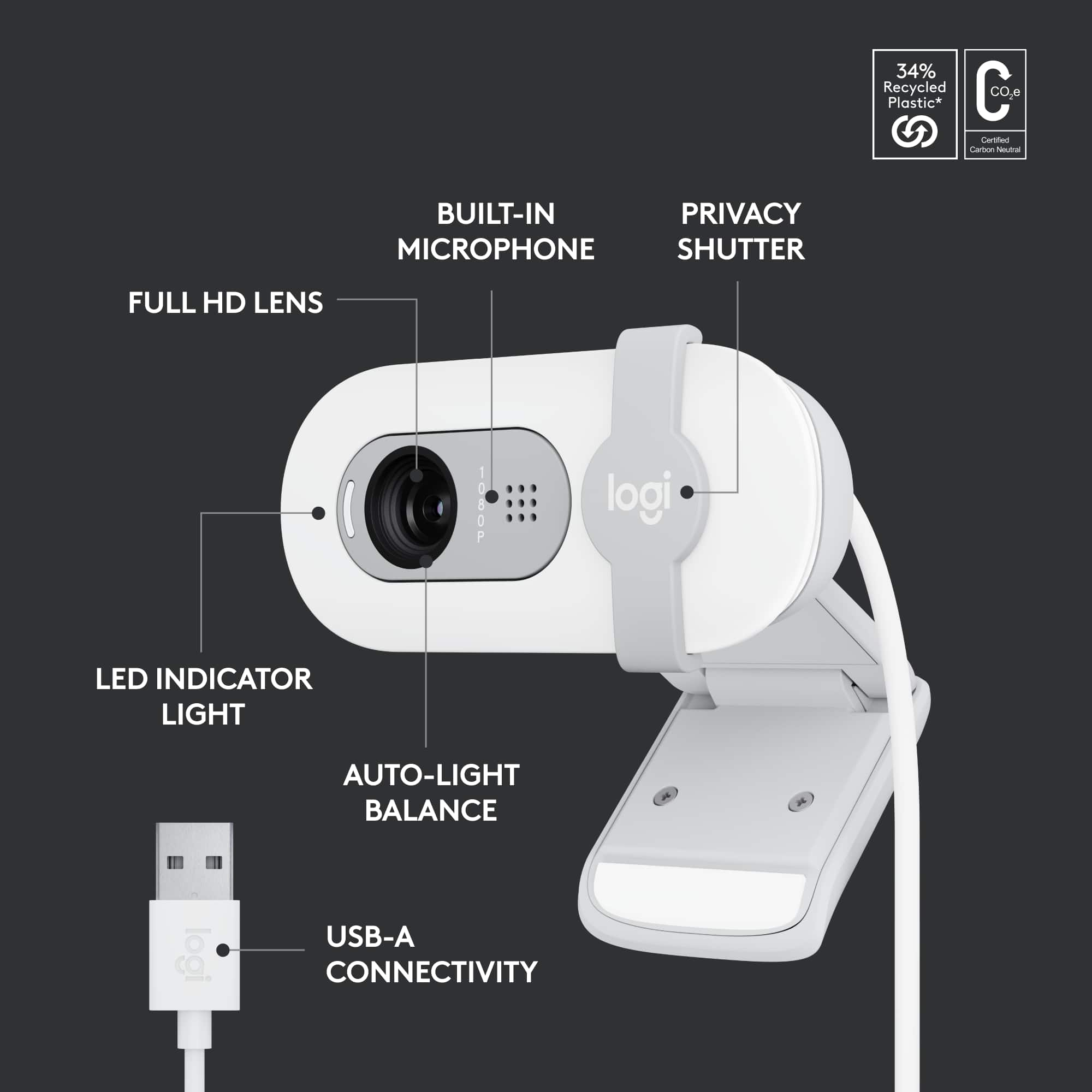
- A:Answer Hey! The Logitech Brio 100 Full HD Webcam has a diagonal field of view of 58°.
Answered by Logitech
Q: Questionwill it sit well on a surface pro 4?? i believe mi labtop's screen frame is bit thin
Asked by AndreC.
- A:Answer The brace is adjustable so I think it might be ok, see photos. I put it onto my Lenovo pc- last photo.
Answered by DAR1
Q: QuestionDoes this work on a smart TV?
Asked by Chris.
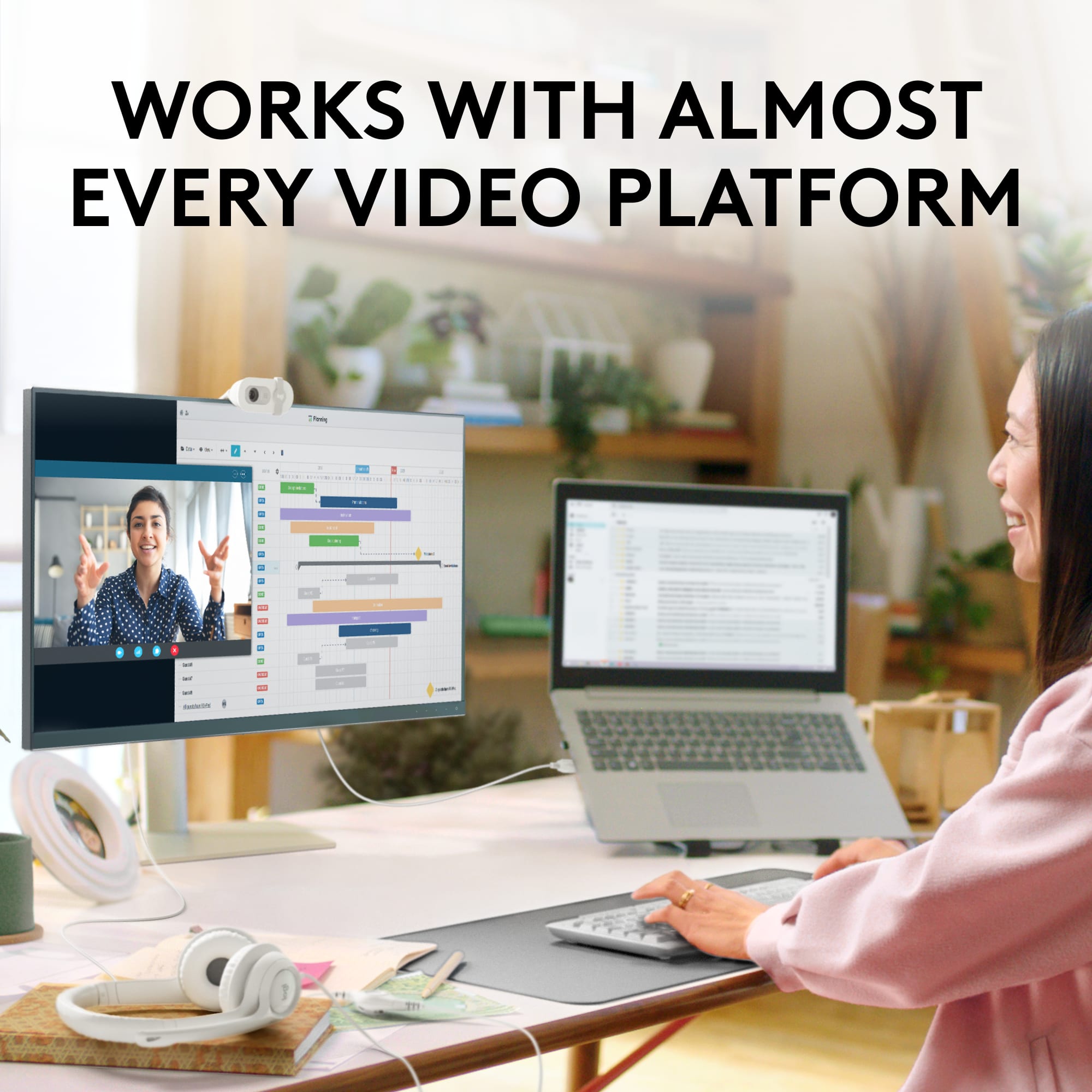
- A:Answer The Logitech Brio 100 webcam is designed for use with computers. While some smart TVs may have USB ports, they aren't designed to recognize and use webcams like the Brio 100. The Brio 100 is compatible with: - Windows 10 or later - macOS 10.15 or later - ChromeOS
Answered by Logitech
Q: Questiondoes it work with mac mini 2023? I already bought 2 cameras that said they were compatible but they only worked in older models :(
Asked by shushana.
- A:Answer I use it on my 2024 MacBook pro so it should work fine on MacOS products. However, its a USB-A cable. You'll need to get a USB-A to USB-C converter. I believe Apple switched all their ports over to USB-C a while ago.
Answered by DonC
Q: QuestionWhat is the angle of the field of view?
Asked by Gebhere.
- A:Answer It's 58 degrees.
Answered by DonC
Q: QuestionIs this camera good for Xbox? Like for me to connect to the Xbox and stream on Twitch ?
Asked by Emmie.
- A:Answer You could use it, but the recording frame rate is not good. It records in 30fps. You won't look so smooth to viewers.
Answered by DonC
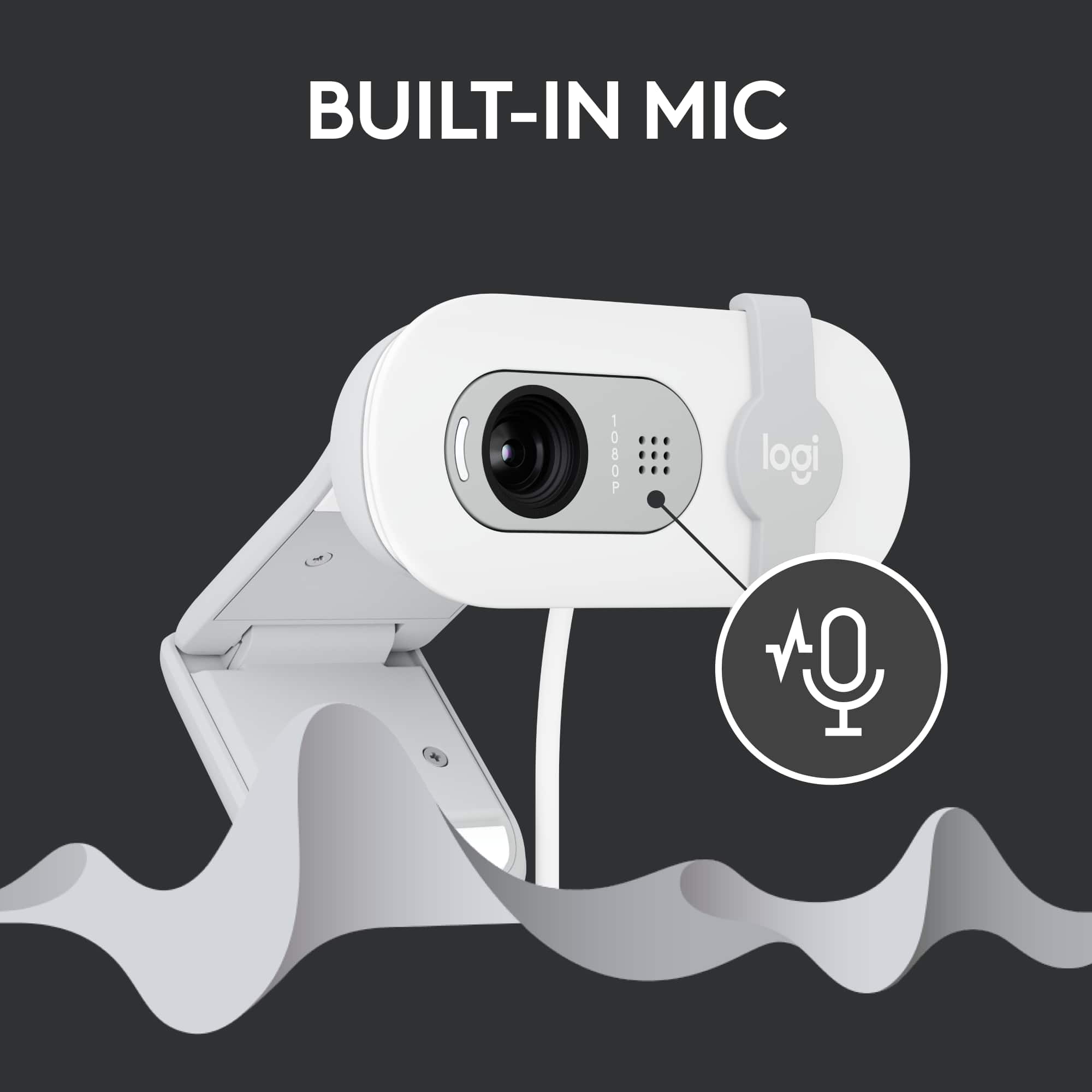
Q: Questionhow do i mute the microphone in a zoom meeting
Asked by jean.
- A:Answer You do it in the Zoom app. This camera does not have a physical mute button.
Answered by DonC
Q: QuestionDoes this webcam record at 60 FPS?
Asked by RobloxReportButton.
- A:Answer The Logitech Brio 100 records at 1080p/30fps (1920x1080 pixels) and 720p/30fps (1280x720 pixels). It does not record at 60fps.
Answered by Logitech
Q: QuestionDose it work on Playstation 5
Asked by Anonymous.
- A:Answer The Logitech Brio 100 is compatible with the following operating systems: - Windows 10 or later - macOS 10.15 or later - ChromeOS It is not compatible with the PlayStation 5.
Answered by Logitech
Q: QuestionIs this compatible for the PlayStation 5 streaming?
Asked by Jay.
- A:Answer The Logitech Brio 100 is not compatible with the PlayStation 5 for streaming. While the Brio 100 is compatible with Windows, macOS, and ChromeOS, the PlayStation 5 has its own built-in camera for streaming.
Answered by Logitech
Q: QuestionWill this Webcam work on a non normal secure browser for a testing center on a MacBook pro?
Asked by Anonymous.
- A:Answer Yes, the Logitech Brio 100 webcam should work on a MacBook Pro for most applications, but secure browsers used in testing centers might block external devices like webcams. Check with the testing center to confirm compatibility.
Answered by MalayS
Q: QuestionIs this a 360 degree web cam?
Asked by Remote.
- A:Answer No, only shows what the camera is pointed at.
Answered by ethan
Q: QuestionIs this compatible with a Chromebook?
Asked by Michele.
- A:Answer I have had it attached to laptop and desktop, its just plug and play.
Answered by Nope
Q: QuestionIs this plug and play? I've restarted twice and it's not doing anything.
Asked by LisaJo.
- A:Answer Yes, the Logitech Brio 100 is plug-and-play, but if it's not working: Check Connections: Ensure the webcam is securely plugged into a working USB port.
Answered by MalayS
Q: QuestionIs it compatible with xbox?
Asked by Ellis.
- A:Answer Yes, it’s compatible with Xbox. I run mines on a Series X. You just need to link your Twitch or any platform that is compatible with your Xbox. With Xbox, you can Run the test to make sure it’s synchronized before starting your stream or Video Calls to avoid awkward moments
Answered by RoadRunnaxKB
Q: QuestionIs the logitec cameral compatible with an LG monitor?
Asked by Anonymous.
- A:Answer It should be compatible with any monitor, it’s dependent on being able to plug into the computer
Answered by ethan
Best-selling webcams
- $69.99Your price for this item is $69.99
- $29.99Your price for this item is $29.99
- $199.99Your price for this item is $199.99
- $99.99Your price for this item is $99.99
- $126.99Your price for this item is $126.99$139.99The comparable value for this item is $139.99
- $119.99Your price for this item is $119.99
- $39.99Your price for this item is $39.99
- $199.99Your price for this item is $199.99
- $161.99Your price for this item is $161.99$169.99The comparable value for this item is $169.99
- $249.99Your price for this item is $249.99
- $199.99Your price for this item is $199.99
- $169.99Your price for this item is $169.99
- $115.00Your price for this item is $115.00$129.99The comparable value for this item is $129.99
- $48.65Your price for this item is $48.65
- $1,099.00Your price for this item is $1,099.00
- $69.99Your price for this item is $69.99
- $840.99Your price for this item is $840.99$899.00The comparable value for this item is $899.00