A:AnswerShouldn't have an issue. Just need a standard usb port to be able to plug it into. You will then have to change the macs default settings from its internal camera to the Logitech. Same with the mic, you would have to change the default audio input setting to the Logitech .
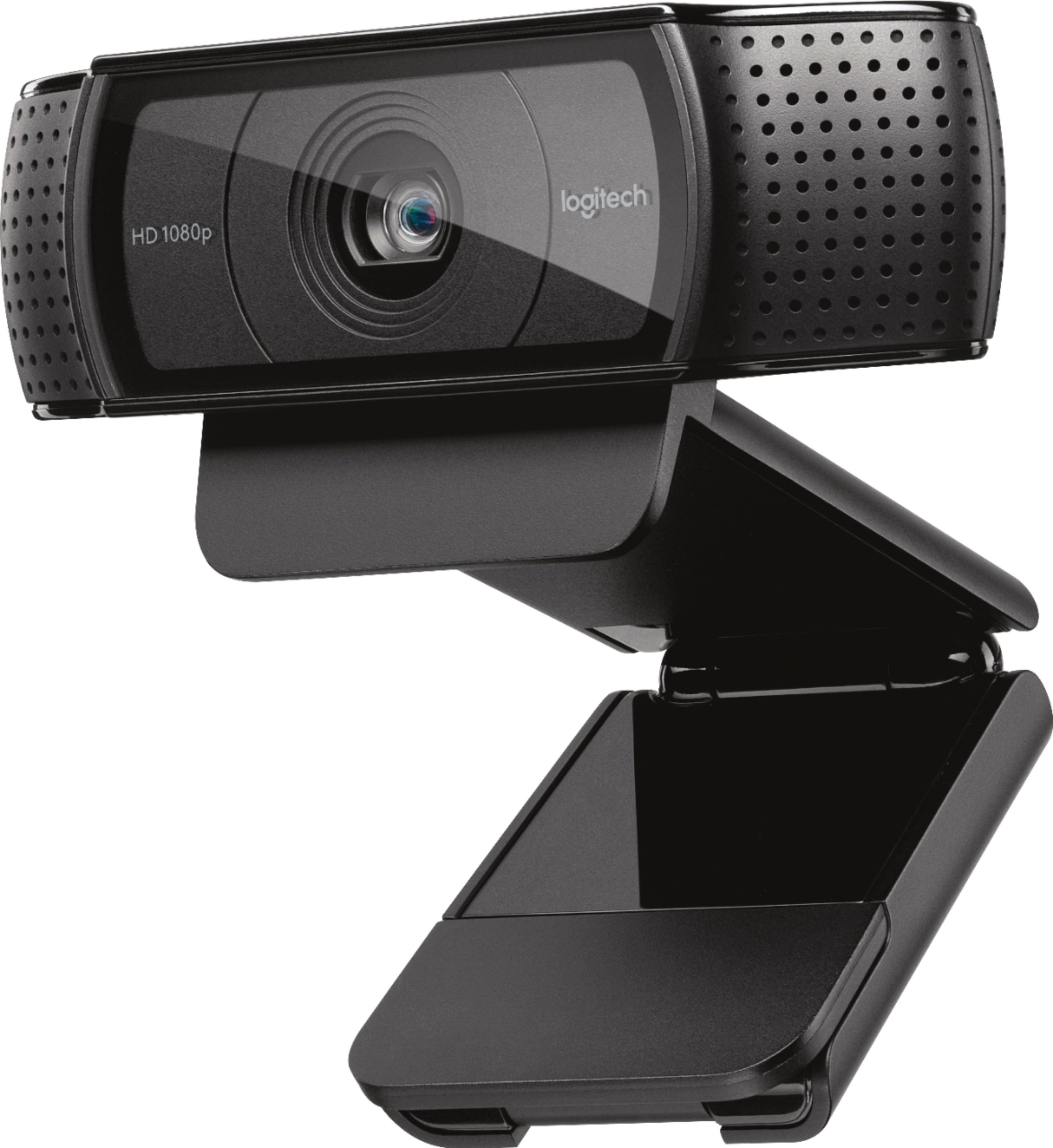
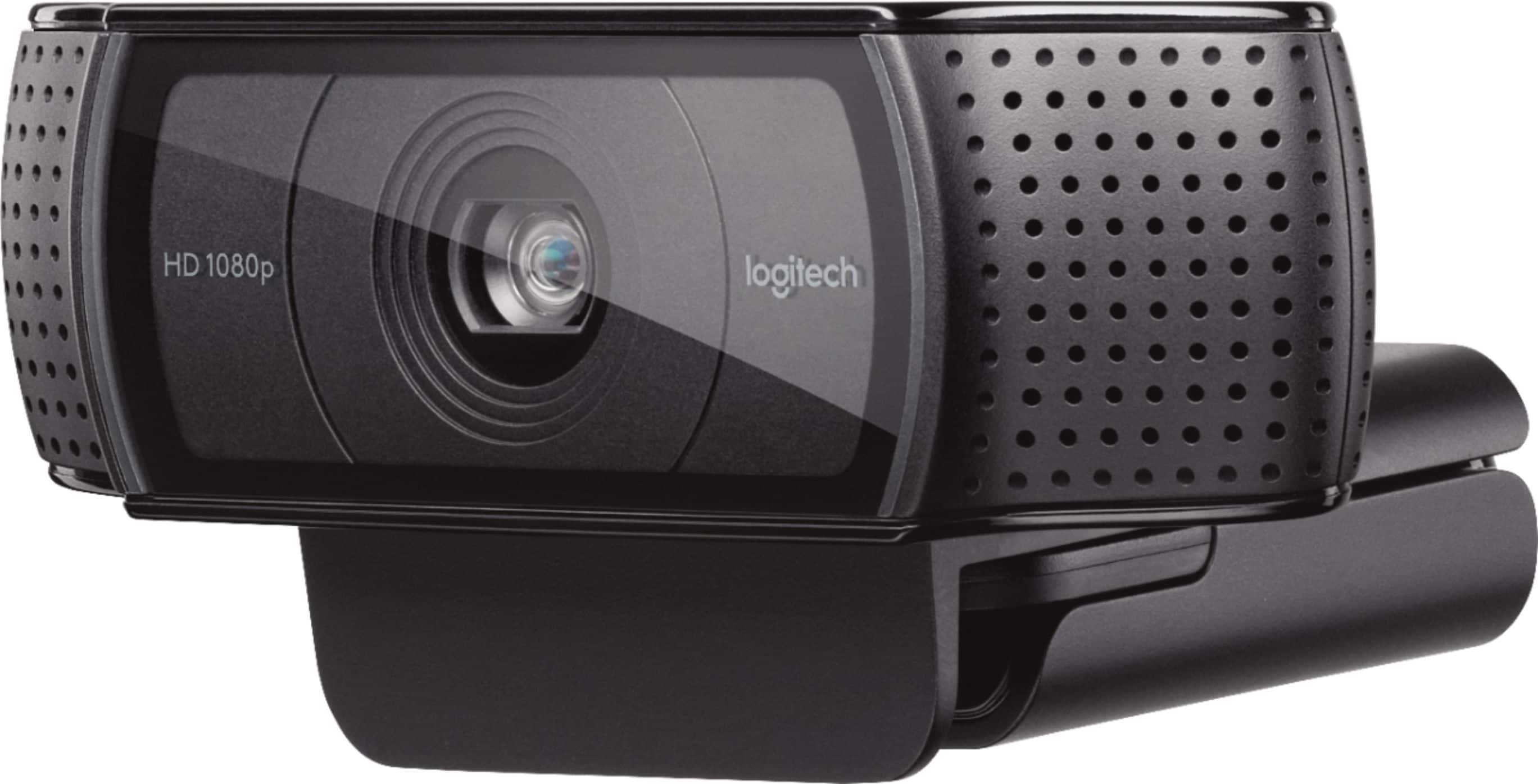
A:AnswerMy C920 has a blue ring that lights up when the camera is active it's not a light for lighting but just more of a reminder that the cameras live or on
A:AnswerI'm able to change all sorts of things using obs sharpness contrast Etc I would look into your streaming software and look at the options that they give you
A:AnswerPer Logitech's website:
"Compatible with:
Windows® 7, Windows 8, Windows 10 or later"
https://www.logitech.com/en-us/product/hd-pro-webcam-c920
A:Answer*From Logitech's product specifications page for the C920
Windows XP, Windows Vista, Windows 7, Windows 8, Windows 10 or later
Mac OS 10.6 or later (HD 720p on FaceTime for Mac or other supported video-calling clients; Full HD 1080p video recording with QuickTime Player)
Chrome OS
Android v5.0 or above (with supported video-calling clients)
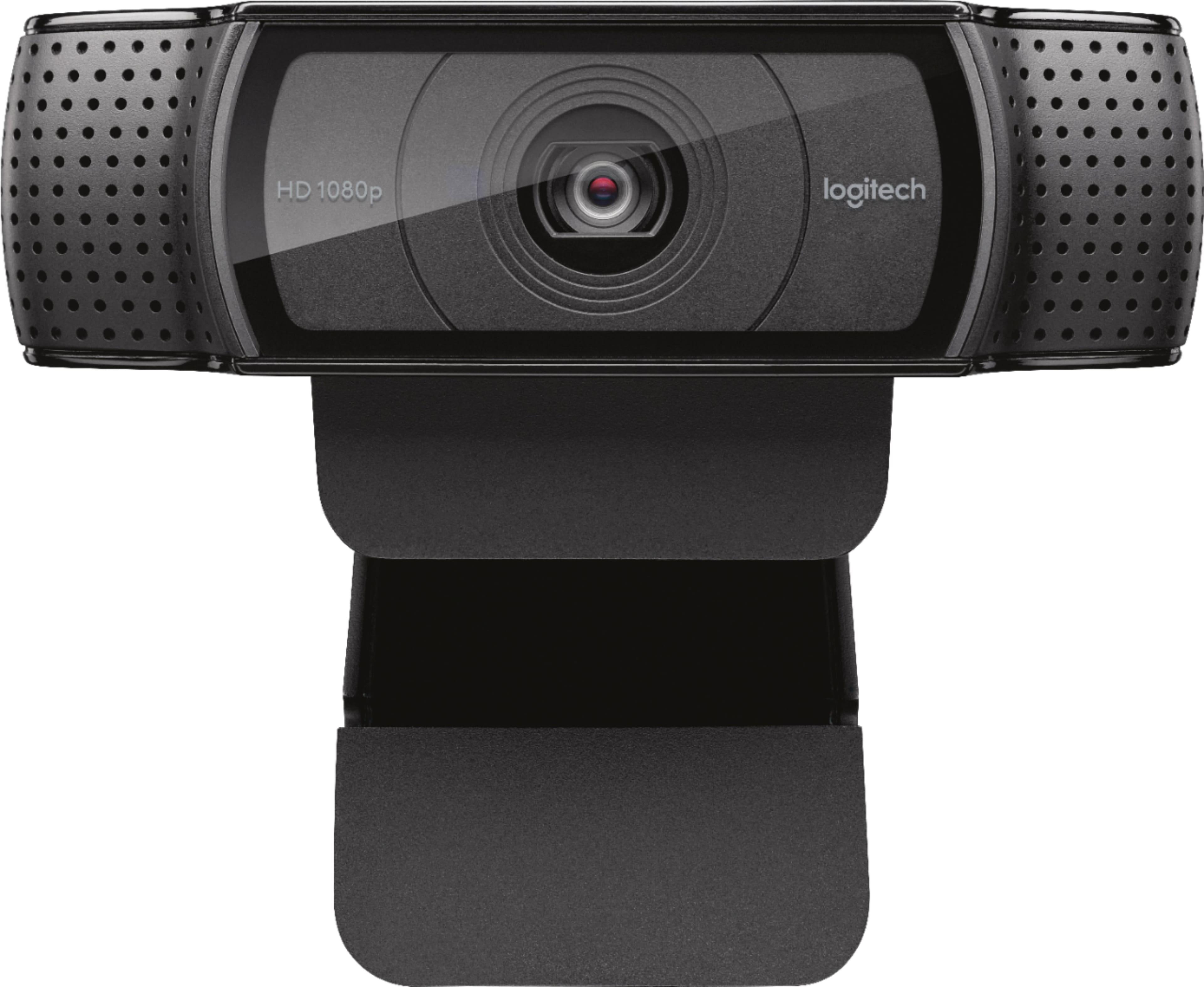
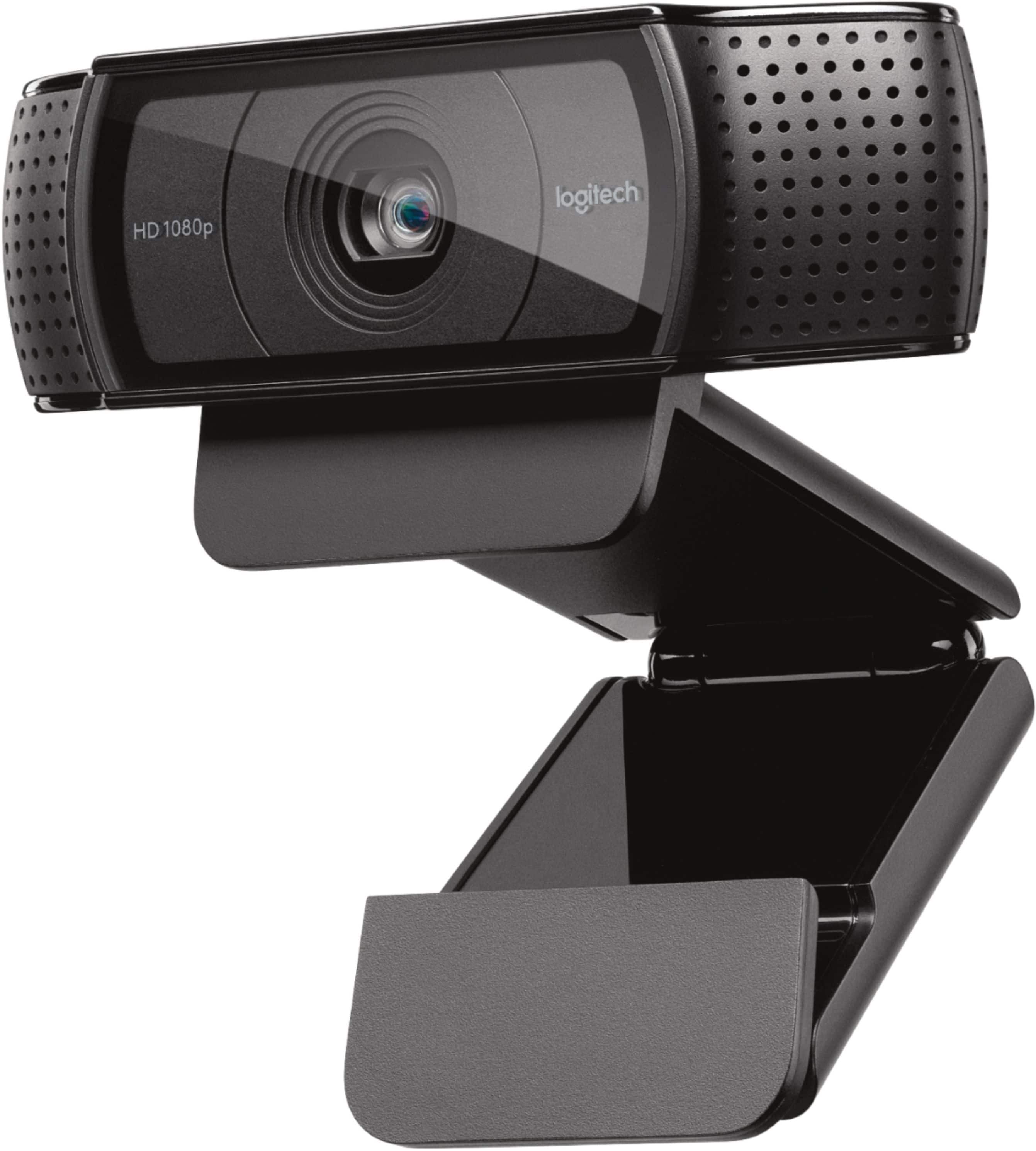
A:AnswerIt does not. It has a 1/4" connection to a tripod. You need to be careful with it, as it is mounted in rubber and not directly to the camera body, and may be broken.
A:AnswerThe C920 Camera SW does not come with the background altering feature, but it is supported. If you have a photo booth for Mac or Chroma Cam for Windows, you can change the background , but i would recommend you use a Green or blue Screen for your background for best results
A:AnswerAs far as I can see from the one I bought its a no. I don't see a way of taking it off the mount. Hope that helps. I do recommend the camera though. =)