A:AnswerHello, The C922 Pro Stream Webcam isn't ideal for a boardroom option especially at 15-20' distance away. Here's a link to a PDF that shows several diagrams of boardrooms and recommendations for what ConferenceCam would be ideal: https://www.logitech.com/content/dam/logitech/en/video-collaboration/pdf/logitech-fov-diagram-web.pdf. Have a great day! - Richard from Logitech
A:AnswerUnfortunately, the C922 Pro Stream Webcam will not work with DUO on your Sony OLED Smart TV. The C922 works with a computer---Windows® 7 or later, macOS® 10.10 or later 10.10 or later, and
Chrome OS™. Have a great day. - Richard from Logitech
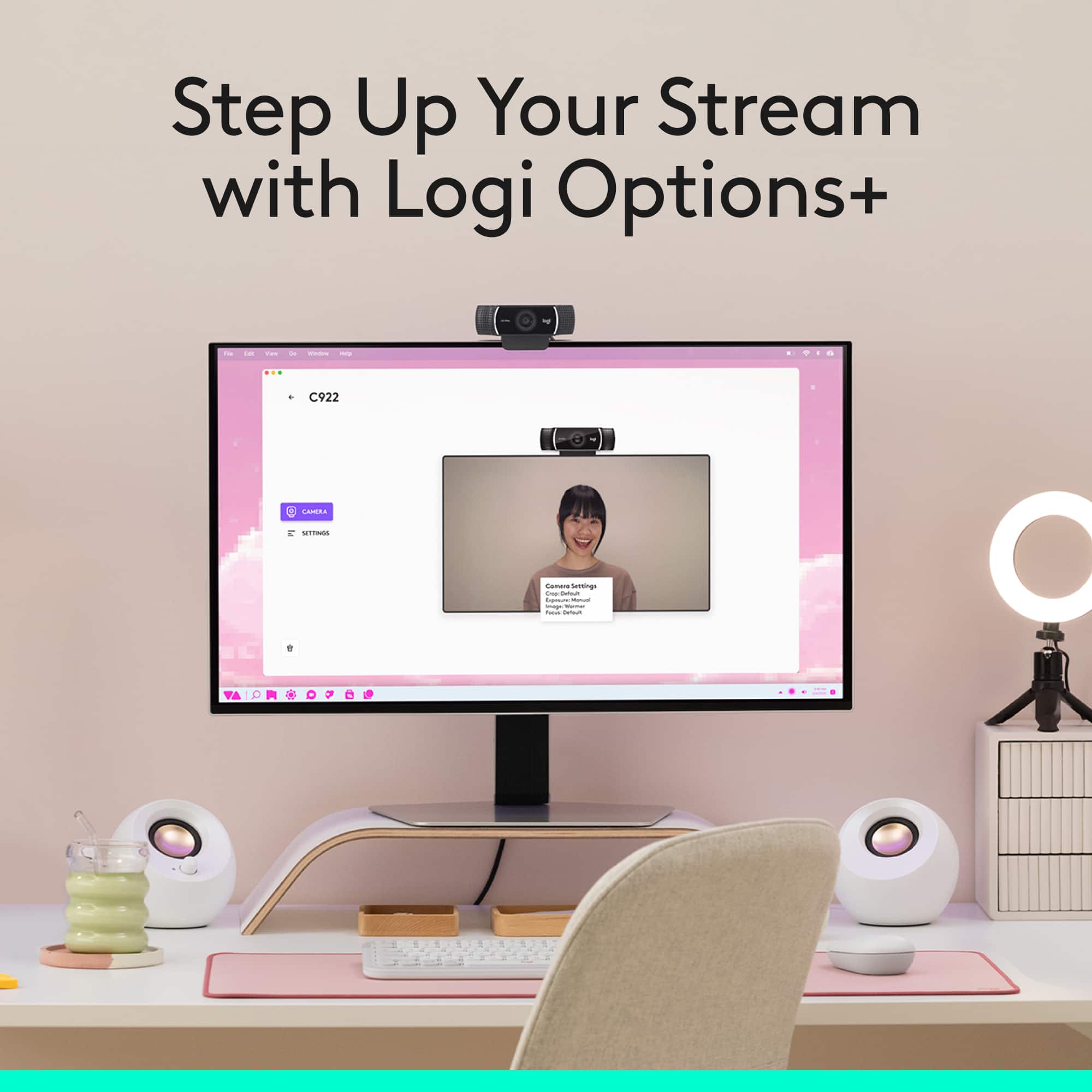
A:AnswerI just used the c922 to zoom for the first time yesterday. The first time you plug the webcam into the computer, it automatically downloads the software..When you launch a zoom meeting, it automatically turns on the c922 and opens the webcam program. All of a sudden my web stream was up in one of the meeting participant squares on the screen..success.
A:AnswerHello JtheTechGuy,
Yes, the C922 Pro Stream Webcam is plug and play, and will work on a Chromebook. I have attached a link to the "Getting Started" support page for your reference. Please feel welcome to visit the Logitech website for product support. Thank you for choosing Logitech.
Best regards,
John at Logitech
https://support.logi.com/hc/en-us/articles/360024156234
A:AnswerYou should be able to run Logitech capture in the back ground setting up the image your looking for. Rum teams and use Logitech Capture as Video source in teams
A:AnswerSounds like your input level was set too high and the audio was clipping. That's when you hit the top of the audio meter. You want to set your audio levels to never completely fill the meter. Simply lower the input level in the System Preferences/Sound/Input panel.
A:AnswerPlug and play. Yes. There is "Camera Settings" software you can instal from here: https://support.logi.com/hc/en-us/articles/360049055854
...but it's not a necessary driver. The audio and video just work when attached, but you'll probably have to select the camera/mic if you have multiple options attached.
A:AnswerYes. just plug and play. Id recommend downloading the Logitech software for it. I think it prompts you to download it when you plug in the camera.