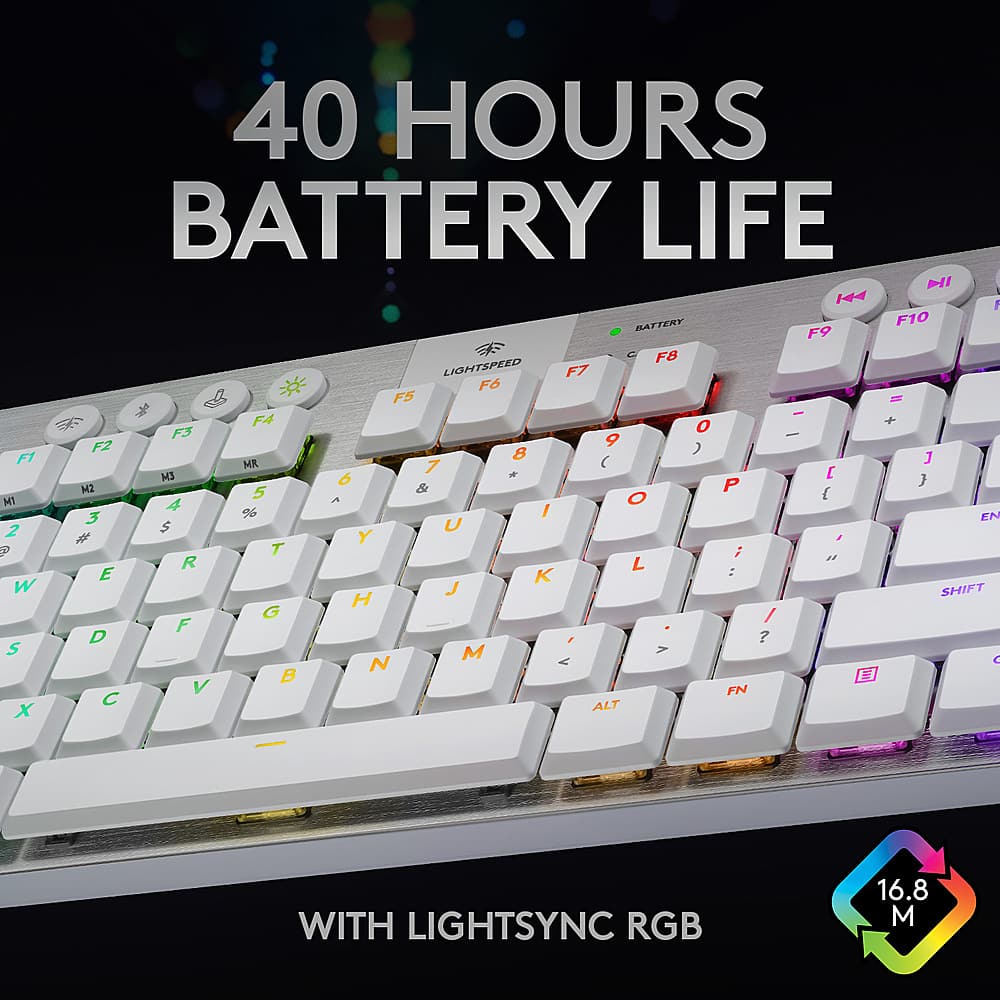
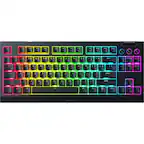
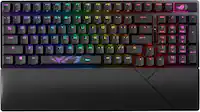
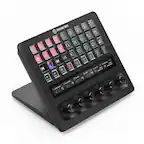
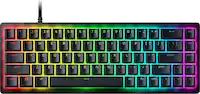
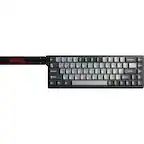
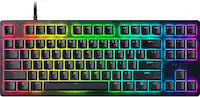
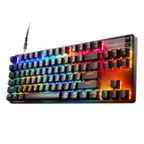
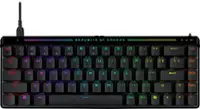
A:Answeryes. usb keyboard. May I have access to app on computer though to configure lighting. You can set the lighting configurations how you want to the memory in the keyboard so it should work after that how you want it.
A:AnswerYes, it does but it is kind of short and not thick so be careful when storing it. Other than that the material that it is made of is good, it is not gonna peel off like the apple charger cable. I am sure of that.
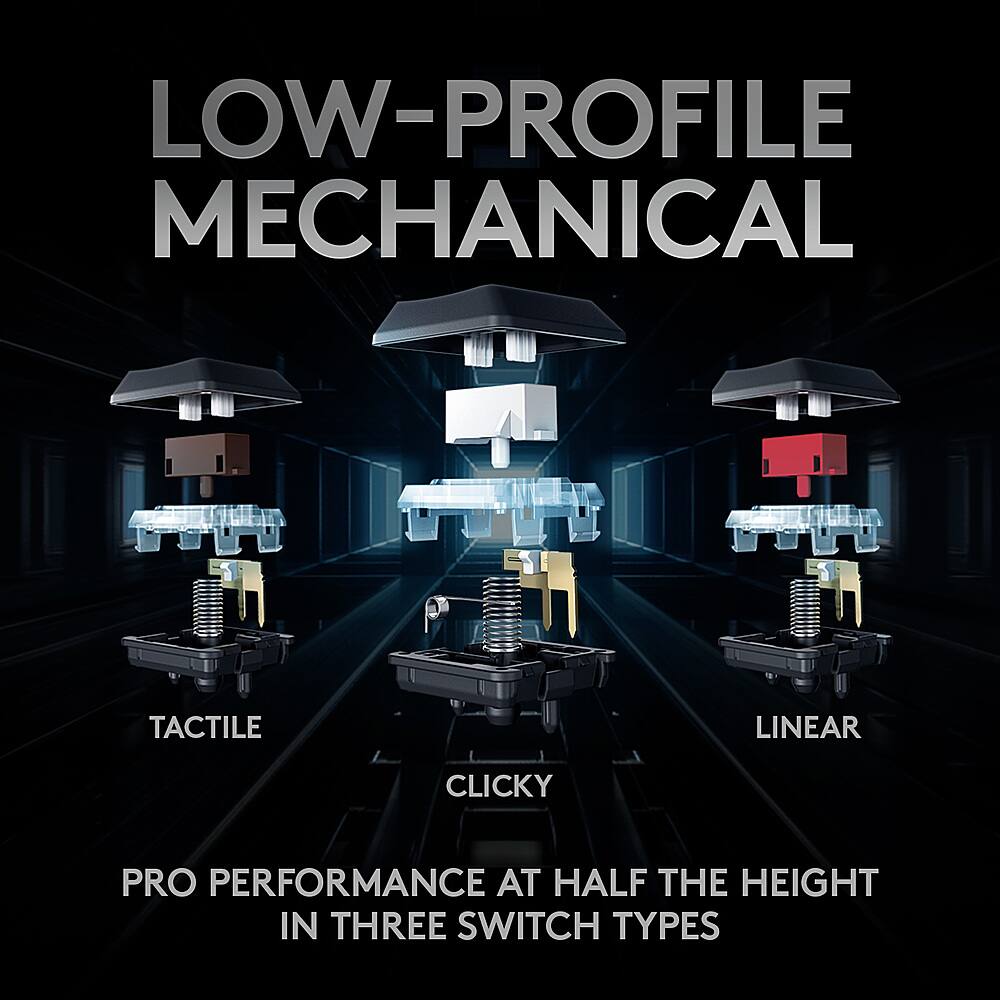
A:AnswerIf you like the loud click of older keyboards go for clicky. If you like less noise and a noticable feel on the keystrokes go for tactile but if you prefer almost no noise and a light but firm press on the keys go for linear. I prefer linear but everyone has their own thoughts
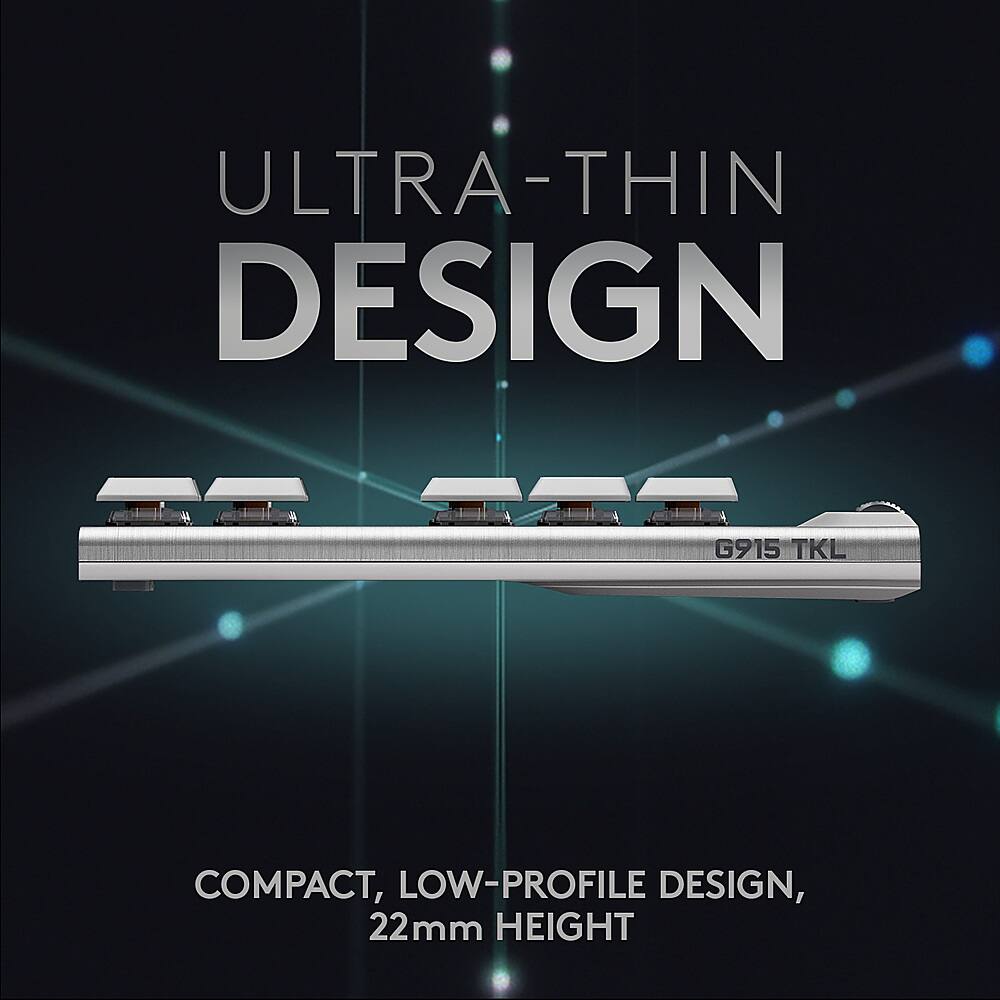
A:AnswerSorry to tell you that they keys on the keyboard are very shallow to lower the arch in your wrist, which works great. The down side is it will take a special key cap to replace them.
A:AnswerNo unless for different color of the same keycaps (white/black). Logi caps are unique (IMO they're fragile and unnecessarily proprietary) and these switches don't accommodate the standard Cherry style keycaps.
A:AnswerAccording to the literature:
REQUIREMENTS
LIGHTSPEED: USB port and Windows® 7 or later, macOS® X 10.11 or later
Bluetooth: Bluetooth enabled device with Windows 8 or later, macOS X 10.11 or later, Chrome OS™, or Android™ 4.3 or later, iOS 10 or later
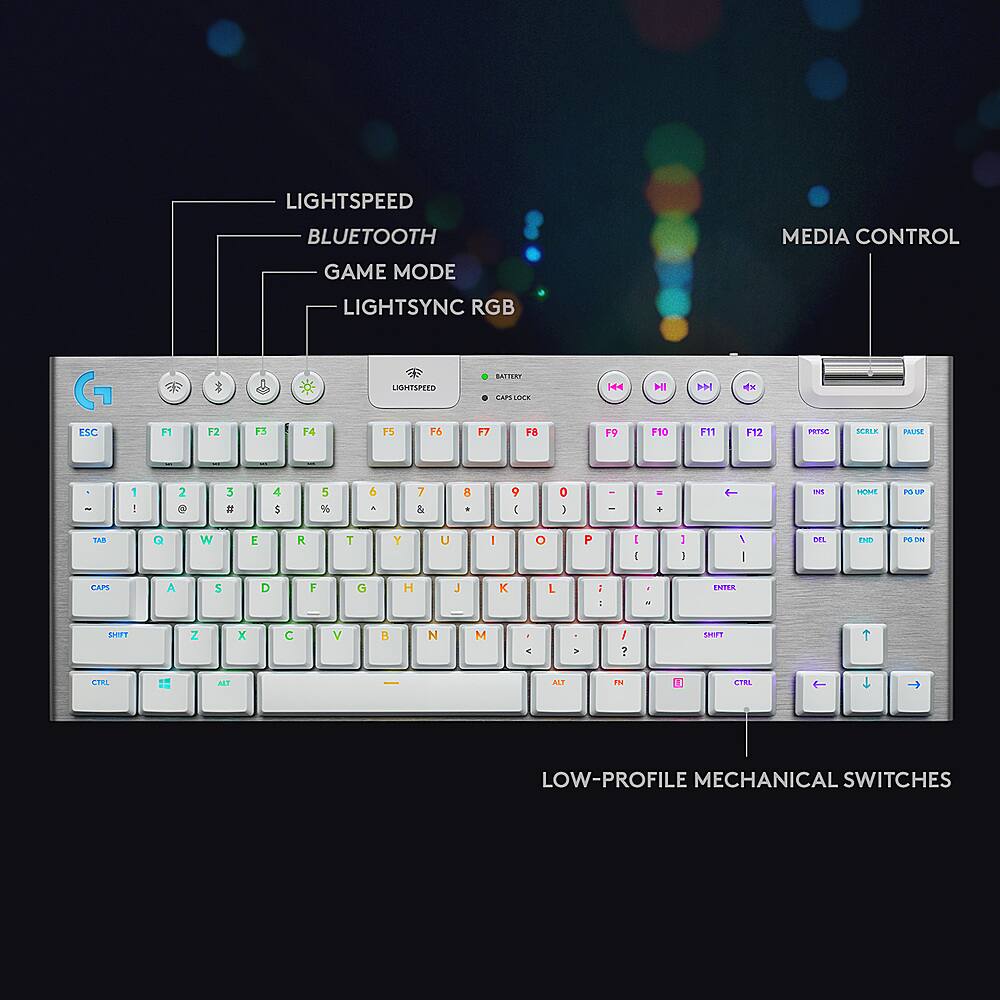
A:AnswerHello KeyboardFinder! The G915 TKL LIGHTSPEED Wireless Keyboard can connect to 2 devices, one via its LIGHTSPEED Wireless Receiver, and another one via Bluetooth. You would simply switch between by pressing the Bluetooth or Wireless buttons at the top of the keyboard. If you'd like something that can pair to 3 devices, I'd recommend checking the MX Keys keyboard: https://www.bestbuy.com/site/logitech-mx-keys-advanced-wireless-illuminated-keyboard-black/6366560.p?skuId=6366560
A:AnswerI can confirm that this answer is not true - unless they add support in a future update. Bluetooth - PS5 says it is not compatible with this device : Dongle - PS5 says it is a "mouse" : USB - PS5 says it is a "keyboard" but no input is detected from the keyboard. As of 2/22/2021 - PS5 Software Version 20.02-2.50.00.08-00.00.00.0.1