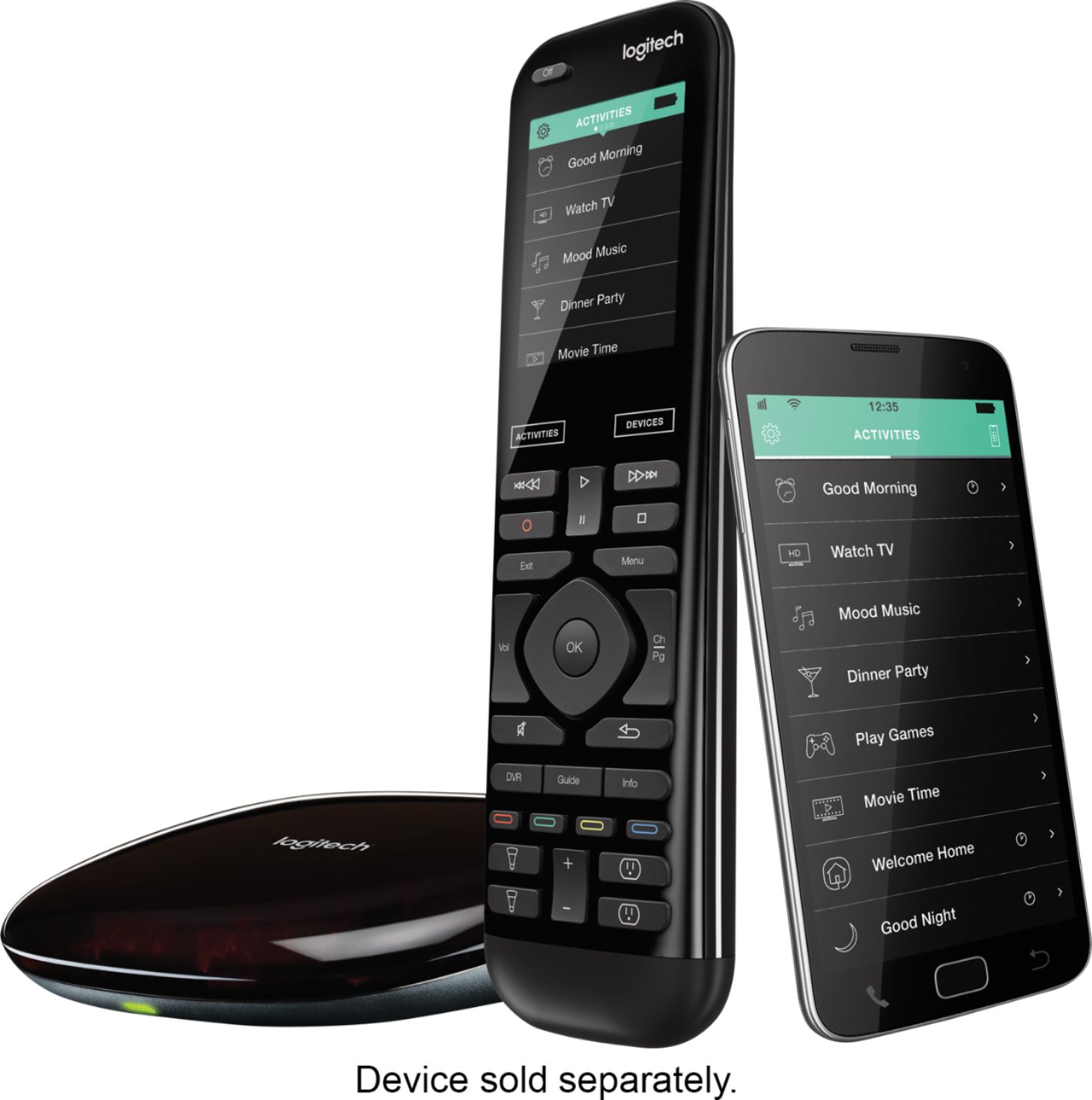
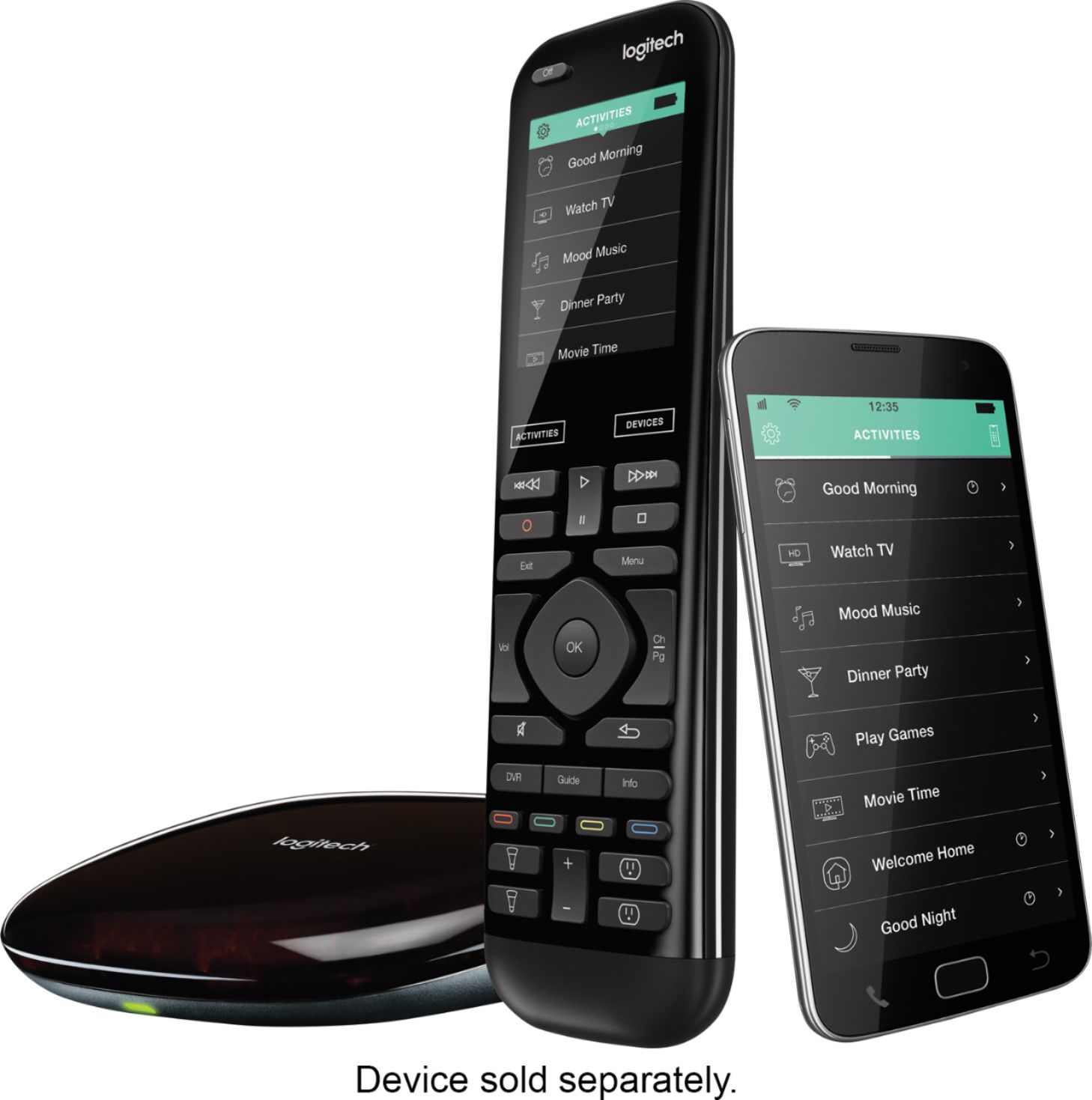
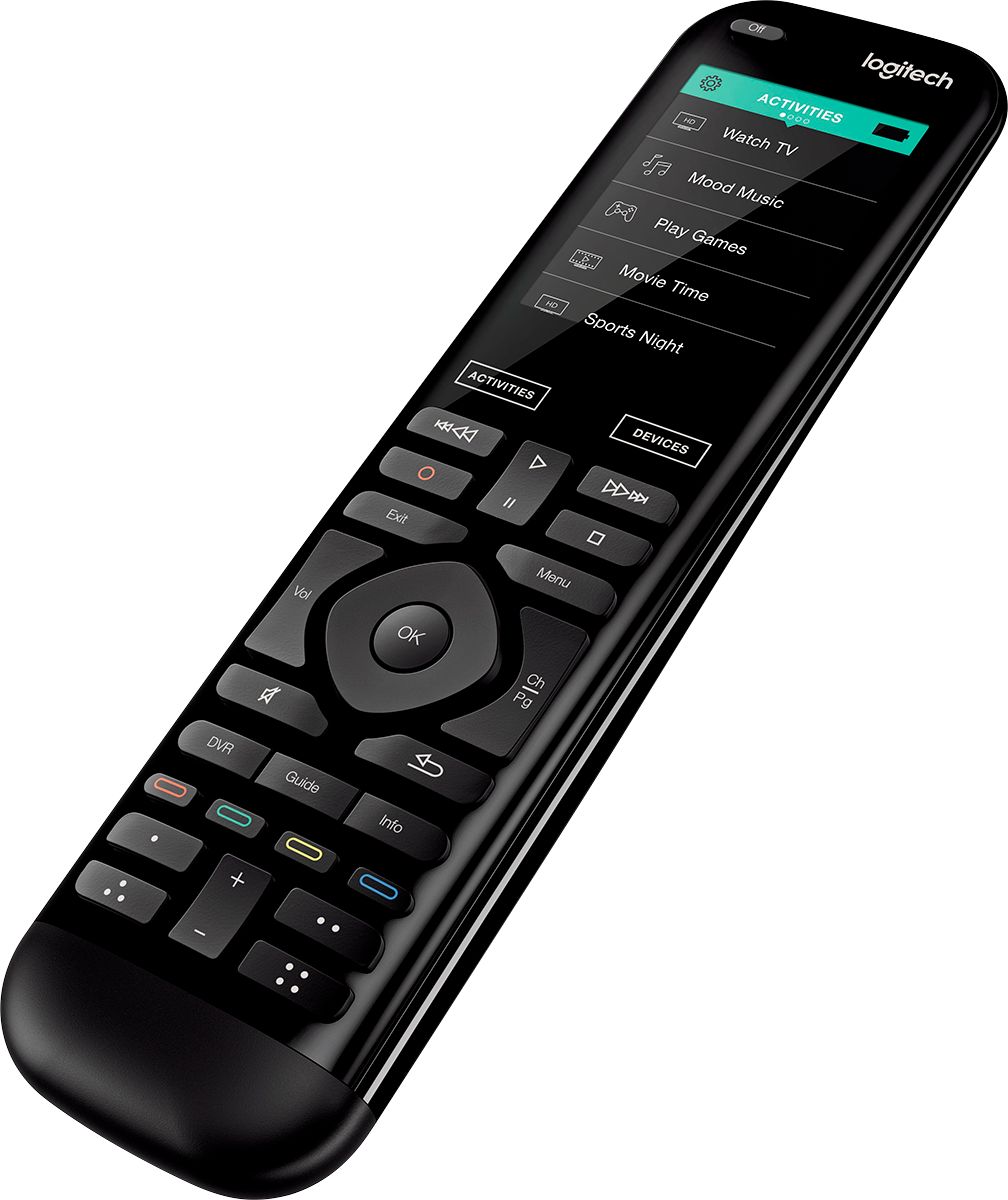
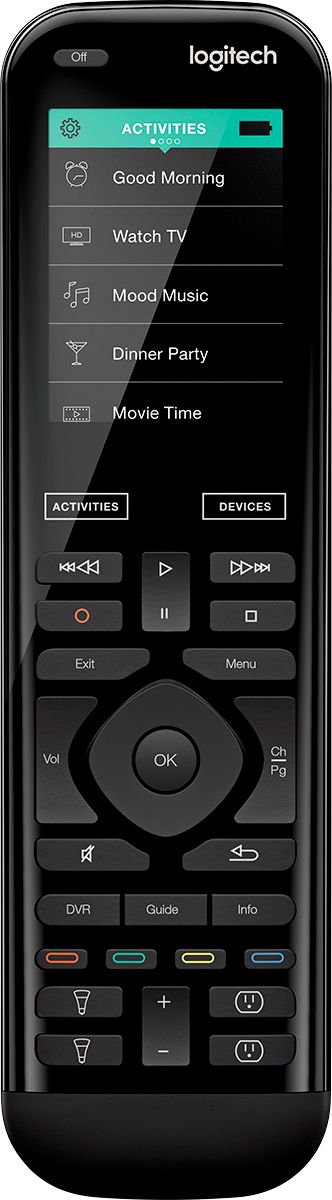
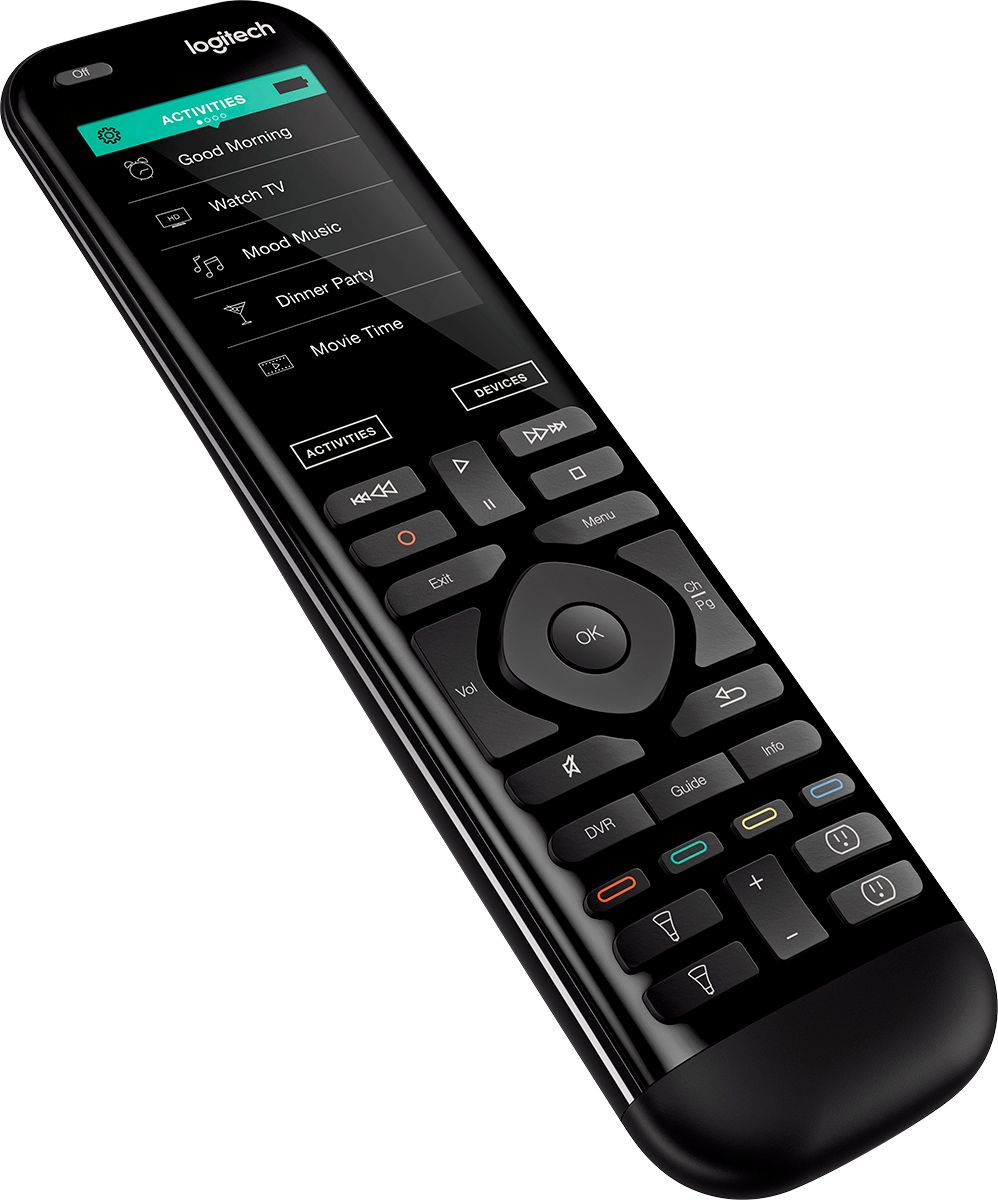
A:AnswerYes, the buttons do light up and are clearly visible. Haven't seen a brightness feature for the buttons however I don't have any trouble seeing. The touch screen is VERY handy and can pretty much do anything that the buttons can do.
A:AnswerHello, we do not have any paper manuals for our products, to keep our line as eco-friendly as possible, but we offer online manuals and tech support here: https://support.myharmony.com/en-us/
A:AnswerHello, number buttons will display on the touch screen when a device with number buttons, such as a tv remote, is programmed into and then selected on the device list that populates on the remote. It will show as "123".
A:AnswerYes, you just have to choose it in the settings when you are setting up your equipment. And you have to make sure the remote points at the TV when you turn it on and off. Our equipment and blasters are in a closet in a different room and it works great with our TV and all those pieces of equipment.
A:AnswerRadio frequencies (RF) are radio frequencies. They don’t change. The amplification power of the source can get stronger but only to the limits the FCC sets. To answer your question I’m not sure if the newer hubs have more amplification.
Radio frequencies are very good...much better than infrared (IR). If your set up wasn’t working under RF then you have a some form of interference. Either a good blockage or it’s very far away from the source. Fireplaces? Vault? A competing Device (think cordless phone)? Etc.
By the way the Logitech hubs are Bluetooth capable. That means any device (TV, DVD Player, etc.) with Bluetooth can be controlled via the hub within roughly 33 feet.
Worst case scenario the Bluetooth, RF, or IR blasters connected to the hub along with a good Wi-Fi network connection should have you covered.
A:AnswerIt depends on the number of devices you have and whether or not you are restoring your settings from another Harmony remote that is already in your account. If it is the latter, it could be less than 30 minutes, but if you have 4-6 new devices and setting up for the first time, it could take a couple of hours or longer depedning on the configurations you are trying to achieve.
A:AnswerI am Utilizing a Onkyo receiver with this remote and using the app you can set up the Harmon Elete to do a series of functions with one button.
A:AnswerThe buttons below the colored buttons you can use to make commands specific for any activity you are on. The icons are actually 'outlets' and 'lights', which I assume one is to use for controlling these items with the new home options available. I don't have any of these, so I've used the buttons for my own reasons.
A:AnswerYes it does work with the Sonos system but I did have a problem controlling the subwoofer through it and wound up having to use the Sonos app to change the subwoofer other than that it works fine.
A:AnswerHello PerAxel! You'll be able to control up up to 15 different devices with your Elite Remote, including your Apple TV, Sony OLED TV, Sony Sound Bar, separate Sound Bar, etc. You can check the compatibility with all of your devices here: https://support.myharmony.com/en-us/compatibility As for controlling different inputs, if you have different Sound Bars connected to an Audio Receiver in example, you'll be able to control the Receiver and switch audio inputs no problem. - Mathieu from Logitech
A:AnswerThat isn’t what I was looking for. I wasn’t clear enough. I can not go through the receiver. The multi region DVD player connects to hdmi 4 and the audio must be routed through the tv internal speakers. I can play the foreign discs via the harmony remote except I have to change the audio with the tv remote. LG Smart TV.