A:AnswerHello TurnbullBoys,
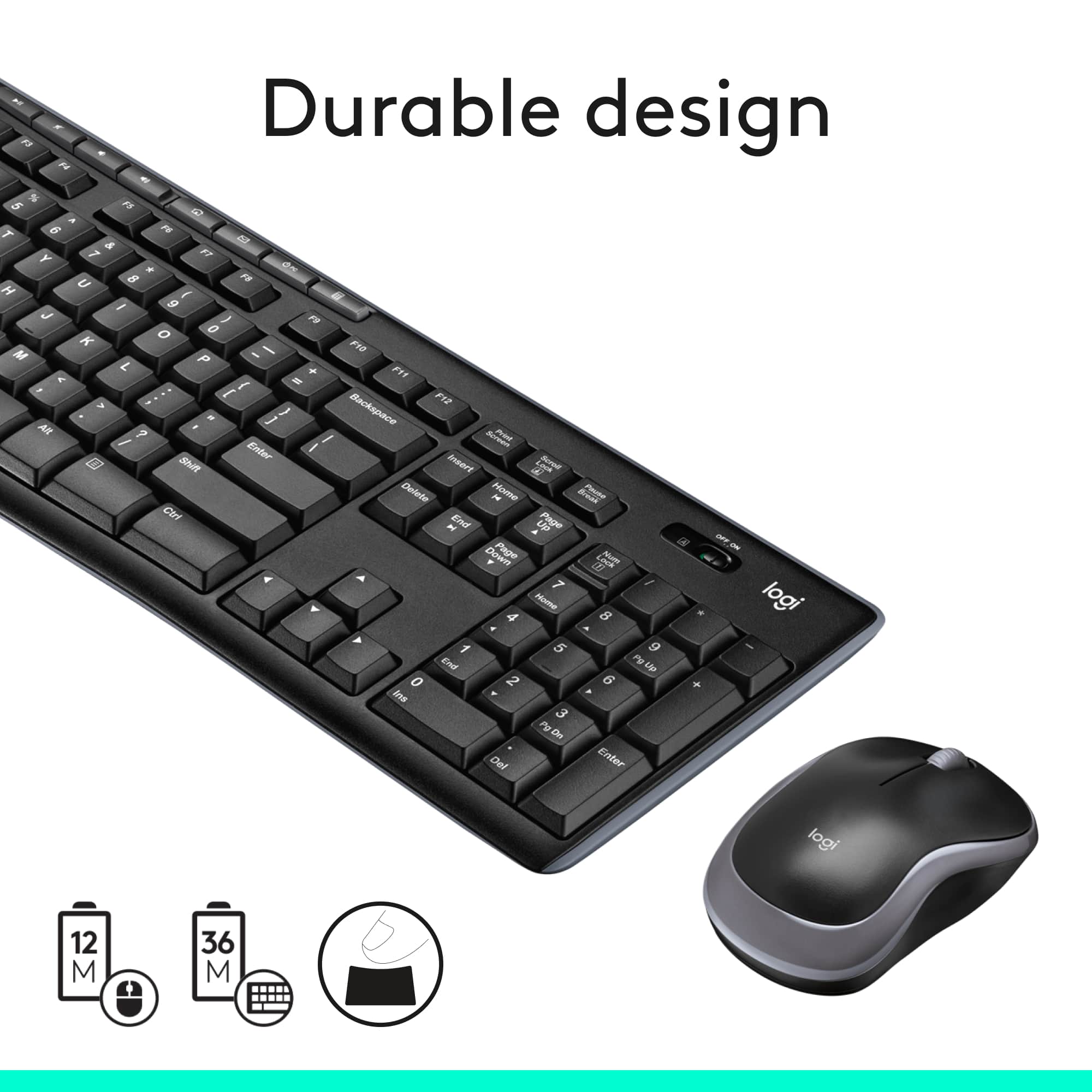
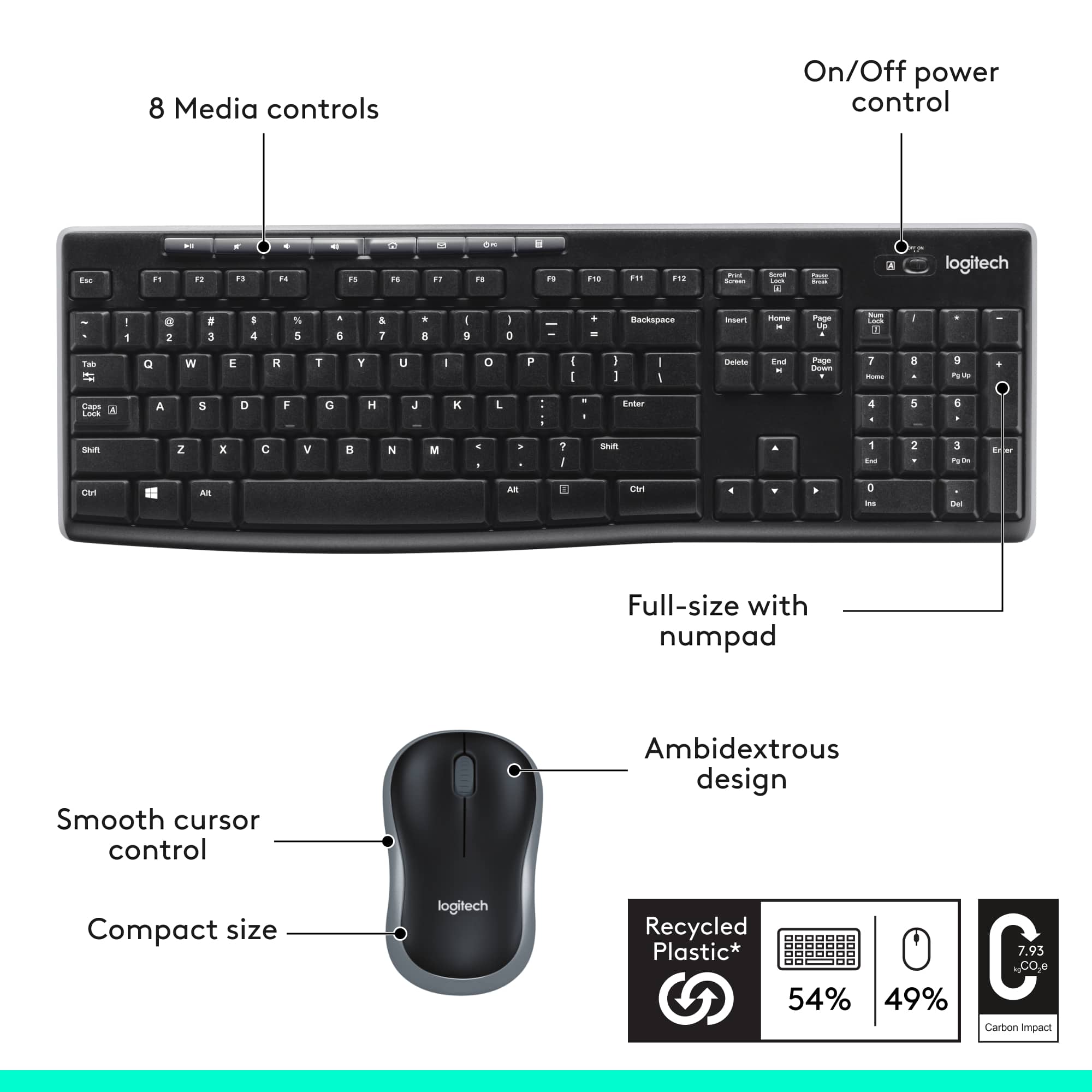
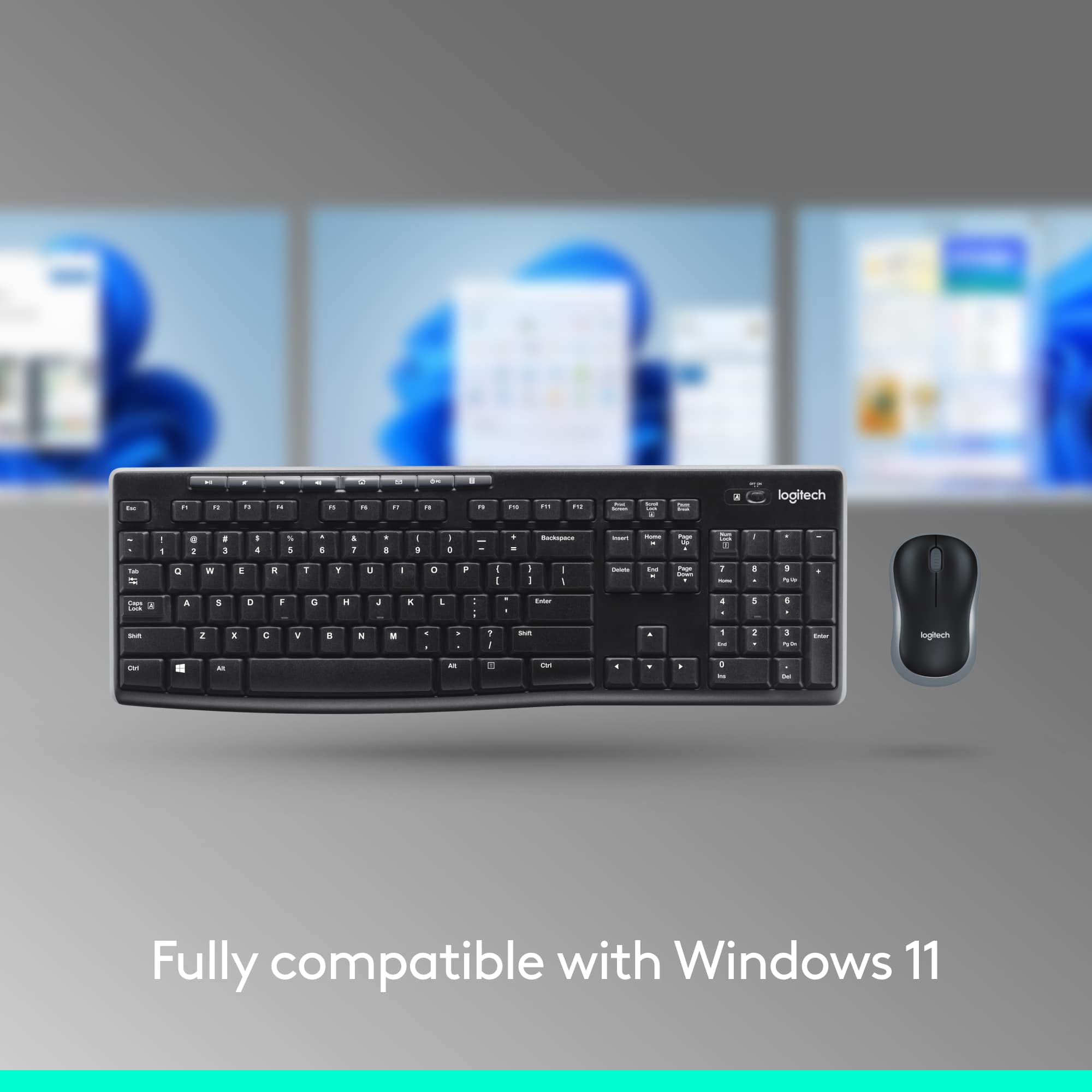
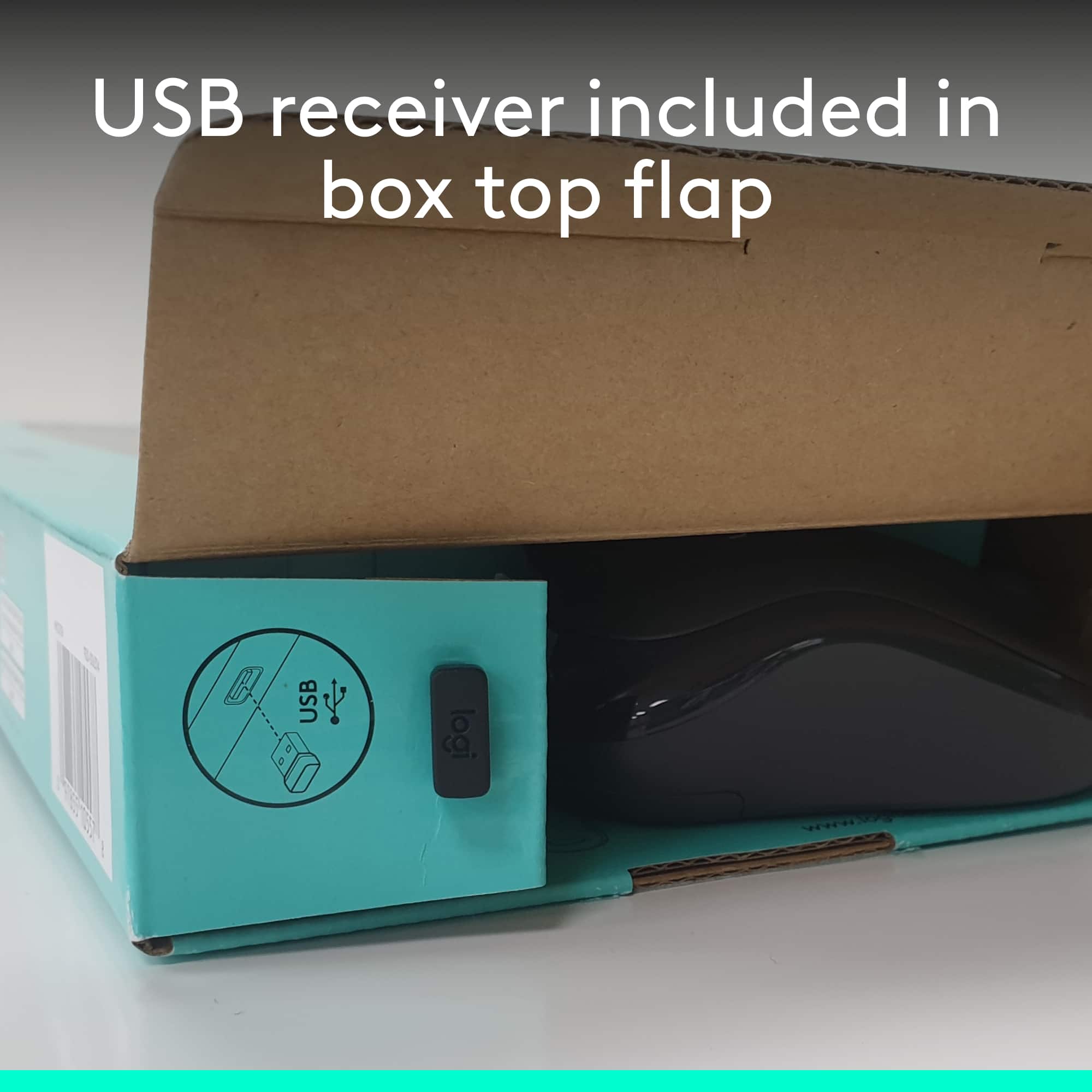
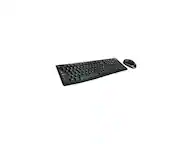
Yes, the Logitech MK270 Mouse and Keyboard combo is compatible with the HP EliteDesk. The MK270 uses one USB Nano receiver to communicate with the mouse and keyboard. I have attached a link to the “Getting Started” support page for the Logitech MK270 for your reference, here you will find specifications and software downloads. I recommend downloading the “SetPoint” software for customization and updates. Please feel welcome to visit the Logitech website for product support.
Best regards,
John at Logitech
https://support.logi.com/hc/en-us/articles/360024158874--Getting-Started-Wireless-Combo-MK270
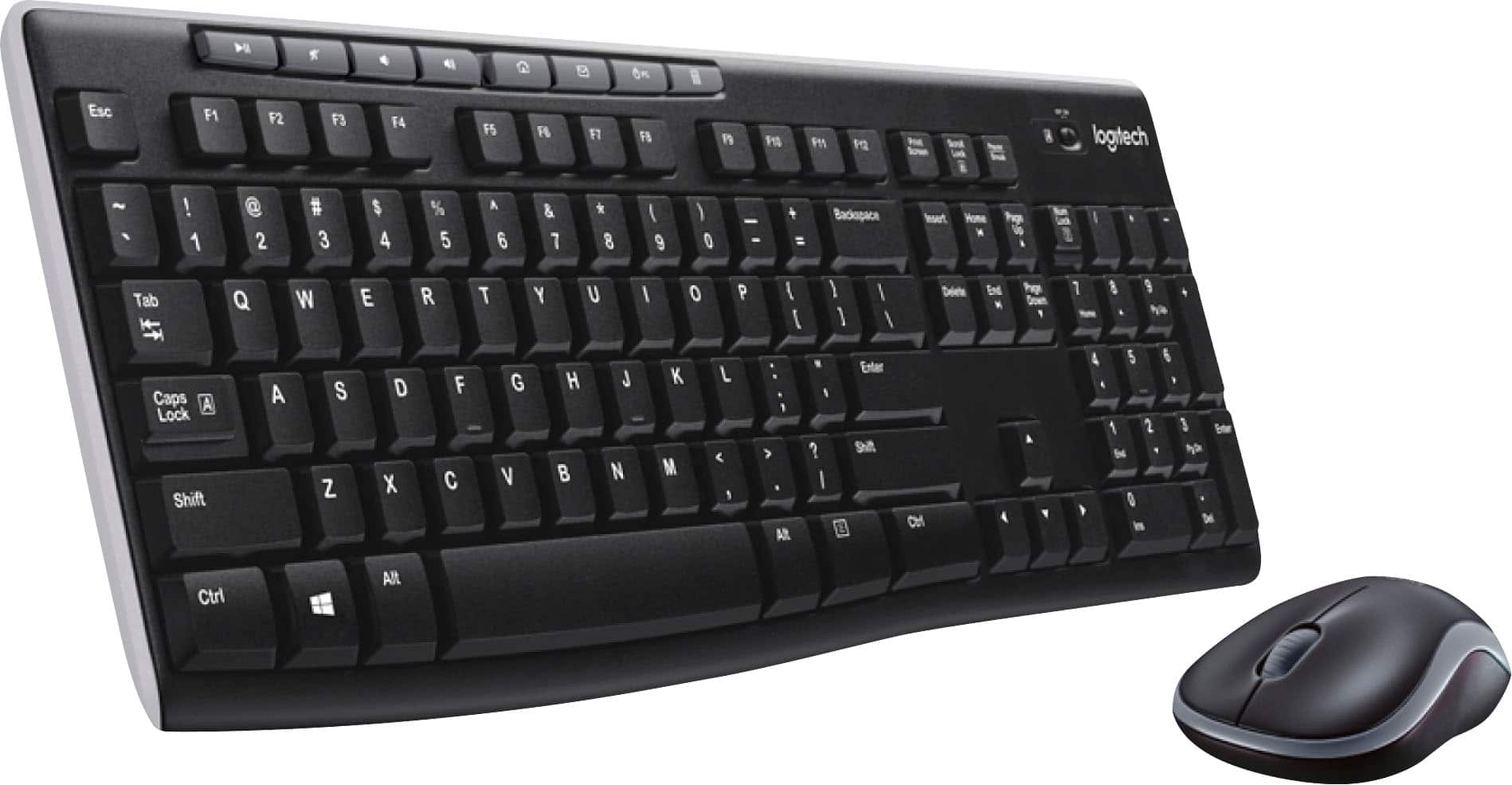
A:AnswerAll Logitech keyboard combos will have a similar wireless connection distance, up to 33'. Although many variables can get in the way. You can run a USB extension cable, or maybe try a combo with Bluetooth capability. - Will, Logitech.
A:AnswerI know this is an old question but to answer it for anyone else that might come across this question. In short, yes the MK270 wireless keyboard and mouse will work with an iPad. At least the 2020 11” iPad Pro. As other’s have stated, the iPad doesn’t have a USB-A port, but a USB-C. Assuming you get a USB-C to USB-A dongle (or a hub) then you can plug the USB receiver and it’ll work. There are some gotchas though, some of the function keys don’t work and the Windows key functions as the “cmd” so keep that in mind when using shortcuts (like copy/paste).