Questions & Answers
- Model:
- 920-013270
- |
- SKU:
- 6640874
Highly rated by customers for: Ease of use, Keyboard Quality, Wireless
Page Showing 241-250 of 250 questions
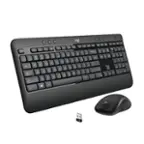
Q: QuestionDoes this keyboard and mouse work with a Logitech unifying receiver?
Asked by Anonymous.
- A:Answer No
Answered by smuck
Q: QuestionAll answers were not helpful. I knew there was a Caps light, but I also asked if the number lock had a light.
Asked by Keyboard.
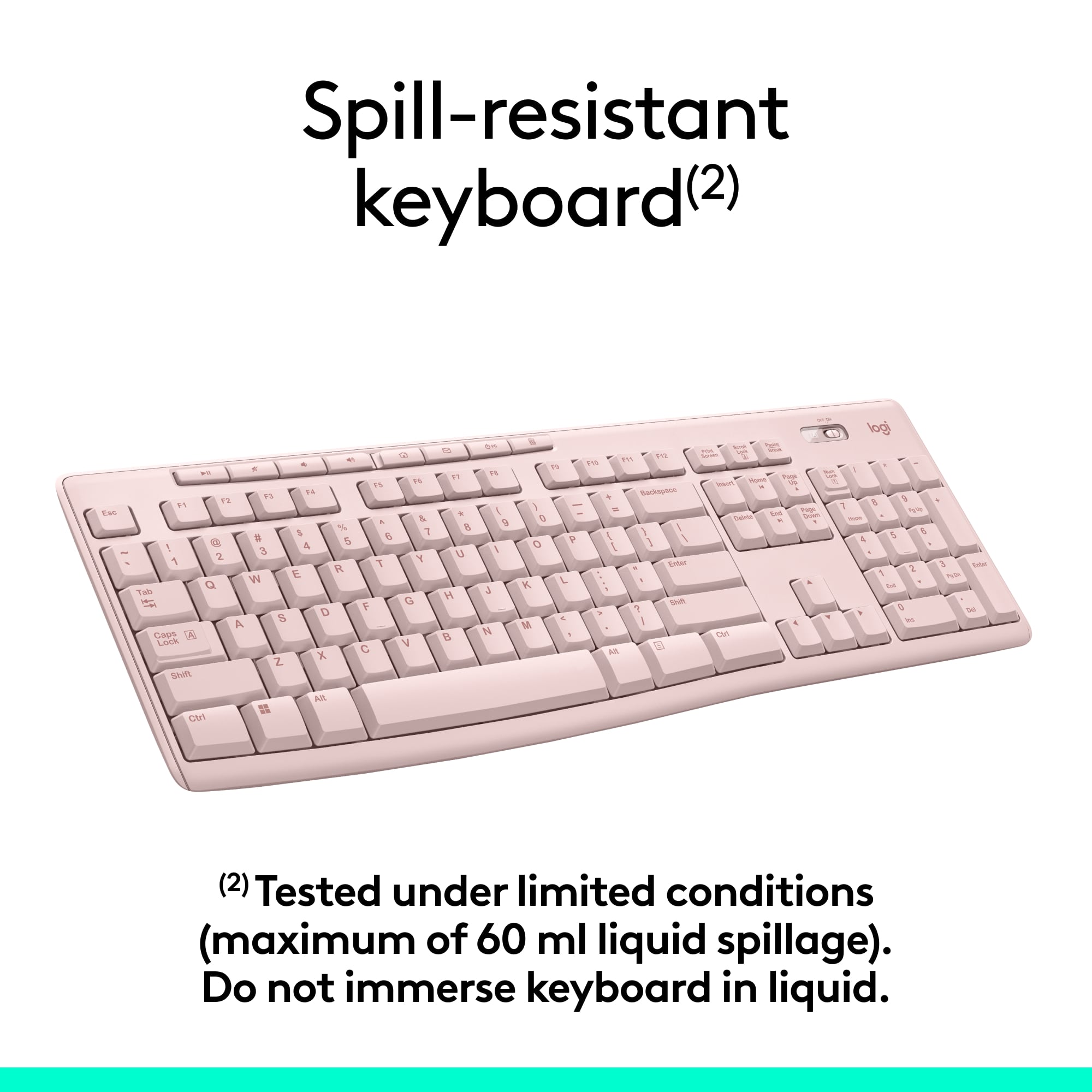
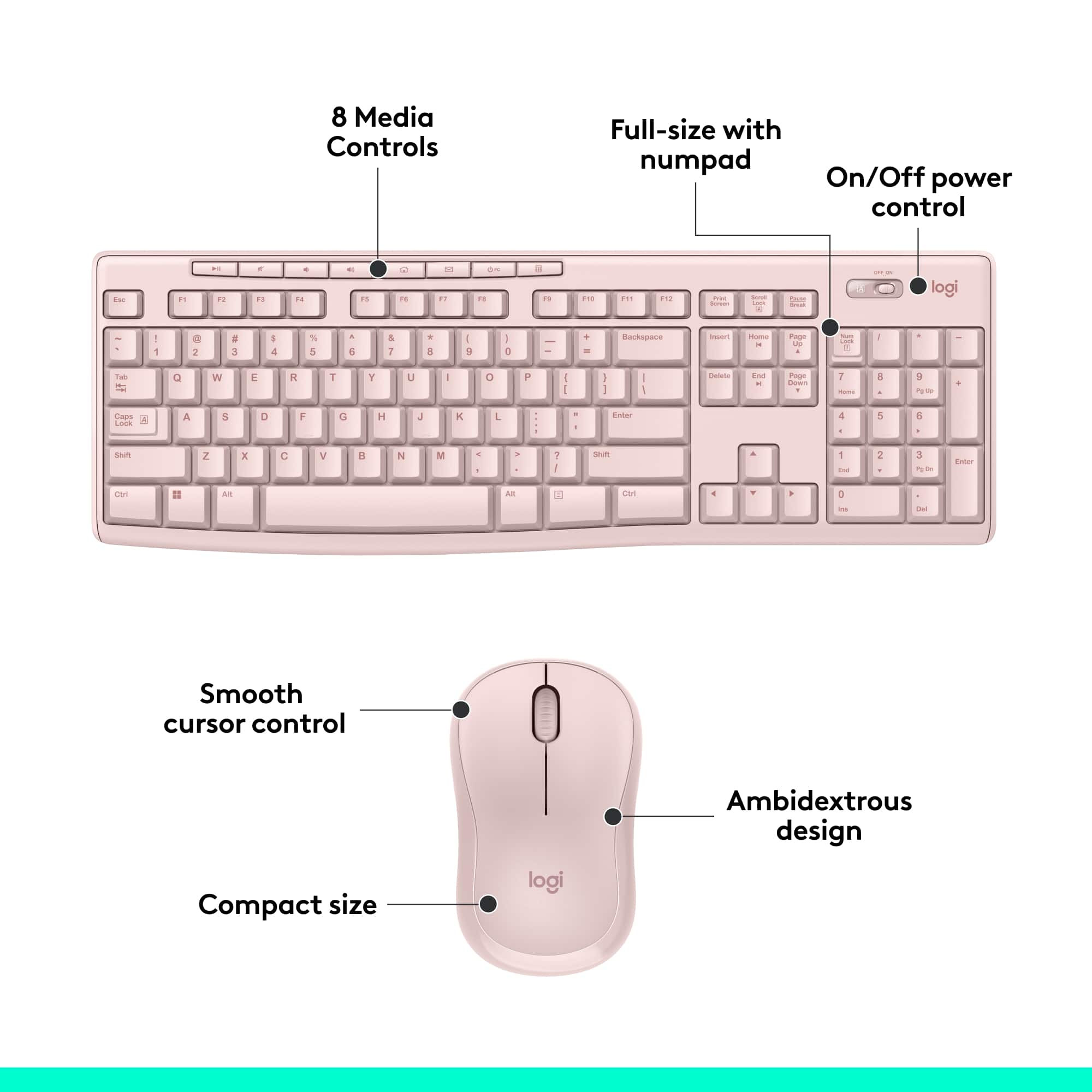
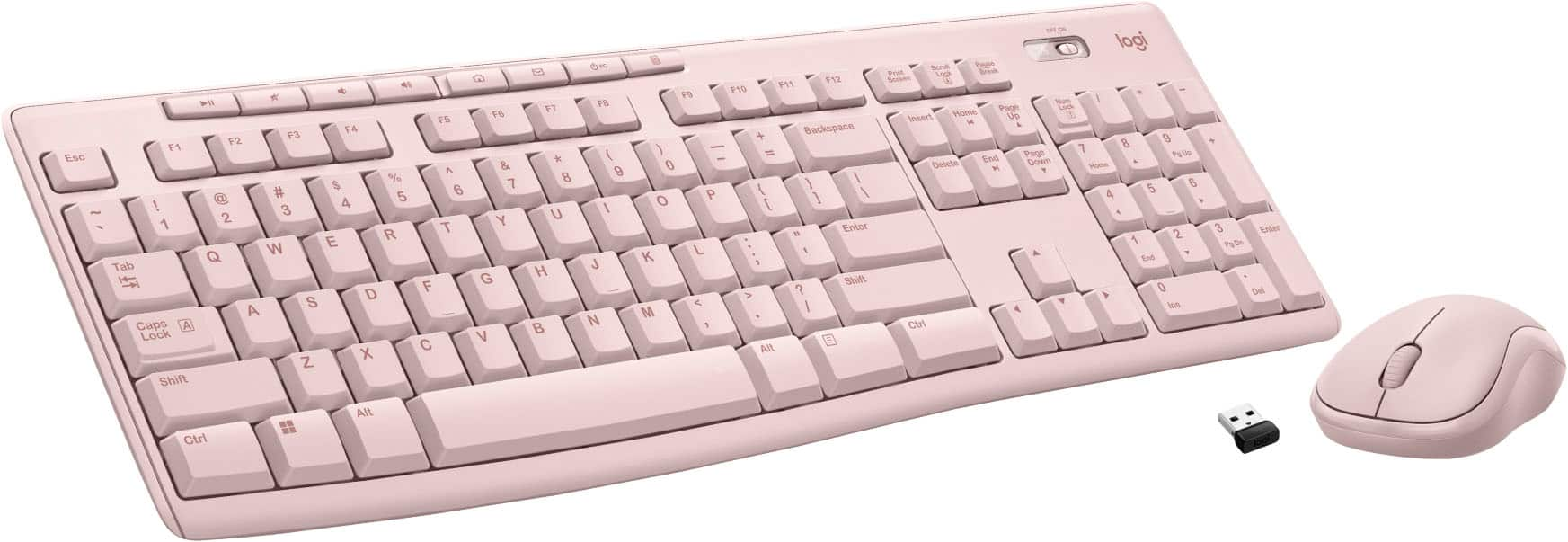
- A:Answer The keyboard does NOT have a NumLock light, very irritating not knowing the state of the extended keys.
Answered by milostar
Q: QuestionThe caps lock has a green light to confirm the caps are on. Does the number lock have an indicator? If not, how do I know it's locked? This also relates to the scroll lock.
Asked by HALGLAB12.
- A:Answer Caps lock feature is really nice but there is no indicator for the Num Lock
Answered by Bill
Q: QuestionCould you please tell me what the measurement of the mouse is...width, length and height. I may order it but want the mouse to fit my hand!
Asked by valh.
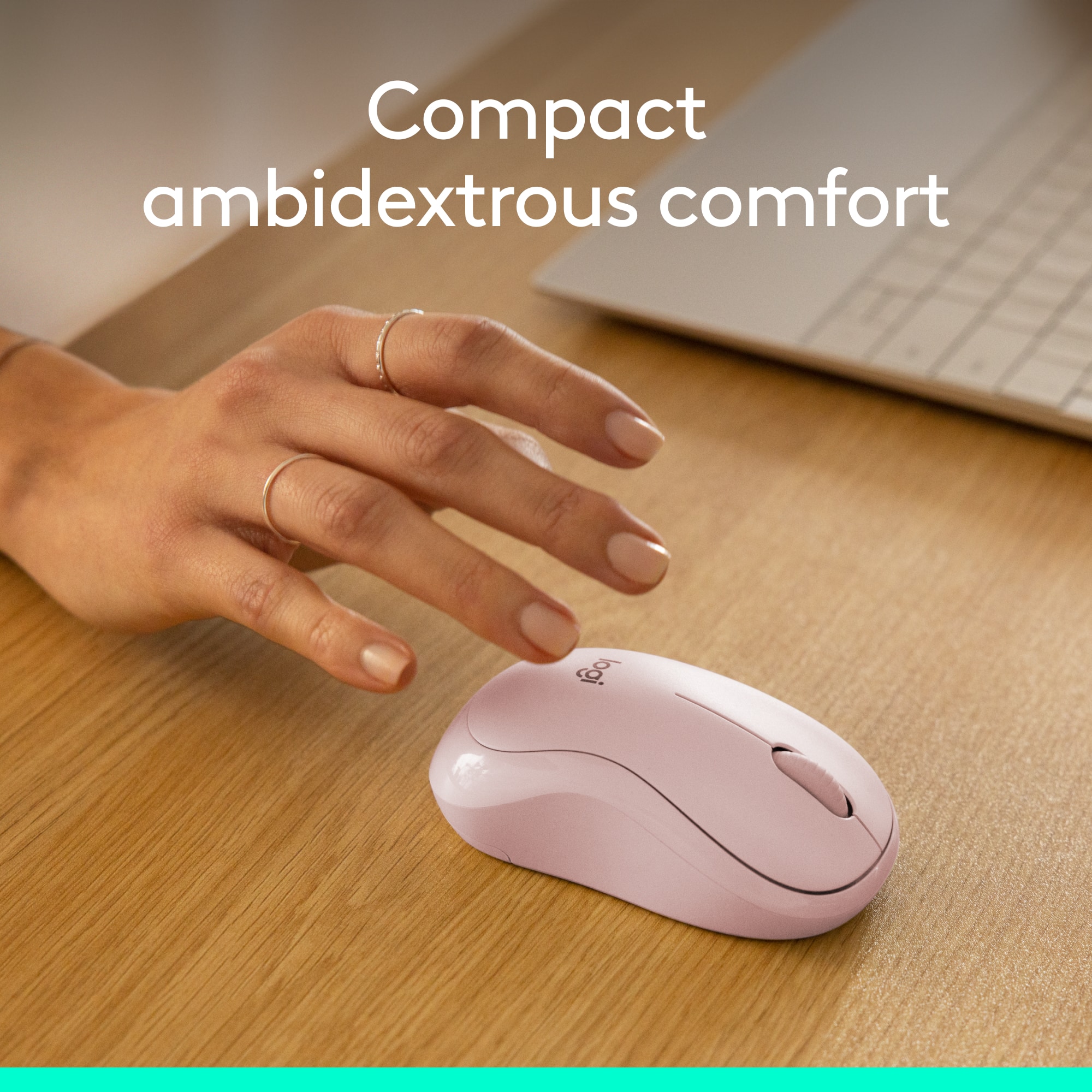
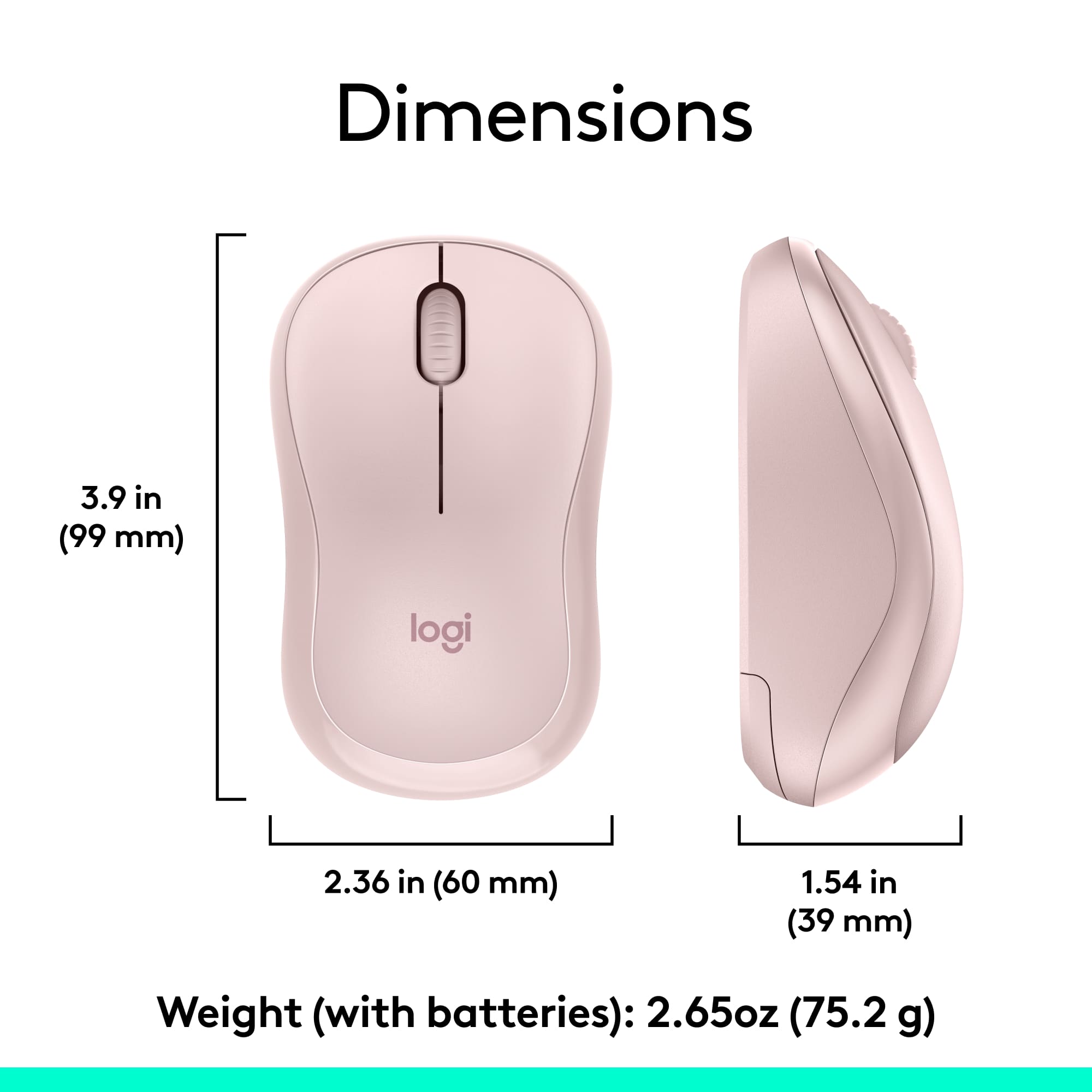
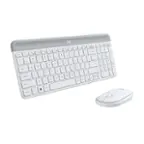
- A:Answer The mouse is compact. Length 4" width 2" height 1-1/4"
Answered by FredRS
Q: QuestionHow do I locate the correct USB replacement for this keyboard/mouse set??
Asked by Yankees1.
- A:Answer Take it to a computer store
Answered by ShellionessLove
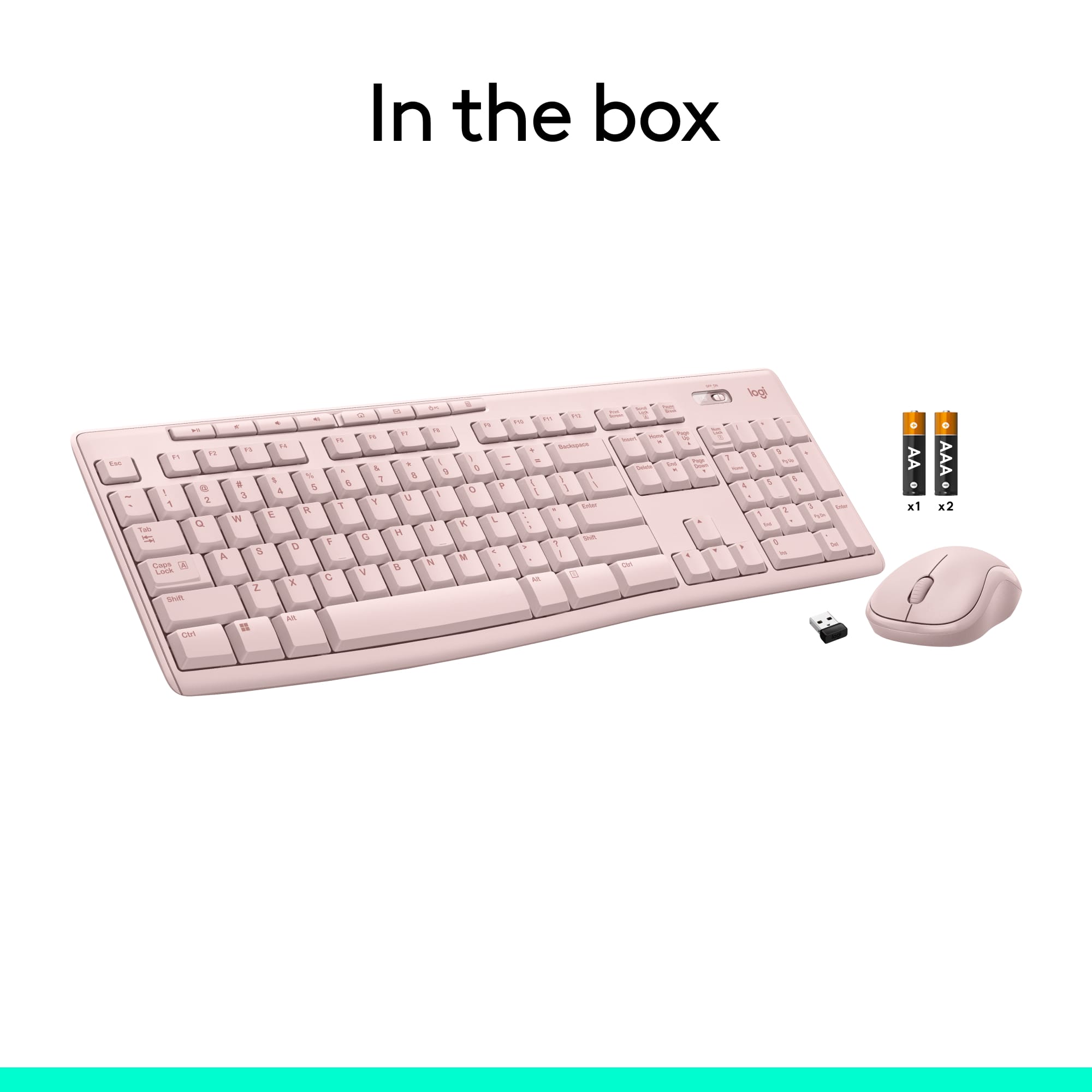
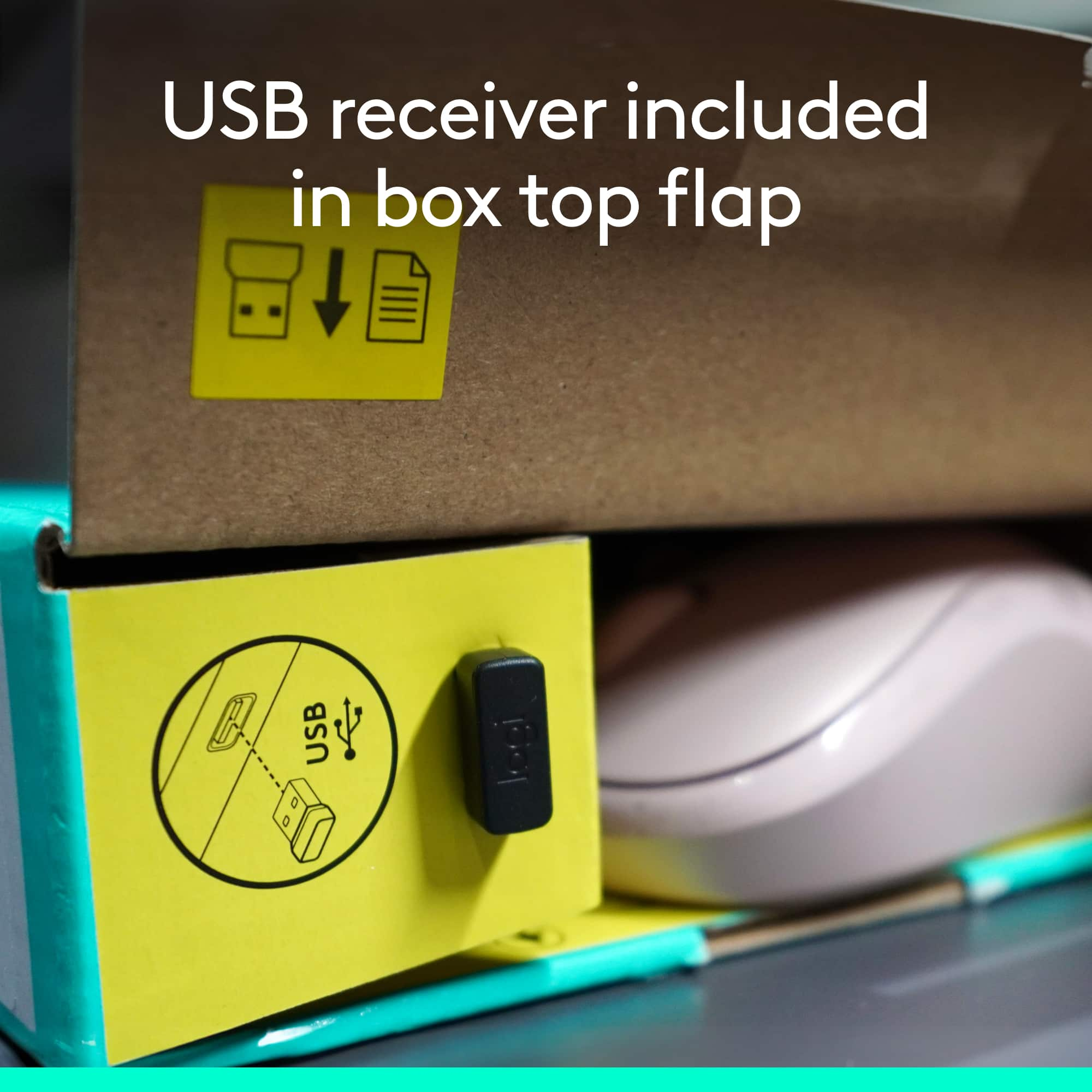
Q: QuestionDoes this come with a unifying receiver?
Asked by BG.
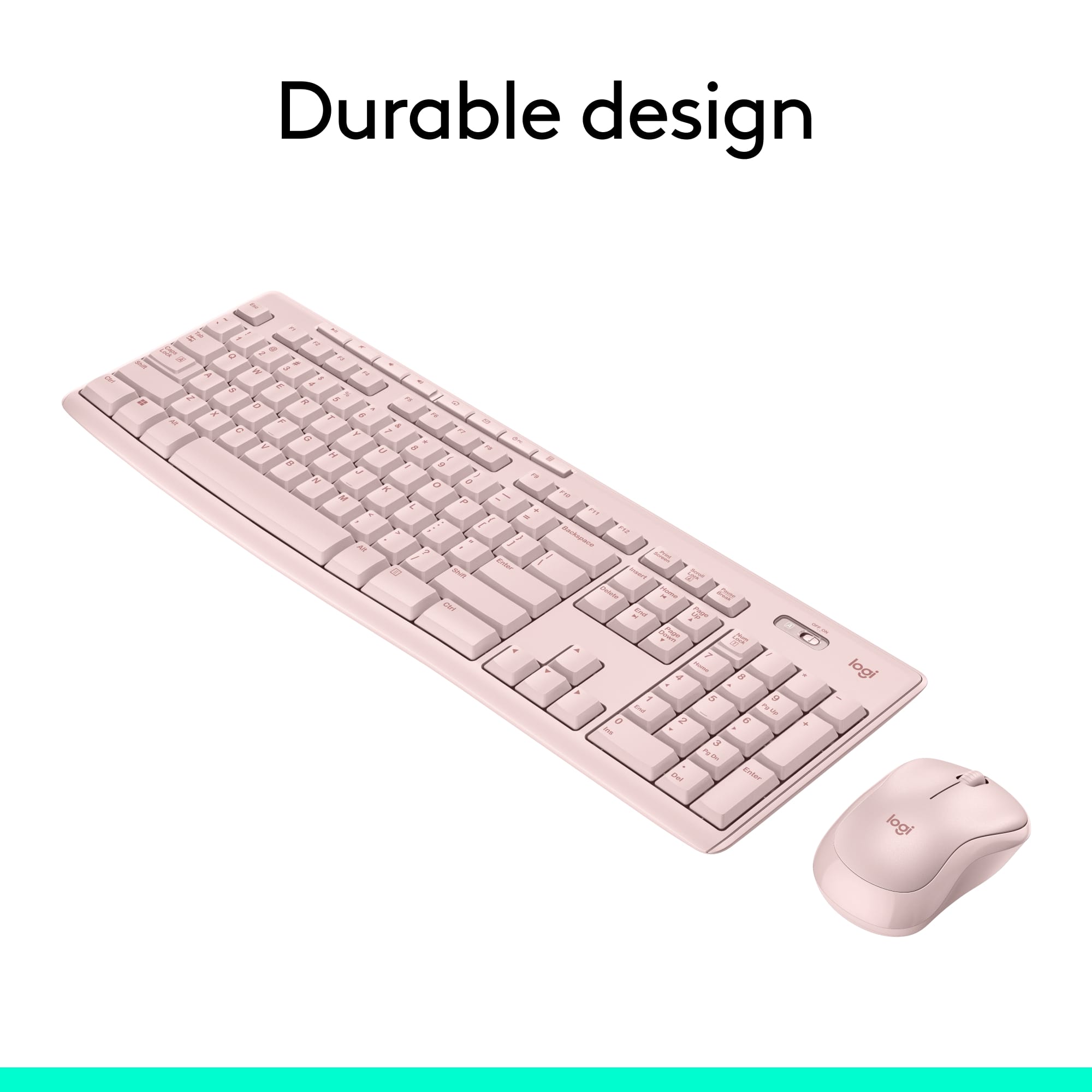
- A:Answer The USB receiver does come with the keyboard/mouse combo. This USB part is hidden in the flap of the box. I almost took the keyboard/mouse back to Best Buy because I thought they forgot the part when packaging. I even checked the mouse where there is a place for the USB plug to be stored. When I didn't see it where I expected, I though they messed up. CHECK THE FLAP OF THE BOX.
Answered by stlmusic
Q: QuestionDoes keyboard #MK320 Have a caps lock inticator light?
Asked by Barbara.
- A:Answer Yes it does.
Answered by Phyllis
Q: QuestionHow can i connect my Logitech MK270 combo (mouse and keyboard) with two laptops please?
Asked by Kat.
- A:Answer Hello Kat, unfortunately, you won't be able to connect the MK270 to multiple computers. The MK270 can only connect to one device at a time with the provided usb dongle. However, if you're looking for a mouse and keyboard combo to work with more than one computer, we recommend looking into our MK850 combo. I'll attach a link at the end of this message so you can check it out. It can connect to a device via USB and also via Bluetooth. All you'll need to do is hit a button to switch between the two laptops. It's fast and easy to use, have a great day. https://www.bestbuy.com/site/logitech-mk850-performance-wireless-keyboard-and-optical-mouse-black/5761911.p?skuId=5761911
Answered by Logitech
![Sure, here is the corrected and grouped text from the image:
---
**Top Row:**
- Esc
- F1 F2 F3 F4 F5 F6 F7 F8 F9 F10 F11 F12
**Second Row:**
- 1 ! 2 @ 3 # 4 $ 5 % 6 ^ 7 & 8 * 9 ( 0 ) - _ + =
**Third Row:**
- Tab Q W E R T Y U I O P [ { ] } \
**Fourth Row:**
- Caps Lock A S D F G H J K L ; ' Enter
**Fifth Row:**
- Shift Z X C V B N M , . / Shift
**Function Keys:**
- F1 F2 F3 F4 F5 F6 F7 F8 F9 F10 F11 F12
**Right Side:**
- Insert Home Page Up Delete End Page Down
**Bottom Row:**
- Ctrl Alt Spacebar Alt Ctrl
**Additional Keys:**
- Logi
- Scroll Lock
- Pause Break
---
This should match the layout of the keyboard in the image.](https://pisces.bbystatic.com/image2/BestBuy_US/images/products/0ce0f170-380c-41e4-8d6a-fa0aadbd534c.jpg;maxHeight=54;maxWidth=54;format=webp)