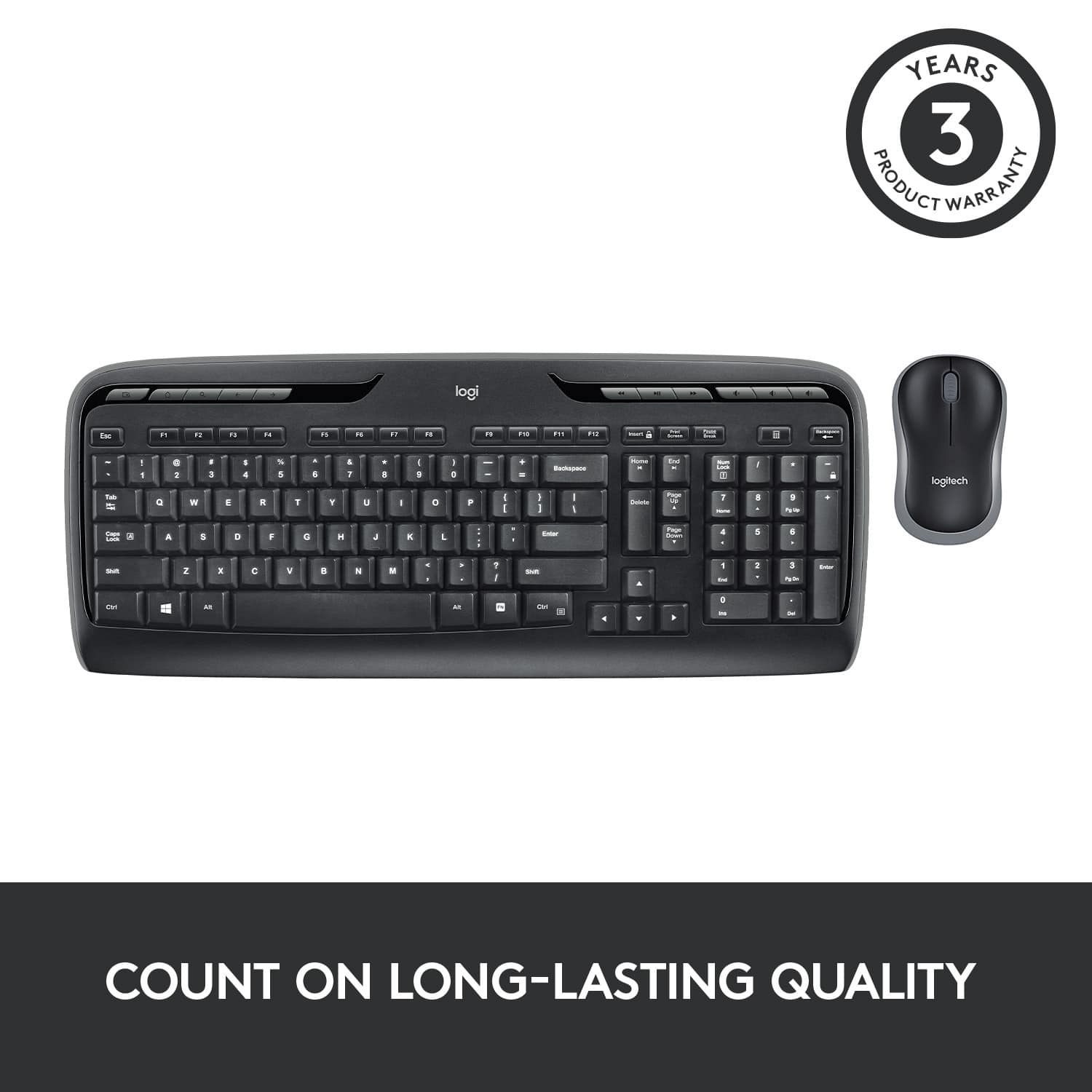
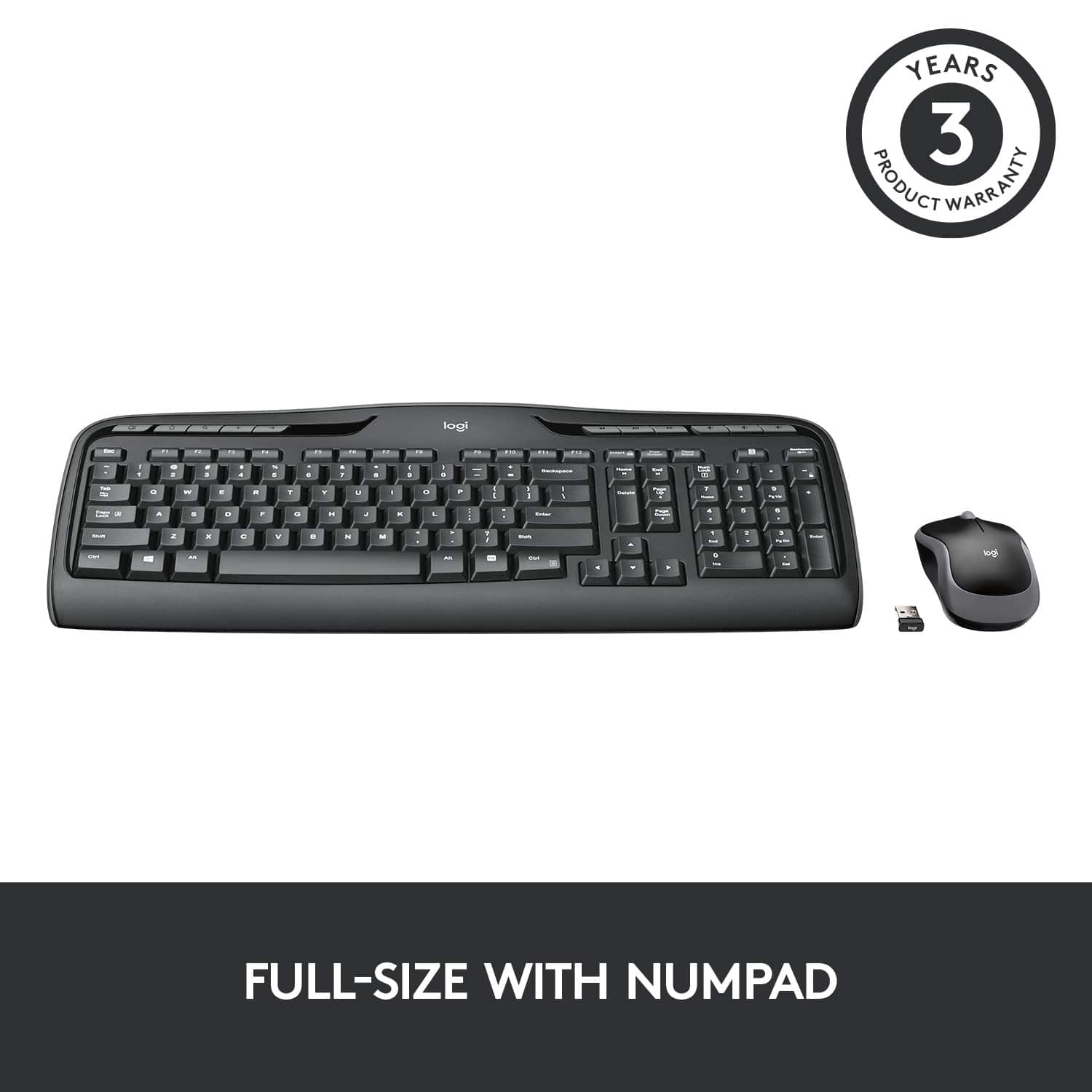
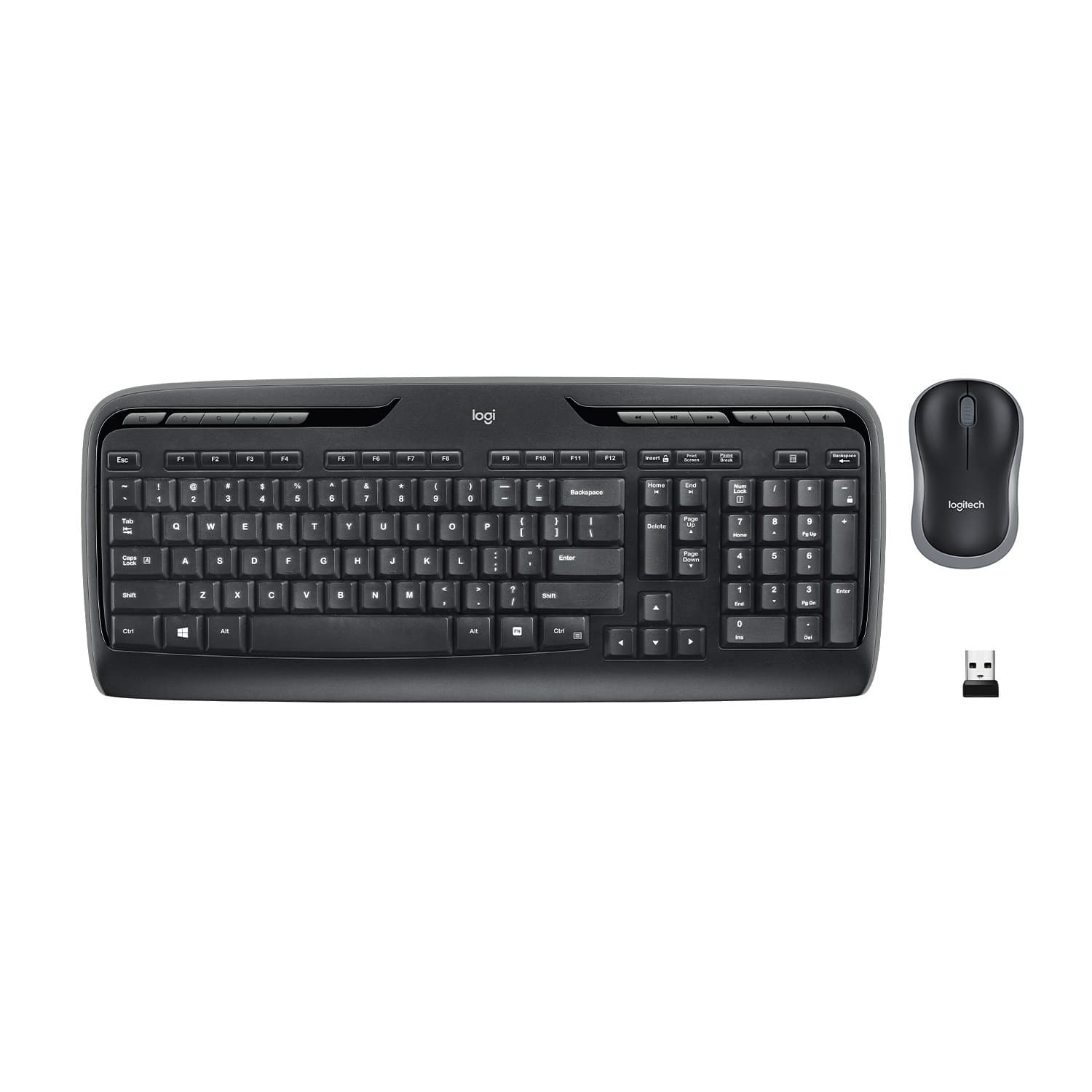
A:Answer After reading the ENTIRE box and all specifications regarding compatibility, I see that (as it states on the box) YES, it would be compatible as it clearly states, compatibility with Windows 10, 8, 7 AND XP.
******THE ONLY ISSUE: Drivers.
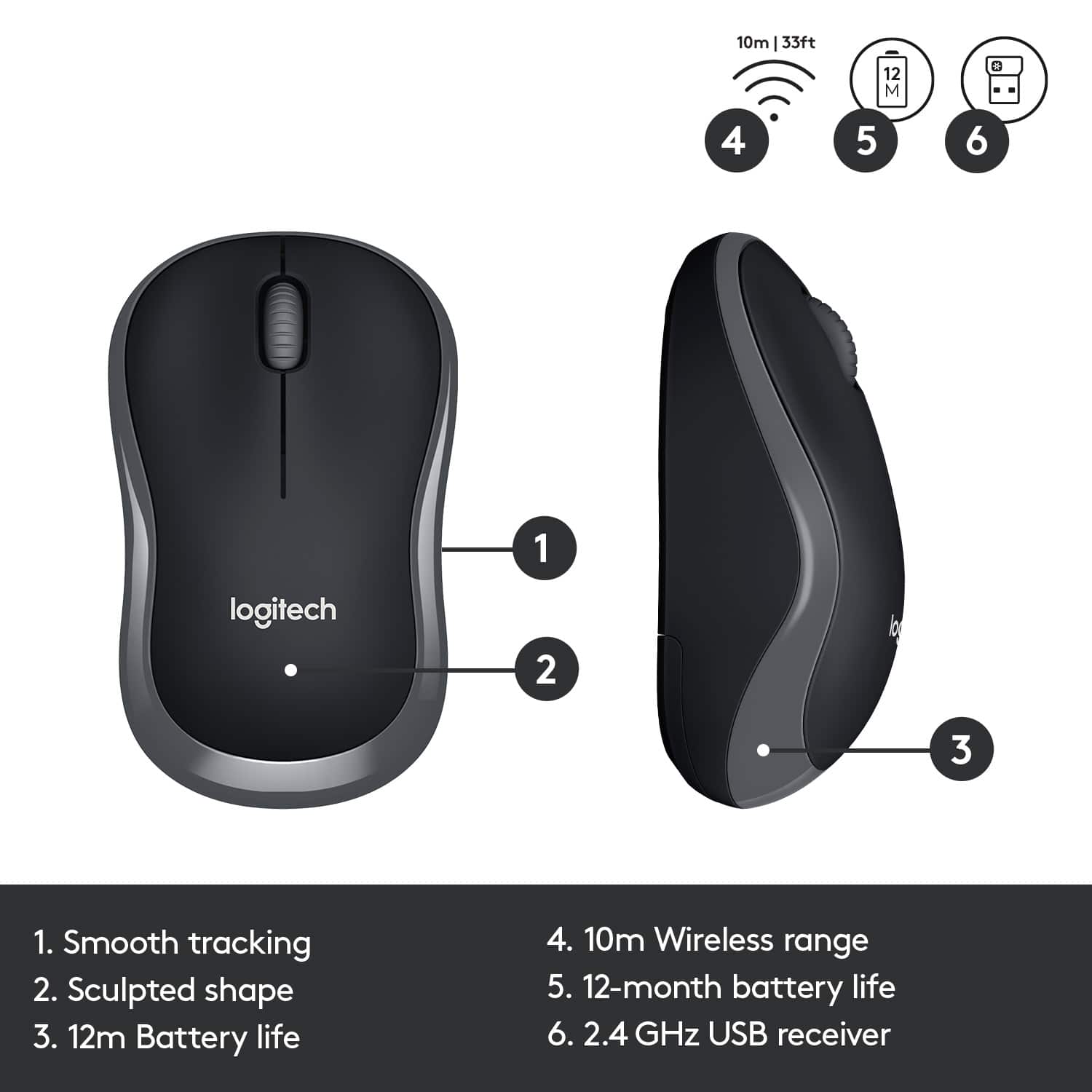
This is a plug and play set up so in the box there are
NO INSTRUCTIONS AND NO DRIVER DISK
So if you are not connected to the web you will not be able to plug in the wireless USB devise, and let your CPU find the drivers online for you or even go to Logitech's website to download them yourself. If you have access to another CPU that is connected to the web I would do a little research on Logitech's website to see if they even offer the drivers for this set separately and you can use a flash drive to download the drivers for this set.
Try : download/driver/logitech/MK320
Type this in search box on Logitech's website when you get to their downloads page or drivers page.
Good luck
![% 5 T 6 Y H F5 & 7 U J M F6 * 8 I K < Alt F7 logi F8 { 9 F9 ) 0 F10 - o - F11 + P = { L E Backspace ) ] . I > I ? Enter Shift IN Ctrl A F12 .. Inseri i Smian PS Home H Break Par End I Delete Num Page Lock Up 7 Down Page Ho 8 4 5 1 End 2 0 3 Ins Po Dn / * 9 Pg -e 6 Enter f + Beckspase Det 11 SHORTCUT KEYS FOR PRODUCTIVITY](https://pisces.bbystatic.com/image2/BestBuy_US/images/products/808ee562-6ece-46d3-b599-9023a655f797.jpg)