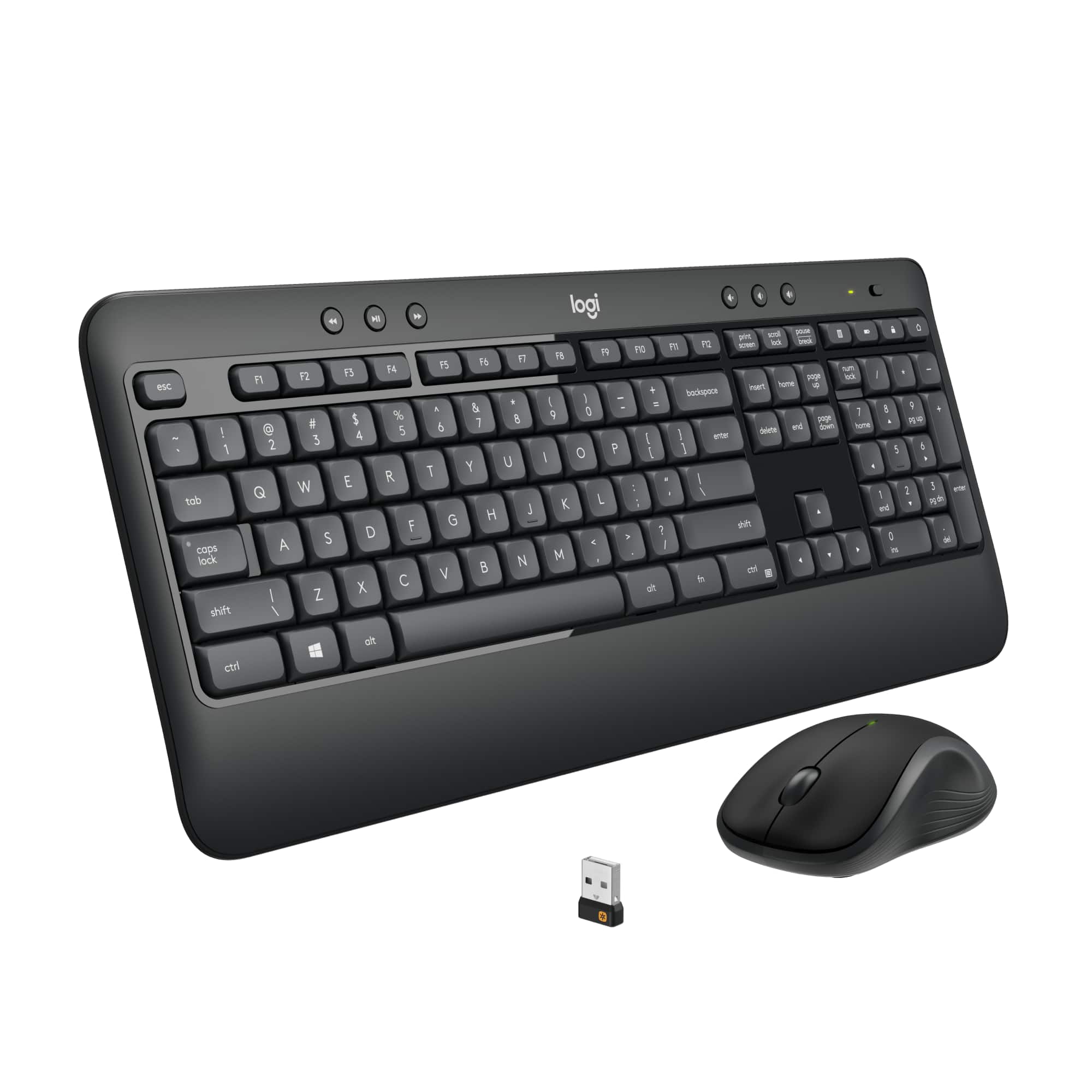
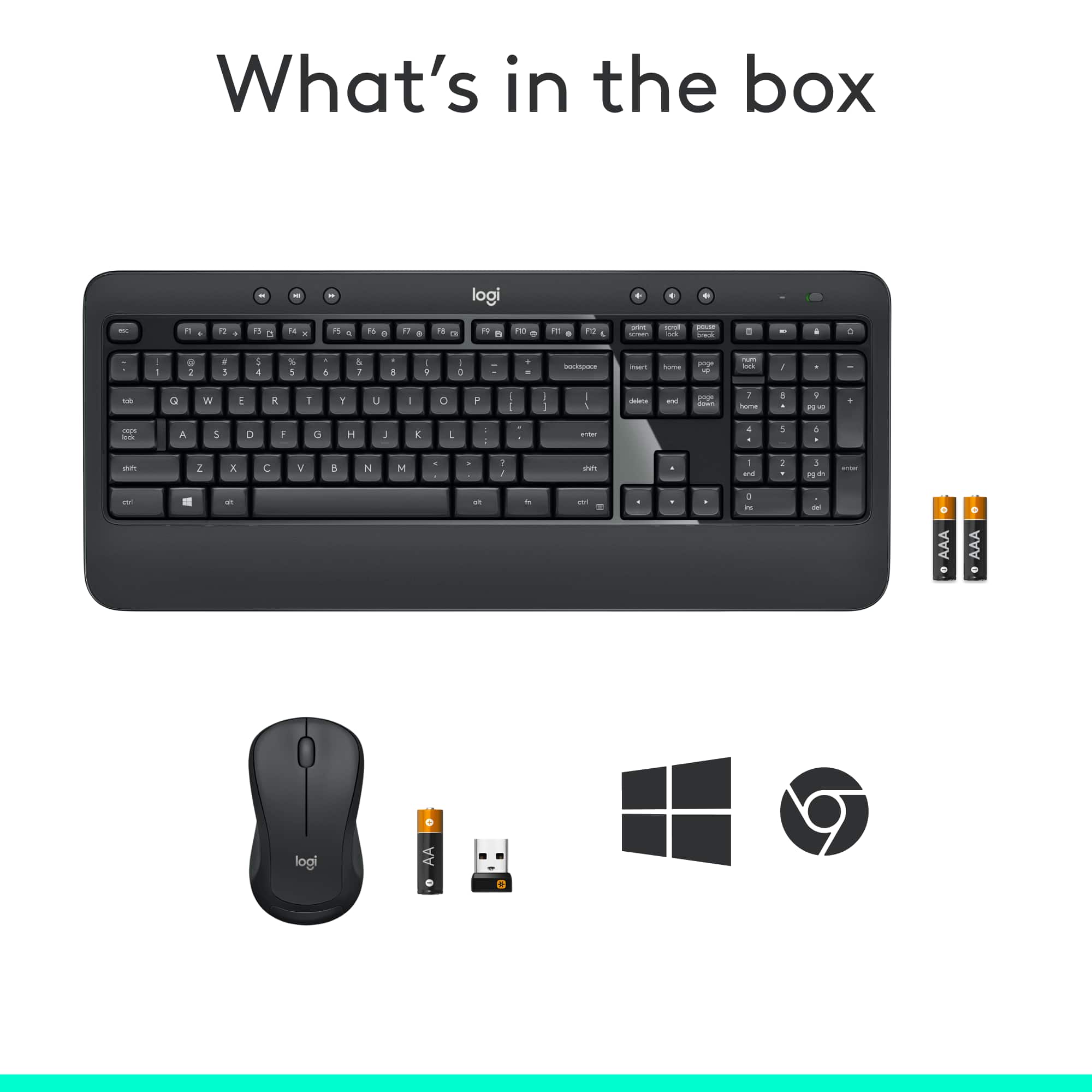
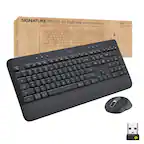
A:AnswerProbably. I don't see any reason why not. It's just a USB device. So as long as you have USB type A slots on your docking station, it should be plug-and-play for you.
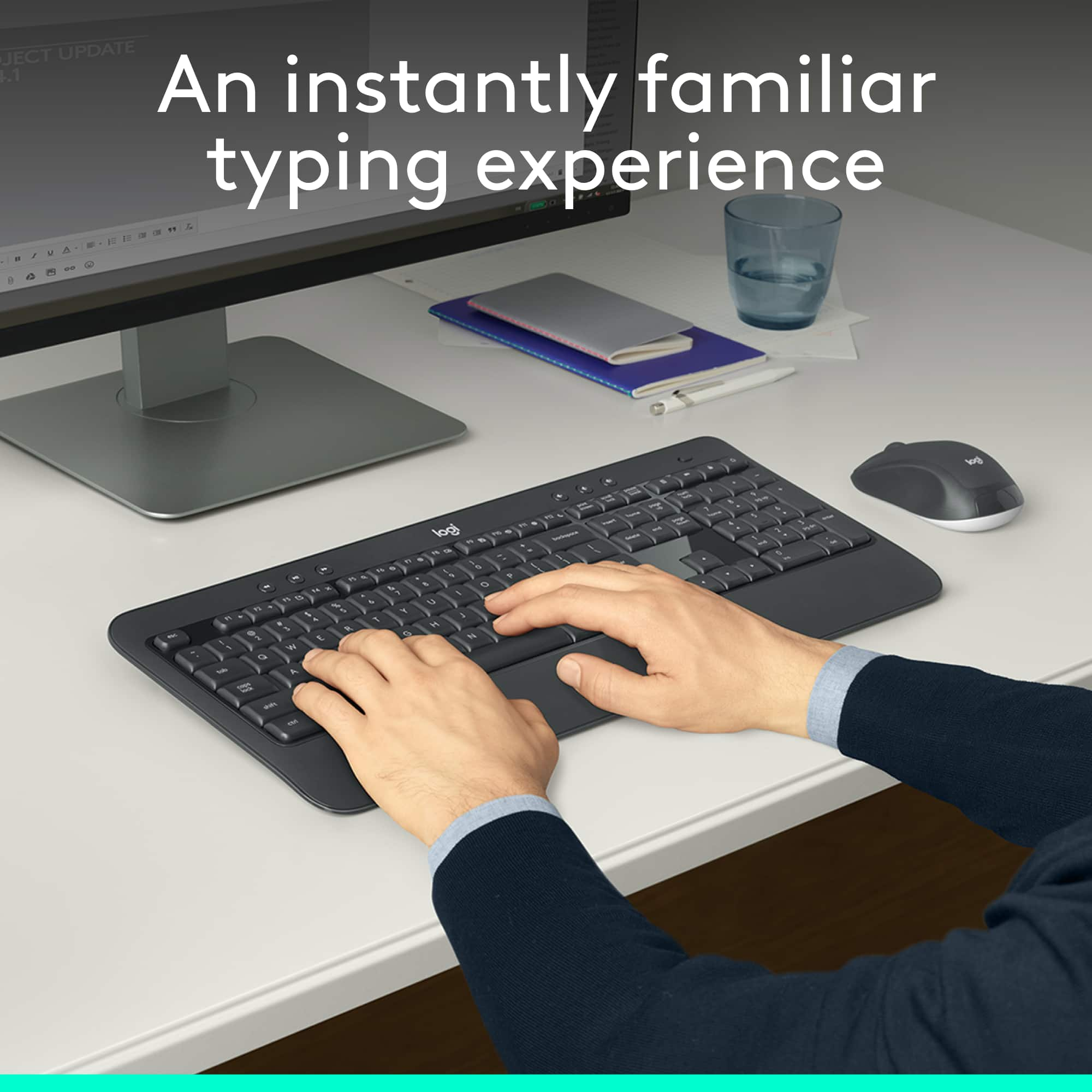
A:AnswerI would say it is responsive to a light touch but I think you still have to press down further than I expected. It’s definitely an improvement over what came stock with my computer but if you’re looking for one with thin keys this isn’t quite it.
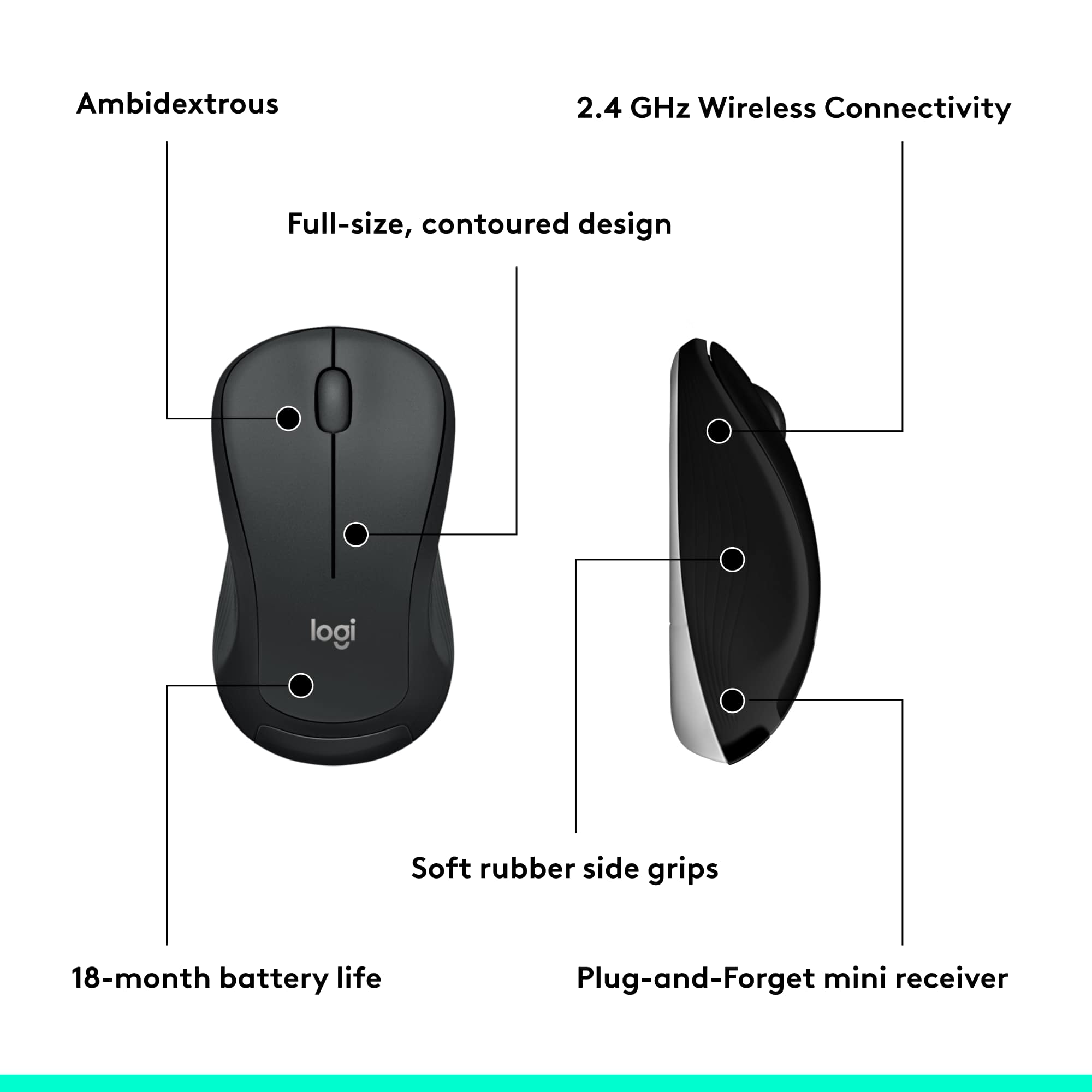
A:AnswerHello, the included 2.4ghz adapter can function at a range of up to 33'. If you are encountering connectivity issues, there may be other devices in the vicinity causing interference such as wifi routers or other signal sources.
A:AnswerI bought the KB as a gift for a family member. I asked them if they've had any problems, and they replied that the KB has been performing normally.
A:AnswerI don't think so. In fact I am 99% sure it doesn't. This uses a USB wireless fob/dongle thingy, and iPhones use bluetooth. This is definitely NOT a bluetooth keyboard. Look for a Logitech Bluetooth keyboard instead.
A:AnswerMK540 will work on Xbox One for applications such as internet browsing, but not many games. To make this work, all you need to do is plug the included USB Unifying receiver into an available USB port on your Xbox One console.