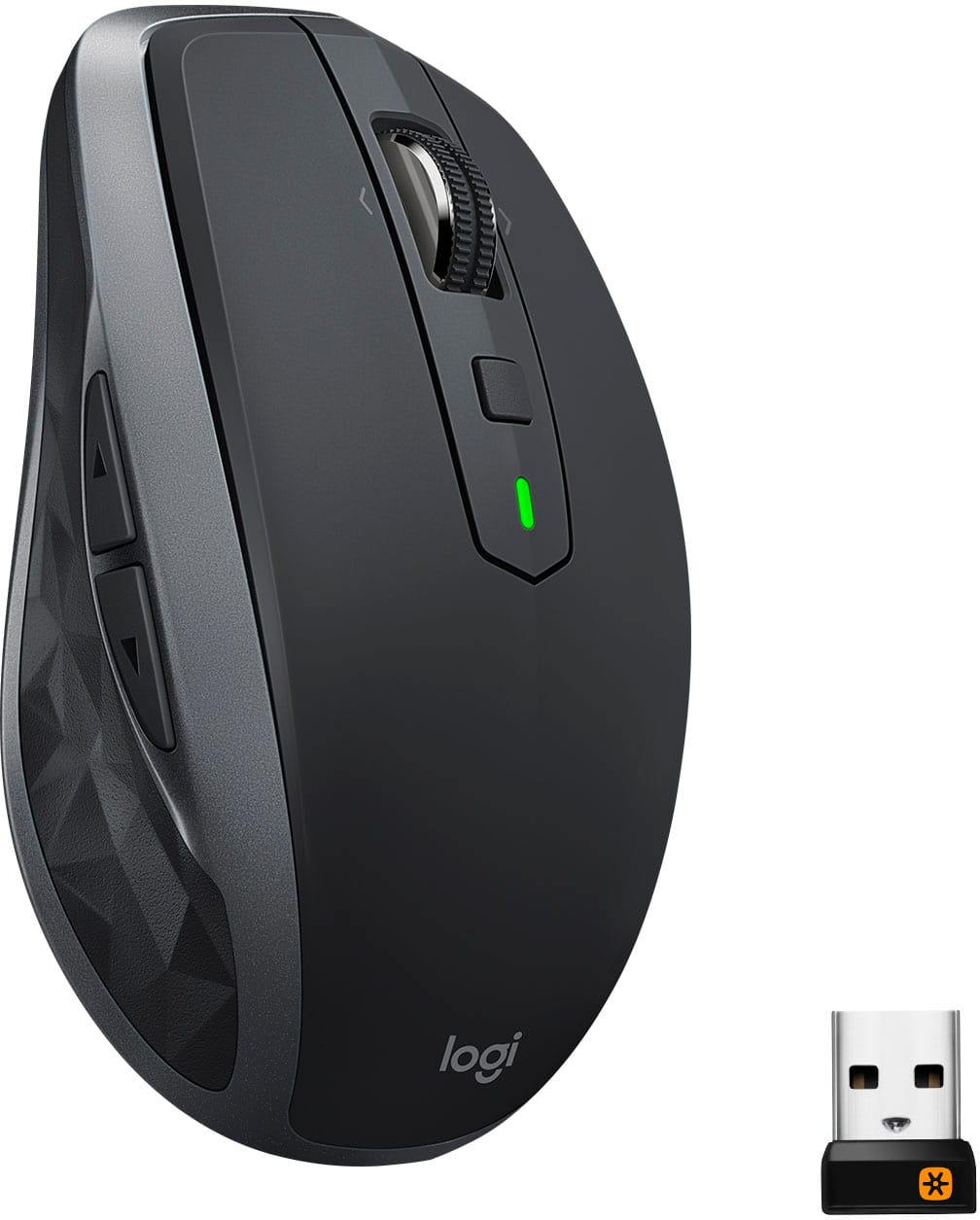
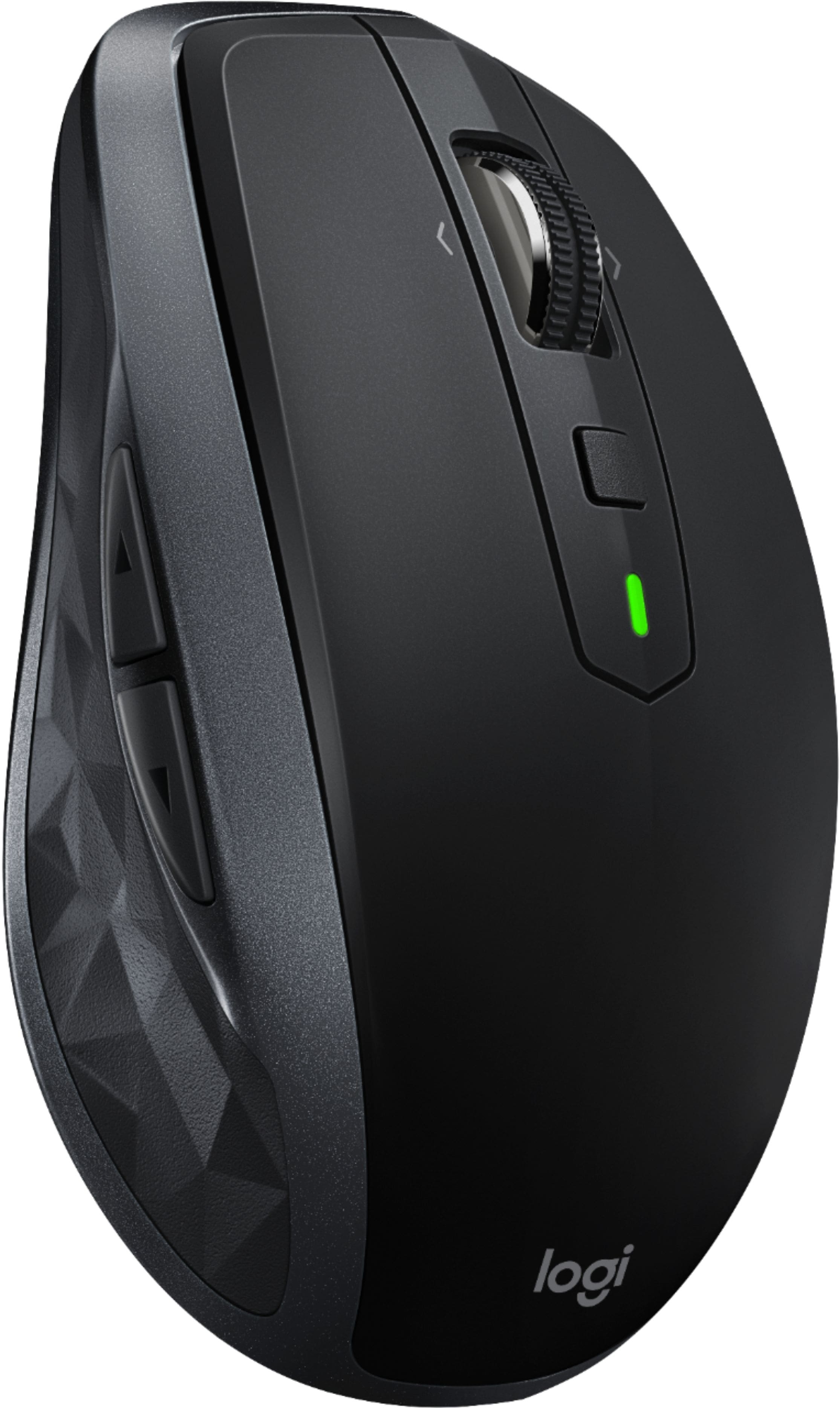
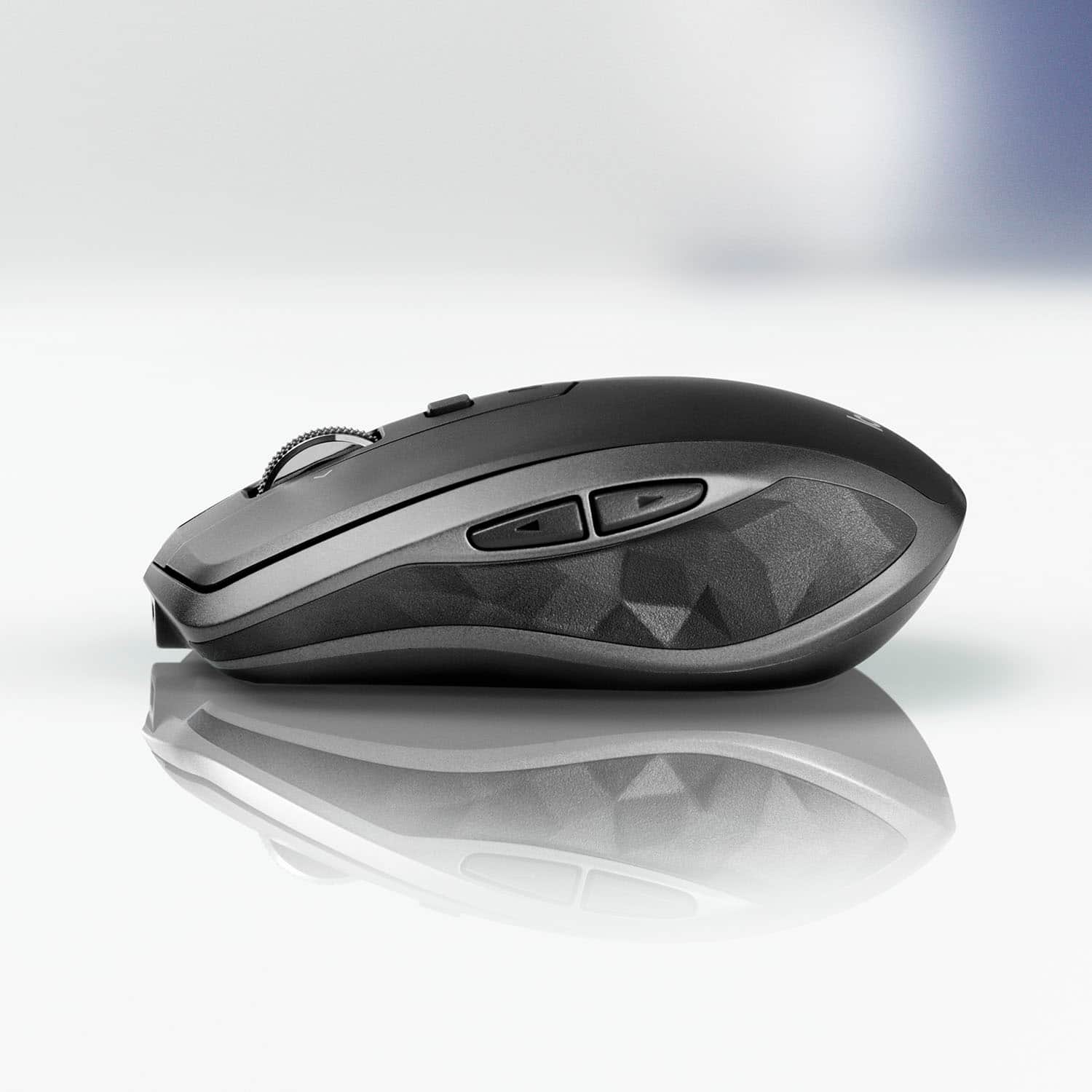
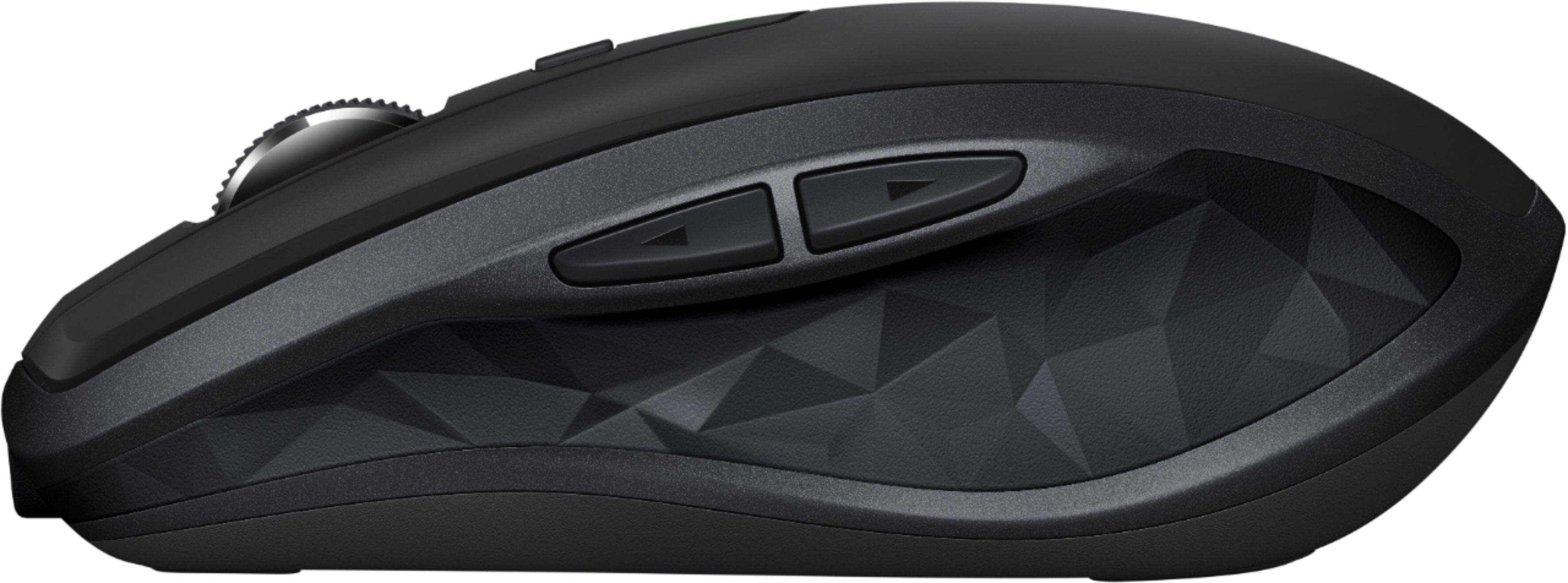
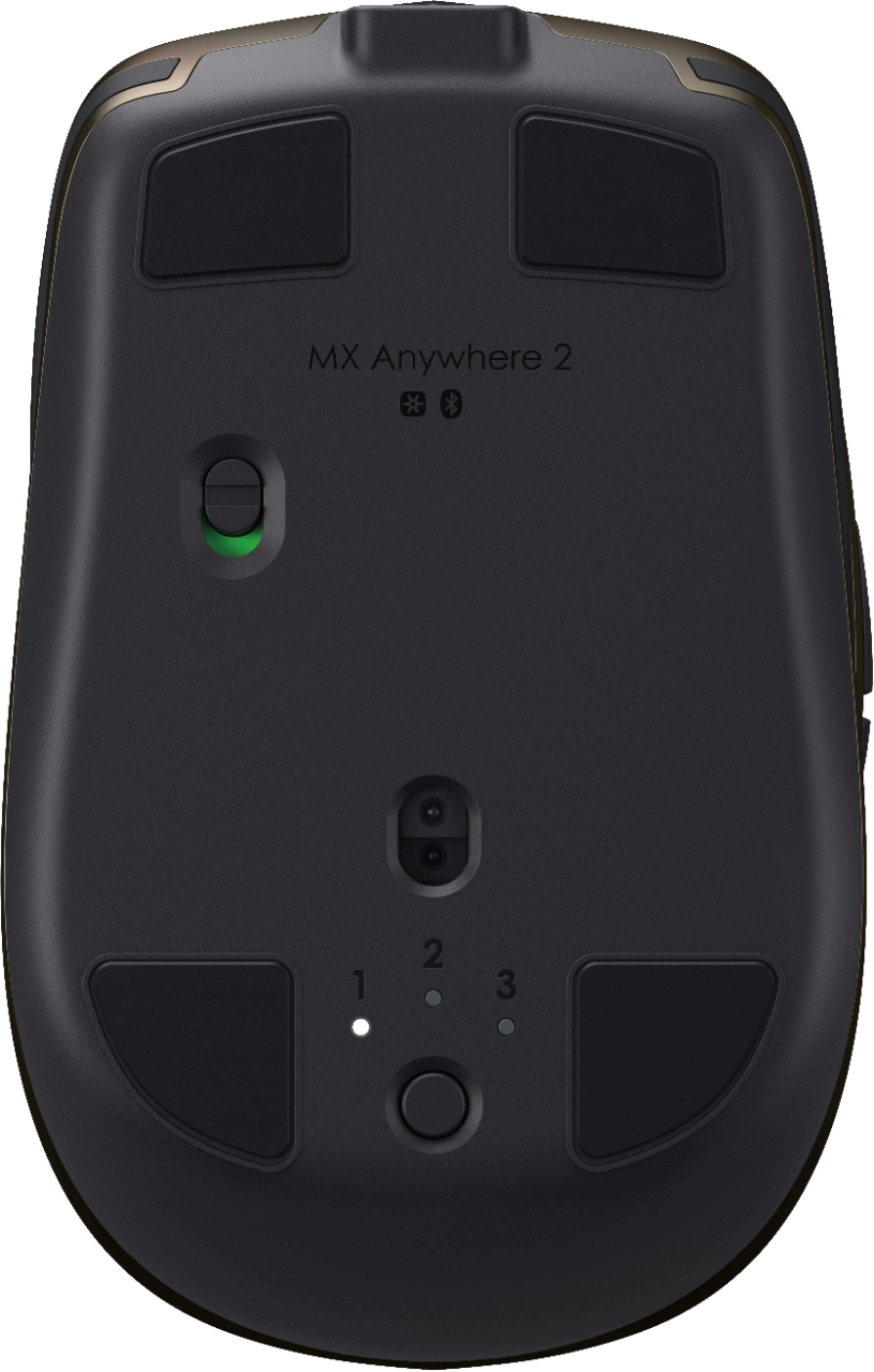
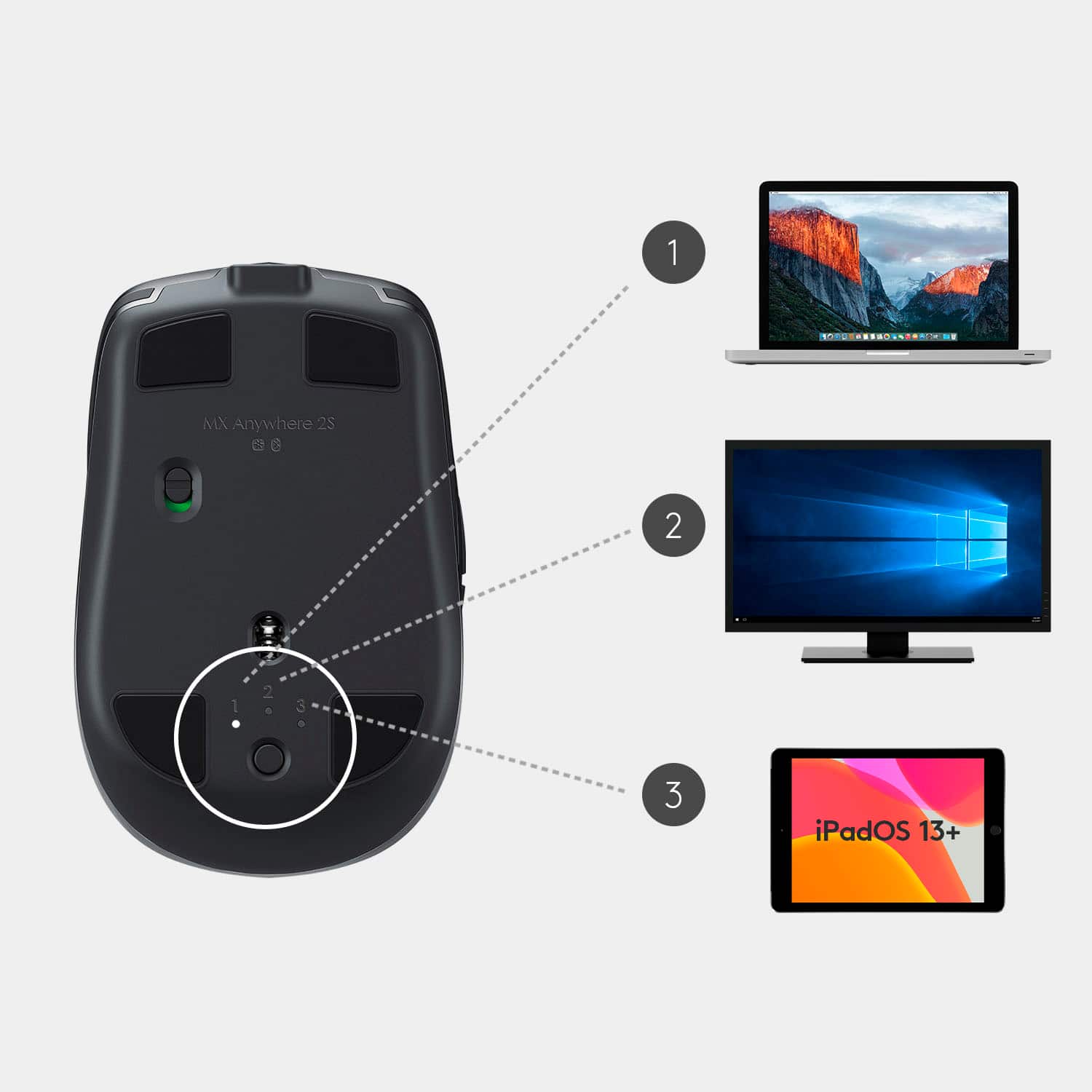
A:AnswerYes it is one of their "Multi-Device" units. It can support 3 devices total at one time that can be cycled through by a button on the bottom of the mouse.
A:AnswerThe LED on top glows red when the charge is less than 20%.
The mouse also reports the battery power through the Bluetooth connection (and presumably through the non-Bluetooth "Unifying" wireless connection too). How you can see it depends on your host device and operating system.
According to the documentation, a minute of charging will give you enough power for 2 hours of use. A full charge can last up to 40 days. So even if you don't notice that the battery is dead until it stops working, it won't keep you from using the mouse for long.
A:AnswerPer Logitech's support tech Valiant, it has a rechargeable but non-replaceable battery.
This is even though it comes with an illustration showing how to remove the battery for proper disposal. The battery has a typical micro-plug connection.
A:AnswerFor support with MX Anywhere 2S, please refer to: https://support.logi.com/hc/en-us/articles/360023300134--Getting-Started-MX-Anywhere-2S - Will, Logitech.
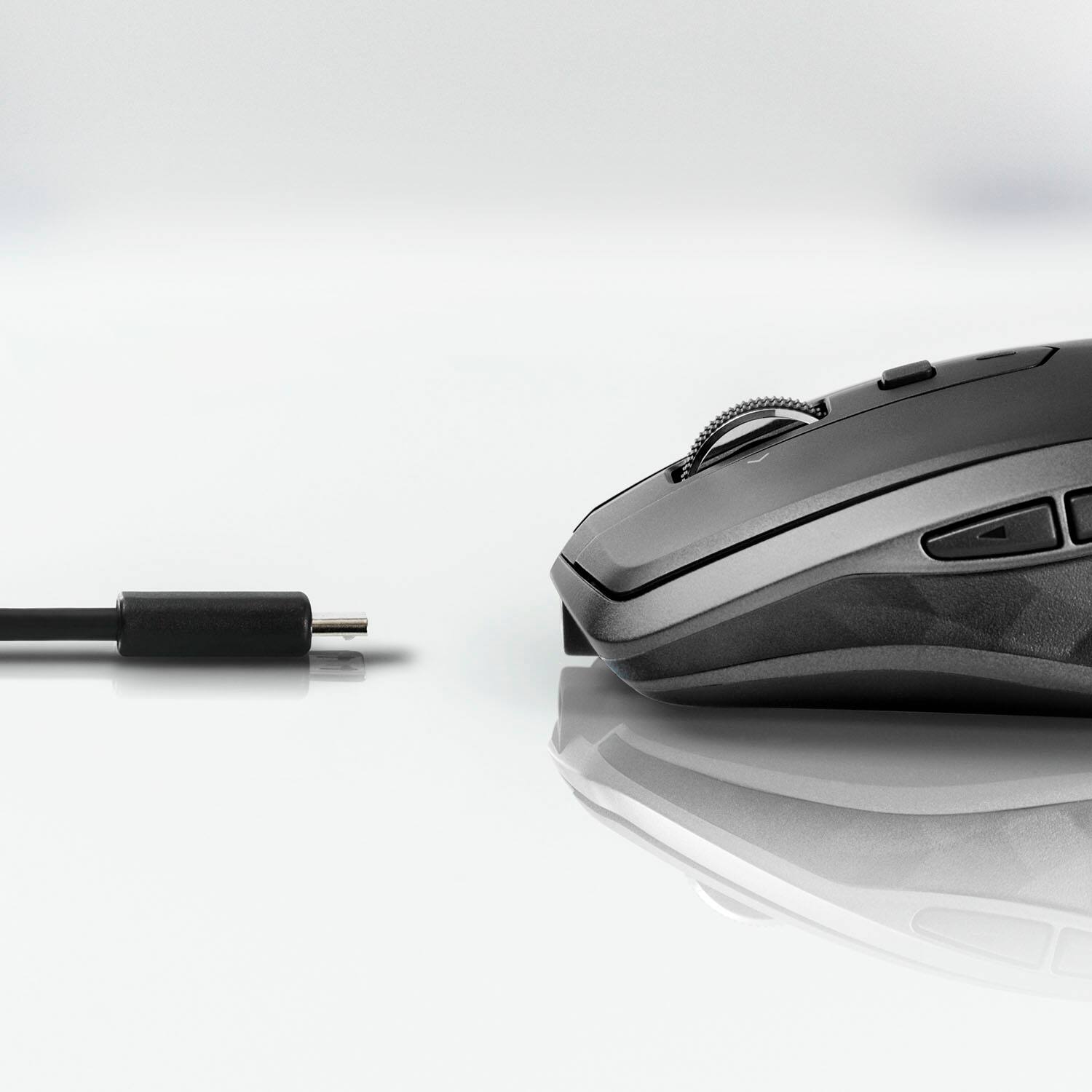
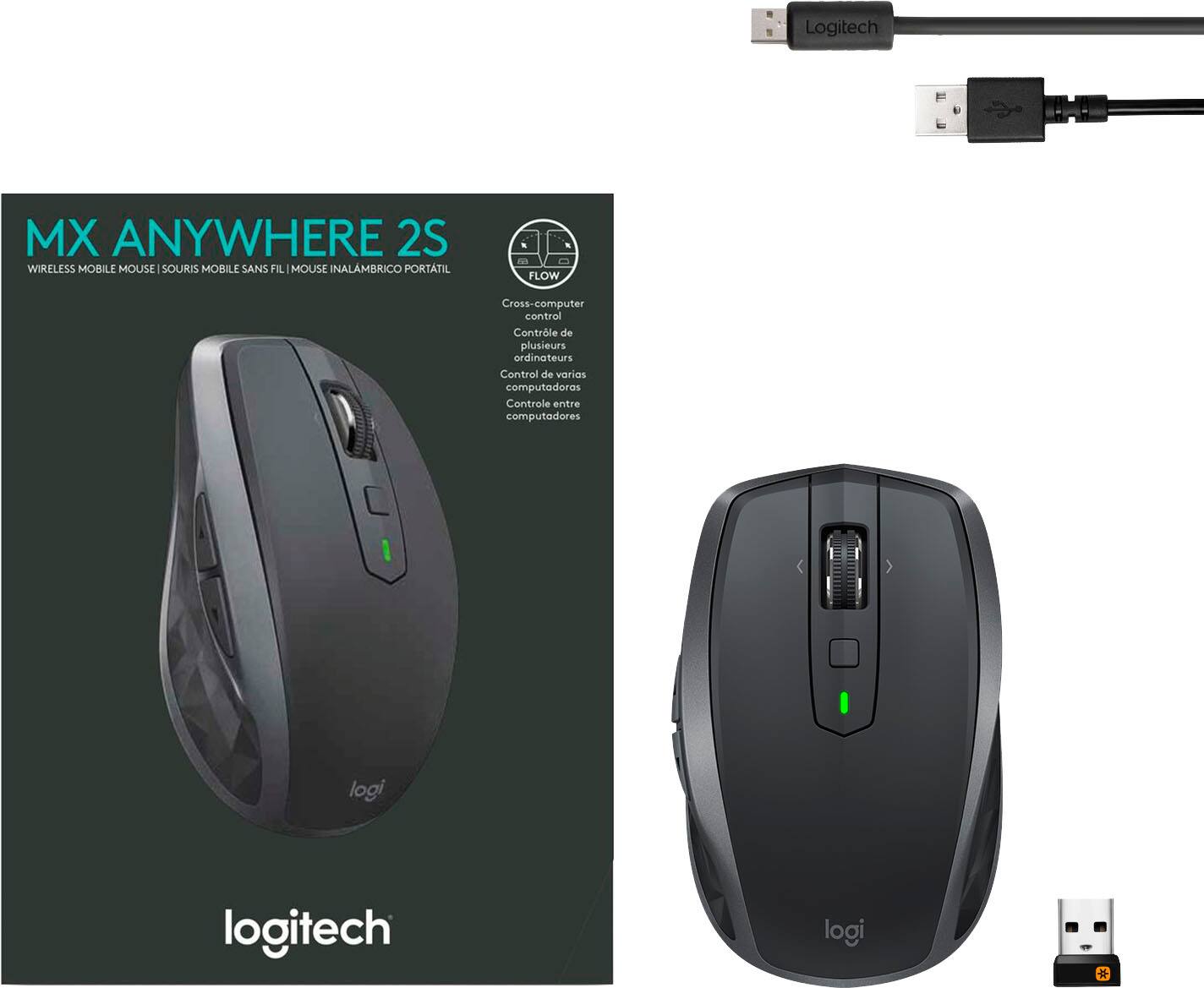
A:AnswerThe battery is sealed in and not removable. USB cable comes with it. Cable is standard type -A on one end. Micro USB on the other. Unit itself takes Micro.
A:AnswerThe Logitech MX Anywhere 2 offers warranty of, Logitech warrants to the original purchaser that your Logitech hardware product shall be free from defects in material and workmanship for the length of time, identified on your product package