A:AnswerHey there! The easiest way to take a screenshot is by holding Windows+shift+S. That should allow you to select a portion of the screen for a screen shot, or the whole screen if you prefer. -Weston from Logitech
A:AnswerHello Mrm, Unfortunately the MX Keys Mini doesn't have a fast forward button, but you can use app specific settings for Spotify using the MX Keys Mini via Logitech's Options software. Here's a link to the MX Setup Guide that will walk you through setting that up: https://www.logitech.com/en-us/promo/mxsetup.html.
A:AnswerHello, Joe! The MX Keys Mini is 5.19 in (131.95 mm) from bottom to top by 11.65 in (295.99 mm) from left to right by 0.82 in (20.97 mm) back to front.
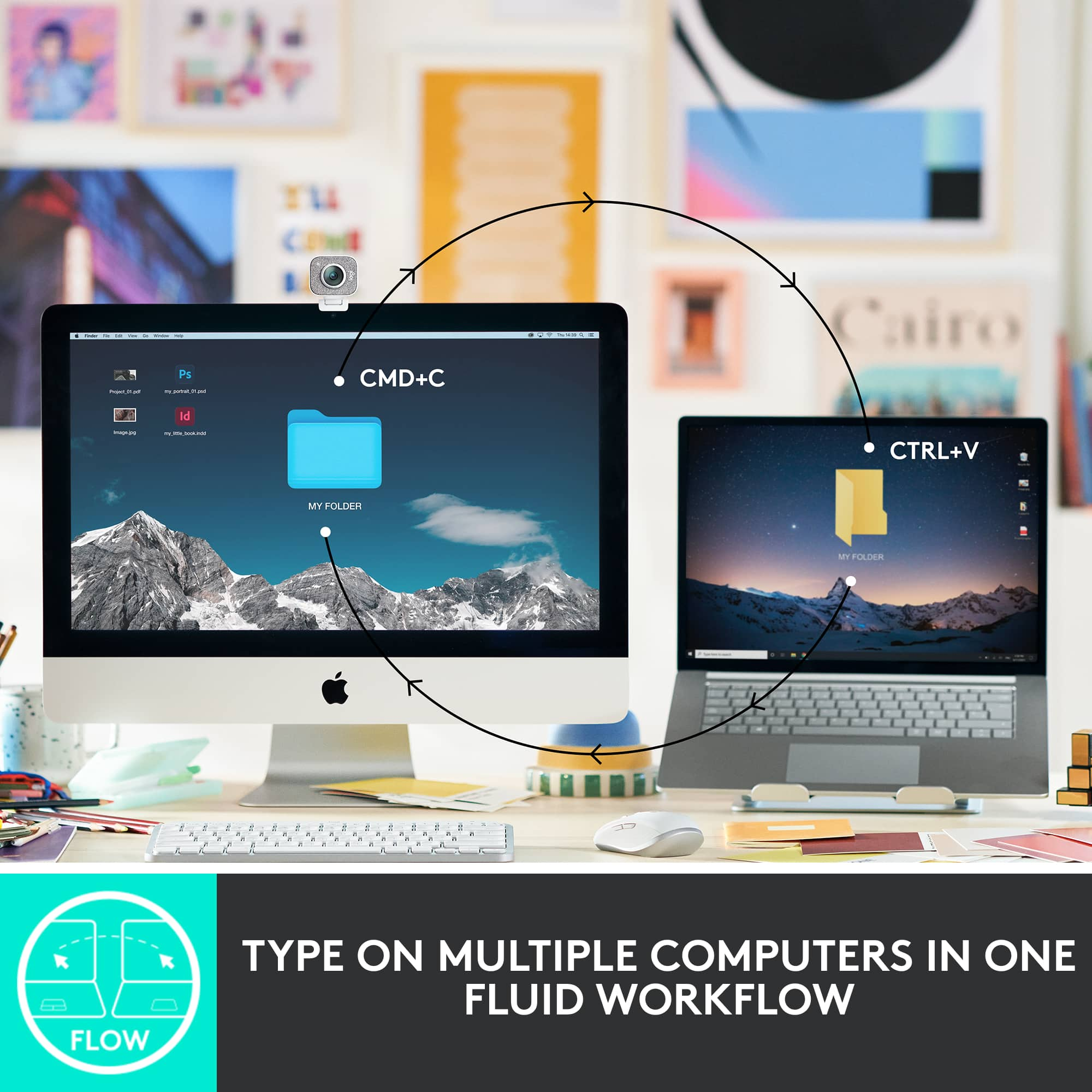
A:AnswerYes, but you may need to use the dongle. I go between MacBook and a windows laptop (with dongle) all day long. GREAT device. Wish I’d bought it sooner!! Highly recommend it as money - and space/saving device..
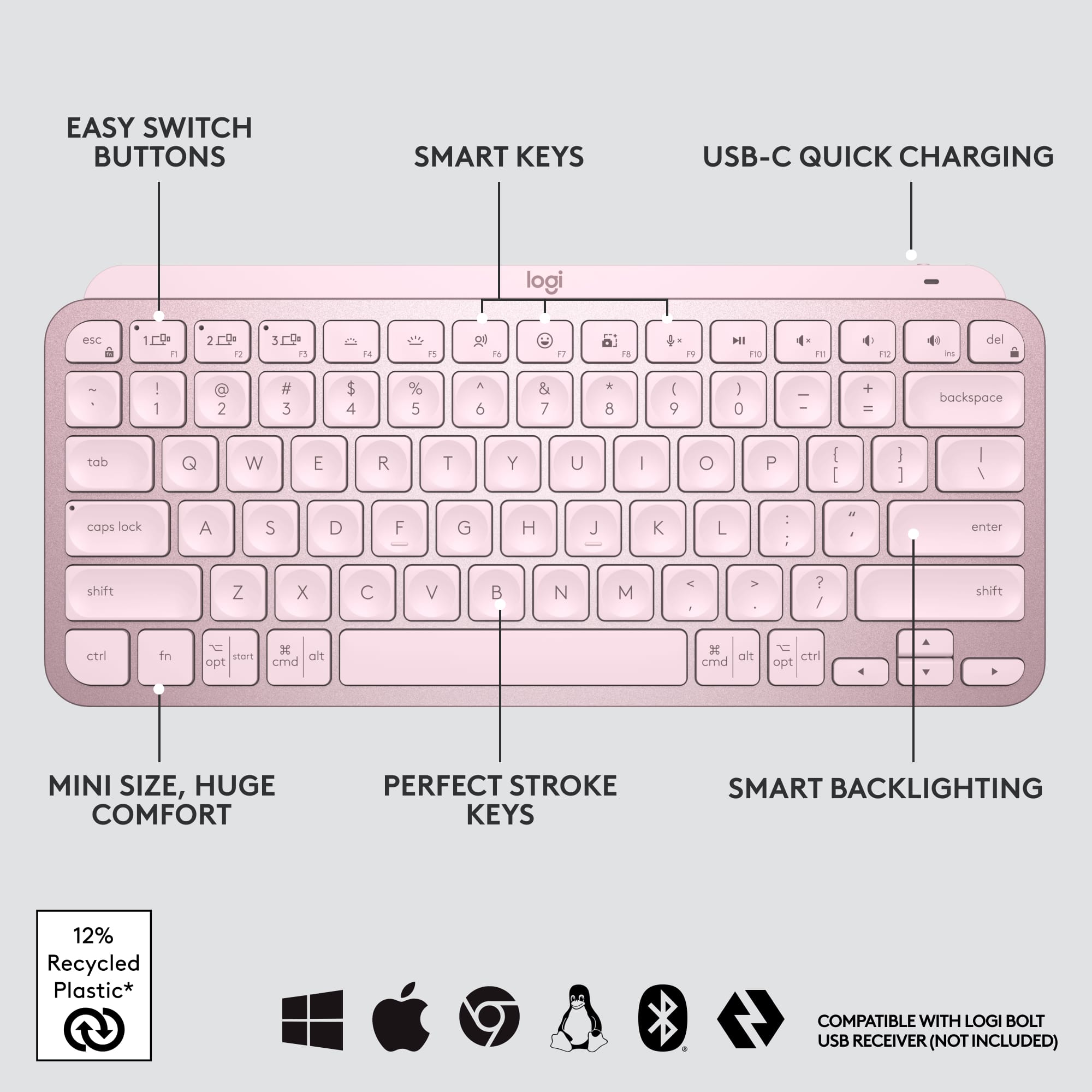
A:AnswerHey there Alicia. The MX Keys Mini has a 10 day battery life with backlighting on, and you can extend that to up to 5 months if you turn the lighting off. -Weston from Logitech
A:AnswerF3 and F4 keys are shortcuts for adjusting backlighting levels. The backlighting will not work in a bright environment - the keyboard can sense the lighting in the room that you are in. If you are in a dark room, and the backlighting is not working when you are pressing F4 to increase brightness, there may be an issue with the sensor that detects lighting levels.
A:AnswerThat's unexpected! In order to help you effectively, please provide your information to our support team via email at socialcare@logitech.com with your
- Name:
- Email Address:
- Country:
- Product Name:
- Brief description of issue:
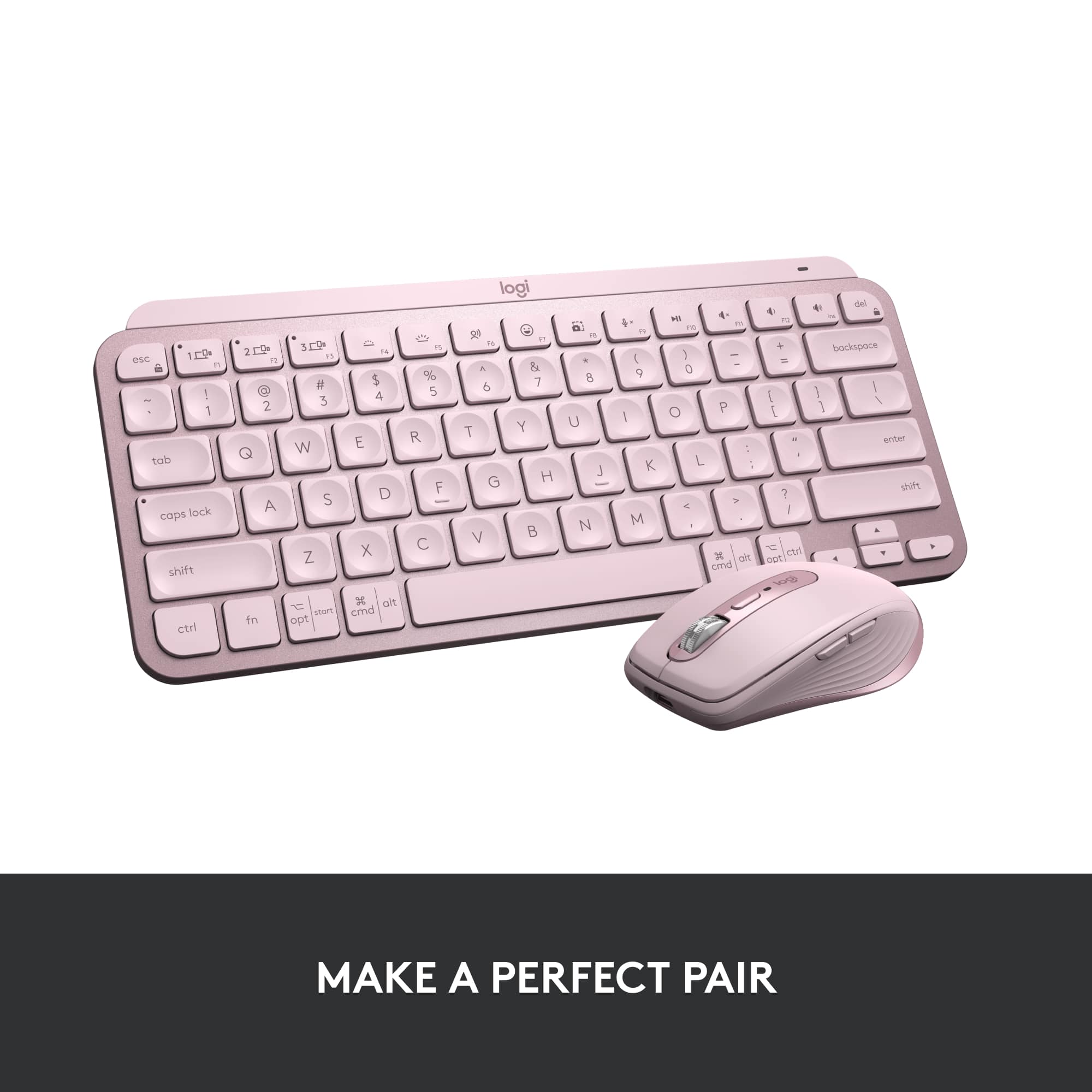
![logi esc to 1 F1 2 F2 3 F3 F4 F5 F6 F7 F8 x F9 NI F10 x F11 F12 Ins del ~ ! 1 @ 2 # 3 $ 4 % 5 ^ 6 & 7 * 8 ( 9 ) 0 - + = backspace tab Q W E R T Y U | O P { [ } ] caps lock A S D F G H J - K L : ; " " J enter shift Z X V B N M V , > ? / shift ctrl fn start opt H alt cmd H alt cmd ctrl opt](https://pisces.bbystatic.com/image2/BestBuy_US/images/products/6478/6478159_sd.jpg)
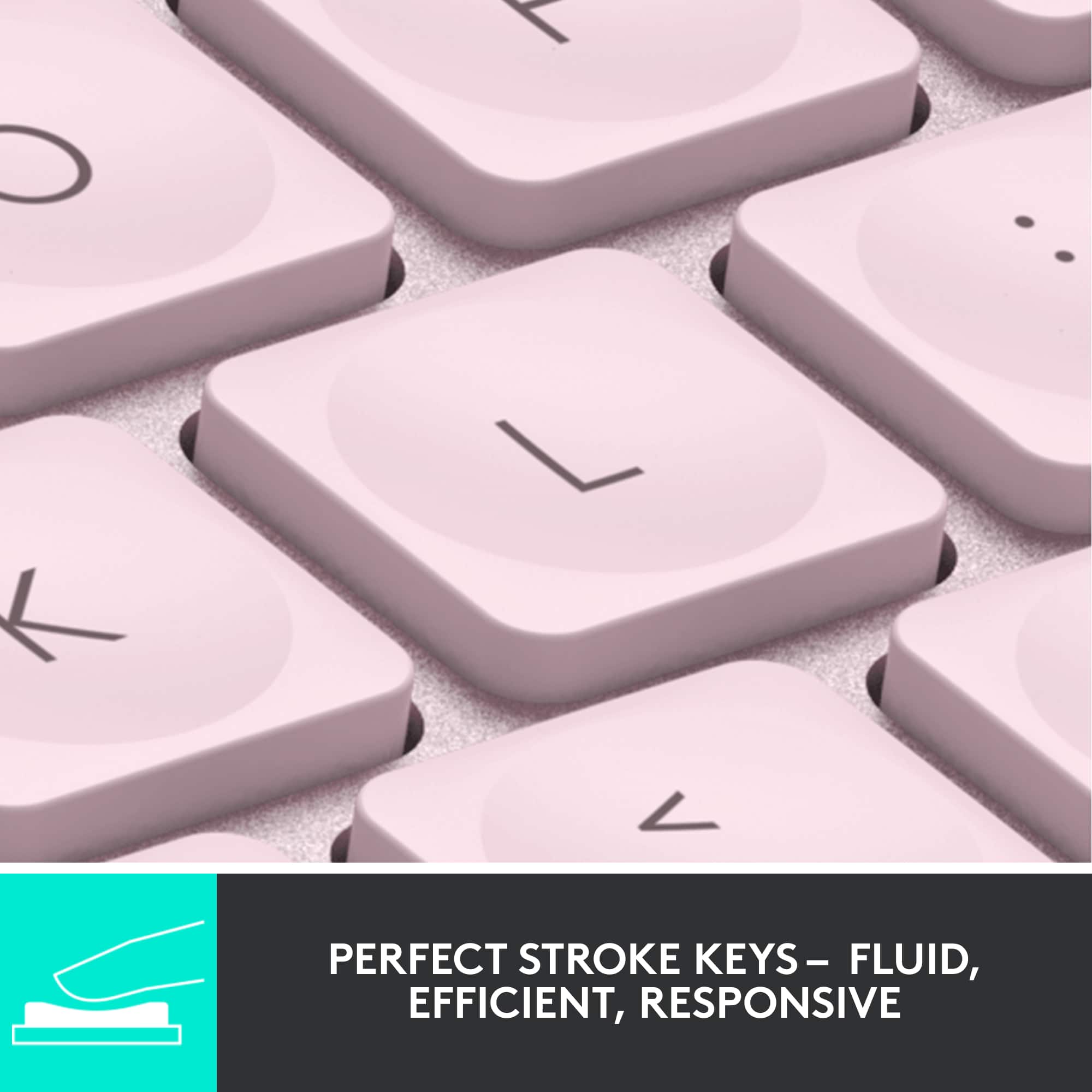


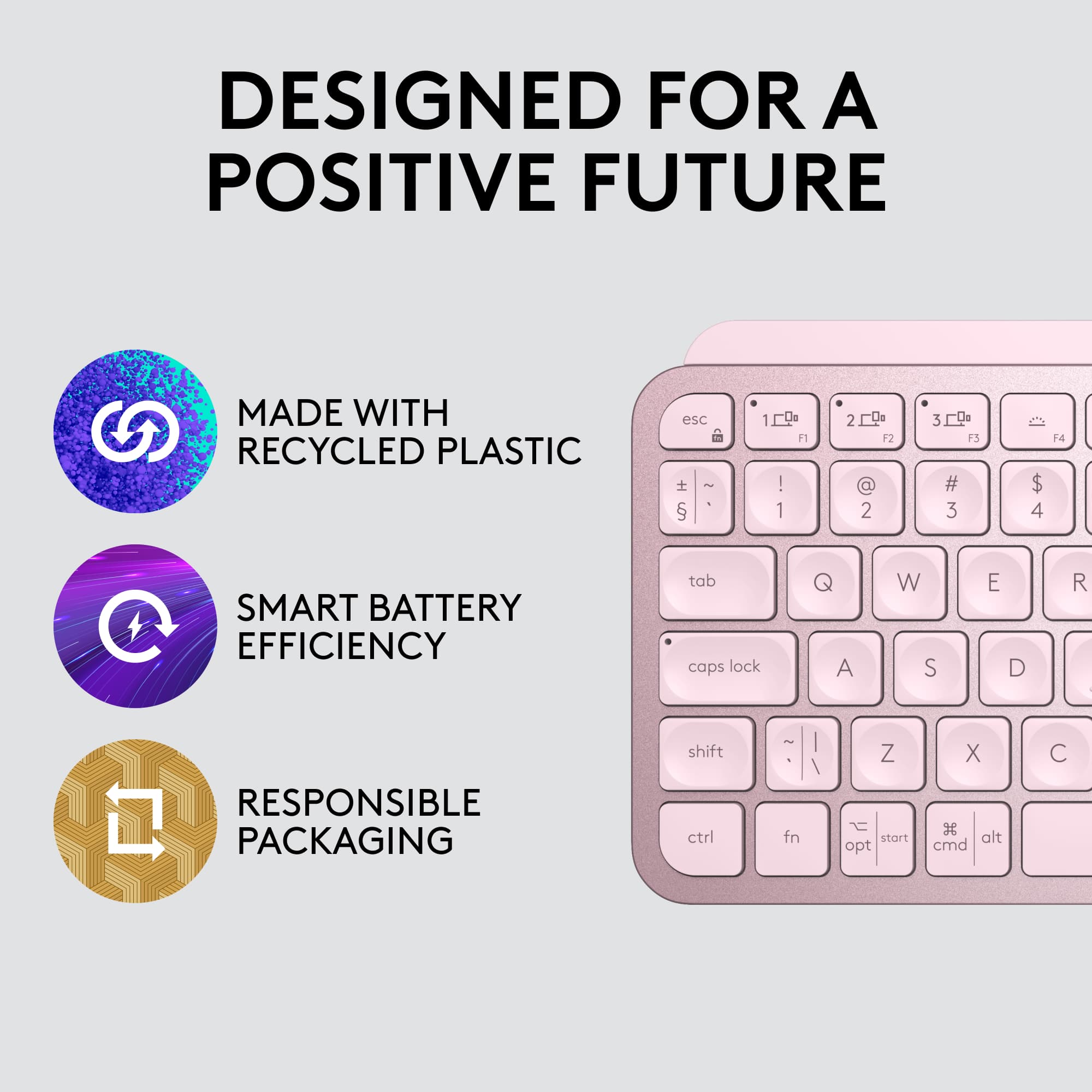
![1. logi
2. esc 1 2 3 4 5 6 7 8 9 0 - = backspace
3. tab Q W E R T Y U I O P [ ] \
4. caps lock A S D F G H J K L ; ' enter
5. shift Z X C V B N M , . / shift
6. ctrl fn opt alt cmd
7. MULTI-DEVICE, MULTI-OS](https://pisces.bbystatic.com/image2/BestBuy_US/images/products/e563c254-4b09-453f-a596-db8b270b59a9.jpg)
![USB-C QUICK CHARGING
F9 F10 F11 F12 ins del
( 9 ) 0 - + = backspace O P { [ } ] \](https://pisces.bbystatic.com/image2/BestBuy_US/images/products/4ba47143-9573-4c40-9018-df94b6892919.jpg)

![IN THE BOX
logi
esc 1 2 3 4 5 6 7 8 9 0 - = backspace tab Q W E R T Y U I O P [ ] \ caps lock A S D F G H J K L ; ' enter shift Z X C V B N M , . / shift ctrl fn opt alt cmd
Responsible Packaging FSC™ FSC® N003028](https://pisces.bbystatic.com/image2/BestBuy_US/images/products/6177db92-9bf5-4933-9264-5b70b886f806.jpg)