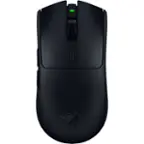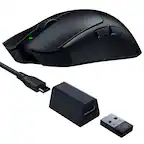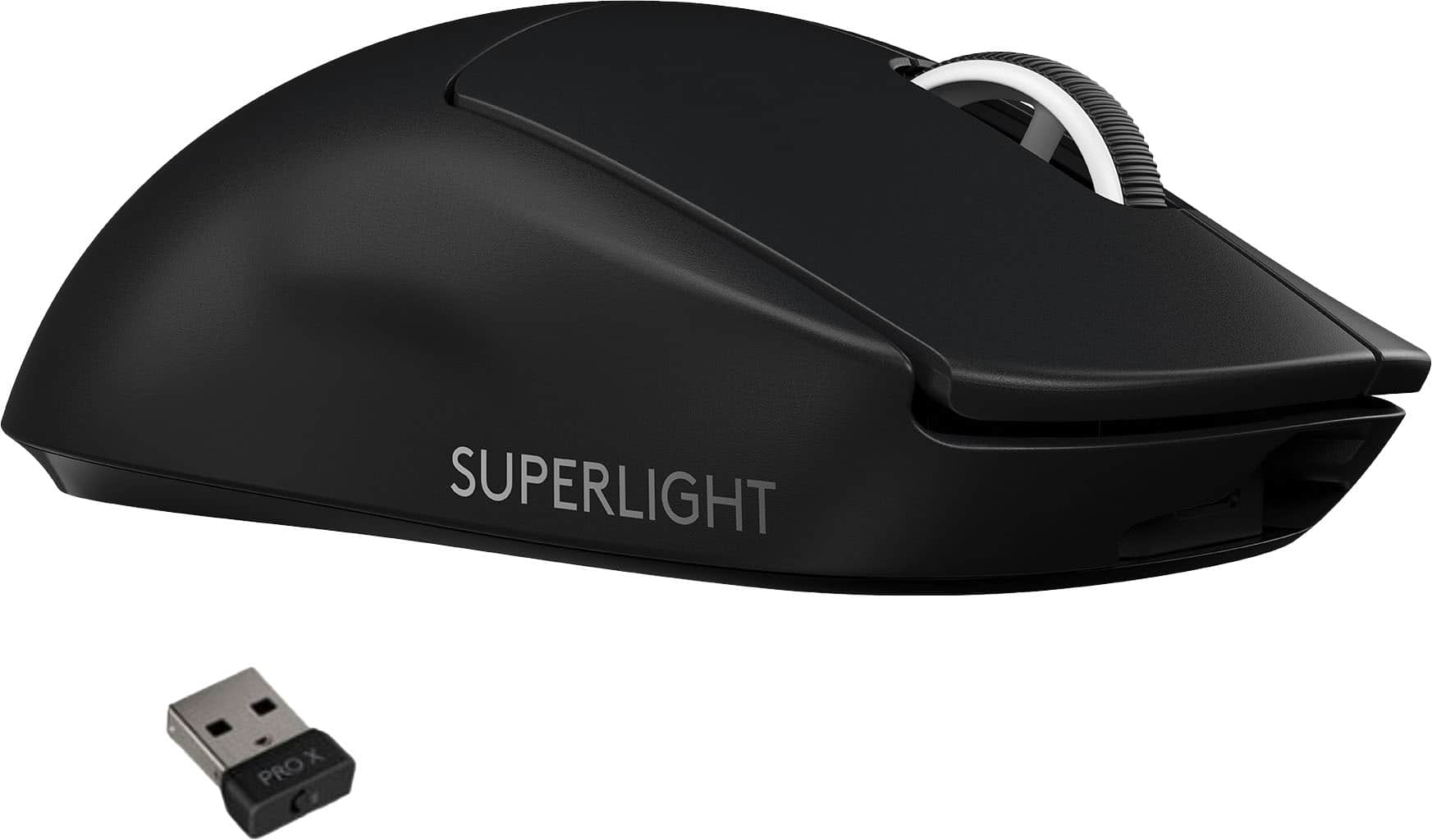

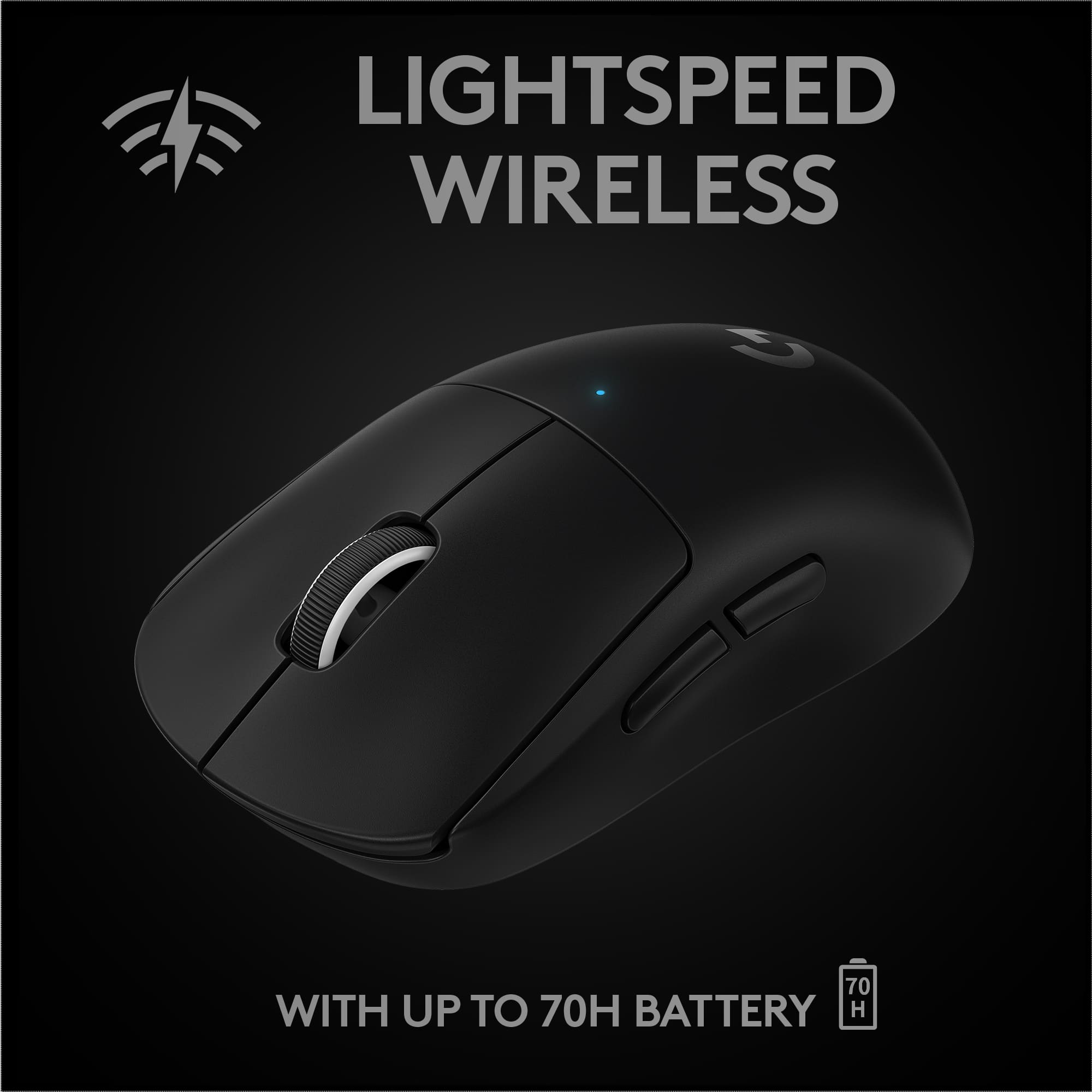
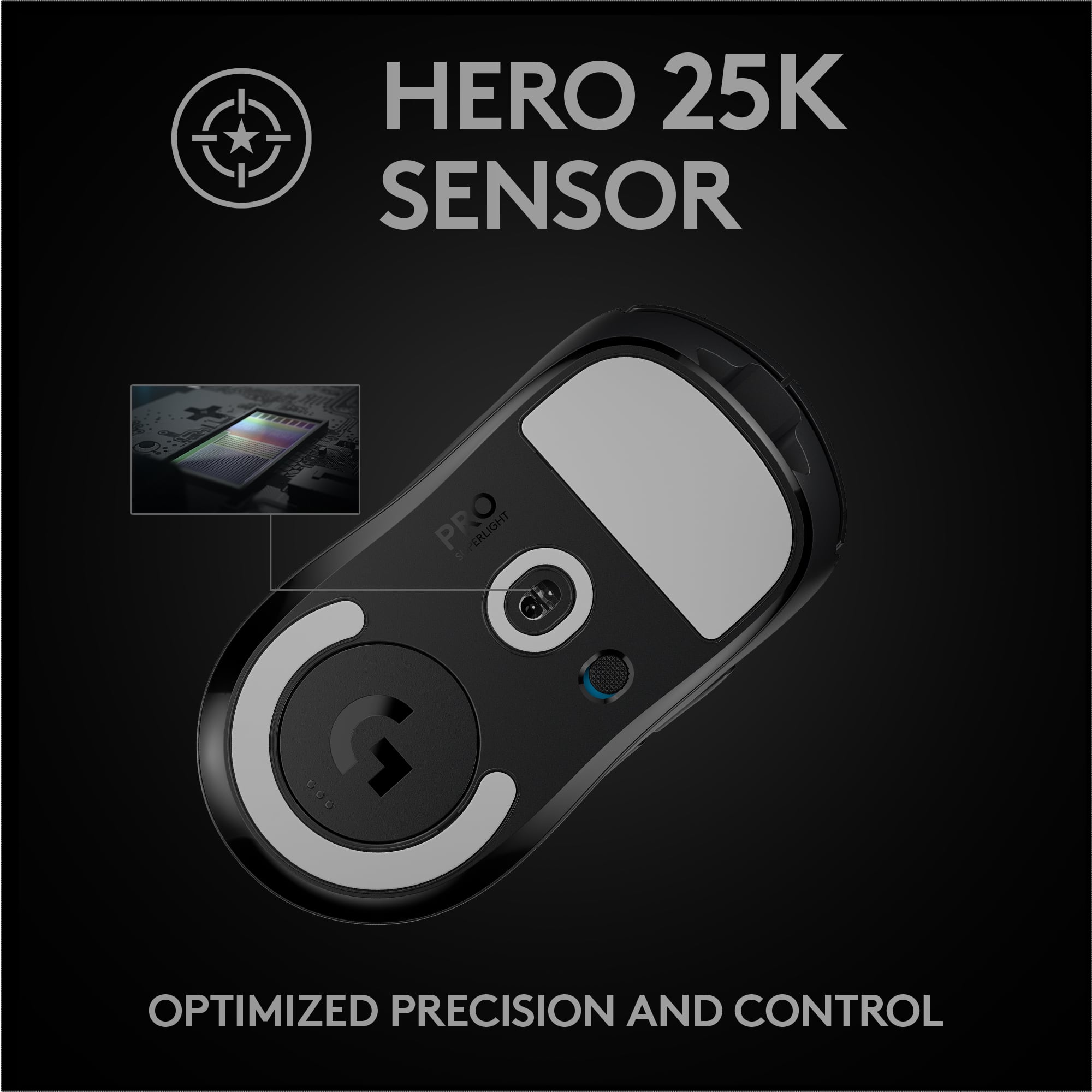

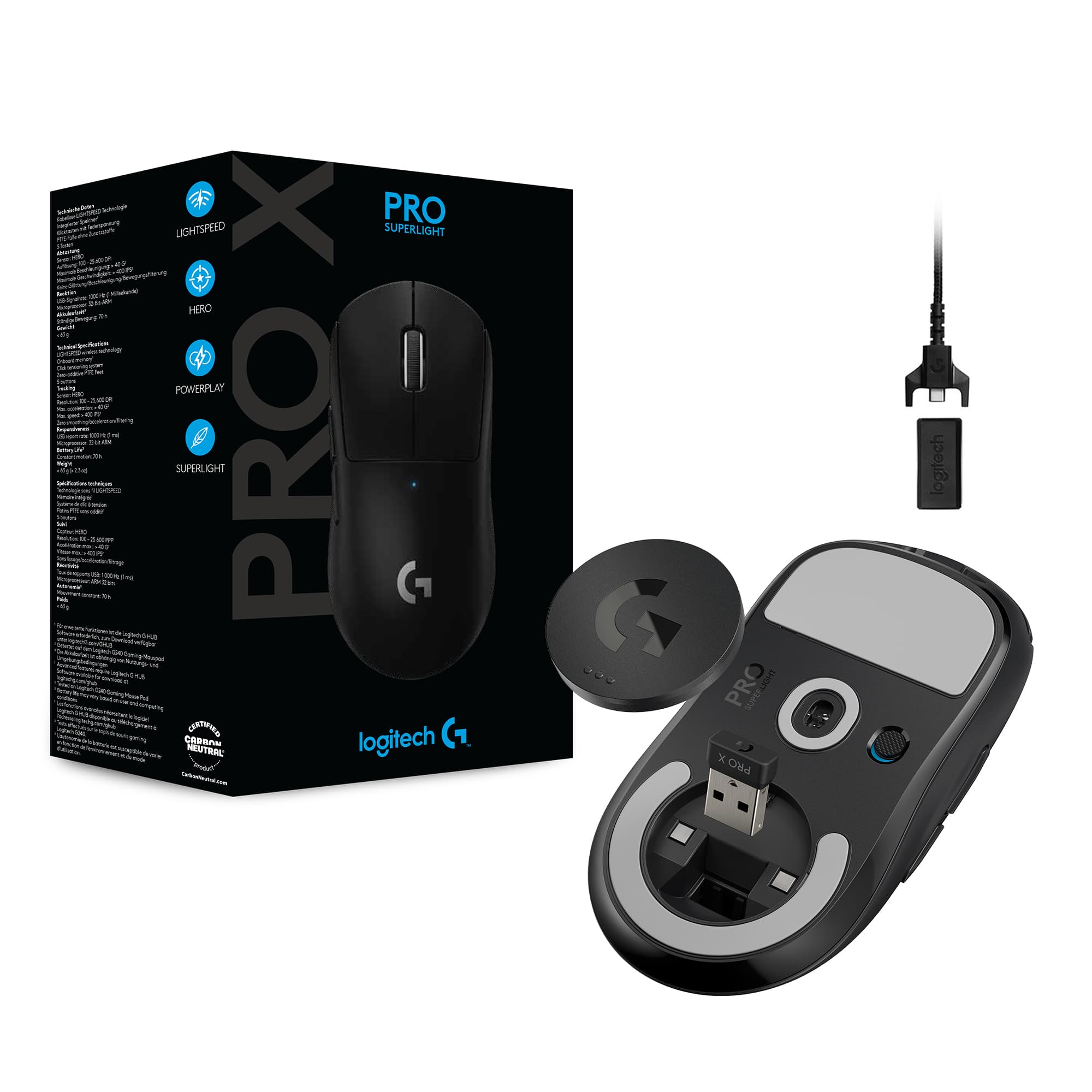


A:AnswerThe dongle is something you plug into your computer (No Wire) and it will connect your mouse to your computer the charging works with a cable (comes included) that is micro usb and you plug that into your mouse you can play with this but not advised as then it would make the mouse not wireless the mouse also has a battery life of up-to 70 hours so I don’t think you’ll need to charge mid game unless you forget to charge over night
A:AnswerHello Eddie, All Logitech products come with a warranty. This one in particular comes with a 2 year warranty, so if anything goes wrong, we can get it replaced for you.
-Danielle from Logitech
A:AnswerHello, Liz! Unfortunately, the Pro X Superlight does not have hyper-scrolling. Our gaming mice that do have hyper-scrolling would be the G502, G502 Lightspeed, G502 X wired, G502 X Lightspeed, G502 X Plus, and G903. - Maggie from Logitech G
A:AnswerYour question is a policy question, not a product question. The G Pro Wireless is an excellent gaming mouse, not sure why you would want to change. If you are making a return under the warranty or protection plan terms, you can get a different mouse brand but, you have to pay the difference. If you just don't like it, you may have to pay a restocking fee. Go in and ask, worst they can say is no and you will still have a great mouse.
A:AnswerHi Kaws, both colors will be available online however the stores may only carry one color variant. Check with your local Best Buy for availability.
A:AnswerHi, if Best Buy decided to take pre orders for the Superlight, they will have that option on the webpage. The mouse will be carried in stores but it will most likely be the black variant while the white will be online only.
A:AnswerHey, I have a black superlight and it worked perfectly fine in xbox series x for me. I am pretty sure that it will work on xbox series s when it works for the series x. Also, if it didn't work out, best buy usually has returns so you can return them. Hope this helps.
A:AnswerHi Logitech, actually I did some research and a response from Logitech on my review helped me figured out why.
I plugged the receiver into all the USB ports on my laptop but no help. No hub..
So I use it on my bed that is the reason why..
The mouse has 1.2mm precision set so it thinks that I lifted the mouse up all the time since the bed sometimes isn’y even due to the lightly wrinkled bedsheet..
Logitech.. you need to update your software so we have more control over the mouse.. adjust the off the ground distance that the mouse stop recording its location and so on..
You can make your mouse so so so much better if we have more settings to adjust in the Logitech software..
Make it looks very neat, simple, easy, basic, concise, and bright. Make the software very easy to use. Big icon inside the apps to afjust settings.. round and cute and bright colors etc.. (:
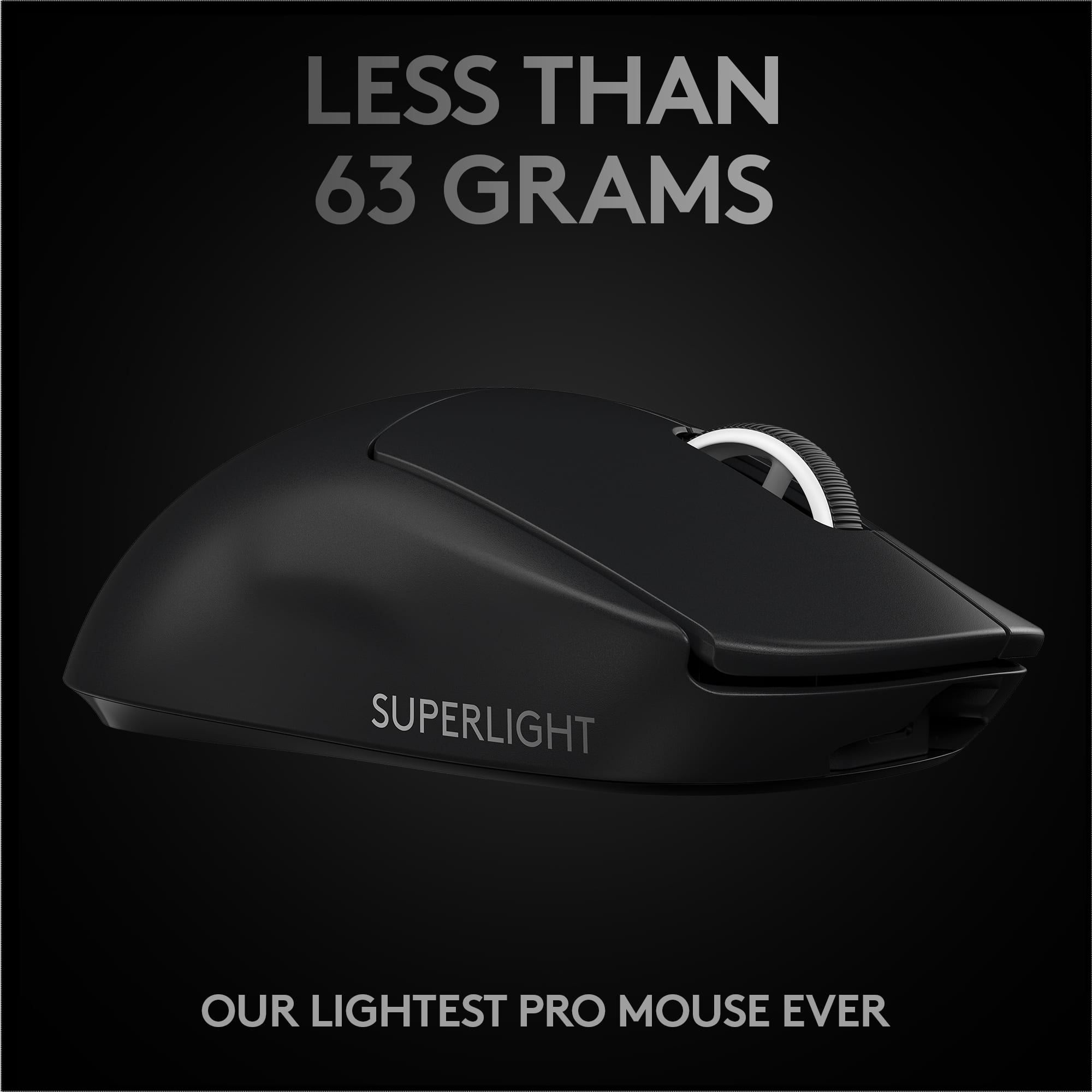
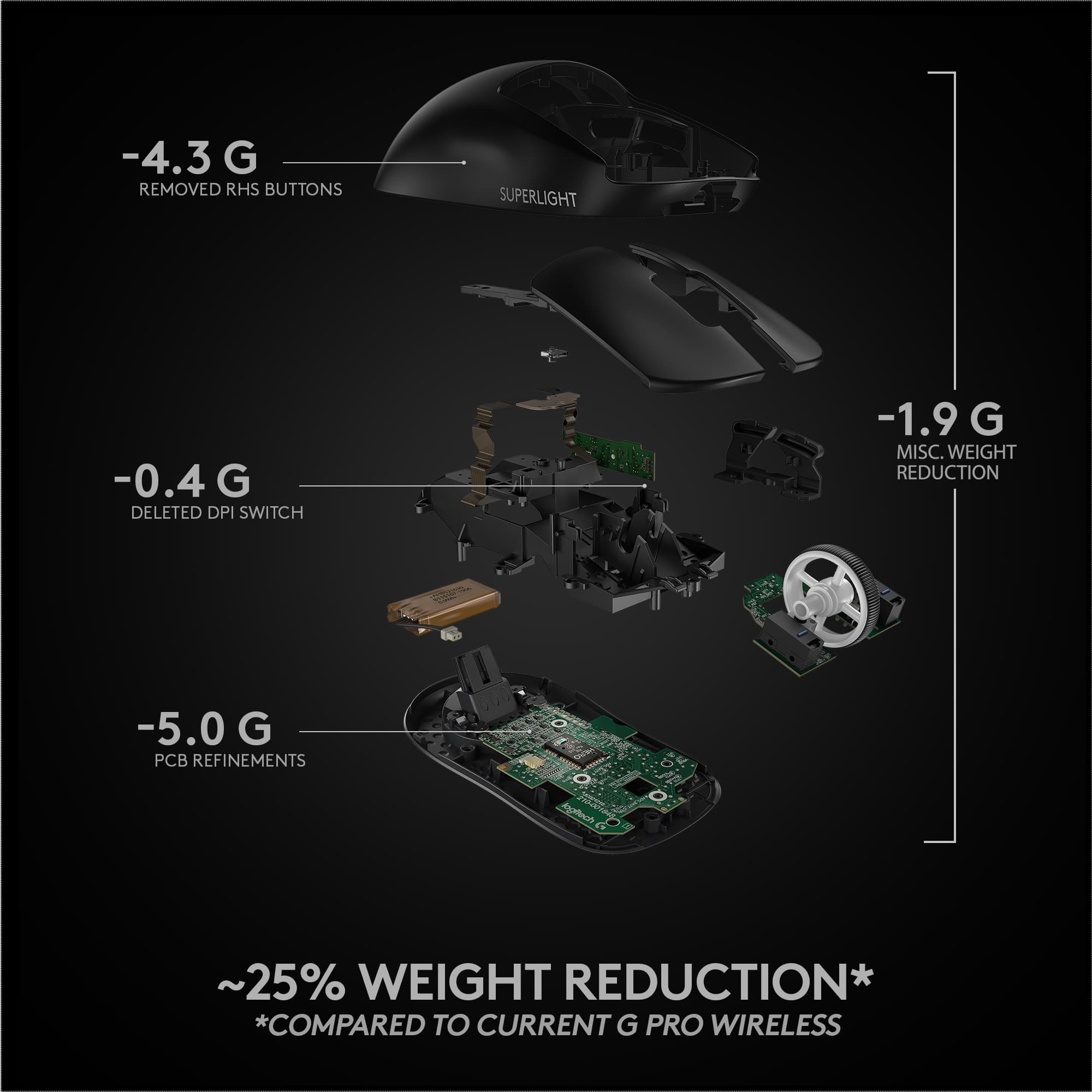
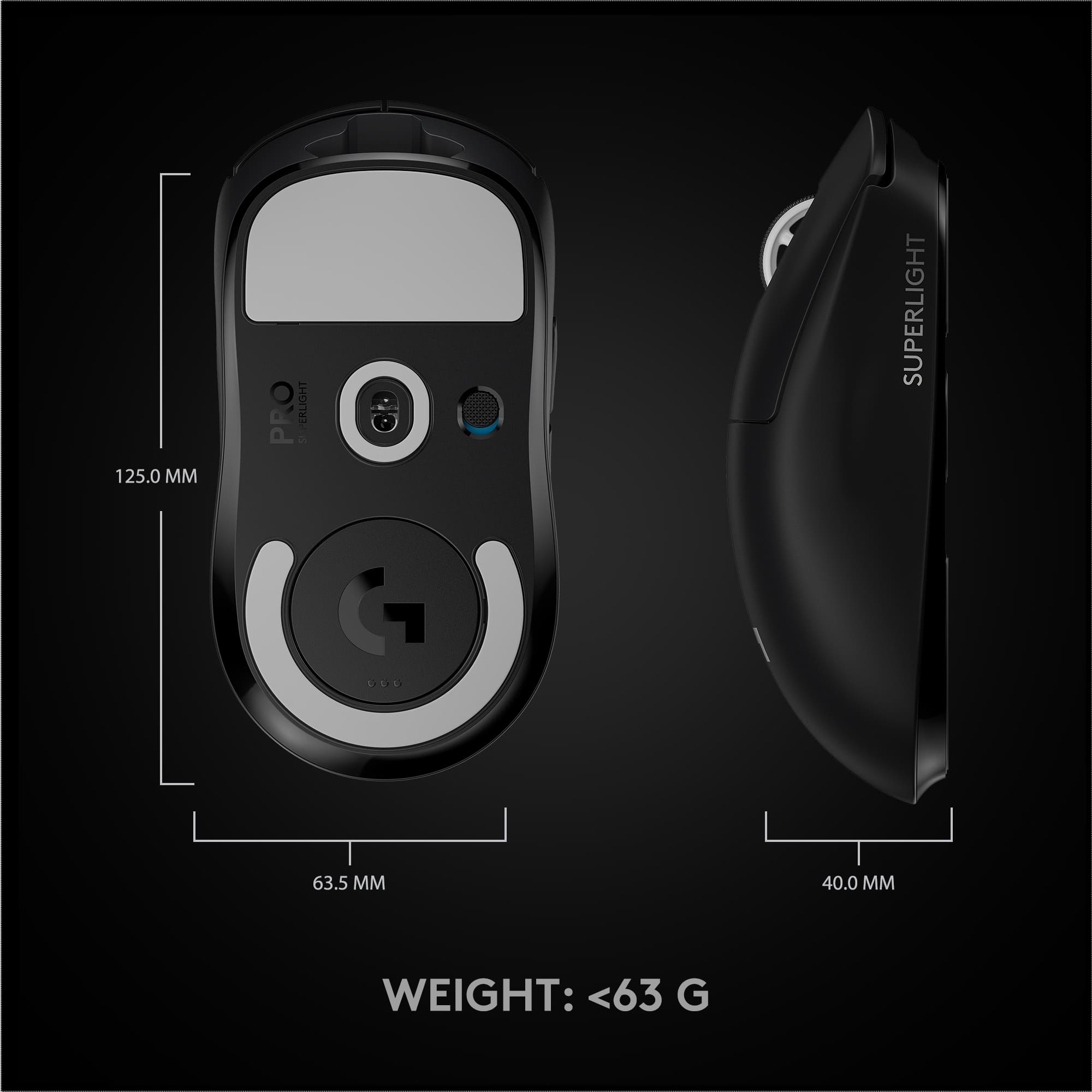
A:AnswerHello, the G Pro X Superlight is compatible with Powerplay, our wireless charging mousepad. The G Pro X weighs more than then Superlight, 80g vs 63g. The Pro X has two additional side buttons compared to the Superlight. The Superlight battery life is rated at 70 hours while the G Pro X is rated at 60 hours with RGB lighting off.
A:AnswerHi Brady, the G Pro X Superlight does not come with a charging dock. It will come with a charging cable. The G Pro X Superlight is compatible with Logi G's Power Play mat which would offer wireless charging like a dock, but also perform as a mouse pad!